Skip to content

Softonic English

Just another Softonic Sites site

A pixelated photo? Comparison of the best AI image resolution enhancement programs of 2026

Until recently, the programs we had to correct blurry or very small images were, to put it mildly, deficient. In the end, your photo looked just as bad, but with more pixels. However, the arrival of generative AI has led to the emergence of new and better apps to effectively upscale images. Here is a small list of some of the best upscaling programs you can find in 2026. Adobe Firefly is undoubtedly one of the best options to consider for upscaling images. Adobe Firefly is the name given to both the […]

Until recently, the programs we had to correct blurry or very small images were, to put it mildly, deficient. In the end, your photo looked just as bad, but with more pixels. However, the arrival of generative AI has led to the emergence of new and better apps to effectively upscale images.

Here is a small list of some of the best upscaling programs you can find in 2026.

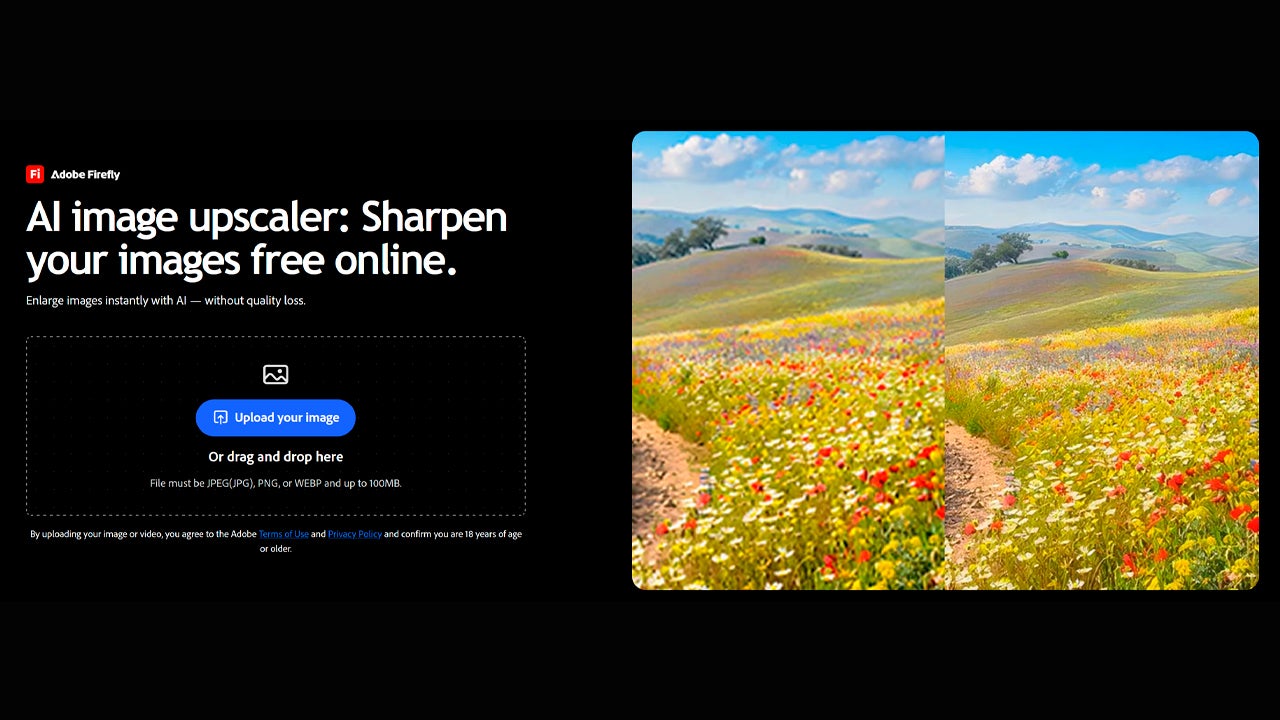
Adobe Firefly
Adobe Firefly DOWNLOAD

Adobe Firefly

It is, without a doubt, one of the best options to consider for upscaling images. Adobe Firefly is the name given to both the family of generative models from Adobe and its AI editing and generation platform. You can access it from your browser or through its app, available for iOS and Android.

Firefly, overall, is a highly recommended option for those working in sectors related to advertising, design, and similar fields. The reason is that its models have been trained with licensed content, so you won’t have to worry about anything.

In addition, the upscaling features of Adobe Firefly are also integrated within Adobe Photoshop, so you can enhance your images from there without the need to use additional applications. In fact, in almost all Creative Cloud programs (Illustrator, InDesign, Premiere, etc.), you will find many Firefly options, which is ideal for those who are already accustomed to working with Adobe.

If you want to try it for yourself, access Adobe Firefly from here. In the Edit section, we can retrieve any type of image and easily increase its resolution. Simply, you need to go to the website and hover (without clicking) over Image, located in the left sidebar. There you will see the option Upscale Image floating.

You can also directly access the rescale option through this link, something you can do for free.
Topaz Gigapixel

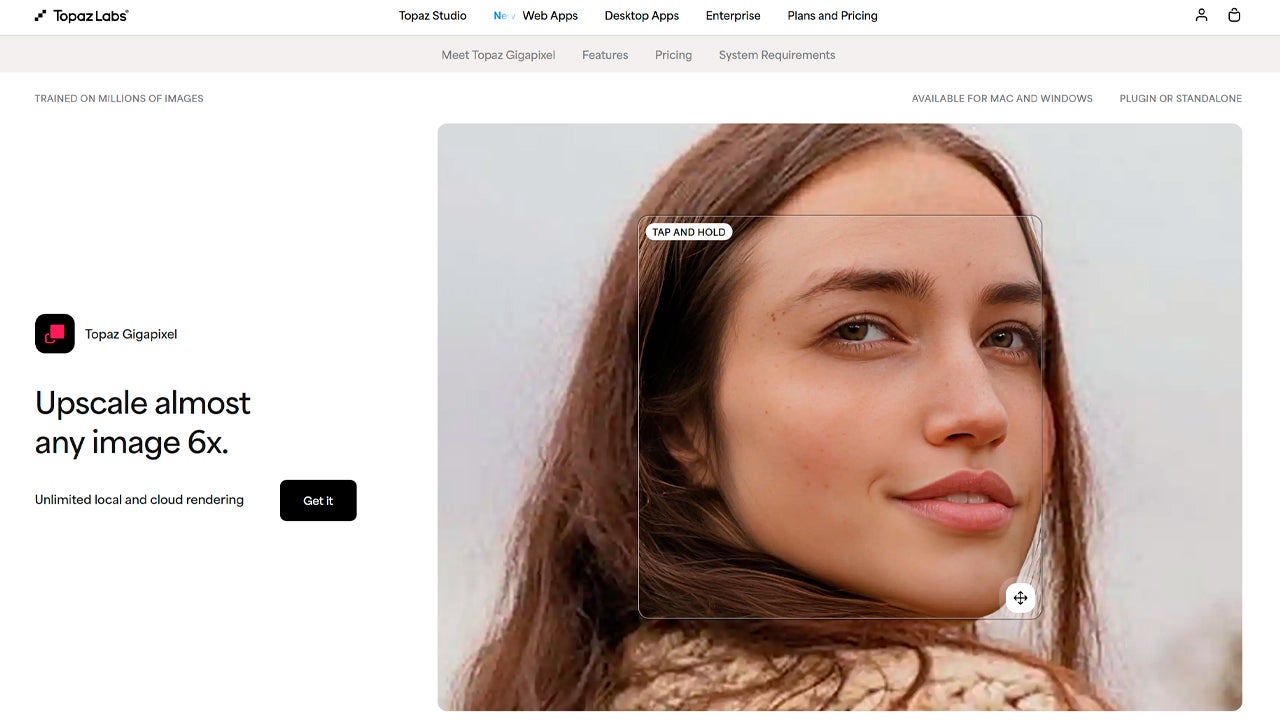
Among the upscaling tools, Topaz Gigapixel is one of the most recognized and famous. It is well-deserved, as its results are very good and will get you out of trouble on more than one occasion. The main application is installed on your computer, but you can also access Topaz Image Web from the browser.

Topaz Gigapixel offers different models depending on the type of image you want to upscale, such as the Standard Model (balanced and suitable for most photos) or its new Standard MAX Model (faster and more natural), among many others. In addition to using the cloud, it also works locally, ideal for when we need to work with more “confidential” images.

If you want to try Topaz Gigapixel, you will need to subscribe to one of its current plans, which range from 12 dollars per month (if you decide to commit for a whole year) to 69 dollars per month (if you want the most comprehensive option). There are many options depending on how you want to subscribe and the features you want to access, so explore their pricing thoroughly if you need more information.
Magnific (Freepik)

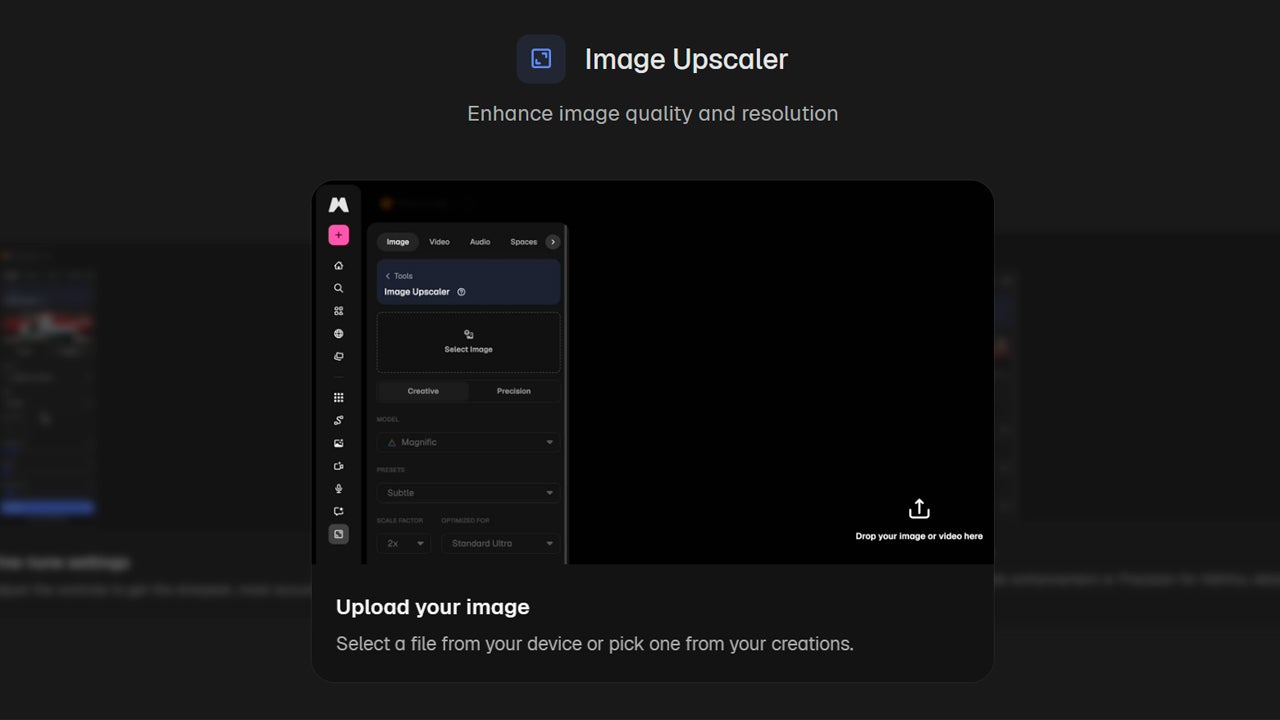
You may not be familiar with the name Magnific at first, but you definitely know Freepik. The well-known image bank has completely changed its strategy to become much more than just an image bank and is fully committed to generative AI.

Now, Magnific also offers, among other options, the ability to upscale images with Magnific Image Upscaler. You can upscale up to 16X and do it in batches, in case you need to edit several images at once. You can also add additional details, such as textures or slight variations, if needed.

Although there are many Magnific services you can use for free (like the image bank), for the AI features, such as upscaling, you will need to subscribe to a subscription plan. Through this link, you can check the different prices and plans currently available.
Upscayl

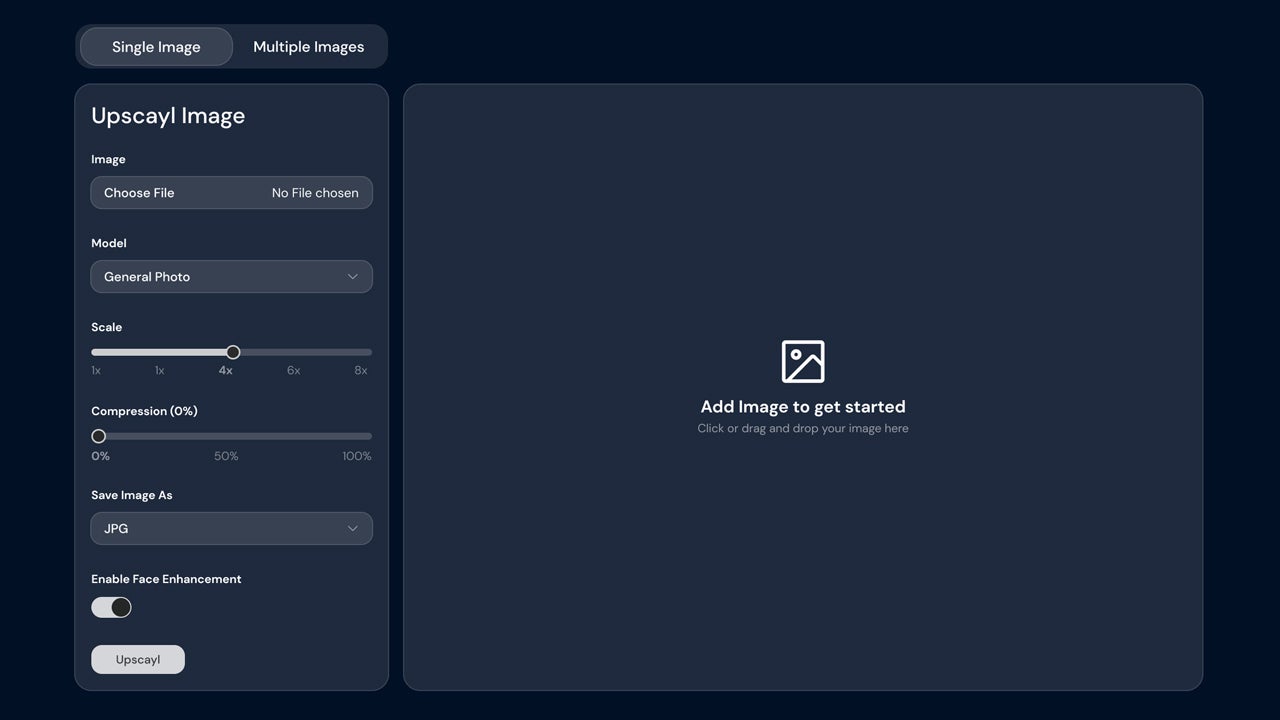
Upscayl is one of the most interesting options for offering limited free access and being open source, in addition to being available for Windows, macOS , and Linux.

It is quite fast and you can use it locally or use the cloud to render your photos. It doesn’t matter how small (or large) your image is; Upscayl supports all types of resolutions. Regarding privacy, Upscayl does not use your images to train its generative models and any file you upload for upscaling is deleted from its servers after 24 hours.

It is an option to consider for occasional users who want to edit a specific image without the need to pay. However, you can also subscribe starting at 9.99 dollars per month or make a one-time purchase of the application for the same price. There are many options depending on the number of generative credits you want to choose from, and you can check them here.
Krea.ai

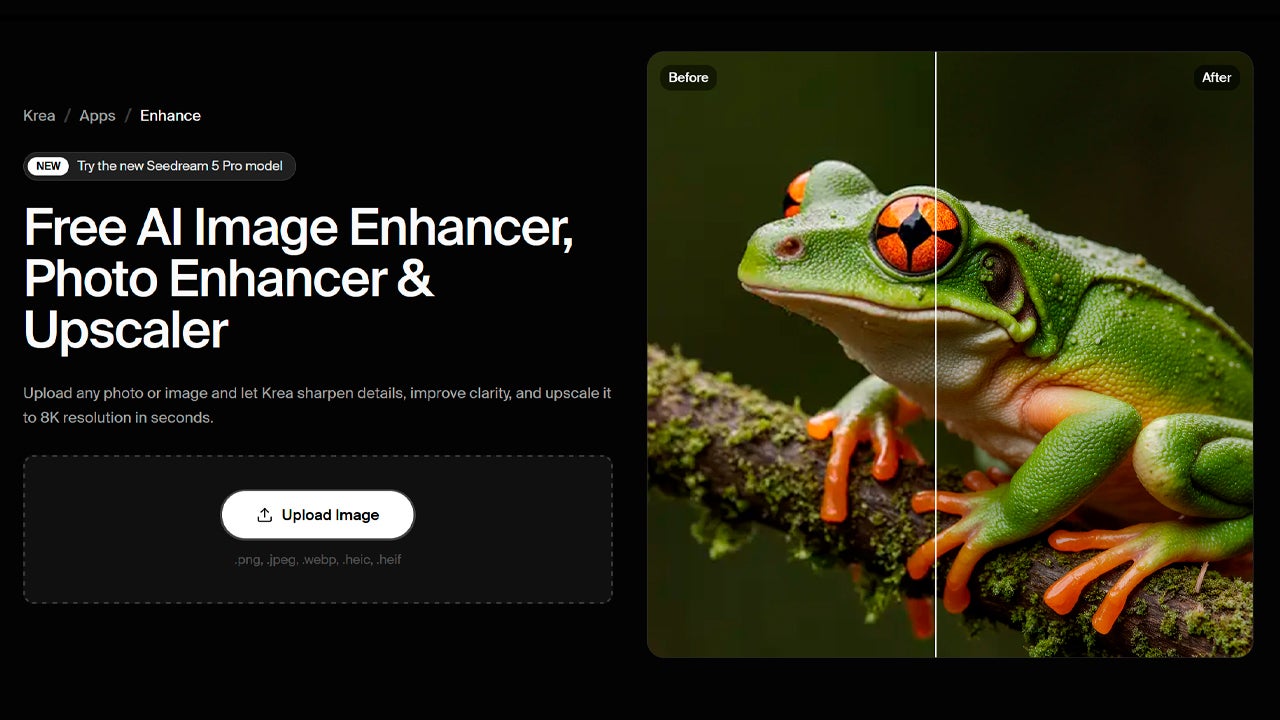
Krea.ai is an AI video and image generation platform that also offers upscaling options. With Krea.ai, you can increase the resolution of any image up to 22K and dramatically enhance its definition. Although it works directly from the browser, it also has a dedicated app available for iOS and Android.

Like the other programs we have mentioned before, Krea.ai operates on a subscription payment basis, but it also offers a more limited free option. Through this link, you can upload your image and rescale it up to 8X, choosing between Standard and High Quality.
What is the best option of all?

As you can see, improving the quality of your photos is no longer an impossible task. In fact, it has become more accessible than ever, with many options at our disposal and excellent results in most cases. However, for professionals or those working in marketing, Adobe Firefly can be a great option.

Why do we say this? One of its great advantages over the rest is that its generative models have been trained with licensed content. In practice, this means that you won’t have to deal with copyright issues, legal matters, etc. However, you can be sure that, no matter which platform you choose, you will be able to make your images look better than ever.

Adobe Firefly
Adobe Firefly DOWNLOAD

Author: María López

{ "de-DE": "Künstler aus Berufung und Technikliebhaber. Seit ich denken kann, habe ich gerne an allen möglichen Gadgets herumgebastelt.", "en-US": "Artist by vocation and technology lover. I have liked to tinker with all kinds of gadgets for as long as I can remember.", "es-ES": "Artista de vocación y amante de la tecnología. Me ha gustado cacharrear con todo tipo de gadgets desde que tengo uso de razón.", "fr-FR": "Artiste de vocation et amateur de technologie. J'aime bricoler avec toutes sortes de gadgets depuis que j'ai l'usage de la raison.", "it-IT": "", "ja-JP": "", "nl-NL": "", "pl-PL": "", "pt-BR": "", "social": { "email": "", "facebook": "", "twitter": "", "linkedin": "" } } View all posts by María López

Author María LópezPosted on August 14, 2026August 22, 2026Categories News

Post navigation

Previous Previous post: Jack Reacher returns to Prime Video with a season packed with tension, but why is it such a hit?
Next Next post: ‘Coyote vs ACME’ has taken a long time to be released, but according to critics it’s one of the best films of the year

Recent Posts

  • The Firm is now streaming on Paramount+: Tom Cruise’s hit returns
  • EU and China reach hybrid-car curb: exports to Europe set to slow
  • Yandex loses a third data center in four days: 80+ services disrupted
  • Nvidia in talks for Reflection AI: acquisition, acqui-hire or compute
  • Daiichi Kosho confirms supply chain breach: 8.72 million users may be exposed

Archives

  • October 2026
  • September 2026
  • August 2026
  • July 2026
  • June 2026
  • May 2026
  • April 2026
  • March 2026
  • February 2026
  • January 2026
  • December 2025
  • November 2025
  • October 2025
  • September 2025
  • August 2025
  • July 2025
  • June 2025
  • May 2025
  • April 2025
  • March 2025
  • February 2025
  • January 2025
  • December 2024
  • November 2024
  • October 2024
  • September 2024
  • August 2024
  • July 2024
  • June 2024
  • May 2024
  • April 2024
  • March 2024
  • February 2024
  • January 2024
  • December 2023
  • November 2023
  • October 2023
  • September 2023
  • August 2023
  • July 2023
  • June 2023
  • May 2023
  • April 2023
  • March 2023
  • February 2023
  • January 2023
  • December 2022
  • November 2022
  • October 2022
  • September 2022
  • August 2022
  • July 2022
  • June 2022
  • May 2022
  • April 2022
  • March 2022
  • February 2022
  • January 2022
  • December 2021
  • November 2021
  • October 2021
  • September 2021
  • August 2021
  • July 2021
  • June 2021
  • May 2021
  • April 2021
  • March 2021
  • February 2021
  • January 2021
  • December 2020
  • November 2020
  • October 2020
  • September 2020
  • August 2020
  • July 2020
  • June 2020
  • May 2020
  • April 2020
  • March 2020
  • February 2020
  • January 2020
  • December 2019
  • November 2019
  • October 2019
  • September 2019
  • August 2019
  • July 2019
  • June 2019
  • May 2019
  • April 2019
  • March 2019
  • February 2019
  • January 2019
  • December 2018
  • November 2018
  • October 2018
  • September 2018
  • August 2018
  • July 2018
  • June 2018
  • May 2018
  • April 2018
  • March 2018
  • February 2018
  • January 2018
  • December 2017
  • November 2017
  • October 2017
  • September 2017
  • August 2017
  • July 2017
  • June 2017
  • May 2017
  • April 2017
  • March 2017
  • February 2017
  • January 2017
  • December 2016
  • November 2016
  • October 2016
  • September 2016
  • August 2016
  • July 2016
  • June 2016
  • May 2016
  • April 2016
  • March 2016
  • February 2016
  • January 2016
  • December 2015
  • November 2015
  • October 2015
  • September 2015
  • August 2015
  • July 2015
  • June 2015
  • May 2015
  • April 2015
  • March 2015
  • February 2015
  • January 2015
  • December 2014
  • November 2014
  • October 2014
  • September 2014
  • August 2014
  • July 2014
  • June 2014
  • May 2014
  • April 2014
  • March 2014
  • February 2014
  • January 2014
  • December 2013
  • November 2013
  • October 2013
  • September 2013
  • August 2013
  • July 2013
  • June 2013
  • May 2013
  • April 2013
  • March 2013
  • February 2013
  • January 2013
  • December 2012
  • November 2012
  • October 2012
  • September 2012
  • August 2012
  • July 2012
  • June 2012
  • May 2012
  • April 2012
  • March 2012
  • February 2012
  • January 2012
  • December 2011
  • November 2011
  • October 2011
  • September 2011
  • August 2011
  • July 2011
  • June 2011
  • May 2011
  • April 2011
  • March 2011
  • February 2011
  • January 2011
  • December 2010
  • November 2010
  • October 2010
  • September 2010
  • August 2010
  • July 2010
  • June 2010
  • May 2010
  • April 2010
  • March 2010
  • February 2010
  • January 2010
  • December 2009
  • November 2009
  • October 2009
  • September 2009
  • August 2009
  • July 2009
  • June 2009
  • May 2009
  • April 2009
  • March 2009
  • February 2009
  • January 2009
  • December 2008
  • November 2008
  • October 2008
  • September 2008
  • August 2008
  • July 2008
  • June 2008
  • May 2008
  • April 2008
  • March 2008
  • February 2008
  • January 2008
  • December 2007
  • November 2007
  • October 2007
  • September 2007
  • August 2007
  • July 2007
  • June 2007
  • May 2007
  • April 2007
  • March 2007
  • February 2007
  • January 2007
  • December 2006
  • November 2006
  • September 2006
  • August 2006
  • June 2006
  • May 2006
  • July 2001
  • January 2001
  • November 2000
  • September 2000
  • August 2000
  • July 2000
  • April 2000
  • March 2000

Categories

  • Affiliate post
  • Expert Review
  • Gaming
  • Guides
  • How to
  • Legacy how To
  • News
  • Noticias
  • Software>Security
  • Sponsored
  • Trucos y Consejos
  • Uncategorized
  • Windows software

Meta

  • Log in
  • Entries feed
  • Comments feed
  • WordPress.org
Softonic English Proudly powered by WordPress