Adobe's Black Friday 2026 sale includes discounts on Adobe Firefly, its AI tools for creating and editing images, video and audio, as well as familiar programs such as Photoshop and Premiere. Firefly's offers, with up to 60% off through Dec. 6, deserve a closer look this year, especially if you've been working within the free plan's limits.
But is it worth paying for? That depends on what you create and how often you use it. The good news is that you don't have to commit to a subscription to get a feel for what Firefly can do. We'll break down what its free and paid plans offer, help you figure out whether upgrading makes sense for your creative needs and show you how to claim Adobe's deal if you're ready to give it a try.
What Adobe Firefly's paid plans offer
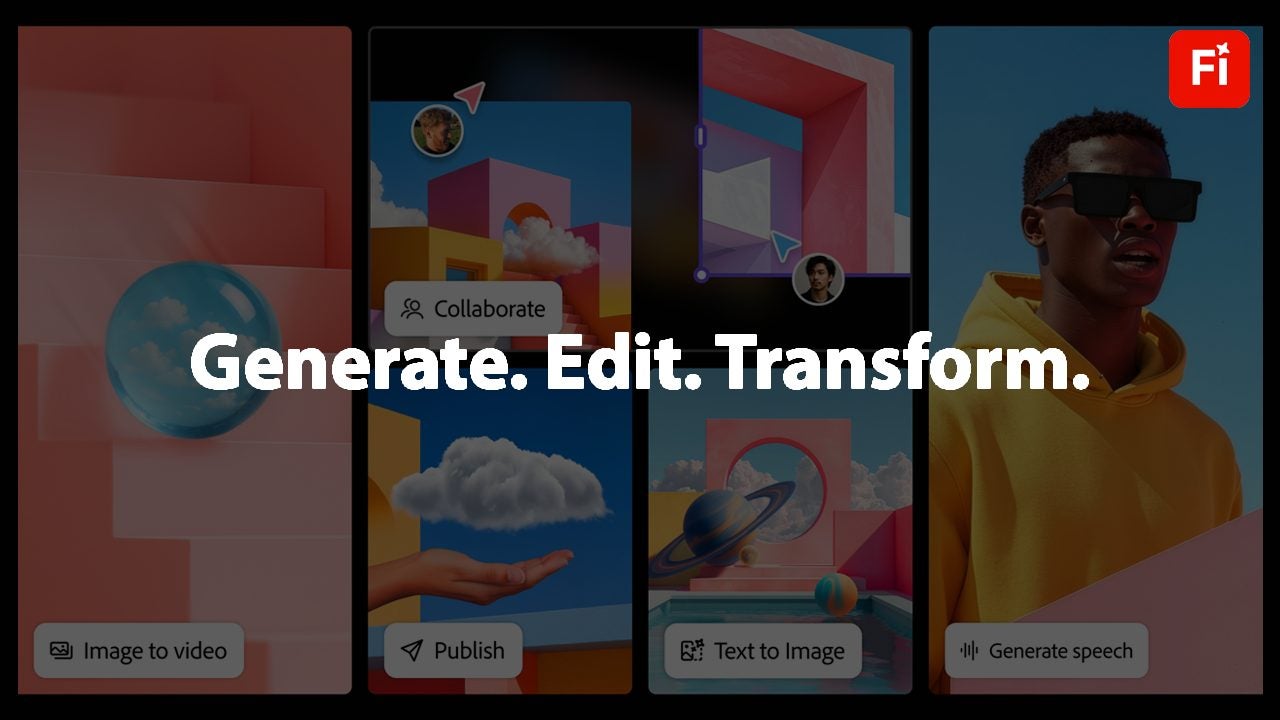
Firefly brings photo, video and audio editing into one creative workspace, with generative AI tools for each. You can try those tools for free, but a paid subscription gives you more room to work and access to more of Firefly's features.
Here's how Adobe describes what's included:
- All paid plans come with unlimited standard generations, including Generate Image, Generative Fill and other tools in that category.
- Premium features work differently: Generate Video and Generate Sound Effects, for example, use your allowance of generative credits.
- Photoshop on the web and Adobe Express Premium are also included in included in Firefly Pro + Firefly Pro Plus plans..
If you're staying on the free plan for now, or haven't tried Firefly yet, we've already covered how to make the most of Adobe Firefly's free daily generations on Softonic.
Who is Adobe Firefly for?
Adobe aims Firefly primarily at professionals or social creators, though you don't need a professional project to start using it. It's also a place to experiment with AI and find out what you can make. For people who create content as part of their work, a few uses make the paid plans more appealing:
- Content creators: If you regularly upload to social media, particularly for a living, Firefly's free daily allowance is unlikely to cover everything you need. Adobe says Firefly Pro allows up to 40 five-second video generations a month. For a busier publishing schedule, Pro Plus raises that figure to as many as 100.
- Small marketing teams may want to go straight to Firefly Pro Plus. Among its features, Adobe lists 10,000 generative credits each month and the ability to run six generations simultaneously.
- For freelancers, there's Firefly Standard. According to Adobe, it includes unlimited standard image generations and 2,000 monthly credits for video, audio and partner models.
Should you pay for Adobe Firefly?
A paid subscription opens up more of what Firefly can do, but whether you need that access depends on how much you're using it. The free plan provides a fixed number of daily generations across a selection of image, video and audio models. You can also edit the content you create.
That may be enough. There's good reason to stay on the free plan if:
- You only generate content with Firefly now and then.
- Your free daily generations already cover what you need.
- You're still learning your way around Firefly and finding uses for its tools.
You can move to a paid plan whenever those limits start getting in the way. If you're already curious about the paid features, though, Adobe Firefly's Black Friday discounts make this a good time to try them and spend more time experimenting with the platform.
How to get Adobe Firefly's Black Friday offer
If you've decided to take up one of the Black Friday deals, here's how to subscribe:
1. Open the Adobe Firefly plans page through this link.
2. Pick Firefly Pro or Firefly Pro Plus. These are the two plans included in Adobe's Black Friday promotion.
3. Choose your payment arrangement. Adobe lists three options for both plans: a monthly subscription, an annual subscription billed monthly or a full year paid upfront.
Before signing up, check that you meet Adobe's offer requirements and understand how long the discount lasts:
- New subscribers only. You aren't eligible if you've subscribed to Firefly before, even if you've since canceled. Current subscribers are excluded too.
- The offer is limited to one subscription per person.
- Your discounted rate lasts for six months. After that, the subscription returns to its regular price and renews automatically. You can cancel through your Adobe account.
Adobe Firefly Black Friday deals: frequently asked questions
The price, the renewal terms and what happens to your creations are all worth checking before you subscribe. Here are the details.
How much does Adobe Firefly cost on Black Friday?
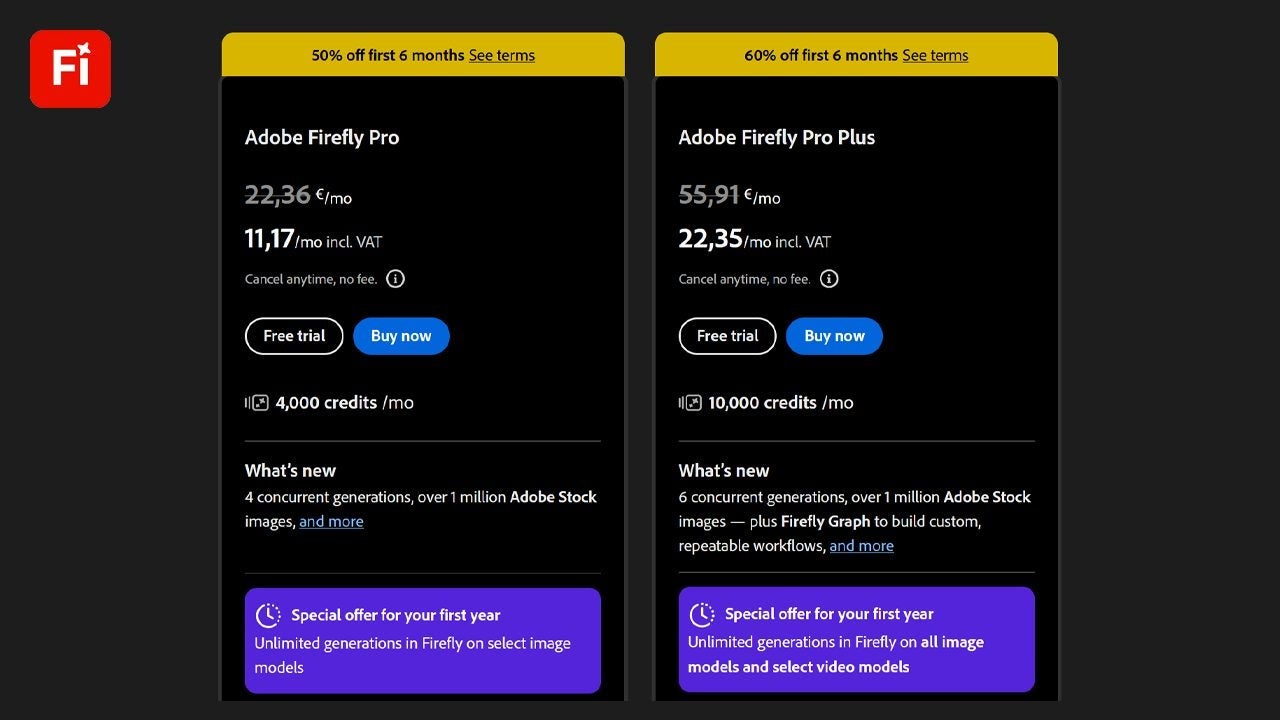
What you'll pay depends on which Firefly plan you choose. Adobe currently lists the following monthly prices and credit allowances, with promotional rates available on Pro and Pro Plus:
- Firefly Standard costs $9.99 a month and includes 2,000 monthly generative credits.
- With Firefly Pro, $9.99 a month buys 4,000 monthly generative credits. That's the same monthly price as Standard, but it only applies for the first six months. The promotional rate is 50% below Pro's regular price of $19.99 per month.
- Firefly Pro Plus: For $19.99 a month, you get a monthly allowance of 10,000 generative credits. This discounted price also lasts six months, at 60% off the usual $49.99 monthly rate.
What happens after Adobe Firefly's 6-month Black Friday offer ends?
Your plan returns to its regular price when the six-month Black Friday promotional period ends. If you keep the subscription, the monthly charges will be:
- $19.99 for Firefly Pro.
- Firefly Pro Plus returns to $49.99 a month.
Does Adobe use what I create to train its AI?
No, the company states its policy directly: “Adobe does not train on users' personal or generated content.” Adobe also says that Firefly's results include embedded Content Credentials.
