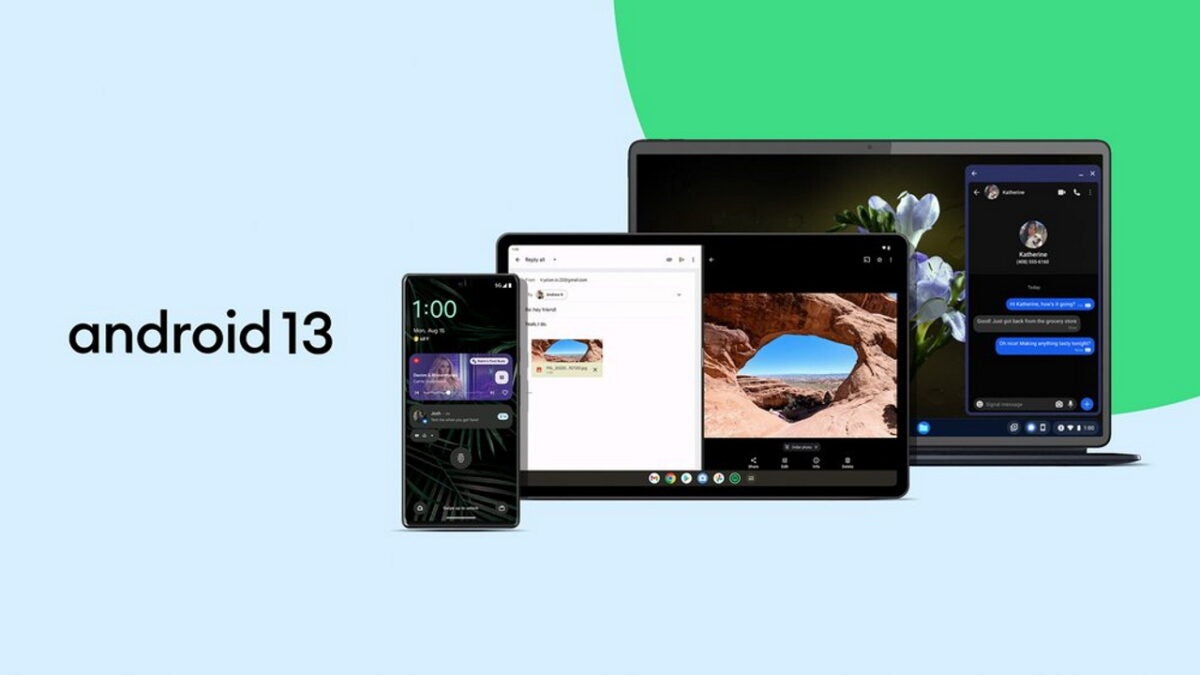
Each year, Google releases a new version of the Android operating system. Android 13 is now available on select devices as a direct upgrade and as images that Android users may download and install.

Google is rolling out the new Android version to Pixel devices already. The rollout happens in waves, and it may take some time before the update is offered on a specific device.
Third-party manufacturers will publish updates for some of their Android devices in the coming weeks and months. New Android devices will also become available that run Android 13 out of the box.
If Android 13 is available on your device already, you may about new features and improvements that the update includes.
For this reason, we are taking a look at the top features of Android 13. Developers may want to point their browsers to the official summary on Google’s Android website, as it provides a deeper look at the changes.
Android 13: the major features
Android 13 includes a huge number of changes and improvements. Some of these may be discovered immediately, while others may be discovered later or not at all.
One of Google’s focus in Android 13 was on improving the privacy of users. While that is a commendable effort, some changes require application updates before they become available.
App notifications are now opt-in
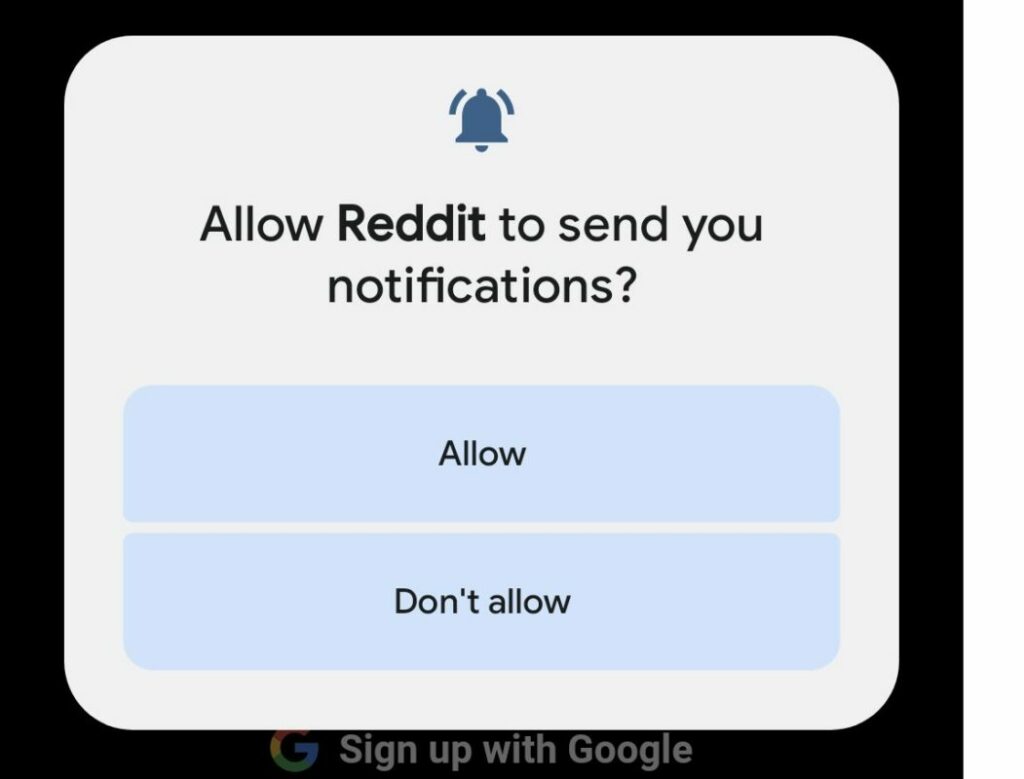
Android 13 gives users more control over application notifications. In previous Android versions, applications obtained notification permissions automatically. While you could remove the permission at any time, apps could send notifications immediately after installation.
Starting in Android 13, applications need to ask for permissions explicitly. Those who do not do that can’t send notifications on the Android device.
As a result, another permissions prompt may be displayed on first launch of applications on an Android 13 device; this gives users more control over notifications, and may prevent spammy apps from abusing the system.
The change applies to new application installations only. Consequently, already installed apps do not display the notifications permissions prompt after upgrading to Android 13.
Android 13 displays notifications about apps that use battery excessively to the user. The silent notification gives you an option to kill an app with a single action.
Per-app language settings
Many Android users speak more than one language. Android itself supports a single display language only, and this language is used by all applications, provided that it is supported.
There are good reasons for wanting to change the language of individual applications: the translation of some apps may lack clarity, or you may prefer a different language for some content.
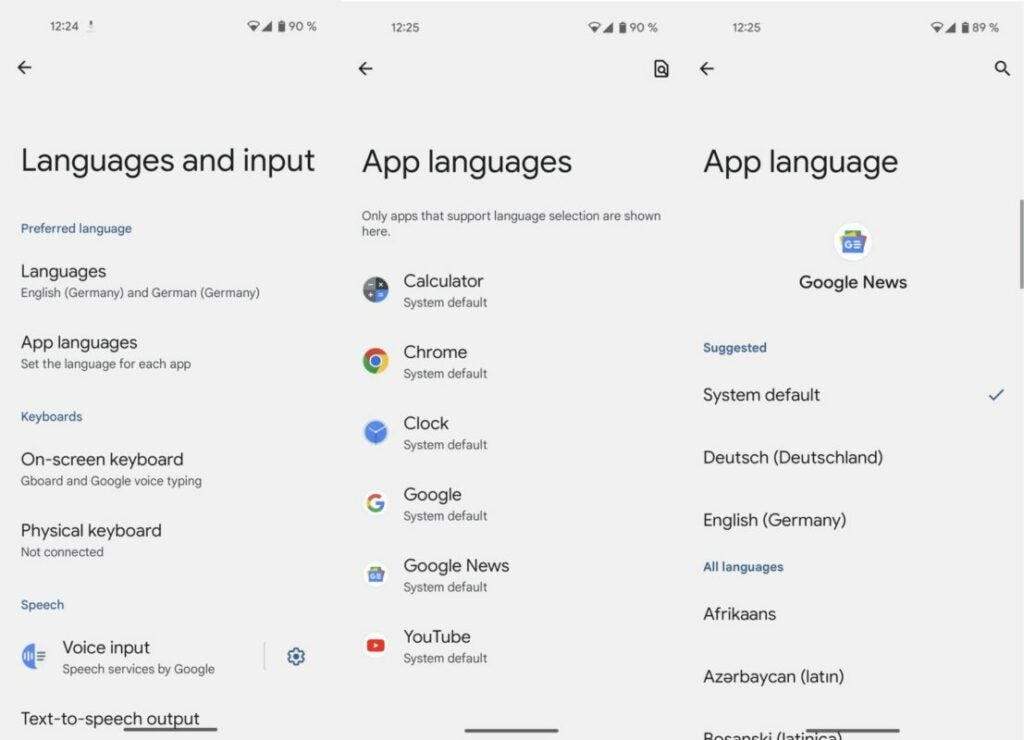
Android 13 introduces the ability to set languages for individual apps. Want Google News in English, YouTube in Spanish, and the Calendar in Japanese? This is doable in Android 13.
Just select Settings > System > Languages and input > App languages. Not all applications support the new feature at the time of writing, but many system apps do already.
Clipboard improvements
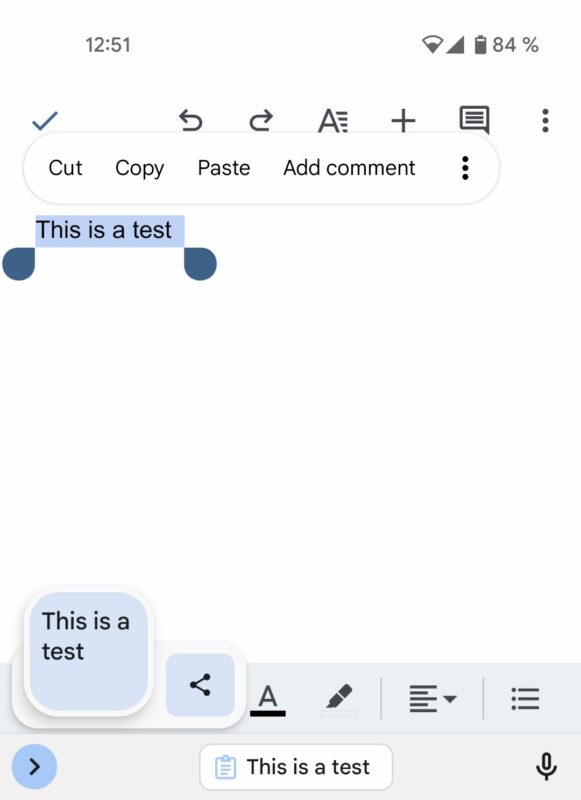
When you copy text on Android 13 devices, you will see a small overlay on the screen that contains it. It allows you to edit the text and share it immediately.
As a new privacy feature, the clipboard clears content automatically after some time. Consequently, clipboard text becomes less of a privacy risk. Email addresses, passwords, credit card numbers and other sensitive data is removed automatically by the Android device.
At the present time, there is no option to adjust the interval or disable the functionality altogether.
Smaller changes in Android 13
Android 13 features a number of smaller changes that users may benefit from. Here is a short list of other features and improvements in the new Android version:
- You may give apps permissions to only access photos or videos that you select. In previous Android versions, permission to access the entire media library needed to be granted.
- Sleep Mode supports the dimming of the wallpaper and the selection of a dark theme.
- Support for Spatial Audio, which detects head movement to adjust sound automatically.
- There is a new QR code scanner widget that you may add to the notifications area to scan codes quickly and without using a third-party app.
- Additional Material You color schemes and wallpapers.
- Support for the exFAT file system is finally available.
- Improved switching between different Android device types, e.g., from tablet to smartphone, or Android TV to tablet.
Conclusion
Android 13 includes several important improvements and features for users. Some of these are limited to certain applications at the present time but will become available sooner or later in more apps.
Google Pixel owners are among the first to get the upgrade option to the new version of Android. Third-party manufacturers like Samsung or Motorola will offer the upgrade to some of their devices in the coming weeks and months as well.
