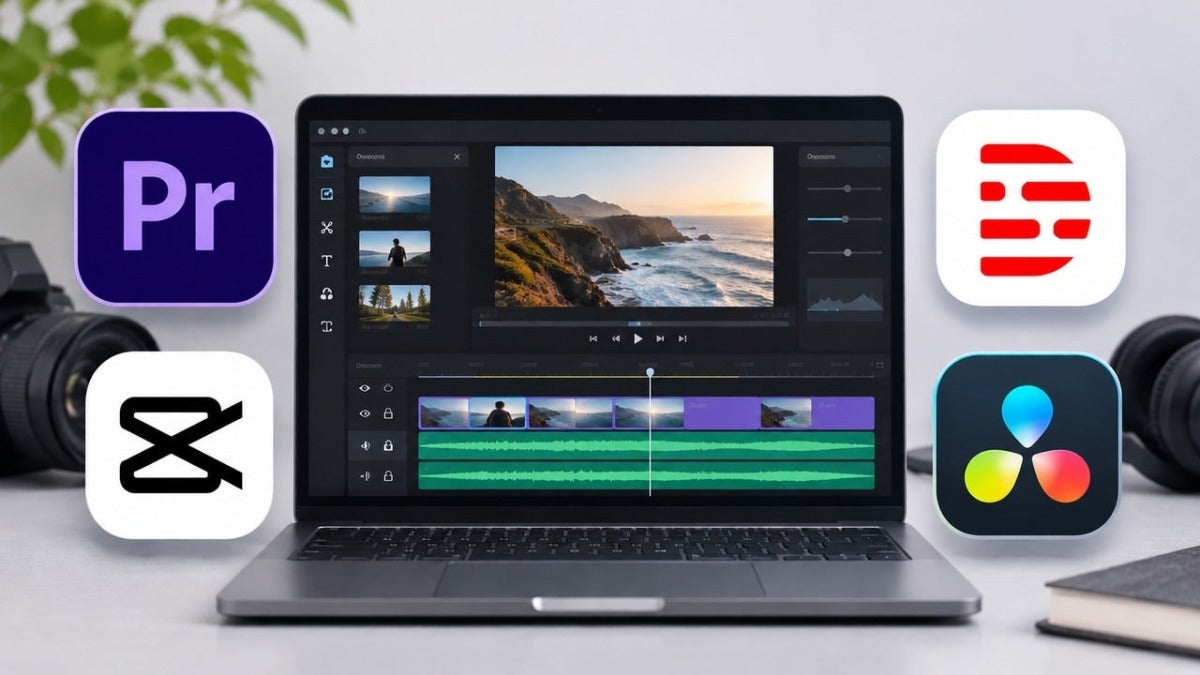
AI has made video editing much easier, and some editors are even free! But what if you’re thinking of making a living out of it? Well, that’s a different story. Adobe Premiere is my favorite for professional editing, thanks to its timeline, AI tools and Creative Cloud integration. But there’s the small matter of paying for it. With free alternatives like DaVinci Resolve around, is a Premiere subscription really worth it? Let’s find out!

Why choose Adobe Premiere?
If you work in video editing, I’m sure you know that “final version” is basically the industry’s version of the boy who cried wolf. Everyone keeps saying it, but deep down we know we’ll be seeing that file again and again, with David Bowie’s “Changes” playing in the background.
No matter what changes your clients ask for, Premiere will help you ace them in record time. Its timeline, audio mixing and color grading tools give you complete control to make detailed revisions. That’s because Adobe’s teams include artists, designers and other creatives who build the tools around how real work gets made. Premiere also handles footage from cameras such as ARRI, RED and Sony, which makes life easier when clients use different setups.
Media Intelligence can help you find specific footage, Speech to Text creates captions and Generative Extend adds frames. If you want to know more, check out our earlier AI video editors guide.
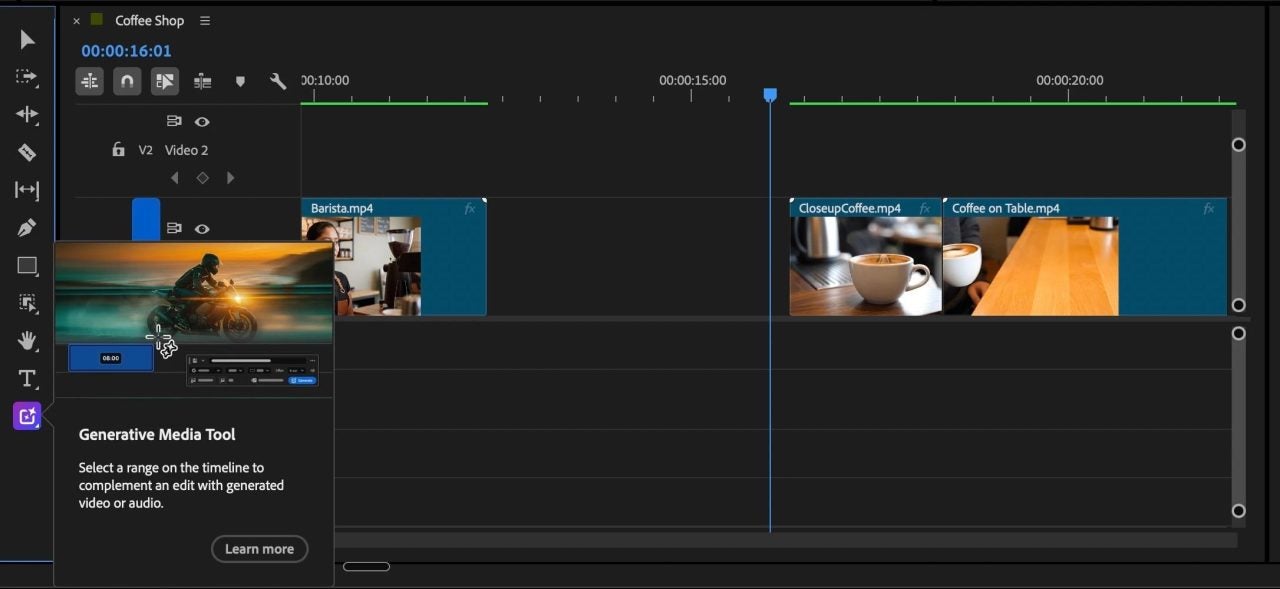
Premiere now has the Generative Media Tool, which lets you generate video, images and sound effects without leaving the timeline. You can use Adobe Firefly or partner models such as Google Veo, Kling, Runway and Luma.
Imagine you’re editing a video and suddenly realize you’re missing a shot. Normally, you’d have to open another application, generate the footage, download it and import it into your project. With Premiere, you can do everything without leaving the timeline. Quite convenient, don’t you think?
Of course, there’s still a learning curve. And if you use generative AI regularly, you’ll need to keep an eye on those credits.
How do the leading AI video editors compare?
Different editors have different strengths and prices. But price isn’t everything. What matters is whether the editor can handle the work your clients expect.
- Adobe Premiere: Professional timeline editing and integrated AI generation
- Descript: Transcript-based editing for interviews and podcasts
- CapCut: Short-form and social video editing
- DaVinci Resolve: Free desktop editing and color grading
If your work is mostly podcasts, short social clips or color grading, a specialist tool may be all you need. Premiere makes the most sense when you need more control over a complete professional edit.
How to edit and export a 4K video with Adobe Premiere
Whether you’re editing camera footage or AI-generated clips, the final video still needs a proper edit.
- Import your material: Organize the best footage in Premiere and build the sequence.
- Make the edit: Trim the clips and add captions, sound and titles.
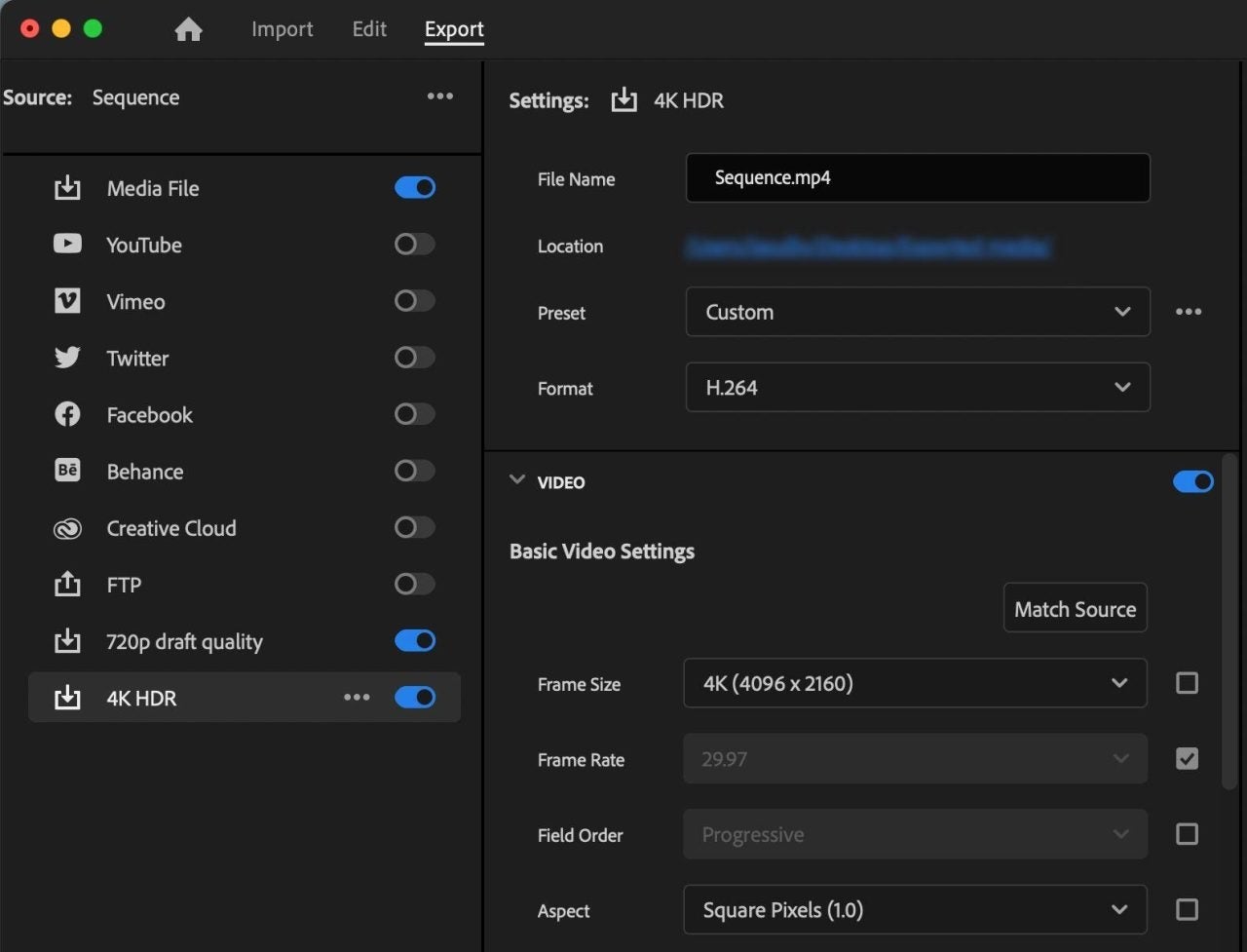
- Check the resolution: Make sure the sequence and footage are suitable for a 4K delivery.
- Export and review: Choose the appropriate export settings and check the finished file.
For 4K delivery, make sure the footage and export resolution are suitable for the job. Some generated clips may have lower resolution depending on the AI model, so don’t assume that generating a clip automatically makes it native 4K.
Finally, there’s also Premiere’s free mobile app for iOS and Android, with watermark-free 4K exports.
How to create a YouTube video with AI in Premiere
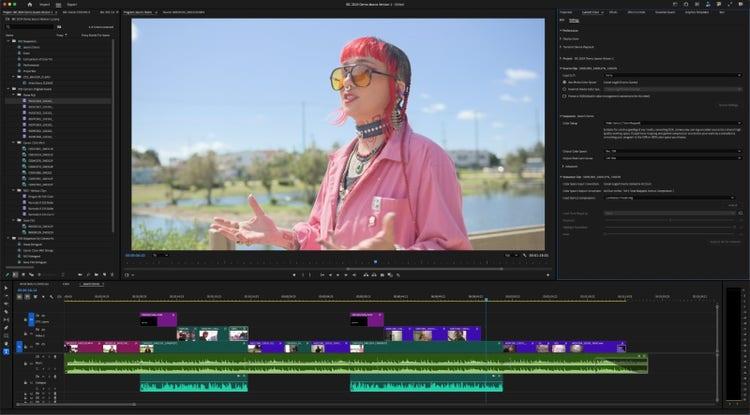
I’d start by importing the footage and generating a transcript. That way, it’s easier to find those repeated takes you want to get rid of. Once you’re happy with the result, watch the whole video before uploading it. Yes, even if you’ve already watched those clips a hundred times while editing.
- Find the best takes: Use the transcript to cut repeated lines and mistakes.
- Build the story: Arrange the clips, add titles and music, and clean up the audio.
- Check the captions: Make sure the words are correct before publishing.
- Watch the full export: Yes, even after you’ve watched the original clips a hundred times.
How to create a promotional video for a client with Premiere
Imagine you’ve just finished a promotional video and sent it to your client. As expected, a few minutes later you receive a message from your client saying it’s great but not exactly what they had in mind. Apparently it needs different music, maybe a shorter introduction and definitely three versions for different social media platforms. All by tomorrow, naturally. With a deadline that tight, you can’t afford to fight your tools.
- Start with the brief: Decide who the audience is and what the video needs to communicate.
- Create a first cut: Assemble the main message, add sound and any branding.
- Prepare different versions: Adapt the length and format for the platforms the client uses.
- Handle revisions: Make timeline changes in Premiere and use After Effects when motion graphics are involved.
AI video editor pricing: how Adobe compares
Here’s what the main editors cost, based on US prices checked on November 13, 2026:
- Adobe Premiere: $22.99/month with an annual commitment, $34.49 month-to-month, or $263.88 prepaid for a year.
- Descript: Hobbyist $192/year; Creator $288/year, with different media and AI limits.
- CapCut: Published Pro rate of $19.99/month or $179.99/year; checkout prices can vary.
- DaVinci Resolve: A capable free editor; Resolve Studio normally costs $295 as a one-time purchase.
Prices exclude taxes. Also check watermark rules, commercial asset licensing and AI credit limits: the cheapest plan isn’t always the cheapest for the work you actually need to deliver.
Which Adobe Premiere plan should you choose?
Its single-app subscription costs $263.88 if you pay for the entire year upfront, or $22.99 a month if you prefer splitting the bill. And if you’re not a fan of long-term relationships, there’s also a month-to-month plan for $34.49.
The downside? New single-app subscriptions only include 25 generative credits per month. So, if you’re planning to generate footage regularly, you’ll probably need additional credits or a suitable Firefly plan. At least Adobe Express Premium and Frame.io are also included, which is handy when reviewing projects with clients.
Creative Cloud Pro includes Photoshop, After Effects, Audition and many other apps, plus 4,000 monthly generative credits. Its regular price is $69.99 per month with an annual commitment of $839.88.
For a short project, the flexible month-to-month plan might be more sensible than an annual commitment. For regular professional work, compare the single-app plan with Creative Cloud Pro if you also use After Effects, Photoshop or other Adobe tools.
Adobe: the foundation of professional AI video editing
If you’re thinking of making a living out of video editing, I’d consider Premiere. You’ll find it mentioned in plenty of job ads (about 7 in 10 creative job postings ask for Adobe skills), and being able to jump between Premiere, After Effects and other Adobe apps is particularly useful when working with other people. Adobe has spent over 40 years developing its software with creative professionals, and you can see that in how its applications work together. As for AI, it can help you with the boring stuff, but you’re still in charge of the final result.
