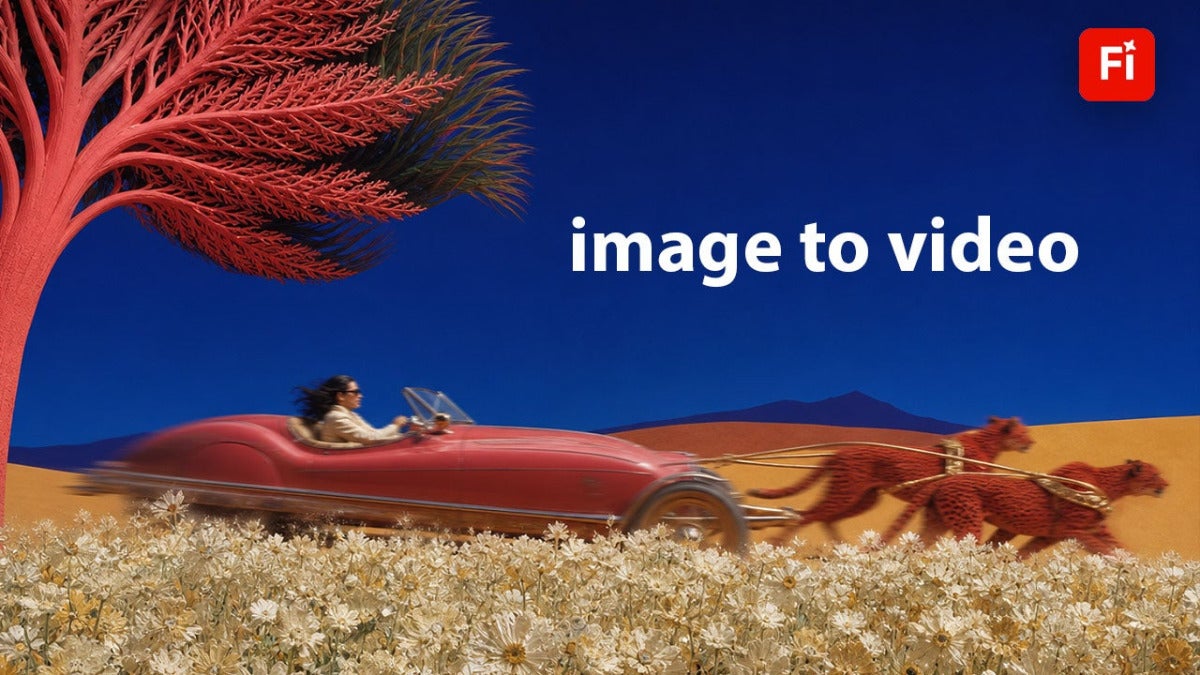
Adobe Firefly makes it easy to turn a still image into a video clip. Upload an image, describe the movement you want to see, and Firefly's AI image-to-video tools will bring your idea to life. It's a more approachable way to create animations, without having to build every movement by hand.
Firefly is our top pick for AI image-to-video creation, and Adobe's years of experience developing creative software help make it a compelling choice. For the best experience, we'd recommend Adobe Creative Cloud Pro, which includes access to Firefly's creative tools. That said, a few competing platforms are worth considering before you commit. Here's how the options compare and what each one brings to the table.
What are the best AI tools for turning images into videos?
There’s no shortage of tools that can add movement to a still image. Having looked at the options, we’d start with Adobe Firefly.
Adobe has decades of experience making software that helps professionals take their creative work further. Firefly draws on that experience and is built by creatives, for creatives, which is why it's our first recommendation. We'd use it as part of Creative Cloud Pro, where it sits alongside established professional apps such as Adobe Photoshop and Adobe Premiere. Having all three in one subscription lets you prepare the original image, generate its movement in Firefly, and then edit the resulting video.
Your choice may also depend on the kind of video you’re making. These alternatives are worth a look:
- Runway focuses heavily on generating video for advertising.
- For a more cinematic look, we’d take a look at Kling.
- Google offers its own AI video-generation tool, Google Veo.
- Luma is more about sketching out and organizing ideas than producing finished work.
- Zeely caters to marketing and social media projects.
- If you’re starting with music, Neural Frames is built around it, with a particular focus on music videos.
Trying other models doesn’t always mean leaving Firefly. Adobe’s software gives you access to many of them, including Google Veo, Kling and Runway. You can compare what they produce from within Firefly, without switching platforms every time you want to try another model.
How much do AI image-to-video tools cost? Adobe Firefly plans and alternatives
Since Firefly is our first choice, let’s look at its subscriptions first. The right plan will depend on how regularly you expect to generate content and how many credits you’ll need each month:
- Firefly Free lets you try generating images, video and audio without paying for a subscription. Its features are more limited, as is access to leading models from Adobe, Google, OpenAI and other providers. Even with those restrictions, you can get a feel for Firefly and see how the models work before spending anything. It’s a small taste of what’s available on a paid plan.
- At $9.99 a month, Firefly Standard gives you 2,000 generative credits. Depending on the model and settings, that's enough for up to 400 images or 20 five-second videos. The credits renew every month and do not roll over. If you run out before the next renewal, you can purchase additional credits through an add-on plan. You also get unlimited access to standard image generation features.
- The allowance doubles with Firefly Pro, which gives you 4,000 monthly credits for up to 800 images or 40 five-second videos. It normally costs $19.99 per month, although promotional discounts are sometimes available.
- For more frequent generation, we’d consider Firefly Pro Plus. You get 10,000 monthly credits, enough for up to 2,000 images or 100 five-second videos. Its regular monthly price is $49.99. As with Pro, it’s worth checking for promotional offers before you subscribe.
To compare those allowances with the alternatives, here are the plans we’d consider from the other providers and what each one costs:
- Runway’s Pro subscription costs $35 per month, with 2,250 credits available each month.
- For as many as 18,000 monthly credits, Kling offers its Premier plan at $181.99 per month after the introductory offer.
- Google AI Plus starts at $4.99 per month, providing access to Veo through Google Flow, 200 additional monthly Flow credits, and access to Gemini 4 Hydrogen.
- Luma starts at $30 per month with its Plus subscription. That gives you 10,000 credits to spend on image and video generation.
- We’d pick Growth from Zeely: $79.95 per month, including an allowance of 10,000 credits.
- Neural Ninja would be our choice from Neural Frames. It costs $99 per month and comes with 7,200 monthly credits.
Does Adobe Firefly add a watermark to AI-generated videos?
Adobe Firefly doesn’t add a watermark on any of its subscription plans. Generate a video from an image, and you won’t have a logo sitting over part of the footage.
That leaves you with a clean video to hand over when a client needs work without a visible watermark. Firefly does, however, attach Content Credentials to image-to-video exports. This tamper-proof metadata keeps a record of how the file was created or edited and includes details about who worked on it.
Those records give clients, and anyone else who handles the file, a clearer view of its history. When you’re working with this kind of material every day, being able to trace that history is another good reason to use software made for professional work.

How do I turn an image into a video with Adobe Firefly?
Getting started with Firefly is fairly straightforward compared with many video-generation platforms. You can go from uploading an image to watching your first clip in a few steps:
1. Open Firefly, head to Video and select Generate video.
2. Find the prompt box below. This is also where you can set the first and last frames Firefly will use as the basis for the video.
3. Upload your images, then describe what you’d like to happen. Choose Adobe’s Firefly Video model to generate the clip, or select one of the available third-party models.
4. Let Firefly generate the video. Once it’s ready, play it back and check the result.
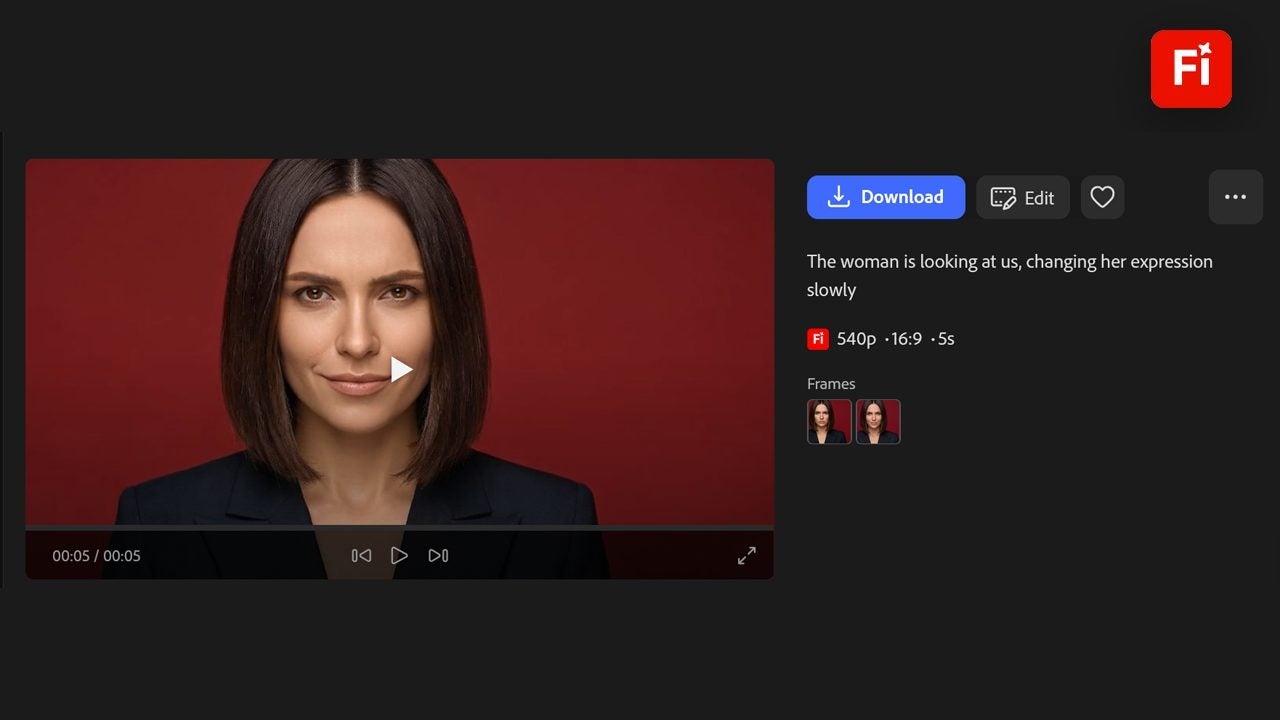
Try changing the images as well as the wording of your instructions. You can keep adjusting both until the movement feels right and the clip comes close to what you had in mind.
How do I make a video from an image for YouTube or social media?
Making a video for YouTube starts with the same generation process. Once you have the clip, you’ll need to edit it for publication. The following workflow also works for social media:
1. Choose the image or photograph you want to animate.
2. In the generation tool, describe what you want to happen. Make those instructions as clear and accurate as you can.
3. Bring the generated video into Adobe Premiere when it’s ready.
4. Edit the clip in Premiere, our pick for the best video-editing software on the market.
5. Try Premiere’s generative AI features to improve the footage you made in Firefly or build on it.
6. Prepare the video for YouTube or whichever social platform you’re planning to use.
7. Watch the finished version through for a final check, then upload it.
Creative Cloud Pro: the perfect package for turning images into video with AI
For professional video work that calls for the best AI tools, we’d choose Creative Cloud Pro. The subscription brings together the software you need to generate the material and the editing tools you’ll use to finish it.
Firefly and Adobe Premiere are both included, so you can take a project from the original still image through to a finished video within that package. Because these tools are built by creatives, for creatives, they fit into your existing way of working without taking control of the process away from you. How you organize the project, and the creative decisions you make along the way, are still up to you.
Choose Creative Cloud Pro if you want Adobe’s full set of tools for this work, with image-to-video generation ready whenever a project calls for it.
Prices, subscription plans, product features, availability, credit allowances and usage limits are subject to change. Please check the relevant provider’s website for the latest details before purchasing or subscribing.
