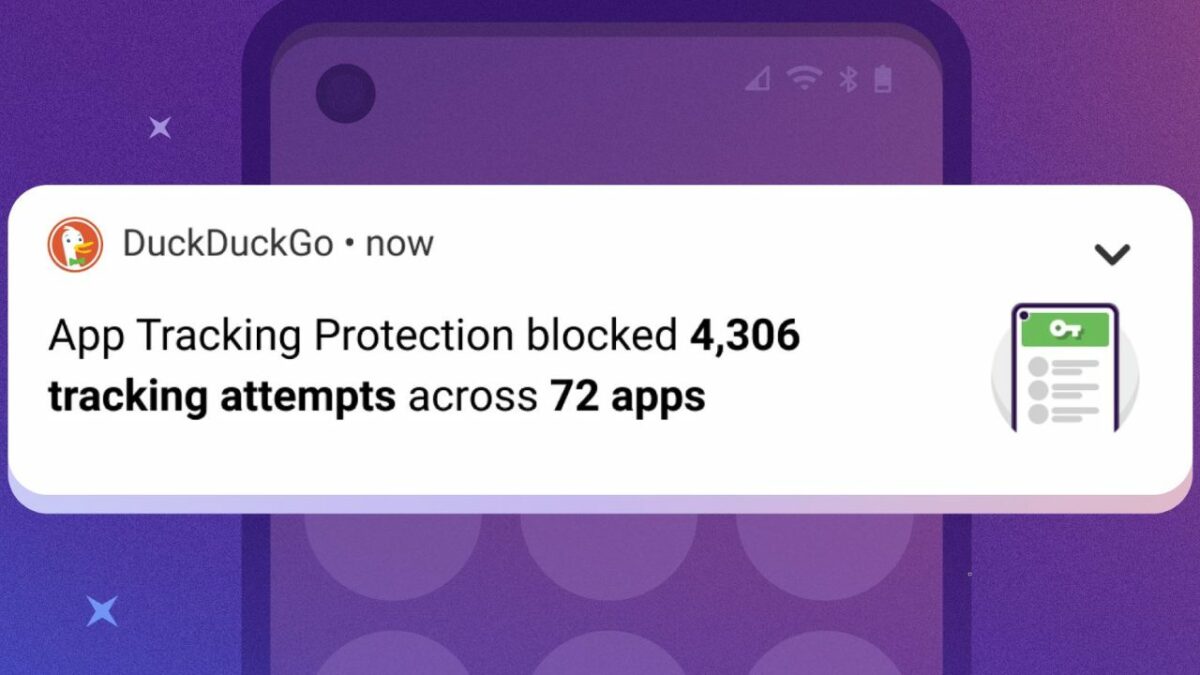
DuckDuckGo Privacy Browser’s App Tracking Protection feature is now available to all users of the application. Previously only available to select testers, it is designed to block tracking of the majority of apps that users run on their Android devices.
DuckDuckGo Privacy Browser is a standalone mobile browser, created by DuckDuckGo. Most Internet users know the DuckDuckGo search engine, which promises private searches and better search results than Google Search or Microsoft Bing.

Android users may use the app as a privacy-focused browser and search engine. DuckDuckGo Privacy Browser supports features such as tracking cookies and website trackers blocking, automatic upgrades to HTTPS and fingerprinting protections.
The app includes additional privacy features that users may activate, including the aforementioned App Tracking Protection.
Google Play lists over 10 million DuckDuckGo Privacy Browser app. downloads. It has a rating of 4.7 and is free to use.
App Tracking Protection
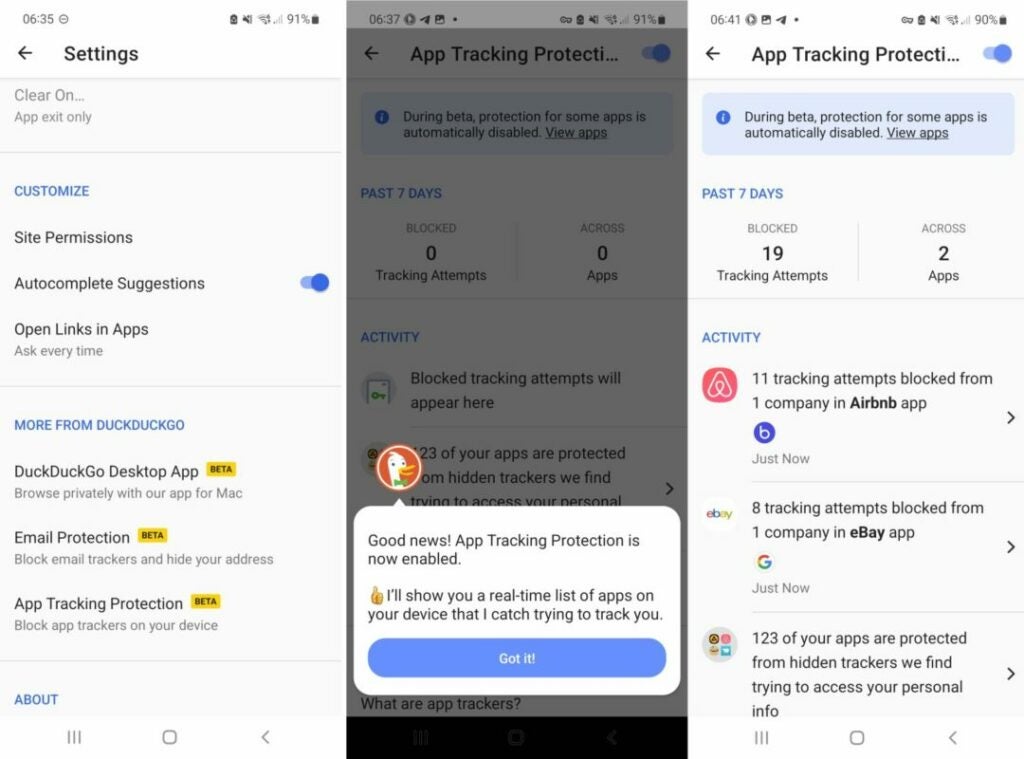
App Tracking Protection is now available to all Android users who run the DuckDuckGo Privacy Browser app. Previously, it was only available to testers.
Android users run an average of 35 applications, according to DuckDuckGo. Many of these apps include tracking functionality; DuckDuckGo observed between 1000 and 2000 tracking attempts per day on average.
App Tracking Protection blocks many of these tracking attempts, when enabled. The protective feature does not change how users interact with their devices. All activity, including using applications, browsing the Internet, playing games, making purchases, or using messaging apps remains the same.
In other words: DuckDuckGo promises that the privacy feature has no negative consequences for Android users.
Many Android users who read this may wonder how this works. DuckDuckGo uses a trick, which has been used by other apps in the past, to block trackers. The app configures itself as a VPN, so that all traffic flows through it. This gives it control and the ability to block the trackers. Unlike traditional VPNs, traffic does not leave the local device; this is excellent for privacy.
The local solution, on the other hand, does not provide features associated with VPNs. Most importantly, the user’s IP address remains the same.
How to configure App Tracking Protection on Android
Setting up and configure the privacy feature is a simple process. Android users need to download the latest version of the DuckDuckGo Privacy Browser app to their devices.
The following steps are required to enable the new feature:
- Open the DuckDuckGo Privacy Browser app.
- Select the Menu icon at the top right corner, and then Settings from the menu that opens.
- After that, scroll down to the More from DuckDuckGo section.
- Activate the “App Tracking Protection” option there.
- Follow the onscreen wizard, which explains how the feature works.
- Accept the prompt to allow DuckDuckGo to set up a VPN connection (by selecting OK); this is a requirement.
The protective feature works automatically from that moment on. While most users may run the app without any issues, some may run into issues.
Most apps run fine if their trackers are blocked. Some apps, however, may refuse to open. Furthermore, some functionality may be limited in applications.
App Tracking Protection excludes several apps from the blocking. These apps include mobile browsers such as Chrome or Firefox, Google Play Store, and a handful of other apps.
Users may enable the protective feature for these apps. The number of apps that have the tracker blocking feature disabled is listed in the App Tracking Protection settings.
All it takes is to change the state to Enabled. DuckDuckGo recommends that users keep the defaults, as problems may arise otherwise. The app features an option to exclude certain apps on the Android device from tracking protection; this is useful, if an app does not work properly anymore after enabling the feature.
Another new feature of the app highlights the types of data that the trackers collect. The information may be an eye opener for Android users, especially those who were not concerned about tracking before.
Verdict
DuckDuckGo’s App Tracking Protection feature works well out off the box. The app includes options to whitelist certain apps, which is necessary as issues may occur.
Android users may notice that battery drains faster when the protective feature is enabled. This may be addressed in due time by DuckDuckGo, or at least reduced.
In conclusion, App Tracking Protection is a useful feature that runs system wide on Android devices. There are comparable options available, such as Netguard.
