Contrary to what many might believe, content creation is not as simple as it appears. Developing a brand identity and effectively conveying our ideas to the audience demands extensive hours, dedication, and perseverance on our part. However, it’s a reality that not everyone has the luxury of extra time to create stunning graphics and visuals. Fortunately, Adobe Express is here to address this issue.

Whether it’s a video, a post, or a poster, Adobe Express can handle it all, quite literally. Plus, there’s no need to be a graphic design expert: with Adobe Express, we can create high-quality images and videos, regardless of our skill level. Not only that, it could also be exported as a PDF, so we can take advantage of being available to anyone using Adobe Acrobat (that of course is included in the Creative Cloud subscription).
Next, we’ll introduce you to Adobe Express’s most exciting features and guide you through creating an Instagram post from scratch.
What is Adobe Express?
Adobe Express is fundamentally a web and mobile application (available for Android and iOS) that enables us to design graphics, images and edit videos for social media and other projects. It stands as the perfect solution for those in need of quickly creating professional-looking visuals.
One of Adobe Express’s key strengths is its exceptional ease of use. Adobe has poured considerable effort into crafting an intuitive app for graphic design enthusiasts. Yet, it doesn’t overlook more advanced users. Industry professionals will find Adobe Express a valuable tool to streamline workflow and simplify basic tasks.
What can we do with Adobe Express?
With Adobe Express, the possibilities span wide: Instagram stories, TikTok videos, brochures, posters, business cards, presentations… the list is extensive. Moreover, Adobe Express enables us to engage in collaborative projects and even import files from Photoshop and Illustrator, though this feature is currently exclusive to the web application.
As you can see, it’s an all-encompassing app. Adobe Express’s features give us the leverage to assemble and edit our content from a single location. Whether dealing with photos, PDF files, or videos, Express grants access to advanced editing tools, including Adobe’s generative AI, Firefly.
Discover the Quick Actions of Adobe Express
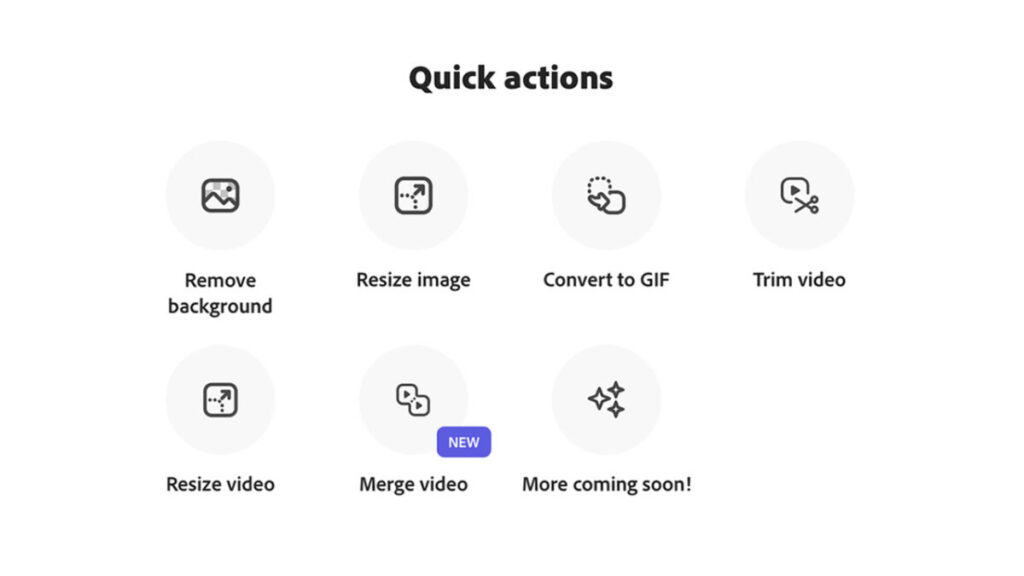
Who hasn’t dreamed of having a magical button that instantly does what we want? In this scenario, Adobe Express’s Quick Actions would function somewhat similarly. Through them, we can edit images, videos, and documents with just a few taps on our device. Currently, Adobe Express allows us to perform the following Quick Actions:
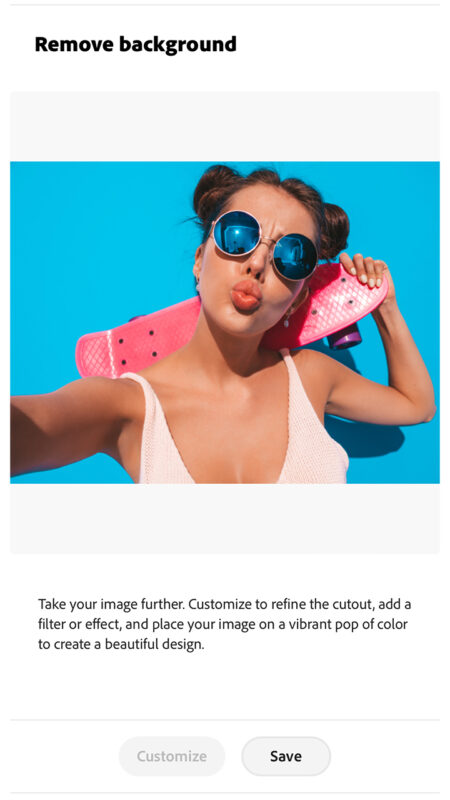
- Remove the background from an image: Upload a photo and remove the background instantly. The outcome is even better if the main subject has clear edges without overlapping elements. Afterward, you can save the file as a PNG with a transparent background and continue editing it later.
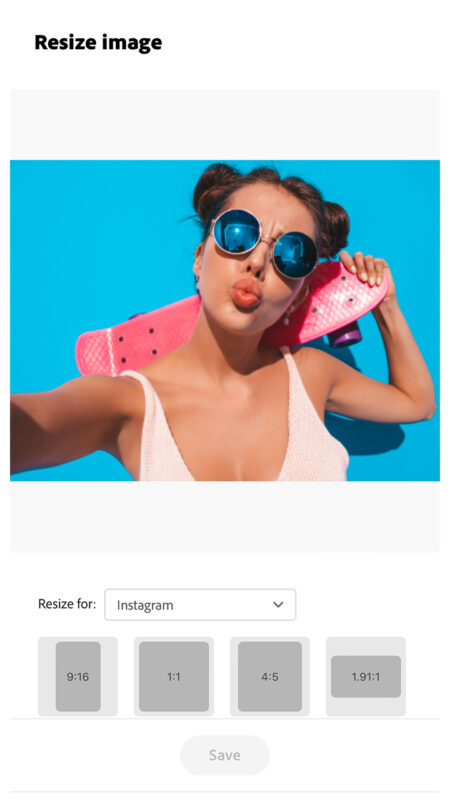
- Resize an image: Upload an image (regardless of whether it’s a JPG or PNG) and select a template size based on your needs. If none of the predefined sizes fit, you always have the option to customize it.
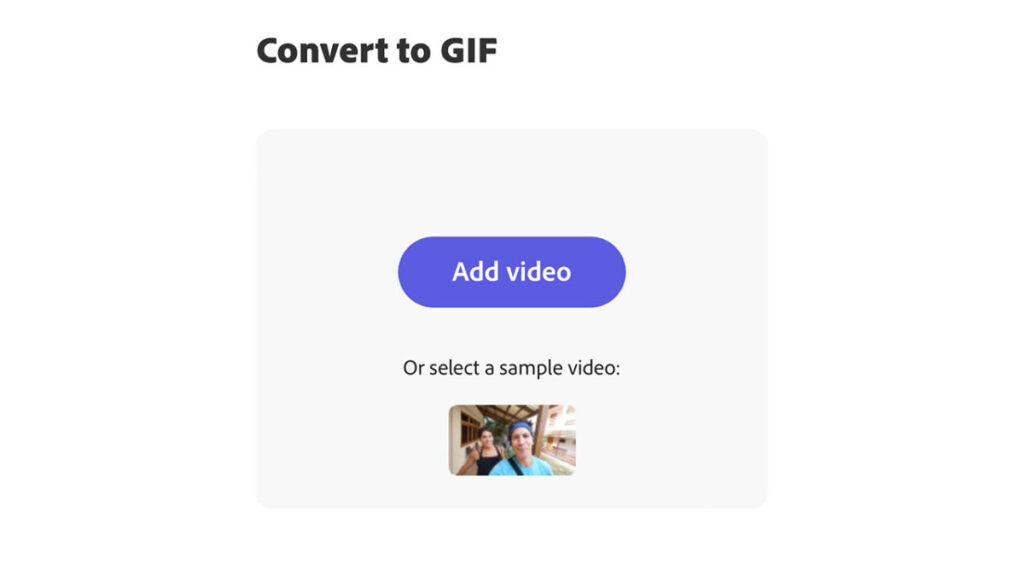
- Convert a video to GIF: Upload a video from your device and then choose a size suitable for the platform where you’ll use it. Videos to be converted can be up to one hour long.
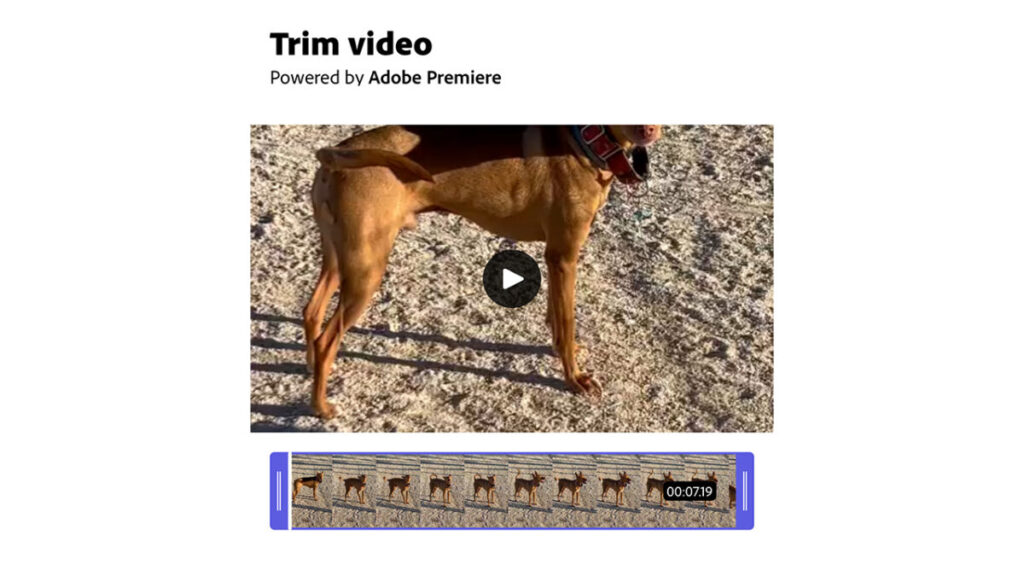
- Trim the duration of a video: Pick a video and trim it by sliding the control to the desired spot.
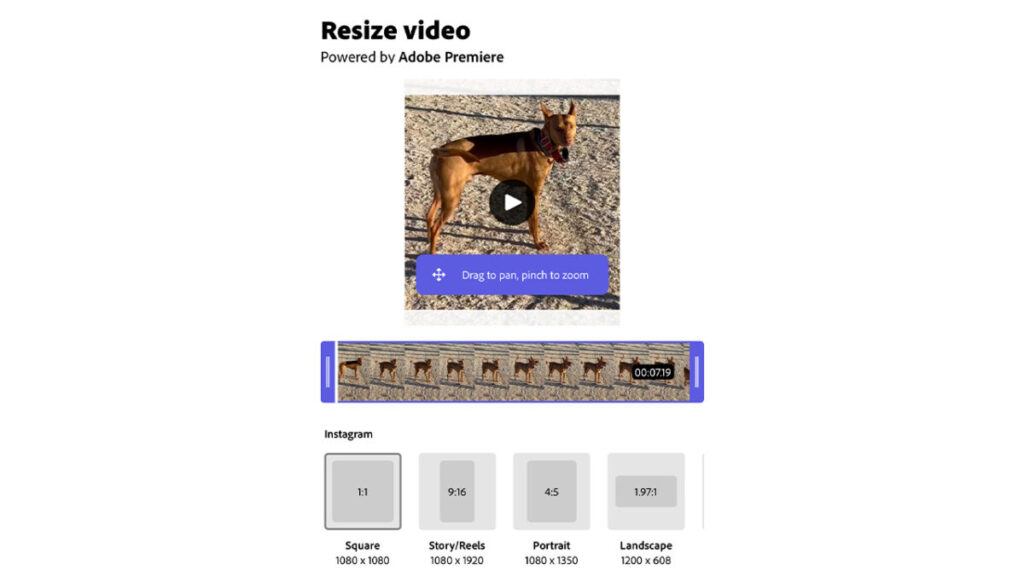
- Resize a video: This works similarly to resizing an image. Select the video you want to resize and then choose from the predefined sizes available.
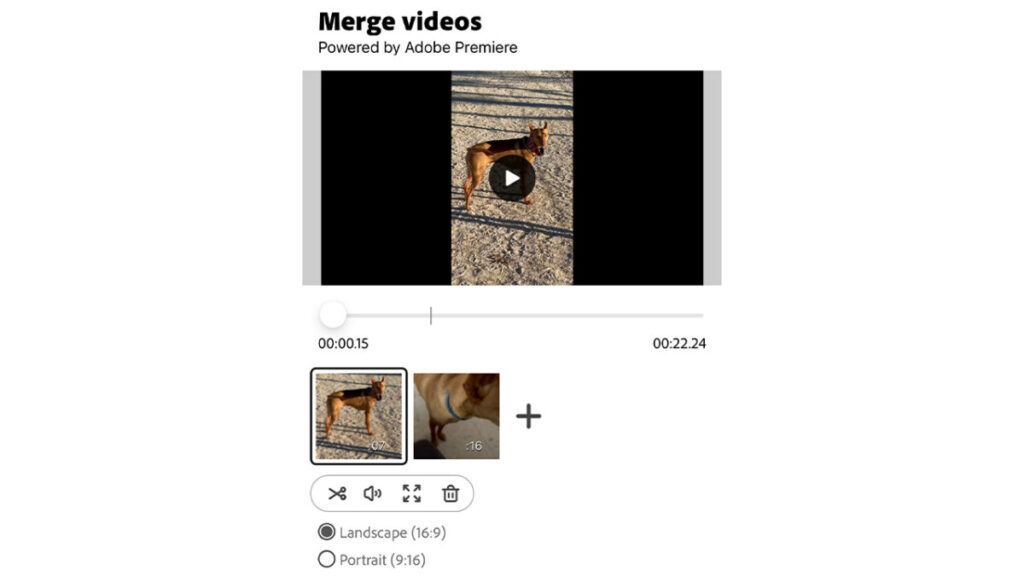
- Combine multiple videos into one: Simply select the videos you wish to merge; Adobe Express will take care of the rest. The application allows you to adjust the length of the cuts.
Let’s Create an Instagram Post from Scratch
When we access Adobe Express on our mobile device, the first thing we encounter is the home interface. Starting from the top, we see a series of pre-defined size options. Swipe through them to view all the available choices.
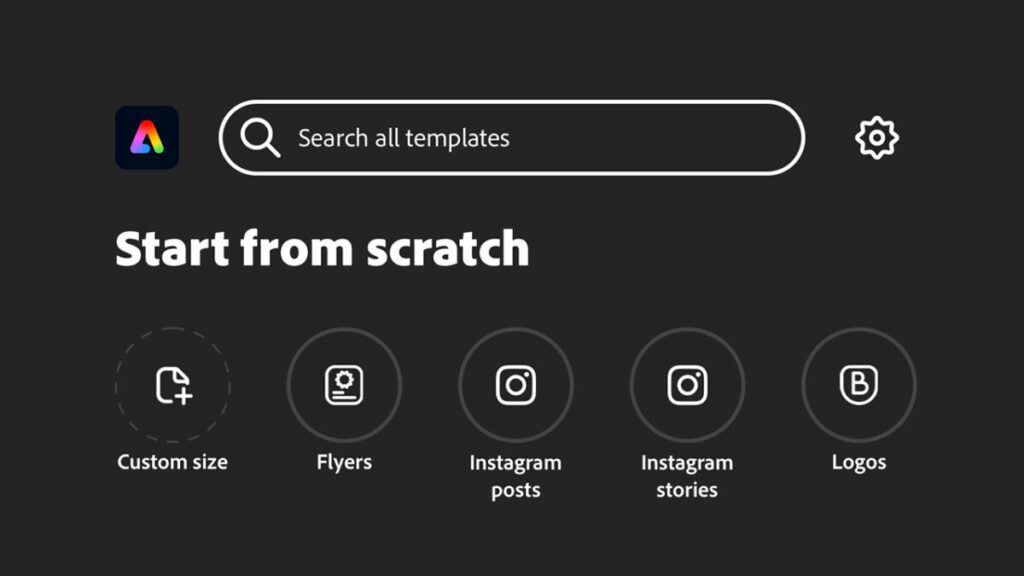
For this instance, we’ll create an Instagram post. Adobe Express provides a specific shortcut for this purpose, named Instagram Post. Selecting this creates an editable file with the ideal dimensions for an Instagram post. This is where the magic begins.
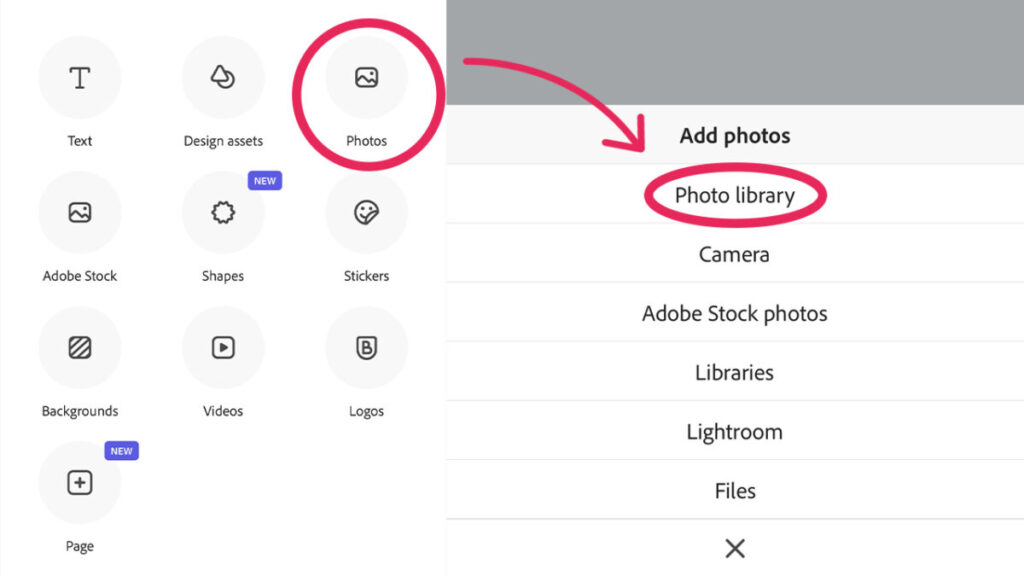
Among the various options, one of the most crucial is Add. Tapping on it allows us to add text, photos, images from Adobe Stock, shapes, stickers, or even videos. You can add more images whenever needed and position them as desired. Remember, you can change the layer order by selecting Order.
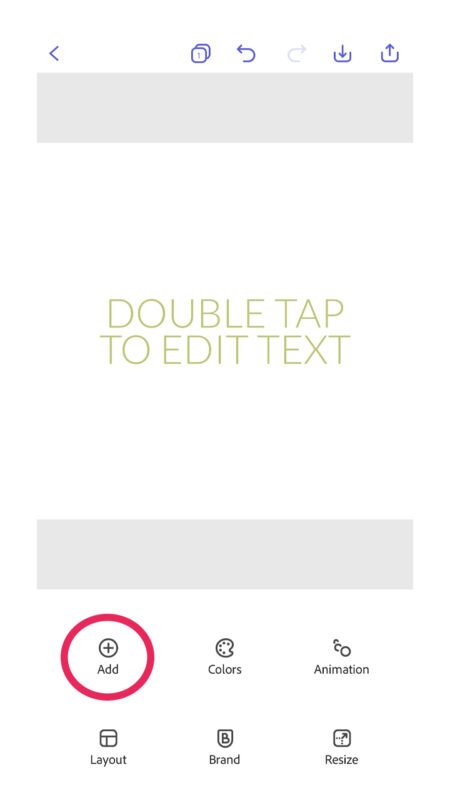
To continue with our example, we’ll tap on Photos and then Photo Library. Here, you’ll see that it’s not necessary for the files you use to all come from your phone’s gallery. Adobe Express also allows you to add photos taken on the spot with your mobile camera and even access Lightroom.
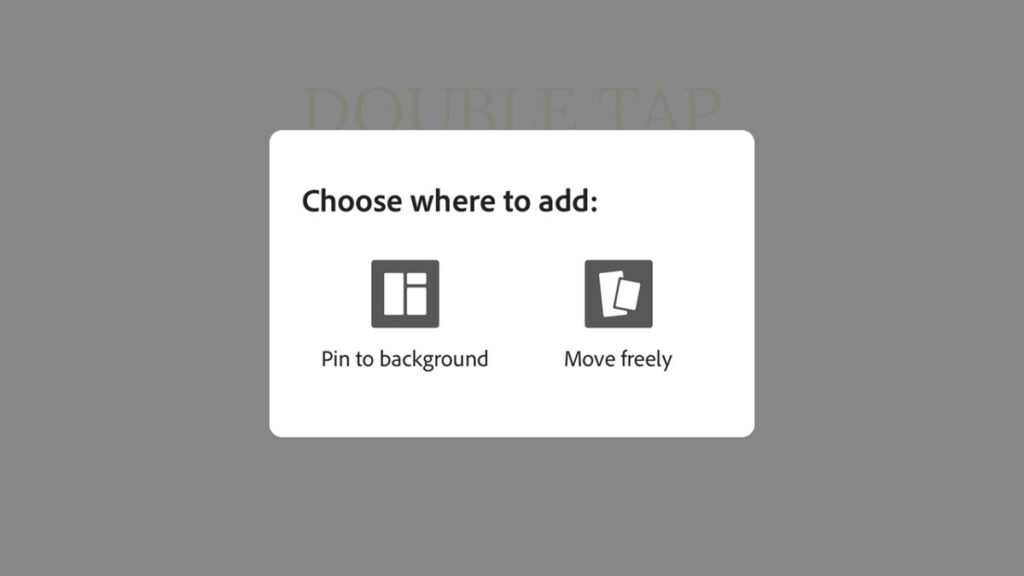
Once you’ve selected an image, Adobe Express offers us a choice between Pin to background or Move freely. The first option locks the image in place so it doesn’t move while we edit or add elements to it. The latter allows us to move it freely.
Next, we proceed to edit the text. To change it, simply tap on it and type whatever you deem appropriate. If you want to delete the text, tap on it again and select Edit. There, you’ll find the option to Delete.
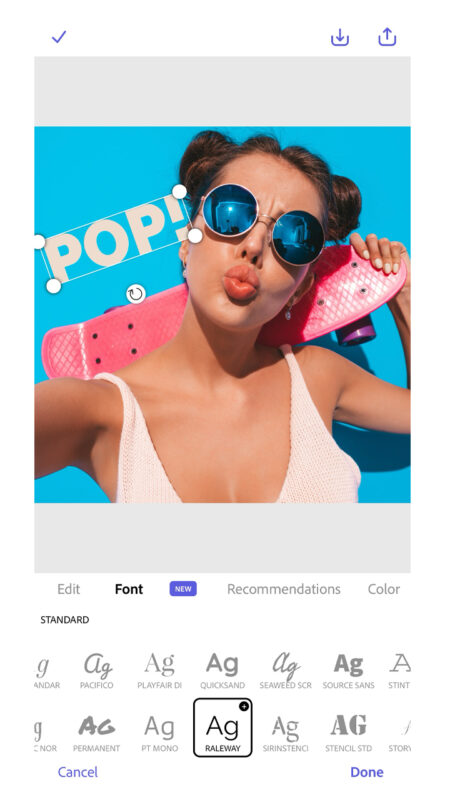
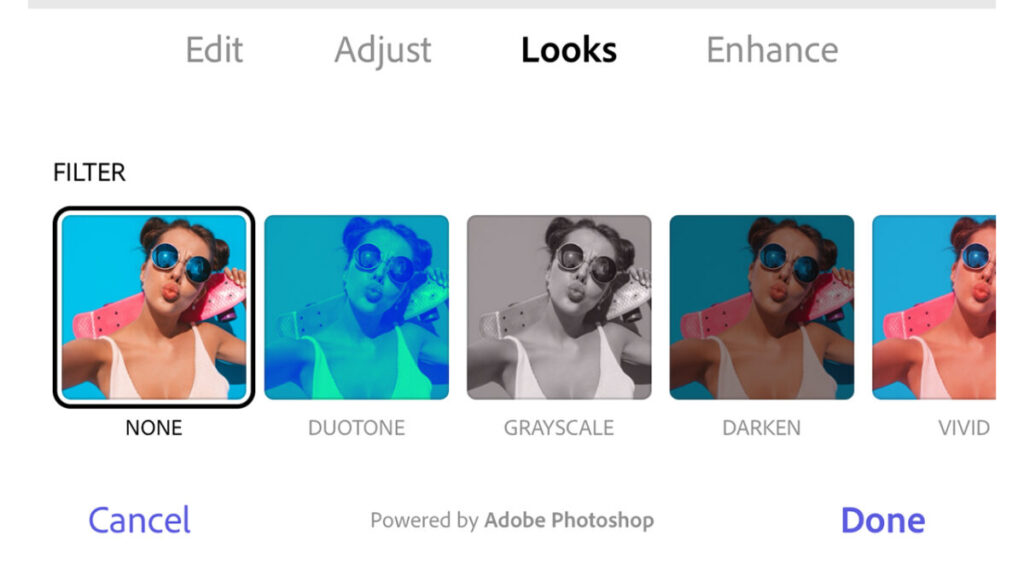
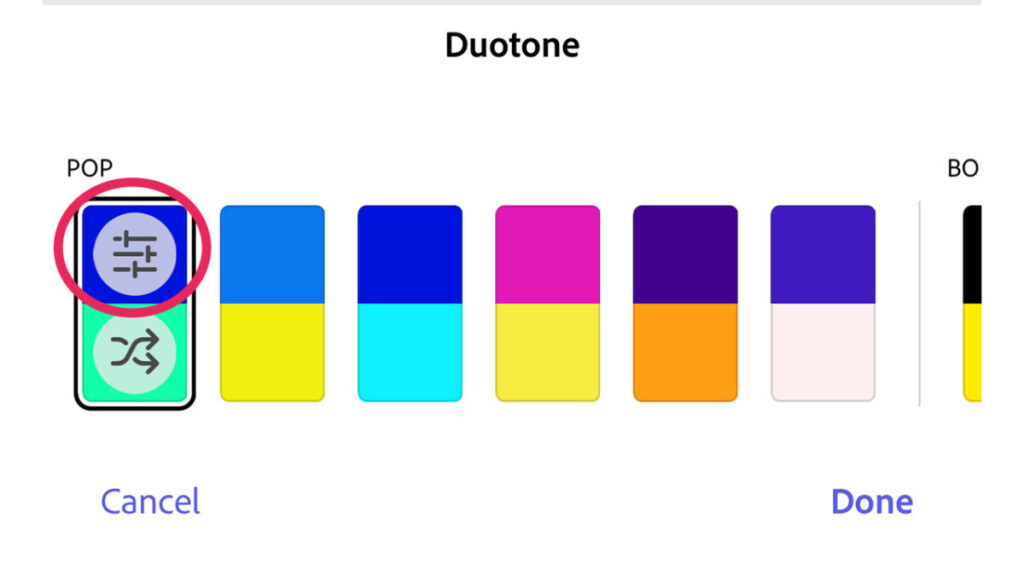
Then, tap on the photo or image you uploaded earlier to edit it. Adobe Express allows us to adjust its scale, flip it, and position it as we like within the file’s limited frames. It also offers the option to add filters through Looks. Some filters, like Duotone, can be customized to change the shadows and highlights, for example.
The Edit option also allows you, among other things, to remove the background of an image. Doing so is very easy: tap on Remove background and watch as your image’s background is instantly erased.
Now, you have several paths to choose from. To alter the general colors of the image, head to Colors. There, you can experiment with the effects of different palettes shown. You can also customize the colors by selecting a palette and adjusting the sliders, as shown here.
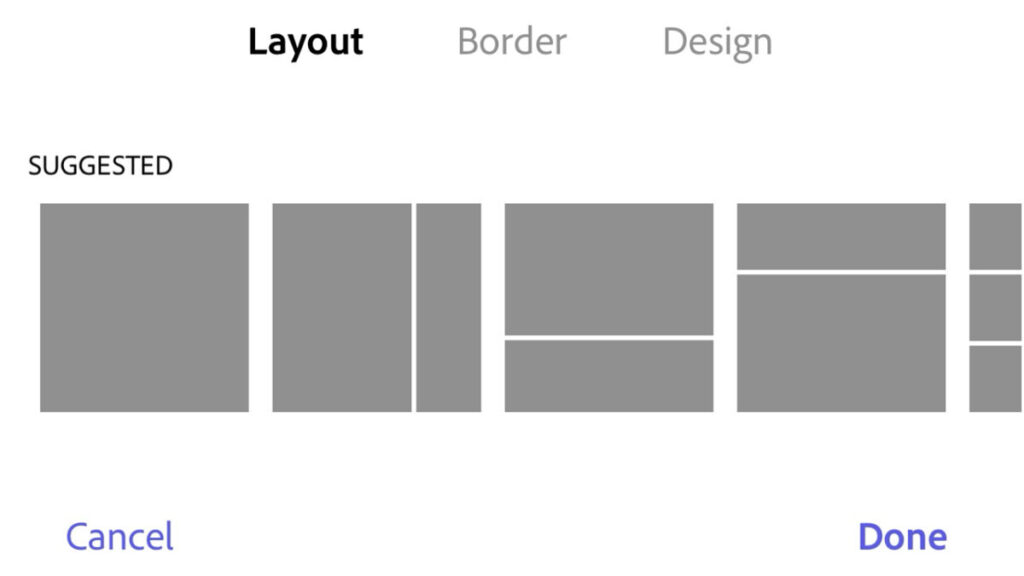
If we wanted to add more images in a collage style, we would go to the Layout option. Adobe Express has several predefined designs to put two, three, or more images together, in a simple yet functional style. There’s also the Border option, useful for adding a sort of frame to the image.
Lastly, you’ll see the Design option. Through Design, we can alter our project with various predefined graphic styles. If you enjoy experimenting with different effects, this can be a very interesting feature for you.
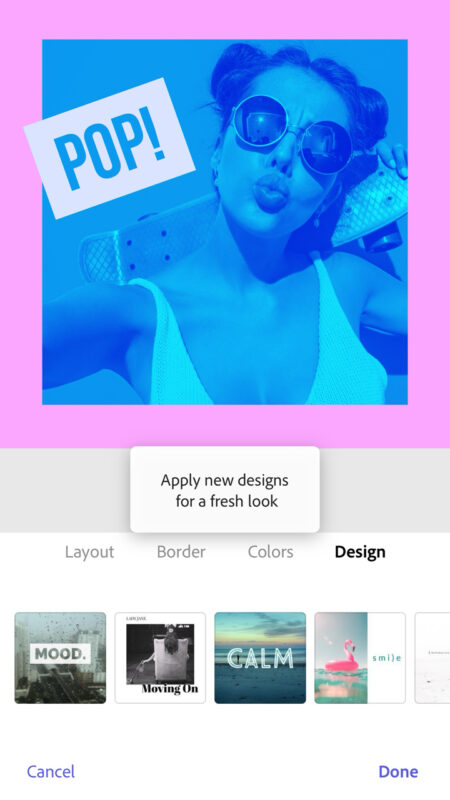
Adobe Express also allows you to integrate text animations. By tapping on Animation, we’ll see various options to bring our text to life, whether with typewriter effects or even color variations.
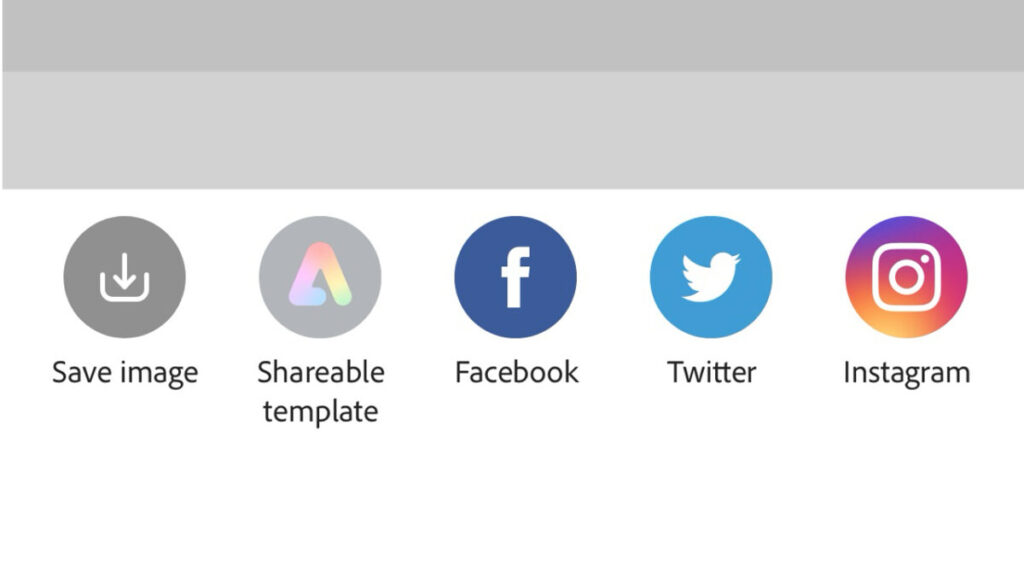
Well, we’ve concluded editing our post, so what now? We have two paths to choose from: we can either save the image on our device or share it directly. For the first option, we’ll press the download icon, located in the top right corner. Then, choose Images and subsequently, Download. After finishing, the image will be saved on our device.
The other option we have is Share. Through Share, we can directly upload the image to a social network, share a link with the image, or send it via email.
Is Adobe Express Free?
Adobe offers users the option to use Adobe Express completely free of charge or alternatively, to pay for a monthly subscription. Included in its free plan are all the main features we’ve discussed throughout this piece, without any time limit. Among other things, these include:
- 25 generative credits per month.
- A limited collection of copyright-free photos, videos, and music from Adobe Stock.
- 10 PDF Quick Actions per month.
- About 1,000 fonts from Adobe Fonts.
- Limited templates.
On the other hand, the premium plan that is also included with the Creative Cloud subscription, offers the following:
- 250 generative credits per month.
- Unlimited PDF Quick Actions.
- All premium templates.
- The entire Adobe Stock collection.
- Brand Kit with various logos, colors, and fonts.
- Over 25,000 licensed fonts from Adobe Fonts.
- 100 GB of cloud storage, enough to save about 15 hours of video footage.
As you can see, Adobe Express can help enhance the quality of your work and streamline your creative process. No matter your level of experience, use Adobe Express to take control of your content from a single place.
Some of the links included in the article are part of affiliate campaigns and may represent benefits for Softonic.
