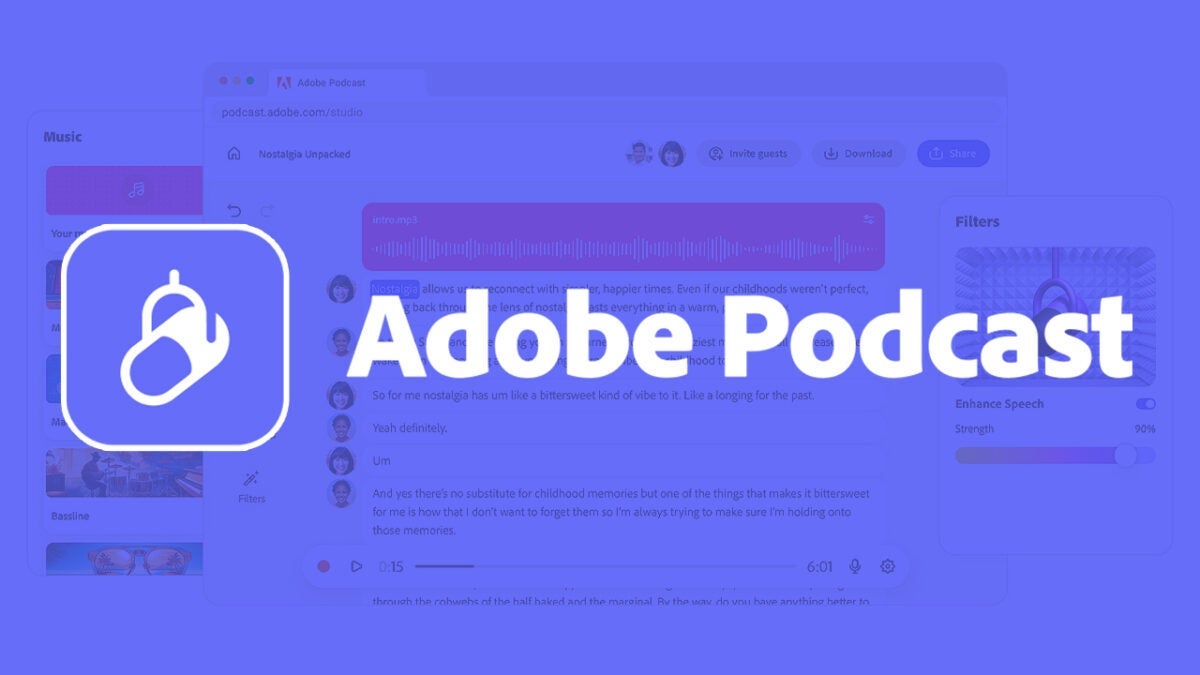
If you ever thought about creating your own podcast but don’t know where to start or what tools to use, Adobe has the solution for you: Adobe Podcast.
This Adobe platform is designed to simplify and enhance audio production when recording a podcast. Through artificial intelligence, Adobe Podcast can improve sound and reduce background noise in your recordings. Thanks to Adobe technology, you won’t need professional equipment to sound like a professional.

Features and Benefits of Using Adobe Podcast
The Adobe platform has many tools that will be of great help to produce high-quality recordings. Some of the most notable are:
Enhance Speech: As we mentioned before, Enhance Speech will help us eliminate unnecessary noise from our recordings, remove echo, and clarify the voice.
Mic Check: Forget about microphone problems. Adobe Podcast will perform the necessary checks to make sure your microphone is in order and ready to record.
AI Transcription: The platform is capable of transcribing all our words with great precision, as it uses the same technology integrated into Premiere Pro.
Record remotely in a professional manner: If you have remote guests on your podcast, Adobe will make them sound amazing even if they don’t have the best Internet connection.
Use of royalty free music: Adobe offers you a library of royalty-free sounds that you can use at the beginning, during, or at the end of your podcasts.

To start using Adobe Podcast, you won’t need to install any program or have a powerful computer; you just need to use your browser. The platform has a very clear and simple interface that will make even the least “tech-savvy” adapt to it. This will also help you record your content directly, without unnecessary distractions.
It is currently available in six different languages: English, French, German, Italian, Portuguese, and Spanish. Adobe Podcast can be used for free (with limitations), but it also offers a Premium plan that gives us the option to upload up to 4 hours a day, video compatibility, and much more.
