
The release of Dragon’s Dogma 2 has not left anyone indifferent. Although it has been praised by the specialized critics, Capcom’s JRPG has important drawbacks, such as the impossibility of starting a new game.
Have you regretted the character you created? Or do you simply want to try other play styles? It doesn’t matter what your reason is because you’re out of luck: Dragon’s Dogma 2 doesn’t offer the option to start over, at least not initially. But why does this happen? The short answer is to prevent you from using the character editor.
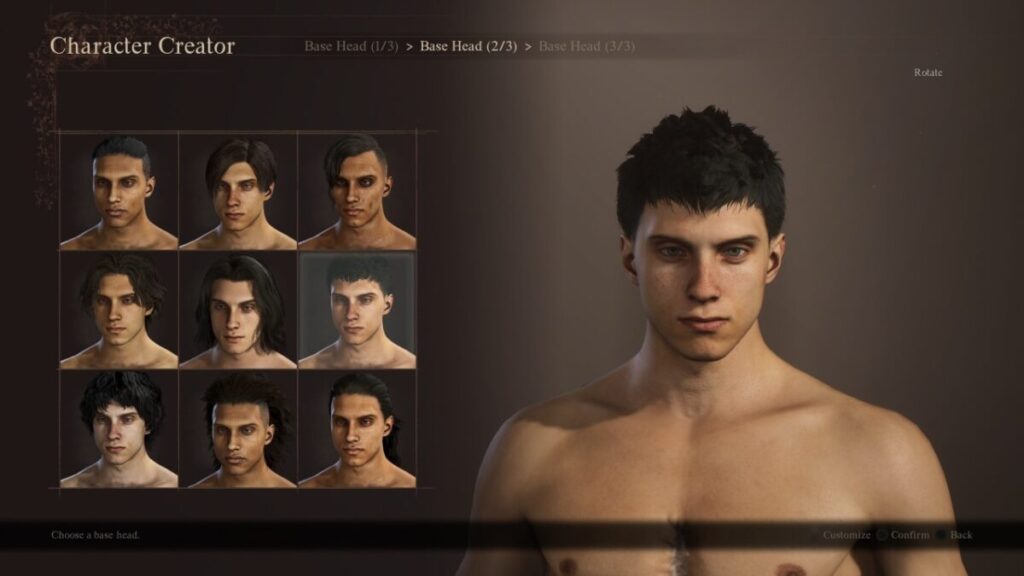
The truth is that changing the appearance of your character is one of the reasons that leads many players to start a new game. While playing, you cannot alter your physical appearance unless you use the “Metamorphosis Crystal“, an item that Capcom sells for real money to players. It can also be obtained by playing, but it requires many hours to obtain it.
However, all is not lost. As expected, the community has found several ways to overcome this limitation. So if you want to know how to start a new game in Dragon’s Dogma 2, just follow the following steps to the letter.
How to delete your game save on PS5
- Turn on your PS5 and go to Settings > Game/Applications Saved Data Settings.
- Click on Saved Data and select Upload or Delete from Console Storage.
- Select the data for Dragon’s Dogma 2 and delete it. Also do this with the saved data in the cloud.
How to delete your game save on Xbox Series X/S
- Access your library of installed games and search for Dragon’s Dogma 2.
- Press the button on the controller and select the option Manage games and add-ons.
- Select the saved files and click on Delete everywhere.
How to delete your game progress on PC
- Access this folder path: C:Program Files (x86)Steamuserdata.
- Once inside, look for the Steam ID corresponding to Dragon’s Dogma 2.
- Enter that folder and look for another one called remote. Select the file named win64_save and delete it.
