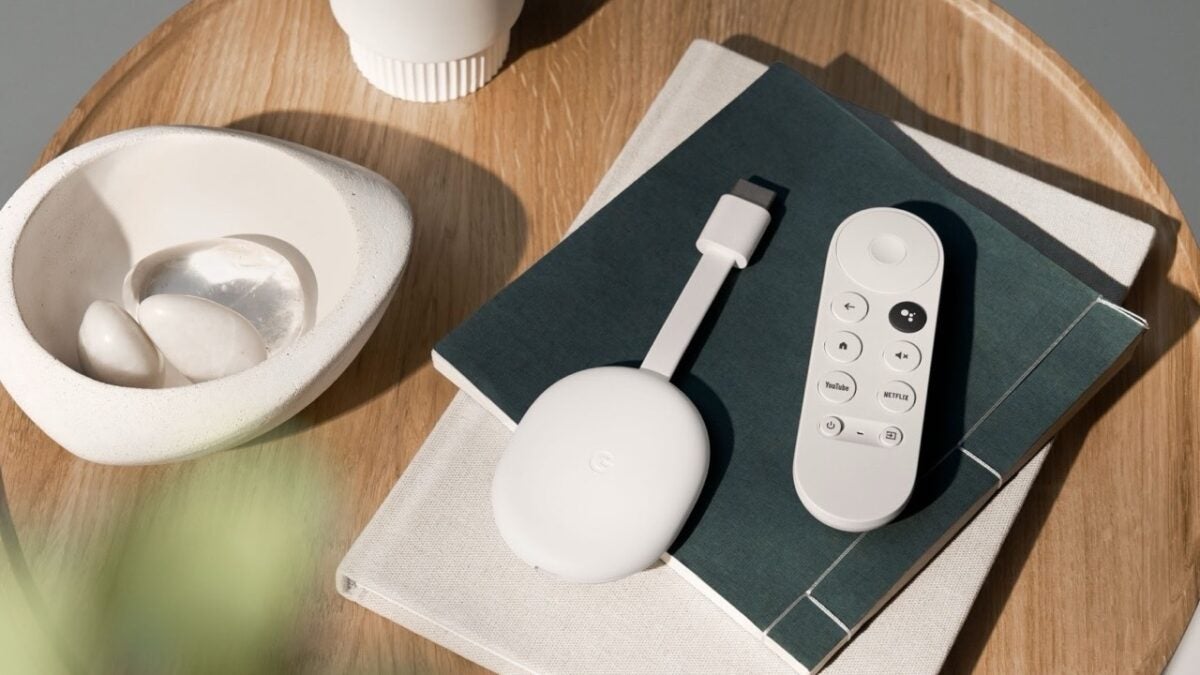
Sending videos from Telegram to Chromecast or Google TV is now easier than ever, thanks to a recent update to the messaging app. This feature is currently available for Android users, with an iOS release expected soon. By following a few simple steps, you can quickly stream your favorite videos from Telegram to a larger screen.
How to cast Telegram videos
To start, make sure your Telegram app is updated to the latest version. Then, follow these steps:
- Open the chat that contains the video you want to cast.
- Tap on the video to play it in full-screen mode.
- Tap on the screen to bring up the playback controls and options.
- Select the settings icon (gear icon) at the top of the screen.
- Scroll down and tap the Chromecast button at the bottom.
- Choose your Chromecast or Google TV device from the list.
Once you complete these steps, your video will start playing on the selected device, allowing you to enjoy it on a bigger screen with better sound quality.
This update makes it much more convenient to watch Telegram videos without being limited to a mobile screen. Whether you want to share a funny clip, watch a tutorial, or enjoy a movie, casting from Telegram to Chromecast is now a seamless process.