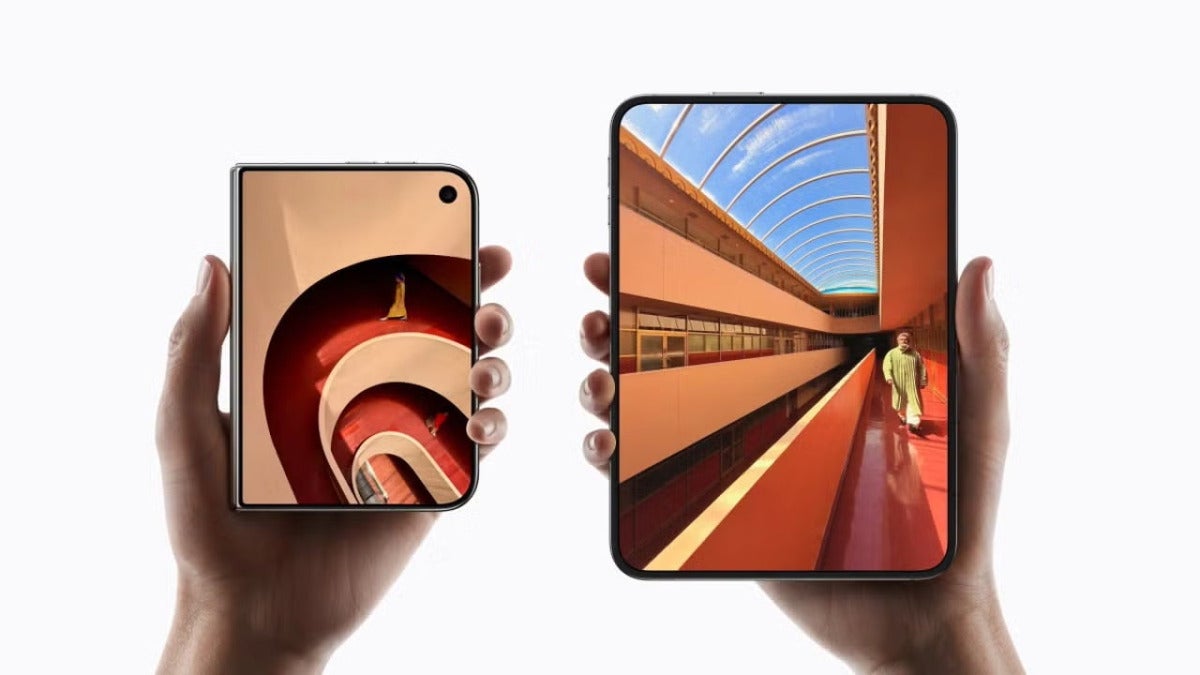
Since Apple introduced the iPhone Duo, the Touch ID system in the side button has been the way to unlock it without having to resort to the passcode. Now, with the second beta of iOS 27.3, you can use the camera to unlock the phone, as MacRumors reports.

How to enable unlocking with the front camera
This is one of the many new features in iOS 27.3 and one you can enable easily by following these steps:
- Open the Settings app on your iPhone Duo.
- Go to Touch ID & Passcode.
- Enter your iPhone’s passcode.
- Enable the Unlock with camera option.
Once it’s enabled, when the iPhone is closed, you’ll just need to look at the outer camera from the lock screen to unlock the phone. It’ll recognize you without using Touch ID, but only if we’ve authenticated recently with our fingerprint or the passcode, for security.
When it works and when we still need Touch ID
While the improvement in convenience is obvious, since unlocking an iPhone with your fingerprint requires one extra gesture than with facial recognition, it’s worth noting the differences compared with Face ID. This only works when the iPhone is closed and on the lock screen. For security, to use Apple Pay and to view your passwords and logins we still have to use Touch ID. The system also prompts you for Touch ID or a password after about 45 minutes of inactivity.
The camera can also struggle in low light, unlike Face ID. That said, like the option in Settings > Display & Brightness to lock the iPhone Duo when you close it, instead of showing content on the outer screen, this is a useful option to have. A more convenient way to unlock your iPhone just by looking at it.
