The first security patches arrive for Android 14

Android 14, the new operating system designed by Google, is already receiving its first security patch. This is the first of many patches that this system will receive throughout its lifespan, aiming to protect users as much as possible from any cyberattacks.

Security patches are quite common in digital devices, and Google has always been actively concerned about ensuring that Android devices in the market maintain the highest security standards. Therefore, phones currently running Android 14 can now benefit from this new security patch.

Camera Super Pixel DOWNLOAD

The Pixel 8, the first beneficiaries

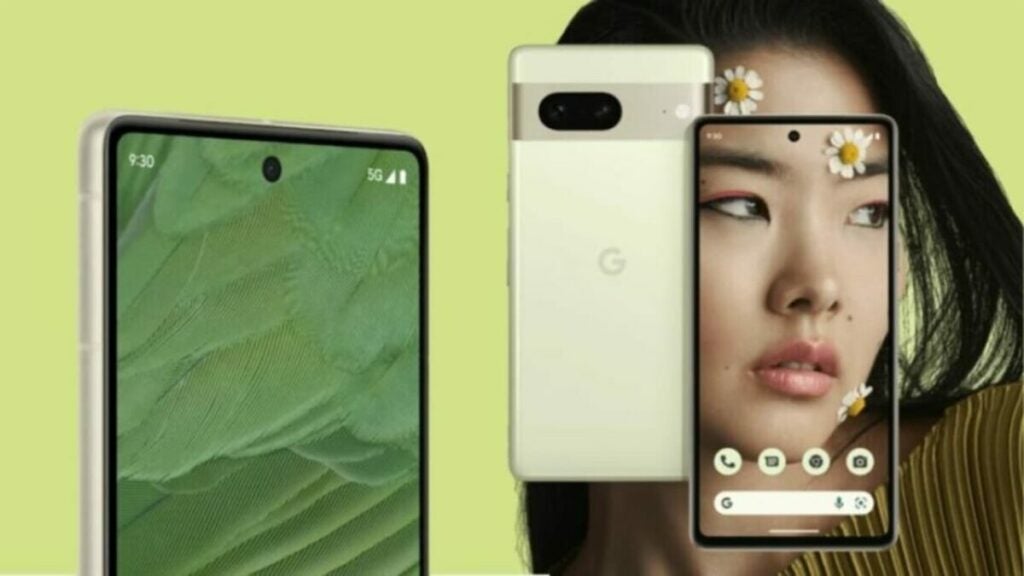
The Pixel 8 phone range, the first in the market with Android 14, will be the devices to enjoy this update in advance. This is because, having pure Android in their system (which makes sense considering the brand is also from Google), they require minimal specific optimization for their models. This way, Pixels usually have the privilege of receiving these patches before the competition.

This also highlights one of the aspects of the Pixel 8 that generated a lot of discussion during its presentation, which is the software support time these devices will have. Unlike other brands, Google has committed to providing 7 years of updates for users, a promise that only Samsung comes close to by offering 4 years for its premium phones.
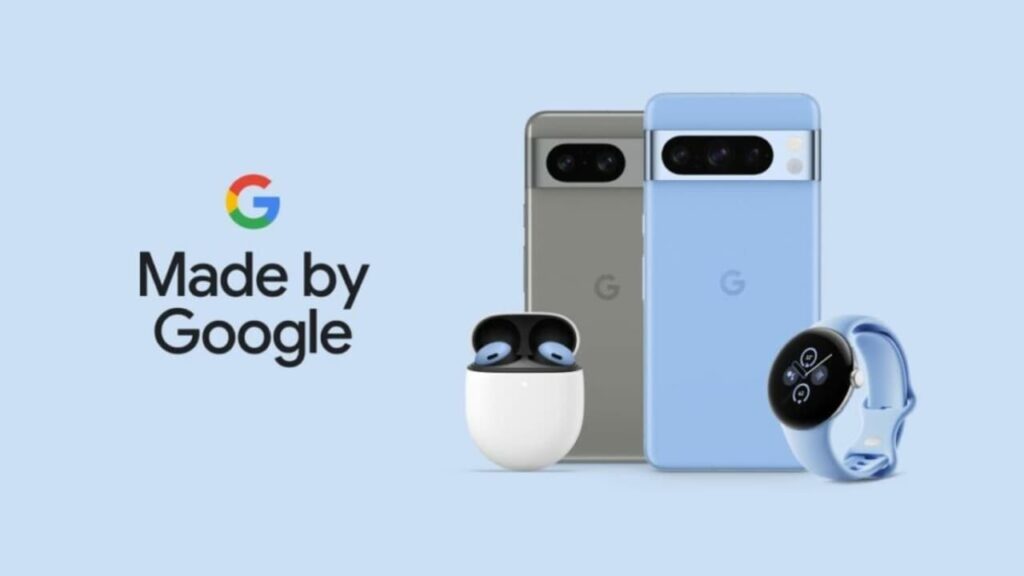
Pixel 8 and Pixel 8 Pro

The fragmented Android ecosystem

Android has always had an endemic problem when it comes to software. Due to the presence of numerous phones from dozens of different brands in the market, it’s often easy to find phones with an operating system much older than what currently exists. This also extends to other devices like tablets, where some users have Android 13 systems while others have Android 4.4 KitKat, an OS from almost a decade ago.

In an ideal ecosystem, all devices would always enjoy the latest updates. However, in such a vast smartphone landscape, this is quite challenging to achieve and, in many cases, not even cost-effective. Therefore, as of today, the best option is to choose new phones with many years of support and services.

Camera Super Pixel DOWNLOAD

Google has another victim: After Stadia, this is the app they will not support…

I hope the Pixel Camera app can be ported to non-Pixel phones as well. The Android ecosystem would appreciate it.

As you well know, Google introduced its new family of phones, the Pixel 8 and Pixel 8 Pro, earlier this month (releasing them worldwide on the 12th), and during the unveiling event, the company spoke highly of the new camera systems featured in both devices.

Pixel Camera DOWNLOAD

And when we talk about camera systems, we’re referring to the hardware part—the lenses and sensors chosen—as well as the software part, the photography application, and everything it can do. For that reason, the change was logical (although you might want to wait for the Pixel 9).

It makes sense too. For a long time, Pixel phones have been acclaimed as some of the best phones for photography, and based on what we’ve seen, it seems that the trend continues.

Google Camera is no longer the default camera app on Pixel phones

A significant factor that contributed to the excellent quality of Pixel photography was Google Camera. However, it appears that Google has decided to retire Google Camera and replace it with Pixel Camera, which will be exclusive to all Pixel phones, including the latest Pixel 8 series.

In addition to the name change, Google has also altered the description, emphasizing how the Pixel Camera app will provide access to features such as Cinematic Blur.

The application also highlights all the exclusive features of the Pixel 8 Pro. By the way, the app mentions that it will only be compatible with Pixel devices running Android 14 or higher.

Indeed, this isn’t the first time Google has discontinued an app or rebranded it as something else. The company has a notorious track record of doing things like this, and it has become so cliché that there’s an entire website dedicated to all the products and services that Google has killed, renamed, or replaced.

Another thing to consider here is that, while the latest Pixel 8 series is great for photography, a significant number of non-Pixel phones were able to run the Google Camera app without needing root access.

I hope that the Pixel Camera app can also be ported to non-Pixel phones. The Android ecosystem would appreciate that.

Pixel Camera DOWNLOAD

New Update for Android 14 Beta 4 Tackles Bugs and Enhances Performance

Android 14 continues working towards its imminent launch. Its latest beta, which had certain stability issues, has received the 4.1 update to further improve the service. Google’s division dedicated to providing software for mobile devices is diligently working to enhance the upcoming flagship version of Android.

Android 14, popularly known as Upside Down Cake, is scheduled to roll out gradually to all new smartphones from late this summer. As is customary, Google tests the new system in beta versions. The most recent one was beta 4, and with this 4.1 patch, many problems present in version 4.0 have been resolved.

Android 14 DOWNLOAD

A patch with a multitude of fixes

The improvements and issues resolved by Google can be found in detail on their blog. Among other things, Android 14 beta 4.1 addresses the following problems:

  • Enhanced Operating System Stability: The system, which sometimes experienced slowdowns, freezes, or app launch delays, has been improved.
  • Fingerprint Troubleshooting: The issue where registering new fingerprints was occasionally not possible has been fixed.
  • Improved Biometric Data Stability: The stability of biometric data, which sometimes caused app failures, has been worked on.
  • Fingerprint Unlock Bug: The problem of trying to unlock the phone with a fingerprint after tapping a notification and it not working has been resolved.
  • Icon Visibility Issue: Users experiencing almost invisible application icons will have this error corrected.
  • Notification Interaction Fix: The error that prevented some users from interacting with notifications in their status bar has been fixed.
  • Post-Call Device Glitch: The issue that caused device malfunctions after ending a call or video call has been addressed.
  • Other fixes are available in full on the Android Developers’ blog.
Google Pixel devices are the devices that can officially test Android 14

The next flagship version of Android

As Google customarily does, Android 14 will become the new operating system leading Android smartphones, thus bringing an end to Android 13’s leadership. While Android 13 will continue to receive security updates and Google Play support for years to come, it will no longer be the newest OS.

It’s worth mentioning the endemic issue of fragmentation in the Android market concerning operating systems. Currently, modern versions coexist with significantly older ones. For instance, Android 4.4 KitKat, which debuted in 2013, will soon lose support from Google Play.

Android 14 DOWNLOAD

Android 14 Beta 4 Unveils Exciting New Features: Here’s What to Expect

Android 14 is getting closer to being available for all users, and its Beta versions give us a glimpse of exciting details. The Android 14 Beta 4 comes packed with new features. Although there is no clear date yet, the final version is expected to arrive by late summer or early autumn 2023, generating a lot of anticipation.

It is well known to any Android user that Google is constantly implementing changes and improvements in operating systems with multiple goals: optimizing resources, enhancing the user experience, and adding new useful functions. Once again, Android 14 is following that path.

What Android 14 brings us in its Beta 4

First and foremost, it’s important to mention that these Android 14 beta versions are currently only available within the Pixel family, which means that only Google device owners will be able to enjoy it natively for now. However, Google doesn’t just focus on enhancing their Pixel devices; they also work for the benefit of the entire Android ecosystem.

Furthermore, as is well-known, beta phases also come with their risks since they are not final versions and may contain errors or bugs that could cause crashes or issues on our devices, as reported by users of the beta version.

Regarding the new features presented in Android 14, the following functionalities stand out:

  • New default images as profile avatars.
  • Option for automatic unlock (without pressing “OK”) after entering the correct PIN.
  • Manufacturing year information in phone details.
  • A new “silent mode” icon for the notification bar.
  • Accessible “split-screen” icon on tablets.
  • Redesigned widget selector.
Android 14 will soon be available to all users

The new Android 14 icon mini-game

Upside Down Cake is the sweet name given to the Android 14 dessert. However, the accompanying mini-game will have a more… space-oriented approach, in line with its icon. In fact, the Android 14 icon itself gives us a certain Starfield vibe, with a presumed launch date that may coincide. In the mini-game, players will control a spaceship to explore outer space.

Android 14 is set to be the next dominant operating system in the Android market. Following the positive reception of Android 13 overall, it will be interesting to see how this new version performs when it is released natively on all mobile devices in the market, including smartphones and tablets.

Android 14 DOWNLOAD

Google I/O 2023: when and where to see the Google conference, and what to expect

This week Google I/O 2023 will take place, Google’s conference for developers where it will announce many of its products and services.

This week you have an appointment with Google I/O 2023, the annual conference focused on products and services developed by Google. In this event focused more on developers than on consumers, Google holds a Keynote every year: a streaming where it unveils the latest products it has in its hands and that will be launched in the near future.

Android 14 DOWNLOAD

If you’re eager to know what Google will bring to market, here’s when and where to watch the Google I/O 2023 Keynote, as well as the announcements we expect to find.

When is the Google I/O 2023 Keynote?

The Google I/O 2023 Keynote will start on May 10, 2023 at 13.00 hours ET; that is, at 19.00 hours in Spain. This year it will be held at the Shoreline Amphitheater in Mountain View, California, with a limited audience, and will be attended by Google CEO Sundar Pichai.

Where to watch the Google I/O 2023 Keynote?

Streaming of the Google I/O 2023 Keynote will be available both on Google’s official event website and on the company’s YouTube channel (also in the video embedded below). And, as in other years, for those unable to watch the conference live, Google will also upload the recorded version of the event to YouTube.

What news can we expect at Google I/O 2023?

Google I/O was the ideal venue for Google to make some of its big announcements. Among the products announced at the 2022 Google I/O were the Google Pixel 7 (and its Pro version), the Pixel Watch, the Pixel Buds Pro, the Android 13 operating system and an improved version of Google Wallet.

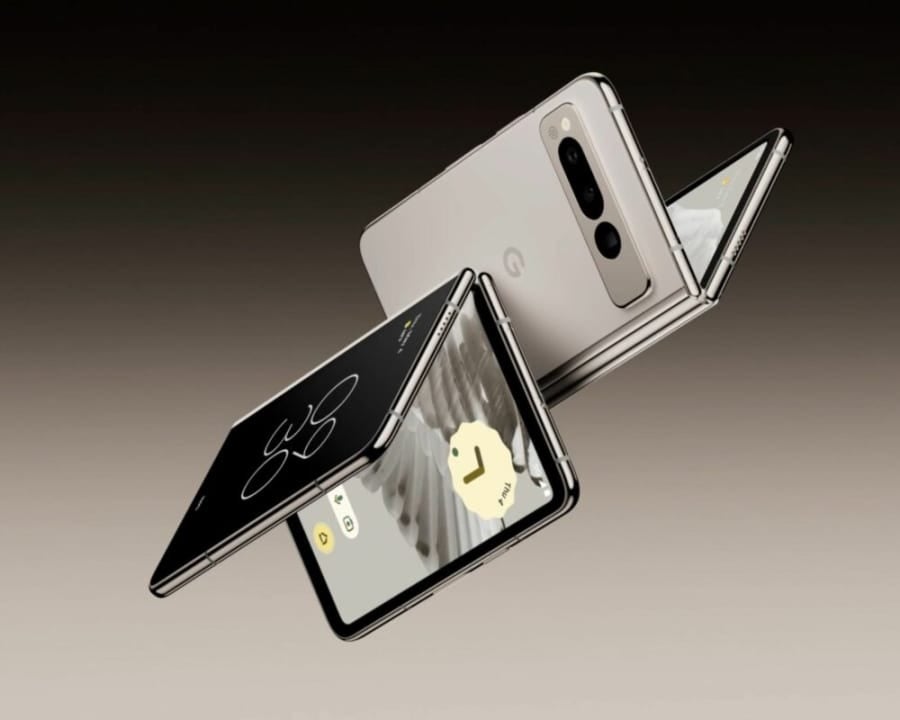
For this year’s conference, Google fans are looking forward to more information on the Google Pixel Fold, Google’s first foldable phone; the Google Pixel Tablet, a tablet that would include the Tensor G2 chip and fit in with the rest of the Pixel ecosystem; a first look at the heavily rumored Google Pixel 7A, an improved version of the Pixel 7; more data on Android 14, the company’s next operating system; a preview of Google Pixel 8 and 8 Pro, the company’s next phones; and news on Google Bard, the AI launched to compete with ChatGPT that had some (serious) problems in its early days.

Android 14 DOWNLOAD

Will we be right in our predictions, and will there be any other surprise announcements? We’ll have to wait for the conference to find out.

Some of the links added in the article are part of affiliate campaigns and may represent benefits for Softonic.