iBooks gets iOS 7 redesign

Two months after releasing iOS 7, Apple has finally updated its iBooks app to match the rest of its apps and operating system. iOS 7 features a dramatic redesign of the operating system, getting rid of all the fake wood and metal textures that iOS was known for. However, iBooks featured a wooden bookshelf up until today.

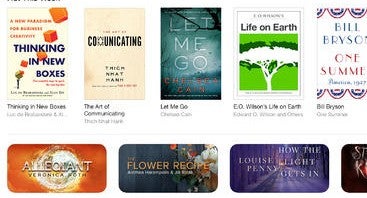
The update also redesigns the iBook store, which now resembles the App Store and Newsstand apps. The entire interface is bright and minimal, no avoids using real world textures in its interface.

iBooks store

iTunes U, Apple’s education portal, has also been redesigned to fit the iOS 7 design standards.

iWork and iLife apps for iOS 7 have also been redesigned and are available for free with the purchase of a new iOS device.

Download iBooks for iOS
RELATED STORIES

iBooks Author review

Yesterday’s big announcement by Apple was the release of iBooks Author and iBooks 2. iBooks Author is a Mac application and Apple’s attempt at revolutionizing educational books whether they be textbooks, cookbooks, history books, picture books and more for iPad. With it, you can create all of the above and more via a classically easy to use Apple interface. iBooks 2 is the application you need to view publications created in iBooks Author.

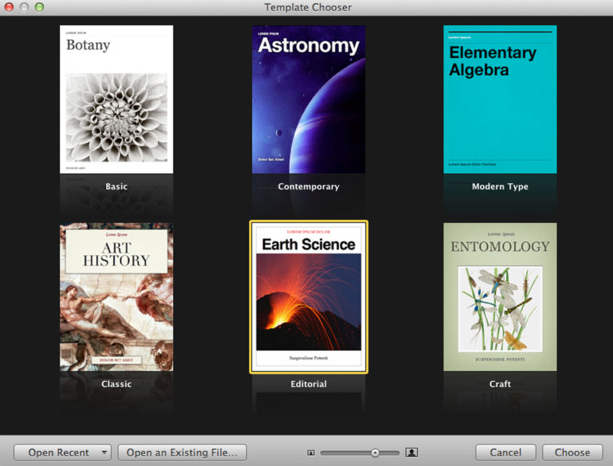
To get you started quickly, there are lots of Apple-designed templates that merely require you to add your own text and drag and drop images.

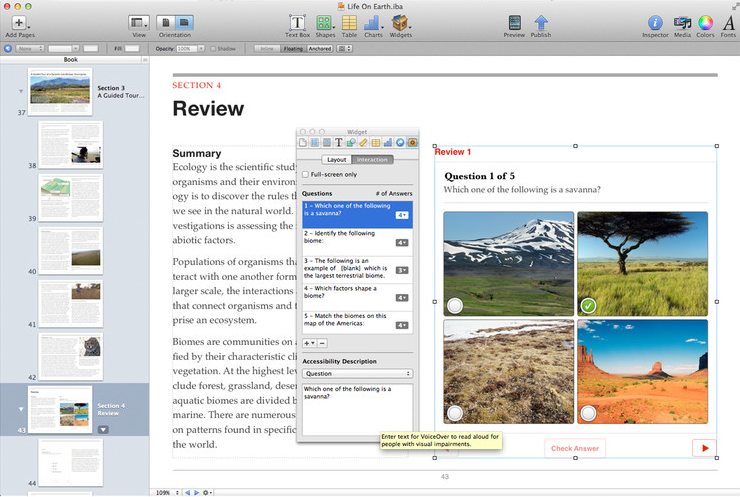
To add interactive photo galleries, movies, Keynote presentations, 3D objects and more, there are simple widgets which make things very easy indeed. The widgets are one of the outstanding features of iBooks Author. They enable you to add everything from a photo gallery to a Keynote (Keynote ’09 v5.1.1 or later) presentation and can be easily identified in your Table of Contents. You can also add a voice-over to make it easier for sight-impaired readers to read your books. Continue reading “iBooks Author review”