Operating system, web browser, office suite, media player… Microsoft had everything covered, except for a security application. A few months ago they surprised us with Microsoft Security Essentials, their first attempt at developing a stand-alone security application for home use. Today, Security Essentials has come of age, leaving the beta stage behind and launching its first final version.
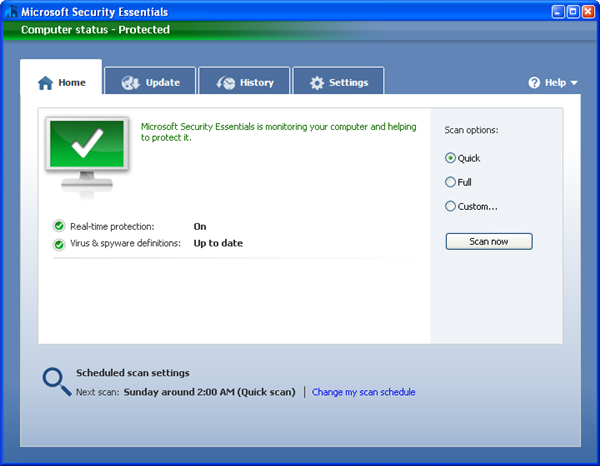
It seems that the three months of beta testing have been as calm as a millpond. At least that’s what you infer from the differences between the beta and the final versions, which are basically none. Microsoft Security Essentials features the same clear, easy-to-use tabbed interface and pretty the same tools and functionality.
Microsoft Security Essentials includes three types of scans: Quick, which scans those areas in your system that are most likely to get infected; Full, which scans your whole computer; and Customizable, which lets you select which specific folders and files should be scanned. Continue reading “Microsoft Security Essentials review”
 Microsoft Security Essentials is rated as a good antivirus application by the independent testing laboratory Virus Bulletin, but it has been reported on The Verge that the software has failed to gain the latest certificate from the AV-TEST institute.