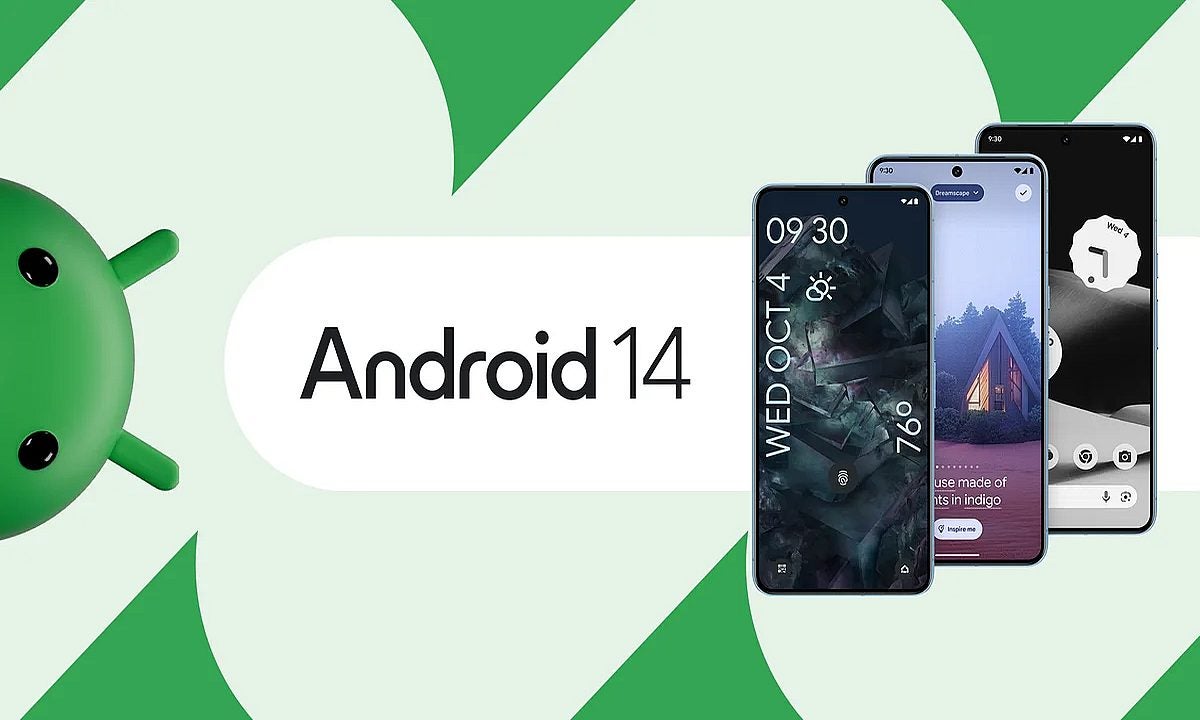
Google has once again raised the bar with the release of Android 14, the latest iteration of its popular Android operating system. Available today on Pixel phones and soon-to-grace devices from other manufacturers, this update promises not only enhanced security features but also a host of exciting new customizations and capabilities.
Here is a quick summary of what Android 14 offers.
Lock screen personalization
One of the standout features of Android 14 is its revamped lock screen customizations. Users can now take full control of their lock screens, with the ability to swap between different clock styles and formats.
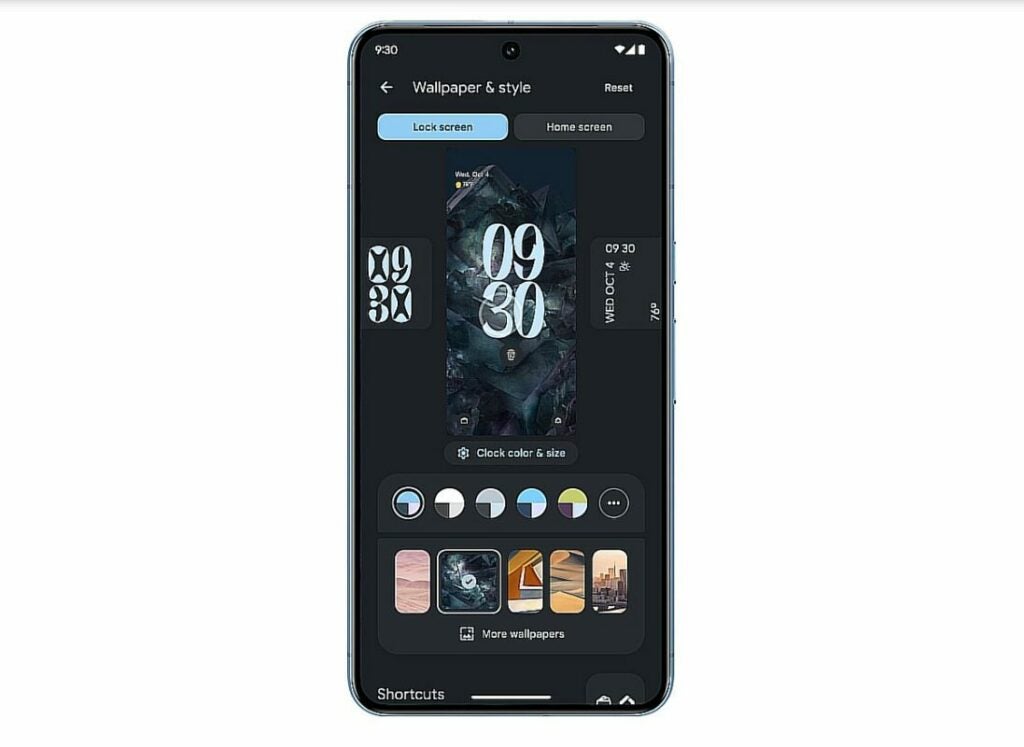
This addition allows you to infuse your device with a personal touch, making your smartphone experience truly unique. Furthermore, Google is introducing an AI-powered wallpaper generator exclusively for the Pixel 8 and 8 Pro, allowing for dynamic and captivating backgrounds.
Enhanced security with passkey support
Security is a top priority for Android 14, and it brings substantial improvements in this regard. With expanded passkey support, users can now use their fingerprint to sign in to third-party apps, simplifying the login experience and ensuring a higher level of security.
Android’s new Credential Manager consolidates sign-in methods, including passwords and “Sign-in with Google,” ensuring that users have access to the most secure options.
Privacy protections
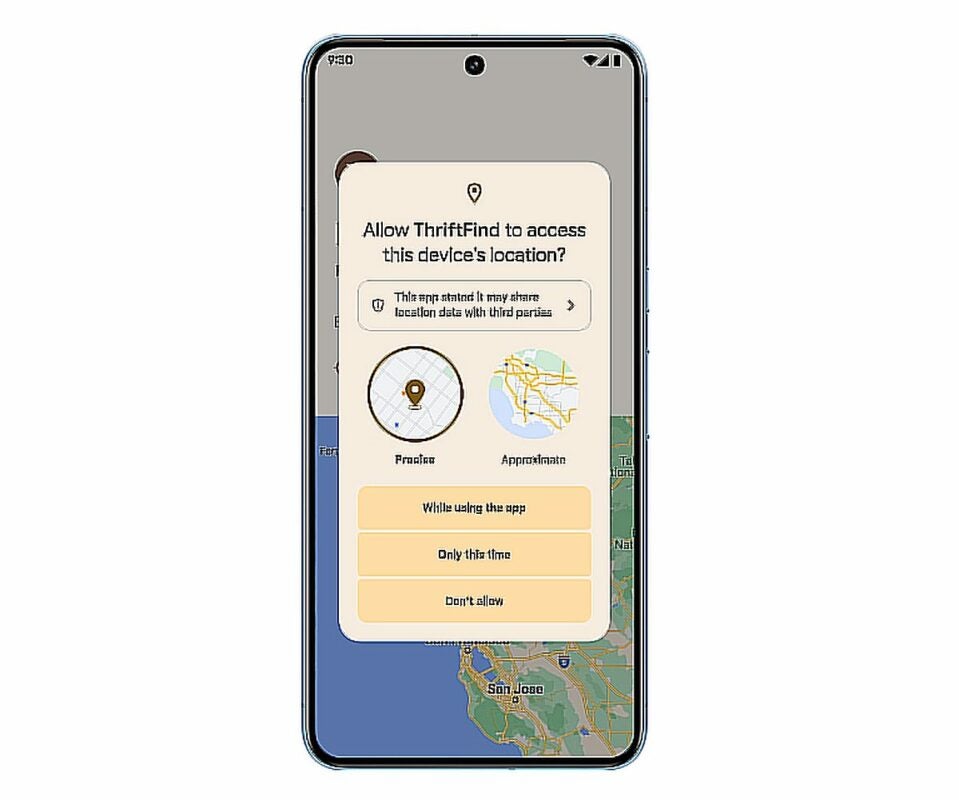
In an age where data privacy is paramount, Android 14 is taking strides to protect its users from shady data brokers. This update comes with robust privacy protections, safeguarding your personal information and ensuring that you have greater control over how your data is used and shared.
Camera and imaging enhancements
For photography enthusiasts, Android 14 brings better camera extension support and 10-bit HDR image support. These enhancements promise to elevate your smartphone photography experience, allowing you to capture stunning and vibrant images with ease.
Health and fitness tracking
Android’s new Health Connect feature is set to rival Apple Health by storing health and fitness data on-device. This ensures that your sensitive health information remains secure and accessible only to you. It’s a leap forward in making health monitoring more seamless and user-centric.
Android 14 availability
Android 14 is currently available on Pixel phones (4A 5G and up), with support for devices from manufacturers like Samsung, Nothing, OnePlus, and more coming later this year. This widespread availability ensures that users across different brands can benefit from the new features and improvements.
With Android 14, Google continues to innovate and enhance the Android operating system. From lock screen personalization to improved security and a range of exciting features, this update promises to provide users with a more enjoyable and secure smartphone experience. As technology evolves, Android 14 reaffirms Google’s commitment to staying at the forefront of the mobile operating system landscape, setting the stage for the future of Android devices.
For more detailed information, click here.