Scientists design a cheap super battery

Professor Kang claims that this new battery could be used in various sectors, such as electric vehicles. The best part is that it operates with salt.

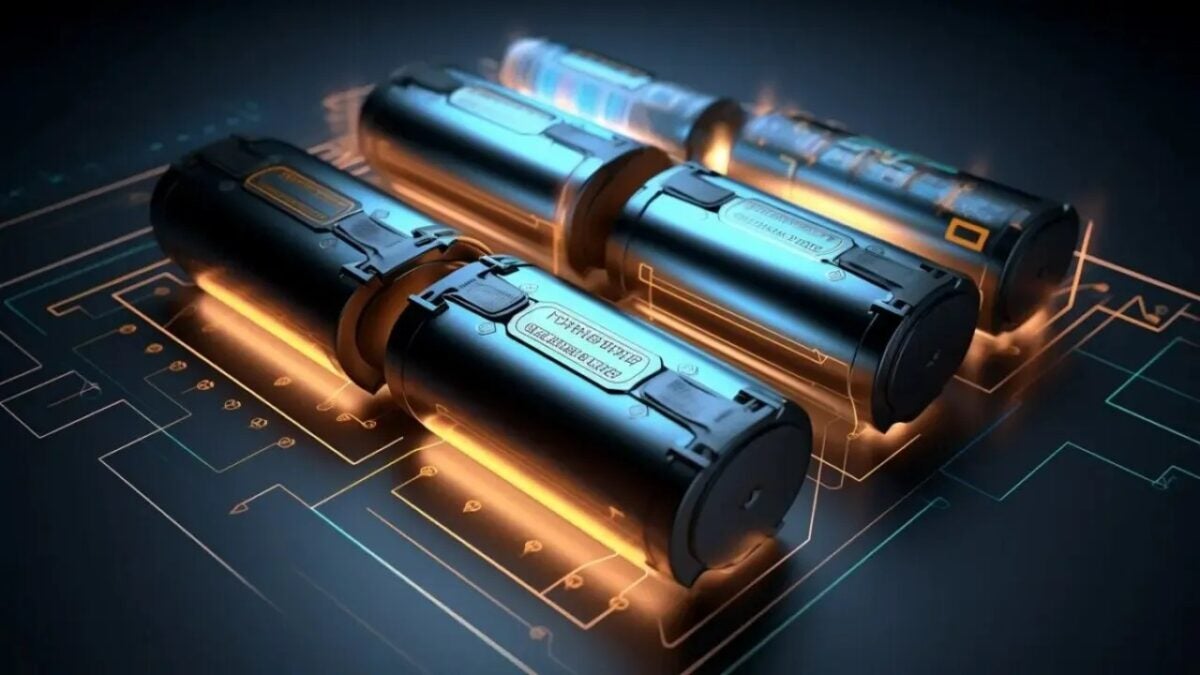
Researchers from the Korea Advanced Institute of Science and Technology (KAIST) have developed a high-performance hybrid sodium-ion battery that charges quickly and offers impressive energy density.

AppleTV+ DOWNLOAD

This revolutionary prototype uses sodium (Na), a chemical element that is more than 1,000 times more abundant and cheaper than lithium (Li), the main component of conventional batteries.

Generally, sodium-ion batteries face limitations such as lower power, limited storage properties, and prolonged charging times. Here is the study.

The innovative battery design, led by Professor Jeung Ku Kang from the Department of Materials Science and Engineering at KAIST, tackles the current limitations of sodium-ion batteries by integrating the anode materials used in traditional batteries with the cathodes used in supercapacitors. The result offers high storage capacity and fast charging and discharging speed.

A battery that could be the solution to our problems

The development of the hybrid battery relied on improving the energy storage speed of the battery anodes and increasing the relatively low capacity of the supercapacitor cathode materials.

The research team at KAIST used two different metal-organic frameworks to create an optimized synthesis of hybrid batteries, resulting in an anodic material with improved kinetics and a high-capacity cathodic material.

The fully assembled sodium-ion energy storage hybrid device surpasses the energy density of commercial lithium-ion batteries and matches the power density characteristics of supercapacitors.

AppleTV+ DOWNLOAD

Professor Kang claims that this new battery, with an energy density of 247 Wh/kg and a power density of 34,748 W/kg, could be used in various sectors, such as electric vehicles, smart electronics, and aerospace technologies.

Save the Juice: Activate Power Saving Mode to Optimize Your iPhone’s Battery

The energy saving mode —Low Power Mode to be exact— is a very useful resource to easily extend the battery life of our iPhone.

Our iPhones are nowadays indispensable tools for almost everything. So if there’s one thing we need, it’s a battery that lasts as long as possible. Whether it’s to pay with Apple Pay in a store, to send some files that someone needs via AirDrop or simply to find the keys with our AirTag, the iPhone’s power saving mode ensures the maximum possible autonomy.

Continue reading “Save the Juice: Activate Power Saving Mode to Optimize Your iPhone’s Battery”

Is your iPhone battery drained? Learn how to troubleshoot charging issues and extend its lifespan

By taking care of our iPhone and following some good practices, we can enjoy longer battery life and better performance to enjoy our iPhone all day.

With how much we use our iPhone on a daily basis, something of vital importance is that it offers us a good battery life. Whether due to charging problems or due to the use or configuration of the same, we could see how the battery runs out faster than we would like. Fortunately, the situation has an easy solution.

AppleTV+ DOWNLOAD

Let’s start with two scenarios. One in which the iPhone presents irregularities when charging and another in which the battery lasts less than expected. For both we can improve the situation quite easily.

How to troubleshoot iPhone charging problems

It is not common, but sometimes we can find some irregularity during the charging process. Faced with this situation the first thing to do is simply turn off the iPhone and turn it back on. Then, in order, this is what we can do:

  • Check the charging port: let’s make sure that the charging port is free of dust, dirt or any debris. If necessary, let’s use a soft toothbrush or toothpick to clean it very carefully. The goal is to ensure that the connector makes good contact with the port.
  • Try another cable and charger: if the error persists, try using another cable and charger to rule out the possibility that they are the cause of the problem. If our iPhone charges correctly with another cable and charger, we may need to replace them. On the other hand, we can also try charging another iPhone with the same charger to see where the error is coming from.
  • Update the software: software updates always bring fixes and improvements. It could be that an update will put an end to the irregularities. We can check this in Settings > General > Software update.
  • Reset the iPhone: with a full backup of all information, we can try to completely reset the phone and, before restoring the backup, see if the iPhone charges. If so, and if it fails again after restoring the copy, we should consider a clean install.

If none of the above steps work, it is possible that the error comes from something related to the hardware. In this case, it is best to contact Apple technical support or go to an Apple Store where, with specific tests, we can find out what is happening and fix it.

How to extend iPhone battery life

In the second scenario, where battery life is less than expected, we have a good amount of resources. There are many recommendations circulating on the web in this regard. From all of them, let’s pick out the ones that work:

  • Let’s activate the low power mode: the low power mode temporarily reduces or disables some functions of our iPhone to extend battery life. We can activate it in Settings > Battery > Low Power Mode or by asking Siri.
  • Enable automatic brightness: the screen is one of the components that consumes the most energy, leaving it to the system to regulate the brightness, we will ensure maximum autonomy. We can do this in Settings > Accessibility > Display and text size > Automatic brightness.

  • Use Wi-Fi instead of mobile data: Whenever possible, use Wi-Fi connections instead of mobile data, as using mobile data can drain the battery more quickly, especially with heavy connectivity use.
  • Take care of the iPhone’s temperature: exposure to extremely high or low temperatures affects performance and battery life. Avoid, above all, leaving your iPhone in the sun, inside a hot vehicle, or in very cold environments.
  • Activate airplane mode in low coverage areas: if we are in an area with low signal coverage, activating airplane mode can prevent our iPhone from constantly searching for a signal and consuming battery in the process. While we can use Wi-Fi calling to remain reachable or AirDrop to send files.
  • Replace the battery if necessary: all batteries, not just iPhone batteries, degrade over time. It is something inherent to technology and something we can’t avoid in any way. If the battery capacity has decreased significantly, consider replacing it with a new one.

With these tips and solutions, we can troubleshoot charging problems and extend the life of our iPhone battery very easily. As we said the battery is a consumable part and its capacity will naturally decrease over time. However, by taking care of our iPhone and following some good practices, we will be able to enjoy longer battery life and better performance to enjoy our iPhone all day long.

AppleTV+ DOWNLOAD

Some of the links added in the article are part of affiliate campaigns and may represent benefits for Softonic.

Debunking myths: what you should know about charging your iPhone while you sleep

Can I charge my iPhone overnight? Yes. In fact, it’s a great idea for several reasons.

During the day we are too busy to charge our iPhone, which leaves us as almost the only option to do it at night (every other night if we are talking about this Honor). We leave our phone when we go to sleep and in the morning it has the battery ready for a new day, a bit like ourselves. But is it a good idea? Some say yes, some say no. Let’s set the record straight.

Continue reading “Debunking myths: what you should know about charging your iPhone while you sleep”

Get Ready for the Ultimate Battery Test: iPhone 14 Pro Max vs Samsung Galaxy S23 Ultra

More battery equals more usage time, right? Well, not necessarily, this test of the iPhone 14 Pro Max Battery vs. the Samsung Galaxy S23 Ultra proves it.

The battery of smartphones is a feature to be taken into account, as it allows us to use the device for a long time without having to constantly charge it. The capacity of a battery in an iPhone or any other phone is a key data, but it is not the only one, as the test that confronts the iPhone 14 Pro Max and the new Samsung Galaxy S23 Ultra shows us.

Continue reading “Get Ready for the Ultimate Battery Test: iPhone 14 Pro Max vs Samsung Galaxy S23 Ultra”