A Picture is Worth a Thousand Taps: How to Snap Photos with Your Apple Watch and iPhone

Easy, efficient and something that makes a very substantial difference in some photos.

The integration between the Apple Watch and the iPhone allows us to go far beyond simply receiving notifications. One of the many uses we can give our watch in conjunction with our iPhone is to take pictures. We open the corresponding app and we can see the framing, adjust the exposure and focus, set timers, activate or deactivate the flash and, when the time is right, capture an image with a simple tap on our wrist. Let’s take a look at the options available to us and how to use them.

Continue reading “A Picture is Worth a Thousand Taps: How to Snap Photos with Your Apple Watch and iPhone”

Master the Art of iPhone Photography: Tips for Creating Vibrant Images

Thanks to computational photography on the iPhone, we can take full advantage of image processing technology to achieve amazing results.

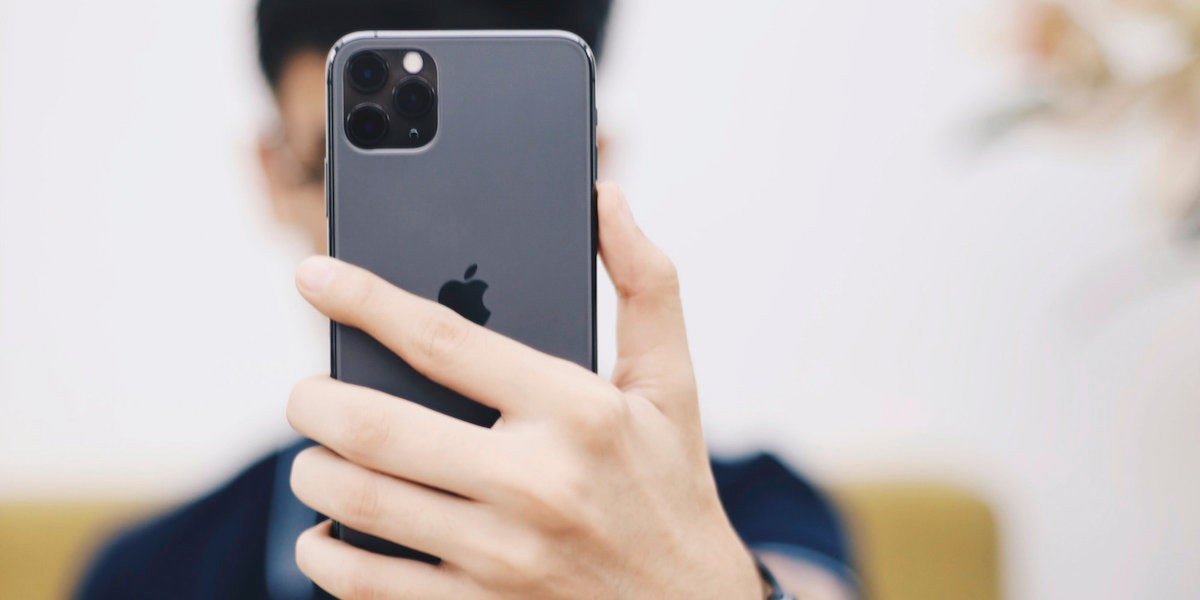
The camera quality on iPhones has improved significantly over the years, and these devices now boast one of the best mobile cameras on the market. However, when it comes to getting creative with the lighting, finish and feel of a photograph sometimes we need to go a little further. Luckily, there are a few tricks and techniques we can use to get the most out of the iPhone camera and make our photos look much more vivid and appealing.

Continue reading “Master the Art of iPhone Photography: Tips for Creating Vibrant Images”

Quick and Easy Fixes for Common QR Code Scanning Errors on iPhone

What can we do if the iPhone camera refuses to scan a QR code?

Scanning QR codes with our iPhone is easy and does not require additional applications. Its usefulness is enormous and, for example, we can use them to connect to a Wi-Fi network without having to enter the password or to download an app that we see advertised in a store or restaurant. We simply point the camera at the QR code and that’s it. But what happens if the scanning doesn’t work? Here are several possible solutions.

Continue reading “Quick and Easy Fixes for Common QR Code Scanning Errors on iPhone”

Are your iPhone selfies making you look strange? Here’s why and how to fix it

Sometimes the selfies we take with the iPhone can seem strange to us. And the truth is that yes, depending on what settings we have, they can be turned upside down.

Nowadays, iPhone front-facing cameras are essential in everyday life. We are talking about much more than selfies, sending video messages to people nearby or making video calls are just two examples of use. In fact, the iPhone 15 Pro will have an amazing camera. But, returning to the subject of selfies, sometimes, after taking our best photo we notice it weird, like something is not right. Well, yes, they are upside down.

Continue reading “Are your iPhone selfies making you look strange? Here’s why and how to fix it”