Coming Soon: iOS 16.5 Unveiled with Game-Changing Updates and Enhancements

After several weeks of testing, Apple will release iOS 16.5 to the public next week. This update will be the last one we will receive before WWDC in June and the announcement of iOS 17.

It’s finally here: after more than a month of testing, Apple will release iOS 16.5 next week to the public. This update will be the last we will receive on our iPhones before the WWDC in June and the announcement of iOS 17.

iOS 16 DOWNLOAD

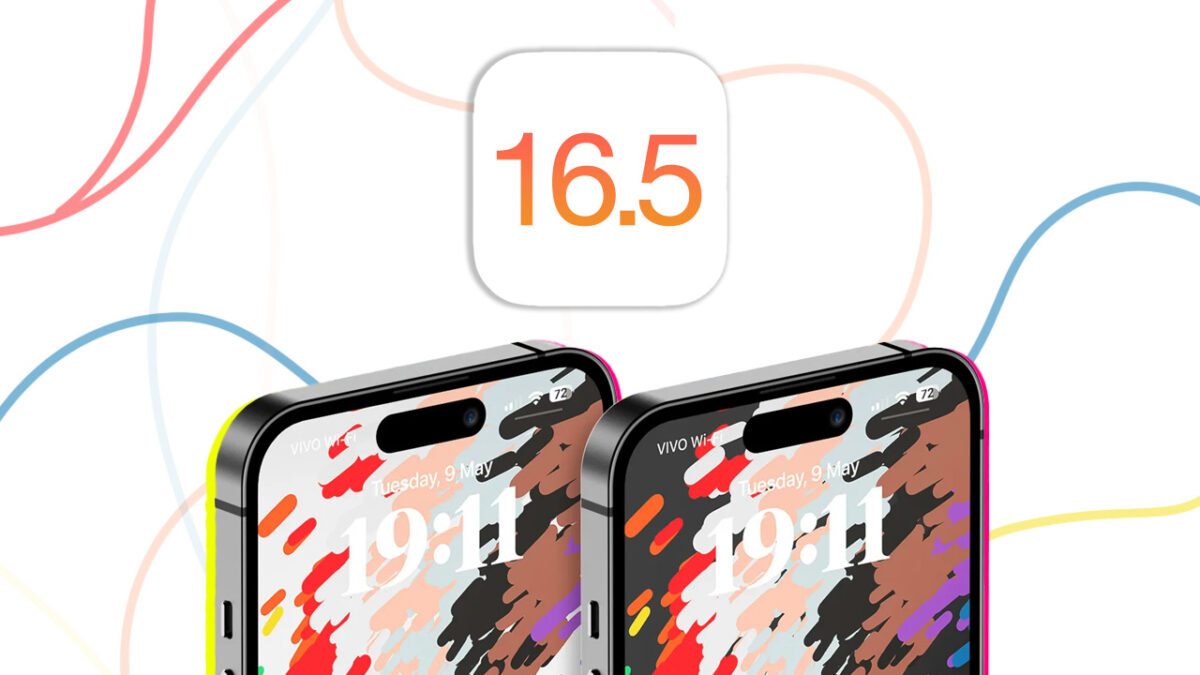
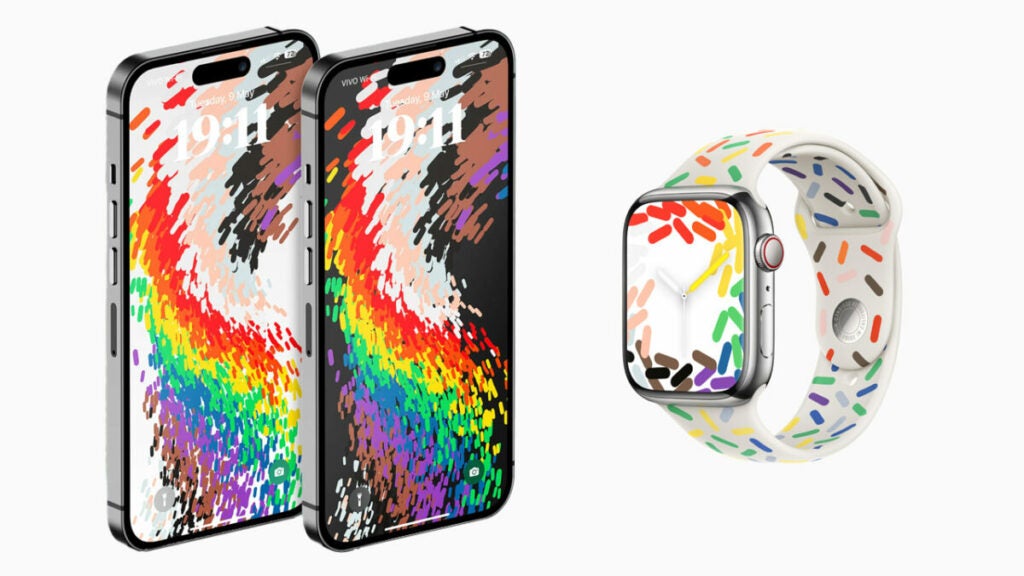
The new iOS 16.5 will arrive with a number of fixes and new features aimed at improving our user experience. In addition, we will have a new Pride commemorative wallpaper. This design is complemented by the introduction of a new dial for the Apple Watch and a band with the same theme.
In the beta versions of iOS 16.5, a new Siri command was introduced that served to start and end a screen recording. However, it has been removed in subsequent betas and will not be present in the final version.

The applications also receive several new features. For starters, Apple News shows a new Sports tab that allows you to follow in a more direct way everything related to the sports field. In addition, there are also fixes related to Spotlight search, CarPlay and Time of Use:

  • Spotlight could sometimes stop working, something that has been fixed in this version.
  • There will be no more problems loading the Podcasts app in CarPlay.
  • Problems related to device synchronization and Time of Use settings have also been fixed.

If we follow Apple’s usual pattern, it is likely that the update will be released between May 15 and 16. While the company will continue to release new versions of iOS 16, the truth is that we are already looking forward to everything new that is to come with iOS 17. Remember that to install the update, you will have to go to Settings > General > Software Update.

iOS 16

Some of the links added in the article are part of affiliate campaigns and may represent benefits for Softonic.

How to Fix iPhone Weather App Problems: Troubleshooting Tips and Tricks

The popular Weather app has experienced many outages during the month of April and things don’t seem to be getting any better.

Have you tried looking at the weather on your iPhone lately? The popular Weather app has experienced many outages during the month of April and it seems that things are not getting any better. Although it is not very clear what the downside is, users keep reporting problems through social networks.

iOS 16 DOWNLOAD

During this morning, Twitter users began to talk about the continuous failures in the operation of the application. Despite the complaints, Apple has not confirmed that there are any problems of any kind with the service.

The reality is that the failures are varied. Some users’ devices display erroneous information, while others cannot see anything at all.

What can I do to fix the Time errors?

The Weather Channel DOWNLOAD

Although the Weather app comes installed by default on Apple devices, the information displayed is obtained from The Weather Channel. This is an international weather service that displays the weather for virtually anywhere. If Weather has stopped working for you, you can always visit The Weather Channel‘s own website for more information.

If you find that the problems persist, check that you have an active connection on your iPhone, either WiFi or via data. Ultimately, turn your device off and on. This will kill any background processes that are causing problems.

Some of the links added in the article are part of affiliate campaigns and may represent benefits for Softonic.
Sneak Peek at iOS 16.5: Download and Install the Beta, Developer or Not!

All we have to do is sign up for the public beta program, install the profile and enter the Settings app to download the updates.

While the latest official version of iOS 16 that is available is iOS 16.4.1, which came with several security improvements, version 16.5 is also available in beta form. A beta that we can easily access whether we are developers or not to download, install and test the latest features of the iPhone operating system.

Continue reading “Sneak Peek at iOS 16.5: Download and Install the Beta, Developer or Not!”