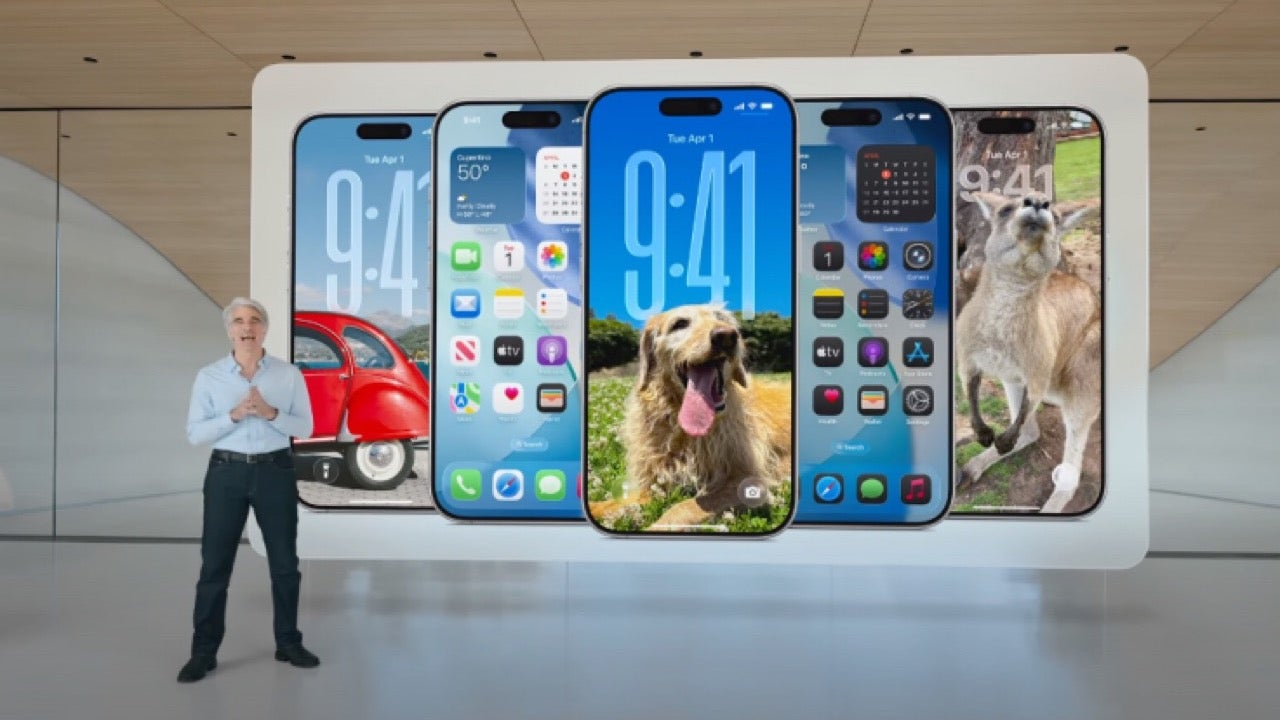
Apple has officially unveiled iOS 26, and while the Liquid Glass design will reach all compatible iPhones, many of its most powerful upgrades require newer devices. If you’re not using an iPhone 15 Pro or later, here’s what you’ll be missing out on.
Apple Intelligence transforms systemwide features
Several updates in iOS 26 rely on Apple’s new AI platform, Apple Intelligence, and are only available on the iPhone 15 Pro and newer models. For example, screenshot analysis now uses visual intelligence to help users identify products, extract text, or add events directly to their calendar.
Messages, FaceTime, and Phone get live translation
Thanks to Apple Intelligence, live translation now works across Messages, FaceTime, and the Phone app. Incoming and outgoing messages can be translated automatically, and live captions appear during FaceTime and calls, making real-time multilingual conversations easier than ever.
AI-enhanced Shortcuts and Reminders
The Shortcuts app gains new AI-powered actions, enabling users to summarize text, generate images, and connect to Apple’s language models. In the Reminders app, suggestions and automatic task organization now work based on content found in messages or emails.
Personalized messages and visuals with Genmoji
iOS 26 introduces custom Genmoji creation, where users can blend emojis or describe a style to generate personalized visuals. Image Playground, now enhanced with new art styles like anime and watercolor, also supports creating custom backgrounds in Messages.
Wallet and Lock Screen improvements
Order tracking in Apple Wallet is smarter, using AI to extract shipping details from emails, bypassing merchant support. Even the Lock Screen now reacts to device motion, creating a new 3D photo effect on supported models.