
We showed you how to reserve your own vanity URL for your Vine web profile and today, those profiles go live. Vine’s web profiles feature a simple stream of your Vine feed once you log in. You can either enter in your user name and password or use Twitter’s login system.
Vines in your feed play automatically as you scroll down, same as the Vine mobile apps. Users will also be able to “Like,” Revine, Tweet, comment, and share videos on Facebook. There’s also an expanded menu with options to report the video, go to the post’s page, get an embed code, and email. Unfortunately that’s the extent of what you can do with Vine’s web profiles. There’s no section to explore Vines from users who you don’t follow nor is there a way to upload video clips.

Once nice touch Vine included with web profiles is “TV Mode,” which allows users to view individual Vine videos in full screen. You will lose the ability to see and make comments but you can use your arrow keys to move through your feed.
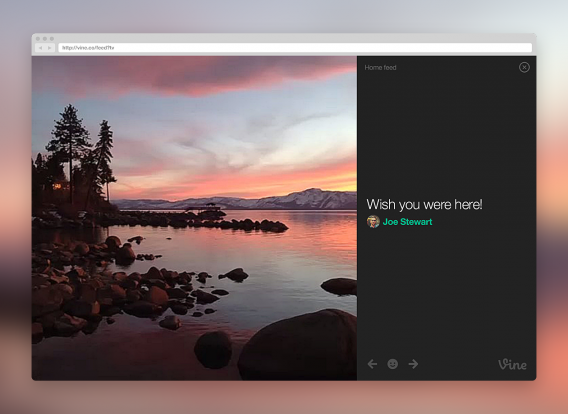
To check out your own Vine web profile, head over to vine.co.
Download Vine: Android | iOS | Windows Phone
Source: Vine Blog