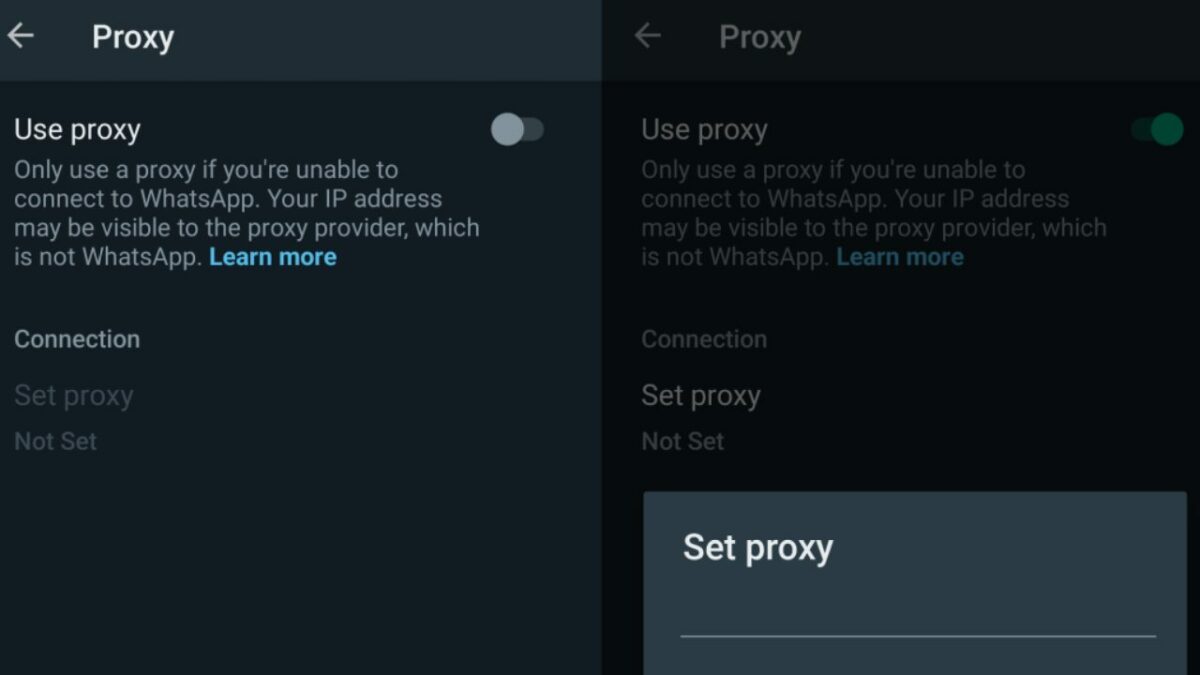
WhatsApp is a popular messaging service by Meta, parent company of Facebook. The service is designed to work everywhere, provided that an Internet connection is available on the device.
WhatsApp may be blocked in some regions or environments. Devices connected to a company network may have certain restrictions, and the use of messaging apps like Whatsapp may be one of them.
Similarly, WhatsApp may be blocked temporarily or permanently in certain regions or countries. Governments may block Internet communication temporarily, for example, during election days or demonstrations.
A visit to one of those regions or permanent residency there makes it difficult to use the service. Up until now, use of VPNs could help bypass the block. Now, WhatsApp users have another option at their disposal: proxy servers.
WhatsApp Proxy Server support
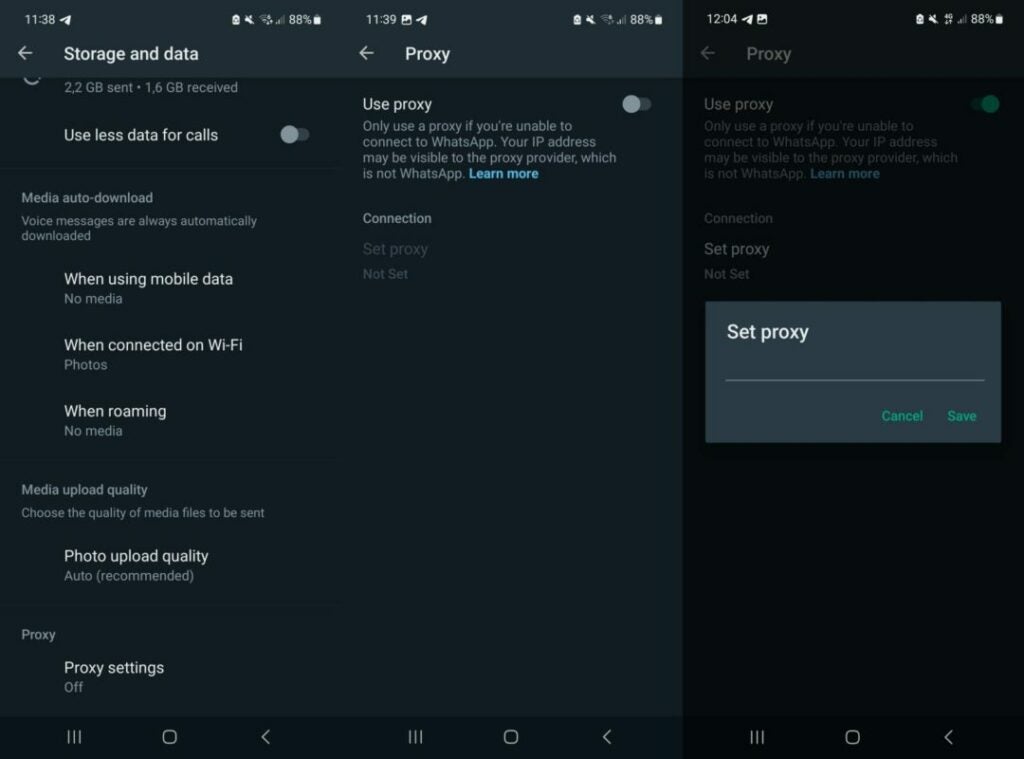
WhatsApp announced support for proxy servers this week. Users of the messaging app may use proxies to bypass blocks.
Announcing the news, the company says:
We’re mindful that just as we’ve celebrated the start to 2023 through private texts or calls, there are many people who continue to be denied the ability to reach their loved ones because of internet shutdowns. To help, today we’re launching proxy support for WhatsApp users all over the world. What this means is we’re putting the power into people’s hands to maintain access to WhatsApp if their connection is blocked or disrupted.
Choosing a proxy enables you to connect to WhatsApp through servers set up by volunteers and organizations around the world dedicated to helping people communicate freely.
A proxy server acts as an intermediary server between the user’s device and the target destination. In the case of WhatsApp, traffic is tunneled through the proxy server to communicate with WhatsApp. The bypass works on the condition that the proxy server is not blocked as well.
User messages and data is protected with the same level of privacy and security as direct WhatsApp connections, according to the announcement. The maintainer of the proxy server sees the IP address of the user’s device, however.
It is essential, therefor, that a trusted proxy provider is selected.
Setting up a proxy in WhatsApp
WhatsApp itself does not maintain any proxies. The company recommends that users search on the Internet to find proxy servers by “trusted sources” to use.
Setting up a proxy on Android
- Select the three-dots on the main page and then Settings.
- Go to Storage and Data > Proxy.
- Select Proxy settings.
- Tap the use proxy preference to set it to ON
- Tap on Set Proxy.
- Enter the proxy address and tap save to connect.
WhatsApp displays a checkmark if the connect is successful.
Setting up a proxy on iOS
- Open the WhatsApp Settings.
- Go to Storage and Data > Proxy.
- Tap Use Proxy.
- Type the proxy address and tap save to connect.
WhatsApp displays a checkmark if the connect is successful.
Verdict
Support for proxy servers adds another access option to WhatsApp. While it may be unnecessary for most users of the server, it may be the only option for some.
Finding a trusted proxy provider can be challenging, on the other hand.
WhatsApp explains how to set up a proxy on GitHub. The instructions are technical, and they require access to a server or computer to run the proxy on.
