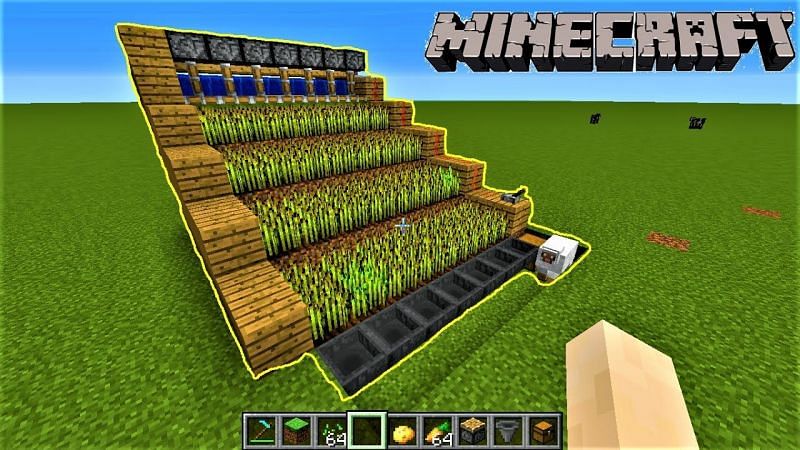
Minecraft farming guide

Farming can feed you in Minecraft, giving you something peaceful to concentrate on, and put money in your pocket. This is how to do it.

We’re bringing you another of our Minecraft guides. Today, we’re looking at farming. Why do you need to farm in Minecraft? Well, because farming in the Minecraft world is a great food source just like it is in the real world. Also, just like in the real world, you will get hungry in Minecraft and want something to eat.

Farming isn’t just about food for your belly, though. You can trade your food with other players and NPCs (non-player characters), or you can simply sell it to get your hands on money, which you can then use to buy whatever you need. Like most things Minecraft though, farming is a big subject, so buckle in as we go through the basics.

What can you farm in Minecraft?

Minecraft farming: sugar cane

Sugar Cane grows naturally near water, and you can start a sugar cane farm with a single sugar cane block. It looks like green reeds and, when grown, can be used to make sugar, which can go into other food items, but also paper and other crafting items.

To grow sugar cane, you place the reeds next to a body of water you’ve either found or built. It will grow to be three blocks tall, and then you want to harvest the top two blocks and let the bottom block grow again.
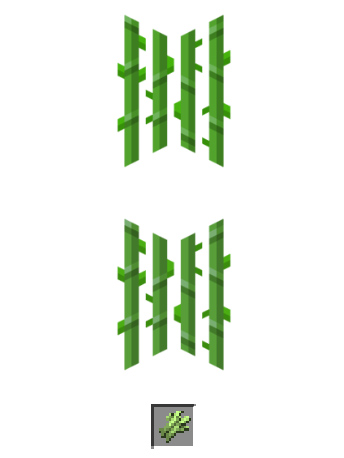
Image via: Minecraft Wiki

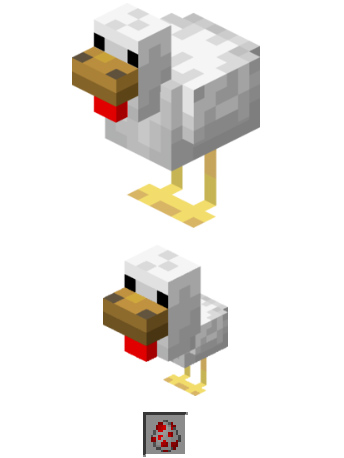
Minecraft farming: chickens

Chickens are a very useful resource in Minecraft. You can cook and eat them, they also produce eggs, and you can make arrows out of their feathers. You can hunt chickens if you have some seed in your hands as they will follow you wherever you go. You’ll need to walk slowly though. This means you can build a pen and then they’ll walk into it themselves.

Another way you can start a chicken farm is by using eggs. If you can collect eggs, one out of every eight you place in your pen will hatch into a chicken.
Minecraft farming: mushrooms

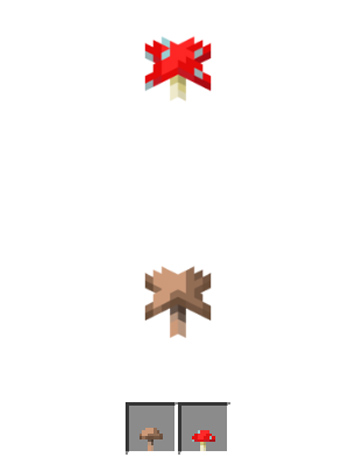
Mushrooms don’t need water and grow in the dark, or at least anywhere the light level is 12 or below, which means you’ll be best growing them indoors in a dimly lit room. You’ll probably be worrying about monsters now though, which spawn in the dark. You can use nearby torches, two blocks away, to prevent this or farm your mushrooms in corridors that are only one block high. This second method would work because mushrooms spread, as long as there aren’t more than five other mushrooms around, so you can direct this spread to an area where you can access them.
Minecraft farming: melons

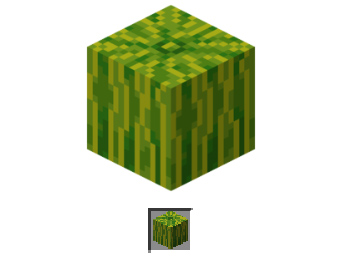
Melons are quite difficult crops to grow in Minecraft, but with a bit of effort and planning, you should be able to do it. Once grown, they’re an excellent source of food as melon slices and also produce further melon seeds.

To grow melons, you need to create strips of soil that are flanked either side by strips of water and grass. This is so the grass will support the heavy melon as it grows, which is helped by the water the melon can drink. You can use fertilizer to help them grow faster, but we’ll come to that later. When you harvest melons, chop the melon block and leave the stalk block to grow again.
Minecraft farming: wheat

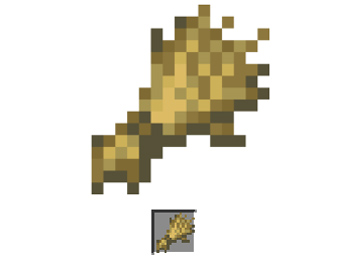
Wheat is a staple crop and is one of the easiest things you can grow in Minecraft. Wheat not only creates a crop for you to use, but it’ll also give you extra blocks that you can use to expand your farm.

To create a wheat farm, you’ll need to create strips of soil two blocks wide with one block wide strips of water either side. The wheat doesn’t need the water to grow, but it will grow much faster when it can access water. You need to plant your seeds in the soil and wait until the sprouts grow and turn a yellow or brown color. You then harvest the wheat and use some of the harvests to replant the wheat to grow again.
And more…

We’ve outlined some of the things you can grow on Minecraft. You can also grow things like carrots and potatoes, which grow like wheat. Another option for your melon farm would be pumpkins. You could also try your hand growing cocoa beans, cacti, or beetroot among other things.

How to: Farming in Minecraft

Minecraft farming house

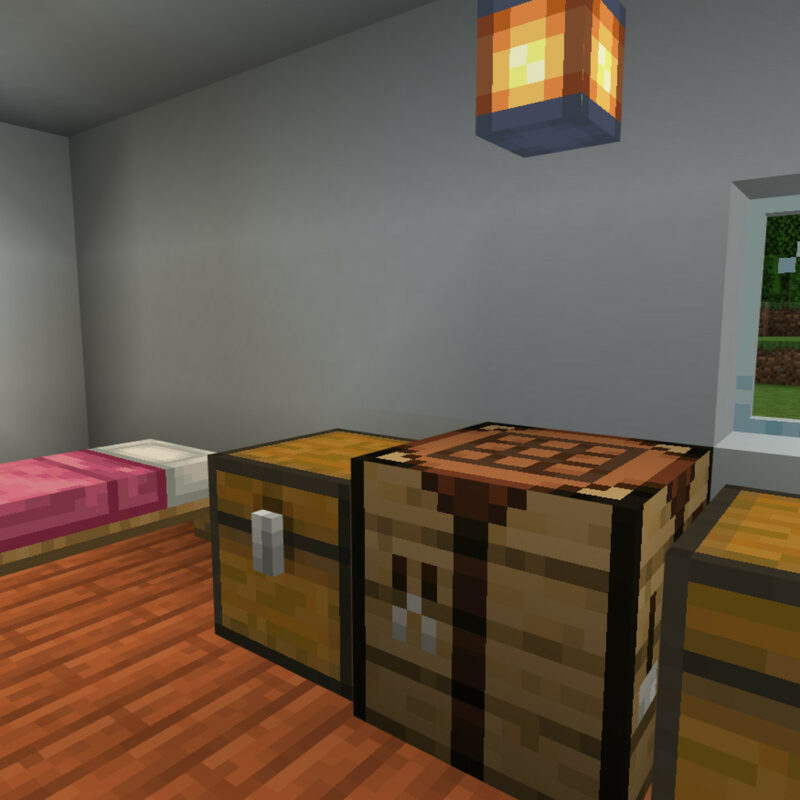
The basics you’ll need for your Minecraft farmhouse beyond walls etc. are a bed, a chest, and a crafting table. With these in place you’ll always spawn nearby should you die, you’ll have somewhere to store your crops, and you’ll also be able to build new farming tools when you wear down the ones you have.

The right kind of soil

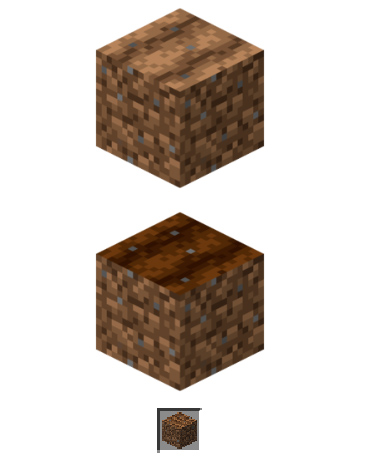
Speaking of farming tools, you’re going to need a hoe. You use a hoe to turn grass and dirt blocks into farmable soil. If you follow the guidelines laid out above, you’ll be able to create farmland in most areas and biomes. To make a hoe you need two planks and two sticks. Place one of the sticks in the center square of your crafting grid and the other directly below it. Then place one of the planks above the central stick and the other plank to the left in the top-left corner of the grid.
Water and light

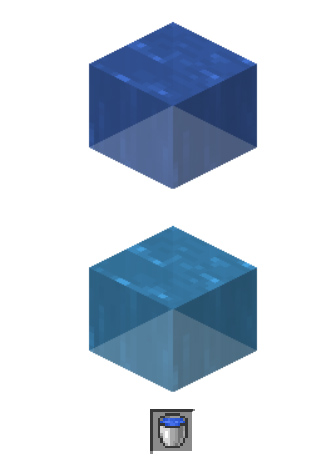
Your crops are going to need access to water and light if they’re going to grow properly. The most efficient way to set up a farm is to build water channels next to your crops so that you don’t have to run around with buckets all the time. With light, outdoor farms will work best, except for mushrooms. You can grow indoors and even underground, but remember, if the light source isn’t as strong, the plants will take longer to grow.
Seeds and fertilizer

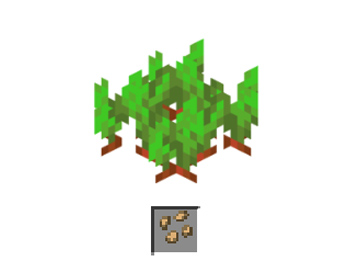
You can find seeds like pumpkin seeds, wheat seeds, plant seeds, and more in chests. You can also trade for them with villagers, and even get potato and carrot seeds by killing zombies. Another source of seeds is destroying grass blocks you find dotted around the world and searching out wild versions of the plants you want to grow.

To fertilize your crops you need to use bone meal and, in some cases, the crops will grow instantly when you fertilize them. You can create bone meal yourself by grinding up the bones of skeletons you’ve destroyed in a fight.
Minecraft crafting guide

Here are all the basic recipes you’re going to need to craft to get started on Minecraft.

We love Mojang’s Minecraft here at Softonic. We’ve been playing it for years and just can’t get enough. If you’re new to the game though, you could be feeling a bit lost right now. Minecraft is massive with almost endless possibilities, which makes it harder to answer that single question every single player has to answer. Where to begin?

Well, this week we’re going to walk you through some of the most vital lessons all-new Minecraft players need to learn. Today we’re looking at how to craft basic items from the materials you mine from the map around you. If you want to learn how to craft items like a saddle, a table, a book, a shield, or more stick with us. We’ll show you how to do all that now. Remember though, that you can’t craft anything without the right items. True craftsmen should always have a pickaxe, some cobblestone, wooden planks, anvils, stone brick, potions, TNT, a fishing rod, iron blocks, and iron bars.

Minecraft Download now ►
7

Crafting recipes: Minecraft crafting guide

Crafting in Minecraft is a basic and necessary skill. It is how you will get your hands on most of the items and tools you’ll need to live your best Minecraft life. You craft items by following the recipe that your particular item needs. Let’s look then at how to craft some of the most important Minecraft items.

How to make a Table

Minecraft crafting table
Image via: Minecraft Wiki

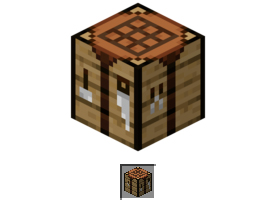
The crafting table is a key item in Minecraft as it expands your crafting grid from 2×2 squares to a 3×3 grid and so makes it possible for you to craft more complex items. The crafting table recipe is very simple. All you need to do is place four planks next to each other in your crafting grid. These can be any type of wood planks that you can get in Minecraft including Oak, Spruce, Birch, Jungle, Acacia, and Dark Oak.

How to make Saddles

Minecraft saddle
Image via: Minecraft Wiki

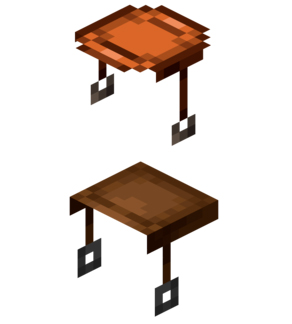
Saddles are useful Minecraft items because they help you tame and control various animals that you can get then ride. For example, you can ride a tamed donkey and horse without a saddle, but you won’t be able to control the animal. You can even use a saddle to ride a pig. Be careful though, because once that saddle is the pig, the only way you’ll be able to get it back is by killing the pig. You can simply unequip a saddle from other animals.

Unfortunately, a saddle isn’t something you can make with a crafting table or a furnace. You need to either find one or buy one from a Master-level leatherworker villager. You can find saddles in many different types of chests including those found in stronghold altars, dungeons, weaponsmiths, savanna village houses, nether fortresses, jungle temples, desert temples, End city, and village tanneries.

How to make a Shield

Minecraft shield
Image via: Minecraft Wiki

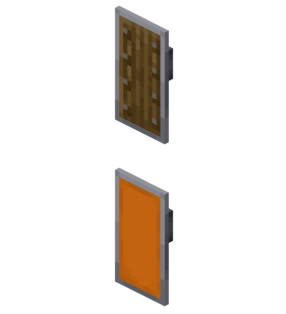
Shields are really cool items in Minecraft. You need to build them on your crafting table as you’ll need seven ingredients for the shield recipe. All you need to do is place 6 planks in the shape of a Y onto the crafting table with an iron ingot in the middle square on the top row. This will create your shield.

What’s really great about shields though, is that you can customize them with. To do so, you simply pop your shield into your crafting grid next to your design and the pattern will be added to your shield. You can even add spells/enchantments to your shield too.

How to make a Book

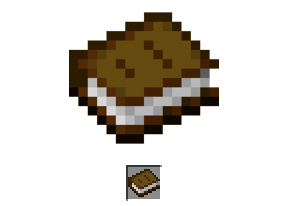
Minecraft book
Image via: Minecraft Wiki

Books are intriguing items in Minecraft. Once you have a book you can turn it into an enchanted book using an enchantment table and you can also use a collection of three books to build a bookshelf.

The Minecraft book recipe needs only four squares in your crafting grid. You need to place a piece of leather at the bottom of the grid and then place three pieces of paper wrapping around and above it from on the left. One piece of paper to the left, another to the left in the row above, and another piece of paper directly above the leather.

How to make a Bed

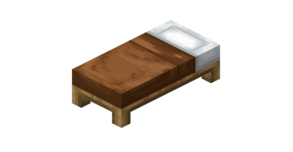
Minecraft bed
Image via: Minecraft Wiki

Beds are vital items in Minecraft and should be one of the first items you craft. The bed allows you to sleep and set a respawn area where you’ll appear should you ever die. If you’re looking to build a house in Minecraft, it won’t be complete until you’ve added a bed.

To build a bed in Minecraft you will need three planks and three pieces of wool. You need to put the wool in the top three squares of your crafting grid and the planks in the three squares below them. The planks don’t need to match but the color of the wool must match for the Minecraft bed recipe to work. Interestingly, if you build a white bed you can change the color by using a matching dye. You can also revert your bed back to a white bed by using bleach.

How to make a Map

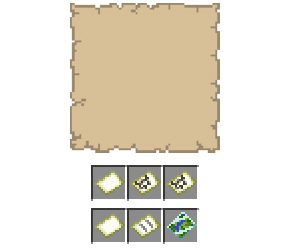
Minecraft map
Image via: Minecraft Wiki

Maps are brilliant items in Minecraft. When you craft a map, it is blank. Then you set it as a Map item and then as you explore your surroundings the map fills with all the information the player collects. This means that the map will only include information for areas you’ve actually been to.

To craft a map, you’re going to need eight pieces of paper and a compass. You need to place the compass in the middle square of your crafting grid and then place the paper in all the squares around it. Remember though, that creating the map isn’t enough, you must set it as a Map item for it to begin collecting information.

How to make Concrete

Concrete blocks are sturdy, and you can color them as you please with the appropriate dye. However, you first need to craft concrete power before you can create this block. For that, you’ll need to place four gravel blocks in the lower grid spaces and on the middle right, the dye in the top left, and four sand blocks in the remaining spaces.

Of course, this just creates the concrete powder block. To complete your construction, you’ll need to place this in a body of water such as a lake or a river. Using a water cauldron, rain, or water bottles won’t work.

How to make Rails

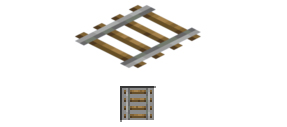
Minecraft rails

All good mines have rails and carts to facilitate faster transportation. Minecraft is no different and creating rails for your track is very important. The Minecraft rails recipe creates 16 different pieces of track that you can then place for quicker transportation. To build rails on Minecraft you need six iron ingots and a stick. You need to place the stick in the center square of your crafting grid and place the iron ingots in each of the three squares to the left and the right of the stick. When placed correctly, it should look like the letter H.

Minecraft for Parents: 7 tips to help you get involved

Minecraft by Mojang isn’t just another stupid, popular game your kids are obsessing over. It’s actually a huge source of creativity, and it’s the perfect opportunity to get to know your kids a little bit better. Let me explain with a parents’ guide to Minecraft.

Minecraft has been defined in many different ways: a video game, virtual LEGO, a world builder, a mining simulator, and a graphic adventure. It’s true, Minecraft contains elements of all of these things, but its gameplay is also about the freedom to create, build and explore in a virtual sandbox.

Minecraft Download now ►
7

Like many video games, however, as a parent, you can be both perplexed and concerned the first time you see Minecraft. All of a sudden, your children are racking up hours of screen time, playing in a virtually infinite world. While some may chalk it up to just kids playing video games, others may choose not to ask about it for fear that they won’t understand the answer.

On the contrary, there’s little to fear as Minecraft is a kid-friendly environment that can actually be a powerful educational tool; a playing field in which both you and your young children can learn, communicate, and develop problem-solving skills together. Here’s what you need to know if you want to play Minecraft with your kids

Observe and question, but don’t judge

It may be difficult to figure out what’s going on at first. Everything is moving very fast. You’ll see things that seem absurd and cartoon-like that you won’t understand, like catching pigs with a fishing rod or plugging up holes in the water. Your child may suddenly start flying over mountains or set fire to stone. All this is normal. You’ve just landed in a different virtual world.

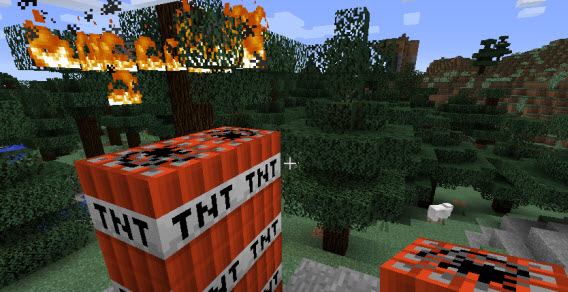
Sheep, dynamite and a tree on fire. It makes no sense, but there’s no cause for concern.

Look closely at everything that happens. After a while, you’ll become familiar with the essential elements of Minecraft, like the fact that monsters, zombies, and creepers come out at night, and objects are constructed from basic ingredients and recipes. Ask your child what they’re building every now and again, along with what it’s for, but don’t judge: this isn’t your adventure just yet.

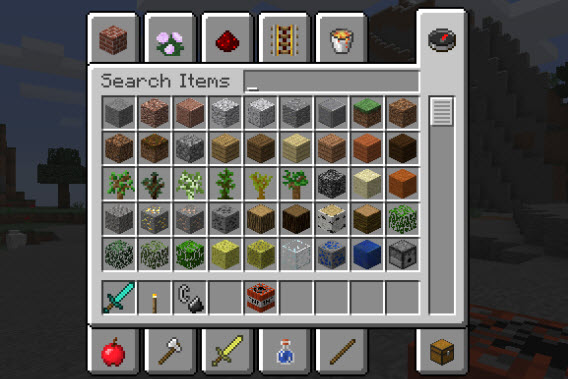
There are plenty of building blocks and items in the game, but it takes time to know them all.

Also, remember that Minecraft has two different editions: Standard, and Pocket. The standard edition is for PCs, Macs, and consoles like the PlayStation 3, Xbox 360, PS4, and Xbox One, Windows PC, while Minecraft Pocket Edition is the smartphone and tablet version for Android and iPhone (it has a few limitations, like smaller worlds, game modes, and a lack of certain blocks, but in essence, it’s the same version of Minecraft for smaller devices).

Minecraft - Pocket Edition Download and play now
8

Learn everything you can about the game

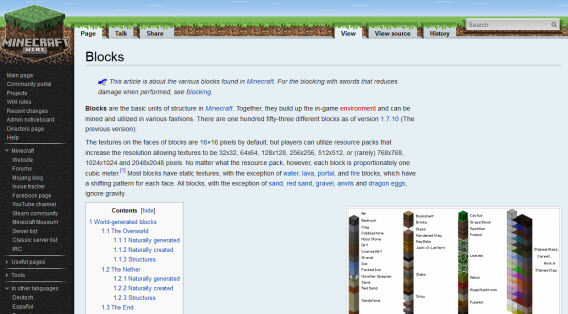
Nothing in Minecraft is explained beforehand; there are no maps or instructions to tell you what to do. As a result, finding and sharing information online is an essential part of the game. You’ll often see your kids spending lots of time on YouTube Minecraft channels and in the Minecraft wiki to find info. In this way, even the single-player game is very much an online multiplayer game too.

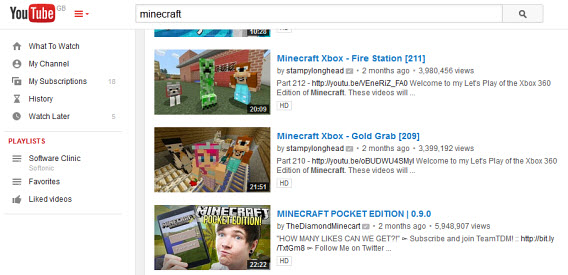
Both YouTube and Twitch.tv have channels where you can find in-game Minecraft videos with gamers commenting on various aspects of the game and sharing their adventures using specific terms that your kids will most likely already be using.

The YouTube channels dedicated to Minecraft have millions of viewers.

Why not try and watch a few of these videos with your kids? If you’re worried about strong language (an unfortunate inevitability in some videos), just turn down the volume. Take the time to find channels that you like and feel are appropriate. You can also hide comments or watch videos in TV mode.

Help your child plan and build

Minecraft is more complex than it seems. As is the case with LEGO, for example, children can get easily frustrated if they don’t realize their vision quickly enough. Your presence could actually help your kids enjoy the game more if they’re stuck with a “creative block”.

It’s good to let your kids build and explore freely, but every now and then, you should set them challenges or goals to work towards, and then help them out if they need it. You could ask them to reconstruct something you’ve seen while traveling, or maybe something from a movie. Minecraft’s creative mode is ideal for this, as there is no block limit and you can’t die.

Via: Source – Planning can be as fun as building

By helping them plan their constructions, not only will you be setting a good example, but you’ll also have the chance to share gaming experiences while your child plays. Teamwork can also make it easier to disconnect: by setting goals and objectives, you can decide when it’s time to take a break.

Install the most interesting Minecraft mods

Minecraft is a game that can be expanded by mods (non-official accessories). Thanks to mods, you’re able to improve the graphics, add towns with characters who speak, and add new objects and creatures. Other mods can help facilitate the construction of complex structures and speed up repetitive tasks.

Minecraft Forge Download now
7

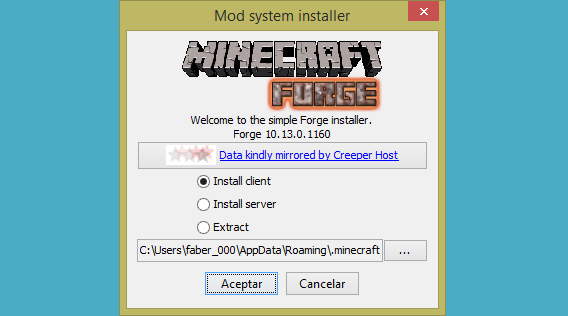
Installing mods for Minecraft is safe and easy, as long as you only use mods from reliable sources. Using Minecraft Forge is probably the easiest way to install mods, an accessory that makes it much easier to modify the game. Simply download a zip file and copy it to the Minecraft mods folder when using it.

With Minecraft Forge, installing mods is very simple (see our tutorial).

The world of mods is fascinating but complex, and it requires a bit of technical skill. As there is no official support for mods in Minecraft, they can sometimes cause the game to stop working properly, especially if it gets updated. Make sure you back up the worlds created by your children, as mentioned in this tutorial.

How to get to the folder where the worlds are saved. Make regular backups!

Create a world/kingdom only for your family

An important part of the Minecraft experience is to play with other people. There are thousands of multiplayer mode servers around the world that allow anyone to connect, but these are worlds with all types of players of which you have no control. Some encounters could be abusive or unpleasant, something you and your children should be aware of.

Luckily, you can enjoy the game with your family– without any intrusions– by using your own private server, a Minecraft world just for you and your kids. This means that you’ll have complete control over the universe: you can choose when to turn it on and off, how it will look, and what monsters it’ll have. You can even decide when it will rain. Check here to see how one’s created.

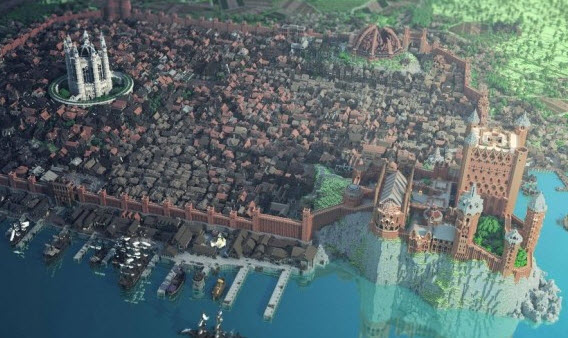
Some servers are spectacular, like this one that replicates Game of Thrones.

There’s also an even easier way to have your own permanent world: Minecraft Realms. For $10 a month, you can create private worlds that friends and family can connect to, without the need for a server at home and all the technical problems they often generate.

Remember that building isn’t everything

Minecraft can be played like LEGO, but construction is only one aspect of the game. Your kids also have the possibility to explore new lands, kill monsters, and carry out many different exploits, such as training horses or discovering treasures.

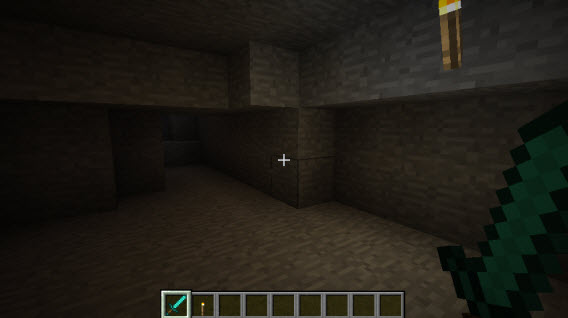
Minecraft has plenty of caves and dungeons: it might be best to explore them together.

If you want to create lasting memories of these adventures, you can record them through Twitch.tv or with a local video recorder like Fraps. Two useful tips for recording your video-adventures: change the characters’ skins so that they look different, and change the camera view using the F5 key (from first to third-person).

Fraps Download now
7

The resulting video diary can be uploaded to YouTube, much like the Minecraft Dad series, in which Paul Soares plays Minecraft with his son (he’s already added more than 100 videos in the series).

Minecraft Dad posts videos of games with his son on YouTube

Complement Minecraft with real life

Bec Oakley, the mother of two Minecraft players, gives some excellent advice on her blog: try and get your kids to use their skills in Minecraft to help them with activities in the real world. Applying what your kids have learned in Minecraft to the real world can be very useful, and it actually helps prevent your kids from staying glued to the screen for too long.

The possibilities are endless: Minecraft cakes, paper dolls, and LEGO constructions are just a few creative ideas. You can even find dozens of ideas for crafts related to the Minecraft universe on Pinterest.

Navigate through a real forest, one of the ideas suggested by the blogger MineMum

Embrace the craze

Not all video games are bad, and Minecraft could just be the perfect opportunity for you to get in on the action with your kids. The key is to accompany them not just in Minecraft, but also in the transition between Minecraft and the real world, really helping them apply what they’ve learned.