Adobe Creative Cloud Pro will cost 50% less for the first year in the United States and Canada from August 4th to August 10th. Have you been thinking about using Photoshop, Premiere Pro, Illustrator, or other apps in Adobe Creative Cloud?
Then this limited-time offer is well worth a look. As a plan, Creative Cloud Pro unites over 20 creative applications under one subscription. That also comes with Adobe Firefly generative AI features, Adobe Fonts, access to Adobe Stock’s free collection, and connected services to store and reuse creative assets.
A key benefit of the plan is its scope, allowing you to level up your creativity by trying multiple new disciplines without subscribing to each application separately. You might start with an app you’re familiar with, like Photoshop, and then try your hand at video, illustration, or layouts.
This guide explains what’s included in the plan, how the AI and Stock features work, and what you should consider before you subscribe.
Adobe Creative Cloud Pro Offer Details for August
The promotion offers 50% off the first year of Adobe Creative Cloud Pro for customers residing in the US and Canada. The sale will run from 4–10 August.
The discount only applies to the first year. After that, the plan renews at its standard price. We will cover the main pricing, billing and subscription details to look at in the “Before Subscribing” section below.
What You Get with Creative Cloud Pro
Creative Cloud Pro is the current name Adobe uses for what used to be known as Creative Cloud All Apps. If you’re comparing Adobe products, you may be familiar with that older name.
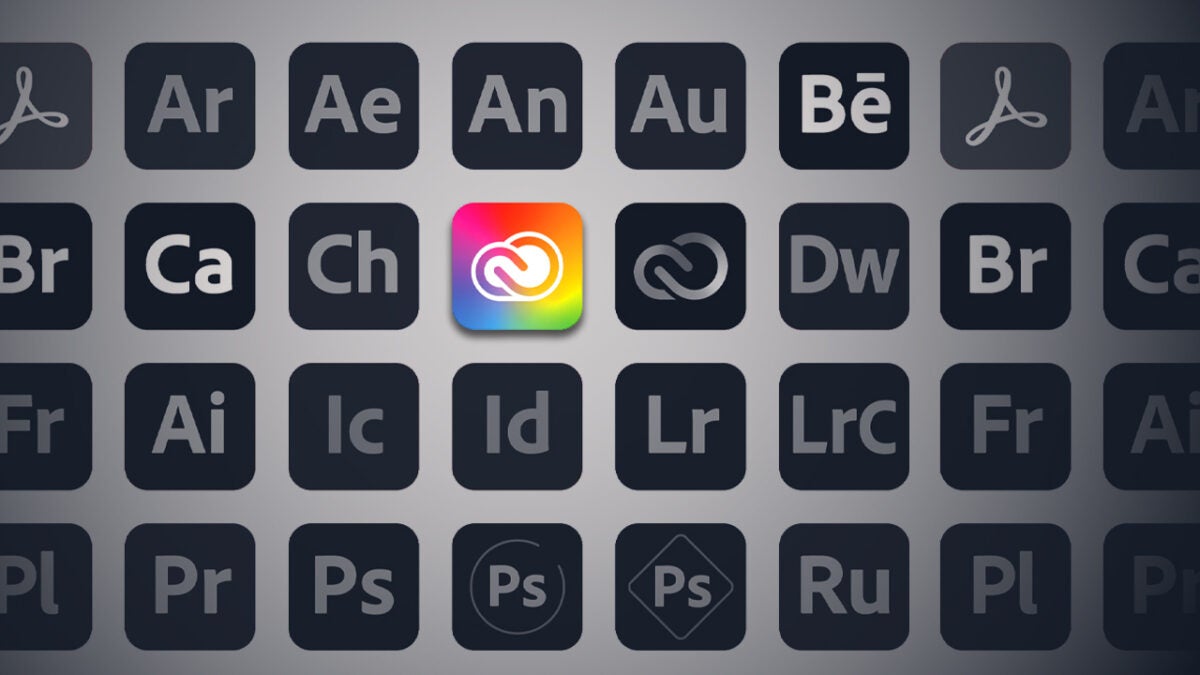
The plan that’s on offer includes over 20 Creative Cloud apps, along with Adobe Firefly generative AI features, Adobe Fonts, access to Adobe Stock’s free collection, 100GB cloud storage, Creative Cloud Libraries, and other connected services.
There’s no need to install every application at once. Simply download the software you need and use what your work dictates. You can always add others as your projects evolve.
The plan covers a range of creative software, from photography, photo editing, graphic design, illustration, video, audio, animation, and document creation. Additionally, you’ll have access to current feature updates for all the software included, as long as your membership is active.
The plan brings together many of Adobe’s most widely used creative tools that work well together, rather than Adobe’s entire product catalogue. If there’s a particular app you’re interested in, check if it’s part of the subscription. In any case, Creative Cloud Pro covers most of the applications people are likely to use for everyday creative work.
Build Real Projects Across Photoshop, Illustrator, Premiere and More
The real value behind Creative Cloud Pro is how its apps work together. For instance, a photograph you edited in Photoshop could be used in a campaign image in Adobe Express; a logo designed in Illustrator might move into a layout in InDesign, or graphics, audio and supporting images created in these applications can be brought into a video project in Premiere.
That’s how many creative projects evolve. A logo might end up in a presentation, a social campaign, a video, or even a printed brochure.
For images, photography, and digital artwork, Photoshop can cover a range of tasks, including photo editing, image compositing, digital art, and graphic design. Photographers can also turn to Lightroom and Lightroom Classic, which are very helpful to narrow the field by editing and organizing photography. If you’re more of a hands-on artist, Fresco is helpful for painting, drawing, or when you just happen to want a more natural sketching or illustration workflow.
Designers and publishers would use Illustrator to handle vector graphics, logo creation, icons and scalable artwork. For layouts and publications, InDesign facilitates lengthier documents, brochures, and editorial work. When you’ve got a tight brief (and an even tighter deadline) Adobe Express gives you a fast, template-led tool for social posts and simple visual content.
Moving into video, motion, and audio, Premiere is the go-to of the suite for video editing, while After Effects is designed for motion graphics and visual effects.
Audition takes care of audio recording and editing. For animation, Animate supports 2D and interactive work, while Character Animator can help bring illustrated characters to life through facial and body tracking.
The plan also includes more tools that can further support your workflow. Acrobat Pro is there for creating, editing, signing and managing PDFs. Bridge is normally used for managing creative files, whilst Media Encoder is for production and export workflows.
These may not be the most exciting parts of the plan, but they can keep assets and exports organized before they get out of hand.
How Adobe Firefly AI Features Work in Creative Cloud Pro
Creative Cloud Pro contains Adobe Firefly generative AI features across its applications. The plan includes unlimited access to standard generative features and comes with 4,000 monthly generative credits for premium features.
Generative credits are used when generating AI content. Premium features may require a different number of credits depending on the model, output, and file size. Every month, the credit balance will renew, but unused ones won’t roll over to the next month.
In practical terms, these AI tools can be used for ideation, editing, and production work.
In Photoshop, for example, Generative Fill and Generative Expand help you retouch images and extend a canvas. In Illustrator, Text to Vector Graphic and Generative Recolor let you work with vector ideas and colors. In Premiere, Generative Extend can help with video editing. Firefly also covers tasks that sit outside those individual apps, including text-to-image and text-to-video generation, as well as audio and video translation.
Adobe also mentions Firefly tools for images, vectors, video, audio, and access to selected Adobe and third-party AI models. This distinction is critical. Firefly outputs can be used commercially under their own conditions, but you need to know if third-party partner models are going to be suitable or not for your project.
In day-to-day use, these tools are most useful for speeding up repetitive edits and exploring ideas. They can save time, but you’ll still want to review the results before using them in client or commercial work.
Fonts, Free Stock Assets, and Workflow Tools Included in the Plan
Creative Cloud Pro includes tools that are adjacent to the creative apps. Though some people may not consider them headline tools and they are sometimes overlooked, they have their merit in making certain kinds of work a lot easier. A big benefit is that they help carry visual consistency across different formats and projects across the Creative Cloud Pro suite.
Adobe Fonts allows you to use thousands of fonts from at least 150 foundries. Fonts activated using Adobe Fonts can be used for personal and commercial projects under the terms of the licensing agreement of Adobe. Access will depend on having an active Creative Cloud subscription.
Finished work exported with the fonts properly embedded, outlined, or converted into images can continue to be used and distributed after the subscription ends, but editable files may require renewed access to the fonts.
Adobe Stock in Creative Cloud Pro provides access to its free collection, not the full paid Adobe Stock collection. These free resources are images, illustrations, video clips, and assets that come with some restrictions in licensing. Paid content will usually require the appropriate Stock license or subscription.
You also get 100GB of cloud storage and access to Creative Cloud Libraries. Libraries are a way for you to organize and reuse assets, such as colors, logos, pictures, and text styles, inside of supported applications. Adobe Portfolio, Behance and Adobe Color are also included with the membership.
If you work between multiple tools, you will probably find these workflow services important because they reduce the amount of manual searching. They also make it easier to reuse the same logos, brand colours and design elements without having to hunt through folders every time you start a new project.
Who Is Creative Cloud Pro For?
Creative Cloud Pro is relevant for many creative professionals. The value depends on how many of the included apps and services you plan to use.
A photographer who edits images and also creates social graphics, portfolios, or video is a great example. It can also be a good fit for a designer who moves between image editing, illustration, and page layouts. As for video creators, they might benefit from the editing, motion graphics, audio, and image tools within the same plan.
It would also make sense for freelancers or members of a small team of creative professionals who manage several kinds of content. Though it doesn’t always need to be for your current work, Creative Cloud Pro can just as well suit someone who has mainly worked with one type of content but wants to branch out.
For improving creative skills, a designer might want to expand into animation or a photographer may want to explore video formats. Having the full suite of apps gives you room to stretch outside your comfort zone and build up a newer creative skill set.
The question to ask is if your planned projects will regularly cross these boundaries. If you will only need one application, then the whole plan might be too much. If you plan to use several tools, then Creative Cloud Pro is worth considering.
What to Know Before Subscribing to Creative Cloud Pro
There are a few things to consider before taking advantage of Adobe’s offer. This is because, while the 50% discount makes the first year more affordable, it is worth looking at the full subscription rather than focusing only on the headline price.
First, make sure you’re viewing the correct Adobe page for the United States or Canada. The checkout page should show the final price, how often you will be billed and how long the contract lasts. Sometimes, after the offer period ends, subscriptions go back to their standard price. For that reason, you should also look at the standard renewal price after the first year and read the cancellation terms, especially if you choose an annual plan paid monthly.
Creative Cloud Pro doesn’t include all Adobe products. For that reason, it is recommended that you check that the applications and services you actually want are included. The same applies to cloud storage and monthly generative credits, as Adobe may change features or plan details over time.
Finally, remember that this is a subscription. You can continue to use exported work after cancelling, but access to the applications, updates, fonts and other membership services depends on keeping the plan active.

Is the Creative Cloud Pro Sale Worth It?
Yes, if you’re in the US or Canada and you plan on using several Creative Cloud Pro apps and services, the 50% off the first year is worth considering. Remember the offer runs from August 4–10 2026.
To recap, you will get more than 20 applications, Adobe Firefly generative AI features, 4,000 generative credits per month for premium features, Adobe Fonts, access to the Adobe Stock free collection, 100GB of cloud storage, and app integration with other cloud services.
The offer makes the most sense if you already use several Adobe applications or expect to try more of them during the year. If you only need one tool, the full plan may still be more than you need.
For anyone moving between design, photography, video or other types of creative work, the discount offers a more affordable way to explore new tools, level up their creativity and develop a broader set of professional skills.
