Both photography enthusiasts and professionals know that Adobe Photoshop and Adobe Lightroom are excellent programs for editing and bringing out the best in each of our captures. However, despite their similarities, each of them is designed to achieve different objectives.
Knowing what each one does will help you choose the most suitable program for your projects. We are sure that both are tremendously powerful and will also help you give a more professional touch to your work.

Adobe Photoshop and Adobe Lightroom: What do they do?
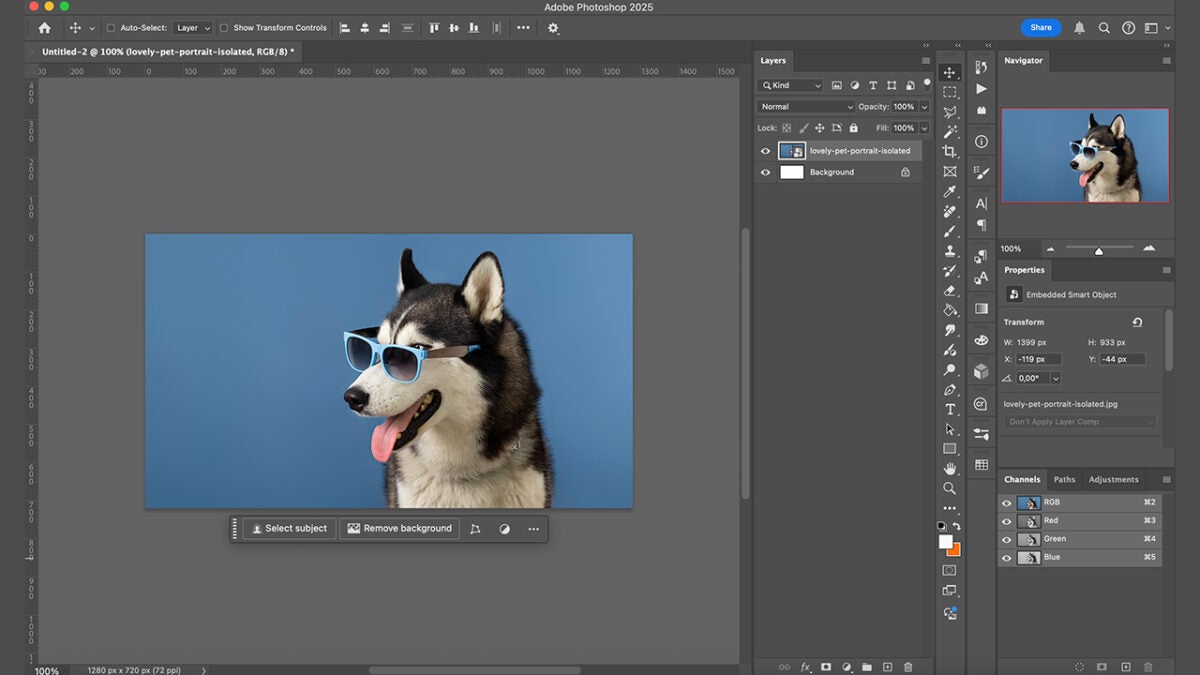
Although both are photo editing programs, you will see that their functions vary quite a bit once you use them thoroughly. Adobe Photoshop is used for image manipulation, retouching, modifying, and adding graphics, among other things. Although it essentially helps us improve photos, Photoshop also allows us to bring our projects to life from scratch. That is why it is not only used by photographers but also the number one choice for many graphic designers and illustrators for content creation.
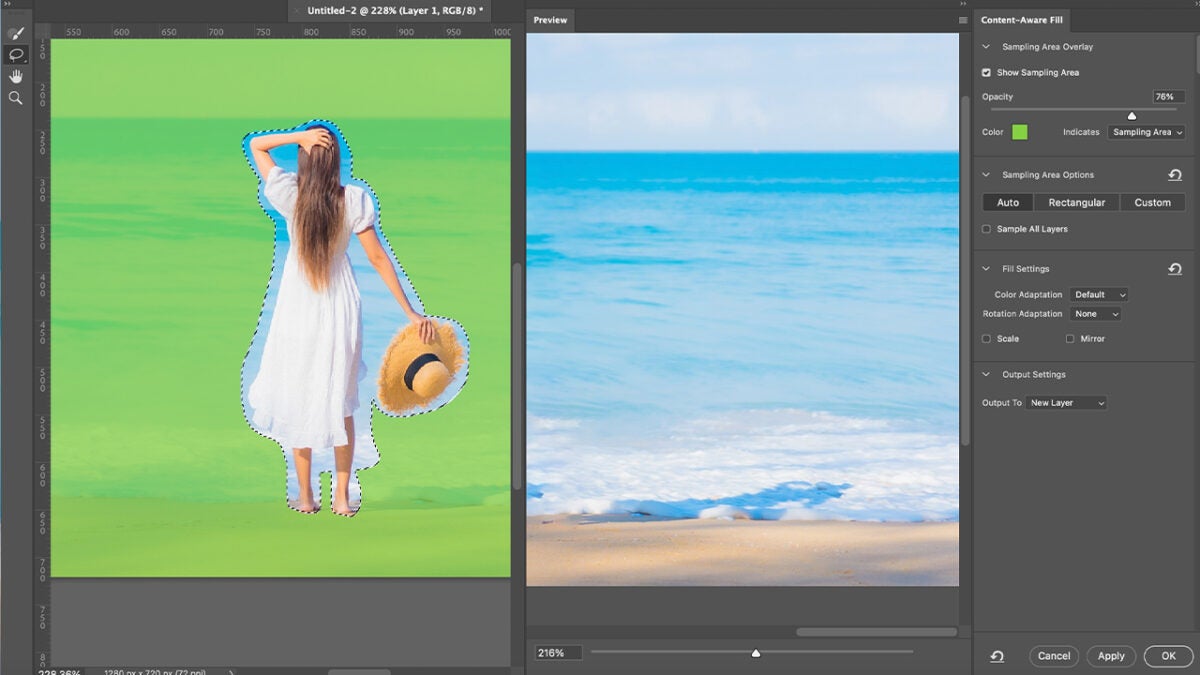
In Adobe Photoshop, we have tools such as filters, layers, masks, and many controls to completely change an image. The great complexity of Photoshop can be something incredible for creatives due to its great freedom. However, for others, it can be quite overwhelming to learn how to use it.
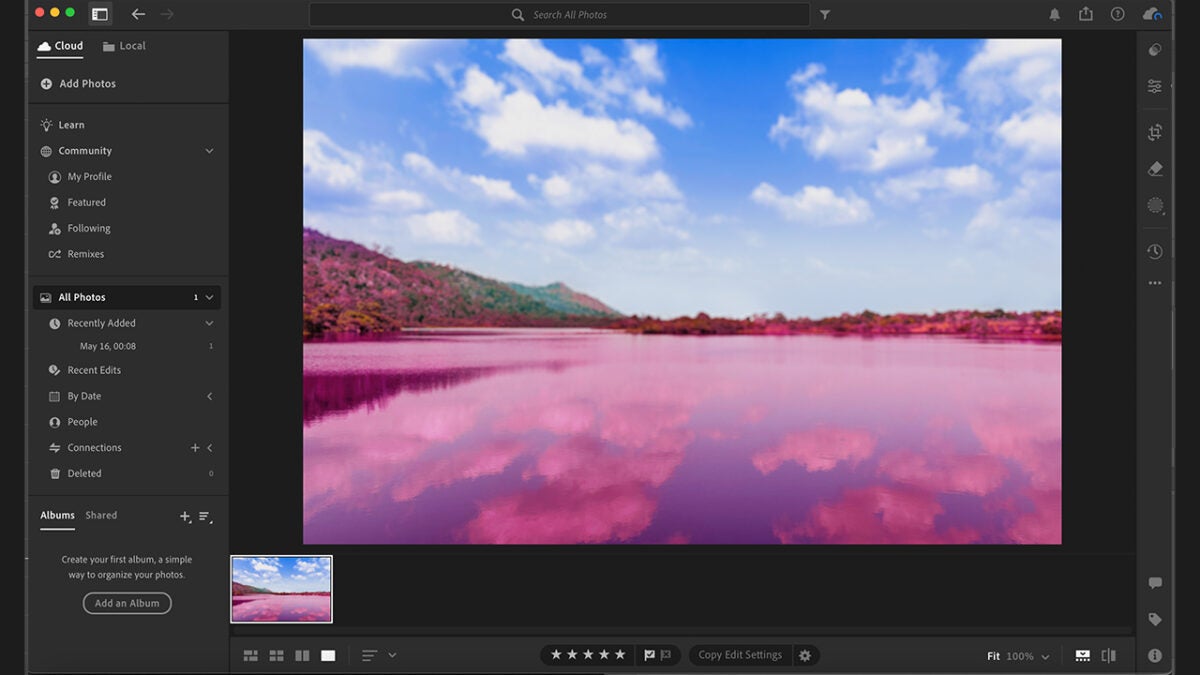
On the other hand, Adobe Lightroom is simpler and offers tools much more focused on photo editing. Lightroom focuses on aspects such as cropping, lens correction, or color adjustments, for example. Another great advantage of Adobe Lightroom is its ability to organize photographs as if we had our own “digital library.” By allowing the management of large quantities of images, it also saves us work hours.
As we mentioned before, an advantage (or disadvantage, depending on how you look at it) of Lightroom is that it is much simpler and intuitive than Photoshop. This is ideal for those who do not have a particular interest in learning to use complex programs.
It is important to emphasize that, currently, Lightroom relies heavily on cloud functionality. All the photos you add to Lightroom are stored in Adobe’s cloud in their original version, so you can work with them from anywhere besides having backups.
When should you use Adobe Lightroom?
If you want to improve your photos, whether in RAW or JPEG, Adobe Lightroom is your program. When we talk about improving, we mean correcting one or several shots’ exposure, contrast, or colors.
Lightroom is also perfect for those situations where you have too many photos and need to organize and edit them in bulk, such as after a photo session or a trip. It allows us to apply the same settings from one photograph to many at once. Lightroom lets you rate your images to identify the best and organize them into catalogs or collections.
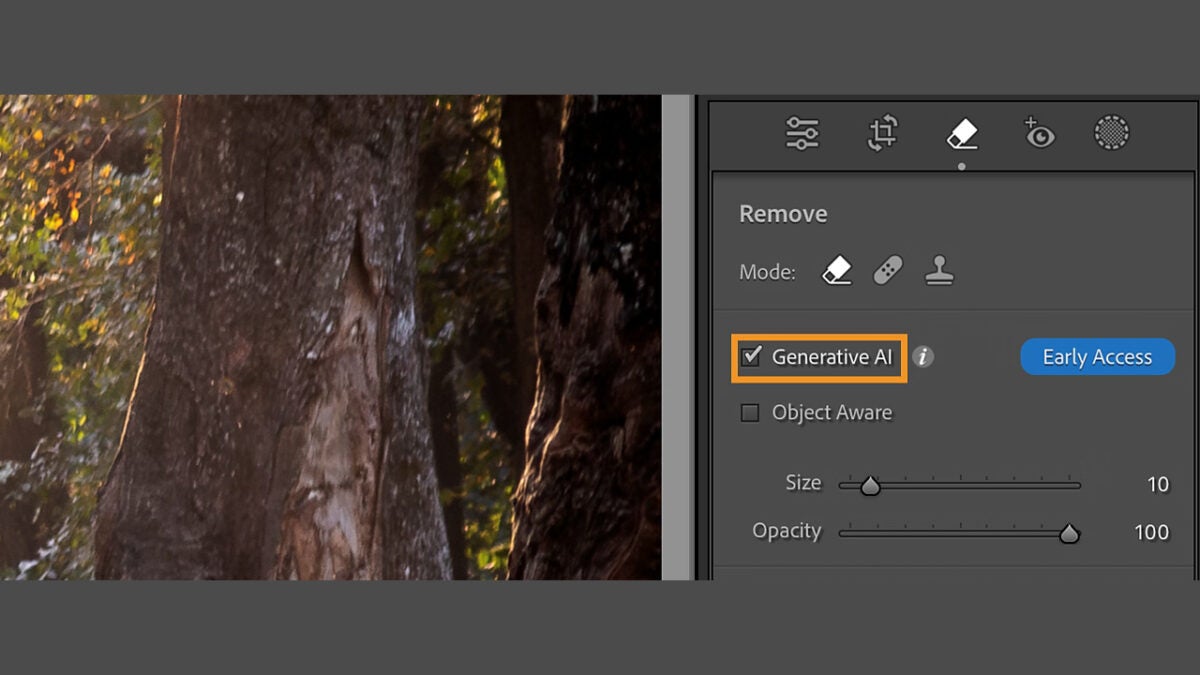
In the new Lightroom updates, we will see a new addition: AI from Adobe Firefly. Features like Generative Remove will allow us to remove unwanted objects with just a mouse click.
When should you use Adobe Photoshop?
As you can see, Lightroom is more focused on processing and organizing photographs. If you need to deeply edit an image, completely change it, or add things and perfect it, Photoshop is what you are looking for.
When we say that Photoshop’s possibilities are almost endless, we are not exaggerating. Creating new elements, working with layers and blending modes, making photomontages—we could write an endless list of everything it allows us to do with Photoshop.
Like Lightroom, Photoshop includes new features powered by Adobe Firefly, Adobe’s generative AI. Generative Fill, for example, brings to life the prompts we write, ideal for adding objects or elements we need. On the other hand, Generative Expand extends the boundaries of any image.
Knowing the differences between Lightroom and Photoshop well can greatly enrich our work. Adapt the advantages of each to your workflow and, most importantly, experiment with them to discover how each can benefit you.
