
Photos are effective, but rarely sufficient to support an entire campaign alone. To reach customers with increasing frequency and engagement, your media mix should encompass video, audio, UI elements, and 3D. All of these media types must collaborate to move fluidly across social, web, email, product, and advertisements.
Adobe Stock goes beyond a simple stock photo catalog and gives you the ability to launch projects more quickly and maintain brand consistency without the repetitive task of starting from scratch each time. Explore the free trial which allows you to license your initial downloads, then keep those assets you licensed even if you cancel before the trial concludes.
The Limitations of Photos Alone
Static imagery alone does not address the format requirements that your varied channels now expect. The evolving demand increasingly leans towards motion and video. Social media platforms reward content that includes movement and sound. Advertising also needs assets that move in order to be absorbed by an audience that expects information in movement. Product team specializations in the UI space now require vector art that is highly scalable. Marketing operations managers benefit from templates that allow anyone on their team to pitch in based on their capabilities which speeds up projects. Rely on photos only, and production will lack the flexibility required to match different content, experiences, and environments.
These challenges become evident in everyday workflows:
- A social media professional needs to create several Reels and Shorts variations quickly but only has static images they can work from to adapt the edits.
- A growth team who needs to localize a major project into several different languages in a short time, while needing to keep imagery clean, and then add editable charts that visualize their data.
- An ecommerce producer working from a company that lacks 3D models, but has a high demand of product packshots that require multiple renderings in different colors and finishes, but without access to a studio to achieve this.
Limited to just photos production can slow down, and brand consistency can be harder to maintain, and that cost per acquisition has the tendency to increase.
Adobe Stock: Extending Beyond Photos
Adobe Stock offers much more than images. Through its search and edition capabilities, licensed assets are available not only via the web but also via the inside interface of integrated tools in Creative Cloud apps. The offer expands into the following categories:
- Video and Motion Graphics templates that work natively with Premiere Pro and After Effects.
- Royalty-free music for all projects, allowing creatives to edit these tracks directly within Premiere Pro.
- Vector graphics and illustrations adaptable for multi-format applications.
- Professional templates for Photoshop, Illustrator, and InDesign.
- 3D models, materials, and HDR environments for realistic and visually appealing renders.
The subscription plans at Adobe Stock are flexible and scalable, providing:
- Access to the standard collection, which includes images, some videos in 4K and HD, templates, audio cues, and 3D assets.
- Credit packages for premium and 4K content.
This structure makes it possible for all creators to pick a plan that suits their project needs and also budget constraints.
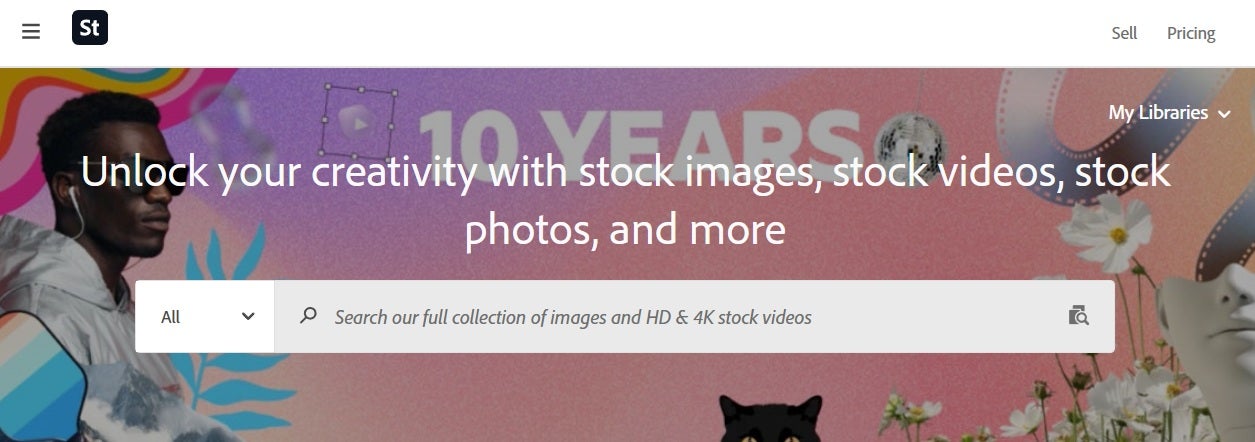
Save Time and Enjoy Seamless Integration
Using assets from Adobe Stock can lead to a significant reduction in burden for producing creative content. To give an idea on just how that might be: Consider that instead of creating a video title or transitions from zero, you can select a template that fits your brand’s specs instead. Templates will increase your pace by huge margins, allowing you to set up workflows with the ease of dragging and dropping. Also,licensing is incredibly clear to verify what you can and can’t use the content for so you won’t be locked into a costly lawsuit.
5 Adobe Stock Asset Types to Expand Your Possibilities
The key to rapid and varied content lies in leveraging different asset forms. Adobe Stock simplifies this approach with these five categories.
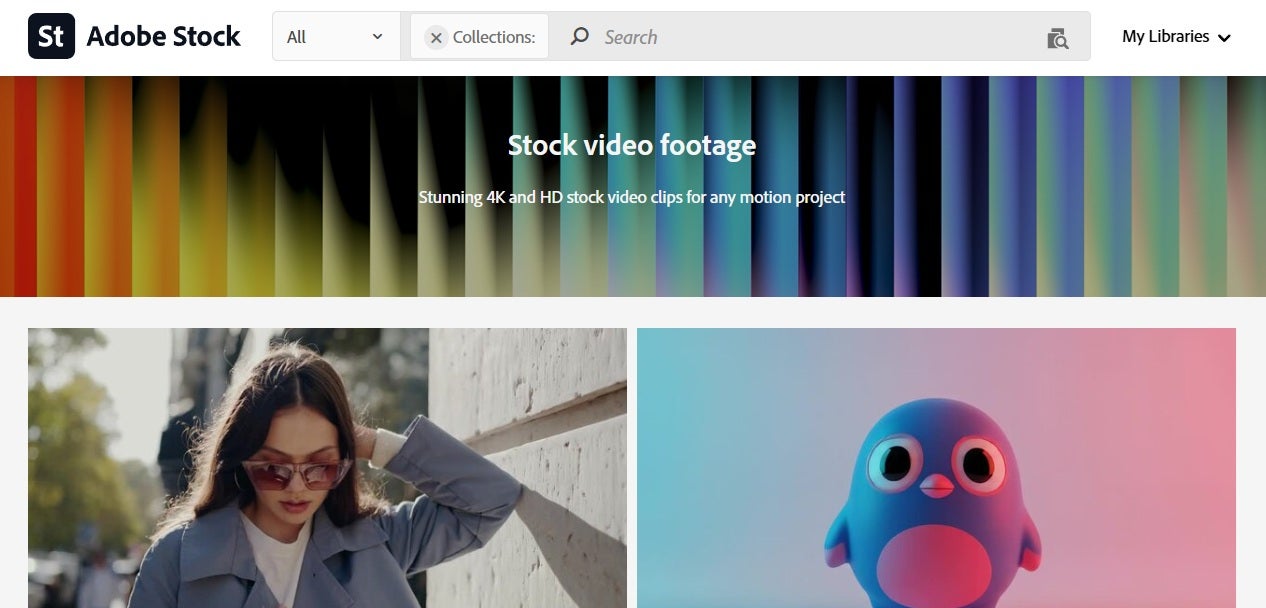
1. Video Templates and Motion Graphics Templates for Premiere Pro and After Effects
Adobe Stock offers a spectrum of video and motion graphics templates that make the process of editing videos a whole lot easier. The assets have key features that save time and provide professional results. These templates, importable straight into Premiere Pro and After Effects, let users make titles, transitions, and openers to look polished with minimal construction from scratch.
Common challenges addressed by these templates include:
- Reducing the time taken to create video titles, lower thirds, openers, and transitions.
- Keeping consistency in motion design across teams and vendors, as user-generated templates can be saved and shared via Creative Cloud Libraries and Projects.
- Offering adaptable aspect ratios in anticipation of the requirements of different platforms.
To get the best results:
- Import the brand’s fonts, colors, and logo into the template, so that every exported video follows the brand identity.
- Make use of the preset template control/widget to keep the environment behind the scenes straightforward, reducing the need for complex actions overall.
- Rendering together 16:9, 1:1, and 9:16 ratio variants in batches, in that way saving time on issues of resizing for different platforms.
- Use Creative Cloud Libraries so that all editors, designers, and even team members, can access the results of personal work.
A fast edit to a brand that is consistent reduces the amount of time you will spend on creating and delivering your content. All of these assets by Adobe Stock under subscription plans will be using enhanced licensing with lifted impression limits.
As a whole, Adobe Stock brings a resourceful kit for all kinds of diverse content, from YouTube intros to social media variations, product explainers, and user-generated ad treatments.
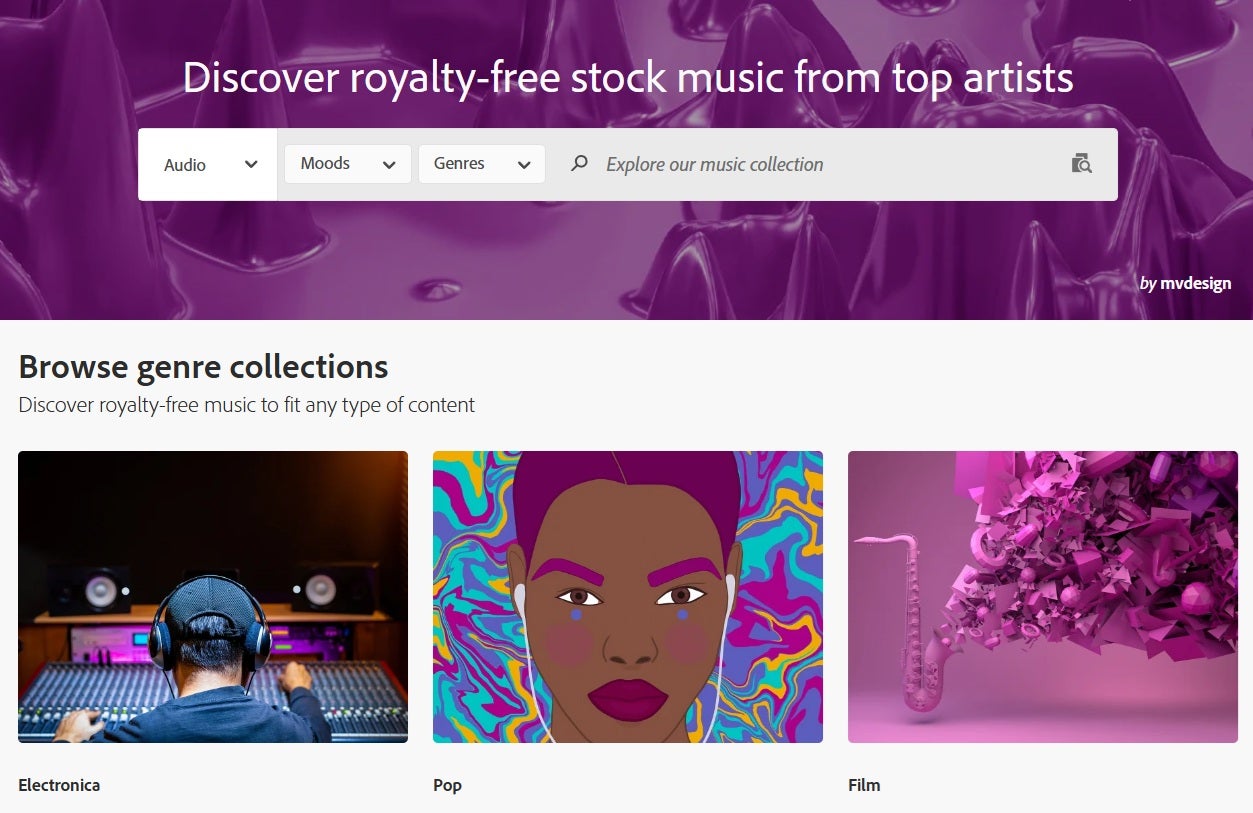
2. Royalty-Free Music for Various Projects
Royalty-free music is a smart resource for the professionalization and emotional expression of commercial projects. Adobe Stock offers a rich variety, music genres, tempos, and tones that can be cleaned and edited directly in Premiere Pro. They are copyrighted and fit for commercial intent, so your projects launch smoothly.
Adobe Stock music addresses common challenges faced by creators:
- Bypasses copyright flags on YouTube.
- Makes fast music edits with loops, risers, and endings to synchronize the flow of your story rhythm.
How to use the music to greatly improve the final product:
- Filter by the musical tempo and mood that matches the pace of your story. Cut music along the bar lines which allows for smooth editing around changes in your media.
- Use risers to accentuate important moments and deliver them on time for maximum story impact.
- Licensing tracks from Adobe Stock guarantees proper usage rights and cutting down on content take-downs to improve a consistent audio experience.
Adobe Stock’s music fits numerous formats. YouTube, podcast cues, short ads, and explainer videos benefit from royalty-free music tracks that can be edited to meet the brand’s particular voice.
3. Scalable Vector Graphics and Illustrations
Adobe Stock has vector graphics and illustrations, which are scalable in delivering consistent and contemporary brand visuals. If it is an icon, UI set, pattern, or infographic, the images remain crisp and clean, due to their being vector assets. They are available in formats that are perfect for web and print including AI, EPS, SVG, and PNG.
It is a very important element on multiple platforms, where “multiple” is the key. These scalable vectors will remain sharp and adapt to very different sizes and resolutions.
The issue with manual rebuilding, which is time-consuming and error-prone, is what scalable vectors overcome. Using scalable vectors means less time spent on development and iterating that leads to better consistency with minimal mistakes.
Here’s some best practises to make the most of your graphics:
- Keep master vectors editable in Illustrator. Export SVG for web and PDF for print.
- Set consistent stroke weights and corner styles to maintain a uniform visual language.
- Attach global swatches to a brand palette for quick recoloring and easy adaptation.
- Store editable masters via Creative Cloud Libraries with a promise of reliability with Figma and Adobe layouts.
Working with scalable vectors will result in sharper deliverables at all sizes, able to support quicker project localization and less design cleanup.
If we think of practical applications, Adobe Stock vectors shine in multi-language infographics, iconography, onboarding, carousels, and pitch decks. They fit generally any size or format, ensuring consistency.
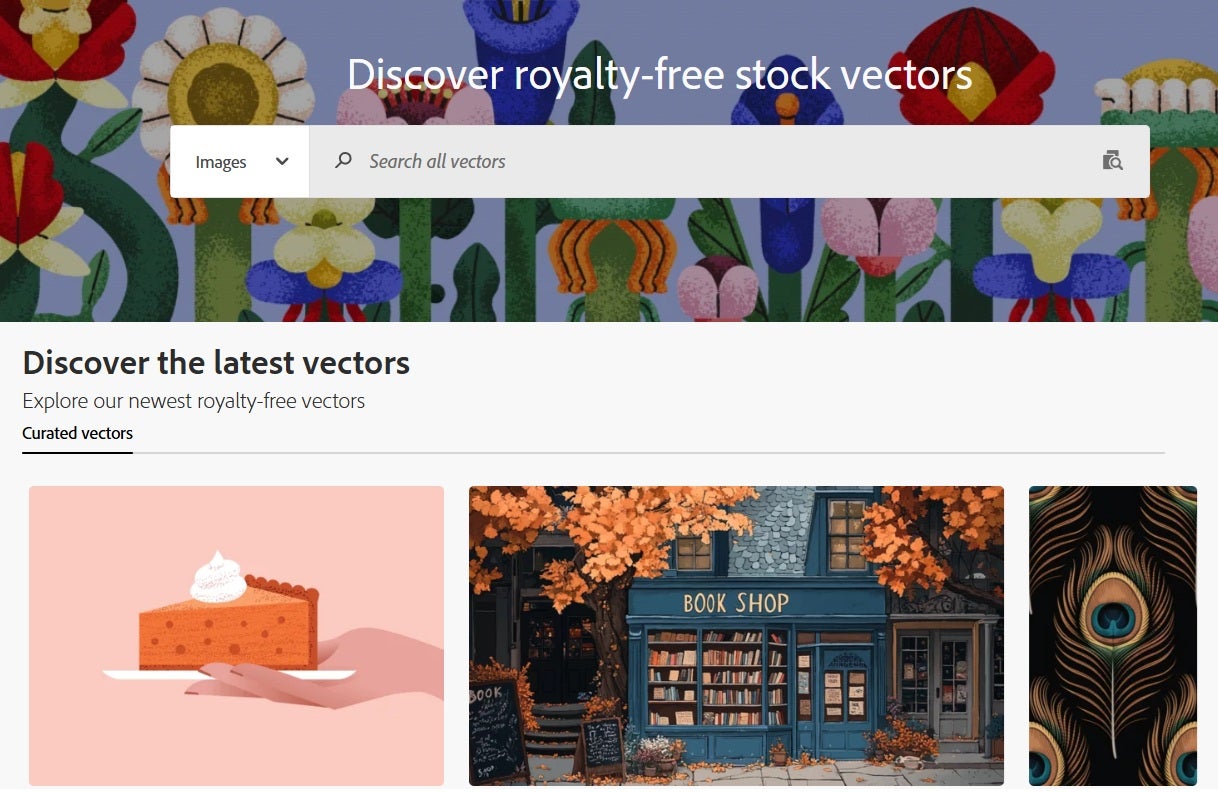
4. Ready-to-edit Templates for Photoshop, Illustrator, and InDesign
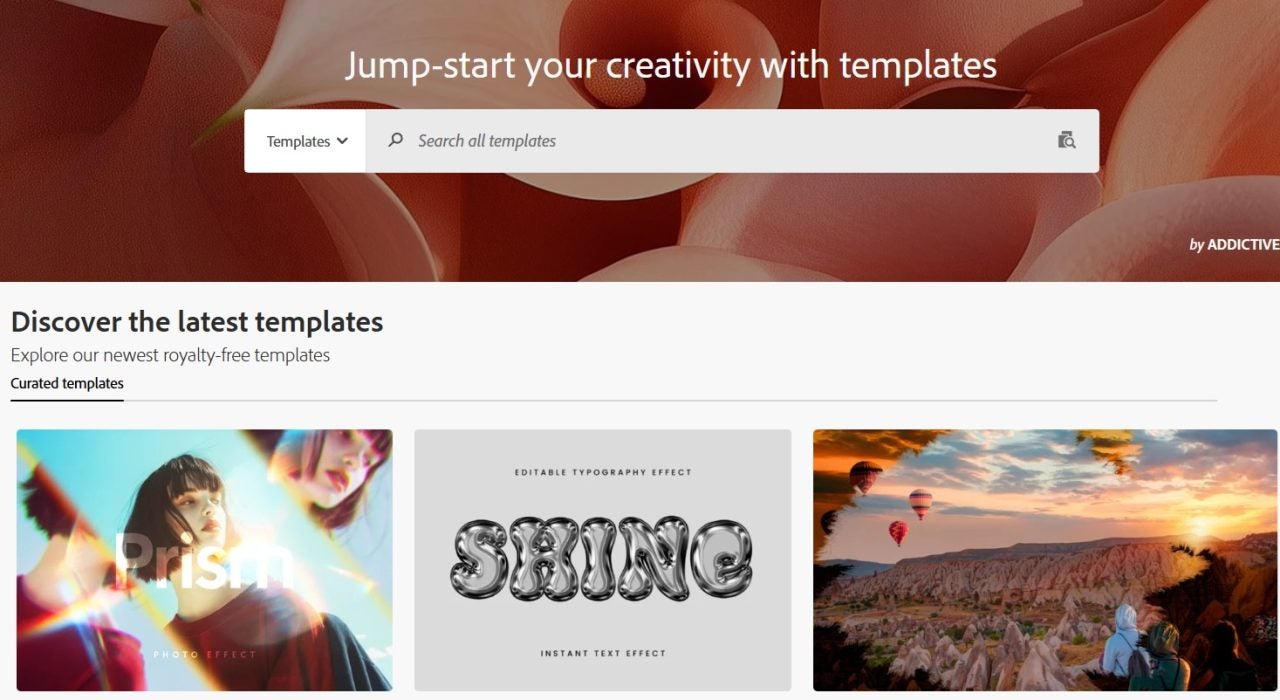
Ready-to-edit templates for Photoshop, Illustrator, and InDesign can speed up design work at an elemental level. It would be predefined layouts for social media, print, and marketing materials. This way, users would not need to begin designing from the white paper, but they would already be on their way to speedy, brand-specific edits. This solution is for when you want to tackle interviews, portfolios, brochures, and posts. Across editors, this helps keep a uniform appearance for the brand.
Templates provide solutions for:
- Addressing a blank canvas for frequent formats.
- Allowing non-designers to create without risking off-brand visuals.
To make the most of these templates:
- Replace smart objects first to tailor designs to your needs.
- Update styles to follow the type scale and maintain brand consistency and then subsequently adjust the color palette.
- Lock grid and margin systems inside templates to make sure there is enough layout guidance for the consistent composition of that content.
- Preset crops for platform sizes in one batch.
You are able to maintain brand consistency and diminish unnecessary work typical of design teams because of faster production timelines.
Adobe Stock templates are great for weekly social calendars, event kits, one-pagers covering sales topics, lookbooks, and even resumes for HR campaigns. They work very well for any situation in which a high quality branded design is to be displayed at speed.
5. 3D Models for Realistic Product Renders
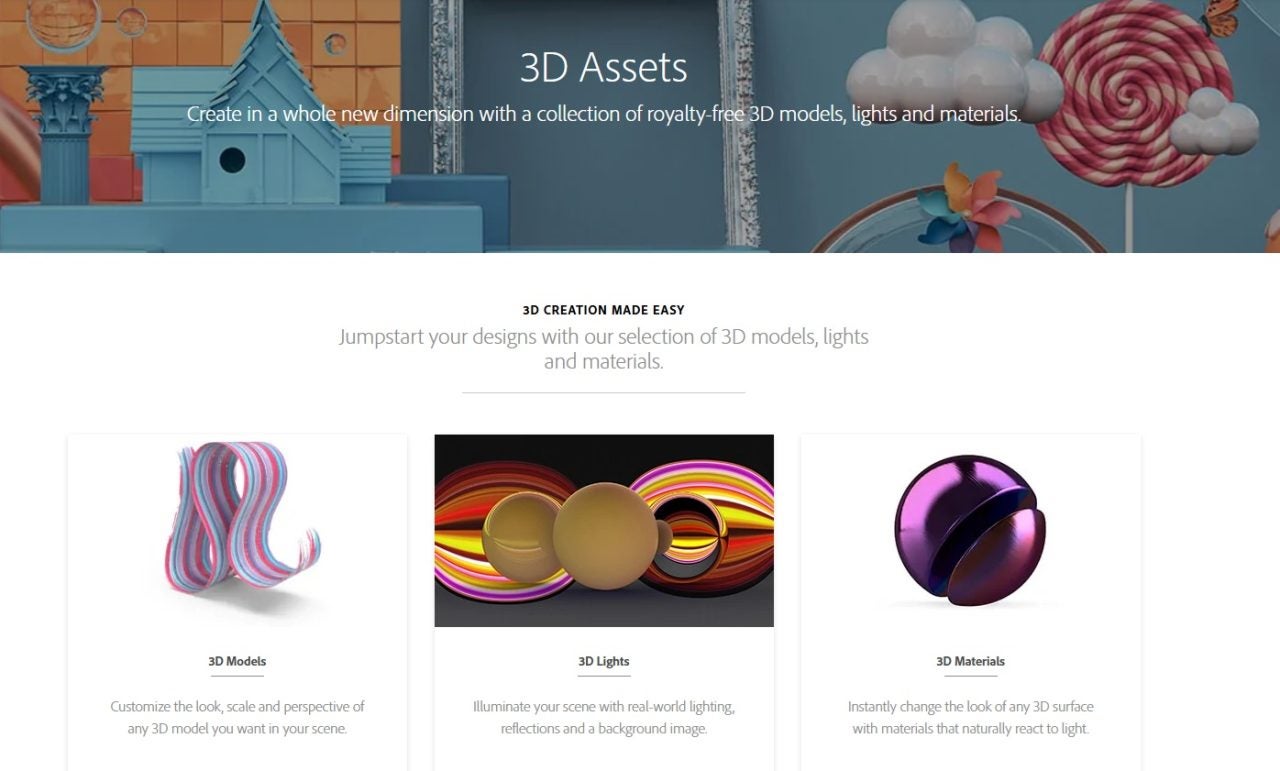
Using a model from the Adobe Stock 3D catalogue can work great for photorealistic representations of products without the need to go to a studio. You can create life-like visualizations with different colors, materials and switch out between a number of environments.
A 3D representation of your product means you can experiment and transform the way items are shown in ways you may not have considered, simply because it’s so easy. This level of creativity is really handy for sales and eCommerce in particular because of the level of engaging and dynamic results you can produce
3D models address the following challenges:
- Reduce time and resources spent on photo shoots as 3D models make it possible to create realistic product images without a physical prototyping stage.
- Get realistic visuals ready for stakeholders or pre-launch work from models.dllist can be previewed from several angles.
To create realistic renders:
- Start with physically based materials and calibrated HDRI environments.
- Adapt the focal length of your 3D camera to the one used for photos. Render a master angle and then replace the product materials and label finishes with new variables to suddenly generate those variations with ease.
- Export separate layered passes as an example for retouching in Photoshop (highlights, shadows, etc…).
Utilizing 3D models can deliver high-quality renders, speed up the stakeholder approval process, and prepare a design for launch with enhanced licensing.
Getting Maximum Value Starting from the Free Trial
Start with the free trial to find out how stock assets streamline your workflow. It allows for 10 free assets, which can be any pictures, music tracks, video templates, templates, or 3D models relevant to the theme of the project. Using them and organizing them in the Creative Cloud Library helps to define the added value of the stock assets to reduce production time.
Run a personal experiment. Track the number of hours saved or how many edits were created just by using ready-made assets. See if more of your team can move forward with content edits instead of staging or creating elements from scratch. Record what adjustments made the flow smoother. Even if you do not keep the trial, you keep the licensed assets.
Elevate Your Content with Adobe Stock
Adobe Stock broadens creative possibilities by providing all you need to meet all the new content types of 2026. When this resource is coupled with the Creative Cloud suite, it propels content production efficiency to the next level. Lower overheads and simplified licensing allow you to get premium results faster. The demanding environment must have a toolkit that can create quickly as well as maintain high quality.
Take advantage of the Adobe Stock free trial to see how it can improve your workflow and keep competitiveness in your creative projects.
