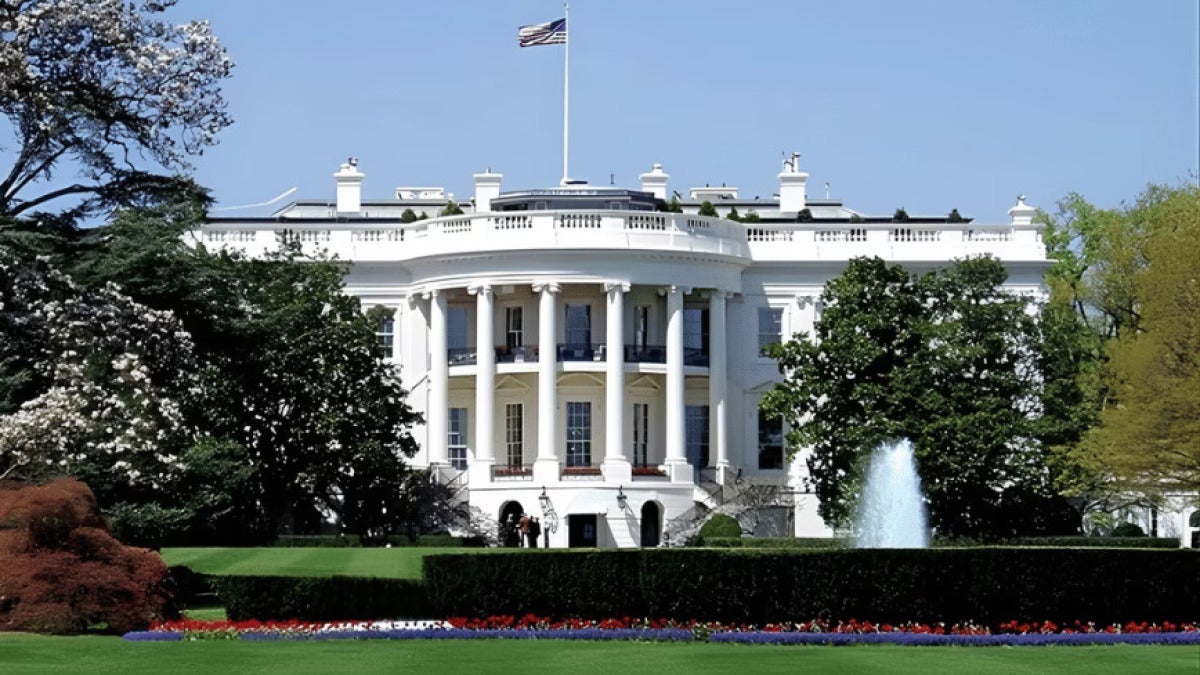
White House prepares new data-center energy pledge: utilities, not tech, are the focus

The White House is putting together a new energy pledge for data centers, this time aimed at making sure new projects can actually get reliable power. The emphasis appears to be on utilities, not the tech companies building the facilities.

Even when developers already have land, financing, and customers lined up, a project can still bog down if utilities and grid operators can’t hook up power quickly enough. Those same utilities and grid operators are being pushed to add electricity, transmission, and interconnection capacity, while also keeping costs from rising and avoiding strain on the grid.

What the White House has in mind would likely press for faster planning, more grid upgrades, and new generation. That’s a notable shift after months spent highlighting jobs and investment, and then running into a simpler fact: promises from developers don’t count for much if the power isn’t there when it’s needed.

And the issue isn’t only how much power exists. It’s also when it shows up, where it has to go, and how messy the grid itself can be, with delays tied to studies, transformers, and approvals, plus clean-energy targets and local opposition. The federal government can’t simply tell utilities to speed up, but it can lean on commitments, coordination, and permitting to back gas, nuclear, geothermal, solar, and batteries.

If you watch either consumers or the industry, this move from talking about demand to dealing with delivery is something to pay attention to. Build too much and rates could climb. Move too slowly and those projects may land somewhere else.

More details from the White House should be coming soon.

Microsoft Teams rolls out Workspace Check-in: office location sharing arrives

Microsoft is starting to roll out Workspace Check-in for Teams in June 2026. When Teams connects to your company’s Wi‑Fi, it can automatically share your office location. That means people won’t have to mark themselves as in the office by hand every time: Teams can update your status with a specific building, so coworkers can see who’s in and where. It builds on the app’s existing manual check-in tools, and with 52% of U.S. remote-capable employees still working in hybrid setups in early 2026, that could take some of the friction out of meetings.

Microsoft Teams Download

Microsoft is framing Workspace Check-in as a coordination feature, not a monitoring one. It’s off by default, admins have to turn it on, and each employee can choose to opt in or out. Microsoft also says the location data is cleared at the end of the workday, rather than stored as a running historical record.

If you’re in Teams all day for hybrid work, this is probably an update you’ll want. Still, the pushback is easy to understand. More than 73% of employers already monitor remote or hybrid workers in some way, so for plenty of people, Workspace Check-in may feel less like convenience and more like surveillance, or another way to push return-to-office expectations when something labeled “optional” doesn’t really feel optional.

Workspace Check-in is available in Microsoft Teams as the rollout starts now, following reported delays that go back to late 2025 and very little mention in Microsoft’s June 2026 feature roundup.

iPhone fireworks photos: how to get better shots this summer

Apple has steadily improved the iPhone camera over the last few generations. The newer low-light tools make summer fireworks much easier to capture, and the phone already in your pocket has become the default camera for this kind of shot. That tracks with industry estimates, too: smartphones now take more than 92% of all photos.

Fireworks are tricky because you’re balancing bright explosions against a black sky. On iPhone, tap to focus, then pull the exposure down so the highlights don’t blow out. You can also switch to Burst Mode and keep the flash off. If HDR is getting too aggressive, turn it off and you’ll usually get a more natural-looking image.

Live Photos give you another option after the fact. You can go back, choose the best frame later, or apply the long-exposure effect. And if you want sharper stills and cleaner video, a tripod, a clamp, or even a convenient ledge helps a lot. Composition matters, too. A skyline, a landmark, trees, even a few silhouettes in the foreground can give the shot some atmosphere. The same idea works well for quieter, greener drone light shows.

If you shoot fireworks on an iPhone, these tips are genuinely useful, and in my experience a small tripod is the one accessory most worth buying if you plan to shoot more than one show. You don’t need expensive gear. You need a steady phone, controlled exposure, and a good sense of composition.

You can do most of this with the built-in Camera app on iPhone, or you can grab Slow Shutter Cam, Spectre Camera, Adobe Lightroom for Mobile, VSCO, and Snapseed from the Apple App Store if you want more control over long exposures and editing.

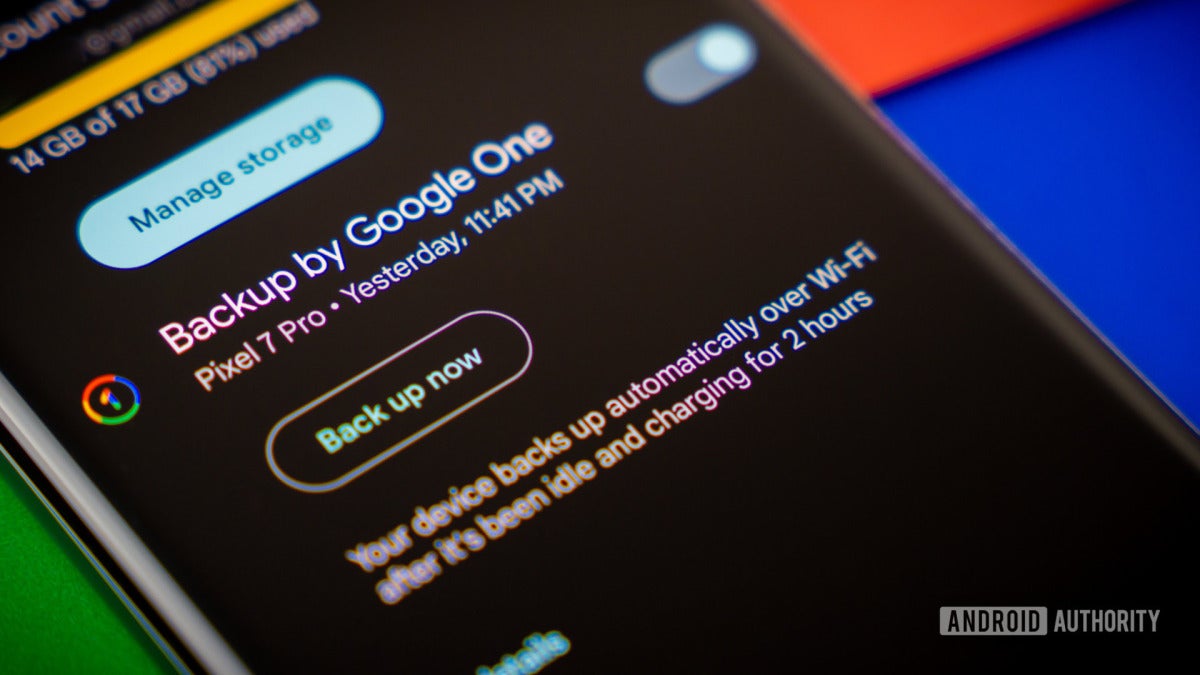
Google tests Android app-by-app backups in beta: turn apps off individually

Google seems to be trying out per-app cloud backup controls in an Android beta in mid-2026. If it ships, Android users would be able to turn cloud backups on or off for individual apps, rather than relying on the current device-wide switch that covers everything or nothing.

That would be the biggest change to Android backups since Auto Backup for Apps arrived in Android 6.0. Right now, Android usually saves app data quietly to a private folder in Google Drive. When you move to a new phone, the app itself may come back, but not always all of its data. Apple’s iCloud backups are a lot more upfront about how that process works.

Per-app toggles would give people a way to leave out apps that are data-heavy, easy to regenerate, or just too sensitive to back up. Android backup data still doesn’t count against your Google Drive quota, but there’s still a 25 MB cap per app. And while Android 9 and newer can end-to-end encrypt backups using your screen lock, older Android setups may still mean Google holds the keys.

If privacy matters to you, or you’re trying to save storage, or you just want phone restores to go more smoothly, this one is worth keeping an eye on. Reports have also mentioned Downloads-folder backups, which makes it more interesting.

The feature first showed up in late 2025, and by mid-2026 it’s reaching at least some Android beta users. What isn’t clear yet is how broad the rollout is, how much storage or bandwidth people would actually save, or how developers will deal with restores when certain apps are excluded, especially in places where mobile data is expensive.