
Nobody disputes that marketing agencies must manage multiple clients, campaigns, and team members efficiently while remaining abreast of the ever-evolving marketing landscape.
Without adequate software tools and systems in place to support them, agencies often must operate under emergency conditions to meet business demands.
But there is good news: software for marketing agencies can help improve this situation and simplify your work.
Our team understands finding the perfect marketing software solution to expand your business may be challenging, but we have your back!
We have selected the ten top software options for marketing agencies across different categories that should be kept in mind when looking to take your company to the next stage in 2023.
Project management software
FuseBase (formerly Nimbus)
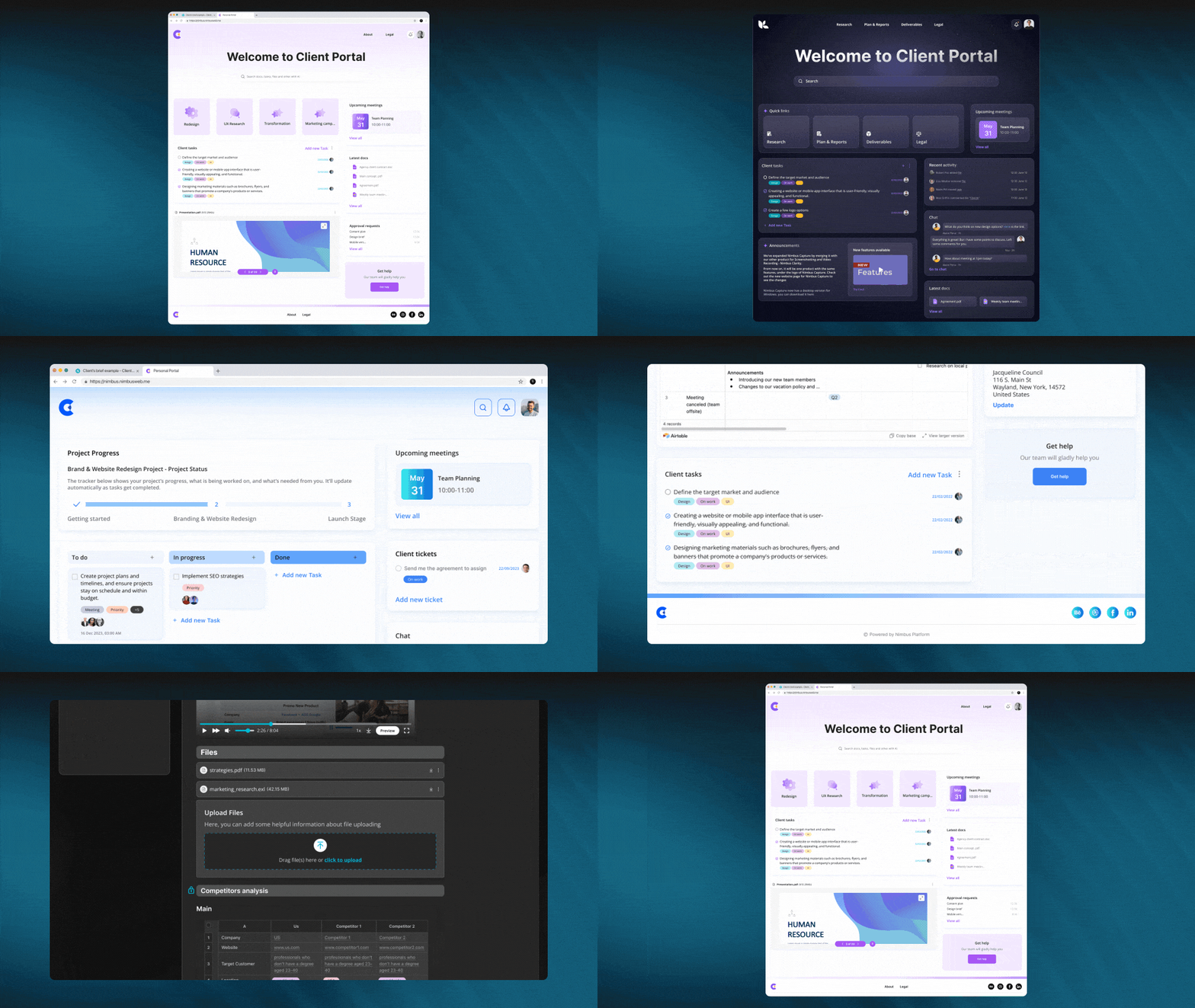
FuseBase (formerly Nimbus) is an intuitive digital workspace designed to facilitate collaboration among agencies and digital professionals with existing clients at new levels. This marketing software makes it simple for clients and marketing teams to collaborate across projects using a browser extension; FuseBase (formerly Nimbus) provides all-encompassing project management solutions in one convenient place. Our agency management software empowers teams and individuals alike to establish efficient automated workflows within their workspaces.
You can create multiple workspaces, one for each project, where all the chaos can be organized. Users can chat, comment, allocate tasks, and integrate other tools in a secure, easily accessible environment.
FuseBase (formerly Nimbus) project management software lets you collect performance evaluations from peers, managers, individual contributors, and departments.
FuseBase (formerly Nimbus) is a powerful marketing software tool that can help clients and facilitate internal project collaboration. Your marketing agency will also benefit from our FuseBase (formerly Nimbus) Portals feature. FuseBase (formerly Nimbus) Portals are no-code websites created using FuseBase (formerly Nimbus) Workspaces that let your team quickly add super pages from within FuseBase (formerly Nimbus) Workspaces to these portals, and then share them directly with clients through a single link.
Who uses FuseBase (formerly Nimbus)?
Marketing agencies, digital marketing specialists, content creators, and other individuals who wish to amplify their marketing initiatives often turn to our project management platform for assistance.
Best Features:
- Client portals. Client portals allow clients to access project information in just a few clicks while also collaborating with them via chats or tasks within the portal.
- Task management. By using the built-in progress bar, you can quickly prioritize and monitor tasks.
- Time tracking. By keeping track of time spent working processes, planning, monitoring, and optimizing them becomes possible.
- Team collaboration. With our software for agencies, teams can easily coordinate processes by accessing work items in one secure place.
- Bird’s-Eye view. It is easy to see the project progress by creating an overview. This will be obvious to everyone involved, including yourself, your team, and clients.
- Super docs. Unlike traditional documents, which allow only text to be combined together into one document, FuseBase (formerly Nimbus) Docs lets you text, images, audio/video, PDF, and any additional files all into a single document.
- Permission management. Each workspace has a separate system of users, content, and permissions for security and project focus. Tap here and see by yourself!
Pricing:
- A free plan is available
- Paid plans start from $9/user/month
ClickUp
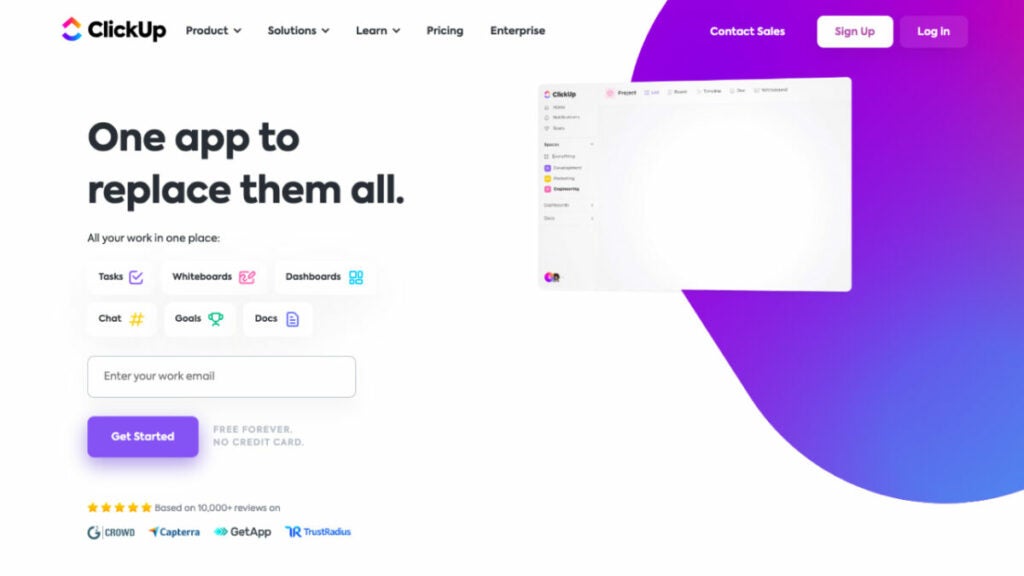
ClickUp is a revolutionary new project management tool with an easy-to-use dashboard and intuitive drag-and-drop capabilities that will improve your marketing efforts. ClickUp marketing software helps teams stay organized, prioritize activities, and complete projects through its customized task management, real-time communication, and scheduling software integration features.
Who uses ClickUp?
It is marketing software for project managers and agencies seeking a more streamlined, productive workflow automation management tool on a beautifully designed, intuitive interface.
Best features:
- Team collaboration. While integrating with Google Docs, ClickUp project management tool also offers its own version of Docs, dashboards, and whiteboards with an intuitive drag-and-drop interface to monitor the progress, brainstorm together, and manage content.
- Marketing timeline. A marketing timeline can help avoid bottlenecks.
- Native tracking time for managing processes. It allows you to manage your team’s resource planning and determine how much time is needed to complete a task.
Pricing:
- Free Forever: Feature-rich free plan
- Unlimited: $7/user/month
- Business: $12/user/month
- Enterprise: Contact for pricing
Teamwork
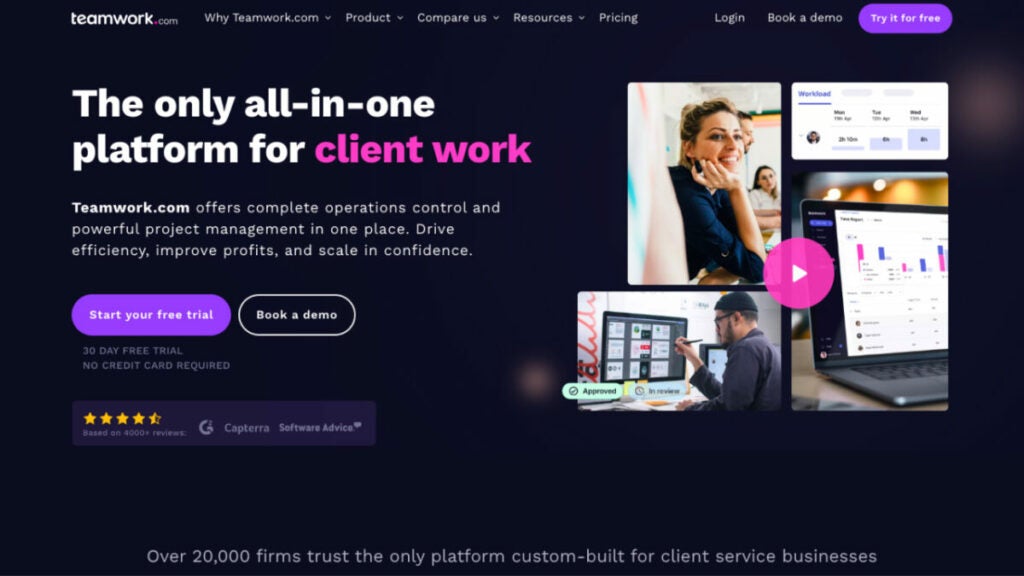
Teamwork is adaptable marketing software for managing projects that provides marketing firms with the resources they need to satisfy their clients’ demands for visual assets and more. Marketing firms can benefit from Teamwork project management tool since it facilitates the management of projects across many divisions. By making it easier to keep track of many chores, this program can boost efficiency. Also, keeping things organized can reduce the likelihood of missed deadlines and strained relationships with clients.
Who uses Teamwork?
Organizations that provide professional services to customers and strive to improve in areas such as workflow automation, profits, and employee satisfaction use this project management software.
Best features:
- View the teamwork board. Views include board view, Gantt Chart view, and Project Health views.
- Powerful collaboration. Teamwork marketing software offers the Chat and Spaces extensions that allow teams to communicate, share content, and stay informed without leaving the Teamwork platform.
- Management of workload and resources. Teamwork offers these features to plan and forecast future resources or manage your team’s daily capacity.
- Tracking time. It helps you maximize every moment billed and understand how your agency spends its time.
- Robust reporting features. Monitor profitability and usage.
Pricing:
- Free Forever: Free up to five users
- Starter: $5.99/user/month
- Deliver: $9.99/user/month
- Grow: $19.99/user/month
- Scale: Custom pricing
Marketing automation software
HubSpot Marketing Hub
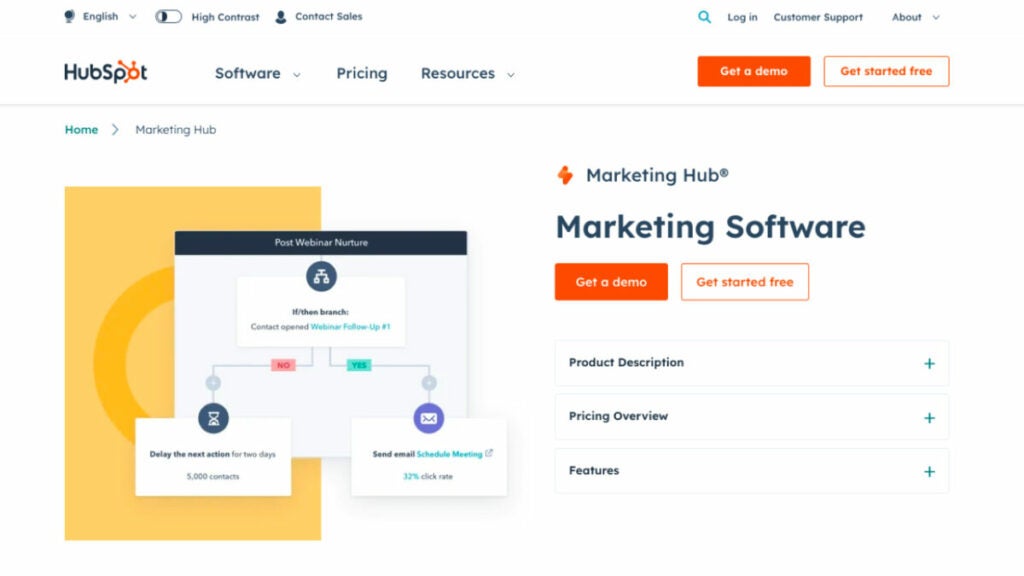
Although HubSpot’s customer relationship management features are more well-known, the company also provides one of the best marketing software that encompasses inbound marketing, research keywords, social media posts, and search engine optimization.
HubSpot’s social media management platform is ideal for marketing agencies since it keeps all of your marketing efforts in sync and arranged according to customers. You can see who has been communicating with your team and when, from when a consumer fills out a form on your website to when they call customer service.
Its advanced features include a form builder, Google Ads integration, keyword research, an email campaign management tool, and web analytics tools for measuring your campaigns’ and clients’ efficacy.
Who uses HubSpot Marketing Hub?
Over 100,000 customers use HubSpot’s social media management tool in more than 120 countries to attract, engage, and delight customers.
Best features:
- Forms. Online form builders can help you with lead generation directly from your website.
- Live chat. Welcome site visitors to your website with automated chats and targeted welcome messages.
- Automation. This marketing software lets you automate operations across departments, personalize emails at scale, manage data in mass, perform data analysis, and more.
- Contact management. Add company and contact records with just one click. Log sales activities automatically and keep your records updated.
- Google Analytics. With Google Analytics, built-in dashboards, and marketing reports, you can make smarter decisions using actionable data for your simplified keyword research and influencer outreach efforts.
Pricing:
- Free foundational tools are available
- Marketing Hub
- Starter: Starts at $18/month
- Professional: Starts at $800/month
- Enterprise: Starts at $3,600/month
Wrike
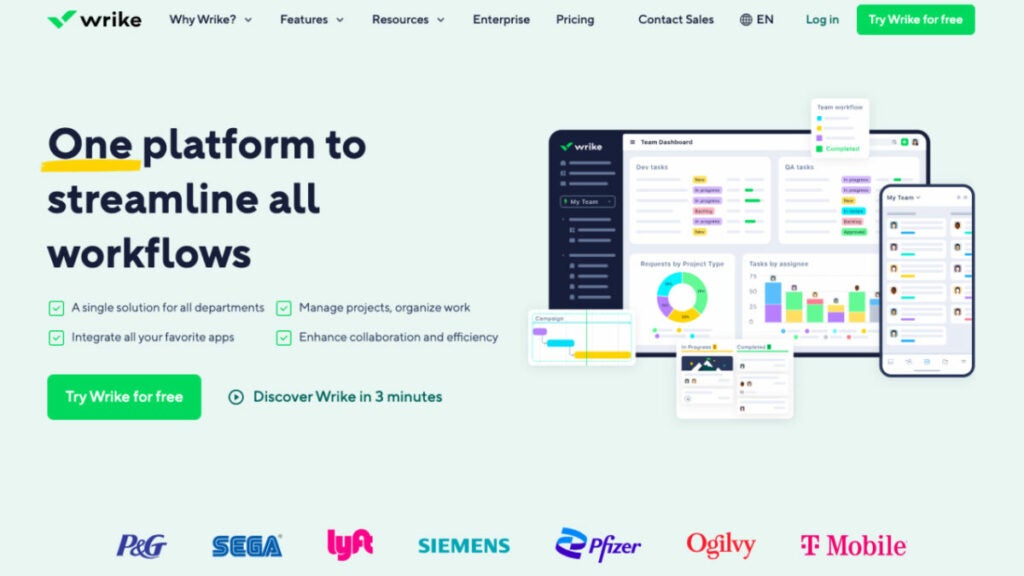
Wrike is one of the effective digital marketing tools for marketing automation in multidisciplinary groups, and it also allows you to conduct competitive analysis, schedule meetings, and integrate with multiple apps like Microsoft Teams and Google Analytics. This is the right software for agencies whose intelligent advanced features help marketers save time and better organize campaigns while increasing productivity by as much as 40 percent. Teams can use automation to complete repetitive tasks, establish logical connections among tasks, and maximize the use of available resources.
Who uses Wrike?
Ideal marketing agency software for large and medium marketing agencies that value collaboration and manage numerous projects and clients. Wrike can help you achieve success by customizing its workflow automation features, fields, and customizable reports to fit your unique business.
Best features:
- Automated requests for work. Their customizable request forms allow you to instantly create campaigns, assign tasks to team members quickly, and automate client reports using tools such as Google Analytics – all within seconds!
- Workload management. Using marketing resource management software allows you to quickly assess the capabilities of each member of your team at once and stay aligned in order to complete work efficiently and on time.
- Marketing calendars. Marketing calendars give all employees an easy-to-access overview of global events, campaigns, and content production.
- Marketing dashboards. Dashboards can provide data visualization, tracking, and performance monitoring of events or campaigns.
Pricing:
- Business for Marketers – $24.80/user/month
- Enterprise for Marketers – contact for information
- Pinnacle for Marketers – contact for information
Mailchimp
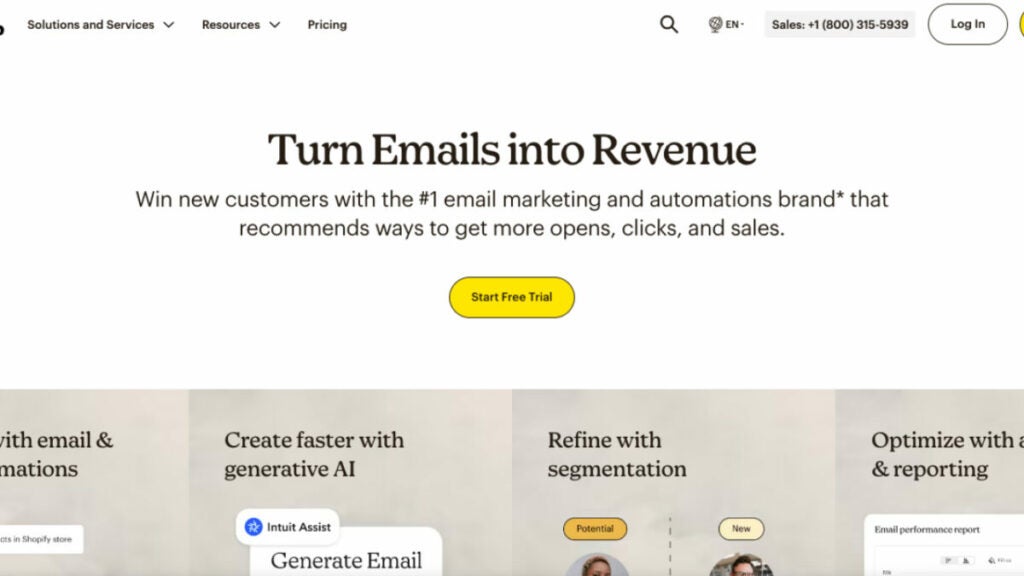
MailChimp stands alone as an unrivaled leader among marketing agency software options for email marketing and automation. Offering cutting-edge marketing tools, exemplary customer service, insightful articles, and data-driven suggestions to assist businesses worldwide in getting up and running successfully, Mailchimp’s marketing platform enables businesses to integrate social media platforms. This helps to develop multichannel campaigns spanning email, social media posts, landing pages advertisements and websites, allowing many agencies to expand their reach and increase sales.
Who uses Mailchimp?
Mailchimp has enabled over 12 million businesses of all sizes to successfully establish online stores, build customer bases and safely launch multichannel marketing campaigns.
Best features:
- Customer journey builder. It enables businesses to easily develop marketing automation to drive repeat business, customer retention and up to four times more orders with its platform.
- Retargeting Ads. Google Ad Network allows you to reach your target audience on Facebook, Instagram and other websites through targeted ad campaigns that use effective targeting techniques.
- Dynamic content creation features. Create personalized emails with little effort.
- Webhooks. Webhooks lets your application receive information on email events in real-time and react accordingly.
Pricing:
- Free $0 /month
- Essentials $6.50/month
- Standard $10/month
- Premium $175/month
CRM software
Close
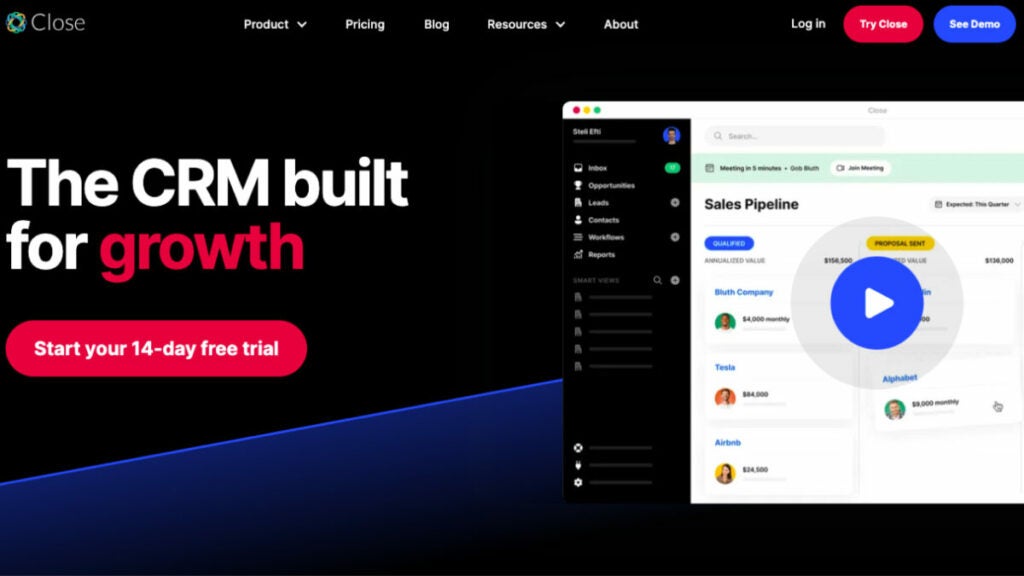
Close, a sales CRM (customer relationship management software), was built to assist small businesses and startups in analyzing performance metrics, closing more deals, and bringing in more revenue across multiple platforms. This marketing agency software is the ideal essential tool for sales if you are a tech-enabled company that needs to scale but can’t afford expensive enterprise software. You can text, call, and email your leads straight from Close’s inbox without installing any extra programs. With the help of the system’s custom workflow management tools, predictive dialer, cold email automation, and sales enablement tools, you can easily connect with more prospects, follow up with them more frequently, and get more revenue quickly.
Who uses Close?
It can become a personal CRM for startups and small and medium-sized businesses. Scaling sales teams engaging in massive outreach will benefit most from Close.
Best features:
- Your team + Tasks. Create Tasks within leads for you and your team in a marketing agency to track and improve conversion rates. Notify yourself of unique actions not part of your usual workflow or ask a member of your team for help to provide an update, support, etc.
- Search + Smart Views. Search and Smart Views can help you prioritize leads that are important to you now. Use Power Dialer or Predictive Dialer for automated and expedited calling outreach.
- Reporting on sales funnels. Sales Funnel Reports are available for all plans. They allow you to gauge the health of your pipeline and identify leaks.
- Customizable activities + fields. Flexible fields allow you to customize Close for your specific sales process. Organize the most critical prospect information and report it directly in your CRM.
- Integrations. Integrate Close with your existing tech stack using 100+ native integrations.
Pricing:
- Startup – $49/month includes one user
- Professional – $299/month includes three users
- Enterprise – $699/month Includes five users
Zendesk Suite
To put it simply, Zendesk Suite is a customer relationship management platform for salespeople in any marketing agency. This sales platform provides a centralized hub for monitoring all communications with clients. It can be set up in no time and is simple to operate: Seventy percent of businesses can get Zendesk up and running in a week or less. Your staff will have more time for sales and less for data input, allowing them to be more productive. Eighty percent of Zendesk’s users think the software has improved their businesses’ productivity.
Who uses Zendesk Suite?
Zendesk software is used by over 110,000 businesses to improve their clients’ customer experience. This software is highly adaptable and scalable, making it suitable for any size company.
Best features:
- Unified agent workspace omnichannel. You can consolidate all customer data and track interactions across multiple channels.
- Reporting and analytics. Customer tracking and reporting allow you to measure and analyze SEO metrics such as customer behavior, history, and service metrics.
- Automation and routing of conversations. Routing helps your team to streamline workflows. It does this by automatically sending support tickets to the best agent to handle a particular request.
- Help center. Customers can quickly access information through self-service options such as a FAQ section and a help center without having to schedule meetings with a representative or wait for one.
Pricing:
- Suite Team – $55/month per agent
- Suite Growth – $89/month per agent
- Suite Professional – $115/month per agent
- Suite Enterprise – contact us for a comprehensive solution that meets all your enterprise needs.
Accounting software
Quickbooks Online
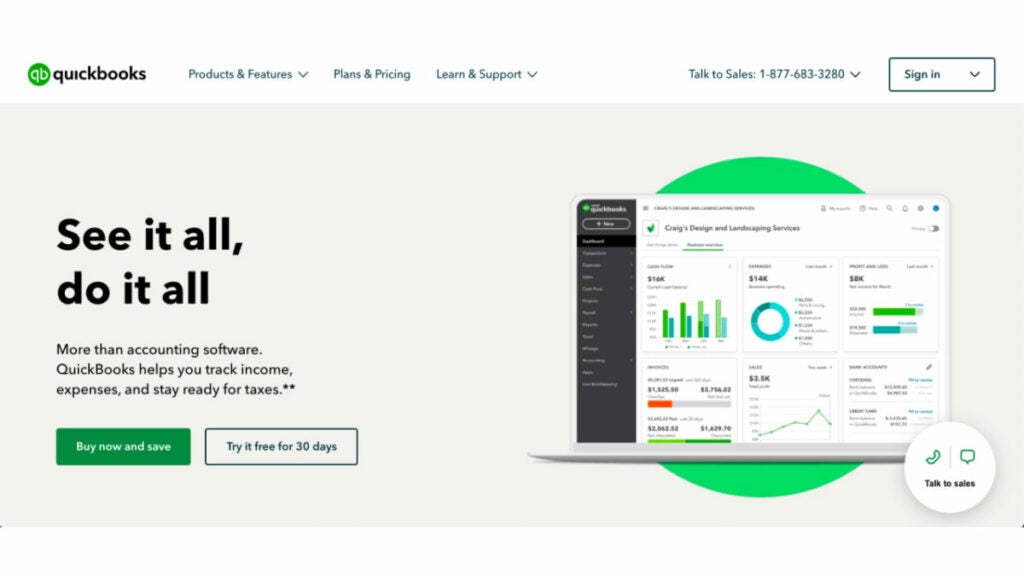
Whether you’re on the go or at your desk, you can take care of business with the help of QuickBooks Online marketing agency software.
QuickBooks, a business accounting management platform used by more than 4.5 million people, is both intuitive and powerful. You can maintain order in your financial records, as well as issue invoices, monitor stock levels, and process payroll. Using QuickBooks Online, you can streamline your processes, save time and expedite your payments. The best part is a full free 30 days of use is completely risk-free.
Who uses Quickbooks Online?
The best accounting and financial management program for small businesses.
Best features:
- Assign lead accountants. You can assign a team member to a client or invite a firm accountant directly.
- Automated bank feeds and transaction sorting. You can upload transactions, receipts, and statements to the appropriate client’s file nightly. This will give you access to client data whenever you need it.
- Month-End review. QuickBooks will scan all transactions for the month and list any missing data or issues. It also provides a detailed list of month-end tasks.
- Worksheets are built-in. There is no need for files to be transferred between tools in order to complete a compilation engagement. QuickBooks already contains your client’s data.
- Pro Tax has tax built-in. Directly file tax returns from QuickBooks Online Accountant. Pro Tax is built into QuickBooks Online. You can easily file T1 and/or T2 tax returns without having to export data.
Pricing:
- 30-day free trial
- Simple Start – $30/month
- Essentials – $60/month
- Plus- $90/month
- Advanced – $200/month
FreshBooks
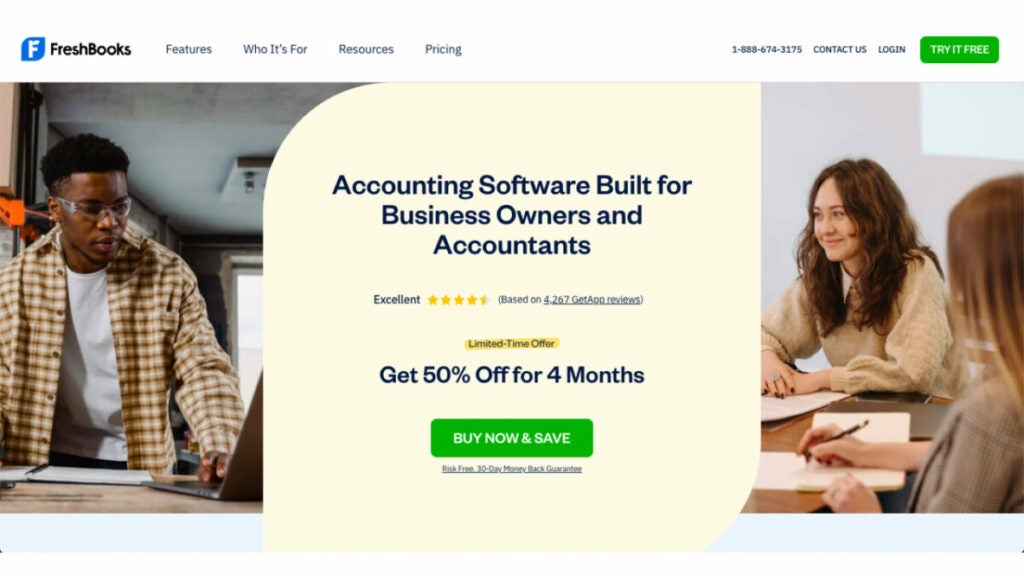
FreshBooks is an online accounting and invoicing software that helps you save time, automate administrative tasks, keep your books in order and give your firm a more polished appearance. FreshBooks was founded on the premise that keeping accurate financial records should not be time-consuming or difficult.
Who uses FreshBooks?
FreshBooks is online bookkeeping software developed specifically for independent contractors. Don’t waste time filling out papers when you may be getting revenue.
Best features:
- Estimates and proposals in the app. Customized proposals and estimates simplify client onboarding, billing and setup. You can also turn your estimates into invoices that are ready to pay in seconds.
- Pre-populated chart of accounts. The Chart of Accounts provides a comprehensive and easy-to-understand overview of your business’s financial accounts.
- Projects. Projects help you and your clients stay organized by keeping their invoices, expenses and team members in order.
- Track time. This feature allows you to quickly transfer tracked time to your payroll, clients or projects.
Pricing:
- Lite – $8.50/month
- Plus – $15.00/month
- Premium – $27.50/month
- Select – Customize your plan to suit your business needs
Bonus: Software powerpack for small marketing agencies
FuseBase (formerly Nimbus)
Among other multiple tools, FuseBase (formerly Nimbus) is a unique marketing agency software that elevates client collaboration to a new level. By centralizing communication, tasks, and content, FuseBase (formerly Nimbus) helps you organize chaos. FuseBase (formerly Nimbus) provides robust features, such as task tracking with progress tracking, seamless team collaboration, and intuitive portals for client collaboration. FuseBase (formerly Nimbus) stands out among marketing agencies searching for collaborative yet efficient project management software with its versatile super documents that combine text, audio, video and images for added versatility, along with robust permission management for secure but focused project environments. Marketing agencies regularly turn to FuseBase (formerly Nimbus) as their go-to project management solution.
Mailchimp
Mailchimp is one of the world’s premier marketing automation solutions for marketing agencies worldwide. Featuring email and multichannel campaigning tools, its comprehensive suite aims to streamline the sales cycle while prioritizing customer satisfaction as its core goal. Mailchimp stands out due to its customer-first philosophy – featuring award-winning support and data-driven actionable insights that equip marketing agencies with everything needed for effortless business launch, build, expansion, and knowledge center management. Mailchimp stands as the go-to platform for optimizing marketing operations.
Quickbooks Online
QuickBooks Online makes an ideal marketing agency software solution, with its user-friendly interface and accessibility from anywhere in the world. Trusted by over 4.5 million users worldwide, its comprehensive toolset covers financial organization/expense management to invoice creation/delivery/payroll processing; automated payments save time and resources while streamlining teamwork between lead accountants as well as automating month-end processes with built-in filing capabilities save resources, ultimately leading to higher productivity while streamlining financial operations.
Summing up
Finding the ideal marketing software may seem impossible at times, but having access to comprehensive tools makes the task of launching, tracking, and analyzing campaigns much simpler.
This list of software for marketing agencies is diverse and offers various capabilities that could benefit your business, but may require some trial-and-error period until you find one or multiple tools that work efficiently together for you.
All these flexible platforms, project-management features, knowledge base, and collaboration tools will give your team everything they need to plan campaigns, organize projects, and collaborate effectively.
So, good luck and stay inspired!
Empowering Nonprofits: A Comprehensive Guide to Best Software Solutions
Explore the top 8 software options for non-profit organizations in 2023
To make the world a better place, you have to do many things. You must recruit sponsors and donors, run events and online campaigns, handle accounting and taxpaying and much more.
Good software can help nonprofits focus on their mission without being distracted by operational issues.
The software categories we chose for this article were not random. They were picked based on practicality and our commitment to optimizing your mission. We conducted an in-depth nonprofit software overview on top business requirements as well as landscape factors before categorizing our findings accordingly:
- Event Management Software
- Fundraising Software
- Accounting Software
- CRM Software
We hope this article on the best software for nonprofit organizations will help you make better decisions and streamline your operations.
Event management software
1. FuseBase (formerly Nimbus)
Imagine accessing a client collaboration platform that allows you to organize your event-related tasks and revolutionizes how you manage customer relationships, engage donors and tackle operational challenges specific to event management.
FuseBase (formerly Nimbus) is an industry-leading software for client-oriented businesses, which also makes it a perfect nonprofit event management tool that goes beyond traditional tools. Besides collaboration with clients, it was primarily designed to integrate seamlessly with an event management team’s daily workflow. It addresses every facet of event planning and execution, and its primary objective is seamless integration into daily workflow.
FuseBase (formerly Nimbus), created initially as a note-taking app, now serves the needs of nonprofit organizations by providing great features for collaboration within the event management landscape, as well as tracking grants and operations tasks.
Who uses FuseBase (formerly Nimbus)?
FuseBase (formerly Nimbus) is the go-to client collaboration software. It can also be used as event management software for professionals involved with planning and organizing successful events: event coordinators, project managers, marketing teams, volunteers and even external partners who depend on FuseBase (formerly Nimbus) to optimize event operations while encouraging collaboration and managing vital event-related information efficiently.
Best features:
- Client Portals. FuseBase’ (formerly Nimbus) Client Portals provide event managers with invaluable tools for engaging sponsors, attendees and partners. These client portals are built using FuseBase (formerly Nimbus) Pages and serve as dedicated spaces for event updates, custom reports and any other relevant information. This is an excellent way for nonprofit organizations to increase transparency, manage volunteers, build relationships and create personalized communications with donors/clients through branding elements.
- Unified Information Hub. FuseBase (formerly Nimbus) is a platform that lets you organize and store all your data related to upcoming events, donors, projects and documentation. Hierarchical organizational systems, such as workspaces, folders and subfolders, are used to simplify data management while also keeping organizations on top of vital details.
- Collaboration Hub. Event managers work with numerous teams (like volunteers and external stakeholders) in organizing special events. FuseBase’ (formerly Nimbus)content-rich pages with text files, images, and tables and its sharing abilities that allow non-FuseBase (formerly Nimbus) account holders to engage more seamlessly, allow nonprofits to work efficiently across these lines.
- Permission Management. Events often entail handling sensitive data such as attendee details and financial data. FuseBase (formerly Nimbus) permission management allows event managers to control who has access and can edit certain items. Granular permissions can be set up at different levels to ensure only authorized personnel are able to view or modify sensitive documents. This is an essential feature for nonprofits as it ensures the security of event data. Explore it by yourself.
Pricing:
- Free version available
- Paid plans start from $9/user/month
2. EventMobi
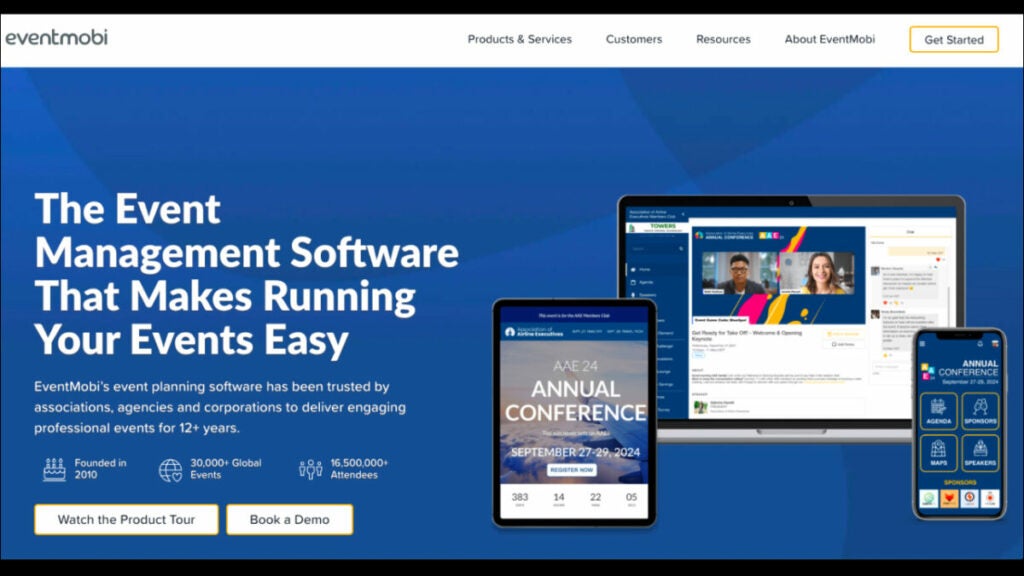
Everything you need for software solutions to organize, market, monetize and put on a successful online or hybrid conference is included in EventMobi’s cloud-based solution. Since April 2020, EventMobi’s dependable platform has been used to stream 175K+ hours of online events, including everything from event marketing websites with flexible registration to the completely configurable, feature-rich Virtual Space and a complete spectrum of live stream production & support services.
Who uses EventMobi?
This nonprofit software is ideal for businesses of all sizes, nonprofit organizations, government agencies, universities and event production agencies.
Key features:
- Online event registrations. Using a centralized platform, you can make a beautiful website, send out invitation emails, design conference badges, accept registrations and check people in.
- Customizable branding and design. By taking advantage of user-friendly tools offered by this cloud-based solution, you can provide your audience with fully branded, immersive event experiences in person, online and in hybrid modes.
- Flexible, hybrid-ready platform. Make event customization a snap by setting up an unlimited number of concurrent and asynchronous live/virtual sessions for attendees to experience your event.
- Advanced analytics. Efficiently reporting your event’s return on investment can be accomplished by tracking attendance, interest, engagement and action from attendees through real-time monitoring using a central dashboard.
Pricing:
Contact EventMobi to get info about pricing.
3. HeySummit

HeySummit is one of the most convenient ways to organize a gathering without effort. It’s a great tool that lets users help themselves. The resources for community building, fundraising, and participant involvement are all at your disposal. Also, you can measure real-world impact with the help of HeySummit.
Users have the option of hosting any size event, from intimate dinner parties to massive conventions. Users can coordinate a group of presenters, sponsors, and talks with a single interface.
In this Nonprofit Software Overview, no matter how specific or hard a use case may appear to be, HeySummit is capable of and dedicated to satisfying every one of its customers. Because of our platform’s technological simplicity and devoted customer support team, nonprofits select HeySummit as their event management software of choice.
Who uses HeySummit?
Over 10,000 people choose HeySummit nonprofit software as their dependable platform for extraordinary events, including creators, consultants, educators, and global brands.
Best features:
- Speaker management. Use this dashboard to manage several keynote presenters at once. Your speakers can keep their profiles and bios current and promote your event to their followers. Multiple event sponsors can be coordinated with ease.
- Landing page builder. Automatically generate a conversion-optimized website depending on the event information you provided during setup. A drag-and-drop website editor lets you add elements like countdown timers to your event website with ease.
- Marketing and viral tools. You can expand your reach and boost registrations by directing people to your event website through affiliate programs, individualized email sequences, swipe copy, and more.
- Event ticketing systems. Make a variety of tickets, each with its own set of constraints. Use any service you prefer for accepting payments directly.
Pricing:
- Starter: $49/month
- Growth: $119/month
- Success: $349/month
Fundraising software
4. Snap! Raise
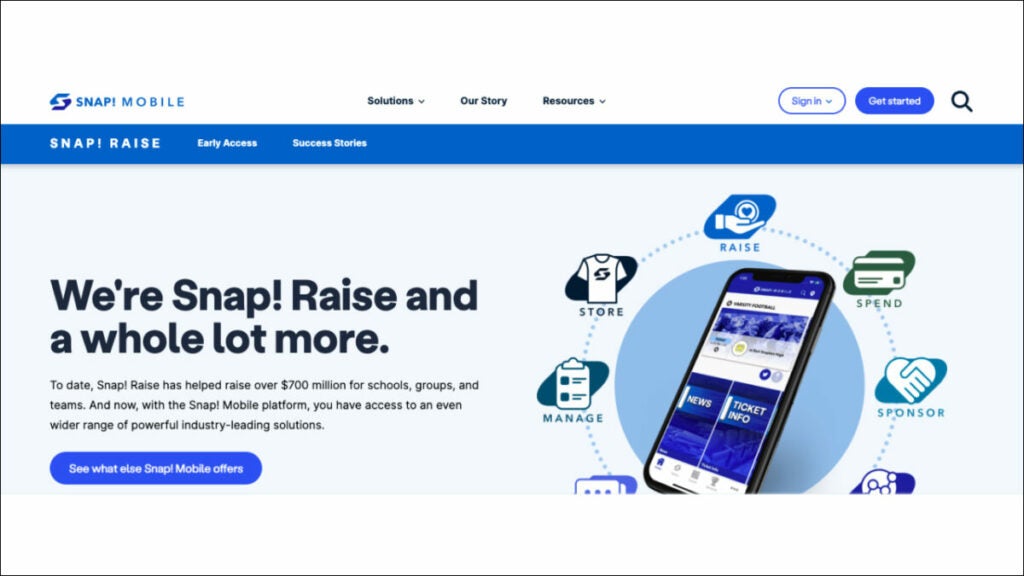
When you partner with this software for nonprofits, your fundraising campaign woes will become a thing of the past. No more list maintenance, product sales, or community engagement will exist. Everyone, from your group to your supporters, gains from a strong and effective process. The nonprofit software was created to facilitate easy and fast fundraising for coaches, group leaders, district administrators, large nonprofit organizations, and sports directors. Snap! Raise features everything your organization needs to successfully fundraise, from campaign setup and online store design to team and fan gear, district-level data, and safe donor engagement.
Who uses the platform?
Fundraising nonprofit software that is cloud-based helps schools, teachers, volunteers, and other groups manage donations, keep track of contributions, and more. It can also be a good fit for larger organizations.
Best features:
- Administration. You can run reports on various metrics and data points that support your fundraising goals and infrastructure, while automating operations like email campaigns and receipt mailing. You can track donors’ interactions to keep a record of their giving history.
- Online fundraising. Secure funds by creating shareable, socially optimized fundraiser pages on various social media platforms, accepting online donations via websites or social media accounts, and accepting contributions using mobile devices on the go.
- Marketing. Tools designed to create, customize, and send mass email campaigns tailored specifically for particular groups of donors, as well as tools for designing paper flyers or mailings that can be sent using direct mail services.
Pricing:
Contact the platform to get information about pricing.
5. Qgiv
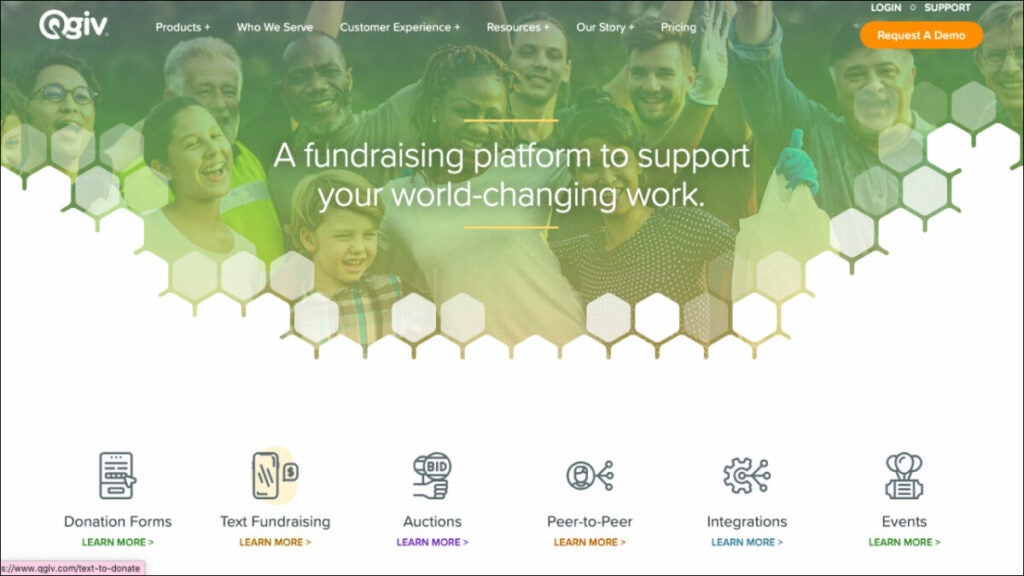
This platform offers simplified donation process, event registrations, peer-to-peer fundraising, SMS giving with outgoing messaging, online auctions, and other services. Qgiv’s cloud-based program suite of fundraising tools is designed to help nonprofits raise funds and excel in constituent management.
Its easy experimentation with new technologies and expansion of digital fundraising programs are facilitated by the availability of unlimited users with unlimited access to tools and support. The absence of long-term contracts (and their associated hidden fees!), and integrations with market-leading customer relationship management and email solutions is a great advantage.
In this nonprofit software overview, Qgiv’s cloud-based software can also be combined with many other nonprofit software tools. This way, your group can construct a thorough fundraising solution while maintaining efficiency, effectiveness, and order. Its intuitive design makes it a good fit for businesses of all sizes. You can easily enhance your fundraising, donor engagement, and campaign effectiveness.
Who uses Qgiv?
Qgiv works with nonprofits of all shapes and sizes – from start-up organizations with recently filed 1023s to national ones with multiple chapters.
Best features:
- Crowdfunding and peer-to-peer features can be easily set up and customized to fit the branding of any charitable organization, helping you raise more funds. To further aid your fundraising efforts, the platform also provides a number of social sharing and interaction options. Fundraising thermometers and badges are two examples of gamification tools that can be used to boost support even more.
- A robust text-to-donate service that can significantly facilitate the standardization of mobile donation collection. Make it easy for donors to contribute by texting a dollar amount. Qgiv’s giving kiosks are a novel way to collect donations in person. Staff fundraisers at live occasions should be provided with simple tablets that accept credit and debit card payments from donors on the spot.
- Integrations. Give your full attention to the purpose and not to tedious data input tasks. Qgiv allows you to connect your customer relationship management and email marketing platforms, as well as matching gifts services, QuickBooks, and more, so you can streamline your administrative processes and base your decisions on hard facts.
- Information, Statistics and Reports. When all your fundraising information is in one place, you can make rapid, educated choices. You will learn about emerging patterns in donor behavior, identify at-risk contributors, evaluate the relative success of various gift forms, and unearth crucial information about campaigns.
Pricing:
- Free version available
- Giving Essentials – $25 /month
- Text Fundraising – $159/month
- Peer-to-Peer – $259/month
- Auctions – $259/month
Accounting software
6. ACCOUNTS from Software4Nonprofits
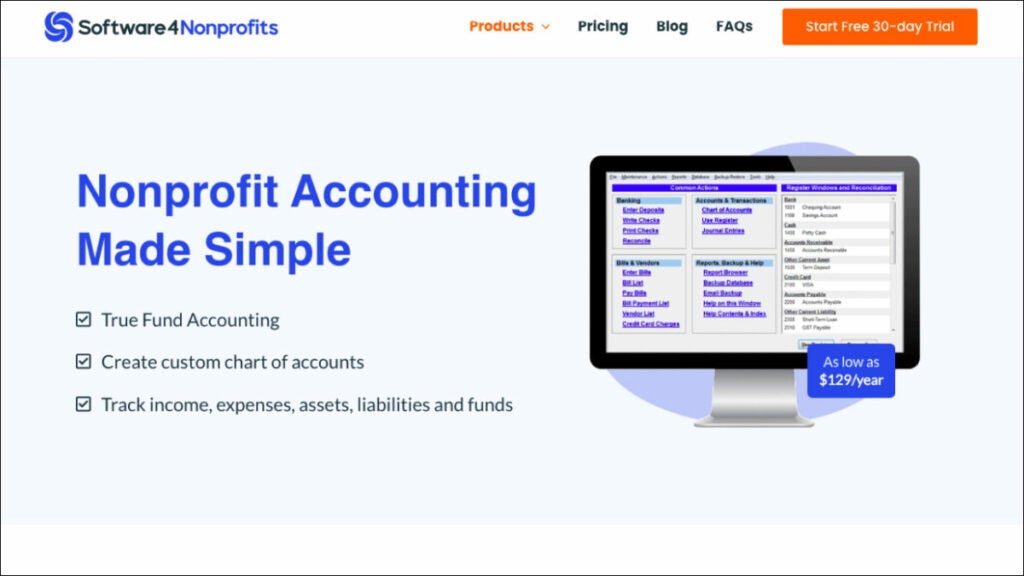
ACCOUNTS is a reliable accounting program and one of the best nonprofit software for nonprofits of modest size, such as churches and community groups. It is cost-effective and has all the functionality you need to keep tabs on your finances, from recording transactions to generating reports.
It is a simple accounting software made for churches and other nonprofits that only requires the most fundamental accounting features, including data entry. You can keep tabs on your cash flow, record transactions, link accounts to tax form fields, and generate comprehensive reports with this software.
The software can be used for free if you are in charge of finances for more than one group, such as the school PTA and your child’s sports team.
Who uses ACCOUNTS?
Organizations in the United States and other English-speaking countries that are relatively small or medium in size.
Best features:
- True Fund Accounting. Prepare for any and all financial reporting needs by simply keeping tabs on money coming in from sources like grants and one-off programs.
- Integrate with DONATION. Track donations without hassle and quickly determine your deductible earnings.
- Generate Nonprofit Financial Statements. Make financial statements, such as a Fund or Composite Income Statement, a Balance Sheet, and a Transaction Detail report.
- Create and track budgets. Account-by-account budgeting and reporting is possible on a monthly or annual basis.
Pricing:
- ACCOUNTS Standard – $129/per year
- ACCOUNTS OnDemand – $199/per year
7. Sumac (by Silent Partner)
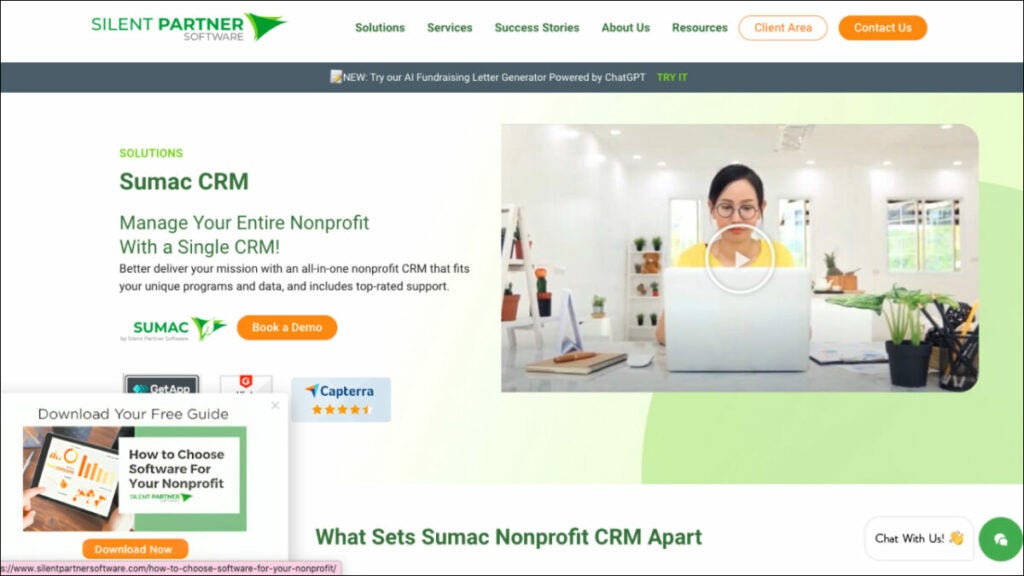
Many small and medium-sized not-for-profit organizations need assistance with software solutions for reducing data redundancy, donor management, donation tracking, and reporting despite the fact that they use top-notch accounting nonprofit software and have their finances in order. Sumac can be an accounting upgrade with affordable pricing that significantly improves efficiency if you are currently using many spreadsheets or out-of-date databases to manage your relationships with constituents. Using Sumac’s fundraising nonprofit software, your team will always have the most up-to-date information available, regardless of where you happen to be. Donor profiles can be tailored to the specific needs of your organization thanks to the program’s flexible design.
Who uses Sumac?
Sumac works with organizations of all sizes and in a wide variety of fields, including Human Services, the Arts & Culture, Health & Education, Environment & Animal Services, and more.
Best Features:
- Donor management. Donors’ involvement and giving may be tracked in one convenient location. Your organization can manage donor activity, send emails, and generate reports quickly by searching or segmenting your list.
- Donor activity tracking. Create custom alerts to be notified of events like recurring donations, first donations or large donations so you can follow up as needed.
- Customize To Fit Your Needs. With Sumac, you can easily modify your database to accommodate your nonprofit’s information and initiatives with just a few clicks. Fields, dropdowns, and checkboxes can have their names changed in seconds, and new ones can be made.
- Receipting and Reporting. Save time by automatically issuing tax receipts for donations and use the built-in report to get real-time data on the impact of your efforts.
Pricing:
Contact Sumac to get info about pricing. Sumac’s monthly fee can be anywhere from $35 to $250 or more, depending on the size of your business and the volume of its records.
CRM software
8. Bloomerang
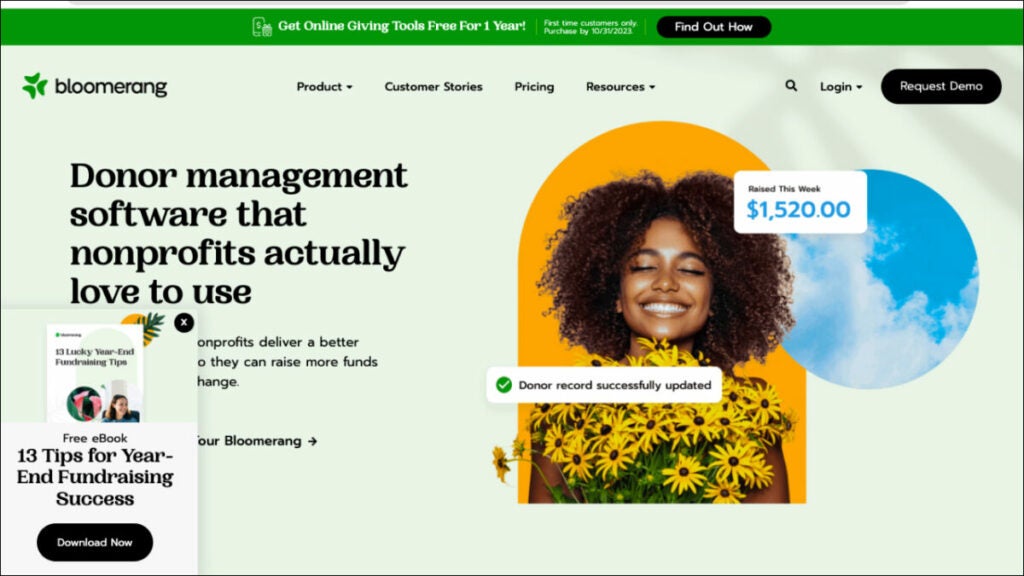
To improve the donor experience and sustain nonprofit organizations, thousands of small and medium-sized nonprofits use Bloomerang, which is a comprehensive donor management software. Bloomerang software for nonprofits helps increase efficiency, strengthen donor relationships, and broaden supporter bases by combining robust, user-friendly technology with human-powered support and training. Bloomerang aids charitable growing nonprofits in providing donors with a more satisfying experience in order to increase donations, decrease administrative costs, and speed up the process of making a positive impact. With Bloomerang, nonprofit workers have another ally in their fight.
Who uses Bloomerang?
Perfect donor management solution for growing and smaller nonprofits primarily relying on individual donations.
Best features:
- Reporting & Analytics. Bloomerang’s reporting and analytics features give you insight into your donors’ giving habits, allowing you to focus your efforts on where they will have the greatest impact.
- Marketing & Engagement. Motivate people to give more to your cause. Keep in touch with your donors and your cause with the simple marketing tools provided by Bloomerang.
- Data management. With Bloomerang, it’s simpler than ever to keep track of donor information and their giving habits that really matter to your organization.
- Donor management system. Help your organization keep more of its supporters, improve its lines of communication with them, expand its pool of potential major donors, learn their perspectives on the work and report on the metrics that really matter.
Pricing:
- Free version available
- Bloomerang Grow – $79/month
- Standard – from $119 to $699/month
Bonus: Software powerpack for small nonprofit organizations
FuseBase (formerly Nimbus)
FuseBase (formerly Nimbus) is a client collaboration software that stands out among event management software systems because it takes a holistic and comprehensive approach to event coordination and operational challenges. FuseBase (formerly Nimbus) plays an essential part in streamlining event operations while strengthening collaboration, data security, client portals, and permission management.
FuseBase’ (formerly Nimbus) user-friendly features enable event organizers, coordinators, and teams to utilize it successfully for event planning, management, and engagement within the event management software landscape.
Qgiv
Qgiv stands out as an innovative fundraising solution, providing nonprofit organizations with tailored options suited specifically for them. It helps nonprofits of all kinds; from emerging startups to well-established national ones, raise more money quicker using customized donation forms, peer-to-peer fundraising events, text-giving events, and auction events.
Qgiv excels as an organization tool due to its text-to-give features, its capacity for crowdfunding campaigns, and its integration with customer relationship management systems. Also, reporting and data analytics features provide organizations with powerful ways to enhance fundraising campaigns backed-up with complex numbers.
ACCOUNTS from Software4Nonprofits
ACCOUNTS is a great solution for small nonprofit organizations such as churches and community centers, making it one of the best accounting software options for nonprofits. It is perfect for fulfilling basic bookkeeping and accounting needs due to its user-friendly interface and low pricing structure.
Particularly useful for small nonprofits handling grants or special initiatives, ACCOUNTS nonprofit software facilitates genuine fund accounting capabilities. When used in conjunction with donation monitoring software, ACCOUNTS streamlines the process of identifying deductible revenue. ACCOUNTS is a great option for small to medium-sized nonprofits in English-speaking nations since it makes it easier for them to create financial statements and track their budgets.
Summing up
In today’s nonprofit sector, donor management, fundraising, social campaigns and financial tracking and reporting would be impossible without access to additional resources like specialized software. Nonprofits can benefit significantly from using software for nonprofit organizations like FuseBase (formerly Nimbus), fundraising software like Qgiv to facilitate innovative fundraising, and accounting software like ACCOUNTS to maintain fiscal discipline.
Whether your organization’s goals are networking, fundraising, or fiscal management, the right nonprofit software can help you achieve them more efficiently and effectively.
Top 8 Real Estate Software Solutions: A Guide for Agents in 2023
Explore top 8 real estate software solutions in 2023: overview, uses, features, pricing

When negotiating real estate deals, success means more than just satisfied customers; it means referrals that keep your business thriving.
And, of course, using software for real estate agents to help you provide a superior client experience is essential. By optimizing your potential and decreasing your office workload, these tools can help you take full advantage of all your talents while closing deals more rapidly. Our research team carefully considered each category’s purpose to create the ideal business tools in different categories.
- Marketing Software: Improve your marketing efforts with tools designed to increase listing visibility and engage prospective clients.
- Property Management Software: Property Management Software streamlines property, tenant and maintenance management operations so real estate operations run more smoothly.
- CRM solutions for Accounting firms: Custom-made CRM solutions help maintain client relationships and efficiently handle financial aspects of real estate investment firms.
- Accounting software: Stay informed about your company’s financial health and track its finances easily with accounting software.
We want to help you make informed decisions when you build your real estate arsenal by mapping these categories with essential business needs, including tracking agent activity.
Marketing software
FuseBase (formerly Nimbus)
FuseBase (formerly Nimbus) is a client collaboration software that embraces the best features of the marketing software tool. Tailored specifically for client-oriented businesses, it solves the needs of real estate agencies in terms of marketing and collaboration.
FuseBase (formerly Nimbus) has wider and more versatile functionality than any other marketing software system. What distinguishes FuseBase (formerly Nimbus) from other competitors across industries is a holistic approach. One platform combines an internal back office to organize teamwork and external portals to engage with clients. Real estate agents can greatly benefit from such integrity in their day-to-day client interactions and getting new leads.
Marketing professionals within the real estate industry can use FuseBase (formerly Nimbus) to streamline their processes, boost client satisfaction rates and increase brand presence. Real estate teams can gather, manage and polish all their marketing materials in an internal back office. Then, with no code involved, they can create single-property websites where all materials, virtual tours and listings are presented and tracked.
Who is it for?
FuseBase (formerly Nimbus) was carefully created to address specific requirements of real estate agents, marketing professionals, content producers and marketing teams working within the real estate domain. As the market leader in its category, its user-friendly portals make client interactions seamless.
Key features
- Client portals. No code nature of the portal makes it easy for a real estate agent to tailor the portal to a particular client or build single-property websites. By making a client portal a place for interaction with a customer, real estate agents can easily share offers and provide documents, show visual tours and track interesting options in real time. Marketing specialists can be especially interested in turning client portals into a company’s website. A simple website builder and White Label solution help to create an attractive and professional image for new leads easily.
- Communication options. Real estate agents can always keep their clients in the loop via built-in portal chats and leaving comments inside documents. A system of automatic reminders can help real estate teams and their clients not to forget to add important details to their deals.
- Integrations. FuseBase (formerly Nimbus) offers up to 2k different integrations into the platform. Real estate agents and their marketing teams can add Google Analytics reports and other professional tools to track clients’ behavior, form a content library for visual tours and more.
- Versatile information management. FuseBase’ (formerly Nimbus) hierarchical organization of information through workspaces and folders gives real estate marketers and agents a powerful tool for organizing marketing-related internal data efficiently. Real estate teams can track client contact details, content schedules and campaign performance to keep marketing efforts on track and stay organized.
Pricing
- Free plan and free trial available
- Paid plans start at $9/month per user
kvCore
kvCORE is a real estate marketing solution for agents that offers features specifically designed to boost marketing efforts in this industry, like giving access to MLS Data and creating interactive presentations and social media posts.
kvCORE offers a comprehensive real estate platform designed for modern brokerages. kvCORE is the perfect way to start any real estate company. It offers powerful marketing tools to generate leads and customizable IDX sites. Plus, its SMART-CRM uses behavioral automation to alert agents when to contact leads based on interactions with your website or ads (also included with KvCORE). You can also add social media marketing capabilities, listings management and back-office functionality to create a valuable tech ecosystem.
Who is it for?
The lead generation software is a great choice for real estate brokerages, enterprises, team leaders and agents.
Key features
- Lead generation tool. KvCORE provides marketing tools for lead-generation efforts via landing pages, website forms and marketing campaigns.
- Email marketing. An effective way to nurture client relationships and engage prospects through targeted emails, KvCORE CRM integration enables agents to track leads, interactions with clients and transactions in one central place.
- KvCORE CRM integration. Agents can track leads, interactions with clients and transactions.
- Analytical/Reporting tool. With these tools, assess the results of marketing initiatives and pinpoint areas that need improvement.
Pricing
- You can request a Demo version.
- Contact kvCORE to get information about pricing.
BoomTown
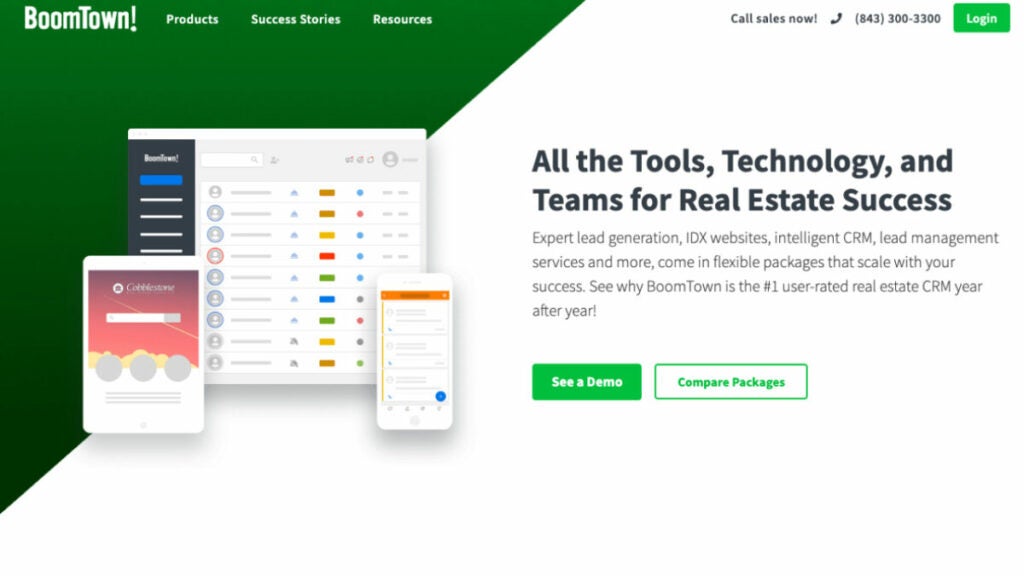
BoomTown is the only specialized lead generating and management platform in the business. It provides real estate agents, teams and brokerages with strong marketing and lead capture tools, including automated lead nurturing process and automated messages. ONLY INTENDED FOR USE IN REAL ESTATE TRANSACTIONS. When compared to other CRM systems, BoomTown offers a stronger return on investment. It enables you to generate new leads, maintain databases effectively and increase agent productivity all from a single spot, which ultimately results in twice as many leads and a 33% higher commission income. What distinguishes BoomTown from other virtual worlds is its features, dissected in greater detail below.
Who is it for?
Residential real estate professionals looking to accelerate the expansion of their businesses.
Key features
- Lead Generation. Lead capture forms, landing pages and online advertisements are some of the lead generation tools and methods that BoomTown offers. These tools and strategies are aimed at driving prospective buyers and sellers to your real estate company.
- Integration of the Website and the IDX. BoomTown offers real estate easily customizable professionals websites that come equipped with integrated IDX/MLS capabilities, which make it easy for real estate professionals to feature listings and gather leads directly through their websites.
- Mobile app. BoomTown gives real estate brokers access to a mobile app that allows them to manage leads and keep clients informed while they are on the go.
- Integration. Because of its integration capabilities, it serves as a primary hub for real estate industry specialists.
Pricing
Contact sales to get info about pricing.
CRM for accounting firms
Insightly
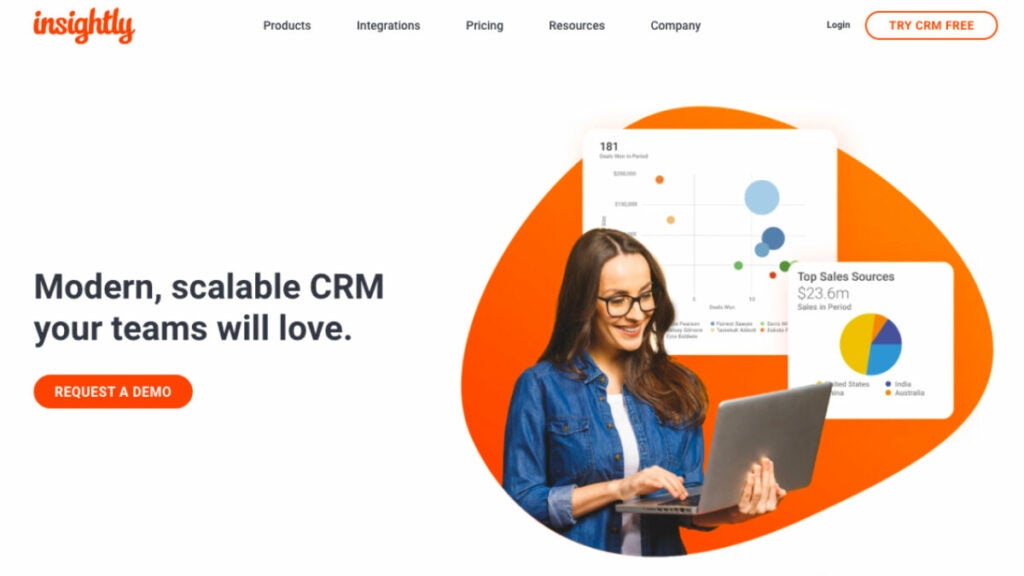
Agents adore Insightly’s contemporary, cheap real estate CRM software, which offers basic CRM functionality, including the ability to store documents. This market leader real estate software is simple to use and modify. It scales with companies as they develop and helps tackle common real estate CRM issues.
Powerful in any vertical, Insightly CRM software customers may add marketing automation, customer care and connectors to the same platform. With easy integration with top platforms, Insightly’s real estate CRM software helps you interact with customers and align teams beyond sales.
Who is it for?
A robust, low-cost and scalable cloud-based CRM system is ideal for rapidly expanding businesses across all industries and will perfectly fit small businesses.
Key features
- Customer Relationship Management. Relationships matter. Delivering your promises efficiently will help you improve every relationship and grow your business, including effective contact management. With this real estate industry leader, you can break communication barriers by making all necessary information for each deal available to all key stakeholders. As a result, your business processes will improve while offering superior experiences to ensure faster growth.
- Sales pipeline & lead management. This user-friendly platform opens doors by turning leads into sales. Take note of pertinent details for every lead, then distribute leads based on the criteria you set up.
- Sales lead tracking and opportunity management. Your sales process can be expedited by using pipelines to effectively track, manage and nurture deals efficiently. Gain insights into how your business is progressing as well as possible risks, customize pipelines accordingly, manage opportunities more easily and accelerate sales and delivery speed.
- Business workflow and process automation. Automate manual, repetitive tasks to free up your time. Eliminate human error. Reduce the number of redundant tasks and processes. Email, reminders and onboarding stages can help you scale faster. Improve employee engagement by freeing your team of low-value tasks.
Pricing:
- Free trial available
- Plus – $29/month per user
- Professional – $49/month per user
- Enterprise – $99/month per user
Accelo
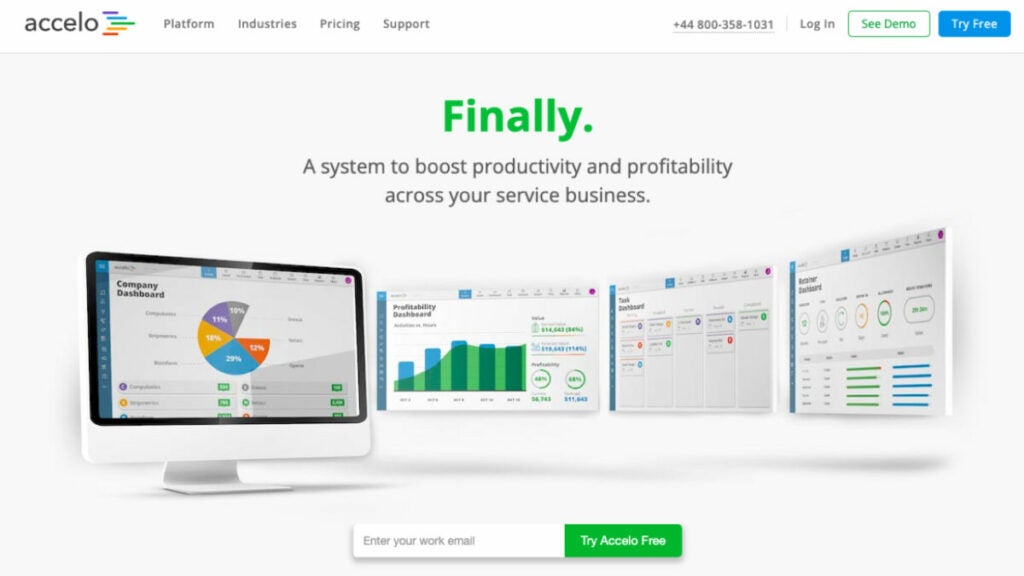
A perfect real estate agent software to increase production and profit. Real estate CRM Accelo helps SMB professional service firms manage clients with tools and resources. The cloud-based platform manages sales, bids, projects, tickets, retainers, timesheets, billing and scheduling.
This real estate CRMS goes beyond customer management. It’s your one-stop shop to streamline all your procedures. Accelo lets you nurture prospective consumers and build long-term client connections to stay competitive and spend less time on back-end admin. The largest benefit of Accelo real estate CRM platforms is running your business from prospect to payment more efficiently and profitably.
Who is it for?
Global providers and agents of professional services rely on and praise this real estate agent software to efficiently and profitably handle their clients’ work.
Key features
- Sales. Track notes, appointments, emails, attachments and custom fields to stay on top of deals and increase sales. With a few options at your disposal, you can tailor your approach to each client’s needs, utilizing predictive analytics to enhance your sales strategies.
- Projects. You can manage your projects in real-time, see the plans of your team members and make or change project clients.
- Tickets. The real estate CRM lets you manage your inbox and requests from the client portal in one convenient location for faster ticket resolution.
- Retainers. Streamline continuing processes and optimize billing and renewal.
- Billing. Bulk mail bills with attached time and work records.
- Reports. Automatically generate and quickly access the data you require to make smarter business decisions.
Pricing
- Plus – $24/month per user
- Premium – $39/month per user
- Bundle – $89/month per user
Accounting software
NetSuite
When it comes to transaction management, managing accounting data and speeding up the closing process, NetSuite real estate software platform has you covered. For over 20 years, NetSuite has led the cloud ERP market, providing organizations with the insight, control and agility they need to develop and expand their operations.
Data inefficiencies and mistake rates are reduced thanks to automated processes, real-time metrics, management dashboards and reports that enable businesses to keep tabs on operations and maintain tight financial management. In addition to making data securely accessible anywhere in the world, NetSuite is among those real estate software tools that support multiple currencies, languages and compliance standards.
Who is it for?
NetSuite would be the right software for everyone; it can fit small businesses or some multinational corporations. This consulting real estate software helps keep tabs on everything from sales to project costs in real-time and keeps everything running smoothly.
Key features
- Financial management. Accelerate the closing of financial books by streamlining everyday transactions. You can see your financial performance at every level, down to individual transactions in real-time.
- Controlling taxes. Use a single, intuitive platform to manage your company’s tax obligations domestically and internationally, with reporting that drills down to the line item level.
- Controlling orders. Remove unnecessary steps and address any mistakes that slow down the ordering process to ensure sales quotes and orders are processed concurrently, payments and invoices are submitted on time and leads are nurtured effectively.
- Cash management. Finance teams require visibility and reporting tools to optimize cash flow, monitor bank accounts and manage liquidity. With NetSuite you can be more strategic than ever by having access to an all-encompassing picture of the company’s cash flow and financial situation, utilizing predictive analytics for effective guidance of strategies while driving leads through data-driven insights.
Pricing
Contact NetSuite to get information about pricing.
QuickBooks Online
QuickBooks Online provides simple bookkeeping and transaction management software designed to keep all your financial records organized. From anywhere—mobile phone or desktop computer—QuickBooks’ smart solutions for business are worth the learning curve. With QuickBooks Online, you’ll be able to keep all your records in order, issue invoices, monitor stock levels and manage employee payroll without hassle—speeding up processes while saving time and speeding payments is easy!
Who is it for?
QuickBooks Online can assist any real estate individual agent, property manager and investor with managing money efficiently while keeping an eye on spending data and creating financial reports.
Key features
- Income and expense tracking. QuickBooks automatically syncs all your credit card and bank transactions so it’s easier for you to track income and expenses, making managing finances simpler and impressing potential clients more attainable. You can connect your apps for mobile income tracking anywhere; QuickBooks Payments matches and records customer payments, keeping all your books organized into one central place.
- Invoicing. Invoice your customers online using credit and debit cards by adding an invoice button with payment links on it. Automate recurring bills, track the status of invoices and send payment reminders directly from QuickBooks. Create customized invoices bearing your logo before sending them directly out from QuickBooks.
- Cash flow forecasting. Be proactive by forecasting cash flow 30 and 90 days out, using income statements, balance sheets and cash flow forecasting statements. Cash flow reports provide invaluable insight into your finances – particularly useful when producing detailed property reports. Transactions can also be synced directly to your dashboard so you can keep an eye on all business accounts at once.
- Reports. Export and run reports, including balance sheets, profit and loss, expenses and detailed market reports. You can customize your reports so they are more tailored to your needs.
Pricing
- Free trial available
- Simple Start – $30/month
- Essentials – $60/month
- Plus – $90/month
- Advanced – $200/month
Property management software
Buildium
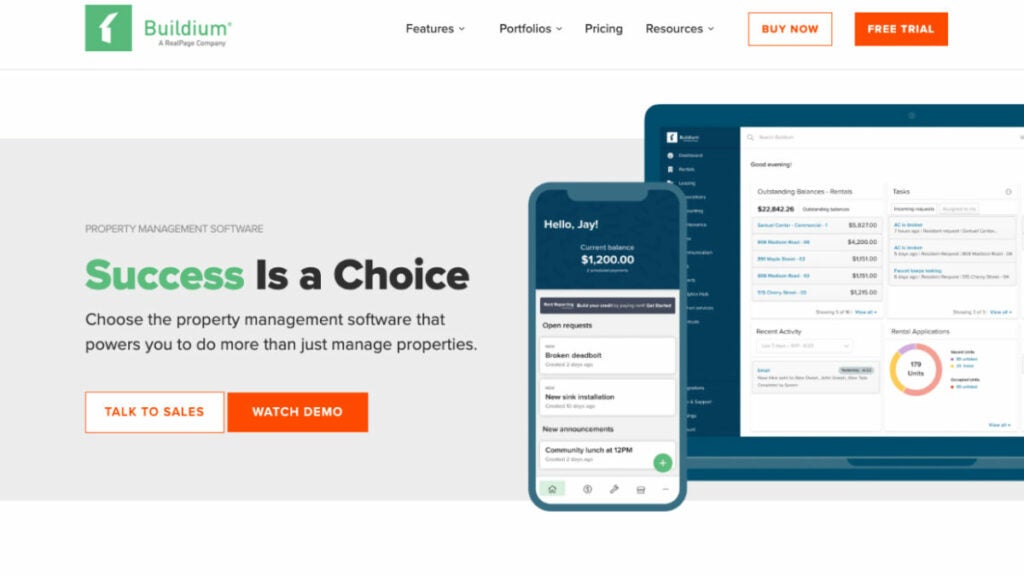
Professional property managers rely on Buildium because it allows them to accomplish most real estate business operations on one platform, including open house digital sign-in, drip campaigns, Internet Data Exchange and increased revenue per tenant.
The program is an all-inclusive suite that provides more of the promised “all.” Everything from accounting and communication to leasing and the best mobile apps is here.
Buildium was designed to provide you complete command over your business, regardless of its size or scope and increase your revenue per customer.
It helps with keeping track of tenants, leases, service requests and the money side of managing rental properties.
Who is it for?
It’s the right software for property managers specializing in residential properties, managers of mixed-use properties and administrators using Buildium for their entire business operations process.
Key features
- Leasing. Streamline the entire lead-to-lease process by moving it online. Promote available housing and arrange for viewings with minimal effort. Create unique rental listings and conduct thorough background checks on potential tenants, all while implementing open house marketing automation and automated lead nurturing.
- Accounting & transaction management. By automating mundane tasks like bookkeeping and payments, save time and energy. Control every step of the payment process digitally. Don’t let your property or business’s books become out of order.
- Business performance. Get a complete picture of your portfolio’s status with the help of detailed reports. Analytics and insights can help you manage your company strategically. Using the Open API to create in-house connections is a powerful way to add muscle to data workflows.
- Marketing. Create a free website dedicated to property management to promote your business, showcase your listings and highlight your services. Use All Property Management to reach out to landlords actively looking for your services, both locally and nationally.
Pricing
- Essential – starting at $52/month
- Growth – starting at $166/month
- Premium – starting at $479/month
Bonus: Software powerpack for small real estate agencies
FuseBase (formerly Nimbus)
FuseBase (formerly Nimbus) is the number one choice for client-oriented businesses and, therefore, is among the best real estate marketing software solutions. As a result of its advanced features that simplify marketing processes while enhancing client collaboration and strengthening branding, FuseBase (formerly Nimbus) has quickly become a market leader among marketing professionals and teams. Hierarchically arranged websites empower real estate marketing experts to efficiently organize client data, while streamlining collaboration on marketing projects.
Client portals are an invaluable asset to clients of real estate agents, marketing professionals, content producers and teams alike. FuseBase (formerly Nimbus) is a robust client collaboration and real estate marketing management solution used by real estate professionals. FuseBase (formerly Nimbus) can transform your real estate business. Try it today!
Insightly
The Insightly real estate CRM solution provides organizations of all sizes and in a wide range of sectors with a low-cost integrated CRM choice that is easy to use and scalable to meet their evolving requirements. Customer Relationship Management (CRM), sales pipeline & lead management, lead generation, tracking & opportunity management and business workflow & process automation are Insightly’s strongest points; these features centralize customer data management, streamline lead management and provide valuable insight that fuels business growth. Users love them for their intuitive design and adaptability.
kvCore
A true real estate professional knows how crucial marketing software is. kvCORE distinguishes itself from the competition as a comprehensive marketing and lead generation solution that is geared specifically toward real estate agents. Real estate professionals of all types benefit from its use; from group managers and agents to cutting-edge agencies and corporations. You can take advantage of all its lead generation tools, IDX websites with behavioral automation features and SMART CRM platforms with similar automation features, which provide all you need for success in today’s highly competitive real estate market.
Wrapping up
There are many software for real estate agents to be more productive and provide better service.
This list of top real estate software will make finding leads, marketing properties, creating listings and showing residences easier and quicker without wasting too much time.
With such programs available to agents today, staying organized, streamlining processes and increasing efficiency become key components to having a successful career in real estate.
No matter if you are an independent real estate agent, part of a small team or work for a large brokerage, your productivity can be improved using any one of the real estate tools mentioned here.
Stay inspired!
8 Best Software for Accounting Firms in 2023
Explore comprehensive details about the top 8 software solutions tailored for accounting firms in 2023

Navigating the finances of multiple businesses can be challenging, which is why accounting and CPA firms rely on professional accounting software designed for them. Such solutions offer payroll processing, reporting capabilities, expense report generation capabilities, auditing tools, or tax prep assistance to simplify life for accounting firms and CPA teams.
However, in this article, we won’t just present you with an exhaustive list of software for accounting firms; instead, we have carefully hand-selected eight top accounting software tools across four distinct categories – practice management software, project management software, CRM for accounting firms and billing software.
Why these specific categories? The answer lies in our dedication to meeting your business owner’s needs without accounting complexities coming between.
Our objective is simple: We aim to empower you with knowledge-driven decisions so you can dedicate more of your time where it counts – serving users and growing your business.
Project management software
FuseBase (formerly Nimbus)
FuseBase (formerly Nimbus) is a client-collaboration software that goes beyond typical project management software. It offers powerful solutions that make it invaluable to accounting industry firms and other client-oriented businesses.
FuseBase (formerly Nimbus) offers flexible management of administrative tasks such as scheduling, tracking and reporting. On top of task management, it has wide integration features and secure storage for holding many different forms of information, from plain text documents and tasks, tables, databases, and images to code snippets and code fragments. Its hierarchical structure helps organize and structure information efficiently, making FuseBase (formerly Nimbus) an invaluable tool for managing different aspects of an accounting practice.
While internal teams usually use task management, integrations and storage features inside FuseBase (formerly Nimbus) back office. Client portals serve as an area for collaboration with clients. Using client portals, accounting industry firms can easily manage client projects and deliver results with no learning curve for their customers. One-link yet secure access, simple and intuitive design make client portals comfortable to work with.
Who uses FuseBase (formerly Nimbus)?
Any accounting firm and other client-oriented businesses that want to improve productivity and organization use FuseBase (formerly Nimbus). It perfectly replaces average accounting project management software, offering wider information management and collaboration features.
Key features
- FuseBase (formerly Nimbus) Portals. Without any coding experience, firms can create a client portal explicitly tailored for each customer – ideal for securely sharing financial reports, statements, and sensitive client data with them while branding and creating tailored experiences can also be enhanced through customization options.
- Task Management. Teams can set up their internal processes using tasks and Kanban boards, as well as establish a smooth workflow for client collaboration. Time tracking and ticketing make task management in FuseBase (formerly Nimbus) comfortable for all types of interactions.
- Document Management and Collaborative Work. FuseBase (formerly Nimbus) excels at document management and collaborative work, allowing accounting teams to collaborate seamlessly. FuseBase’ (formerly Nimbus) robust sharing and collaboration features allow members of a team to work in real time on financial reporting documents or audits without the need for separate Nimbus accounts – streamlining team communication and document-sharing processes.
- Hierarchical Organization. FuseBase’ (formerly Nimbus) hierarchical organization system conforms with accounting data structures. Accounting professionals can easily categorize their financial data before organizing it through workspaces, folders, and subfolders.
- Permission management. FuseBase (formerly Nimbus) provides comprehensive permission management, which is vital to maintaining data privacy and security in accounting. CPA firms can control client access to financial documents using granular permissions, guaranteeing sensitive financial data stays private while only authorized personnel can gain access.
Pricing
- Free plan and free trial available
- Paid plans start from $9/month
BigTime
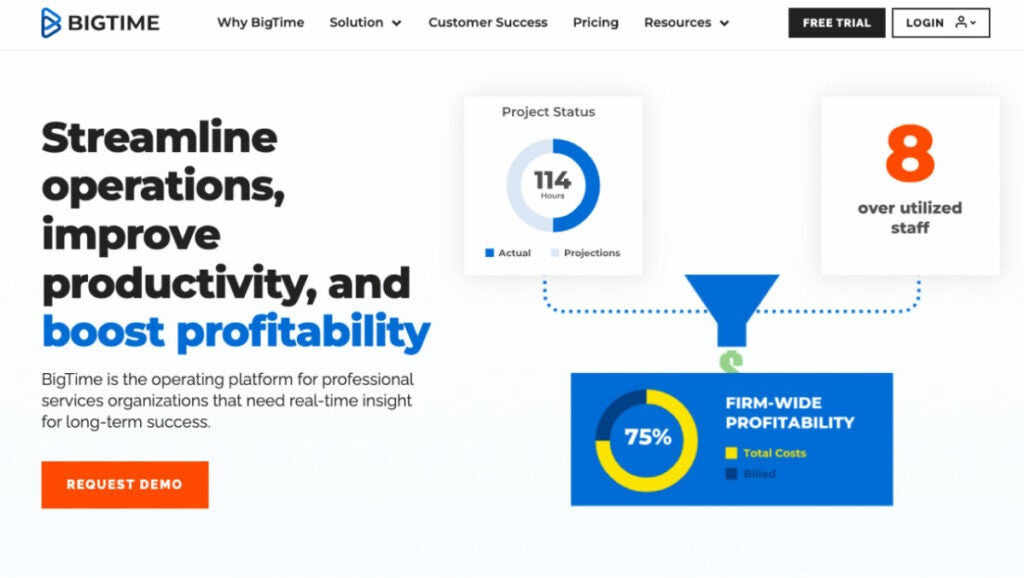
BigTime is a comprehensive accounting and project management solution covering all the basics and beyond. You can track people, projects, transactions and earnings, among other things. The timesheets can be accessed through the simple data entry system. BigTime is the industry-standard software for accountants, guarding your time and money. You can save time by using intelligent timesheets that autofill inputs where possible. Projects are completed on time and under budget, thanks to BigTime. Project managers and those in charge of staffing and billing can instantly see how things are going with their projects.
Who uses BigTime?
BigTime is an excellent option for CPA firms and other businesses.
Best features
- Avoid over/under-scheduling across your project portfolio. Allocating resources according to skills, experience and availability will increase billable hours. Forecast resource demand accurately based on business strategy and project pipeline.
- Project management reporting. Data-driven insights can improve team performance. To eliminate data silos, centralize all information on one platform. You can adjust and monitor project progress and usage on the fly. Client dashboards and reports in the app allow you to keep tabs on performance.
- Project accounting is designed for specific purposes. Access the information you need to manage your entire quote-to-cash cycle, quickly identify problem areas and keep up with the daily activities of your business. BigTime Projector project management software provides the foundation for remarkable performance.
- Advanced resource scheduling. Accurately anticipate your staffing requirements and project future-looking revenue and profitability. Resource scheduling software from BigTime Projector keeps your team on track while giving you a unique view of the future.
Pricing
- Free trial available
- Essentials – $20/month* per user
- Advanced – $35/month per user
- Premier – $45/month per user
- Projector – From $60/month per user
Practice management software
TaxDome
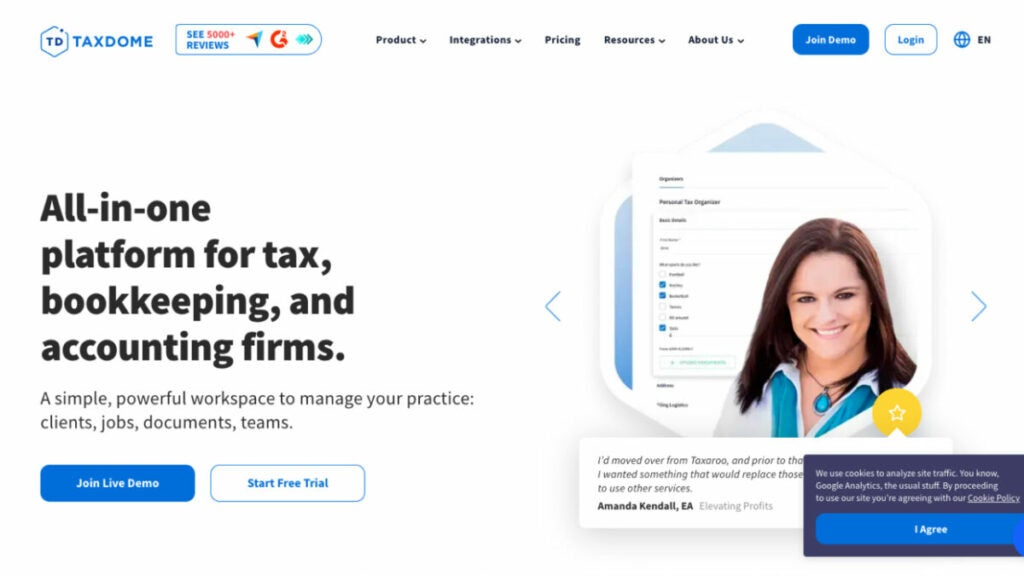
When it comes to managing your tax, bookkeeping or accounting firm, TaxDome is your one-stop-shop cloud-based accounting software for efficiently delivering top-notch services. It’s simple to pick up and use and comes loaded with features that will help you streamline your operations and get more done in less time.
This great accounting software would be a great investment to help run small or large businesses.
Who uses TaxDome
TaxDome cloud-based accounting practice management solution is perfect for small business owners, CPA firms, bookkeepers and tax professionals.
Key features
- Project and task management. Organize your workday with ease using TaxDome’s convenient features. You can see everyone’s assignments and assignees in one place and organize them in whatever way you like. Priorities can be assigned and progress can be monitored. In order to save you time, TaxDome provides pre-made task templates.
- Team management. You may delegate responsibilities to individual team members, monitor their progress and hold in-app conversations about the work at hand. Access permissions can be set, which is helpful for seasonal workers. Thanks to its audit trail function, you can see when and by whom documents were modified in TaxDome.
- Workflow automation. The TaxDome pipeline feature allows you to easily automate mundane processes. Workflows can be created from scratch or selected from a library of pre-made templates to automate tasks like invoicing, sending out notifications and sending reminders. You can save time by sending custom emails in bulk.
- Document management. With TaxDome, you have a single location from which to maintain and distribute sensitive documents with multiple clients and coworkers. In addition, it provides limitless cloud storage for your files, so you can forget about ever running out of room.
- Customer management. Users can access their files, invoices and other important information wherever they are with TaxDome’s customer portal and mobile app.
Pricing
- TaxDome Lite – $33/month billed annually
- TaxDome Pro – $50/month billed annually
Financial Cents
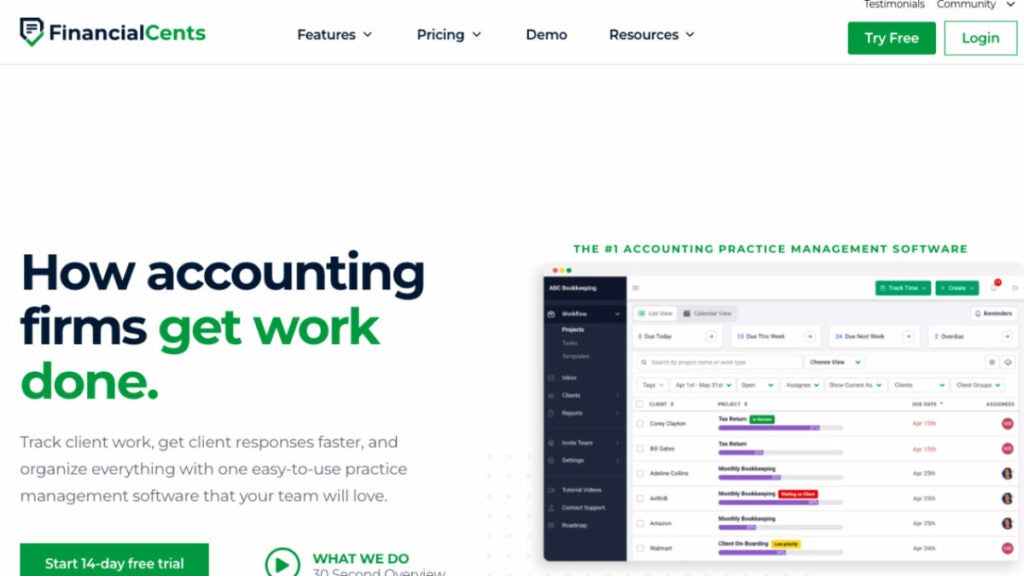
This practice management software for accountants not only helps you keep tabs on user projects, make recurring to-do lists and coordinate with colleagues in real-time but also offers valuable resource management capabilities and reporting tools. Client requests and reminders can be automated in Financial Cents, relieving your team of the burden of manually tracking down clients for information.
The Financial Cents user interface is straightforward and user-friendly. User reviews attest to the software’s efficacy in assisting small accounting businesses in detecting over-budget work and inefficiencies by streamlining the management of daily operations, organizing critical customer information, and monitoring employee time spent on assignments.
Also, Financial Cents workflow templates make it easy to streamline accounting workflows and ensure consistency in customer deliverables.
Financial Cents accounting software can integrate with Outlook, Gmail, and Yahoo Mail to help you manage your inbox. Integrating your email with Financial Cents will create a folder that only displays client-related emails. This will simplify your inbox and help you stay focused.
Who uses Financial Cents?
Financial Cents is an accounting solution developed with the needs of small businesses and medium-sized accounting firms in mind.
Best features
- Time Tracking for Accountants. Billable and nonbillable time can be tracked separately. You can send bills, run reports and measure user profitability.
- Email integration. More people in your firm will be able to see your messages and assignments if you integrate with Gmail or Outlook.
- Capacity Management. Gain insight into your team’s capacity to handle work in order to better allocate resources, reassign tasks and guarantee the timely completion of projects.
- Customer Tasks. Create a customer task to ask for information, documents or action.
- Never miss a client deadline again. Work and deadlines can be monitored in your company as a whole with this straightforward dashboard. With the dashboard’s help, you won’t let anything slip through the gaps and will meet every deadline for every customer.
Pricing
- Free trial available
- Yearly plan – $39/month per team member
CRM for accounting firms
Pixie
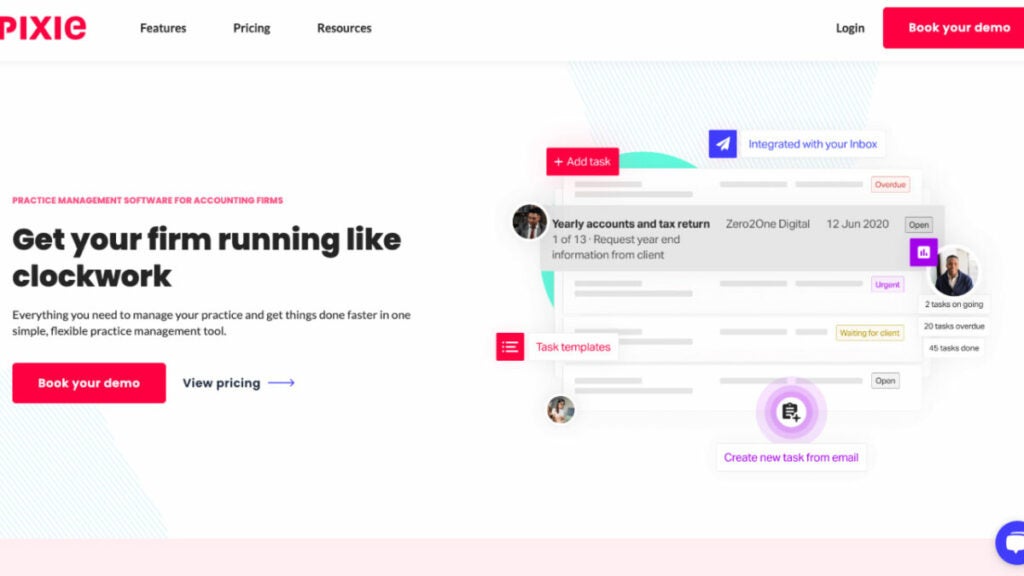
Pixie software for accountants gives your accounting or bookkeeping business the ability to function like clockwork in no time. Thanks to its robust workflow automation, you and your team will spend less time on mundane administrative assignments. Also, this management solution is adaptable, letting you store all of your client’s information in one place with your email and paper trail.
Last but not least, Pixie’s top-notch customer service will ensure a smooth transition to the software and a prosperous launch at your company. Businesses that use Pixie save time on mundane administrative chores, improve efficiency, enhance customer satisfaction, spend little time interacting directly with users and quickly unify their teams.
Who uses Pixie?
Accounting and bookkeeping firms use Pixie accounting software to streamline their processes for hundreds or even thousands of users by centralizing assignments, deadlines, documents, emails and more.
Top features
- Info dashboard. It shows users by name and business type and displays their email addresses, manager, task status and client manager. Custom fields allow you to create as many records of users as you require to effectively manage your relationship. Passwords, company numbers, reference numbers and dates relevant to the customer are included.
- Client communication. You will be able to see the contact information of your customers in their business and communication history when you click on that client record. All communication from your firm via the Pixie feature automatically goes to the primary contact in your client’s business unless you change your settings so that all contacts at your clients’ company are sent to Pixie using the CC feature. Pixie automatically logs all emails sent between your firm’s employees and users to give you visibility into customer communications.
- Client groups. Pixie allows you to organize users into groups by saving and filtering the views. You can easily search for clients based on their type of business, type of work, client manager, etc. Pixie’s filters can be used to perform bulk actions, such as creating new projects, archiving old work, scheduling tasks and bulk emailing, bulk assignment, bulk updating or updating users with similar attributes.
Pricing
- Advanced – $129/mo flat fee for unlimited users
- Growth – $199/mo flat fee for unlimited users
- Enterprise – Custom pricing
Method
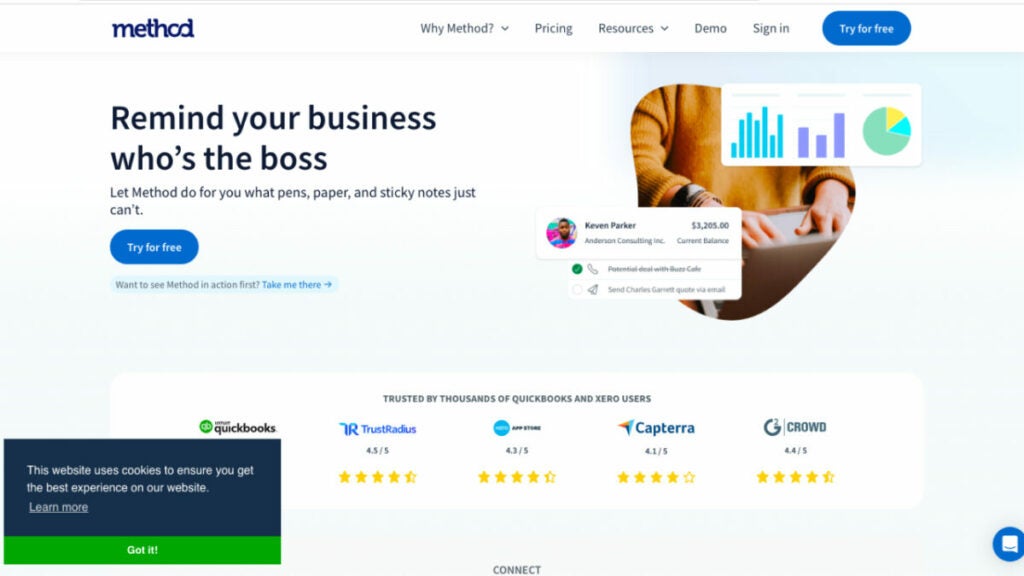
Method allows businesses to collect, organize and manage data about users (and prospective leads) in order to grow their business.
Method is a QuickBooks platform that seamlessly syncs your QuickBooks data. This provides a single source of truth for your entire organization. Using Method, you can automate workflows, manage leads and better serve your users with a self-serve portal. It is a fully customizable tool. Method is the #1 Customer Relationship Management solution rated by QuickBooks users. It empowers small and midsize businesses to scale their operations, increase sales and improve their bottom line.
Who uses Method?
Small businesses that want to easily manage leads, monitor sales activities and serve their customers with better solutions.
Top features
- Client file storage. It is a contact management app that allows you to manage all your leads and contacts in one place. All the information your team needs is at their fingertips.
- Integration with QuickBooks. Method integrates QuickBooks so firms can create bills and remind users to pay on time.
- Contact Management. The Method Dashboard provides all the apps you need to manage and monitor client relationships.
Pricing
- Free trial available
- Contact Management at $25/month per user billed annually
- Pro at $44/month per user billed annually
- CRM Enterprise at $74/month per user billed annually
Billing software
Harvest
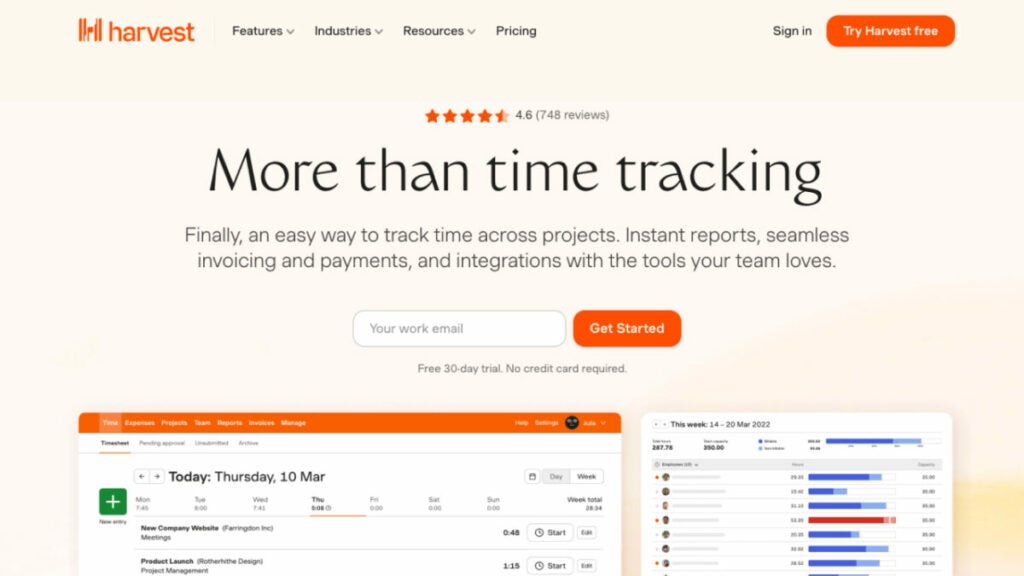
Harvest is a billing accounting software that teams in any sector can use. It’s most useful in conjunction with tools for managing projects that don’t include time tracking. For this reason, it works in tandem with other applications.
With Harvest’s rich functionality features, it’s simple to keep track of time, analyze completed projects for new ideas and get compensated for your efforts. Harvest can seamlessly integrate into your team’s processes thanks to its native apps and interfaces with other popular programs like Asana and Slack. Projects go smoothly and teams are assisted with various visual reports. You can create and track charges from your team’s time and cost data and be paid faster, thanks to built-in e-payment options. Harvest can help your staff make better use of their time.
Who uses Harvest?
Harvest is perfect for client services teams tracking time and expenses for multiple projects.
Top features
- Monitor time on desktop, mobile and browser. Dedicated apps for all devices will make tracking their time easy for your team members.
- Budgets on track. Harvest automatically updates your budgets as you track time. This allows you to keep your project on target and profitable.
- Streamline invoicing. Harvest’s time tracking and expense papers can be used to create and send accurate bills.
- Maintain your books. Automate the copying of Harvest bills and transactions to QuickBooks Online or Xero.
Pricing
- Harvest Free plan – $0
- Harvest Pro – $12/month per user
FreshBooks
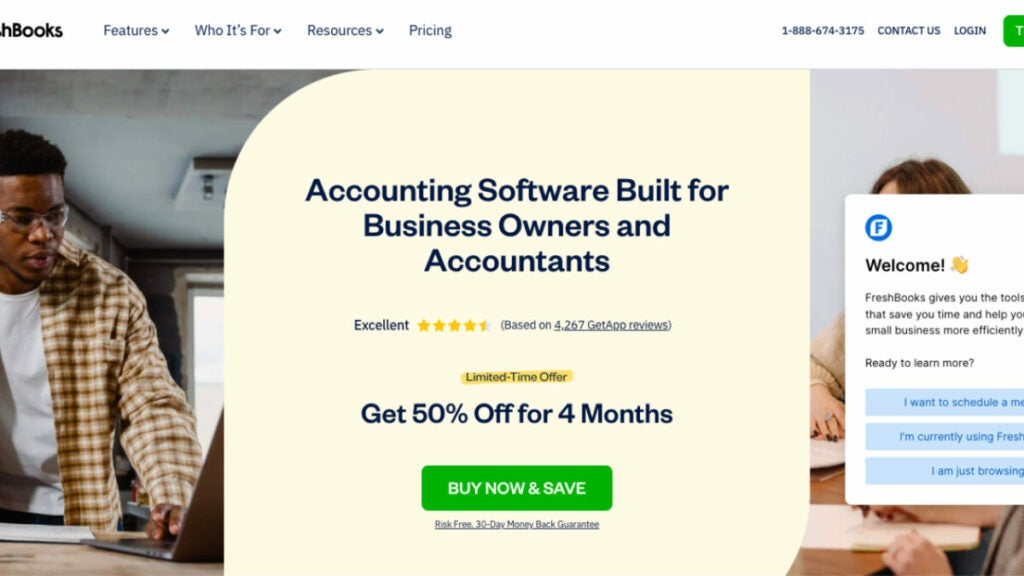
FreshBooks cloud-based CPA software allows you to measure your company’s productivity by tracking the time spent on client projects and effectively managing your bank reconciliation and financials. It also allows accountants to track invoices and accurately bill users. FreshBooks is a software for accounting organizations, contractors and self-employed professionals. FreshBooks simplifies small business billing and invoicing. You’ll be amazed at how much time you can spend doing what you enjoy and how quickly you will get paid. Who would’ve thought that invoice software could be so helpful?
Who uses FreshBooks?
FreshBooks is a cloud-based accounting solution designed exclusively for small businesses and accountants, making it a suitable choice for any CPA business.
Best features
- Online Transactions seamlessly link with FreshBooks. FreshBooks Payments solution allows your customers to pay directly from bills and records each payment automatically in your account. It is fast, simple, secure and seamlessly integrated.
- Create Online Payments with One Click. Accepting credit card payments directly on invoices is as easy as clicking a button. FreshBooks will deposit your money in the correct account after a few simple steps. It’s fast and straightforward, as you would expect.
- Know Your Metrics. You can see where you are without having to contact your accountant. FreshBooks lets you stay informed about your company’s health, make decisions based on insights and know the costs associated with running your business at a glance.
Pricing
- Lite – $8.50/month
- Plus – $15/month
- Premium – $27.50/month
- Select – Contact FreshBooks to get a custom quote
Bonus: Software powerpack for small accounting firms
FuseBase (formerly Nimbus)
FuseBase (formerly Nimbus) is a collaboration software tailored specifically for client-oriented businesses. It is highly flexible and an invaluable tool for CPA and audit firms seeking the best accounting software. You can store all kinds of content – images, videos, and code snippets alongside text documents, task lists, database tables, and other data – easily in one convenient location, thanks to its hierarchical structure. In addition, FuseBase (formerly Nimbus) enables team collaboration and interactions between accountants and service recipients!
Accounting practices appreciate FuseBase (formerly Nimbus) for its ability to help them efficiently manage processes and information, communicate effectively with clients, and collaborate easily. A notable suite of features includes hierarchical data organization, task management, document management tools to facilitate real-time collaboration, and client portals that allow secure data sharing with secure sharing permission management capabilities.
Pixie
Pixie has revolutionized accounting and bookkeeping firms. Automating manual administrative processes with powerful workflow automation makes manual administrative tasks unnecessary. Pixie’s CRM centralizes all client information, including emails and documents, for seamless implementation with their superior customer service, ensuring an effortless experience.
Pixie provides vital features that will assist in running a smooth practice: an information dashboard displaying client details for easy management and tracking of communications with end-users; bulk actions with quick access for easier management; as well as client grouping for bulk actions or immediate actions. Pixie will make running your practice more efficient than ever!
Harvest
Harvest is the premier accounting software solution for tracking time across industries and ensuring accurate billing. Specifically designed to manage invoicing and timekeeping needs, Harvest CPA software integrates seamlessly with project management tools like Asana, Trello, ClickUp and QuickBooks Online to deliver accurate billing.
Harvest can help you quickly monitor time, gain insights from prior projects and ensure that all your hard work is paid. Harvest’s native apps, as well as integrations with popular software like Asana or Slack, ensure seamless integration into your team’s workflow; online payments make turning time and expense data into invoices much faster than before.
Wrapping up
Accounting is constantly transforming at its core and these eight software solutions are at the forefront of that transformation. From practice management software to precise CRM tools and billing systems – these options meet all the unique requirements of most accounting firms.
No matter the size or scope of your accounting practice, these software for accounting companies options can boost efficiency and effectiveness — ultimately helping you provide exceptional services while keeping financial operations in check.
2023’s Finest: Top 9 Software Tools for Law Firms
9 Best Software for Law Firms [2023]

Law schools may provide a place where legal minds are nurtured, but one thing they don’t teach is how to run an efficient law firm.
Modern firms use software for law firms to address this shortcoming; however, so many choices on the market can leave companies feeling confused and imperil their firm’s time and finances.
This guide aims to streamline your search for a law practice management solution. We have taken into account law firms’ top needs and reviewed top legal software in three essential categories – legal practice management software, documentation and billing software.
We can assist your law firm in making the appropriate choices for your firm to improve efficiency, productivity and client management service. Let’s get going and revolutionize your legal practice together.
Legal management software
FuseBase (formerly Nimbus)
Looking for premier legal practice management software? You should pay attention to FuseBase (formerly Nimbus), a reputable online client collaboration tool for client-oriented businesses, law firms, and legal departments.
NFuseBase (formerly Nimbus) has earned itself an esteemed reputation as a premier legal practice management software, with numerous features that make it perfect for law firms.
The cloud-based FuseBase (formerly Nimbus) offers a comprehensive practice management approach. This legal software covers every aspect of the law firm’s daily operations, such as case administration, client management, automation of repetitive tasks, email management, and document storage management.
This law practice management solution allows you to streamline law practice processes, including task management in internal workspaces and client collaboration in portals, for maximum efficiency.
See FuseBase (formerly Nimbus) as a restaurant operating in two key zones: the kitchen and the dining room. The kitchen serves as a bustling hub where all the productive groundwork happens, while the dining room is a presentable and well-designed place to impress clients with top-notch experiences.
FuseBase (formerly Nimbus) is an easily customizable cloud-based law practice management software that gives you advanced online tools tailored to meet your unique needs and help optimize law practice operations.
This law practice software stands out with its user-friendly interface as one of its major selling points. Specifically designed to accommodate lawyers and staff alike, its intuitive navigation and layout enable a quick learning curve and increase its accessibility.
FuseBase (formerly Nimbus) supports 2000+ integrations and provides AI-driven features that will integrate seamlessly with your practice management systems, accelerate your creative process, and streamline projects so you can accomplish more with less effort and time spent.
Who uses FuseBase (formerly Nimbus)?
FuseBase (formerly Nimbus) is a popular all-in-one solution for client-oriented professional law services within the legal field, including law firms, business legal departments, and legal professionals who work with clients and require comprehensive practice management and document management solutions.
Key features
- White-labeled Client Portals. Set up cloud-based, no-code client portals under your legal practice brand to deliver exceptional client experiences and maintain a professional image. Dedicate separate workspaces for your clients, departments, and projects to optimize law practice management.
- All-in-one Solution. Create a pliable cloud-based administrative structure to streamline practice management processes. Make your own private, secure, and organized internal workspaces for better task management.
- Super Documents. The convenient doc builder brings the next generation of dynamic, interactive documents with advanced formatting and 2000+ integrations supported, tailored to optimize case management and help you win clients. FuseBase (formerly Nimbus) worked hard to ensure that it was accessible on a wide variety of platforms.
- Advanced Privacy Controls. This secure law practice management software offers granular permissions to maximize the safety of your files and lets you directly manage your public page’s privacy settings using Magic links and secure keys. Password-protect your workspace or make it exclusive to you.
Pricing
- Free plan and free trial available
- Standard – $9/month per user
CASEpeer

If your company specializes in personal injury cases, CASEpeer legal workflow software is the best law practice management solution available. This cloud-based software can be a game-changer for your law firm. Personal injury attorneys can take action on results like never before with 24/7 laptop or mobile access to case information and reporting. With the help of this law practice management software, you can put your attention where it belongs—on client management aspects—thanks to the case and practice management tools provided by this case management software.
Who uses CASEpeer?
Personal injury lawyers and law firms. With CASEpeer’s legal practice management software, companies can focus on results more than ever.
Best features
- Case management. From medical care to court proceedings, CASEpeer legal practice management software has you covered in a personal injury case.
- Practice management. Maximize productivity with scalable automation and centralized data storage for reports, marketing and finances.
- Contact Management. From initial contact to final payment, be there for your clients by keeping them informed and in the loop. Using a combination of texting, e-signatures, intake forms, a client portal and file sharing, you can transform every interaction into a positive one, including efficient email management.
- Financial and operational reporting. Turnkey reports, personal injury key performance indicators and performance monitoring will power your practice management.
Pricing
- Free trial available
- Basic – $69/month per user
- Pro (most popular) – $99/month per user
- Advanced – $129/month per user
Clio

Clio is the legal project management software with over 1,000 reviews on Capterra. All of your cases, contacts, bills, administrative tasks and schedules can be managed in one central location with this platform. A solution like this will serve as the central hub for your law firm’s remote employees, allowing them to store an unlimited number of legal documents and access case details from any location with an internet connection.
Clio Grow law practice management software is a simplified yet potent client intake system for legal practices. Streamlined client intake and legal CRM software program for expanding law practices.
Who uses Clio?
The legal practice management software’s flexible pricing plans and comprehensive set of capabilities for managing the whole client lifecycle (from intake to billing) make it a good fit for legal practices of all sizes and specialties.
Key features
- Task management. Take note of all the details in every case. Track and assign tasks in Google Calendar. Master your deadlines. Collaborate with your entire firm.
- Bill Efficiently. Billing week will be a breeze when you create branded invoices and customize bill plans in just minutes. Get paid faster with electronic invoices and secure links to pay.
- Contact Management. Utilize marketing tools, such as online scheduling, custom intake forms and easy-to-use electronic signatures, to attract new clients. A secure client portal software lets you stay in touch with your clients throughout the case and share documents and details.
- Manage Your Documents. Create and fill out complete sets of legal documentation without having to retype. You can also build a library with reusable templates and court documents.
- Additional Features. Clio’s cloud-based software gives you access to hundreds of integrations, excellent technical support services, security and reliability to deal with any type of legal matter.
Pricing
- Free trial available
- EasyStart – $39/month per user
- Essentials – $69/month per user
- Advanced – $99/month per user (most popular)
- Complete – $129/month per user
Legal documentation software
Loio
Loio is artificial intelligence-driven legal document management software built for Microsoft Word contract drafting and review. It can repair contract formatting issues and provide precise contract reports, an instantaneous overview of the legal file structure and a precise and up-to-date clause library. Loio law practice management software is a valuable tool for legal professionals seeking to streamline their document management processes alongside existing software.
Who uses Loio?
Legal firms that regularly conduct contract reviews and analyses are the target audience for this law practice management software. A great on-premise solution for small and midsize law firms that will benefit the most from it.
Best features
- Quick and Detailed Summary of Your Contracts. Loio will automatically review your contracts and give you a score. You can either accept or reject Loio’s suggestions for improving your legal files.
- Automated clause management. Create flawless agreements with clear and legally compliant clauses.
- Bilingual Contract Support. Loio simplifies the process of writing bilingual contracts. Compare the two parts and fix any errors instantly to avoid confusion.
Pricing
- Free – $0 per seat – Get a feel for Loio.
- Business – $59 per seat Great for solo pros and small teams.
- Enterprise – Customize bespoke plans for teams of 20+, which review hundreds of agreements monthly.
MyCase
MyCase is a cloud-based legal case management and calendaring software that stores all relevant documents in one place where they can be easily accessed, edited and shared without worrying about losing any originals. With this management solution, you can build a repository of relevant files and folders inside each case and make the most recent versions available to your legal team and clients whenever they need them. You will always have access to the most up-to-date versions of your company’s document assembly files, regardless of where you are.
This holistic law practice management software allows you to optimize processes, including task management, for maximum efficiency in daily operations.
Who uses MyCase?
Easy-to-use practice management software for any law firm that wants to keep track of everything from client information and case documents to time spent on each matter and billing and invoicing.
Key features
- Client Intake and Lead Management. Create customized client intake forms to suit your specific practice. Sign important documents using eSignature. Build a website that is seamlessly connected with the MyCase management solution.
- Case Management. The law practice management software will ensure you never miss a deadline or a meeting. Automate the creation and management of documents, tasks and events. Your documents, case files and internal templates should be centralized, secured, collaborative and easily accessible.
- Billing & Payments. LawPay Payments (billing and invoicing), MyCase Accounting (financial reporting), Time and expense tracking. Has Quickbooks Integration.
- Communication with clients. Communicate with your clients anywhere using the Client Portal and built-in texting.
Pricing
- Free trial available
- Basic – $49/month per user
- Pro (most popular) – $79/month per user
- Advanced – $99/month per user
NetDocuments
You can access your files from any device, including your phone, with the help of NetDocuments law practice management software. Make it easy for your team or clients to access documents by sharing them with a single click.
This document management software is compatible with popular legal apps like Clio, DocuSign, ActionStep, PracticeLeague and Legal Sense.
With NetDocuments, you can rest assured that your data is safe, your applications can work together and you can keep track of different versions of your files. The law practice management software disadvantages include not being compatible with Macs and being too complex or expensive for sole practitioners.
NetDocuments has recently acquired Worldox, another document management tool popular among law firms.
Who uses NetDocuments?
Law Firms and Corporate Legal Departments, Financial Institutions, Real Estate Departments, Healthcare and Insurance and Government Institutions.
Best Features
- Edit documents. Create, edit, store and locate documents using the cloud-based legal document management platform.
- Optical character recognition. Digitize content and index it to make your document searches more intelligent, faster and efficient.
- SetBuilder. SetBuilder’s tools allow you to organize documents and binders into sets or binders quickly, including document assembly. Distribute the compiled content securely.
- Data Loss Prevention. Protect your NetDocuments documents and sensitive data from unauthorized and improper use.
Pricing
- Free trial available.
- To get an accurate quote, you must schedule a consultation with NetDocuments’ sales team.
Billing software
CosmoLex
Numerous law firms switched to CosmoLex, the only cloud-based law practice management solution with built-in time and billing software tools, including basic bookkeeping (no QuickBooks required). This law practice management software can be used from the first day and is comprehensive enough to produce the financial reports and analytics you need to grow and maintain your law practice. CosmoLex management solution includes robust features like legal calendaring to help you manage important appointments and deadlines effectively.
Who uses CosmoLex?
This legal practice management software was specifically developed for use by legal professionals, particularly those working at law firms.
Key features
- Customizable Branded invoices. The billing software allows you to create legal-specific templates that include past payments, an itemized list of legal services, disbursements and the balance due for this billing cycle. Your law firm logo, financial data and other information can be included on all client dashboards and invoices.
- Smart Legal Electronic Billing Software. CosmoLex legal management software supports all UTBMS codes and actions.
- Customizable Invoices. Create invoice templates with details such as the last payment, a detailed listing of legal services, disbursements, billing for this billing period, alternative billing arrangements and the total due.
- Invoice Payment Processing. Manage your entire payment flow with our cloud-based legal billing system – from time tracking, expenses and billing to online payment processing and contact management – while automatically keeping up to date in real-time.
Pricing
- CosmoLexPay – $0 no monthly fees
- CosmoLex CRM – $147/month billed annually
- CosmoLex Websites – $149/month billed annually
- CosmoLex File Sharing and eSignature – $52/month billed annually for the first user for 200 envelopes, $60 month-to-month (as more users are added, the cost per user decreases.)
LawPay
LawPay has empowered law firm professionals with its software for over 15 years. LawPay law firm software helps to accept payments and get paid in compliance with IOLTA.
LawPay Pro, which is backed by all 50 state bars, 60+ specialty and local bars, the ABA, ALA and other organizations, offers secure payment processing, billing, invoicing, expense and time tracking and a trust accounting system for a more profitable, efficient firm. LawPay law practice management software will also take care of your task management and won’t cause you to lose billable time, ensuring customer satisfaction with efficient payment processes.
LawPay is compatible with nearly every operating system, making it accessible to a wide range of users.
Who uses LawPay?
Cloud-based law practice solution for North American and United States legal firms to schedule payments, collect encrypted signatures & more.
Best Features
- Built-In Timers. Built-in timers allow you to track time and expenses and link them easily with cases. Moving from one case to another, you can stop and start up to three timers.
- The QuickBooks Online + LawPay Integration. It creates a simple process of payment for lawyers, from invoicing to collection and reconciliation.
- Scheduled Payments. To ensure clients pay, it is best to plan transactions in advance. Scheduled payments allow you to maximize your cash flow and ensure that invoices are paid on time. The accounting software securely stores all payment information and the Account Updater ensures that stored card details are up-to-date. This keeps your data secure and revenue flowing.
- Custom Payment Pages. With custom payment pages, a law firm can accept online payments at the office via email, website or mobile app. Customize your payment page with your business logo and information to provide a familiar payment experience for your clients.
Pricing
- Free trial available
- The pricing starts at $19/month
- You can also get a custom pricing
QuickBooks Online
QuickBooks is more than just accounting software. QuickBooks allows you to improve cash flow and track your income and expenses, including basic bookkeeping so that you can prepare for tax season.
QuickBooks Online law firm software allows you to run your small law firm from anywhere at any time. More than 4.5 million people use QuickBooks, which provides easy-to-use tools for small businesses. You can manage your docs, generate invoices, track inventory and streamline payment processing. You can save time and get paid faster by using the payment features of QuickBooks Online. If you prefer, you can also collaborate on documents using Google Docs for efficient document management.
Who uses Quickbooks Online?
Accounting and financial software for small law firms.
Key Features
- Tracking income. Match and record payments made by customers through QuickBooks law firm software. All your books are easily organized in one place.
- Payments. You can request payments through an invoice, or you can have your customers pay via a link.
- Reports. Export and run reports, including profit and loss, expenses and balance sheets.
- Invoicing. Add a button on invoices to allow customers to pay online using credit cards and debit cards.
Pricing
- Free trial available
- Simple Start – $30/month
- Essentials – $60/month
- Plus – $90/month
- Advanced – $200/month
Bonus: Software powerpack for small law firms
FuseBase (formerly Nimbus)
FuseBase (formerly Nimbus) is an exceptional client collaboration platform that embraces all the best from legal management software solution. It provides a holistic approach to practice management that includes case and document management as well as client communication. With its easy-to-use interface and adaptability features, this system makes a valuable addition to any law firm looking to streamline daily business operations while creating innovative content.
FuseBase (formerly Nimbus) facilitates easy access, editing and collaboration, giving your law firm total control of your documents, whether viewed on laptops or through mobile apps.
FuseBase (formerly Nimbus) stands as the leader among other legal software solutions, relied upon by legal law firms across the legal industry for features like organization console, data linking, super documents and privacy controls.
Loio
Loio is one of the best AI-powered document management systems created to optimize contract drafting within Microsoft Word. With features that include accurate contract reports generation, instant document structure overview, modern clause library selection and fixing contract formatting issues, Loio’s purpose is ideally suited for legal professionals working regularly on contract review analysis tasks at small to mid-sized law firms and enterprises.
Loio law firm software offers several key capabilities for contract management: rapid and comprehensive summarization, automated clause management for creating legally compliant agreements, document assembly and bilingual contract support to simplify writing and reduce errors.
A perfect choice for companies looking for reliable legal documentation software.
CosmoLex
CosmoLex is a cloud-based law practice management software distinguished by its integrated, compliant legal accounting. Easily used, its comprehensive capabilities for producing financial reports and business analytics provide powerful support for law firm growth.
CosmoLex caters specifically to law firms aiming to maximize practice efficiency as an all-in-one solution that encompasses practice management, billing and accounting responsibilities.
In addition to providing an advanced cloud-based solution that is compatible with UTBMS codes and actions, CosmoLex also includes invoice templates tailored to legal billing that include service listings and alternative arrangements for billing arrangements, as well as an effective invoice payment management system that handles everything from time tracking and expense tracking to online payments and financial reporting.
Wrapping up
By equipping your team with cutting-edge software for law firms, you can help your business reach new heights.
Please remember that there is no such thing as the best legal practice management software. With the help of our list, you can find a legal software solution that is tailor-made for your needs with some time spent researching the market and some critical thinking.
Good Luck!
Top 9 Software Choices for Consulting Firms in 2023
Find out more about the 9 best software for consulting firms in 2023: overview, use cases, key features, and pricing. Click here.
Consulting firms, like other businesses, must regularly manage a multitude of repetitive tasks and deadlines for various clients. Software for consulting firms can come in handy by streamlining processes, encouraging teamwork and keeping your company organized – we understand it may be daunting to select the ideal project management software from all available options!
Based on our research of the most urgent needs of businesses and management consultants today, we have identified nine of the most useful tools across various categories that you can use to take your consulting business to new heights.
Get ready to explore the top business consulting software tools that will revolutionize how you work!
Project management software
FuseBase (formerly Nimbus)
FuseBase (formerly Nimbus), a premier project management tool for client collaboration and project management with features tailored for client-oriented business consulting services. It offers integrated reporting, workflow management, AI-driven tools, and analytics features.
This software for consultants comes equipped with tools tailored specifically towards various industries and professionals who need to track progress, streamline project management, and provide impactful reports for multiple clients.
Building custom business consulting software solutions requires significant resources, while FuseBase (formerly Nimbus) offers a cost-efficient and sophisticated alternative to centralize project management, task management, and client collaboration in one place, all under your brand.
Think about FuseBase (formerly Nimbus) as a restaurant with two key areas: the kitchen, which is the back office for all the productive behind-the-scenes work, and the dining room, a presentable and well-designed place to impress clients with top-notch experiences.
FuseBase (formerly Nimbus) Portals will elevate your collaborative process and project management. No-code websites provide an ideal opportunity for businesses to showcase themselves while creating an exceptional user experience. With FuseBase (formerly Nimbus) Pages as their foundation, all interactions between pages run seamlessly.
Unlike other project management software options, FuseBase (formerly Nimbus) lets you remove all references to their company and customize the platform with your logo, name, colors, and domain to increase brand recognition. This can help increase your brand awareness and professional image.
Remove all references to FuseBase (formerly Nimbus) and customize the platform with your logo to increase brand recognition and brand awareness.
Who uses FuseBase (formerly Nimbus)?
FuseBase (formerly Nimbus) is one of the leading project management programs, providing businesses with a flexible solution for streamlining processes, optimizing task management, and reaching operational excellence, making it ideal for consulting firms or any other type of enterprise.
Best Features
- Client Portals. Apart from project management features, FuseBase (formerly Nimbus) offers no-code client portals that centralize client collaboration and communication, task management, and support team base. Using these portals, you will exceed client expectations by providing seamless experiences. FuseBase (formerly Nimbus) ensures top-notch safety of project details and other sensitive details with granular permissions.
- Super Documents. Combine data from multiple sources on one page: text, images, audio/video files, and PDF attachments. Its document builder supports 2000+ integrations, allowing you to craft engaging, dynamic documentation.
- Project Management. FuseBase (formerly Nimbus) offers kanban boards, dashboards, time tracking tools, and other task management features to help you manage client projects more efficiently, work transparently, and deliver results faster. Real-time collaboration features ensure everyone in your team is on the same page.
- White Label. Fully customizable workspaces and organizations will help build customer loyalty, maintain a unified professional image, and promote your brand without the extensive time, effort, and costs of building in-house business consulting platforms from scratch.
Pricing
- Free version is available
- Paid plans start from $9/user/month
Smartsheet
Smartsheet is a popular project management tool that over 80,000 companies use it to manage projects efficiently, including the entire proposal process. This is due to its easy-to-use interface, collaboration features, real-time dashboards, and Gantt charts. Smartsheet is a consulting management software that received several awards in 2018: Forrester Research named it a leader for enterprise collaborative work management, Deloitte Fast 500, and 451 Research recognized its technology innovation and vision.
Who uses Smartsheet?
Smartsheet is one of the best project management software for consultants. It’s used by business consultants, organizations of all sizes, SMBs, and enterprise firms.
Best features
- Digital asset management. Management and distribution of assets and their performance, including the ability to create comprehensive proposals.
- Secure request management. You can streamline requests and process tickets.
- Integrations. Share information between platforms to work smarter and more efficiently.
- Streamlined business apps. Create easy-to-navigate business apps within minutes.
- Portfolio management at scale. Delivering project consistency and transparency at scale.
Pricing
- Free plan – $0 (No cost for one user, up to 2 editors)
- Pro – $7 Per user/month, billed yearly (Max of 10 users, unlimited viewers)
- Business – $25 Per user/month, billed yearly (Minimum 3 users, unlimited editors)
- Enterprise – For large, established businesses that require robust security and management tools for their operations.
Asana
Asana is an excellent software for consultants that lets you manage projects, delegate tasks, and make task tracking a lot easier. Its project management dashboards and features make it perfect for coordinating work on a variety of client projects, regardless of their size.
It’s one of the best project management software tools that makes it team collaboration a lot easier. Whether it’s through the use of lists, boards, calendars, or Gantt charts, you will get things done in the manner most effective for you.
Who uses Asana?
Over 11,000 different users rate Asana 4.5 out of 5 stars. This software for consultants enables teams of any size to improve their productivity and quality of the work they do.
Best features
- Project Views. You can organize your work using a Kanban Board, List, Timeline, Calendar, or Gantt Chart.
- Kanban Boards. Track the progress of your team by visualizing your progress using a digital Kanban board.
- Team and project calendars. Asana’s team and project calendars are the best way to manage and plan your work as a group.
- Forms. Standardize forms so your staff has all the necessary information from the beginning.
- Goals. Connect the company’s objectives with the tasks that support them so your teams are able to get the job done.
- Workload. You can quickly rebalance your work by assessing the workload of each team member.
Pricing
- Basic – $0 For people or groups who are just starting out with project management.
- Premium – $10,99/per user/per month, billed annually for teams that need to create project plans confidently.
- Business – $24,99/per user/per month, billed annually for teams and businesses that need to keep track of work across multiple projects.
Transformation software
Miro
Miro is a visual innovation workspace for teams of any size, allowing them to visualize ideas, facilitate team collaboration, and create future projects together even when they are in different locations.
Its goal is to provide a space where distributed teams may collaborate effectively on multiple projects.
People around the world rely on Miro as one of their primary team communication platforms and visual workspaces, websites. Miro equips teams with the means to hold brainstorms, record ideas, and refine the most promising ones. Miro facilitates face-to-face online meetings with its 300+ prebuilt meeting templates.
Who uses Miro?
It serves a wide variety of clients, from the largest corporations to the tiniest startups, not to mention universities, advertising, and consulting firms.
Best features
- Engineering. More productive team planning conversations. No more vague handoffs and text-only needs; with Miro, you can concentrate on leading your team through essential activities like PI Planning.
- Scrum Events. Equip your hybrid team with cutting-edge tools that will help you work together and communicate better in the lead-up to, during, and after Scrum Events.
- Developer Platform. Create your own plugins and integrations using Miro’s developer platform to give your team (or the world, if you dare) the power of visual collaboration within their existing workflows.
- Process Mapping. Using tools like Flowcharts, BPMN diagrams, Value Stream Mapping, and Swimlanes, you may create a map of your company’s operations in order to pinpoint problem areas, track projects, and maximize efficiency.
Pricing
- Free – $0, Unlimited team members
- Starter – $8/per member/month billed annually
- Business – $16/per member/month billed annually
- Enterprise – Contact sales for pricing
Mural
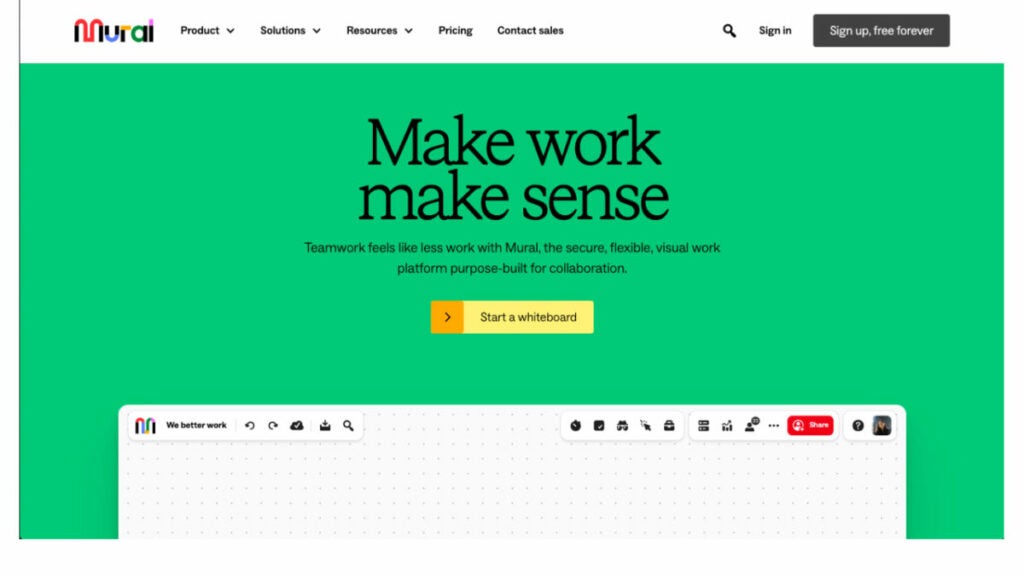
Provide your team with Mural software for consultants, a tremendously user-friendly digital whiteboard solution that promotes productive hybrid and remote teamwork, and watch them rise to the challenge of producing extraordinary results. Mural serves as a hub for many different types of product-related activities, including but not limited to sales and consulting projects, design and research, workshop facilitation, and agile and design thinking workshop facilitation.
Who uses Mural
Mural helps enterprise, design, and creative teams, business consultants, and IT consulting firms with the skills and technologies that make remote and hybrid work that much easier.
Best features
- Infinite & resizable canvas options. You can choose from an infinite number of canvas sizes.
- Flexible permissions. Control the access to collaborative features by setting up view-only, editor, or facilitator options.
- Icons, GIFs, & images. Noun Project’s integrations with GIPHY and Unsplash allow you to create icons, GIFs, and images that help communicate complex ideas or engage your team in fun activities.
- Create and publish your own templates. This will save you time and allow your company to scale up methods.
Pricing
- Free – $0/ with unlimited members
- Team+ – $9.99/per member/month/billed annually
- Business – $17.99/per member/month/billed annually
- Enterprise – Contact Mural for pricing
Billing Software
NetSuite
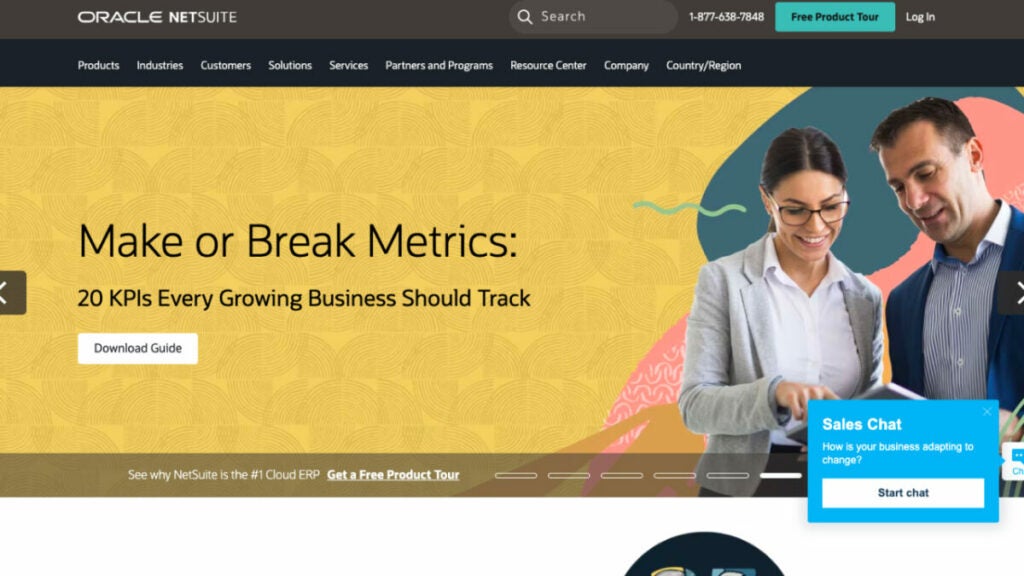
NetSuite’s cloud-based solution equips businesses with the tools they need to handle expense management and accounting data to swiftly complete the closing step. Data inefficiencies and mistake rates are reduced thanks to automated processes, and real-time business monitoring and business intelligence are facilitated by incorporating customizable reports, dashboards, and metrics. This billing and invoicing software guarantees data is available safely around the world and works with a wide variety of currencies, languages, and compliance standards. More than 36,000 customers in 217 countries use this comprehensive system, which was initially tailored toward financials and enterprise resource planning. But today, it also covers inventory management, consulting, human resources, professional services automation, and omnichannel commerce.
Who uses NetSuite?
NetSuite accounting software is a perfect choice for all: from a small consulting business to a large enterprise. It’s a consulting software to manage resources, streamline critical business operations, and gain real-time visibility into key metrics like sales and project costs.
Best features
- Financial Management. Streamline daily transactions and close financials faster. Ensure compliance. You can get a real-time, complete view of your company’s financial performance at all levels, including individual transactions.
- Global Business Management. NetSuite’s cloud-based platform provides real-time visibility and financial consolidation to help companies run global operations. This includes managing multiple currencies and taxation regulations, comprehensive reporting functionality, and consolidating finances across subsidiaries and geographies.
- Order Management. Streamline the order process by preventing and eliminating bottlenecks and errors. This will ensure a seamless flow between sales quotes and order fulfillment. Invoices and payments are made on time.
- Balance Supply and Demand. Manage your supply chain, cost increases and changing buyer behavior.
Pricing
Contact NetSuite to get information about pricing.
Zoho Invoice
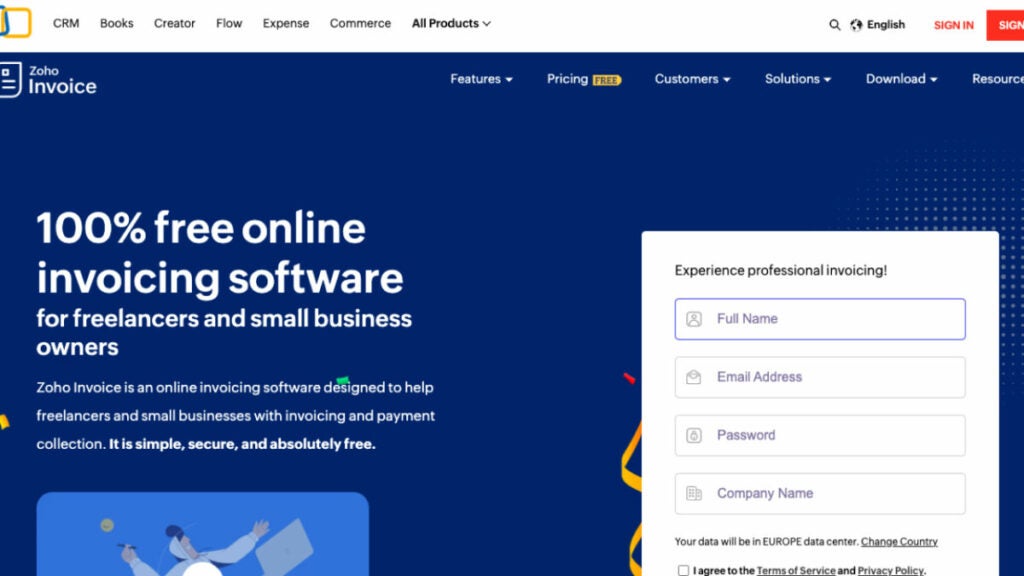
Easy to learn and use, Zoho Invoice is an online invoicing software that facilitates tracking expenses, invoice customization, rapid online payment, and efficient management of billable hours. It facilitates communication and cooperation between you, your clients, and your staff. Invoices, financial reports, payment reminders, and thank-you cards can all be automated to help save time and effort. Also, Zoho’s strong suit is data analytics and visualization. You can maintain contact with your company from anywhere thanks to the iOS and Android mobile apps.
Who uses Zoho Invoice?
Zoho Invoice is the perfect invoicing software for freelancers and small business owners. It caters to the needs of every size of business, especially small businesses.
Best Features
- Digital Billing. Invoices can be exported to PDF or other digital formats for more convenient storage and retrieval.
- Recurring Billing. Invoices are produced routinely at scheduled intervals.
- Batch Invoicing. The ability to generate a wide variety of different kinds of invoices.
- Accounting. Allow for seamless synchronization with your accounting and finance management programs.
Pricing
This accounting software is Free.
Enterprise Software
Monday
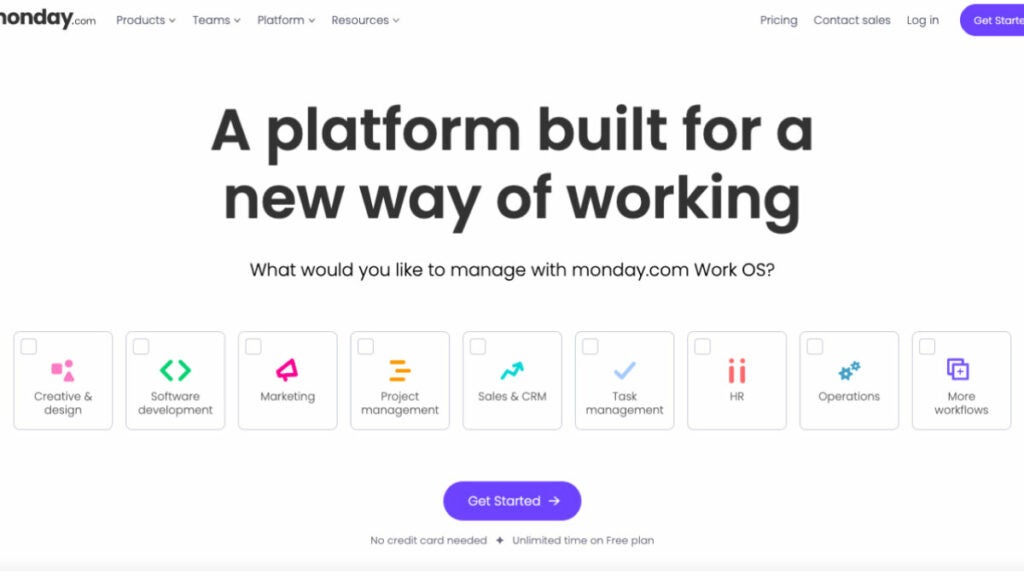
Monday.com is like a centralized platform that allows teams to create their own workflows with easy-to-use building blocks such as dashboards and automation. The platform offers various reporting features and is designed to be flexible, adaptable, and customizable. It can also scale with the organization’s growth.
The industry-specific products, including Monday Sales CRM software, Monday Work Management, and Monday Dev, allow organizations to quickly create solutions that are tailored to the exact needs of their organization and team size.
Workflows can be streamlined and accelerated with the help of no-code automation. You can also centralize your work and share it in context, in real-time. Monday.com’s intuitive interface helps track project progress so you can achieve bigger goals.
Who uses Monday?
There are many teams working in lots of different fields besides consulting all across the world. Thanks to its user-friendly interface, it may be tailored to fit the needs of any project or business.
Best features
- Customizable boards. It’s one of the core features that can be made unique for each user on Monday.com, allowing for more efficient management of tasks, projects, and workflows. Thus, consultants are able to maintain efficiency and concentration.
- Collaboration tools. Commenting, mentioning, and attaching files are just some of the collaborative methods available.
- Automation. If you’re a consultant looking to cut down on mundane, time-consuming duties, Monday.com could be the answer. If utilized correctly, this tool can boost efficiency and cut down on mistakes.
- Time tracking. Consultants can see the project progress, as well as keep track of how much time they devote to each project and job, thanks to Monday.com’s robust built-in time tracking facilities.
Pricing
- Individual – $0
- Basic – $8/month
- Standard – $10/month
- Pro – $16/month
- Enterprise – Contact Monday.com
HubSpot
HubSpot is a good CRM software designed specifically for managing interactions with customers. Tools for managing and communicating with your client base are housed within the platform. The use of content management, sales, marketing, and customer service software simplifies the customer relationship management process.
You can make your company a money-making machine by giving customers what they want. Use HubSpot’s best CRM software to track the progress of your company’s marketing, sales, customer service, content management and operations.
Who uses HubSpot?
HubSpot is a low-cost customer relationship management system suitable for enterprises of all sizes. Using these instruments, businesses will have an easier time managing their relationships with customers.
Best Features
- Pipeline management. Managing your sales pipeline is as simple as adding deals to your CRM, delegating activities to move them ahead, and checking in on your most promising leads via dashboards.
- Contact & lead management. Do you still have to sift through your email, spreadsheet, or LinkedIn contacts to find out what happened to potential clients or customers? HubSpot’s user-friendly CRM tool can be picked up in a matter of minutes and keeps track of all of your business contacts in one convenient location.
- Email marketing and Ad management. Free marketing tools from HubSpot include email marketing, ad management, and more ways to customize your customers’ online experiences. Create proposals that are simple, entertaining, and effective.
Pricing
- Marketing Hub’s marketing software price ranges between $50 per month and $3,200 per month.
- Sales Hub pricing starts at $50 per month and goes up to $1,200 per month.
- Service Hub’s pricing ranges between $50 per month to $1,200 per month.
- Content Management System (CMS) Hub pricing ranges between $270 to $900 per month.
Bonus: Software powerpack for small consulting firms
FuseBase (formerly Nimbus)
FuseBase (formerly Nimbus) is the undisputed leader among other tools mentioned in this article. But what makes this project management software important?
FuseBase (formerly Nimbus) is more than just a project management software. It is a client collaboration platform that offers analytics, integrated reporting, and workflow management. The platform is designed for professionals and industries that want to provide clients with impactful reports. FuseBase (formerly Nimbus) has powerful features for sharing and collaboration, and our no-code websites are a great way to showcase your services since they provide a fantastic user experience.
It can be customized with the user’s logo to increase brand awareness and recognition. FuseBase (formerly Nimbus) offers a flexible solution to optimize workflows and operational excellence for global corporations and start-ups.
Try FuseBase (formerly Nimbus) now and improve your business efficiency and productivity.
Monday
Monday, one of the intuitive project management tools that empowers teams to create their ideal workflow within a single intuitive workspace, also offers advanced analytics tools. It is adaptable, customizable, and flexible. Monday.com offers industry-specific solutions such as Monday Work Management, Dev Solutions, and Sales CRM software. These products allow organizations to centralize their work and collaborate in real time with customizable boards.
Miro
Miro is one of the most powerful consulting tools that enables visual collaboration with its array of visual elements. It’s a must for many small businesses. Miro’s digital whiteboarding features allow your team to brainstorm, visualize their ideas, and map out strategies wherever they may be. This is an excellent platform for workshops, brainstorming sessions, and designing processes. Miro encourages creativity and innovation to help your consulting firm stand out and deliver unique solutions.
Wrapping Up
It appears that at every step you make, a new piece of software or mobile application promises to make managing your consulting firm easier. We know it’s hard for any business owner to pick the right consulting software among the various platforms available on the market.
There is no disputing that choosing a specific software for consulting firms would, in fact, make your business process steady and your clients loyal and happy. We’re sure that among the nine best consulting software solutions we’ve discussed with you, the one you choose can become life-changing for your consulting business.