
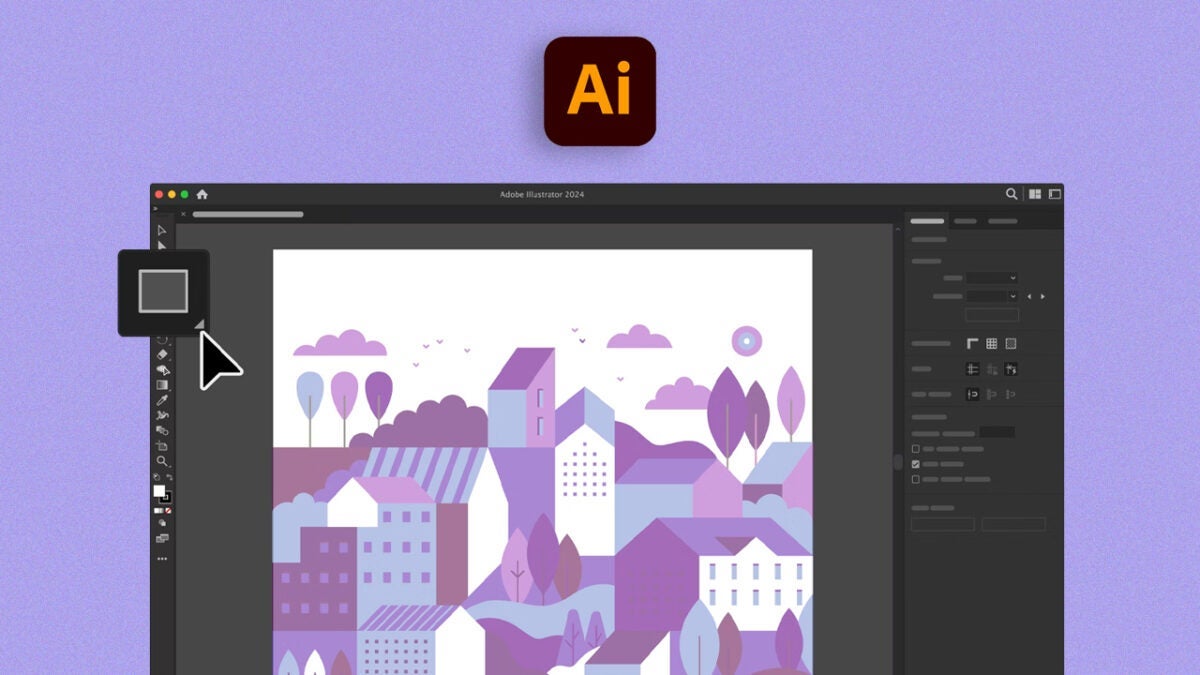
When we talk about the vector graphics software for creating scalable illustrations and designs, there's one that stands out above the rest: Adobe Illustrator. It is the best vector graphics software for professional designers, as it brings together everything an expert needs in their day-to-day work.
In this article, we're not just going to discuss the specific features of Adobe Illustrator, but also tell you what the other vector graphics programs are in 2026.
What is the best vector graphics software of 2026?
Undoubtedly, the best program for vector graphics in 2026 is Illustrator. No program comes close to what Adobe has created through years of experience. After all, we're talking about software built by creatives, for creatives, so there's a clear understanding of what's needed at every turn.
One of Illustrator's main strengths is its broad compatibility with all of Creative Cloud Pro. Thanks to it, you have access to more tools that fit brilliantly into professionals' workflows, such as Adobe Photoshop, Premiere, or Firefly for AI generation.
What are the Adobe Illustrator alternatives, and which are free?
As we've already stressed, Adobe Illustrator is the ideal tool for vector graphics if you do any professional work in this field, but there are other programs you should take a look at.
- Adobe Illustrator: you can subscribe to Illustrator on its own for $22.99 a month (annual plan, billed monthly), but the best option for professionals is Creative Cloud Pro. It regularly costs $69.99 a month on the same plan and brings together more than 20 Adobe apps, including Illustrator, Photoshop and Premiere, plus Firefly, so you don't have to decide which apps to subscribe to. Promotional discounts are sometimes available, so it's worth checking before you subscribe.
- Affinity: Affinity is a good place to start for anyone new to vector graphics. It's free to use, although its AI tools require a Canva premium plan.
- Inkscape: completely free and open source, Inkscape is well suited to intermediate users. If you find it useful, you can support the project with a donation.
- CorelDRAW: aimed at professionals, CorelDRAW Graphics Suite costs $39 per month with a monthly subscription. If you'd rather avoid subscriptions, you can also buy it outright for $549.
- Linearity Curve: geared toward more experienced users. Linearity's free plan includes Curve and its animation app, Move, with usage limits, while the Pro plan removes those limits for $10 a month.
- Figma: aimed at more advanced users, Figma offers a free Starter plan, but to get more out of it you'll want a Professional Full seat, which costs $16 a month on annual billing.
Can AI generate vector graphics?
This question has an easy answer: yes. Today, we have many programs that can do it, but Illustrator is a clear standout. Adobe has updated Illustrator with new features powered by Firefly, its own AI platform. These are:
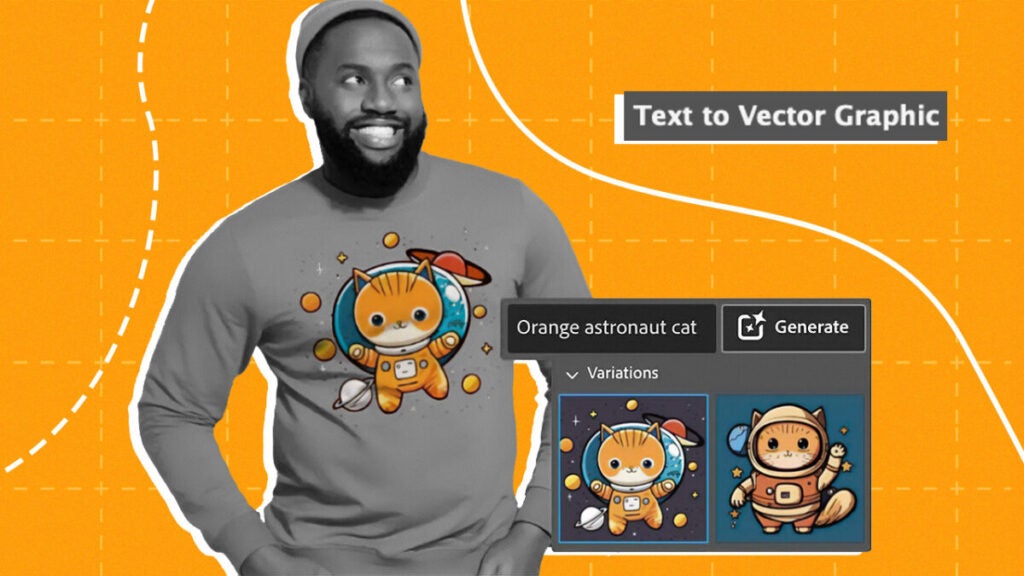
- Generate Vectors: Creates scenes, objects or characters from a description.
- Generate Patterns: Makes it easy to create patterns.
- Generative Shape Fill: Fills a shape with a detailed design that follows its outline.
- Generative Recolor: Changes the colors of your design based on a description.
- Generative Expand: Extends an illustration at the edges, very useful if you want to adapt it to specific formats.
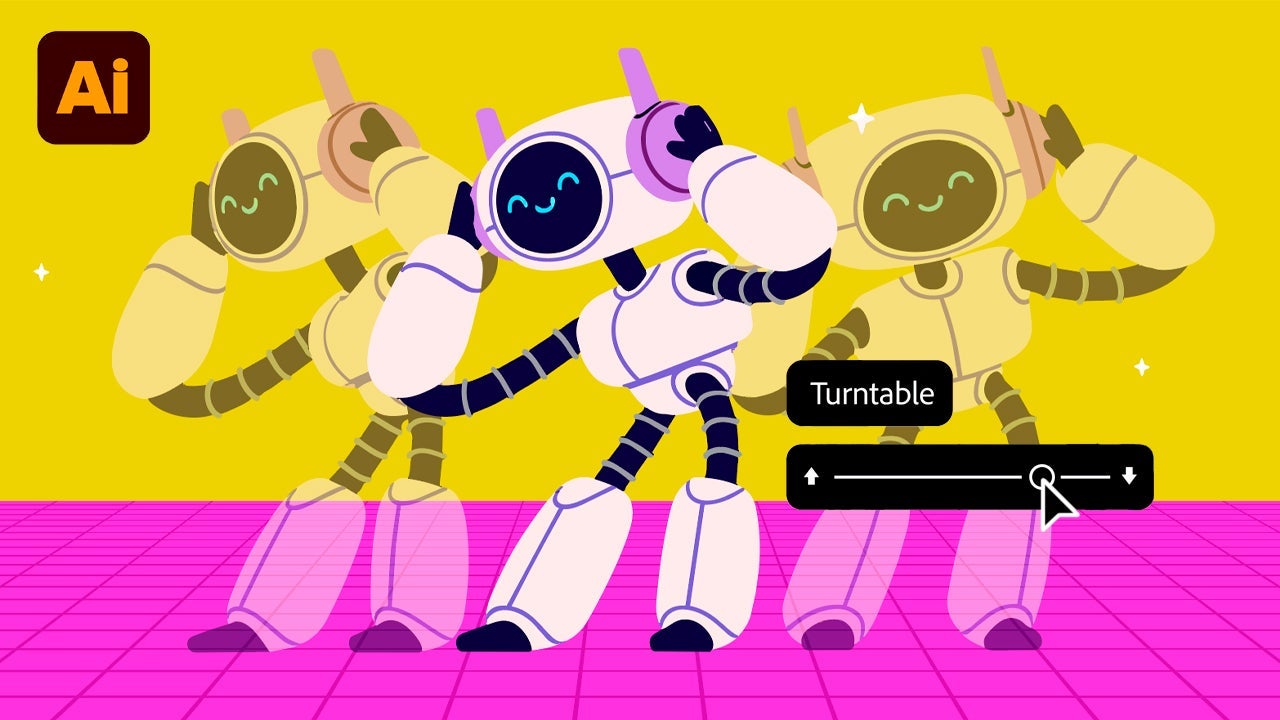
- Turntable: Shows the same drawing from different angles, a feature character designers are sure to find very useful.
- Concept to Vector and Prompt to Edit: The first turns a sketch into a vector drawing. The second lets you change elements using text prompts.
Although you'll use Firefly by default, Adobe also allows the use of other third-party generative models. These include OpenAI's GPT Image and Google's Gemini (Nano Banana), for example.
What vector graphics software do professionals use?
We've already mentioned it, but Illustrator is considered an industry standard. It's one of the most comprehensive programs in terms of tools, equipped with everything needed to create professional work.
Why choose Adobe Illustrator for professional vector graphics?
If there's professional vector graphics work to be done, Illustrator is the right choice for the job. Like the rest of apps, it's built by creatives, for creatives, and its team of experts has turned years of experience into a powerful all-purpose tool that meets every need.
However, if there's one thing Illustrator stands out for, it's how well it works with the other applications in the Adobe suite, so bringing files into Photoshop or Premiere to enhance your creation becomes almost mandatory. Use them all to get the most out of the professional work your client is asking for.
Prices, subscription plans, product features, availability, credit allowances and usage limits are subject to change. Please check the relevant provider’s website for the latest details before purchasing or subscribing.
