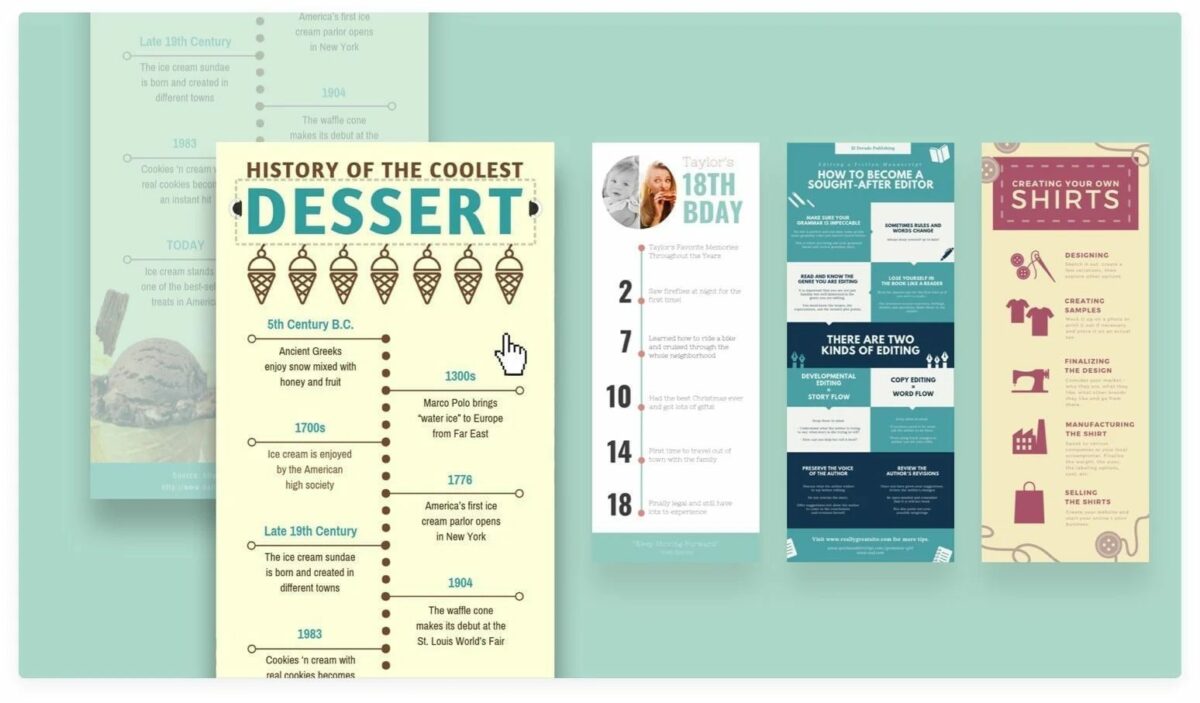
Enhance marketing by making an infographic on Canva

When it comes to marketing your products or telling a story in a visual way that’s appealing to the eye, few tools work better than a Canva infographic. You can quickly organize your content, and it gives you the stimulus to be creative. However, we understand that it may be daunting if you’ve never used this feature before.

Design for everyone FREE TRIAL

You don’t need to be an expert to learn how to make an infographic on Canva with its templates. There are a few basic steps you can use, and after that, let your creative mind run wild. Learn how more than 85 million monthly active users in 190 countries are doing the same thing!

How to make an exciting Canva infographic

  1. Select a topic or category

    making an infographic on Canva

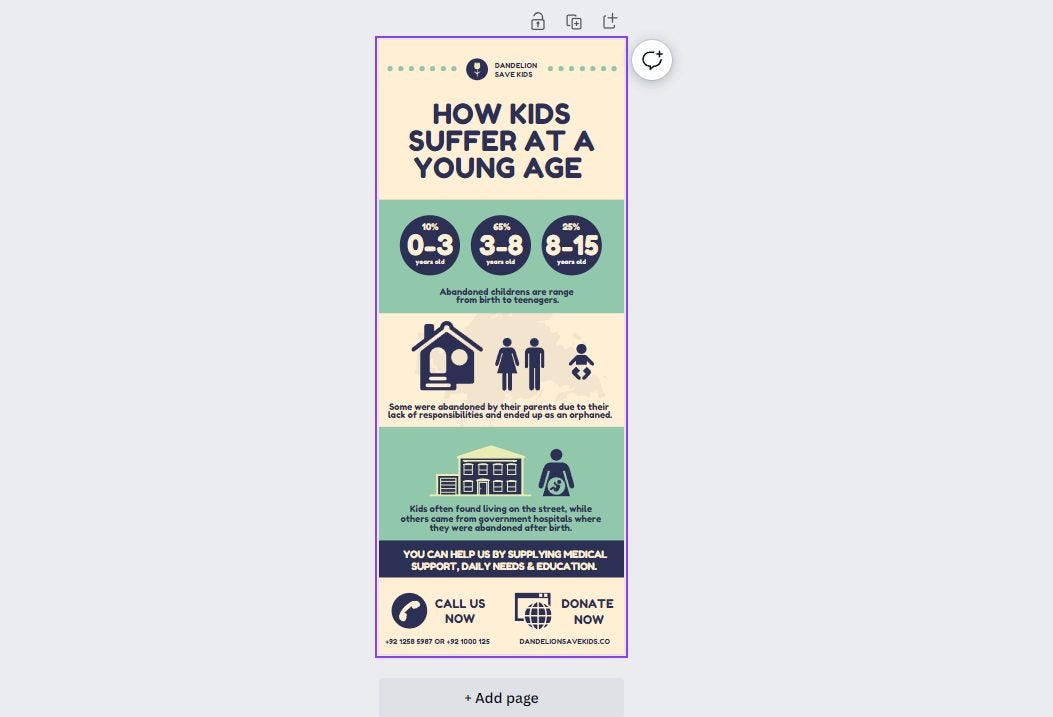
    Before you plunge headfirst into making a Canva infographic, you need to decide how you’re going to approach it. The topic or type has a key role to play in which template you’ll aim for. For example, are you wanting to show the results of a survey? Perhaps you want to show a timeline for your business or products.

    Another type of Canva infographic template that may benefit your business is an annual report or the results of a campaign. The Charity template is a good example of how you can present statistics in a fun and educational way. You can also look at the Volleyball history infographic template to view how a timeline is done.

  2. Design a layout

    making an infographic on Canva

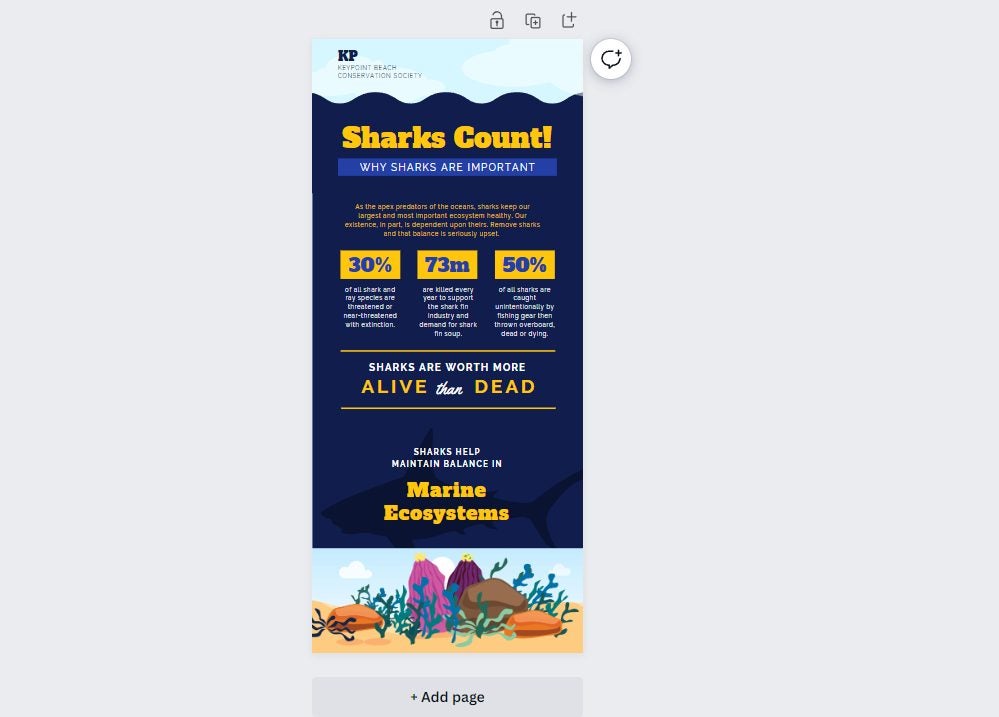
    While the Canva infographic templates give you a basis to work on, you still need to decide on the layout you want for your content. Some companies choose one that has a heavy focus on text, such as the Twitter Business template. The Charity template mentioned in the first step has more of a visual appeal, while the Shark Marine Conservation template has the best of both worlds.
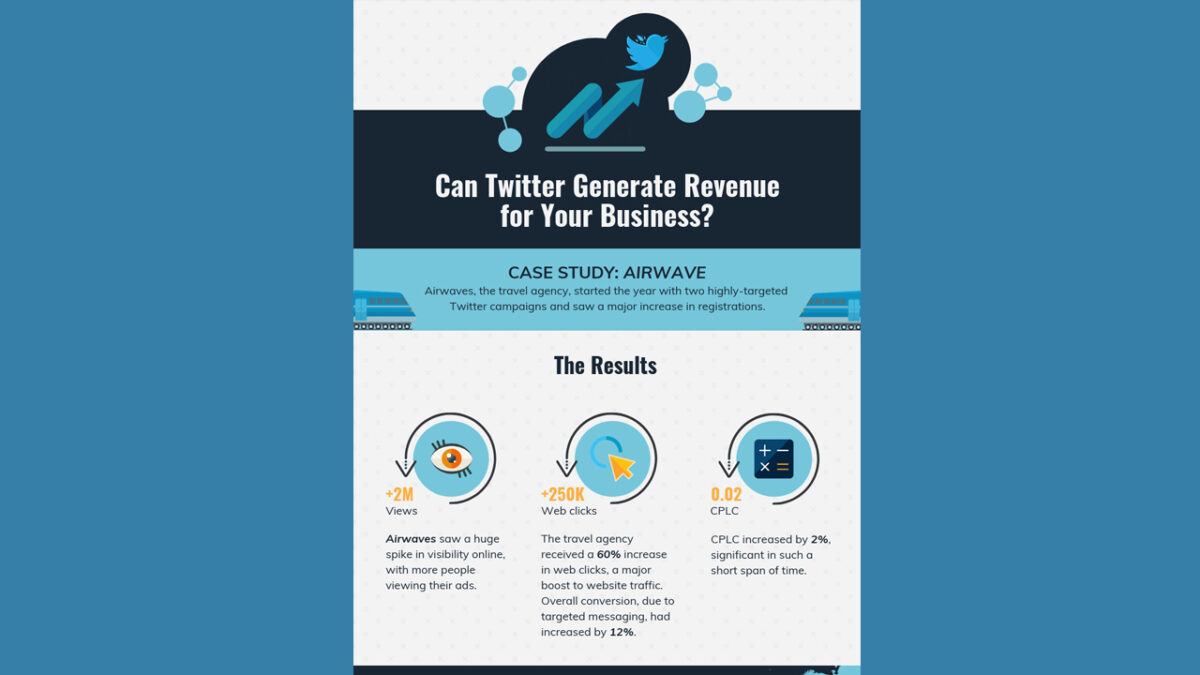
    Twitter Business Canva Infographic

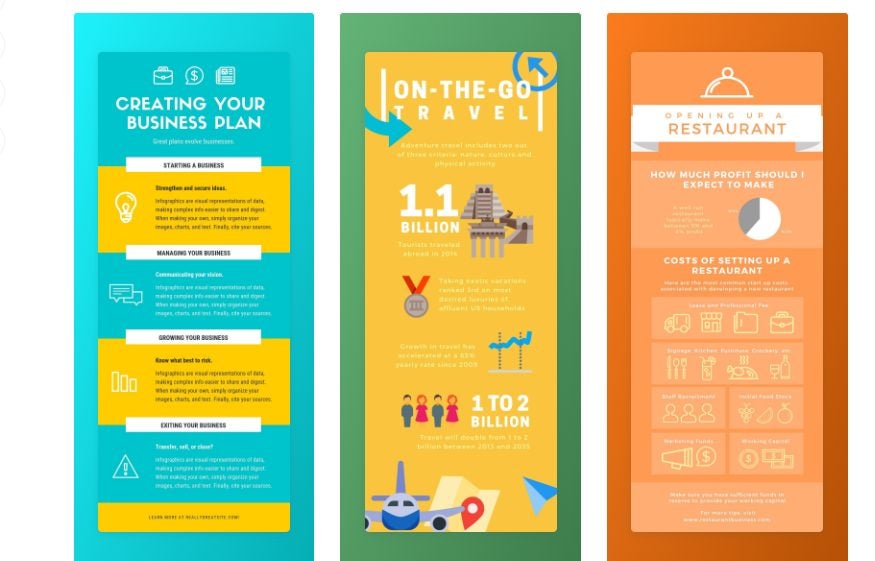
    It all depends on how much information you need to share with your audience and in what way you want to do so. If there are rich details you don’t want to lose, then the text-heavy option is the way to go. Should you feel that the infographic is too dull and you just want to share stats, you can opt for a more visual layout. Either way, Canva has several templates to meet your requirements!

  3. Organize the content

    making an infographic on Canva

    Have you ever visited a web page with loads of detail and text, and your eyes were drawn to big words with bright colors? This effect is called visual hierarchy. Simply placing the information on a Canva infographic isn’t going to do you or your audience any favors. 

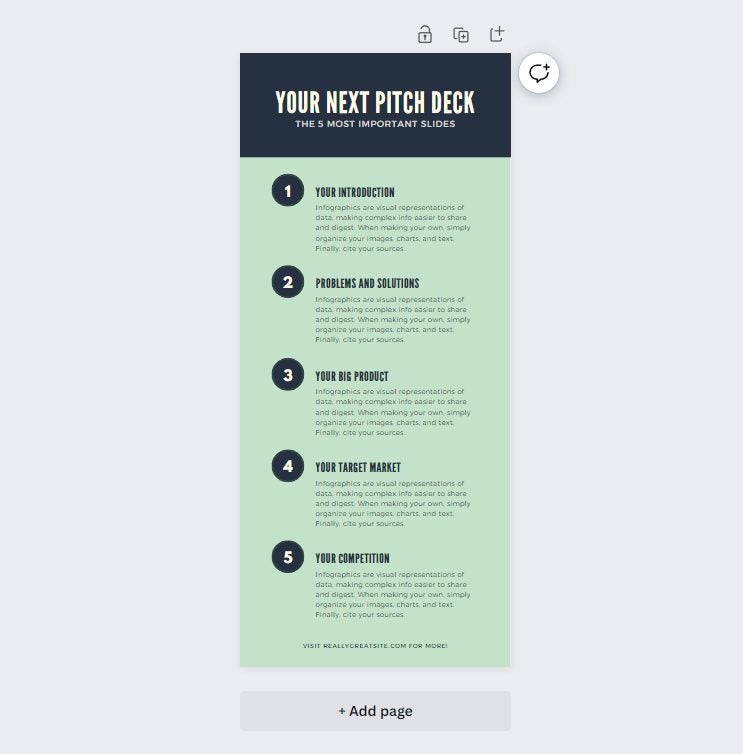
    The best approach is to choose which of your content needs to stand out from the others. Look at this Brown Pitch Deck Canva infographic template, as an example. Notice how the headings stand out in various sizes, showing you what to focus on. If you want to know more information about a specific point, you can read the paragraph below.

    It helps when your audience is looking for something specific. Their eyes can scan the text to find the top points. You can also work on different color ranges, such as red, green, or blue. If there’s a specific color theme that matches your brand, it’s best to aim for that.

  4. Design the visuals

    making an infographic on Canva

    Can you see how well your Canva infographic is shaping up now, thanks to these outstanding templates?! You’re almost at the finish line. All that’s left now is to take all the aforementioned steps and design the visuals that will complement the data.

    The first aspect to consider here is what visual elements you need to include. For example, you can aim for charts, icons, graphs, smiley faces, graphical titles, or even custom images. 

    Next, you’ll want to decide on an exquisite font, which Canva has loads of. You need to strike a balance by capturing the audience’s attention without confusing them with text they can’t read. The font also needs to match the tone, as you can’t have comical text for a serious presentation. 

    Finally, don’t forget to add images. Canva has an extensive library of images that you can choose from, but you shouldn’t overdo it. Remember, an infographic has limited space, and you need to use it wisely.

  5. Sharing your infographic

    making an infographic on Canva

    You’re now all set to share your Canva infographic with the world! Once you’ve saved it, you can share it on any social media platform that accepts images in that format. If you’re going to post to Instagram, you may want to aim for a landscape infographic, instead. 

    It’s all up to you to make your infographic pop as much as possible. To help you get there, you have the remarkable tools that Canva has to offer.

System Mechanic: The only PC optimization utility you’ll ever need

Are you tired of having a slow, sluggish PC? Are you sick of companies that promise the world only to let you down when it comes down to keeping your PC free of junk and functioning at its peak? It sounds like you may not have heard of Iolo and their incredible System Mechanic app.

In the article that follows, we’re going to introduce you to the superior value and efficiency of the only PC optimization solution you’ll ever need.  Let’s show you what System Mechanic is and how it can help you.

What is System Mechanic?

System Mechanic is an incredible new PC optimization utility from Iolo. You’ve no doubt tried an app or two that promise to keep your PC in tip-top shape, but there is no utility more streamlined, user-friendly, and efficient than System Mechanic by Iolo.

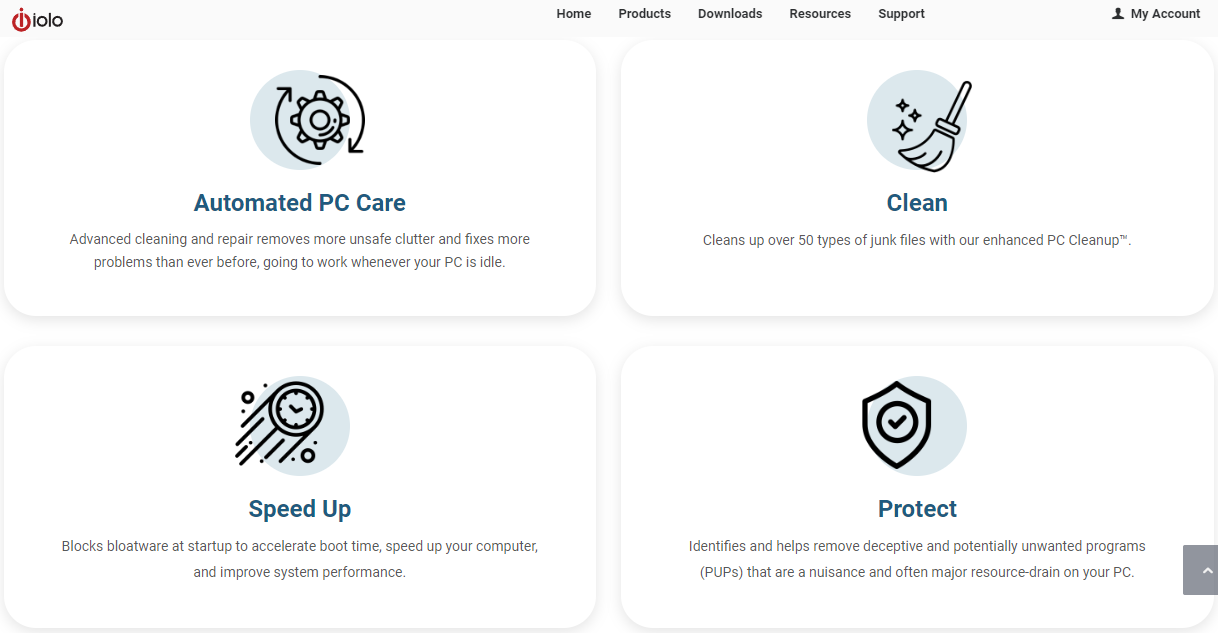
This utility was purpose-built to not only delete junk files that may leave your PC sluggish and unstable but also remove system-hogging bloatware, the existence of which you may not have even been aware. With System Mechanic, you’ll be able to work, create, play, stream, and download with the confidence and peace of mind that your PC’s health is being taken care of. 

System Mechanic GET IT NOW

No annoying plugs in System Mechanic

Picture this. You’ve just installed a ‘trustworthy full-service PC optimization utility’ and you’re excited to shift your focus back to what you love to do. Just as you’re immersing yourself in your passions again, your concentration is broken by a sudden pop-up that takes up almost half of your screen. It’s the ‘full-service’ utility that you’ve just paid for, using scare tactics to try and strongarm you into purchasing another of the company’s products. Not everyone uses the term ‘full-service’ in the same way. 

Here’s the System Mechanic promise: Iolo won’t flood your system with advertisements and promotional plugs. The reason we can say this with confidence is that when you invest in PC safety and peak performance with Iolo, you’re receiving an entire premium suite of PC optimization and safety tools. For instance, Iolo won’t try and push antivirus add-ons down your throat because you’ll already have it included. I won’t mince words.

System Mechanic is the most trustworthy and efficient of these apps that I’ve come across. Having a PC may be a privilege, but having the assurance and peace of mind that your PC is safe and remains effective shouldn’t be a lofty expectation. You have the right to safety and security – even online. 

Clean UI

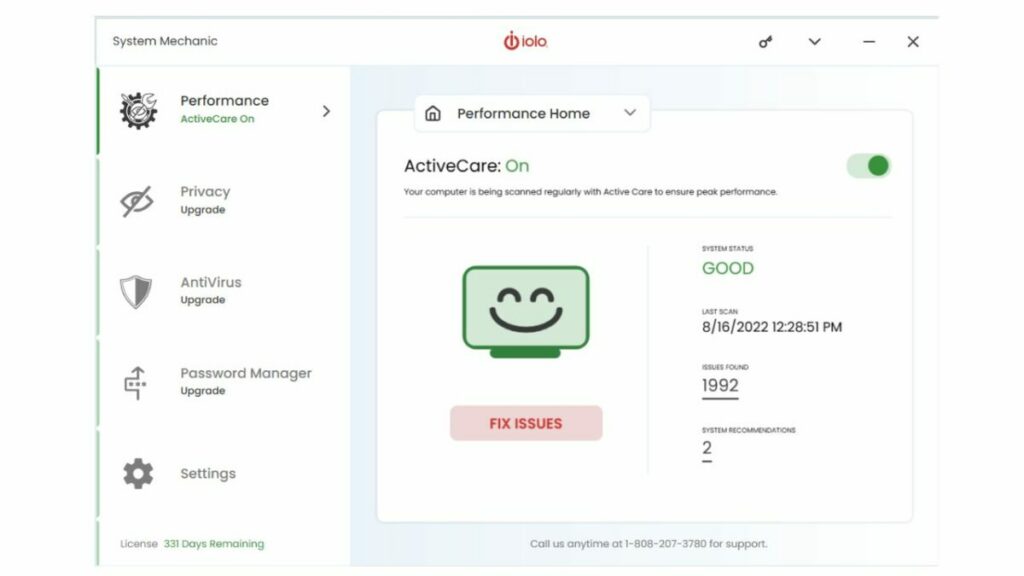
Even though they’re meant to clean and de-junk your PC, PC cleaners often look far too complex and messy to use effectively. With System Mechanic, you can rest assured that you’re getting one of the most user-friendly and cleanest user interfaces in the industry. Iolo prides itself on products that you can feel comfortable using, even if you don’t have all that much experience with PC diagnostics and repair. System Mechanic’s UI is a breath of fresh air. 

One-click optimization with ActiveCare

So you’re not a PC buff. That doesn’t mean you can’t keep on top of your PC’s health and well-being. On the contrary, not being a PC buff makes it even more important that you have a system in place to keep track of your PC’s condition. System Mechanic has you covered.

The app’s One-click ActiveCare feature makes it easy to essentially automate the management of your PC. With System Mechanic, you can set it and forget it. 

NetBooster

Is your Wi-Fi network being a little slow and sluggish? System Mechanic’s NetBooster makes inefficient wifi connectivity a relic of the past. Everyone deserves a fast and secure internet connection without it costing extra. 

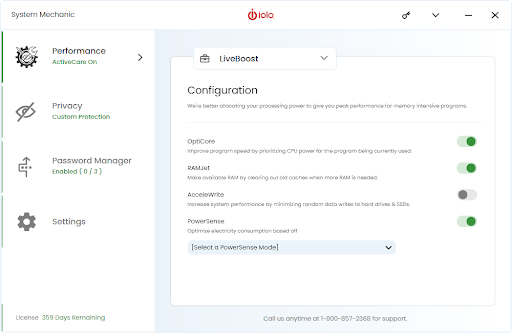
System Mechanic LiveBoost

If you’re a gamer, of any rank, inefficient RAM is likely the bane of your existence. Why not choose System Mechanic’s LiveBoost which will boost and optimize your RAM so that you can game without lag? 

System Mechanic by Iolo

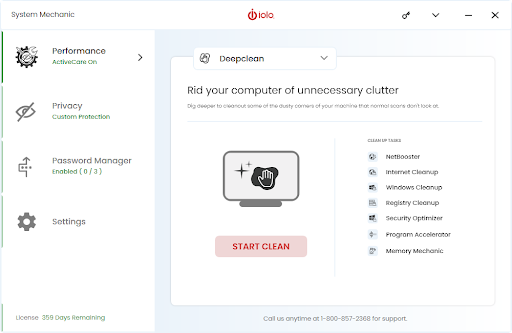
Deep Clean

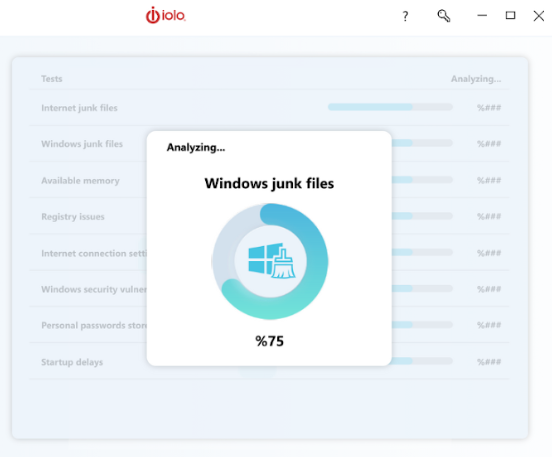
This is by the far the most incredible aspect of System Mechanic. Your PC is full of junk. In some cases, you’ll be able to see it; the apps you downloaded by no longer use, duplicate files, documents you read once and have since forgotten about. All of these can slow down your PC, in great enough quantities. However, it’s usually the junk you can’t see that poses the greatest threat.

Bloatware is system junk that manufacturers and service providers install onto your PC, either before you buy it, or subsequent to updates or maintenance services. You don’t have to worry about bloatware or general junk with System Mechanic in your corner because this utility will take care of your PC’s storage for you. System Mechanic will even scan and remove verified junk automatically – without you having to so much as press a button. 

System Mechanic by Iolo

Better than the best

There are three names that have become regarded as the ‘best in the business’ in terms of device management, maintenance, and protection. I’m here to tell you that System Mechanic by Iolo is better. Clean deeper than you’ve ever cleaned before, stream and game faster than your rivals, and browse the wide-open virtual spaces of the internet without fear that you’re at risk of attack. Choose peace of mind and a comprehensive PC optimization solution. Choose System Mechanic by Iolo. 

She-Hulk punches her way onto Disney+

Are you ready for another green-giant adventure? She-Hulk: Attorney at Law is a new Disney+ series where we see Jennifer Walters take on new powers while still practicing law. It’s an interesting twist, and she’ll need her cousin’s help as much as possible to learn to master her new abilities.

You get to watch it all unfold on Disney+! Starting tomorrow, August 18, the series will play through into October with about nine episodes. Remember, you’ll need a Disney+ subscription to enjoy every moment of She-Hulk: Attorney at Law. Read until the end when we’ll share details of an exciting discount offer.

Attorney for the Superhuman

Jennifer Walters is an attorney at law for superhumans with Bruce Banner for a cousin. While still angry at the Abomination for trying to kill Hulk, she tries to rid the streets of villains as her day job. That’s until something happens that causes her to turn into the female green giant, which changes everything.

At this point in the Marvel Cinematic Universe (MCU), everyone knows about superhumans. Her transformation into a new green hero as She-Hulk is celebrated more than shunned, so she remains a lawyer. However, Bruce needs to teach her how to control the new power so that she doesn’t accidentally kill the prosecution. Oh, and he encourages her to also fight crime while she’s at it.
She-Hulk has a powerful comic origin story

While not much is known at this time about her origin story in She-Hulk, Marvel fans of the superhero know the comic version pretty well. She was hot on the case of the notorious crime lord Nicholas Trask. One night while Bruce was on his way to her to explain how he became the Hulk, Trask had her shot down at home. 

With Bruce arriving as the Hulk to stop them from killing her further, the only way to save her was with a transfusion of his blood. She received his abilities but also retained enough of her subconscious to control them. It will be interesting to see how the MCU handlers She-Hulk’s origin story on Disney+, as we haven’t seen signs of Trask in the trailers.

She-Hulk punches her way onto Disney+

Star-filled Marvel cast

Another exciting element of She-Hulk is that the Disney+ series will see many actors from the MCU make a return to the screen. Besides Mark Ruffalo as Bruce, we also see Tim Roth return as the Abomination in what appears to be an important role, Charlie Cox from The Daredevil series, Benedict Wong from the Dr. Strange movies, and many more!
She-Hulk punches her way onto Disney+

Are you ready to see green with She-Hulk on Disney+?

As you can tell, She-Hulk is going to be an exciting journey on Disney+ with nine episodes to enjoy in total. It will be fun to see if she will join the Avengers in any epic upcoming movies, such as Secret Wars. 

Until then, be sure to check out the latest discount for a Disney+ membership. You only pay for 10 months while enjoying a full 12-month subscription!

Disney+ at the best price SUBSCRIBE NOW

Watch the exciting sci-fi thriller Prey, exclusive to Disney+

The Predator is back, albeit at a different time on Earth. The new exciting movie Prey is set more than 300 years before the first film, and we get to see the Native Indian tribe, Comanches, in action. It’s exclusive to Disney+, and you can stream it now live on your account by the Star brand.

If you don’t have a Disney+ subscription, you’ll want to grab one to catch the exciting science-fiction action in the latest Prey movie featuring the iconic Predator. Stay tuned until the end for more details on a thrilling discount.

The Predator hunting Prey in historic lands

You may recall that the first predator movie was in 1987 with Arnold Schwarzenegger as the lead actor. Also known as Predator: Prey, the exclusive Disney+ movie goes back more than 300 years to the lands of the Comanches. It was a time when young hunters had to prove their worth while the elders continued to bring fresh meat to the table.

Naru is a young female healer who believes she’s as skilled as any hunter in his tribe. She’s continuously on the lookout for danger or any prey she can hunt. One day, she lands in some danger, only to be rescued by an invisible being at the last moment. That’s when she realizes she’s become the prey.

Intent on proving himself to the tribe, she first warns them about the strange creature, but no one listens. Armed with only her primitive weapons, she sets out to track and hunt the Predator. In some ways, it sets a similar scene as Assassin’s Creed 3, but with an alien twist. You’ll have to watch the thrilling science fiction adventure on Disney+ to find out who’s the better hunter.

Prey, exclusive to Disney+ 1

A thrilling movie featuring the Comanches

One of the main features of Prey is that it provides some insight into the Comanches’ heritage and history. Jhane Myers, one of the producers, has a Comanches ancestry, while many of the cast consists of Native and First Nations star talent. It helps bring some authenticity to the film, while also driving home the action on the screen.

You may know Dane DiLiegro from American Horror Story. Well, he’s acting as the Predator this time around. Naru is portrayed by the actress Amber Midthunder, who you may recognize from shows like Banshee, Legion, The Originals, and Roswell, New Mexico.

Prey, exclusive to Disney+ 1

Get set for an action-packed Disney+ adventure

It’s really exciting to see the Predator return to the screen again, even if it’s straight to television. The new Prey feature on Disney+ will have your heart pounding as you root for Naru to hunt down the alien and take it down. 

Be sure you don’t miss out on the sci-fi action by obtaining a Disney+ account at a discounted price over a year. You can claim the 12-month membership at the cost of 10 months, which means you can then stream Prey immediately!

Disney+ at the best price SUBSCRIBE NOW

Lightyear blasts onto Disney+ for your viewing pleasure

To infinity, and beyond! That’s right, the adorable spaceman from Toy Story finally has an origin movie called Lightyear, and it’s coming to Disney+ as of today, August 3, 2022. While the show looks incredible on the big screen, you’ll now be able to enjoy it from the comfort of your home.

So, join the adventure as we see what happened to the original Buzz Lightyear before they made thousands of toys based on the hero. It’s a science fiction adventure you won’t want to miss. Remember, you need to sign up for a Disney+ subscription to watch this Pixar tale.

A Disney+ science fiction tale you won’t forget

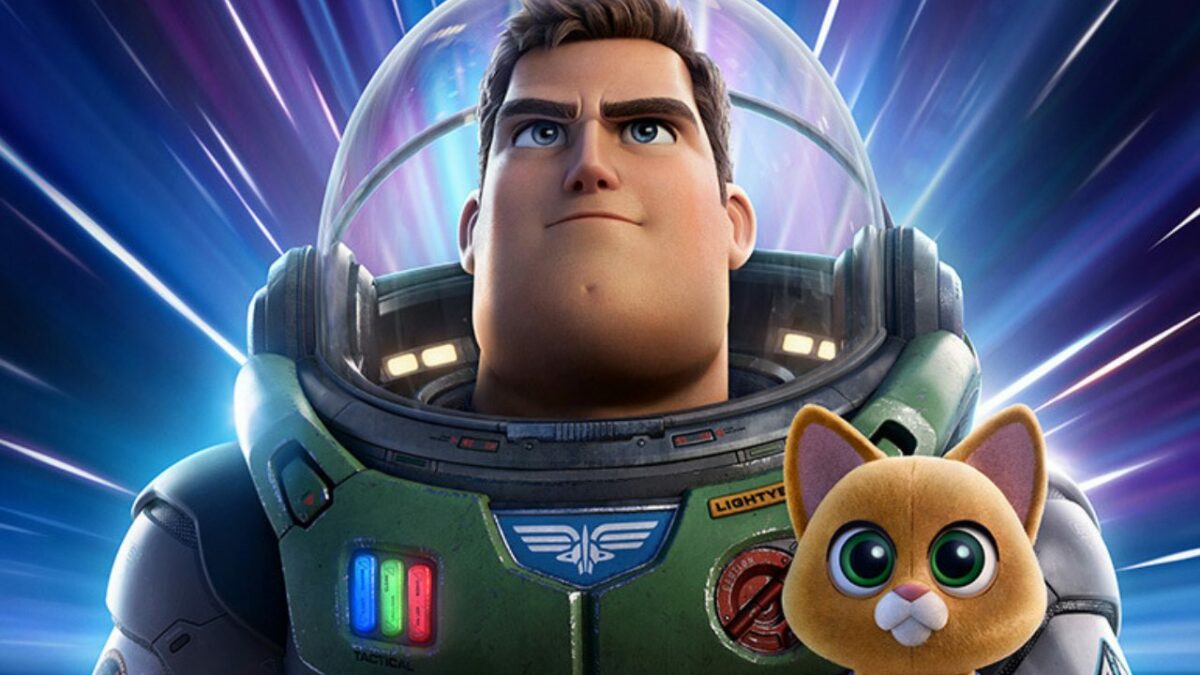
Chris Evans takes over the role of the original Buzz Lightyear from the toy version played by Tim Allen in the Toy Story movies. The new Disney+ movie from Pixar showcases what happened to the hero when he traveled to a distant planet, about 4.2 million light-years from Earth. With him and his crew marooned on this alien world, drama and adventure unfold in a series of science fiction events.

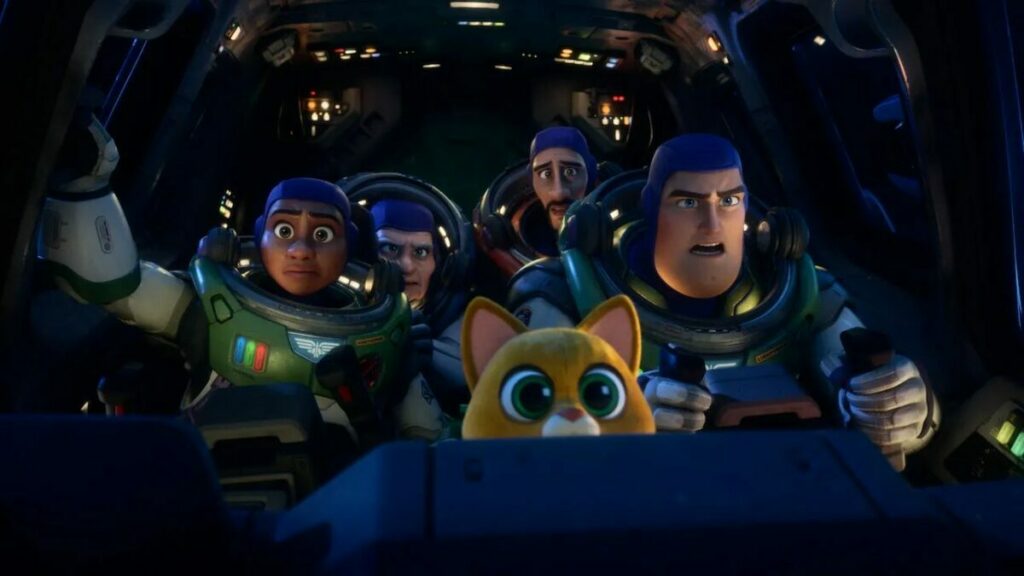
As you’d expect from a Pixar film, Lightyear has several fun and adorable moments. There’s the robot cat companion named Sox, for one. While you and your children will laugh at its antics, you’ll discover how serious the movie becomes when Zurg arrives with an army of ruthless robots. They’re set to destroy you and anyone that gets in their way.

Splendid cast for an action-packed movie

Besides Chris Evans, the scene is set with plenty of Hollywood stars you’ll recognize. Uzo Aduba is his right-hand commander, Alisha Hawthorne, while Peter Sohn is the voice behind the robotic cat, Sox. Keke Palmer, Taika Waititi, and Dale Soules are the voices behind some of the other crew, while the almighty villain Zurg is portrayed by James Brolin.

The animated visuals and stunning sound effects of Lightyear make you feel like you’re part of the science fiction adventure, even while viewing it at home with Disney+. There’s a fine balance between the slow drama and the fast-paced action when Zurg unleashes his robot army. Will Buzz Lightyear and his crew be able to escape this inhospitable planet and find their way home to tell us all about it?

To infinity, and beyond! That’s right, the adorable spaceman from Toy Story finally has an origin movie called Lightyear, and it’s coming to Disney+ as of today, August 3, 2022. While the show looks incredible on the big screen, you’ll now be able to enjoy it from the comfort of your home.  So, join the adventure as we see what happened to the original Buzz Lightyear before they made thousands of toys based on the hero. It’s a science fiction adventure you won’t want to miss. Remember, you need to sign up for a Disney+ subscription to watch this Pixar tale.  https://www.youtube.com/watch?v=UOG0L4p8TRU  A Disney+ science fiction tale you won’t forget Chris Evans takes over the role of the original Buzz Lightyear from the toy version played by Tim Allen in the Toy Story movies. The new Disney+ movie from Pixar showcases what happened to the hero when he traveled to a distant planet, about 4.2 million light-years from Earth. With him and his crew marooned on this alien world, drama and adventure unfold in a series of science fiction events.  As you’d expect from a Pixar film, Lightyear has several fun and adorable moments. There’s the robot cat companion named Sox, for one. While you and your children will laugh at its antics, you’ll discover how serious the movie becomes when Zurg arrives with an army of ruthless robots. They’re set to destroy you and anyone that gets in their way.  https://twitter.com/PixarsLightyear/status/1549423824638074881  Splendid cast for an action-packed movie Besides Chris Evans, the scene is set with plenty of Hollywood stars you’ll recognize. Uzo Aduba is his right-hand commander, Alisha Hawthorne, while Peter Sohn is the voice behind the robotic cat, Sox. Keke Palmer, Taika Waititi, and Dale Soules are the voices behind some of the other crew, while the almighty villain Zurg is portrayed by James Brolin.  The animated visuals and stunning sound effects of Lightyear make you feel like you’re part of the science fiction adventure, even while viewing it at home with Disney+. There’s a fine balance between the slow drama and the fast-paced action when Zurg unleashes his robot army. Will Buzz Lightyear and his crew be able to escape this inhospitable planet and find their way home to tell us all about it?  Enjoy Lightyear on Disney+! You don’t have to wait to finally see the stunning sci-fi movie by Pixar! Lightyear is available from today on Disney+, so sit back and enjoy the show with warm popcorn. If you don’t have a subscription package yet, you can register for an annual membership at the cost of 10 months. What are you waiting for? It’s time to save the crew and find a way home!

Enjoy Lightyear on Disney+!

You don’t have to wait to finally see the stunning sci-fi movie by Pixar! Lightyear is available from today on Disney+, so sit back and enjoy the show with warm popcorn. If you don’t have a subscription package yet, you can register for an annual membership at the cost of 10 months. What are you waiting for? It’s time to save the crew and find a way home!

Disney+ at the best price SUBSCRIBE NOW

Zombies 3 musical exclusively on Disney +

After a long two-year wait, Zombies 3 will be shown exclusively on the Disney Plus streaming platform on July 15. In the third installment of this Disney Channel-born musical saga, this time Zed the Zombie and the head cheerleader Addison will face a visit from another planet. An even crazier adventure, if that’s possible, where aliens, music and love will be the protagonists.

You’re a fan of the saga and you don’t want to miss this new installment? Subscribe to Disney+ now and get a saving of more than 15% with the annual subscription. That way, you can be the first to watch Zombies 3, as well as reliving the two previous films. In addition, you will have access to one of the best catalogues of series, films and documentaries currently available.

Annual subscription at the Best Price SUBSCRIBE
9

*Savings applicable to annual subscriptions compared to the price of twelve months at the monthly subscription price.

Zed and Addison are back in charge in Zombies 3

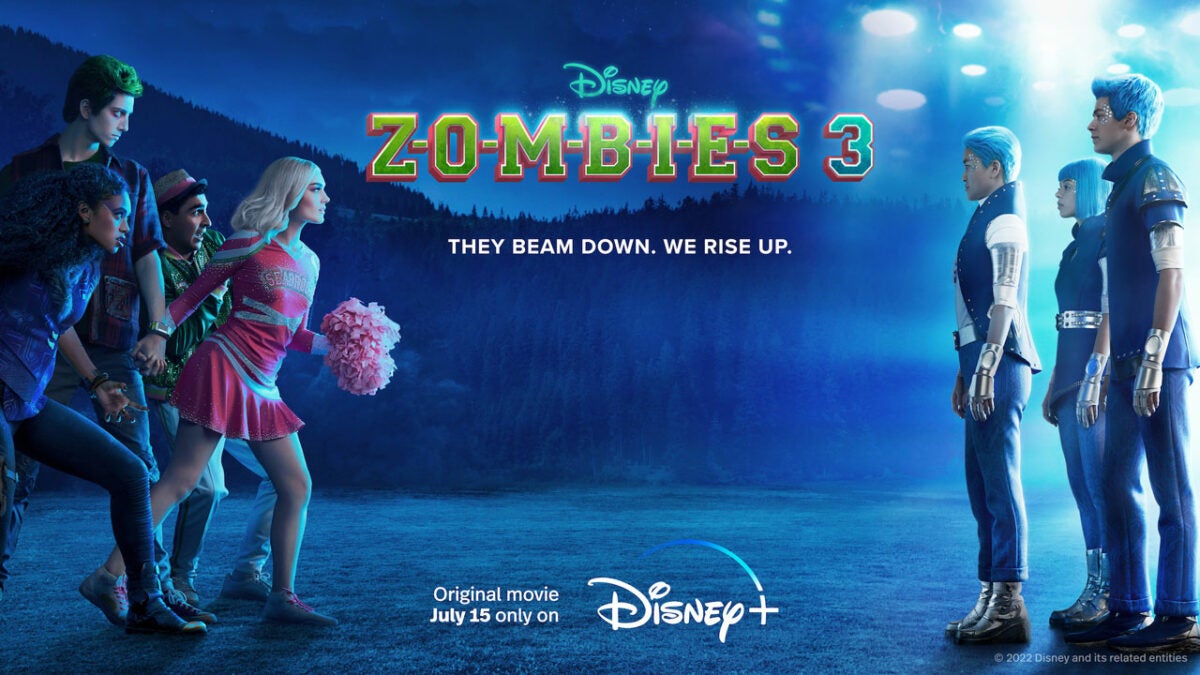
Under the slogan of “They beam down. We rise up” the third installment of the Zombies musical saga finally arrives at Disney +. After the overwhelming success of Zombies 1 and 2 on the Disney Channel, the saga jumps to the streaming platform with the aim of conquering a wider audience. What exciting new story does Zombies 3 have for us?

Milo Manheim stars in Zombies 3 as Zed the Zombie, and Meg Donnelly is the cheerleader Addison, who start their senior year at Seabrook High, in the city that has become a safe haven where monsters and humans live together in harmony. Zed hopes to obtain an athletic scholarship, while Addison prepares for the first international cheerleading competition at Seabrook. All of a sudden alien beings arrive at Seabrook, and what they bring is not exactly a friendly competition.

It’s Zed and Addison’s senior year at Seabrook and everything’s better than ever. The city finally accepts that monsters are part of Seabrook and has become a haven for monsters and humans. Zed is about to receive a football scholarship and become the first zombie to go to college (and is excited to go with Addison who has already been admitted). Addison is excited that she will invite teams from around the world to the Cheerleader Competition to inaugurate the first “cheerleader pavilion.”

But the city is surprised when a new team of intergalactic (alien) invaders arrives to participate in the competition. They grudgingly let the aliens stay in the competition, but the monsters and humans of Seabrook suspect them when they discover that they may not just be looking to participate in a friendly event.

Zombies 1 and 2 became a success

If you don’t know this saga don’t worry because both Zombies 1 and Zombies 2 are also available on Disney Plus. Premiering in 2018, the first installment of the saga became a success. In it we can see the origin of the whole story and how Zombies and humans come to live together in Seabrook. In this setting, Zed, a teenage zombie, falls in love with Addison. Together they will try to make Zombies and humans live together in harmony.

In the second installment of the saga, werewolves came to Seabrook to make everything even more difficult. They try to find the so-called moonstone, from which they get the energy to survive. While all this is happening, there is no lack of laughter, love and above all, music and dances in the purest High School Musical style. At the end of the second installment we saw the aliens heading for Seabrook, which leads us directly to Zombies 3.

Get to know the Zombies 3 cast

The film also features Chandler Kinney as Willa, Ariel Martin as Wynter, Pearce Joza as Wyatt, Carla Jeffery as Bree, Trevor Tordjman as Bucky, Kylee Russell as Eliza, Terry Hu as A-Spen, Matt Cornett as A-Lan, Kyra Tantao as A-Li, James Godfrey as Bonzo and Kingston Foster as Zoey. RuPaul Charles joins the cast as the voice of the Mothership.

Zombies 3 is an original Disney+ film produced by Disney Branded Television, directed by Paul Hoen from the screenplay of David Light and Joseph Raso. Hoen, Light, Raso and Suzanne Farwell are the executive producers.

Zombies 3 is now available on Disney Plus, a film suitable for all audiences which you will definitely enjoy. If you liked Zombies or Zombies 2, this third installment will not disappoint you, we assure you. Remember that if you purchase an annual Disney Plus subscription you can get 12 months of full access for the price of 10. Take advantage of this opportunity and enjoy the entire Disney Plus catalogue this summer.

Zombies 3: Exclusive premiere at Disney Plus

The original Disney Zombies 3 musical is already on Disney Plus. What new adventures will Zed and Allison have?

Discover Disney+ SUBSCRIBE NOW
9

10 creative ideas for business cards using Canva

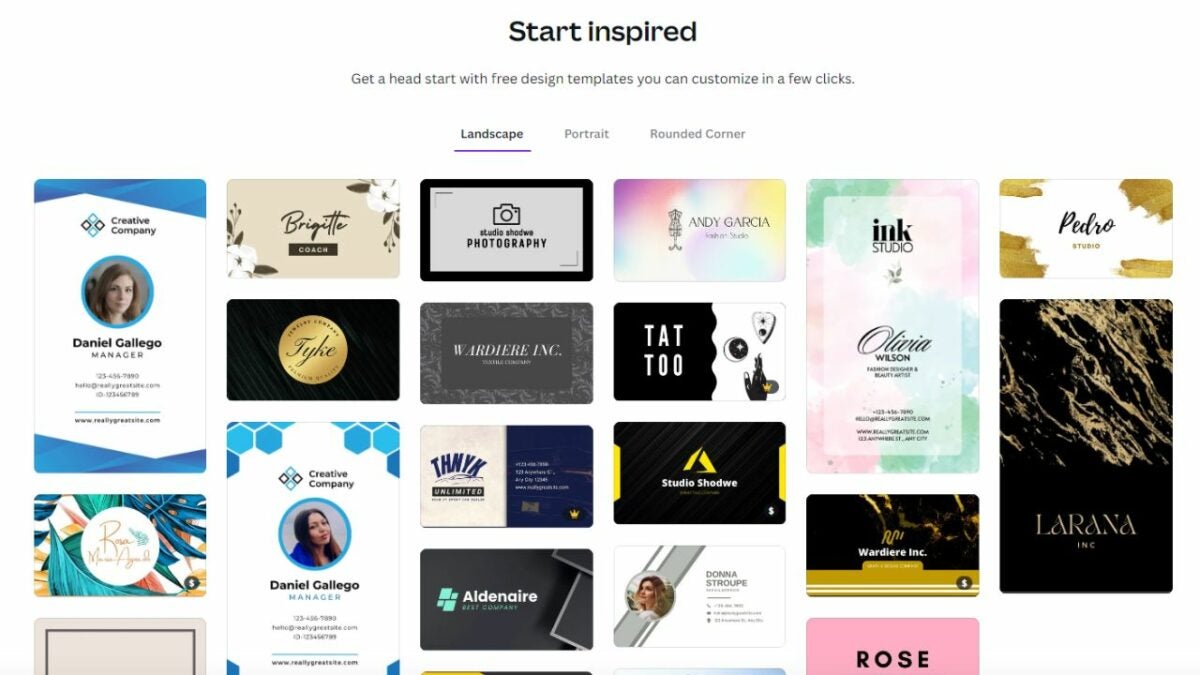
Business cards are just as important for branding and marketing yourself as they are for giving information. To stand out from the crowd, use Canva to create a custom design like the over 85 million monthly users in 190 countries. There are a variety of Canva business card templates and customization options, so you can design the perfect business card for your needs. If you haven’t tried Canva yet, subscribe to Canva to get started!

Design for everyone FREE TRIAL

Once you have your Canva account ready to go, explore these awesome ideas for appealing, interesting business cards.

Maximalist card designs

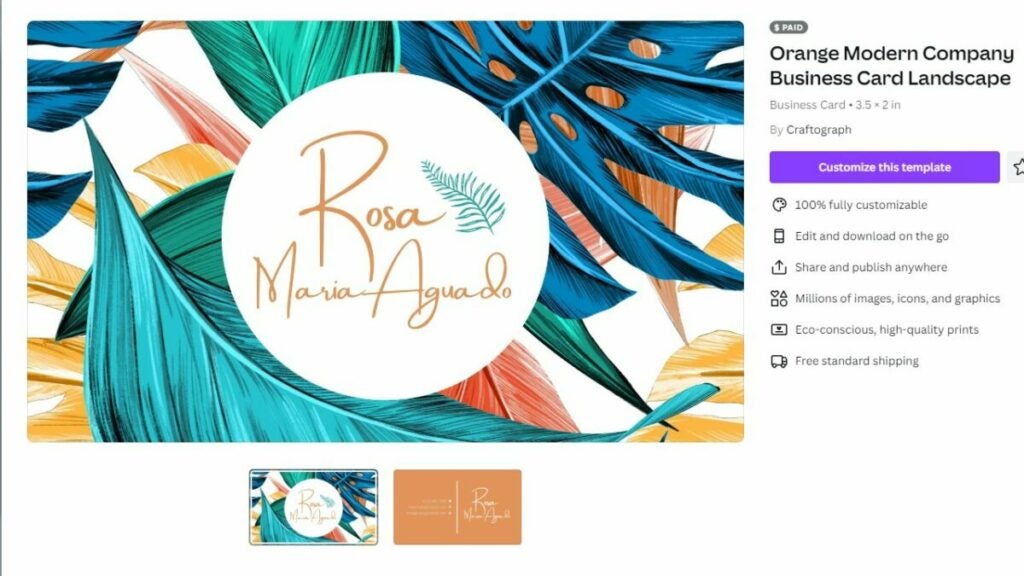
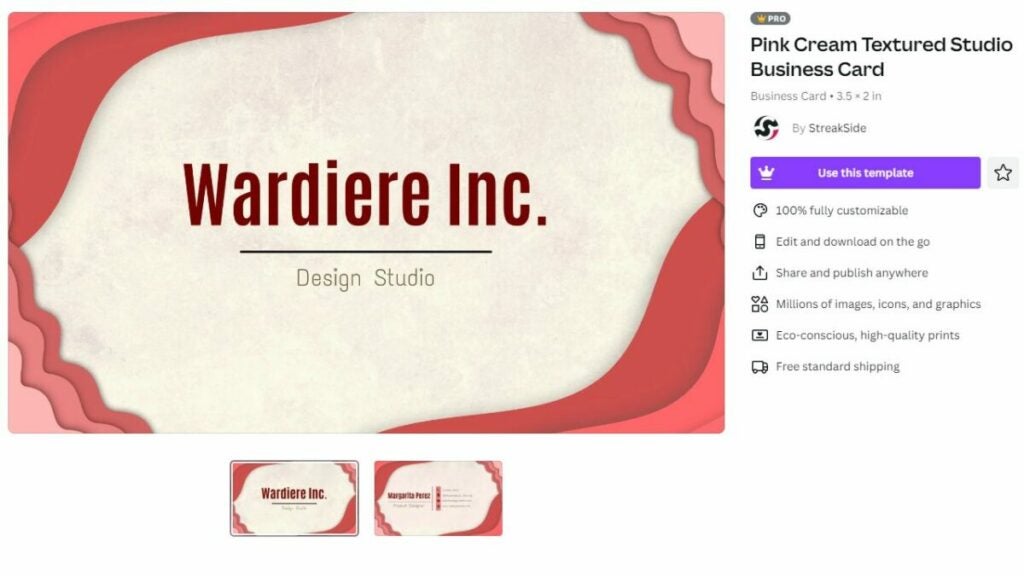
Lately, there’s been a growing trend for maximalist designs. This style is based on more-is-more boldness. Canva’s premade borders and graphics make it easy to add fun prints, colors, and shapes to your card. Canva business card designs with busy styles tend to work best in more creative, free-spirited industries.

Try maximalist design

Business cards with a logo

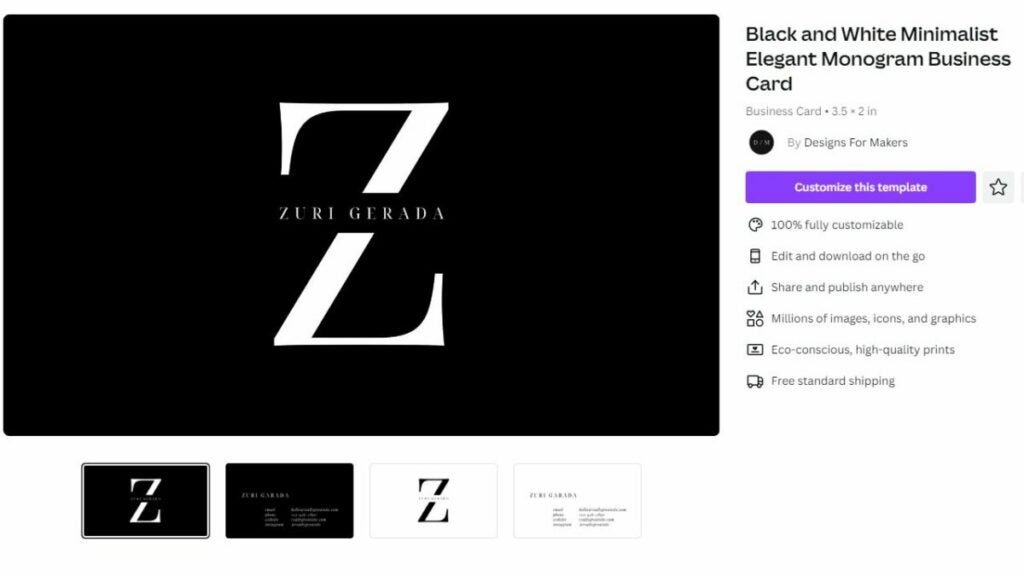
A logo on your business card will highlight your professionalism — whether you manage a team of employees or are building up a side gig. Since Canva has a lot of graphics you can add to a card, this is a great spot to get creative. You can pick a logo that references your business or make a fun monogram with your initials.

Make your own logo

Cards with creative typography

The font you choose has a big impact on your card. Consider upgrading to an option that adds interesting shapes to your lines of text. We love the look of a single letter that’s turned into a similarly-shaped object. Another interesting option is using Canva’s layers to add an underlying pattern behind an initial.

Try some fun text

3D business cards

Make your business card pop with a 3D shape. Canva has quite a few ways to incorporate 3D design into a business card. You can create templates that work with textured cardstock or fabricate a design that folds up into a 3D shape. This is a great way to literally stand out to clients.

Find designs that look great on textured paper

Peel and stick cards

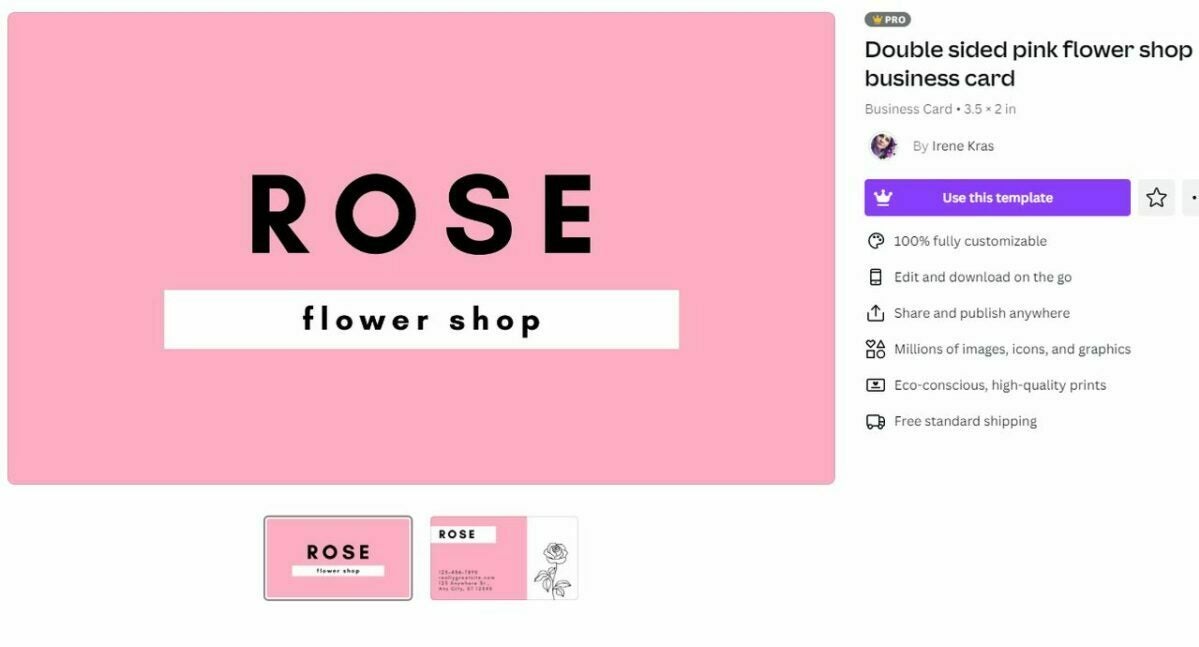
Your business card doesn’t have to be a stiff square of cardstock. Try using Canva’s sticker designs to make a peel-and-stick version of your business card. This is ideal for industries that are youthful and playful. Just make sure that the card still contains your essential contact information after the sticker image is removed.

Print your card on a sticker

Simple card designs

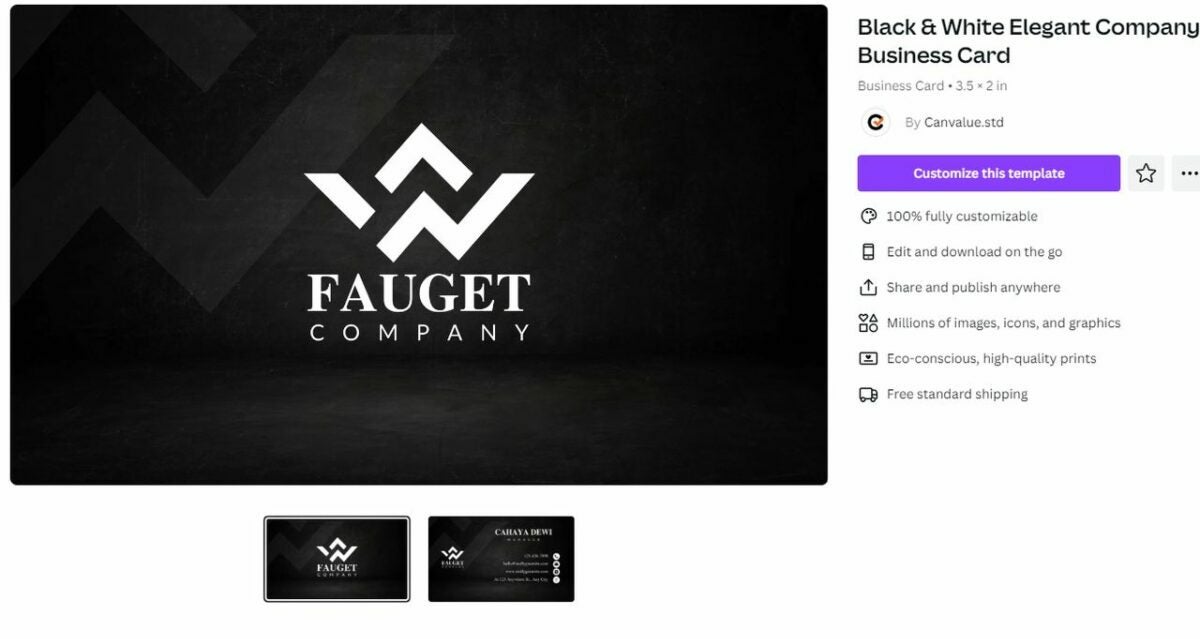
While maximalism is great, there’s also something to be said for less is more. A Canva business card with a simple background and a few clean lines of text can be very impactful. To add some visual interest, print on high-quality paper or use Canva’s printing services to add metallic foil to your text. These styles work especially well if you work in a more conservative or formal environment.

Make a minimalist design

Business cards with photos

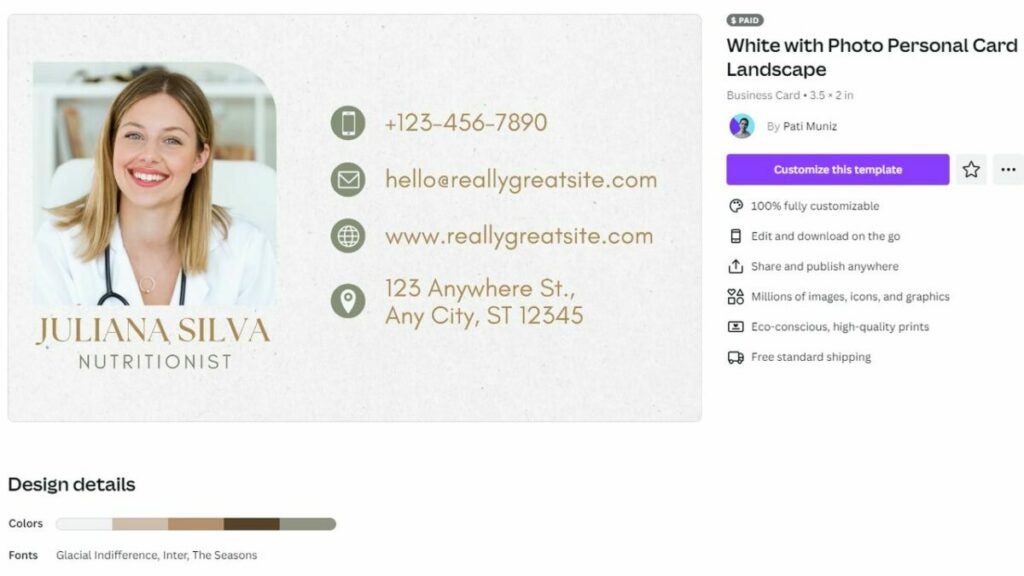
Canva allows you to upload your own photographs, which is a great way to accent your business card. Including a small portrait can help potential contacts put a face to your name. You can also use photos that display your products or projects.

Add a photo

Themed business cards

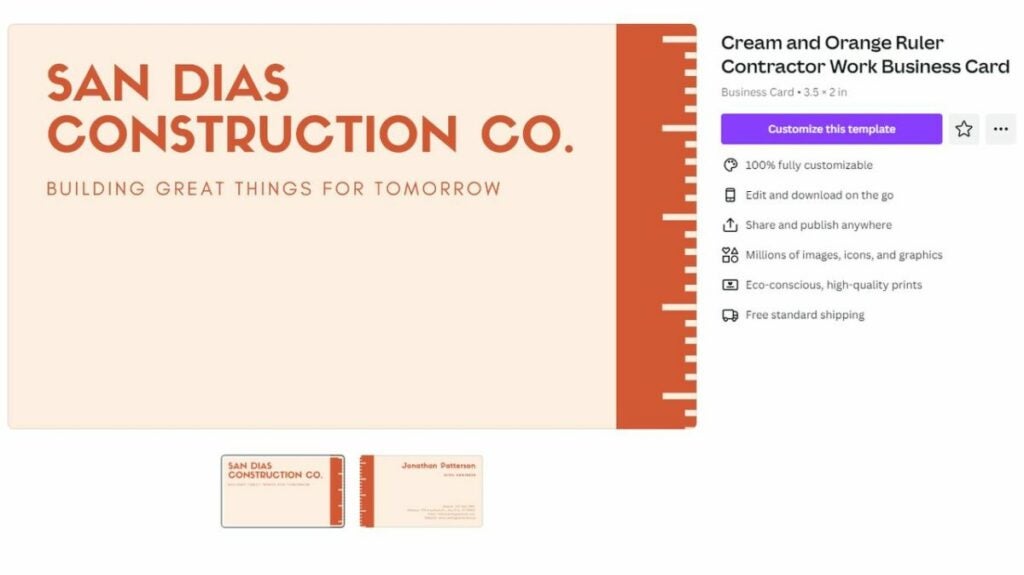
Consider ways you can turn your Canva business card into an item that references your passion. For example, a hairdresser could have a card that holds bobby pins or a contractor may have a card that doubles as a ruler. Think of a small way your card could add actual value to a customer’s life.

Create a card that helps your customers

Business cards with fun slogans

A creative business card can be about more than just the card’s look. Try playing around with words and finding an interesting slogan or motto to add to your card. This design feature really makes your card pop. For best results, pick something short and catchy that looks great along the top or side of your Canva business card template

Add a slogan

Card designs with unique shapes

A business card with a unique oval or oblong shape can add a touch of individuality to the design. You can also add some fun with shapes that refer to your career such as a round record if you’re a DJ or a band-aid if you work in healthcare. Cutting these cards by hand can be tricky though, so you might want to try Canva’s printing services.

Whether you want your business card to be fun, formal, smart, or artsy, Canva can help. This versatile design program makes it easy to get professional, stylish results. Ready to try out our awesome business card ideas? Subscribe to Canva now to explore all their great business card designs.

Start your free trial Subscribe Now

Our friendly neighborhood Spider-Man finally arrives at Disney +

If there was one thing that we were missing on the Disney + platform, it was the adventures of our beloved Spider-Man. After a long wait, some of the most exciting Spider-Man movies are finally coming to Disney Plus. If you got nostalgic after seeing Spider-Man: No Way Home and want to watch the legendary Spidey movies, now you can.

Remember that if you still don’t have an active subscription you will not be able to enjoy these 5 Spider-Man movies that have been included in the Disney + catalog. That is why we encourage you to purchase an annual subscription now, with which you can save more than €17 compared to the monthly subscription.

Disney Plus at the best price SUBSCRIBE
9

*Savings applicable to annual subscriptions compared to the price of twelve months at the monthly subscription price.

Tobey Maguire, Andrew Garfield and Tom Holland have landed on Disney+

Seeing the three most recent Spider-Men from the big screen, reunited and fighting in the same film, has undoubtedly become one of the most epic moments in the Marvel Universe. After this, you will probably feel like reliving the movies where this new marvel from MCU originated. Now, you can on Disney Plus.

First it was Tobey Maguire and Andrew Garfield, and now it’s Tom Holland, who have all been able to bring their own personalities to the different versions of Spider-Man across several movies. There are 5 movies included in the Disney Plus catalog. Are you ready for a good Spider-Man marathon this summer?

Spider-Man (2002)

A young and gentle Tobey Maguire conquered the entire world with his version of Peter Parker, an average New York teenager struggling to carve out a worthwhile future for himself. However, one day just like any other, Peter acquires super powers after getting bitten by a radioactive spider, turning him into Spider-Man.

When his beloved Uncle Ben is savagely murdered during a robbery, which he himself could have prevented, young Peter decides to use his powers to avenge the death. It is at this moment that Peter puts on a homemade Spider-Man suit and fights crime on the streets of NY, where he will have to face the evil supervillain Green Goblin, with a great performance from William Defoe.

Spider-Man 2 (2004)

The second installment of Spider-Man played by Tobey Maguire is also available on Disney +. This time Peter Parker will continue juggling to find a balance between his life as a student and as a superhuman crime fighter. It is not an easy situation for someone who jeopardizes their most personal relationships, distancing themselves more and more from Aunt May, Mary Jane Watson (Kirsten Dunst) and Harry Osborn (James Franco).

As if this were not enough, another brilliant and evil enemy appears in the city. Otto Octavius (Alfred Molina), a scientist and Peter’s friend, is overpowered by his own tentacled robotic arm experiment, turning him into the manic Doc Ock. When he kidnaps MJ, Spider-Man must spring back into action as the adventure reaches new heights of unprecedented excitement.

The Amazing Spider-Man

Premiering in 2012, The Amazing Spider-Man is the movie where Andrew Garfield plays the good guy Spidey for the first time. It is a reboot that tells the story of how Peter Parker, an outcast high school student who was abandoned by his parents as a child, was left in the care of his Uncle Ben and Aunt May. Like most teenagers, Peter tries to figure out who he is and how he became the person he is today. Peter is also finding his way with his first love from high school, Gwen Stacy (Emma Stone), and together, they struggle with love, commitment and secrets.

After being bitten by a genetically modified spider, Peter acquires superhuman strength, the ability to climb walls, incredible agility, and a useful spider-sense. Making use of his powers, Peter begins a quest to understand why his parents disappeared, which leads him directly to Oscorp and the lab belonging to Dr. Curt Connors (Rhys Ifans), his father’s former associate. As Spider-Man confronts Connors’ alter ego, the Lizard, Peter makes life-changing decisions, he uses his powers and shapes his destiny to become a hero.

The Amazing Spider-Man 2

In the second film starring Andrew Garfield, Peter Parker thinks it’s cool to be Spider-Man. Nothing on earth can compare with swinging between skyscrapers, accepting being a hero, and spending time with Gwen. However, a new enemy soon turns up called Electro (Jamie Fox), an all-powerful villain with the ability to control electricity at will.

At the same time, when his old friend Harry Osborn (Dane DeHaan) returns to the city, Peter realizes that all his problems have the same origin: Oscorp, the company belonging to his best friend’s dying father. Spider-Man will have to fight once again to solve all these problems that surround both his personal life and his life as a superhero.

Spider-Man: Homecoming

The latest movie to be included in Disney Plus is Spider-Man: Homecoming. Released in 2017, it is the first film where we will see Tom Holland as the protagonist. Following his sensational debut in Captain America: Civil War, he begins to navigate his new identity as a web-slinging Super Hero.

Excited about his experience with the Avengers, Peter returns home, where he lives with his Aunt May (Marisa Tomei), under the watchful eye of his new mentor Tony Stark (Robert Downey Jr.). Peter tries to return to his normal daily routine, distracted by thoughts of proving himself to be more than just the friendly neighborhood Spider-Man, but when the Vulture (Michael Keaton) emerges as a new villain, everything that Peter holds most dear will be threatened.

All of these Spider-Man movies are now available on Disney+.

What are you waiting for to see them? Oh, you don’t have an active subscription to the platform yet? The best catalog of Marvel series and movies on the market is waiting for you.

Anual subscription at the best price SUBSCRIBE NOW
9

Using Canva to create a professional logo in minutes

One of Canva’s popular uses is creating unique logo designs. If you’re looking to create a Canva logo for your business or need to update your current logo, this platform is a great place to start! With over 85 million monthly active users in 190 countries, the simple tool makes it easy to create professional-looking, high-quality logos without knowing complex graphic design principles and software. Canva isn’t just a logo maker; you can use it to make all the branded content for your business using your new logo.

Design for everyone FREE TRIAL

In this article, we’ll be looking at how to use Canva to create a professional logo that you can use to identify your brand easily. Keep reading to discover how easy it is to create an exciting logo with this outstanding program in minutes!

Why are logos important?

A logo is important for any business. It represents your entire brand and what you stand for. Think about some of the most iconic logos in the world, such as the Apple or Nike logos. Just seeing the logo (as simple as they appear), you immediately know who the brand is. That’s how powerful a well-designed logo can be. 

How to make your business logo with Canva

Tips for creating a professional logo

Let’s share some of our top logo-creating tips to ensure any logo you create is professional and visually stunning. 

  • Start with a clear understanding of your brand and what you want to portray
  • Use the right colors for your brand
  • Make it iconic by featuring an image that represents your brand
  • Choose the right file format for different uses
  • Keep it simple, and don’t add too many elements
  • Don’t be afraid to add personality to your design as long as it stays on brand
  • Think outside the box and use your creativity to create something unique

Benefits of using the Canva Logo Maker to personalize your brand

If you’re holding off on your business idea because having a logo designed is expensive, then Canva is the ideal solution. Canva makes it simple to create a professional logo and other branded content in minutes. With many templates to choose from, inspiration is never far away. You can also easily modify the templates by dragging and dropping in new elements to make them unique. 

While the program is free to use, upgrading to the pro version gives you access to more features, such as pro templates, images, and more. The best feature of the pro version when it comes to designing logos is that you can download them with a transparent background.

This means you can place your logo over anything, including images or colored backgrounds, without having the white box clashing with the background. No need to put your business ideas on hold with a powerful graphic design tool like Canva in your back pocket.

How to make your business logo with Canva

How to make your business logo with Canva in 5 simple steps?

Are you ready to make your business logo now? Follow these exciting steps to get started with one of the top design programs, Canva.

  1. Open Canva

    How to make your business logo with Canva

    Start off by opening Canva in your browser and logging in to your account. Canva can also be used on Android and iOS through the Canva app.

  2. Choose a template

    How to make your business logo with Canva

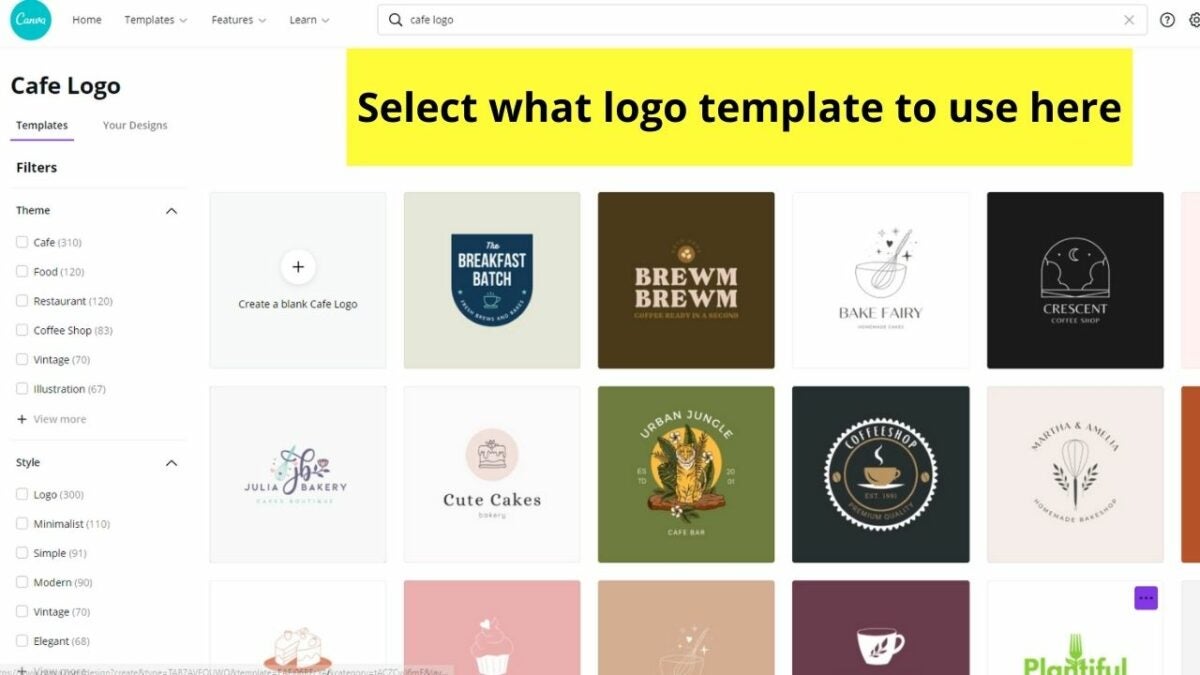
    On the home screen, you’ll be asked what you want to do. Type in ‘logo’ to see all the templates available. Scroll through these templates until you find one that suits your brand.

  3. Customize your design

    How to make your business logo with Canva

    You want your logo to be unique, so you want to adjust your chosen template. Add your business name by clicking on the appropriate text box and typing. You can add more text boxes if you need from the tool panel on the left. Click on any of the elements and then click on the rainbow button at the top of your workspace to change the color to match your brand. You can also change the font by clicking on the text box, and in the top panel, choose a new font.

  4. Add some unique flair

    How to make your business logo with Canva

    Once the basics are there, you can add some unique flair to your logo to make it even more remarkable. Choose from the many available elements in the tool panel on the left. Here you’ll find shapes and images to add to your logo. You can simply drag and drop them into place and resize the element by dragging the resize corners.

  5. Download, print, and use your new logo

    How to make your business logo with Canva

    Once you’re happy with your logo, you can download it in various formats to start using it immediately. There are a range of different formats you can choose from depending if you want to use the logo digitally or print it. Each format also clearly describes what they’re used for.

Doctor Strange in the Multiverse of Madness coming to Disney+ soon2

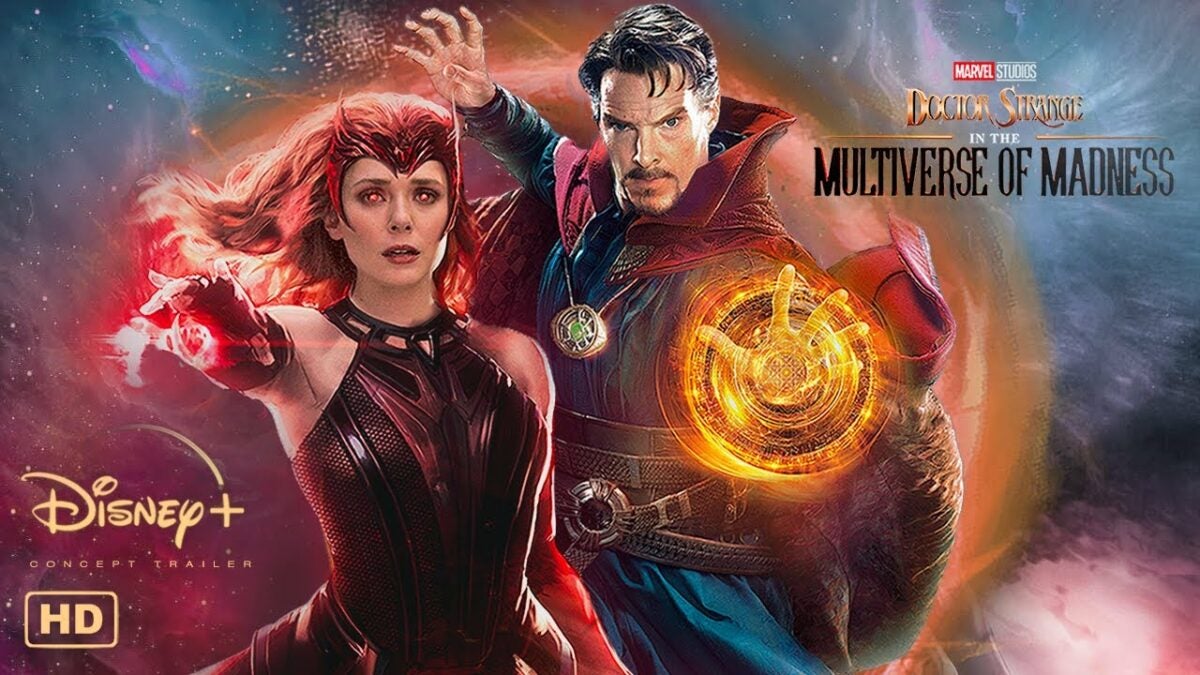
For those of you who didn’t see Doctor Strange in the Multiverse of Madness in the cinema, we’re sure you’re dying to watch it at home as soon as possible. Well, we’ve received an exciting announcement that the Marvel movie will appear on Disney+ on June 22, 2022. 

Disney+ DOWNLOAD

Benedict Cumberbatch fans will be able to view the magical mystery of the Marvel hero as he takes on one of his greatest challenges yet, trying to restore order across the multiverse while dealing with his own pain. If you don’t have a subscription yet, register for a Disney+ account as soon as possible so you don’t miss out!

Doctor Strange faces his darkest fears on Disney+ in June

If you’ve watched Spider-Man: No Way Home (spoiler alert), you’ll know that Doctor Strange recently had to deal with a multiverse mess when trying to help Peter Parker. With the dilemma that everyone discovered he was the marvelous Spidey hero, the magical doctor attempted to put things right. Unfortunately, it brought villains from other timelines, creating a disaster.

With Doctor Strange fixing the mistake, it wasn’t the end of his woes, it appears. A Marvel character by the name of America Chavez has the ability to open portals across the multiverse. When our Stephen Strange meets her, demons are hunting her for her abilities.

In an effort to understand the witchcraft involved, Doctor Strange consults with Wanda Maximoff to seek a solution, but not all is as it seems. The Scarlet Witch holds secrets that will put all of them in danger, not to mention that he’ll need to face other versions of himself after opening the door to the multiverse. 

If you’re ready to see how the rest of the plot unfolds, tune in to Doctor Strange in the Multiverse of Madness on Disney+ when it appears on June 22, 2022.

What if….?

When we first saw the trailer for Doctor Strange in the Multiverse of Madness, the first thing that came to mind was the What If series from Marvel that’s also on Disney+. The series investigates various scenarios of what could have happened if small elements had changed in some heroes’ lives.

One of the episodes had a key focus on Doctor Strange. It looked at what would have happened if Stephen tried to go back to the past to save Christine Palmer, his girlfriend that had died when he lost the ability to use his hands in an accident. It’s called “What If… Doctor Strange Lost His Heart Instead of His Hands?”

What unfolds is a series of events that shows various versions of Doctor Strange, even as Sorcerer Supreme in a dark way. Some of the visuals from the Doctor Strange in the Multiverse of Madness trailer have the same imagery, and we recommend you watch this episode before the movie appears on Disney+.

Doctor Strange in the Multiverse of Madness coming to Disney+ soon

Brilliant cast for Doctor Strange in the Multiverse of Madness

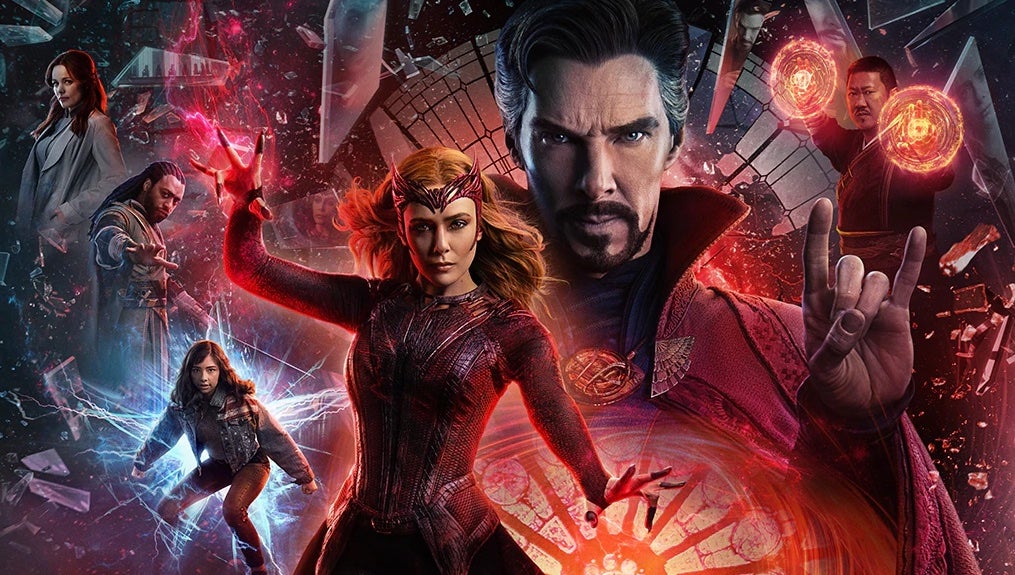
Doctor Strange in the Multiverse of Madness has a stellar cast of actors. Besides Benedict Cumberbatch and Elizabeth Olsen reprising their MCU roles, you’ll also see Chiwetel Ejiofor, Benedict Wong, Xochitl Gomez, Michael Stühlbarg, and Rachel McAdams. 

Of course, McAdams was Christine Palmer in the first Doctor Strange movie, so we’re bound to see the character’s return, just like in the What If series. Will temptation make him want to save her? We’ll have to see when the movie comes to Disney+ on June 22nd.

Doctor Strange in the Multiverse of Madness coming to Disney+ soon

Is this a new era for the Marvel Cinematic Universe?

With Doctor Strange meddling with the multiverse for a second time, it may set the stage for what’s to come in the MCU. We’ve been hearing talk for a few months now that everything is leading to the Secret Wars, which should be the next massive Avengers storyline after Endgame. 

It may be that his actions in Doctor Strange in the Multiverse of Madness may lead to that movie, and we have a suspicion that Spider-Man will be meeting Madame Web soon….

Are you ready to face Marvel madness on Disney+?

With so much excitement on Disney+ and the connection to all the latest Marvel movies, you don’t want to miss out on any of the action. Doctor Strange in the Multiverse of Madness is bound to be linked to what’s coming in the MCU. So grab your seat at home for an exhilarating adventure.

If you don’t have a Disney+ account, there’s an offer for the annual subscription of 12 months at the cost of 10 months. The savings are calculated as the sum of each month over the 12-month period. It’s the best way to enjoy entertainment at the best price, so claim the Disney+ offer today!