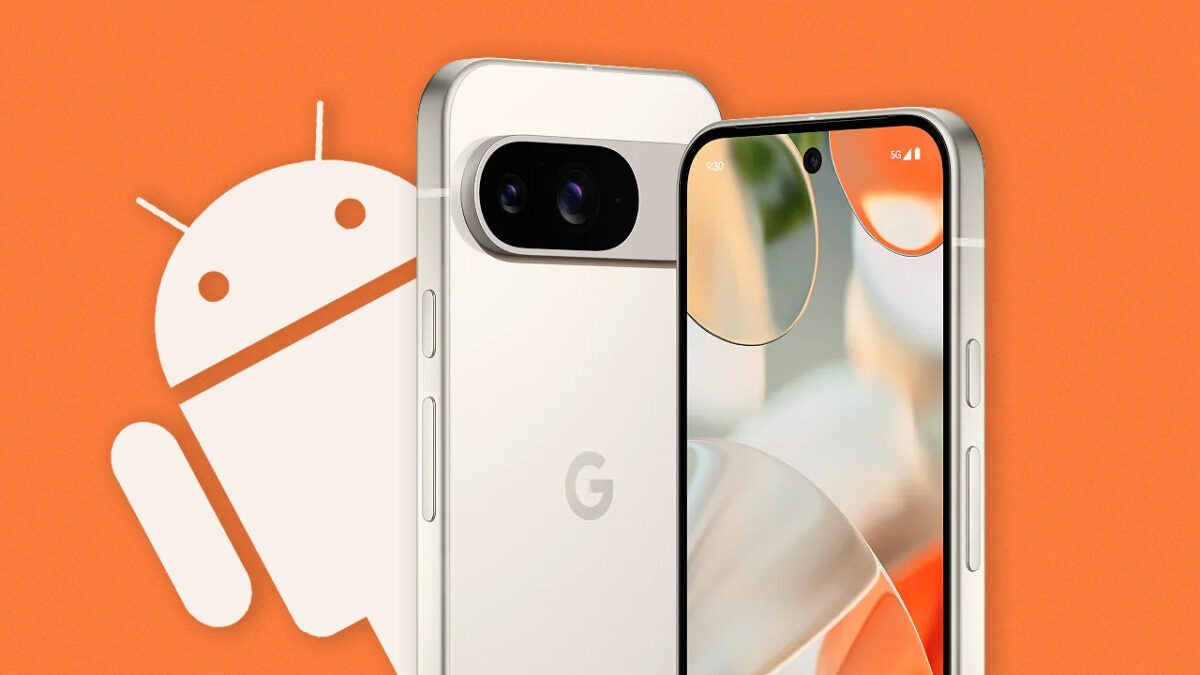
The Google Pixel 9 has just been released, and the smartphone is already receiving a substantial update that improves the data transfer experience, something that affects all of us when we change phones.
Paul Dunlop, Product Manager of Onboarding and Switching at Android, tweeted a thread about all the important changes. And he even describes it as the biggest version in its history.

Dunlop first shows a new entry in the device settings menu called Backup or Data Backup. Initial reports claimed that users could copy photos, contacts, messages, and more from an old Pixel to the Pixel 9.
All of that is true, but what we didn’t know is that this process can be done as many times as you want, whether it’s through a USB cable, WiFi connection, or cloud servers. It is no longer necessary to factory reset the devices.
The best data transfer within the Android world
Data transfer can take quite a while, especially if you have many files. So, if you’ve been wishing for a faster method, the Pixel 9 now features the Express tool. Dunlop claims that this “massively reduces the time it takes” to move the data. According to a screenshot, the feature only copies files that are not already present in your Google account.
According to reports, it is “cloud-aware,” which means that Express knows what you have saved and ignores backups to speed up the process. In addition, images sent through the tool will retain their original quality. However, you have the option to select which files to move or not through Customize.
Beyond files, the renewed data transfer of Pixel 9 also transfers more system settings, permissions, and notification preferences. This can help establish your preferred smartphone settings on the new device without having to redo everything from scratch. It will be similar to your old phone.
Improvements in the quality of life of users
Google has worked with top developers around the world to ensure that applications stay connected and running before the data migration begins. There is also the interesting transport multiplexing.
Let’s say you’re transferring files over WiFi, but the process is taking forever. Dunlop claims that you can connect a USB cable halfway through the transfer to assist: the feature uses both methods to send files quickly. The Pixel 9 will even recommend you to do it through an on-screen notification.
