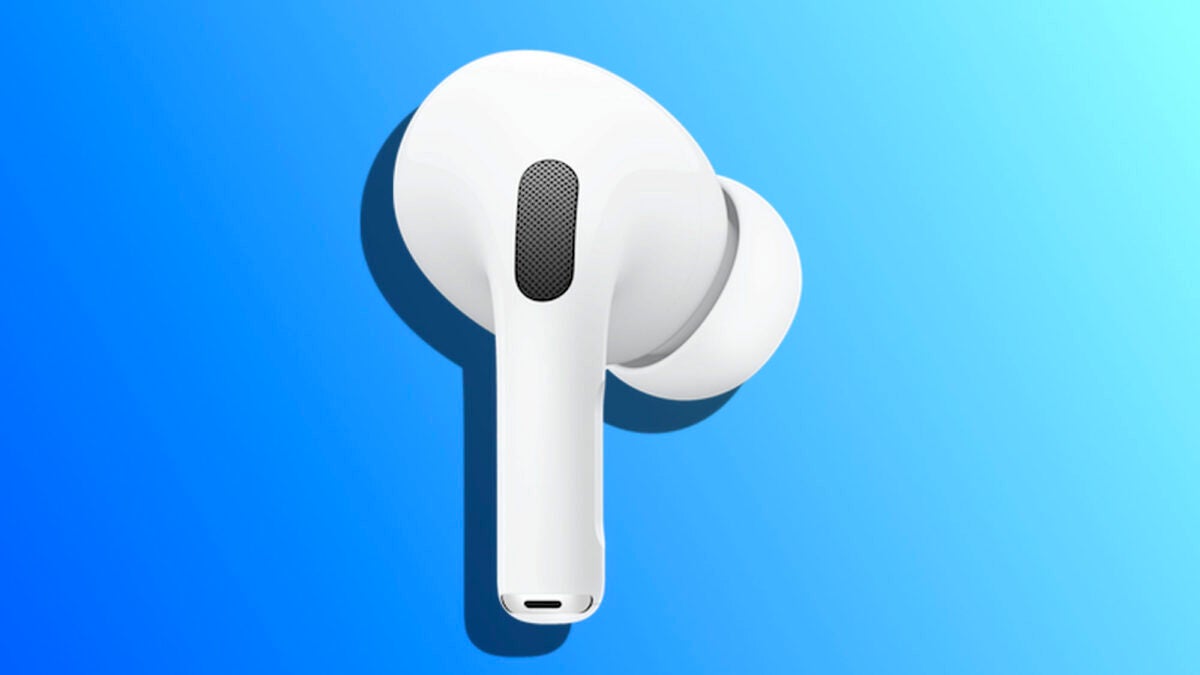
The noise cancellation of the AirPods Pro allows us to completely isolate ourselves from the sound of the outside world and focus on our content. Although ANC reaches its maximum potential when both AirPods are in use, there is a way to activate it even when only one AirPod is being used. Let’s see how to do it.

One AirPod, but free from any external noise
Certainly, it’s not every day that we want to activate noise cancellation in just one of our headphones, but there are several situations where it can be useful. If we need to use some kind of acoustic protection at work, for example, or for people with certain hearing needs, this can be a useful resource.
The steps to do it are really simple, and are possible thanks to the accessibility settings of the iPhone. Specifically, we will do it like this:
- We take the AirPods out of the case, put them on, and play some music to make sure they are connected to our iPhone.
- On the iPhone, we open the Settings app.
- We go to the AirPods section at the top.
- We tap on Accessibility.
- We enable Noise Cancellation with one AirPod.
From here we can activate noise cancellation as we would normally do. Before activating this setting, we had to have both headphones on to be able to activate the noise cancellation control in the Control Center of our iPhone. Now, simply by holding down the volume slider in the Control Center, we will see the option regardless of whether we have both headphones or just one.
While it is an adjustment designed for accessibility purposes, it can be useful in some circumstances. In all those situations where we decide to use only one earphone — or if only one of the AirPods works —, the advantage of knowing that we will hear the sound clearly and without external interference is something very interesting.
