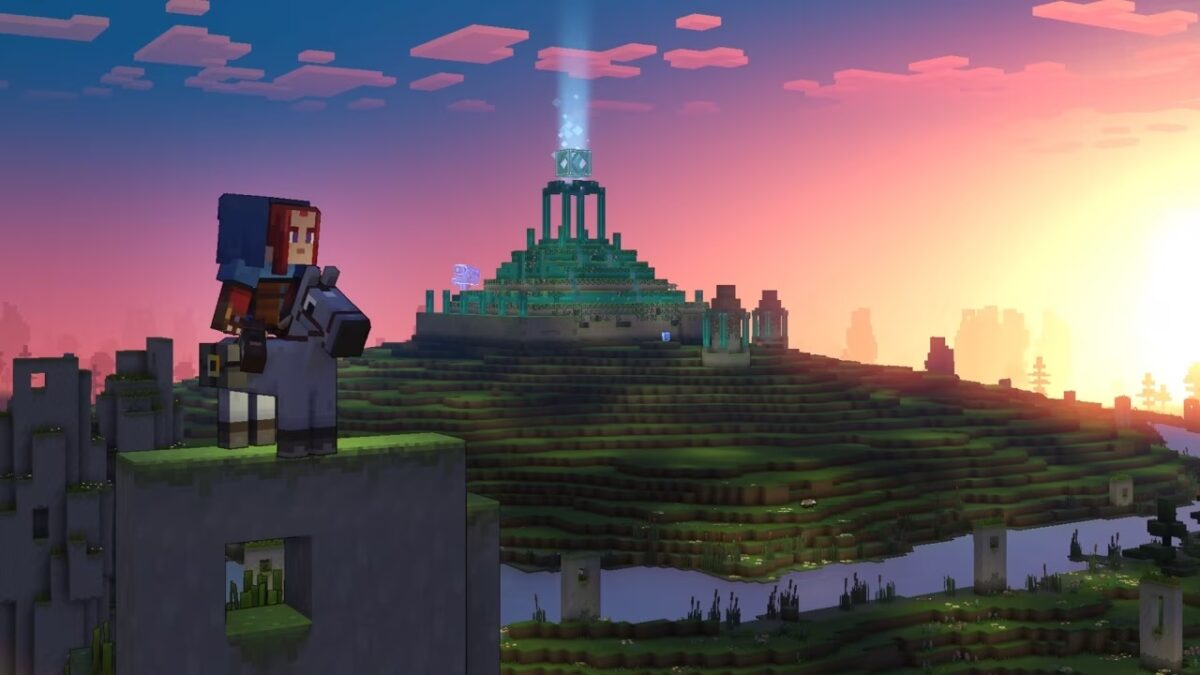
Minecraft fans are in luck more than ever. The Microsoft title arrives in stores with its latest release, Minecraft Legends. In this adventure full of strategy we will have to explore a completely new world, although quite familiar to everyone.
In Softonic we tell you how you can download and install Minecraft Legends. Let’s get started.
How to download and install
Let’s start with the basics, which is none other than how to download Minecraft Legends. To do this, you need to click on the following product sheet to get the PC version, not forgetting that it is also for PlayStation 5, PlayStation 4, Xbox X | S Series, Xbox One and Nintendo Switch.
From here, these are the minimum requirements to run it:
- 64-bit operating system OS: Windows 10 or Windows 11
- Processor: Core i5 2.8GHz
- Memory: 8 GB de RAM
- Graphics card: NVIDIA GeForce GTX 780, AMD Radeon 285 or Intel HD 520
- DirectX: Version 12
- Storage: 24 GB of available space
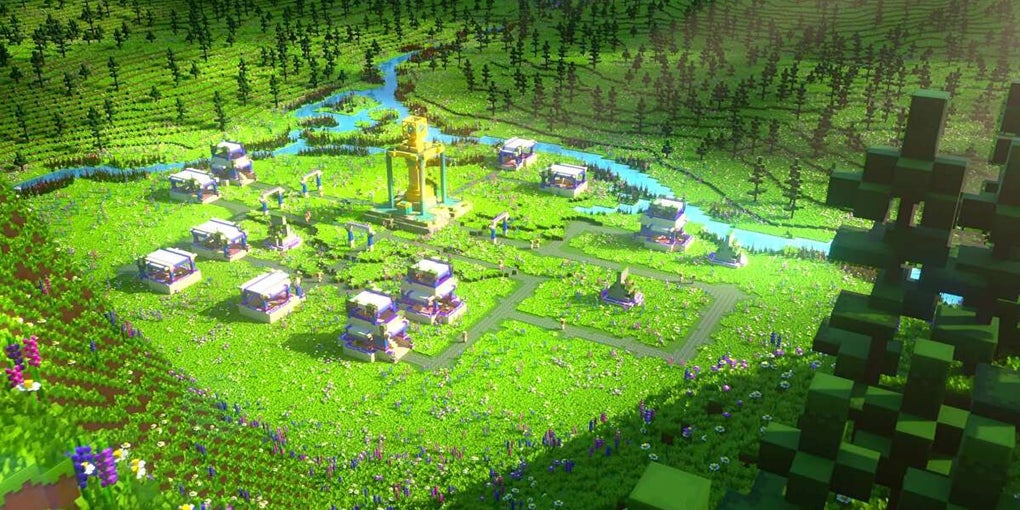
The recommended ones are:
- 64-bit operating system Windows 10 or Windows 11
- Processor: Core i5 3.4GHz
- Memory: 8 GB de RAM
- Graphics Card: NVIDIA GTX 1060 or AMD Radeon 580
- DirectX: Version 12
- Network: Broadband Internet connection
- Storage: 24 GB of available space
Also on Xbox Game Pass
As you can see, the good thing about Mojang, Xbox and other companies involved in this title is that they have managed to release Minecraft Legends on as many platforms as possible. However, we have left out one point we wanted to leave out: Xbox Game Pass.
Any player who is an Xbox Game Pass subscriber will have access to Minecraft Legends from different places. For example, on Xbox consoles they will just have to log in to the Marketplace and download it, while on PC it is available from Microsoft’s own Marketplace. And wait, there’s an additional surprise: Minecraft Legends can also be played in the cloud, so you can play it on a smartphone, tablet, etc. Let’s play!
Some of the links added in the article are part of affiliate campaigns and may represent benefits for Softonic.
