
Staying ahead in modern sales is vitally important. From experienced inside sales representatives within companies to independent consultants and outside sales specialists, having access to the right tools makes all the difference. This is why we’ve embarked on our search for software for consultants explicitly tailored to each of your unique requirements.
We have carefully selected four categories of software: CRM, Commission tracking, Accounting and Route planning.
Why did we select these categories? Our decision was determined by a comprehensive examination of the essential requirements sales reps must fulfill. We took great care in investigating each aspect of your challenges. These categories serve as the cornerstones for success in sales.
Join us as we delve deeper into these invaluable tools for sales reps.
CRM software
FuseBase (formerly Nimbus)
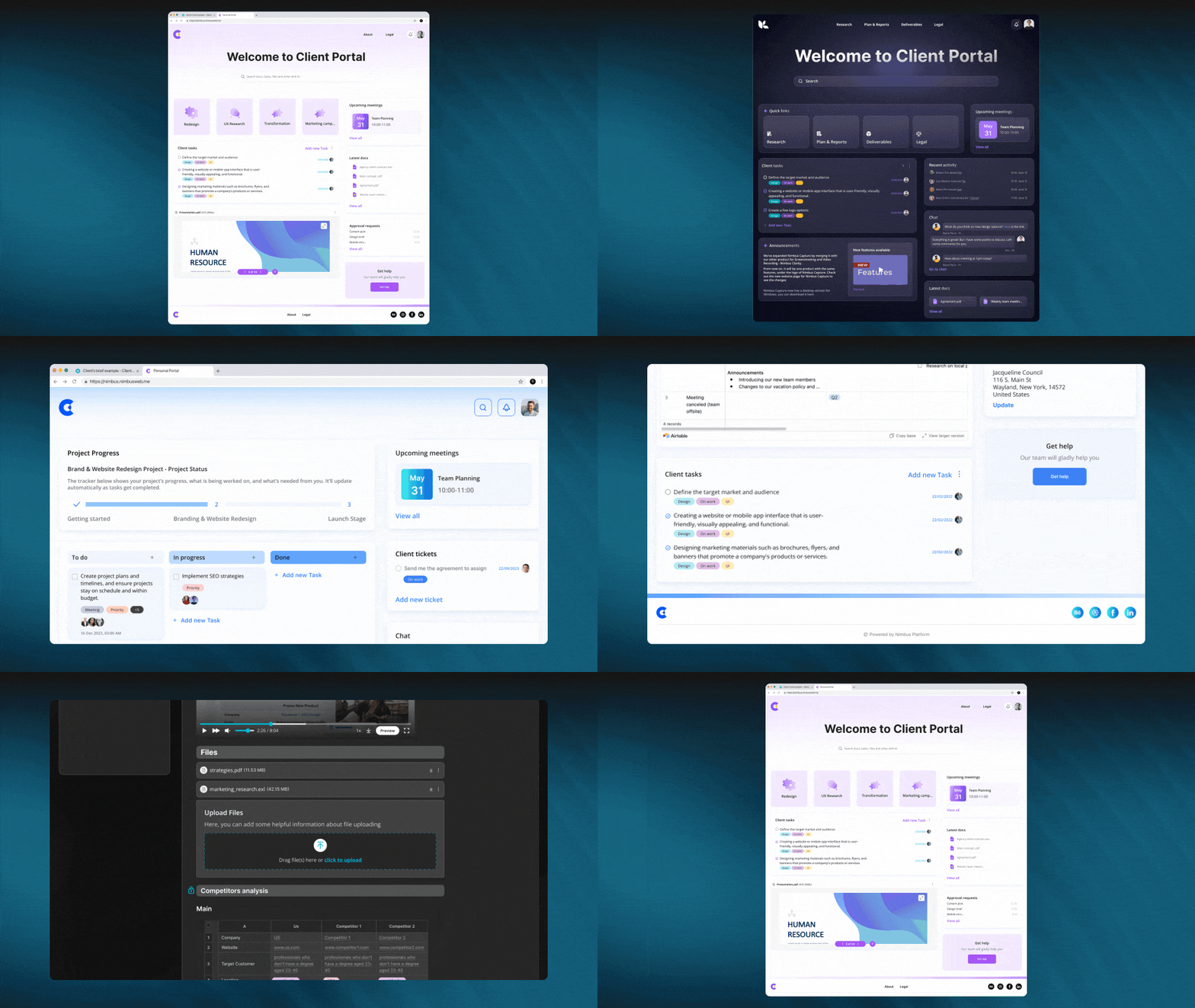
FuseBase (formerly Nimbus) goes beyond traditional CRM; it provides dynamic client collaboration software explicitly tailored for client-oriented businesses. FuseBase’s (formerly Nimbus) seamless incorporation of key CRM features within an effective collaborative hub environment sets it apart.
The platform gives sales reps the power to manage deals more efficiently, track sales analytics, and have safe and secure access to important information. Furthermore, users can create databases with lead information, while the FuseBase AI feature facilitates lead data analysis and the generation of personalized email chains based on this analysis. Client portals enable sales teams to keep records of meetings held with clients as well as track fulfillment of commitments, creating more transparent customer interactions while making sales teams’ tasks simpler and more effective.
FuseBase (formerly Nimbus) streamlines teamwork and client collaboration by making all content accessible to everyone, regardless of whether or not they have a FuseBase (formerly Nimbus) account.
Essentially, FuseBase (formerly Nimbus) is more than a CRM; it serves as your partner in elevating client collaboration while streamlining CRM functionalities.
Who uses FuseBase (formerly Nimbus)?
NiFuseBase (formerly Nimbus) has quickly become the go-to solution for consulting firms, independent consultants, sales development reps, and client-oriented businesses looking for a client collaboration platform with integrated CRM platform features.
Best features:
- Client Portals. FuseBase (formerly Nimbus) Client Portal offers consultants an effective tool for creating professional yet branded client hubs to consolidate project details while streamlining updates, approvals, and communication between internal work hub pages and client access points. You can even integrate external tools like Google Docs, Calendly, or Figma for enhanced collaboration and project management.
- Knowledge Bases. FuseBase (formerly Nimbus) Knowledge Bases is a reliable tool for consultants to store and manage critical data. By establishing a single authoritative source, you can rest assured that your organization’s most valuable assets—its expertise and experience—will be safeguarded while still being easily accessible to current and future team members. This can be accomplished by creating searchable wikis and documentation and using tags and nested folders. Say goodbye to worrying about losing internal expertise when team members change.
- Streamlined Task Management. Simply attach tasks with details like descriptions, comments, files, and due dates to provide clarity and accountability. Progress bars allow easy monitoring, while task labels help prioritize workload efficiently. Additionally, you and your clients can view billing and non-billing hour reports at any time, allowing you to track and categorize any time spent, regardless of whether it was billable. This feature facilitates task execution for greater productivity from consultants while remaining organized and staying on target to deliver exceptional results!
- FuseBase AI. FuseBase AI uses advanced AI capabilities and AI Customer Support Software to simplify lead data analysis and craft personalized email chains, increasing sales reps’ efficiency. With AI, teams can save a lot of time while still getting a lot done because the technology can speed up manual procedures, reveal insights humans overlook, and adapt material to new situations.
- Data Collection. FuseBase (formerly Nimbus) makes data collection for sales reps easier with customized forms, approval processes, and video/audio recordings that improve communication. Collaborate efficiently using comments/chats/briefs and custom notifications, and manage tasks efficiently through the ticketing system; make each interaction count with FuseBase (formerly Nimbus) and elevate your sales process.
Pricing:
- A free plan is available
- There are multiple pricing plans to suit every need and budget, starting with just $9 a month.
HubSpot CRM
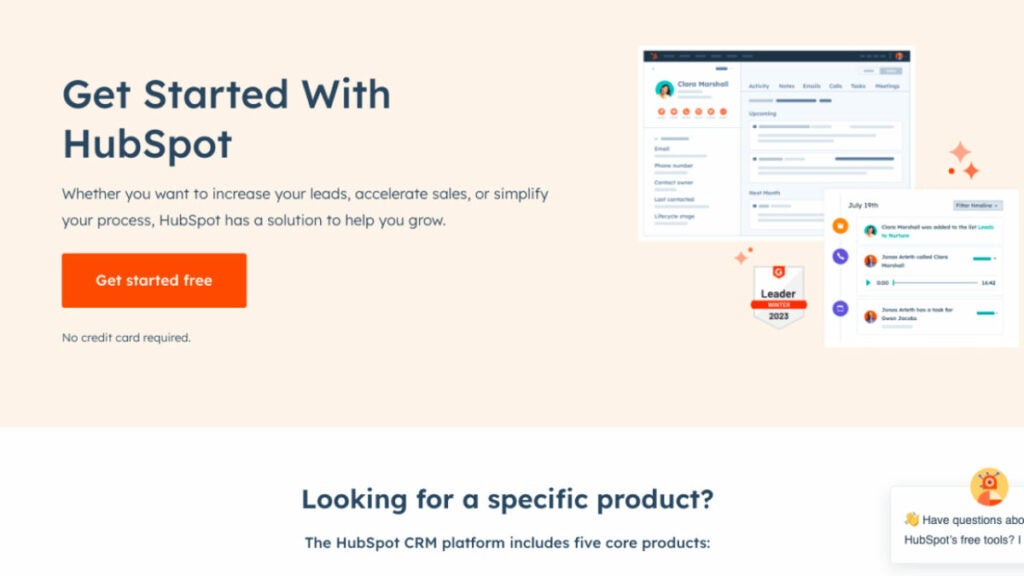
HubSpot provides flexible pricing and packaging based on your team size, from a small group of five to a large, skilled sales force of 500. HubSpot’s customer relationship management (CRM) platform was developed with efficiency in mind. All of your contacts will be stored in one easily editable location. No more searching through emails to get information. It’s all there in one convenient place.
The HubSpot CRM software for sales reps is the backbone of Sales Hub, providing a unified view of customers, sales teams, and the technologies they use. Users can maximize their productivity with the CRM platform’s access to more information, qualified leads, and unified training resources. You can use their extensive network of app and solution partners to create a unique and memorable journey for your customers from start to finish.
Who uses HubSpot CRM?
With HubSpot’s CRM, your team can expand as you do. Today, over 100,000 companies in more than 120 countries use HubSpot’s award-winning software to attract, engage, and delight customers.
Best features:
- Prospect Smarter. Use HubSpot’s sales engagement solutions to easily convert leads with meaningful, contextual discussions. No more trying to second-guess what to do. To concentrate on creating a quality, high-converting pipeline and monitor your team’s performance with essential sales KPIs, it is essential to maintain your prospecting representatives well-organized, efficient, and productive throughout the day.
- Accelerate Revenue Growth. With the help of HubSpot’s AI-enhanced deal management solutions, you can quickly and easily convert leads into paying customers, closing more deals in less time.
- Scale Insightfully. HubSpot’s integrated reporting and analytics tools enable you to efficiently anticipate revenue and gain visibility and predictability in your pipeline, allowing you to set and accomplish realistic revenue objectives.
- Document Tracking. Construct a repository of shareable sales information and keep tabs on which products actually result in closed deals.
Pricing:
- Free plan and free trial available
- Starter – $45/month
- Professional – $450/month
- Enterprise – $1200/month
Commission tracking software
Performio
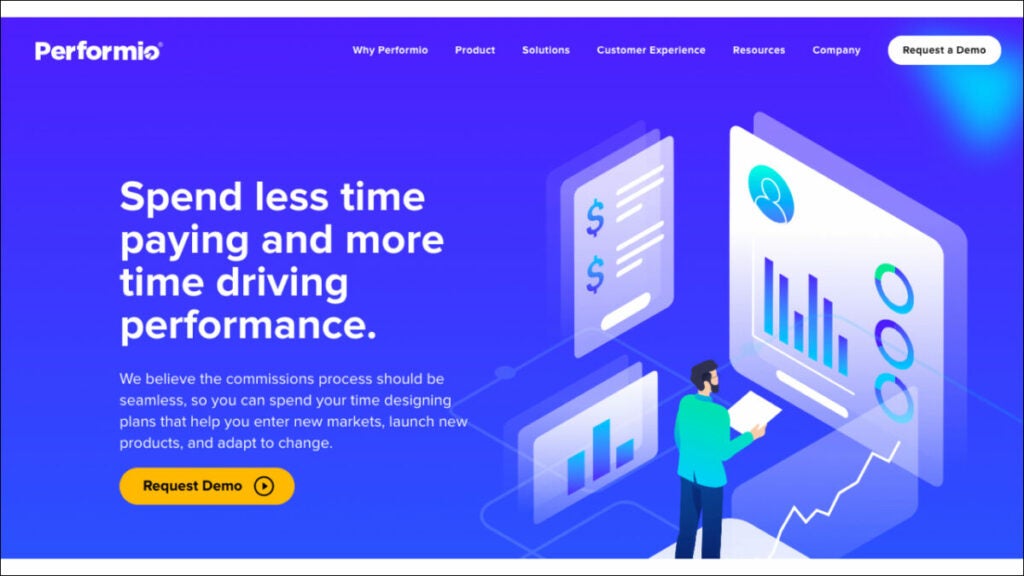
The commission-based compensation mechanisms provided by Performio are indispensable. It provides flexibility in designing sales commission structures and incentive programs. Moreover, Performio commission tracking software offers a commission table that details all payments made and to whom they were sent. This tool can forecast values, results and achievement percentages related to commission compensation. Performio excelled in support and value and performed admirably in all other categories. However, this platform has a lengthy setup process and few available integrations with other services.
Who uses Performio?
Businesses that have elaborate sales commission structures and procedures use Performio. Performio was developed to provide in-depth insights that fuel robust sales performance for expanding businesses.
Best features:
- Easily calculate sales commissions. Leave your spreadsheets behind. Take the guesswork out of sales commissions. Put an end to the hassle and expense of resolving payment mistakes.
- Easily share sales commission information. With Performio, your sales representatives can access their own dashboard to see in real-time how much they’re being paid and why.
- All your sales comp data in one place. Gain actionable insights into the efficiency of your incentive plan and the productivity of your sales staff thanks to robust reporting tools. Provide firm management with details regarding sales compensation.
- Forecasting. Customers can use the What If calculator’s simulation and forecast capabilities to precisely predict commission charges and manage accruals.
Pricing:
Contact Performio to get info about pricing.
QCommission
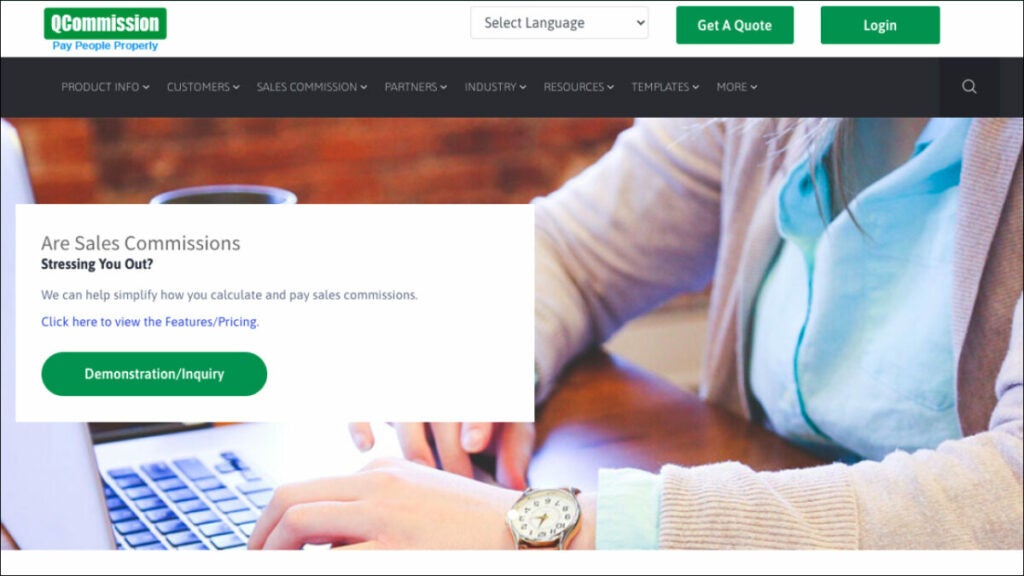
QCommission can evaluate sales data and calculate commissions based on the performance of sales reps because it connects with numerous customer relationship management and accounting software. This tracking app has 150 reports, including yearly incentive summaries, compensation adjustments and payee incentive commission reports. It also has sophisticated commission calculating options, including splitting commissions or compensating at a variable rate. Additionally, it is the sole platform that explicitly targets compliance with ASC 606 and Sarbanes-Oxley. These features make it the best software for sales reps for commission-based staff compensation.
Who uses QCommission?
Companies that still use Excel to figure out their sales compensation plans and people who are tired of spreadsheet mistakes and how long it takes to change commission reports.
Best Features:
- Tracking commissions. Users can customize their commission payout frequency (monthly, quarterly, semiannually, or annually) using the system’s commission processing calendar. The users can set up payees, items, customers, programs, incentives, and sales quotas in the system.
- Contract storage. It’s the only commission-tracking software that provides a wide range of commission agreement samples across multiple sectors.
- Reports. It has the most reports available (over 150). These include commission payouts, target attainment, salary changes, incentive commissions, commission due statements, and unpaid commissions.
- Integrations. More than Performio, NextAgency, or Blitz, it connects with forty of the most widely used third-party programs, including Salesforce, Microsoft Dynamics, SugarCRM, SuiteCRM, QuickBooks, Xero, and PayPal.
Pricing:
Contact to get info about pricing.
Accounting software
FreshBooks

Because of its comprehensive project management and time tracking tools, FreshBooks was a top pick for accounting software for freelancers, offering them the ability to effectively manage their finances and track their earnings, including average commissions. It can assist you in figuring out if you’re over or under budget by comparing projected and actual project costs.
In addition, it enables you to set recurring invoices and accept online payments, both of which are advantageous to your cash flow. FreshBooks automatically calculates late fees and prints a list of invoices that must be paid. In addition to its user-friendliness, FreshBooks’ clean layout and straightforward design make it a breeze to use.
Who uses FreshBooks?
FreshBooks is a cloud-based accounting system made especially for self-employed people. Field sales reps can do the work that brings in the money and less of the paperwork.
Best features:
- Invoicing. You may add a logo, write a unique note, set up recurring invoices, and all-powerful customization options in FreshBooks. Estimates can be transformed into projects, and the differences can be analyzed.
- Time tracking. Automatic time tracking ensures you don’t miss any billable time and is a feature in FreshBooks. The smartphone app’s time-tracking features are beneficial for those who frequently work from home.
- Mobile app. Invoices, expenses, online payments, client communication, and mileage tracking are some features of the FreshBooks mobile app.
- Expense tracking. With FreshBooks, you can simply snap a photo of your receipt, upload it, and assign it to the appropriate category. You can also link your bank account so that transactions are imported automatically.
Pricing:
- Lite – $17/month
- Plus – $30/month
- Premium – $55/month
- Select – Custom pricing for unlimited billable clients and specialized features
AccountSight
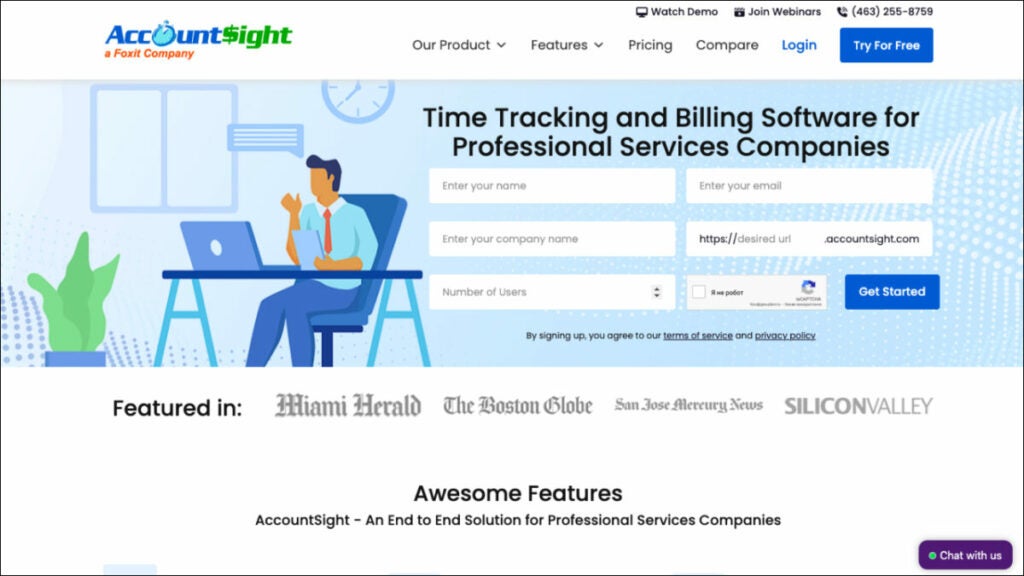
Due to its extensive time tracking and billing features, AccountSight is one of the finest accounting software for outside sales reps. It’s so good that it’s worth being included in a list of the top programs.
It also provides many tools that may be used to improve the efficiency of a company’s time and money tracking. You may connect it to QuickBooks Online to gain access to additional accounting tools like bill tracking and individualized invoicing.
Who uses FreshBooks?
Businesses that focus on projects and require time tracking, reporting, analytics tools and consultants need robust accounting and client management resources.
Best Features:
- Controlling time sheets. When you upgrade to a subscription plan in AccountSight, your employees can upload timesheets individually and in bulk via Excel. In contrast, the free plan only allows you to produce a timesheet for yourself.
- Invoicing. Manual invoices, invoices based on billable hours and expenses, and invoices based on recurring costs are the three types of invoices that can be generated in AccountSight. You can bill at standard rates or make reductions and pricing modifications on the fly, and you can even get notified when payments are overdue.
- Reporting. AccountSight’s in-depth reports give you a bird’s-eye view of project performance in real-time, letting you make more precise predictions. All weekly timesheet data is available for inspection and analysis and a comparison of billed and unbilled project expenses.
- Keeping tabs on costs. Before filling out online expense sheets, users can keep tabs on and manage all project expenses and assign expense forms with charge rates or per-unit costs.
Pricing:
- Free – $0 for one user, five clients, and five projects
- Basic – $10/user/month; comes with a 2- to 5-user pack
- Small Group – $9/user/month; comes with a 6- to 20-user pack
- Enterprise – $8/user/month; comes with a 21- to 100-user pack
Route planning software
Route4Me
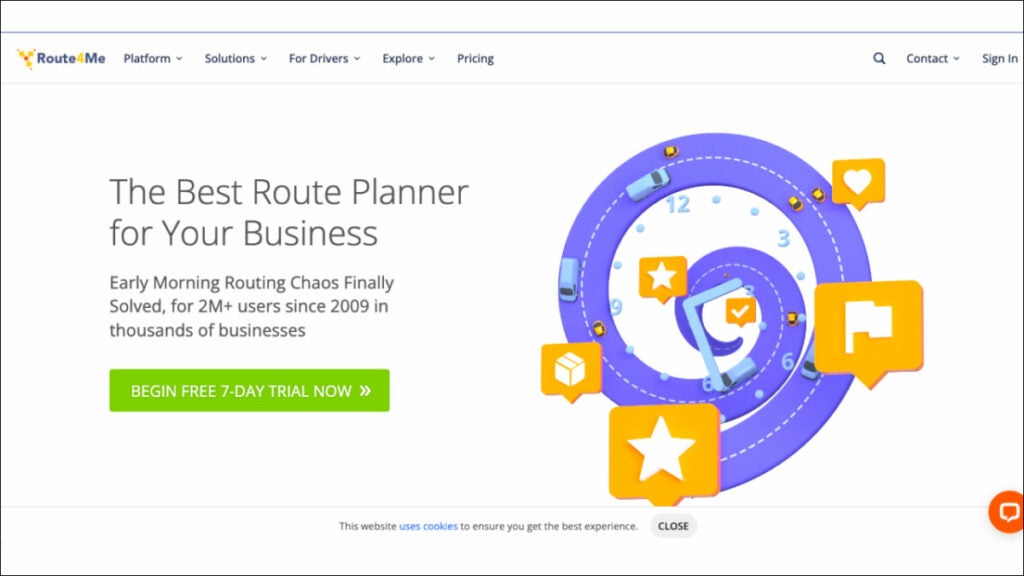
The routing problem has been resolved. Route4Me is a highly user-friendly route planning software that automatically generates routes for your business and sends them to a mobile app with in-built navigation. This is the ideal solution for any organization that needs to optimize its last mile of service, including field service, field sales, field marketing, territory management and more. More than 40,000 businesses and organizations worldwide rely on Route4Me’s route sequencing and optimization software.
Who uses Route4Me?
The Route4Me Web Platform was built to be a flexible, all-purpose platform that can serve as the backbone for various industries, including sales that rely on routing and logistics services and teams.
Best features:
- Don’t waste money and time. This tried and true route planning and scheduling software will save you time and help you get more done across the board. Simply enter your desired stops and limits, and you’ll be presented with optimized routes on highly interactive maps.
- Maintain Total Control. The Route4Me Operations Matrix provides you with complete, real-time transparency. Scheduled versus real times for each route are presented graphically in an easy-to-read table with arrivals and departures color-coded according to how early, late, or on time they were.
- Optimize Order Fulfillment. Add orders manually or automatically sync them. Orders may be quickly sorted, loaded, sent and delivered using the Route4me mobile app.
- Maximize Fleet Utilization. Routes can be planned according to the number of parts, the shipment weight or the amount of money the route is expected to generate.
Pricing:
- Route Management – $199/month
- Route Optimization – $249/month
- Route Optimization Plus – $349/month
Badger Maps

Badger Maps is a mapping software that helps outside and field salespeople work more effectively. With Badger, sales reps can better manage their area from their mobile devices or laptops by integrating Google Maps, CRM data, route optimization, schedule planning and lead creation. Additionally, Badger may upload field data to your CRM. The platform provides reporting and insights to help sales managers better manage their teams in the field.
Who uses Badger Maps?
Badger Maps is a perfect software for sales industry professionals.
Best features:
- Lasso. Make new paths in record time by tracing a circle around a set of coordinates on a map using your mouse or finger. You can rapidly and regionally reassign accounts for your team.
- Optimizing Travel Time. With the push of a single button, you can quickly and easily reach any destination on your list.
- Transport Mode. See and control your entire day’s plan with ease. Nothing but the essentials for getting the job done uninterrupted.
- Check-ins. Make personalized check-ins with attached images to get the correct information from your field reps. Weekly reports are emailed out automatically and you can also make reports manually if you’d like.
Pricing:
- Business – $49/user/month, billed annually
- Enterprise – $95/user/month, billed annually
Bonus: Software powerpack for sales reps
FuseBase (formerly Nimbus)
FuseBase (formerly Nimbus) is a client collaboration tool that goes far beyond mere CRM; it provides dynamic client collaboration software tailored to client-oriented businesses. Integrating essential CRM features into an effective teamwork hub, it serves as an all-in-one solution for sales reps.
The platform allows for effortless collaboration among teams and clients by sharing various forms of content, available even for those without FuseBase (formerly Nimbus) accounts! FuseBase (formerly Nimbus) has quickly become the go-to choice of consulting firms, independent consultants and client-oriented businesses alike, providing them with client portals for efficient project communication, a central knowledge base to preserve key insights, effective time management capabilities and task management – helping consultants bridge the gap between ideas and execution. FuseBase (formerly Nimbus) serves as an indispensable tool in client collaboration while streamlining CRM features.
Performio
Performio excels as a commission management solution, giving users all the essential tools to easily customize and calculate sales compensation plans with Performio’s intuitive tools for quick calculation and customization. It provides a detailed commission table outlining payouts to recipients as well as an ingenious forecasting tool capable of forecasting values and achievement percentages. Performio’s comprehensive support and value offerings stand out despite an extended setup process and limited third-party integration capabilities. Organizations with complex sales commission plans and processes can benefit significantly from Performio’s in-depth insights, making it the perfect option for rapidly expanding companies looking to drive strong sales performance. It offers hassle-free commission calculations, user-friendly communications of sales compensation plans, centralized comp data storage capabilities and unique forecasting abilities through its “What If” calculator.
AccountSight
AccountSight stands out as an exceptional accounting software choice for consultants due to its advanced time tracking and billing features, making it one of the market’s best free time tracking solutions. This time and expense management software includes many features to facilitate time and expense administration processes more efficiently, including integration with QuickBooks Online for extended accounting functionality such as custom invoice creation and bill tracking. Consulting firms seeking advanced time-tracking capabilities, project-based businesses needing reports and analytics features and consultants requiring effective client management tools are among its target users.
The platform offers notable features of timesheet management with multiple approval levels and invoicing options, comprehensive project performance reporting for real-time insights and expense tracking with customizable expense types and comments.
Wrapping up
In this article, we looked at a few software choices that are made to meet the specific needs of sales reps. All of these tools provide powerful options for consulting professionals.
You will find solutions that streamline your consultancy, boost productivity, and raise client and customer satisfaction, whether you need efficient route planning or thorough time monitoring. All these software for consultants have advantages and features that make them ideal for industry professionals. The best software for you may vary depending on your specific needs, but these choices are excellent starting points for investigating other programs to see if any of them seem like a good fit.