Gacha Club Review: A creative outlet for gamers

Gacha Club is the sequel to 2020’s Gacha Life by Lunime Inc. While Gacha Club shares many similar elements to its predecessor, the focus on single-player content and RPG elements gives the title a distinct feel. Players will create their own characters and play mini-games with them. There is also a new battle feature that gives you more ways to interact with your roster of avatars.

You can play Gacha Club for free on either your PC or mobile device. Like with many modern titles, cross-progression is enabled so you can continue your adventure on either platform as the situations warrant.

Gacha Club Edition DOWNLOAD

Customization adds to gameplay loop

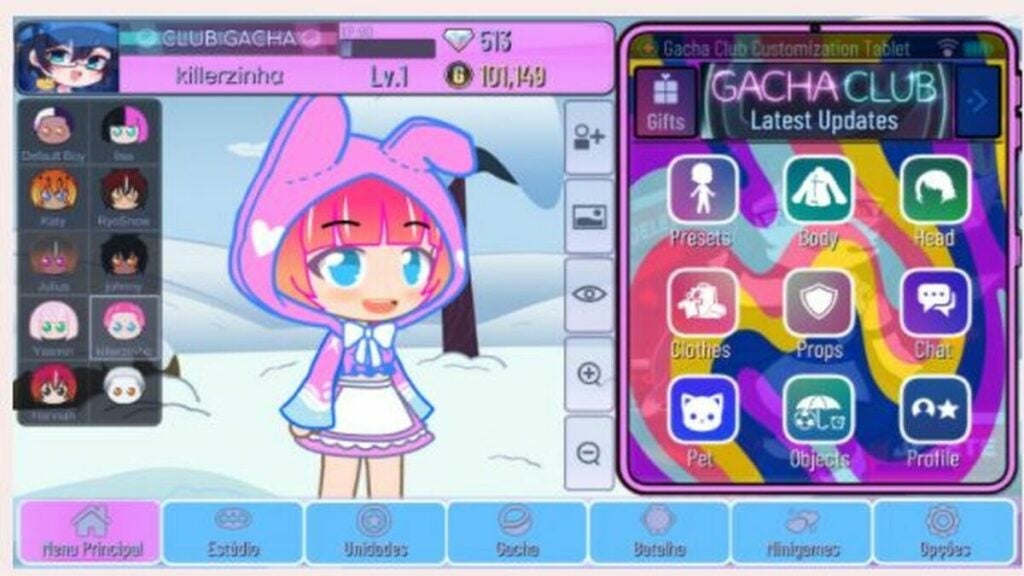
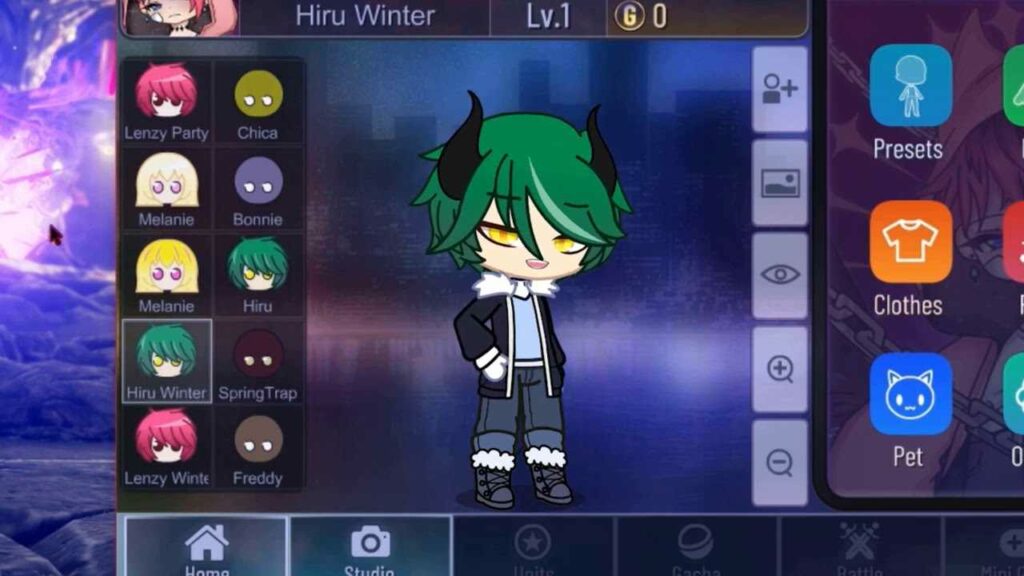
Gacha Club is all about creating your own experience. You create all of your characters and design many of the scenes they find themselves in. There are numerous customization options that help you make the game your own. In addition to the scenes you create, your characters can also be used to partake in various mini-games created by the developers.

The main addition to Gacha Club is the numerous RPG elements. The first thing you will notice is the story mode. While the narrative is not very deep, the mode is the perfect spot to level up your characters and obtain new items. The structured levels provide a reliable way to keep progressing your collection. You will engage in turn-based battles as the primary means of strengthening your characters.

The turn-based battles offer a fair degree of strategy thanks to the numerous options for character development at your disposal. It is similar to a card game in how you must balance the various resources in your inventory during each conflict. Half of your success is contingent upon the plan you devise before each battle even begins.

If you prefer to battle without the rest of the story mode weighing you down, there is a standalone battle mode in the options. You can play a quick bout during moments of downtime throughout the day. There is also a tower mode for longer play sessions. This endless mode tasks you with winning as many battles as possible before your team is wiped out. This serves as the ultimate test of your inventory and training.
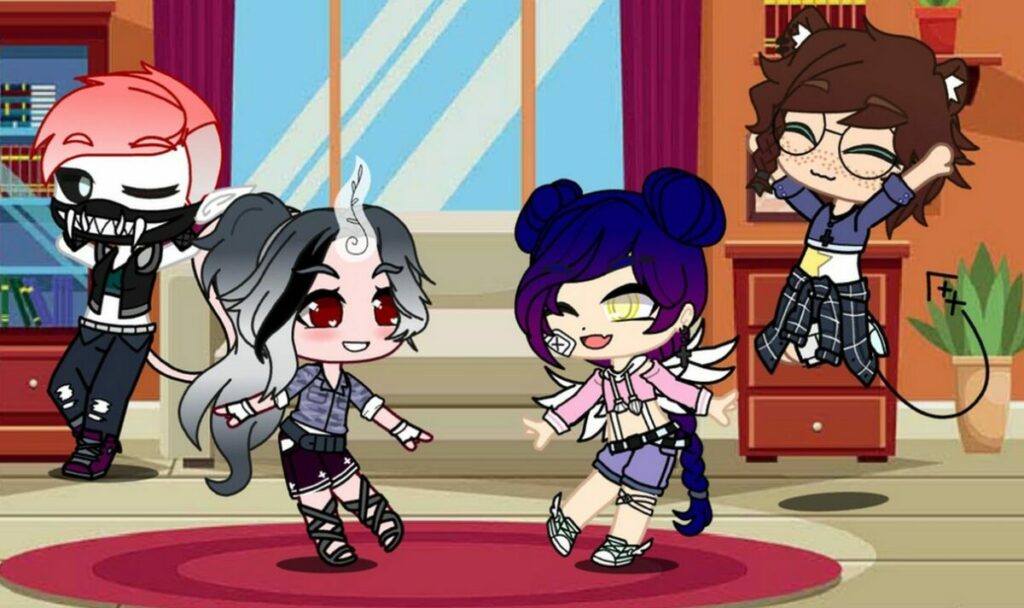
Created scene to put your character in

Graphics, art style, and presentation

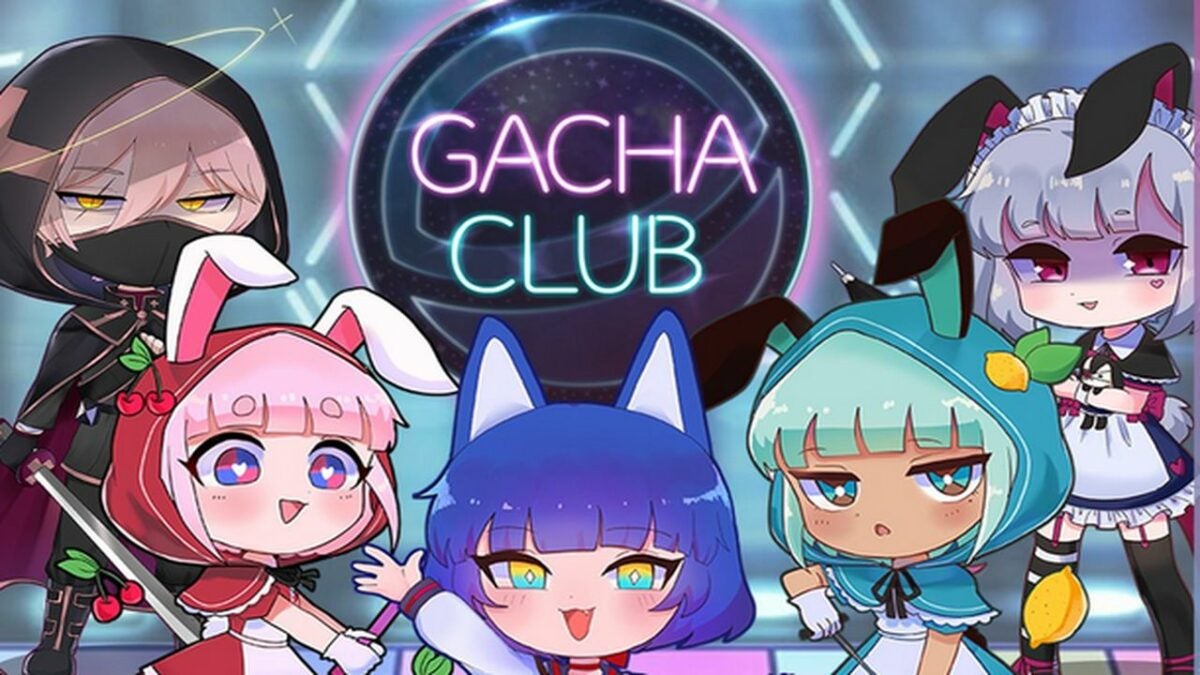
Gacha Club opts for the chibi anime style employed by the previous game in the series. The hand-drawn animation format allows the title to run on mobile devices and computers with minimal hardware specs. Having distinct lines around each character help make the art style memorable and impactful.

The true key to this impact is the creation and customization element. As long as you enjoy the base art style, you can find customization options that will suit your personal taste. A roster of your own unique characters enhances the presentation of story mode immensely. While the narrative is not fleshed out, there is reason to feel attached because it is your creations enduring the fray.
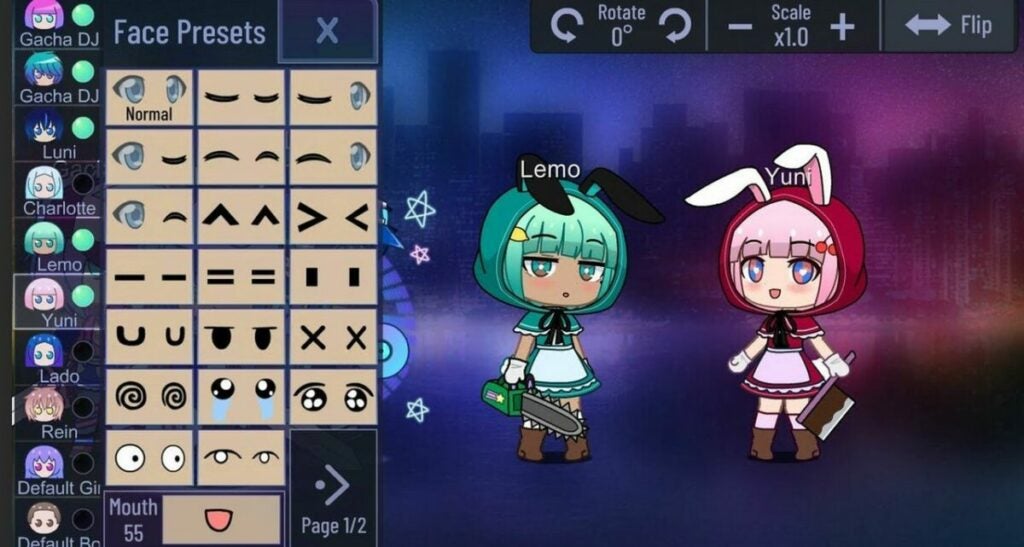
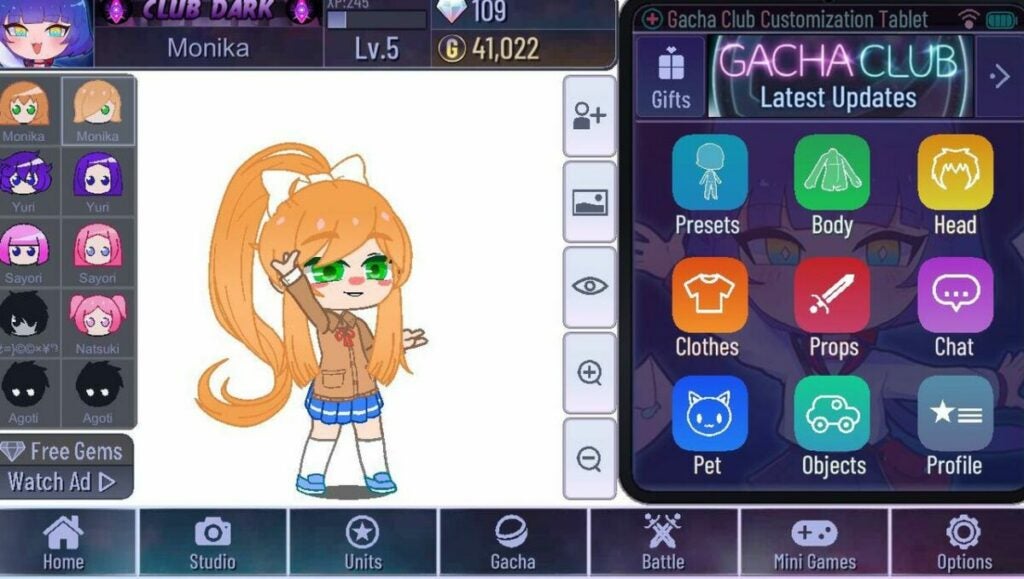
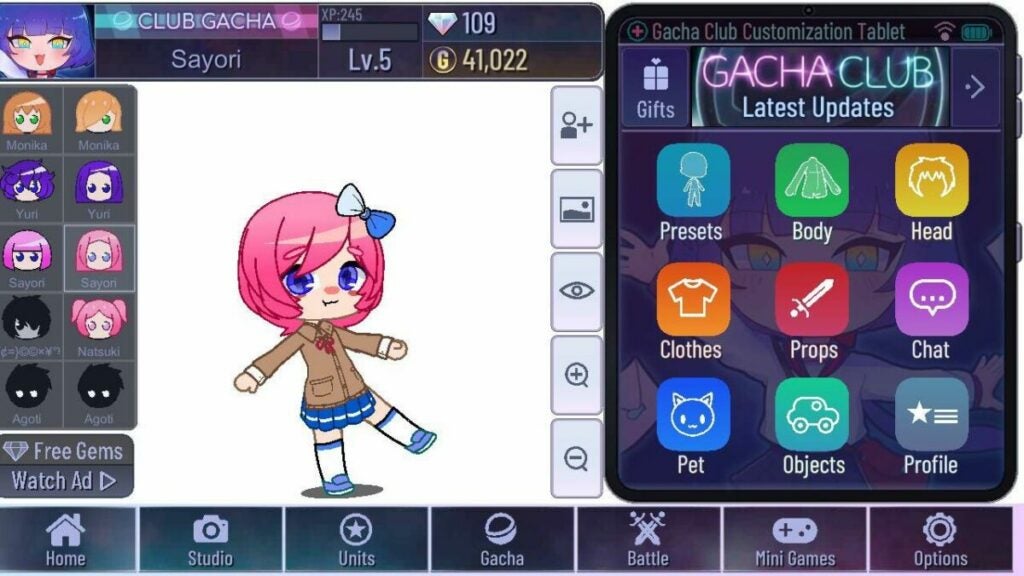
Character customization menu

Does Gacha Club offer a new narrative?

Gacha Club’s main mode does not offer much in the way of traditional storytelling. The base campaign is mostly there to give players inspiration. The community generates the real narrative backbone of the title itself. The ability to create custom characters, scenes, and dialogue facilitates the development of fan stories and projects.

Interestingly enough, the user-generated content is not viewable within the game launcher itself. Instead, fan productions are given life on video-sharing platforms such as YouTube. There are sizeable and dedicated communities uploading Gacha Club content on a consistent basis. You can choose to join the creation process yourself, or just view what others create on your favorite social media sites.

It is worth noting that some user-generated content is not suitable for minors. The base Gacha Club game is safe and reasonable for everyone to play. However, the developers cannot dictate the subject matter of content released outside the game they created. Parents should take this into account when allowing their children to browse the litany of Gacha Club video stories available online.
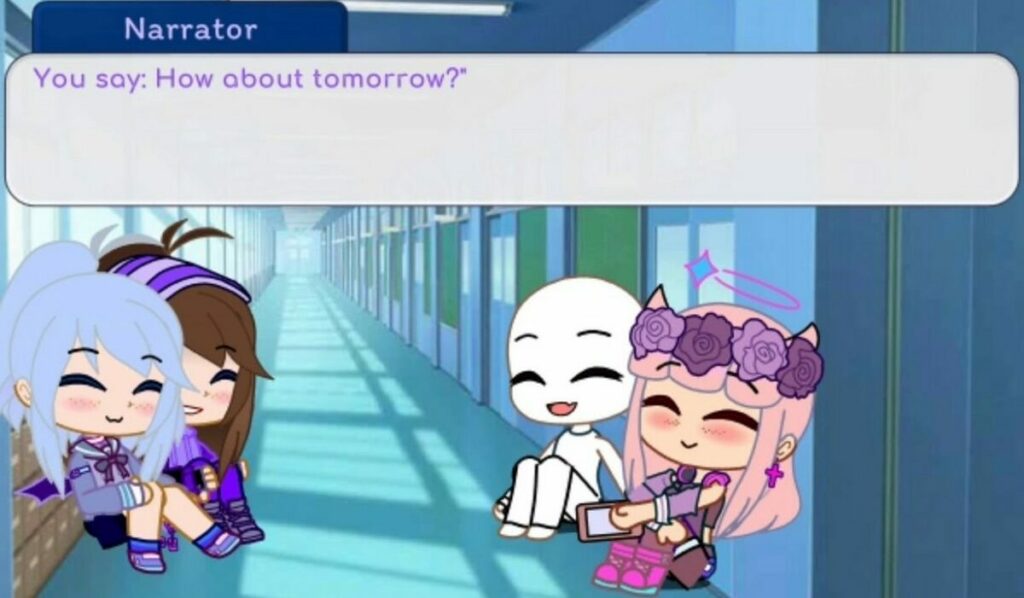
Cutscene presentation

The Gacha progression system

As the name implies, you will progress through the game via Gacha collection mechanics. Gacha-style games involve trading currency for randomized loot drops. The gacha idea was transferred from Japanese coin machines to the digital space as a means of keeping players hooked. By making each reward random, players are encouraged to keep hitting that lever until they receive the exact item they are looking for. In the case of collectors, the goal is to collect a full set of items.

Gacha Club employs this mechanic to determine which playable characters are unlocked for use and customization. Unlocking new characters is crucial to doing well in battles in addition to enhancing the customization options of your inventory. You can exchange both gems and bytes to roll for new Gacha rewards. Gems are completely free to farm through battles and mini-games. On the other hand, bytes must be purchased with real money.

The game provides reasonable value for free-to-play gamers. Gems are easy enough to obtain so you get a constant drip of character rewards. Getting a complete set or your desired collection of items is another story. Since you cannot buy specific items outright, there is no guarantee you can unlock everything you desire in a measurable timeframe. While there is no need to spend any real dollars, the temptation mounts the longer you play without getting the drops you want.
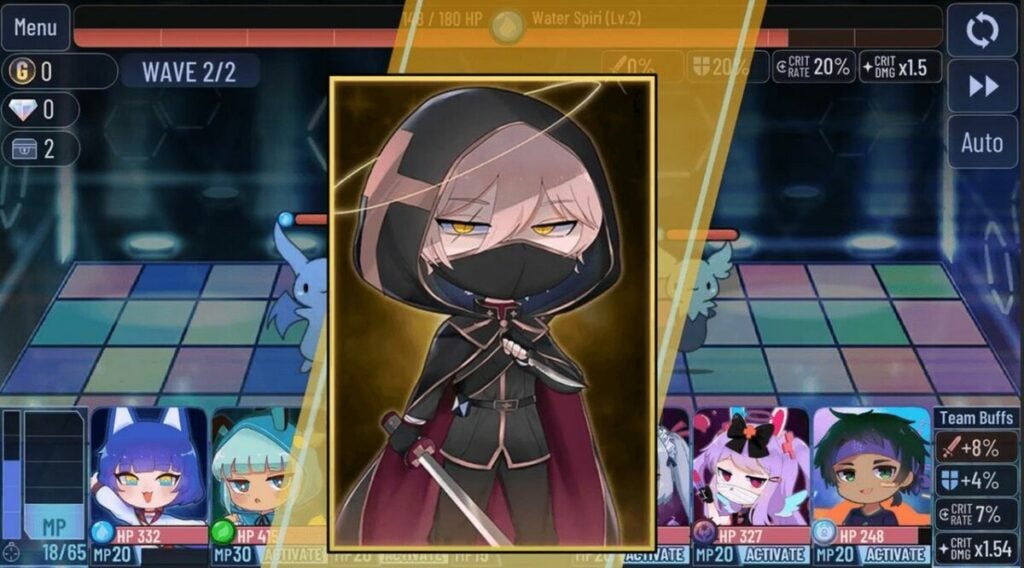
Demo of unlockable characters

Cheery music matches the gameplay

Gacha Club is filled with cheery sound effects and songs designed to enhance your mood. The upbeat pop music suits the visuals well and can hype you up if you enjoy that genre of tunes. The soundtrack does the job for numerous play sessions. Depending on how much you grind, you may eventually turn the music off to avoid repetition. This is not a knock on the songs themselves, as even the best music grows tiresome when played too often.

The user-generated emphasis extends to music and audio as well. A huge portion of the content on sites like YouTube is music videos. The community can add any sound effect or song to the video stories being made. Both Android and Windows platforms give players tons of flexibility in modding external audio into Gacha Club projects. This provides much-needed longevity for the overall audio presentation.
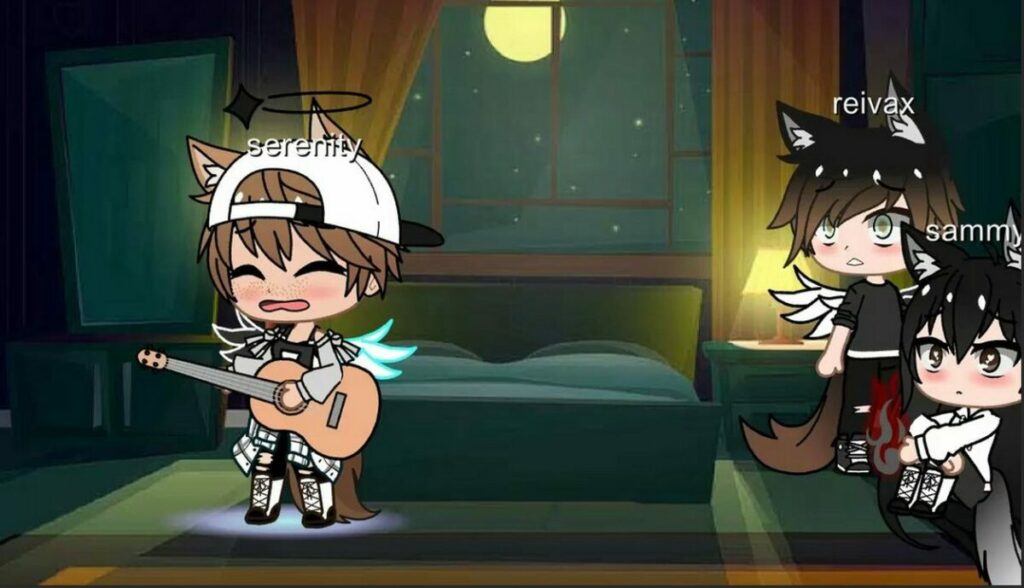
Music videos are plentiful

Game modes offer replay value

Gacha Club has a substantial volume of content to go through. The multiple game modes give you numerous reasons to keep coming back. Rotating between story mode, single battles, and the tower will keep you the most invested in the Gacha progression system. With that in mind, your total playtime is heavily based on a random number generator.

Some players will get everything they want in just a few weeks. If the randomized rewards are not in your favor, you could play for months without completing your intended objective. Subjectively, this could be perceived as positive or negative depending on what type of gamer you are. The title will resonate most with people who enjoy long grinds and RPG mechanics.

The final verdict

Overall, Gacha Club is well worth the download if you are the least bit interested. The free-to-play price point and low minimum hardware spec requirements make it easy for anyone to jump in and start collecting. The gem economy allows you to play for hours without spending any real cash. There is enough fun here to serve as a conducive distraction when you have a few minutes of downtime. If you like chibi anime and collecting items, then check out Gacha Club right away. Here’s an explainer on how to download Gacha Club.

Pros

  • Multiple game modes keep the action fresh
  • A massive roster of 100 characters and over 180 battle units to collect
  • Deep levels of customization are available on all items you earn

Cons

  • A lack of ways for players to connect in-game
Gacha Club Edition review: Free mod offers new customization options

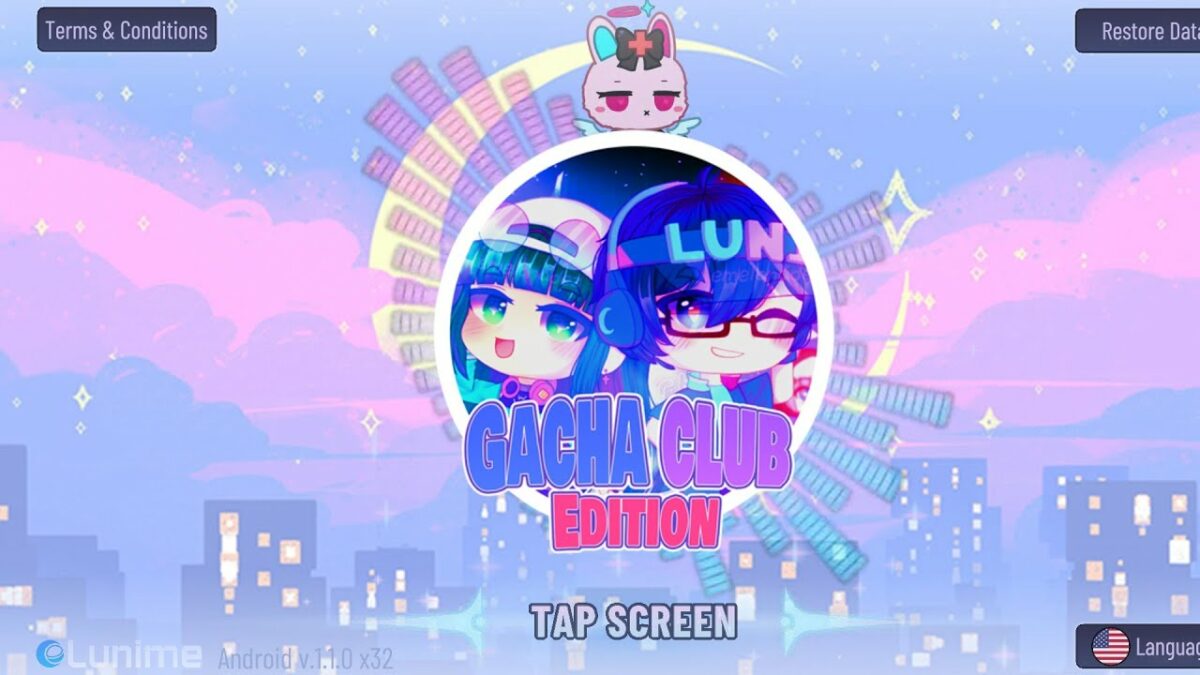
Gacha Club Edition is a free mod for the popular Gacha Club game by developer RyoSnow that lets you customize your gameplay in fun new ways. This addition unlocks items in your inventory to enhance your avatar with special clothing and accessories. Gacha Club Edition features 2D graphics to pair with the original game from Lunime.

Gacha Club Edition is available for free as a full mobile utility mod or as a demo on PC. You can use this mod with the prior release or as a standalone program. As a casual game, Gacha Club is ideal for fans of simple, straightforward RPGs. The mod enhances what’s arguably the best part of the game — the ability to design and modify your own character.

New ways to customize Gacha characters

Building on elements from previous Lunme games, Gacha Club is a surprisingly addictive game that has developed a strong following on social media. A main aspect of the game is character creation, and the original release offers scores of customization options as well as a Studio mode that lets users take pictures of their avatars in scenes with different backgrounds.

While the Gacha Club Edition mod does not change the gameplay, it does add more ways to customize your characters. This isn’t an essential update for new Gacha Club players. However, the mod does add some fun new dimensions that will delight devoted fans.

Gacha Club Edition is fun for children and adults alike

Like previous Gacha games, Gacha Club Edition features different modes including Training, Story, Tower, and Studio. This mod showcases original characters with your own personal customized content. You’ll be able to try on new outfits for mascots and avatars to get a sneak peek of how they will look before playing the game.

Another fun feature of the mod is that you can change the background scenery in Studio mode through unlocked designs. Players can also use new and advanced objects through the game mod with different effects from the original Gacha Club. If you’re a fan of the original games, you’ll love all the new designs options that are perfect for sharing on social media with the Gacha community.

Gacha Club Edition is a smaller version of the original game

Unlike most mods, Gacha Club Edition does not require an emulator to work. You can download the program on your PC or mobile device without the requirement of the original game. There, you will extract the files you need to play the game and choose how to customize your own Gacha Club world.

Similar to games such as The Sims, Gacha Club immerses players in a world of their own choosing. Some of the most fun comes from customizing characters with new faces, hair, and outfits. With Gacha Club Edition, you can change up the look of your avatar to go on fun adventures and explore new lands created by yourself and other players.

Ways to download and install Gacha Club Edition

If you’re playing on your computer, Gacha Club Edition must be downloaded through a ZIP drive, which only takes a few clicks but can be confusing for new users. You’ll need a program such as WinRAR to extract files and then access the Gacha Club Edition folder to launch the program.

With the mobile application, you may have to work around app restrictions and save up space on your phone. Once you’ve downloaded Gacha Club from your device’s app store, you can search for mod downloads. For extra security, run your mods through a virus program such as Avast Free Antivirus.

Troubleshooting Gacha Club Edition downloads

If you’re struggling with downloading Gacha Club Edition on your PC or mobile device, there could be a few reasons. You may have too many apps and need to free up space or figure out that the download simply does not work and features errors for being an unrecognizable file. Also, there is the possibility that your device is not compatible with the program.

When you’re determined to add Gacha Club Edition to your gaming routine and keep finding errors, it’s best to start over. Completely delete the existing file and try again – most likely, an error message will show up to say you’re out of space or the game file name is too long to be recognized. Try shortening the file name to see if that works instead.

Celebrate creativity with Gacha Club Edition for mobile or PC

Gacha Club Edition is an entertaining tool for those who want to make their gameplay more original and unique. By adjusting avatars and unlocking items, you will have access to an inventory that expands after prior games. Simple details such as hairstyles and outfits create one-of-a-kind avatars to share with your fellow players and get new hints and tricks.

This mod is exceptional when you want to start fresh on your Gacha Club progress. You can add and delete your customized results by unlocking items and clothing to help your character stand out. There are many combinations for a new experience each time you play the game which makes Gacha Club Edition a worthy mod to add to your gameplay.

Pros

  • Easy to modify game without additional downloads
  • Can customize gameplay with different avatars
  • Simple to extract with proper programs
  • Mod is perfect for fans who like posting Gacha customizations on social media

Cons

  • The file may be too big for mobile devices
  • Needs prior knowledge of previous games
  • 2D retro graphics sometimes feel outdated

Developer: RyoSnow


Publisher: Lunime


Game Modes: Modulator


Game Engine: Mobile and PC

How to download and install Gacha Club Edition mod

Gacha Club Edition presents several new items and characters as a mod to the original game, loved by children and adults worldwide. However, many people have noticed how challenging it is to obtain and get it to work on their devices. 

If you know how game modifications work, it shouldn’t be difficult to work out how to download and install the Gacha Club Edition mod. If you are new to this, here’s a quick guide to help you along the way.

What is Gacha Club Edition?

The original Gacha Club was and still is a sensation among gamers everywhere. While it is a casual title with a few mini-games, players enjoy spending hours unlocking new characters and dressing them. 

Gacha Club edition does the same thing, but it also provides new characters, outfits, and items not available in the original version. You don’t need to override the files on your original saved game since the mod version has its own storage location.

How to download and install Gacha Club Edition

  1. Download Gacha Club Edition mod folder

    How to download and install Gatcha Club Edition mod

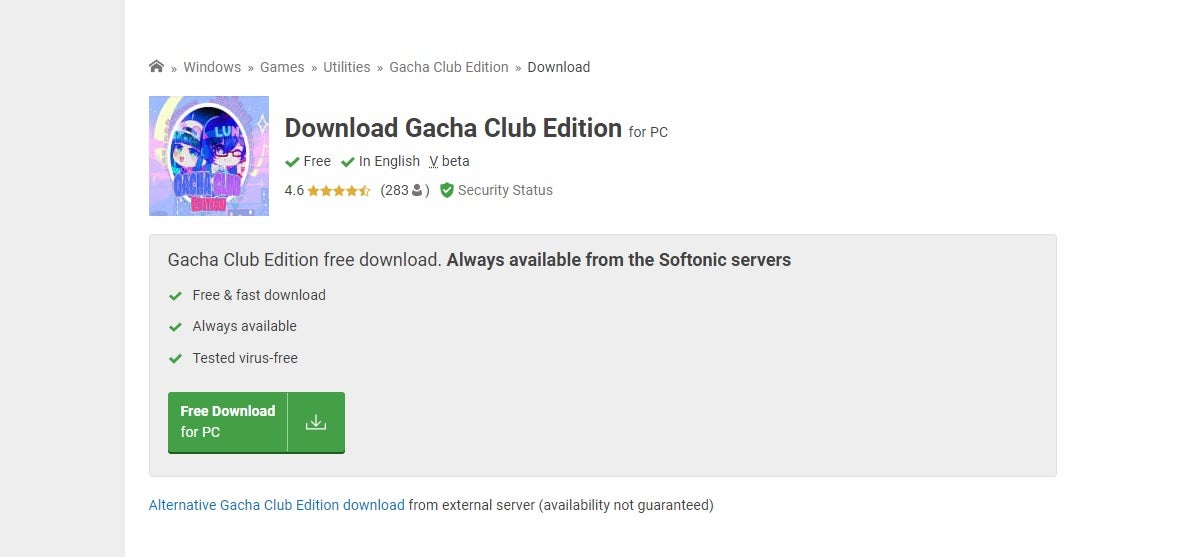
    First, download the compressed zip folder that contains all of the Gacha Club Edition mod files. When you click on the “Download” button, you’ll see a notification appear on the bottom of your browser showing you the progress. Make sure you save it to a location where you can retrieve it later.

  2. Extract files

    How to download and install Gatcha Club Edition mod

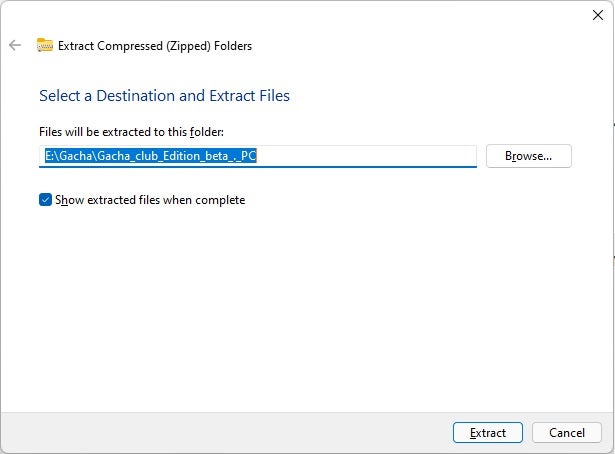
    Next, head to the location you saved the Gacha Club Edition zip folder. You need to extract the files so that you can play the game. To do so, right-click on the folder and select “Extract all.” You can extract them to the current location or indicate a new one.

  3. Open the game’s executable file

    How to download and install Gatcha Club Edition mod

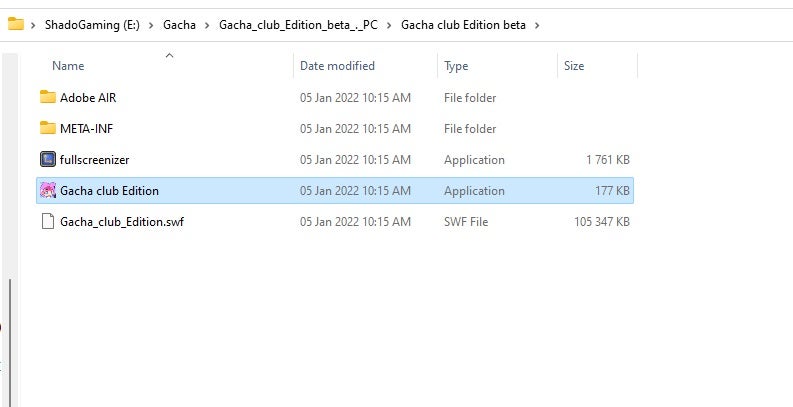
    The Gacha Club Edition mod doesn’t actually install onto your system, and there’s no installation wizard to activate. The game runs from the new folder you extracted by simply double-clicking on the executable file. 

    You can also save a shortcut to your desktop for ease of access by right-clicking on the main file, selecting “Send to…”, and then selecting your desktop. It is important to note that for Windows 11 you’ll have to click on “Show more options” to get to the “Send to…” choice.

Common Issues with Gacha Club Edition

While the steps for how to download and install Gacha Club Edition looks easy, there are a few common problems you may find along the way. For instance, some people complained that the game doesn’t work properly on their devices. 

In this situation, it’s best to remove it completely and try to follow the steps again. It may also be that your PC or mobile phone doesn’t meet the minimum requirements.

Another issue we detected while installing Gacha Club Edition was an error message while extracting. It says that the path name is too long. We skipped the error twice, and the game still ran properly.

However, some of the items may not run as expected. If you’re adventurous, you can go into the compressed zip folder and try to shorten the file names. It will still extract them and place them in your new game folder.

How to download and install Gatcha Club Edition mod

Features of Gacha Club Edition

The Gacha Club Edition mod has the same gameplay elements as the original title. You have various game modes, such as Story, Studio, Training, and Tower. Most of the characters and items make a return, as it’s based on the original game. 

So, what are the new features? Well, there are new effects and objects in the different modes. You also have the latest Mascots, and you can try on new outfits and colors. If you don’t like the original backgrounds, there are a few more you can try in this mod update.

Turn on your fashion sense

Once you work out how to download and install the Gacha Club Edition mod; the fun really begins. Use your creativity to create new avatars and show them to your friends and audience on social media. It’s amazing how many combinations you can come up with within a small game like this.