How to Play Rust: Tutorial With the Best Tips and Tricks

Rust can sometimes be intimidating for new players because you might be playing against much more experienced players who will most certainly try to kill you. There are a few strategies you can try to survive longer in these competitive servers. Such as making friends, being communicative, and choosing a server that is set up for beginners.

The multiplayer aspect of Rust is what defines the game, and without it can become quite dull. However, if you want some time to hone your skills, gather blueprints, and explore without other players’ threats, there is a way to do this as a single player. You need to set up your own server that only you have access to.

Bear in mind that creating a private server is the only way to play Rust solo. And since you have to create a server, you are not able to play Rust offline. 

What Is Rust?

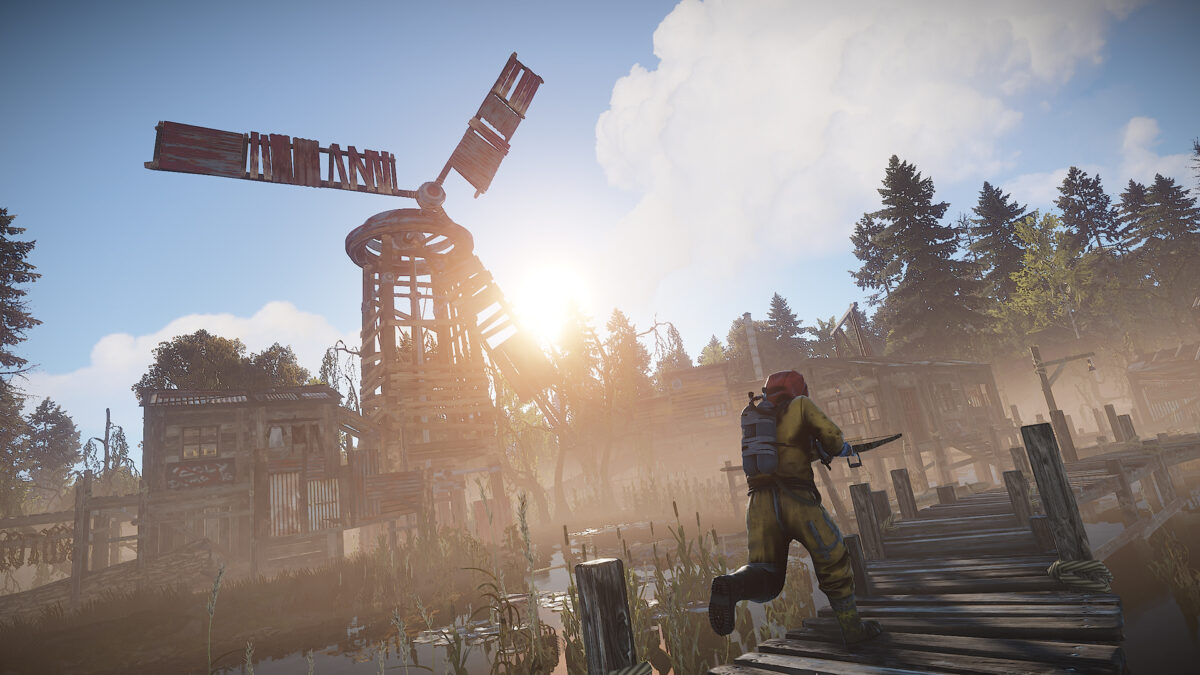
Rust is a massive online multiplayer survival game available on Steam. Being a Steam game, Rust is available on both Mac and Windows computers. The game’s goal is survival, and to survive, you’ll need to gather resources like cloth and stone. You can also explore many different areas, such as abandoned cities, wild landscapes, and caves.

You might also need to make friends and allies in the game. Since the multiplayer aspect of this game is so big, it isn’t easy to do well without some help from your friends.

How to Play Rust?

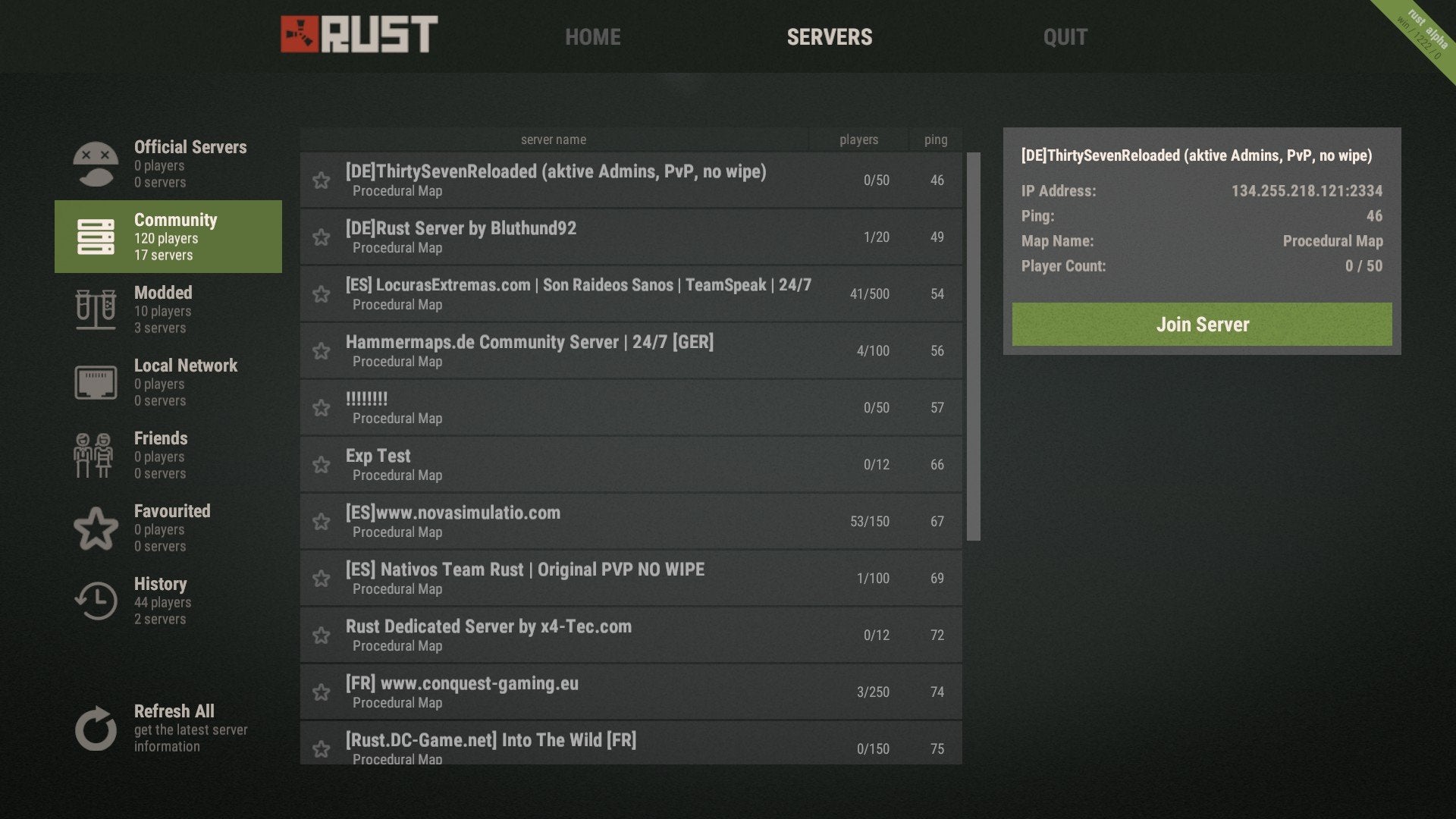
Rust is an online game. As such, you will need to create or join a server to play the game. You can create your own server, which might be useful in the beginning to gain experience without a newbie target on your back. However, playing on your server might become boring, which is why you can also join other servers that have more players to keep things interesting.

It is good to note that there are quite a few beginner-friendly servers that are an excellent place to start. When just beginning in Rust, it is recommended that you collect as many resources as possible to start building your base with a sleeping bag so that you have a respawn point.

Rust tutorial for beginners

While you have a better idea of how to play Rust, the game can still be daunting for beginners. Here’s a quick tutorial on how to get started.

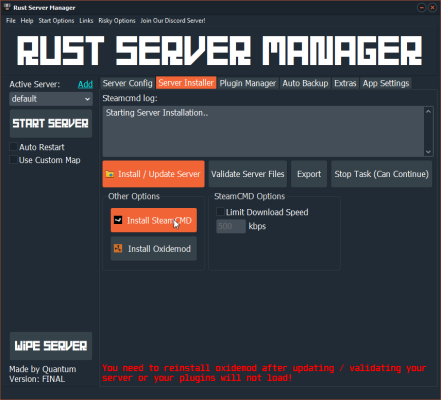
Step 1: Download Dedicated Server

You need to download the dedicated server utility from the official Rust website.

Step 2: Extract and Run Server Utility

Once downloaded, you need to extract the server utility. Then you need to run the “Run_DS.bat” executable and wait for it to install on your system.
Step 3: Open the Game

Open Rust on your computer.
Step 4: Open Command Console

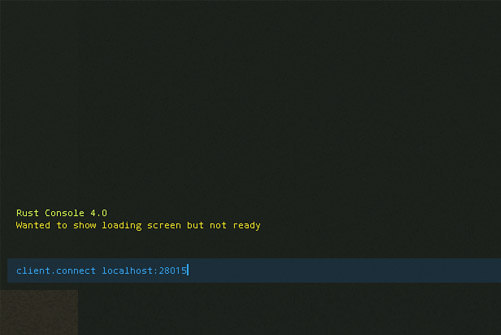
Press F1 to open the command console and then type in: client.connect localhost:28015.
Step 5: Run Command

Run the command and wait for your game to start.
Rust Tips and Tricks

Have you started playing Rust but need some extra tips? Here are some of our favorite Rust tips and tricks to get started. With these, you’ll, hopefully, last your first day in Rust.

Carefully Choose Your Server

When starting Rust, you may be tempted to join a busy server with lots of players. After all, that should mean there’s more going on. However, if you are a beginner in Rust, we highly recommend thinking hard about the server you choose.

Going with a newer server with slightly fewer players will give you a better opportunity to gain some experience without defending yourself from the more experienced players looking for soft targets.

Start Gathering Resources

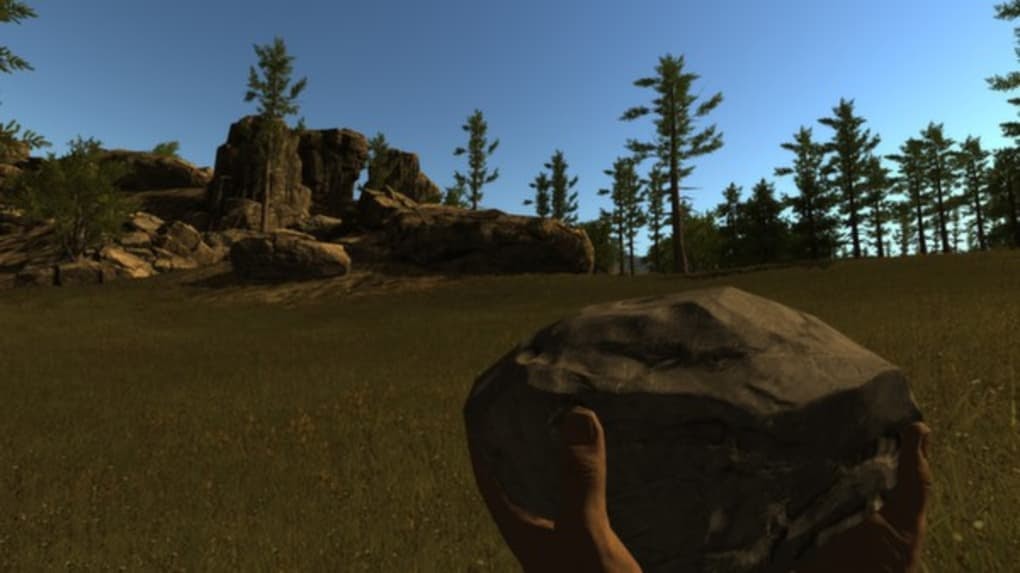
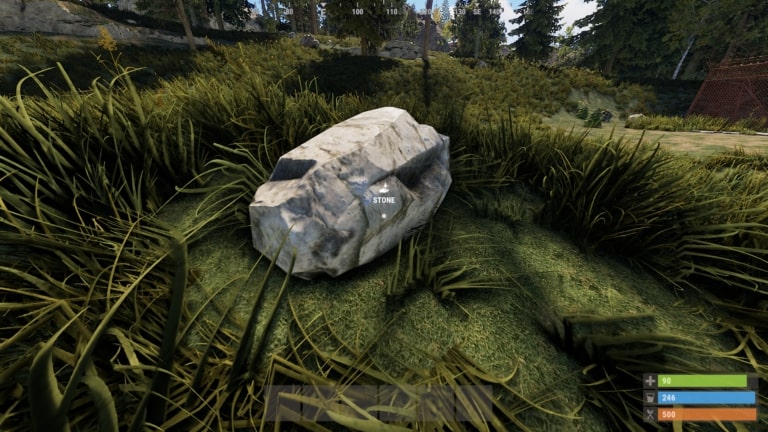
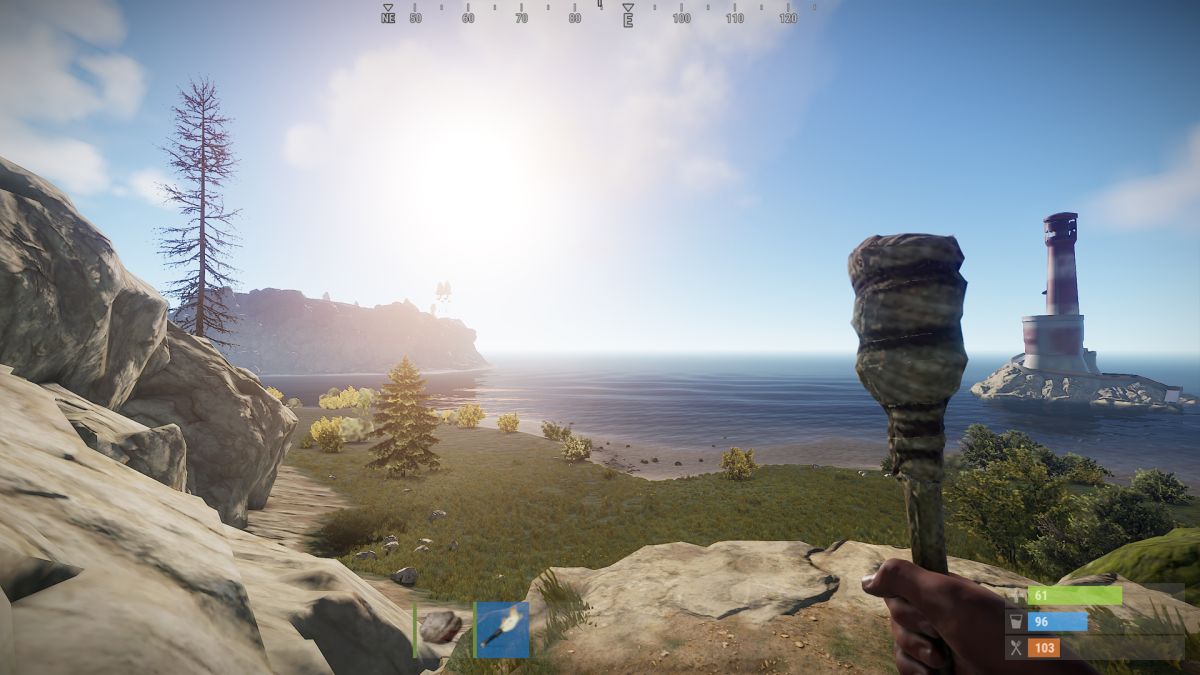
When you are first dropped into the game, you only have a torch and a rock. Using the rock, you need to start gathering resources to craft other items. An essential resource at the beginning of the game is wood. Wood and stone will be critical components in many of your first creations.

Wood can be gathered by hitting a tree with a rock and eventually an ax. The same goes for rock. However, not all stones are minable, so look for giant boulders with a shiny reflection.

Make the Essentials First

You may be tempted to just start crafting anything you can. However, there are a few essential items that you need to focus on first. These items are a hammer, a tool cupboard, a sleeping bag, a building plan, a wooden door, and a key lock. Once you have these basics, you can scout for a safe place to build your first base.

When choosing a location for your first base, a few things to remember is to make sure it is out of the way and hidden from other players but still close to resources and other points of interest.

Upgrade Your Base

Don’t think that once you’ve built your first base, that’s it. You have to regularly update and improve your base to keep you protected from increasingly strong enemies. Once you have enough stone acquired, you can use the hammer to upgrade your wooden base to a stone one. 

Start Exploring

Once you have a basic shelter and a few basic tools, you can start exploring the world around you. Don’t engage with enemies immediately and try to remain undetected for as long as possible. Only once you’ve gained some experience and have crafted armor and weapons should you consider engaging with enemies.

More Guides to Playing Rust

If you need some more help getting started with Rust, here are a few more helpful guides.

Enjoy the Serenity

Now you can enjoy the peace and quiet of the Rust world without other players. This is great if you are just starting with the game and need a chance to grow your experience and resources.

If you enjoy playing Rust, you should also look at Ark: Survival Evolved and any of the Fallout games.

How to Change Your Character in Rust in 3 Easy Steps

Rust is a top-rated online multiplayer survival game. The game had its full release in February 2018 but has gained the interest of many gamers.

Your objective is to survive the harsh and post-apocalyptic world. You can work with other players, gathering resources, crafting items, and building bases. Or you can try and go it alone.

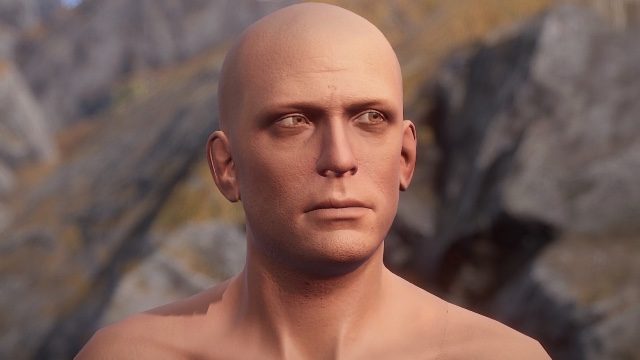
However, when it was released, you could only play as one single character – a white male. Since then, a few updates have allowed some variation to your character’s skin color, race, looks, and gender. These are basic and completely randomized. 

So, if you’re looking to mix it up, we’ll show you how you can change your character in Rust.

Rust Download
9

How Can I Change My Character

The only way you can ‘change’ your character in Rust is by using a different Steam account. It is also important to note that if you don’t like the looks of the character generated with the new Steam account, then you will have to repeat this process.

This can become quite tedious and leave you with multiple steam accounts.

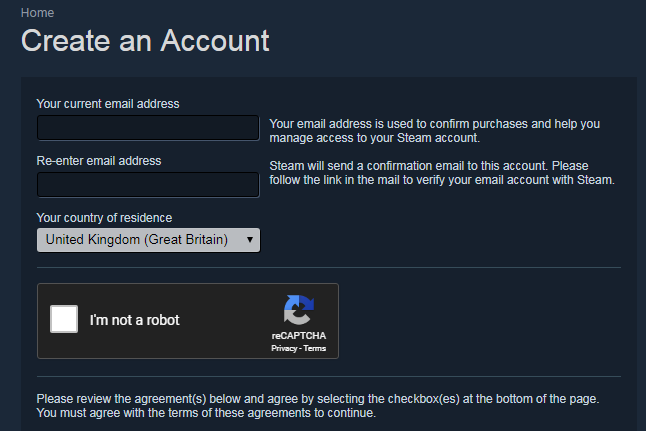
Step 1: Set up a new Steam account

Set up a brand new account on Steam

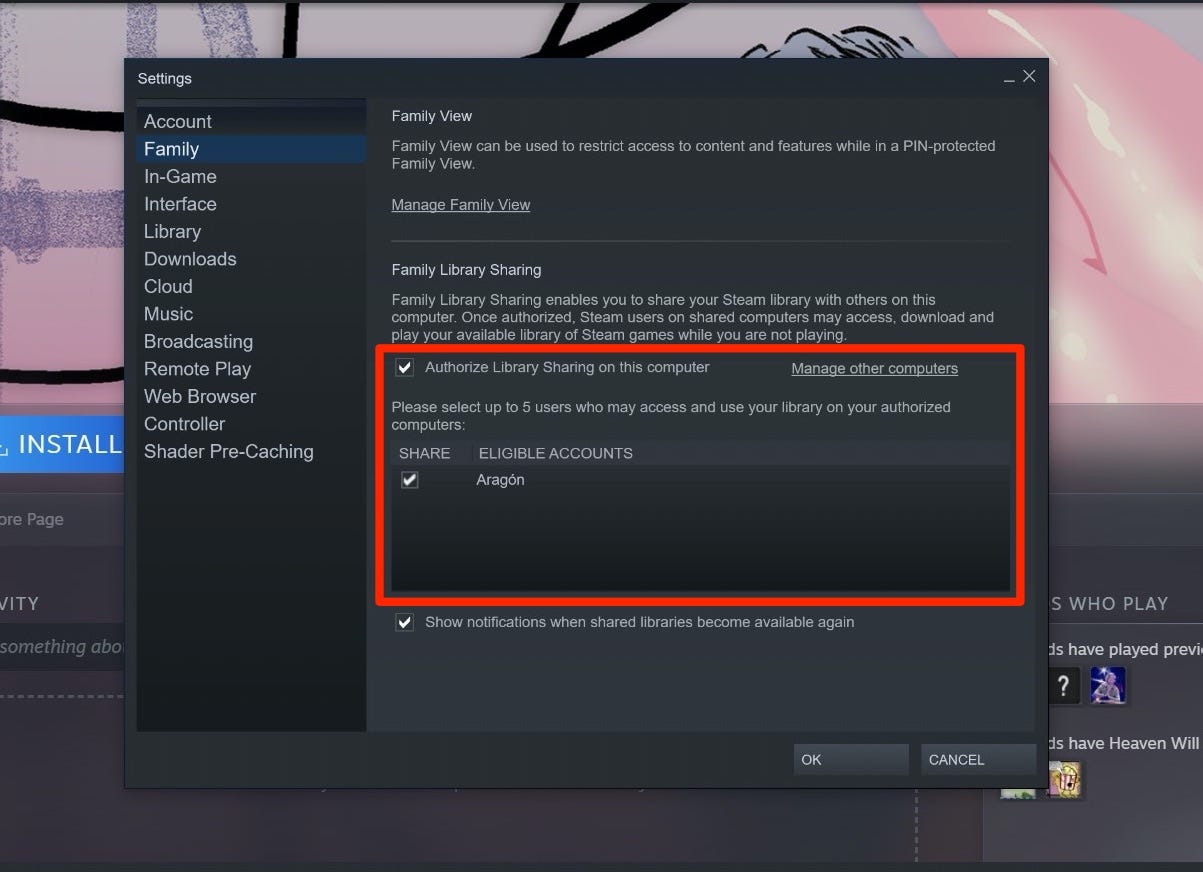
Step 2: Link your Steam accounts via Steam Family Share

This helps you keep track of your different Steam accounts, especially if you plan to use multiple accounts until you end up with a character you like.

Remember, you will need to play Rust with this account. This character won’t be available on your other accounts.

Step 3: Start a game in Steam from your new Steam account

If you start a game from your new Steam account, you will be given a new, randomized character.

Looks don’t make the character

Rust is a game that focuses on the survival and player vs player aspects of the game, not the characterslooks.

Regardless though, you are still able to enjoy the other parts of the game. And you can buy or sell skins from FacePunch Studios, Steam Marketplace, or other players to bring in some personalization.

If you enjoy Rust, you should also try Ark: Survival Evolved and DayZ.

How to Change Your Gender in Rust in 5 Easy Steps

Rust has grown in popularity at a staggering rate since its release onto PC and Mac. Its beautiful graphics and fun, in-depth gameplay make it a go-to choice for many gamers.

However, the developers’ decision to auto-generate a player’s avatar when users first use the game hasn’t been a hit. If you’re like many of the other players, you’ll want to choose your avatar’s gender and customize it to your liking. 

Luckily, we have you covered!

Here’s a quick 5-step breakdown that lets you regain control and shows you how to change your avatar’s gender in Rust. 

How to Change Your Gender in Rust

First off, this is not an actual hack. This means you won’t get banned for using it. However, it does go against the original idea that developers had in mind.

But, if you don’t mind that, let’s get started!

Step 1: Head to your Steam Profile

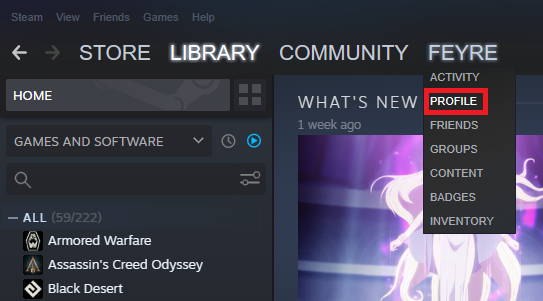
Make sure that you have Rust installed in your Steam Library. Then, go to your Steam Profile.

Step 2: Edit your profile

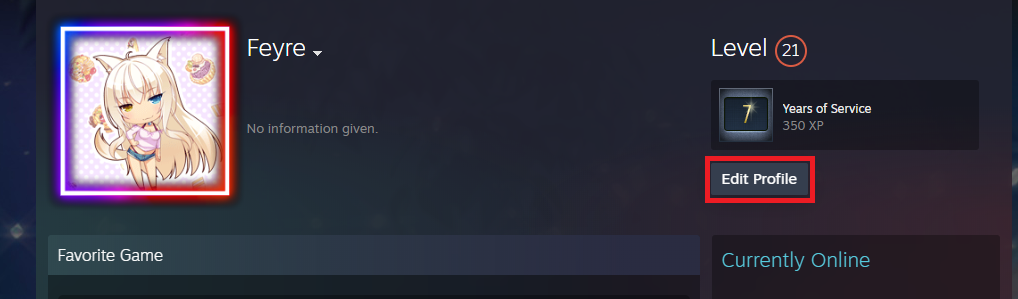
Click on Edit Profile in the top right-hand side of your profile window.

Step 3: Change the Privacy Settings

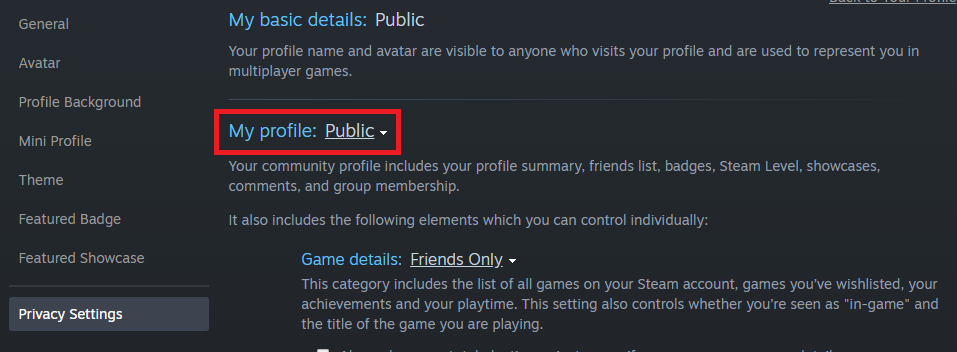
Under Privacy Settings, set your profile to Public.

Step 4: Open Properties

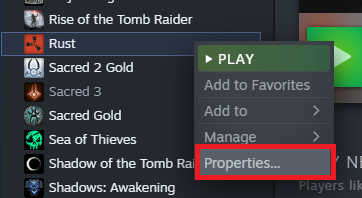
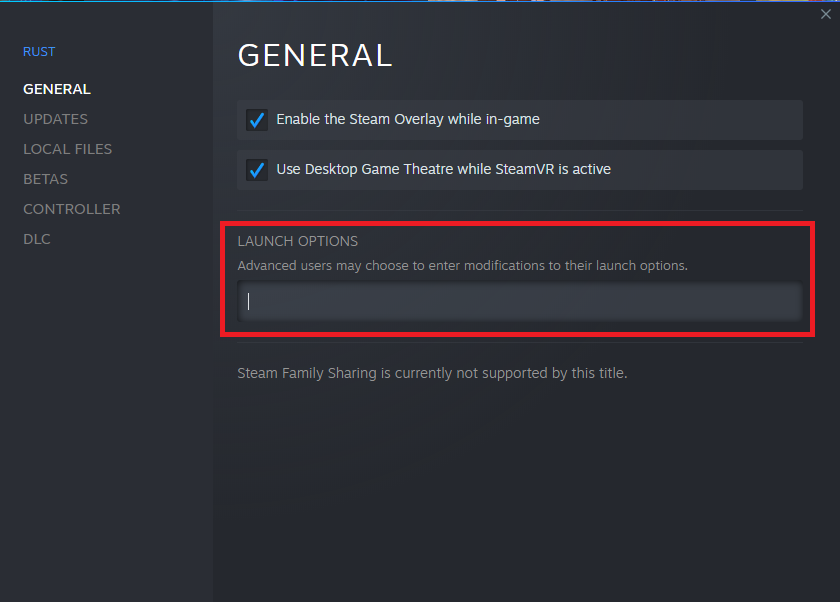
Now, go to your Steam Library, right-click on Rust, and select Properties.

Step 5: Enter codes 

Go to Launch Options and type in one of the following codes:

  • Female: -gdr20f
  • Male: -gdr20m

And, voilà!

Customization is possible 

Most players who have used this method have been successful in changing their avatars’ genders. From time to time, it does get patched. Luckily, though, you have other mods that let you choose the gender.

Gamers, in general, are a very resourceful bunch of folks. Although the developers may have had an original intention by excluding the possibility of gender customization, the gamer community can rest assured that they now have the upper hand.

How to Fix the Steam Load Error in Rust in 3 Easy Steps

Rust has gained a massive following since its launch in 2013 onto Windows and Mac, owing to its beautiful graphics and complex gameplay. There’s something so appealing to being able to build yourself a massive base with functioning turrets and a massive treasure hoard in the basement that tempts all noobs to run straight into your fortress of death. 

One of the most common errors that players run into pops up on the loading screen where the game refuses to start because it says that Steam isn’t open, even if it is. In this guide, we’ll show you a fast and straightforward way to fix this annoying error.

How to Fix the Steam Loading Error in Rust

Step 1: Close Steam and Rust

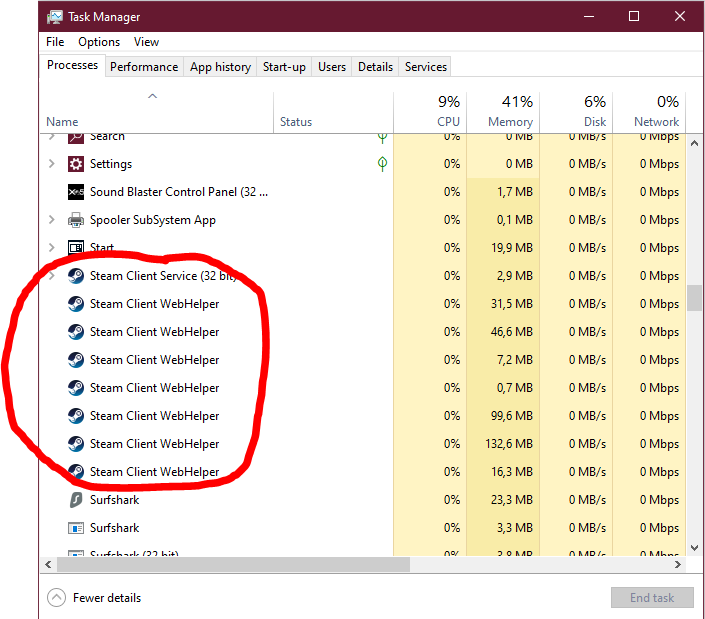
Make sure that the game is closed and that Steam isn’t running. Make sure to check your Task Manager for any Steam processes and end them.

Step 2: Find the Rust folder

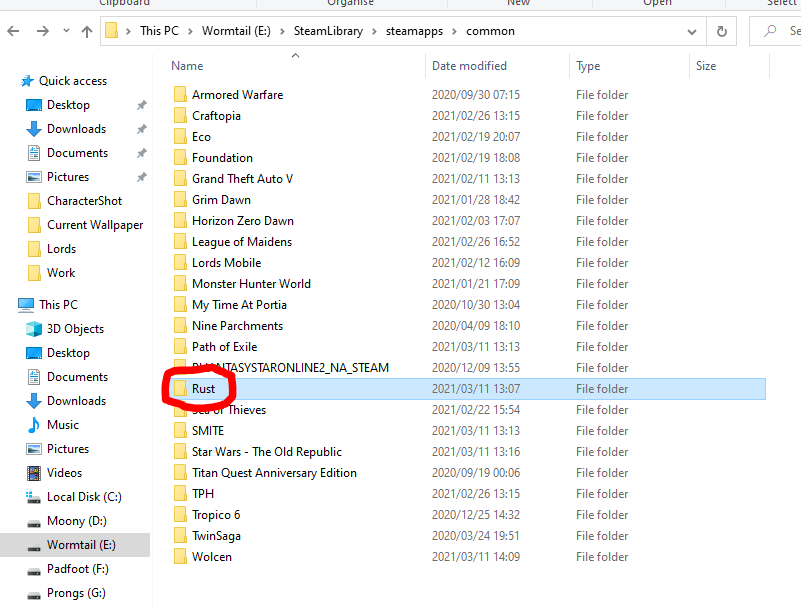
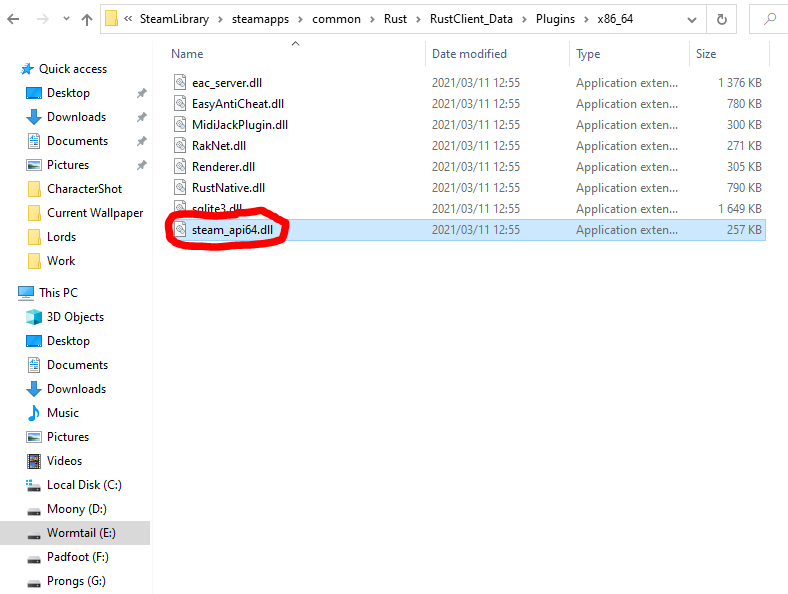
Navigate to the Rust folder in your Steam directory. This should be located in your Steam folder, then Steamapps → Common → Rust.

Step 3: Delete Steam dll file

Now click RustClient_Data → Plugins → x86_64 and delete the steam_api64.dll file. This will force the game files to verify when you try to start the game through Steam and fixes whatever was causing the error.

Back to Being the Ultimate Survivor

This is the solution that works most of the time, but we all know that sometimes the best solution doesn’t work for everyone. Many people have said that a fresh installation of the game, or Steam, has helped. We all know how frustrating it can be to buy a new game and go through the long process of downloading it only to start it up and be met with an error that prevents you from playing the game. Luckily, this quick solution should have you back in-game in no time and on your quest to becoming the Ultimate Survivor.

4 tips: How Make Rust Load Faster

Are you ready for some first-person survival, construction, and action in Rust but waiting ages for the game to load? Rather frustrating, we know, especially if there’s a newbie out to attack you, and you have a masterplan to sidetrack him. 

Don’t worry; we’ll give you some tips to get that game loading faster while your game plan is still fresh. Hopefully, you can get to your team quickly and divert the sneaky attackers.

Why is Rust so slow to load?

Rust is an exciting game where you get to put all your skills to the test to survive with only two tires, a stone, and a torch. You form part of up to 300 players in a game, and it’s truly survival of the fittest out there on the island. Due to the servers’ load with so many players logging in, loading times can take forever. 

You can download Rust for Mac and Windows, free of charge if you haven’t joined into this action yet. There’s no time to waste, so let’s get your game going, shall we?

How to speed up Rust Free?

Tip 1: Don’t press alt+tab

The Rust client doesn’t like it when you browse while waiting for it to load, and using the alt+tab will prolong your game starting time.

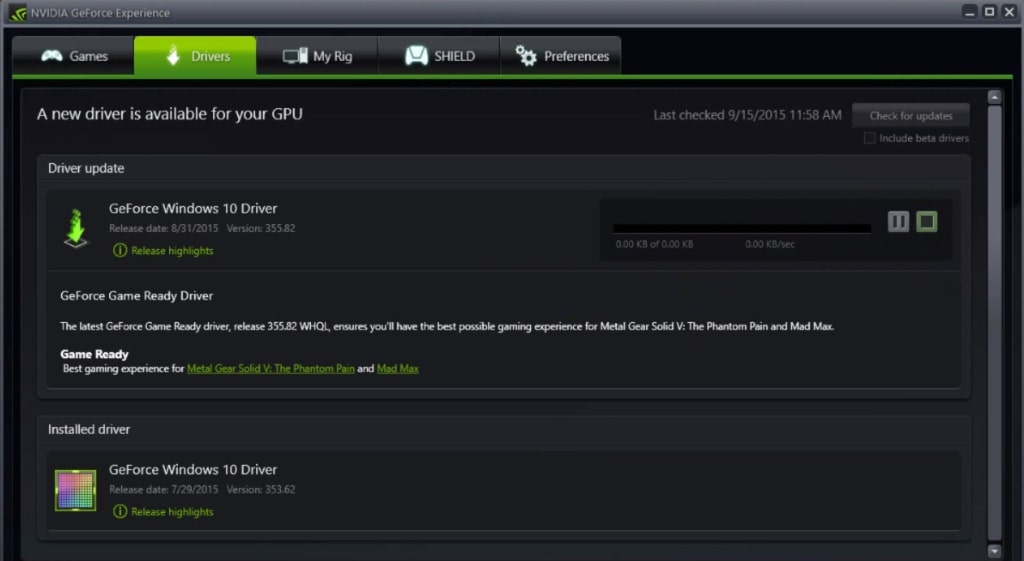
Tip 2: Update your drivers regularly

The Rust developers keep on improving and adding new graphics to the game. Make sure you stay up to date with your graphics drivers to prevent lagging.

Tip 3: Check your Steam updates

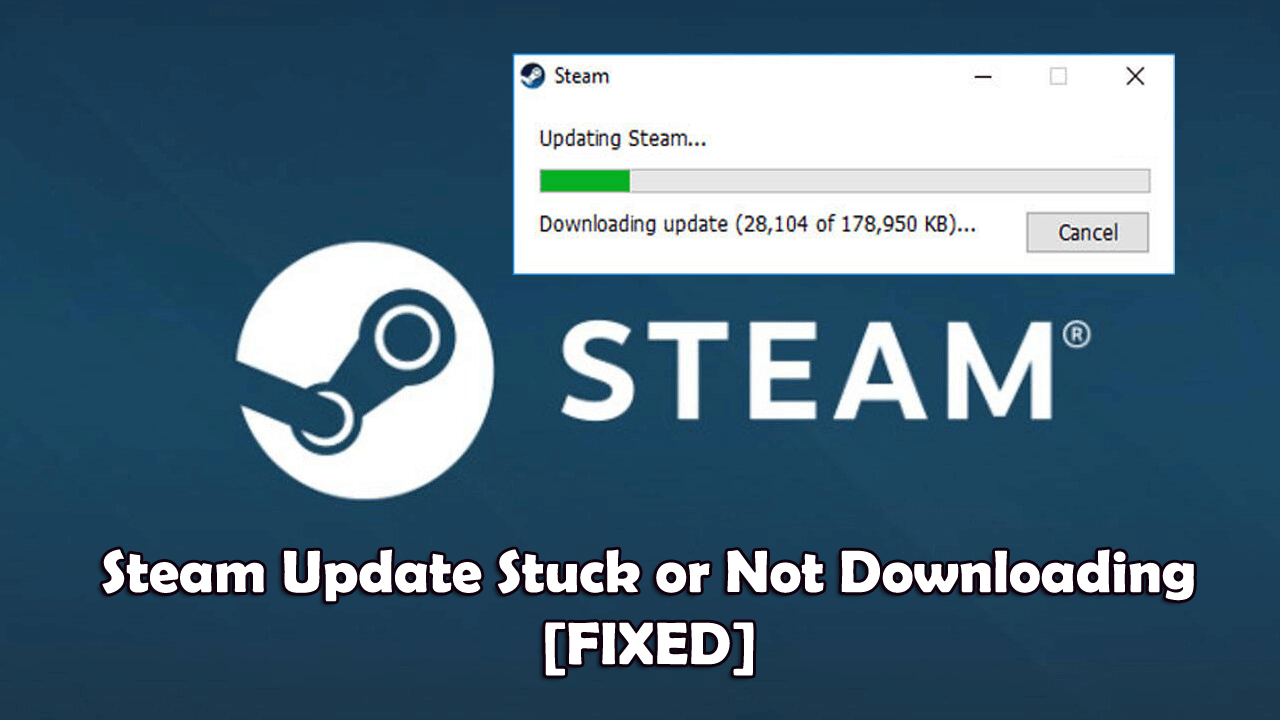
Although the Steam updates are automated, something could have stalled it, in which case you need to do a manual update. You can do a manual check-up by clicking on the ‘Check for Steam updates’ button on the top left corner of your Steam page. Follow the easy prompts if you need to catch up.

Tip 4: Skip the asset load

One of the most extensive files to load is the assets. You can skip this step to improve loading time drastically. You’ll see two large Xs while the software is loading. If you press the red X while loading, the server will drop you back a step and push you into the game as if you’ve completed the action. 

Just keep in mind that if you choose this step, it can cause graphical errors that’ll take up time to fix later on. It should be a last resort to get into the game faster. Let’s call it an emergency when all else fails.

Hunting for scraps at the speed of light

Now that you know how to make Rust load faster, you’re back in the game. Make sure you have enough stone and cloth to continue crafting those significant items. You can also look at our guide for how to build in Rust.

3 Tips on How to Find Caves In Rust

Rust is a sandbox-style action-packed survival game. It allows you to build items from raw materials, loot, and fend off other survivors. This introduction doesn’t do the game justice. The imagery is pleasing, and the landscape is highly detailed, which adds to the player’s enjoyment. 

One thing that is a little frustrating though, is setting up a safe base camp. Chances are, you’ve probably seen some tutorial videos that show you how to trick out your cave once you’ve found it. But, they don’t tell you how to find caves. 

We’ve got your back, fellow gamer. Below you will find three tips for how to find caves in Rust. Let’s jump into it! 

How to Find Caves In Rust

Whether or not you’re a cave dweller, you’re going to have to find them eventually. Here’s our recommendation for the best solutions.

Tip 1: Cartography Anyone? 

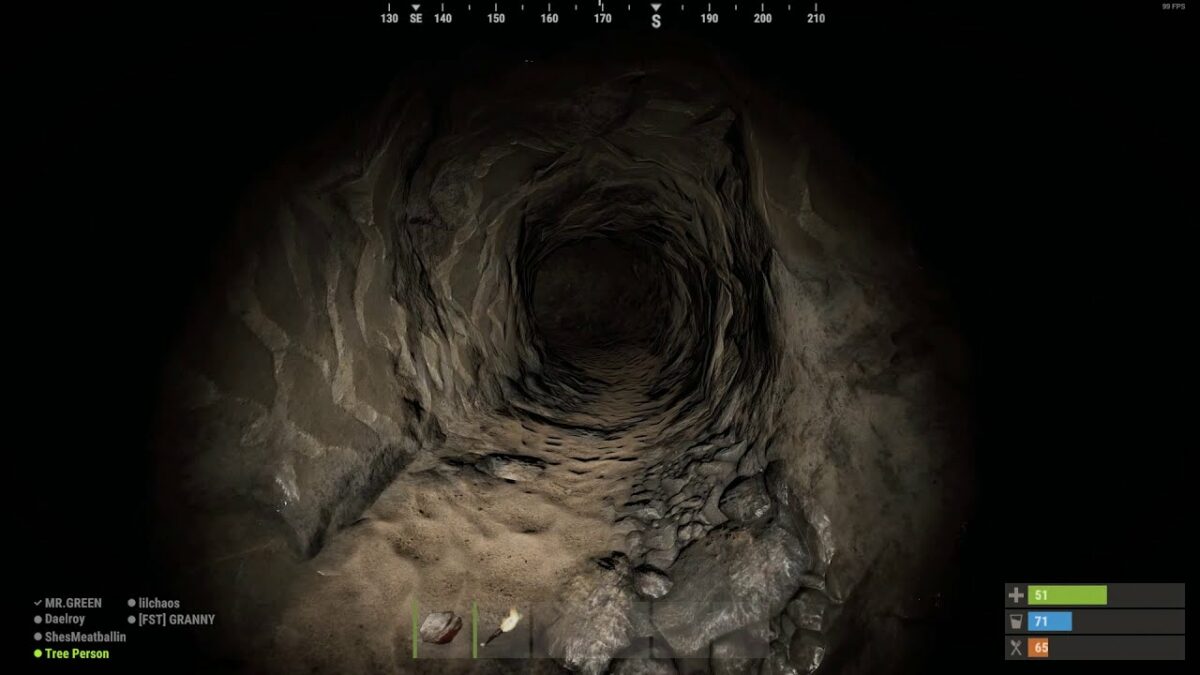
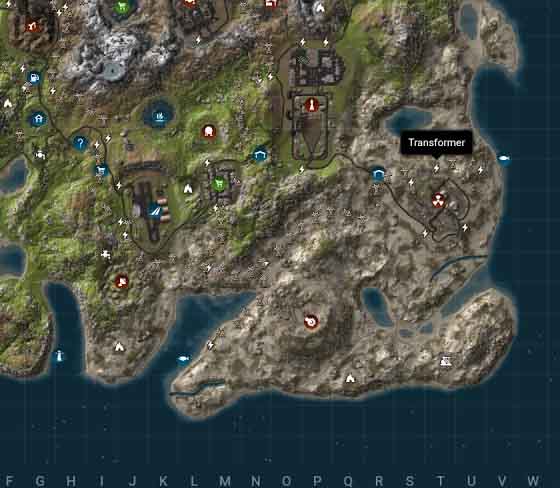
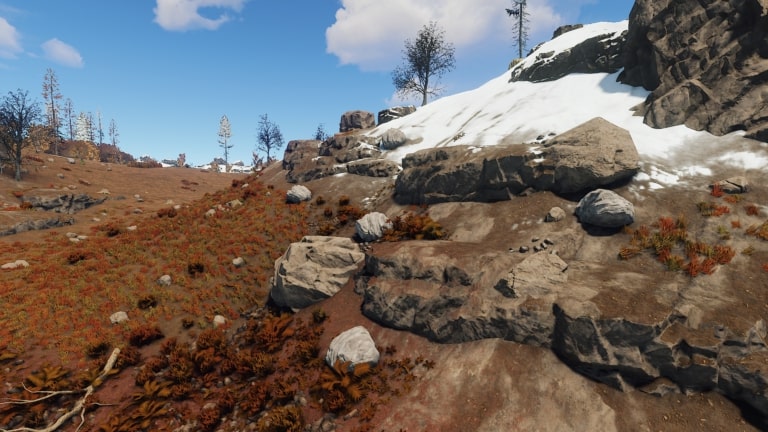
Luckily, this game doesn’t require you to have a Ph.D. in cartography, but knowing what to look for on a map is still essential. Caves are represented on the map as crescent outlined divots in the ground. Caves and mines can be hard to spot on the map, but in person, you can tell them apart from other structures by their rocky entrances. If you see a rocky hill on your journey, make sure to check around the base for entry points. It could be a cave. 

Tip 2: Inability to Build

Another sign that a cave is nearby is the inability to build around that general area. If you keep your building plan open while you explore, it could serve as a helpful tool in finding caves. 

Tip 3: Pay Attention to The Details 

Another helpful way to find caves is to look out for monuments, minecarts, barrels, and openings in or around a rocky surface. If you have your building map open around these areas and the ability to build is blocked, you can be sure a cave is near. 

You’ll have to do a little searching to find the entrance, but once you’re in the general range of a cave, it won’t be challenging. Caves can appear anywhere in any of Rust’s numerous biomes. It can be a little tricky to find them, but with practice and attention to detail, you’ll master this valuable skill in no time. 
A glint in the dark

Scouring caves may not sound like a fun idea, but you can establish an excellent home in one when you find the right resources. Don’t be afraid to take your chances if you see one that you like.
How to Build in Rust in 3 Easy Steps

If you’re a beginner playing the game on Windows and Mac, one of the first lessons you’ll need to learn is how to build in Rust. There are many construction options once you become more advanced and you learn to upgrade to the different tiers, but we’re going to focus on the basics. After all, you can’t build a mansion if you don’t know how to lay the foundations.
How to Build in Rust

The following steps list all the elements you need to get started when you first build in Rust. If you can master these aspects, you’re well on your way to advanced construction.

Step 1: Building plan

You’ll need 20 pieces of wood to construct the building plan. When you place it in your hot-bar and activate it, a building menu appears. Each menu item reveals what you can build and what resources are needed. Without the building plan, you won’t be building any shelters for a long time to come.

Step 2: The mighty hammer

If you place any structural component down, it will be constructed of twigs as a default setting. If you place the wood hammer in your hand and click on the item, you can upgrade it to a different material. In the same way, the hammer can repair any part that has been damaged.

Step 3: Tool cupboard

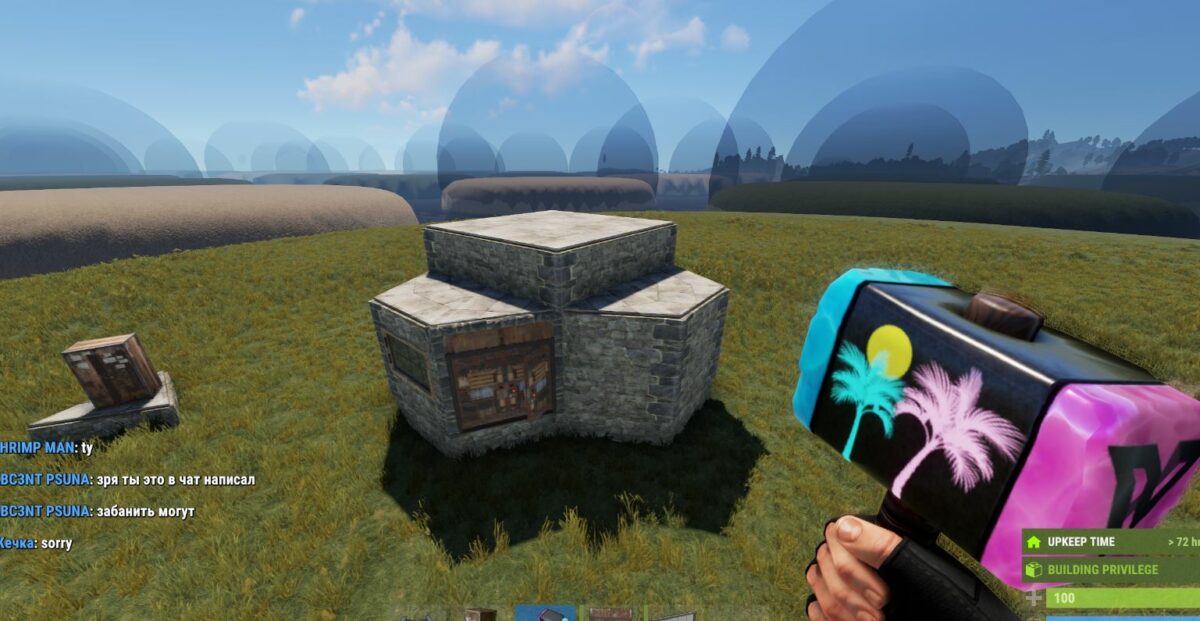
While you’ll need 1,000 pieces of wood to build the cupboard, it’s a handy item to place in your base. It defines the entire building area as yours, and no one else can construct anything in that space. You will also unlock more building privileges for more advanced blueprints. Remember to lock it so that no one else can access it.

The rusty builder

Of course, you’ll also need resources to be able to build in Rust. For instance, you’ll need wood, metal, cloth, and stone for the basic and advanced components. The higher the material quality, the stronger your base will be against attacks. Don’t let your fort be left unguarded.

How to Show FPS in Rust in 2 Easy Methods

Rust has quickly become a popular survival game for Windows and Mac. However, gamers have been complaining that their frames per second (FPS) appear to be lagging. It can be a terrible experience for any player, quickly making them give up and not pursue the joys of surviving in the wild.

Today, we’re going to look at how to show FPS in Rust so you can see if you need to make any changes to your RAM usage or CPU.

How to Show FPS in Rust

While you can use a Steam overlay or third-party applications, the easiest way to show FPS in Rust is merely following the commands below.

Step 1: Press F1

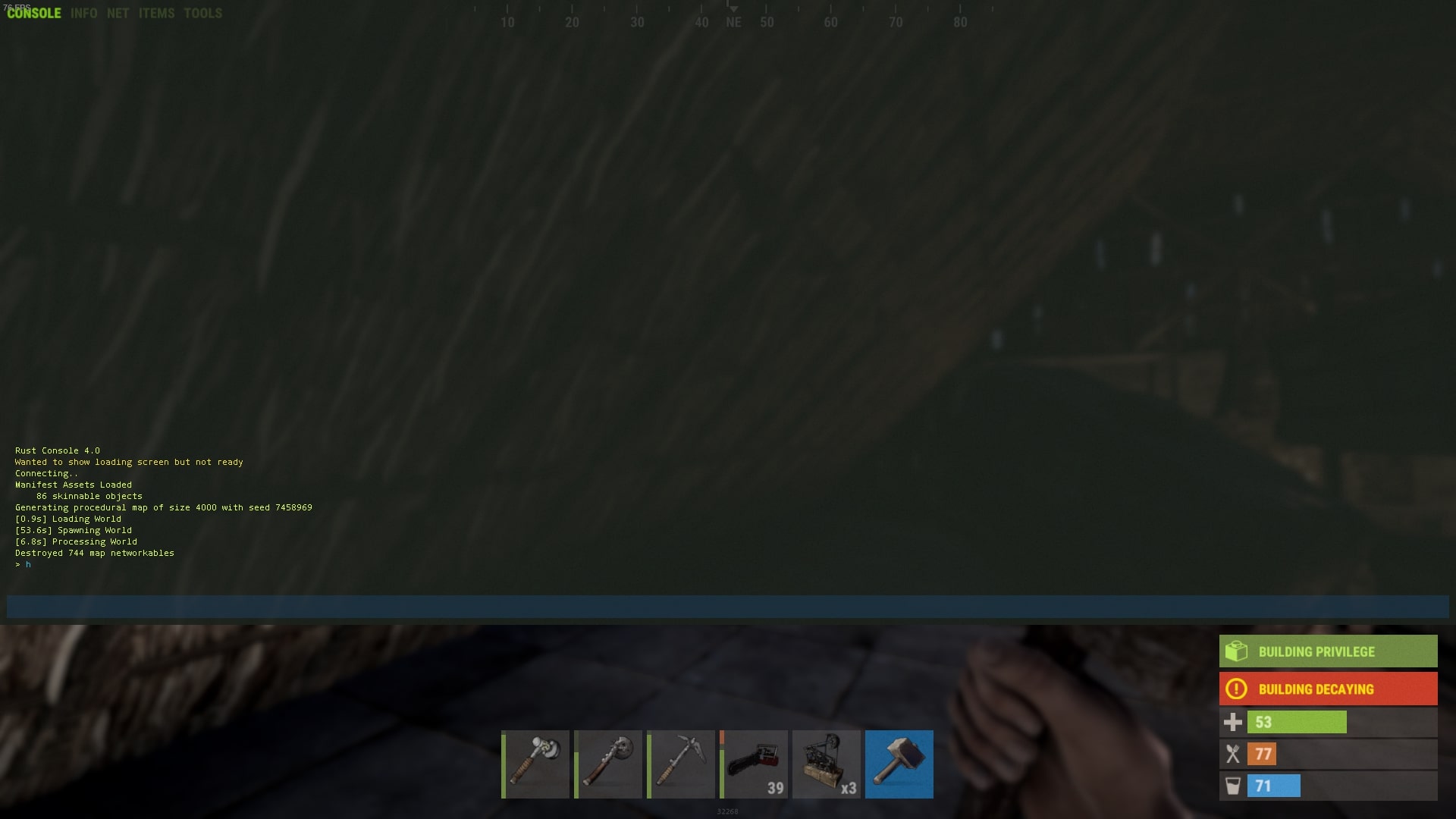
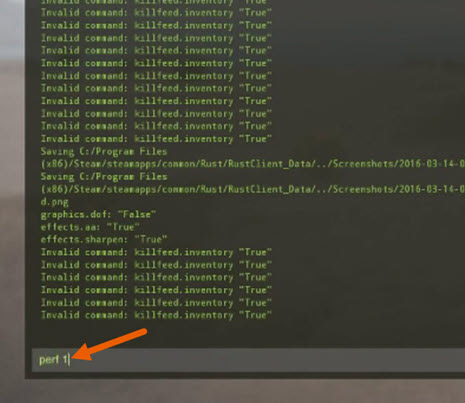
While you’re in the Rust client, you can press F1 to open the console screen. You’ll see the command window at the bottom, letting you know that you can now type commands.

Step 2: Insert perf1

With the console screen open, insert perf1, which is the command to show FPS in Rust. Once you press Enter, the FPS will show immediately. If you want to experiment with other commands, you should try these perf numbers:

  • 0: disable indicators
  • 1: reveal FPS counter
  • 2: reveal latency
  • 3: reveal RAM usage
  • 4: reveal garbage collection
  • 5: reveal ping
  • 6: reveal background tasks

How to improve your FPS in Rust

Your hardware will be the ultimate cause of a slow FPS in Rust. Upgrading your CPU or increasing the GPU’s RAM is the first step towards an improved rate, but you may merely need to update your graphic driver.

It’s all about the right frame of mind

Having a decent FPS in Rust is significant for the overall gaming experience, and you may find your other games being affected, too. If you’d like more guides, you can read about how to get cloth and stone in Rust among our other articles. Feel free also to send us any queries you may have, as we may just have the answers you’re looking for, but not the droids.

How to Get Cloth in Rust in 5 Easy Methods

Cloth is one of the essential elements to harvest in Rust, whether you play on Windows or Mac. You’ll need it for basic items at the start, mostly for crafting clothing and weapons. It also becomes necessary later in the game when you advance further with your construction skill.

However, you won’t get very far if you don’t learn how to get cloth in Rust.

How to Get Cloth in Rust

There are five methods at your disposal. We’ll look at each of these and how much cloth it can yield.

Method 1: Hemp Plants

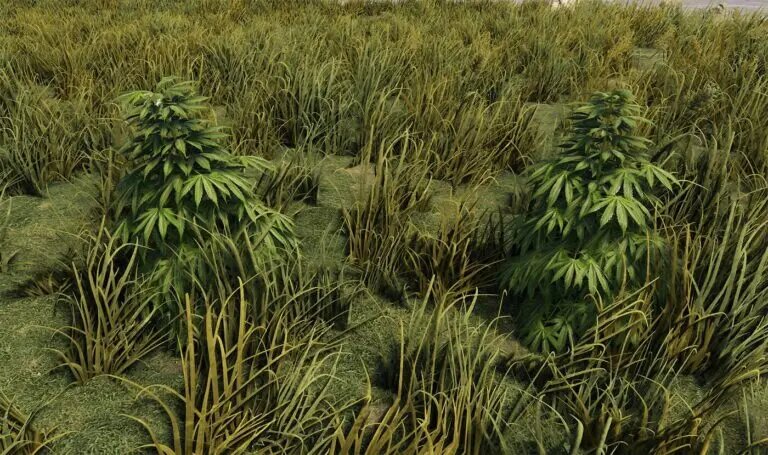
No matter which biome you find yourself in, hemp plants are always available. Sure, their spawn rates differ, but at least you’re assured of their existence. They’re like the default fiber factory for cloth. Forest and grass areas hold the most hemp plants, while beaches aren’t shy, either. Each one produces about two to ten cloth.

Method 2: Cacti

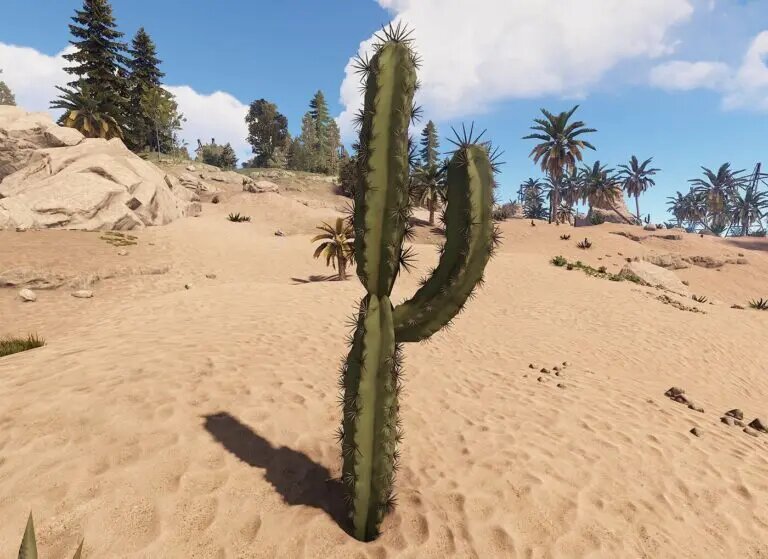
Hemp grows in smaller quantities in desert biomes, but you have the luxury of cacti. They are fantastic for starting off with and deliver between 10 and 15 cloth, depending on the size. The problem is that you need advanced tools to make the most out of them, so it will be slow harvesting with a bone club.

Method 3: Animals

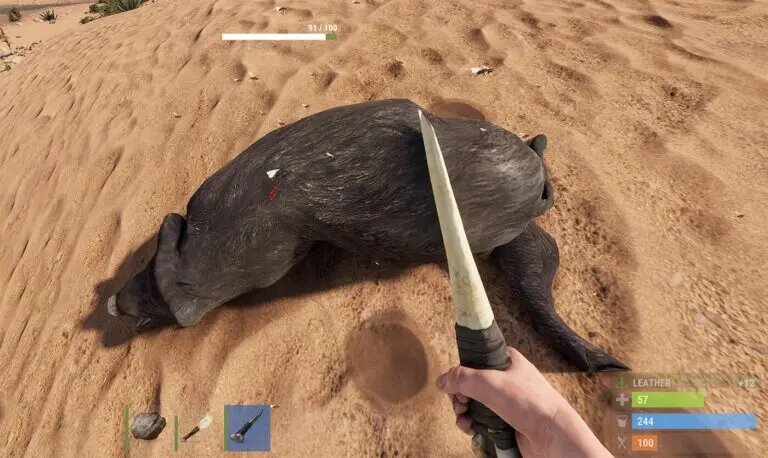
All animals, even fellow humans, will provide you with cloth when you skin them. While you can try several tools, the bone knife is your best choice in the beginning since it yields the most material. How much you’ll receive depends on the animal, but it ranges between 6 and 50.

Method 4: Recycling

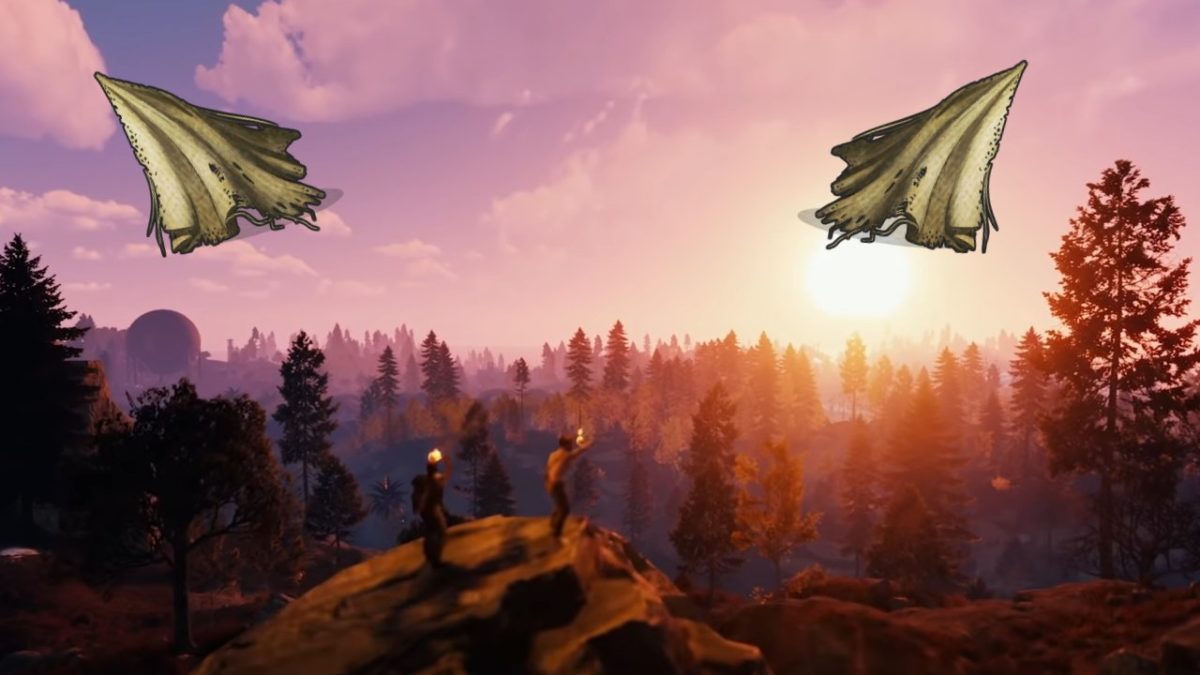
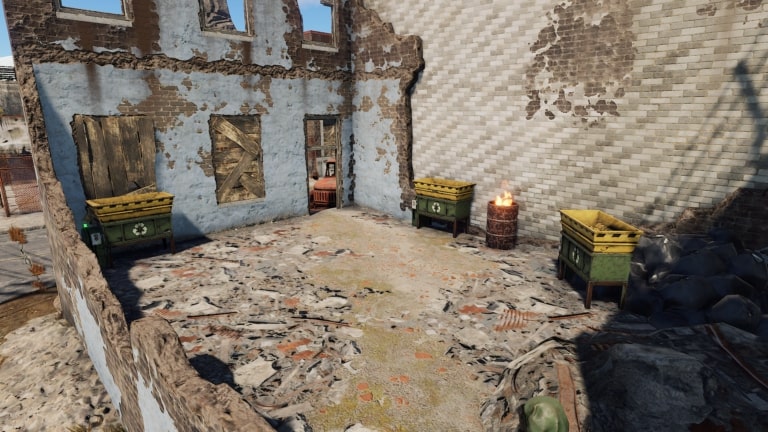
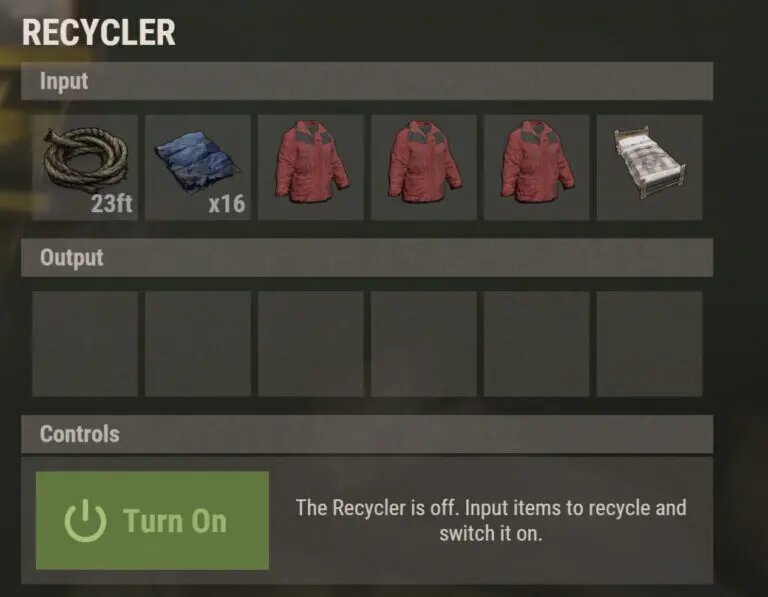
Once you have the right weapons and armor, you can head into the streets and find resources. Broken clothes and items are still useful, as you can recycle them for cloth. There are too many variables to list how many you will receive, but you’ll need a monument recycler to get the job done.

Method 5: Farming

When you reach the advanced stages, you’ll unlock planter boxes. You can grow your own hemp farms in these or indoors, creating a vast cloth empire if you wish. It takes time and patience but is extremely rewarding.

Clothe yourself in the wastelands

Now that you know how to get cloth in Rust, you don’t need to run around naked anymore. Remember to look for those Rust Twitch drops when they’re available. You can also check our guide on how to get Rust skins.

How to Get Stone in Rust in 5 Easy Methods

Harvesting stone on Rust may seem insignificant at first, but it’s one of the most valuable tasks you’ll find yourself performing throughout the game. A survival game for Windows and Mac, it can be challenging to find your feet and keep your wits about you. No worries, though, as we’re going to guide you through some basic steps.

How to Get Stone in Rust

Stone will be your helping agent at the start of the game, but you’ll also need it at advanced stages. We’ll work you through how to obtain it no matter where you find your character in the game.

Method 1: Rocks

Keeping it simple, rocks are the most basic form of stone in Rust. These items litter several landscapes, making it relatively easy to craft items with. You’ll receive up to 50 stones per rock, as long as you don’t use it to bash things with. 

Method 2: Ore nodes

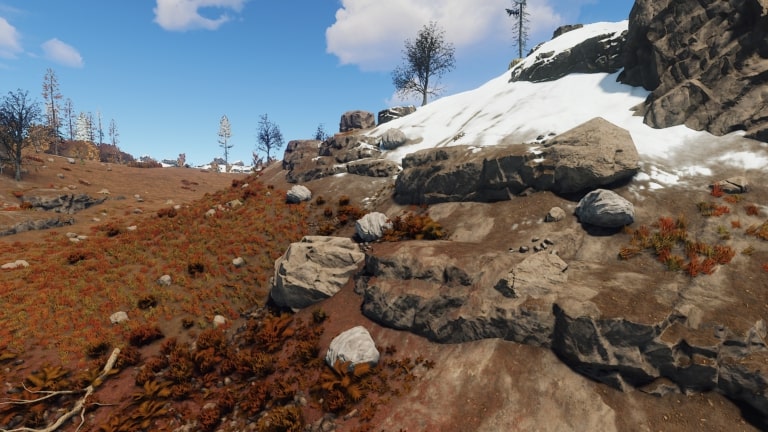
Stone ore can be found in nodes in several locations, but you’ll mostly see them in rocky landscapes, obviously. Each one nets you about 1,000 stones, and the time it takes to extract it will depend on the tool you’re using. You’ll also need to strike the node on the correct spot.

Method 3: Recycling

Once your tools reach the end of their lives, you can throw them in the monument’s recycler. You’ll need to progress far into the game to unlock this ability, saving you from collecting rocks. Search the land for any items you can salvage, and you may find yourself recycling thousands of stones.

Method 4: Outpost

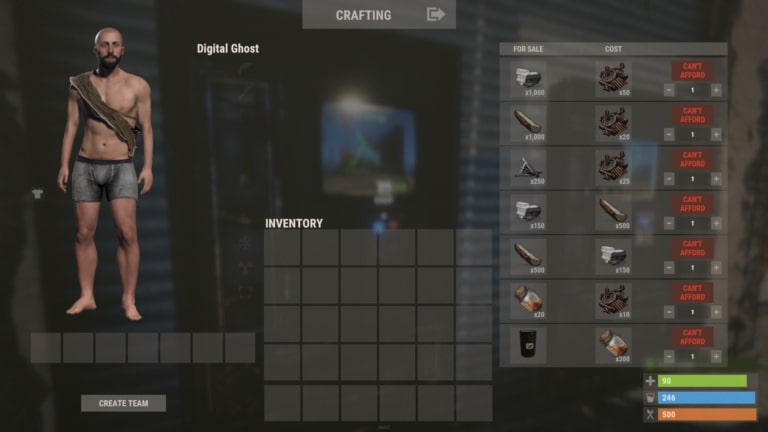
You might also find some scrap along the way during the game, which is useful for trading with outposts. If you provide 50 scraps, you’ll receive about 1000 stones. It’s a fast method for obtaining the precious item, but make sure you carry large quantities to make it worth your while.

Method 5: Extraction

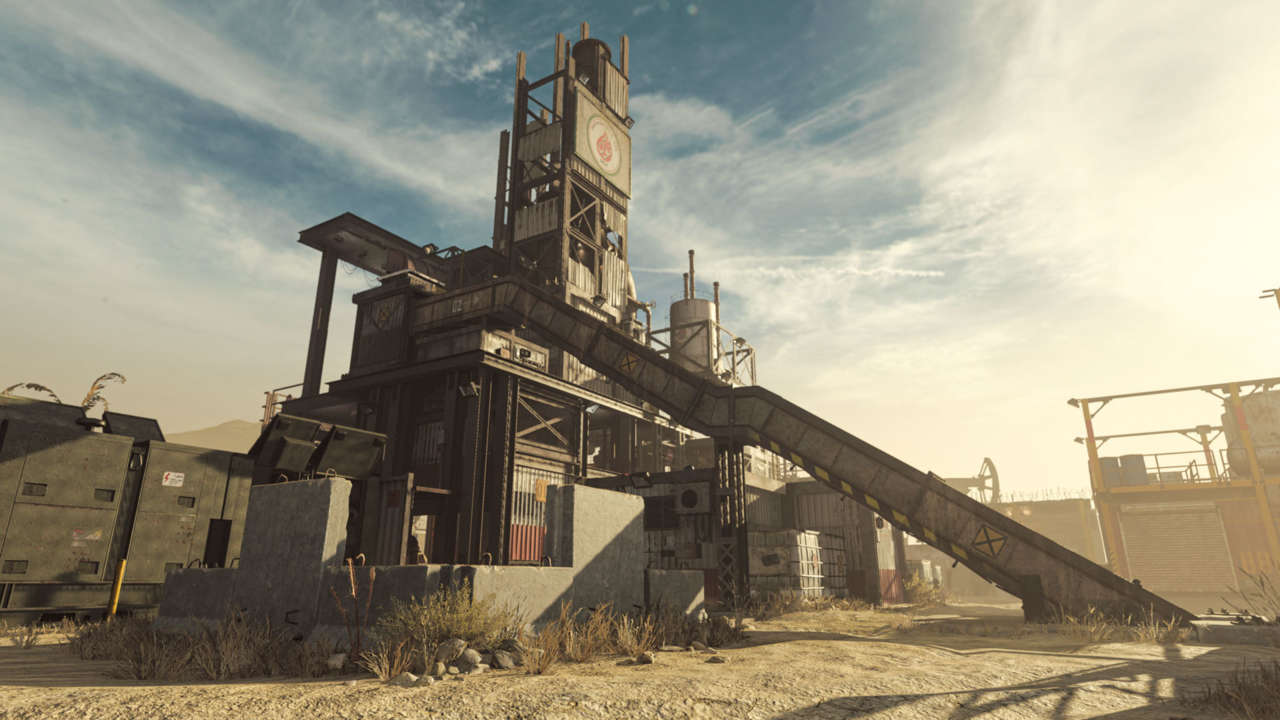
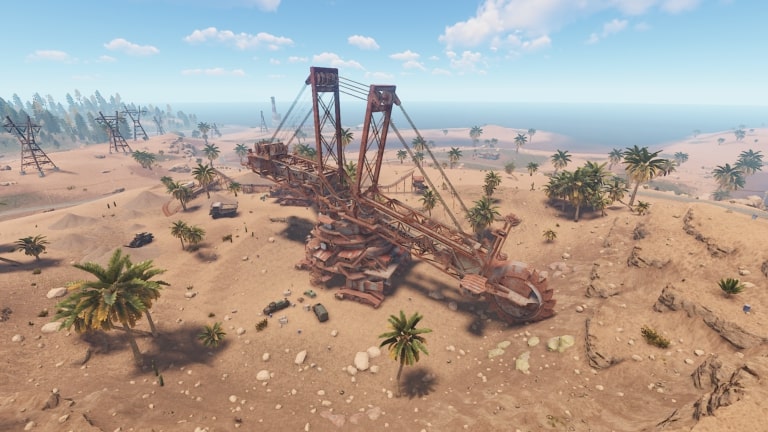
There’s a massive excavator rig on the map that will be a great boon when you’ve become a superpower. It will take about an hour to dig 150,000 stones, but you’ll need about 30 fuel to power it.

Rock ’n roll heaven

Stone is a valuable commodity in Rust, whether you’re a beginner or veteran, so make sure you know where to find it. Remember to read our guides on Rust Twitch drops and how to get Rust skins.