Microsoft uses your searches to feed its artificial intelligence: can you avoid it?

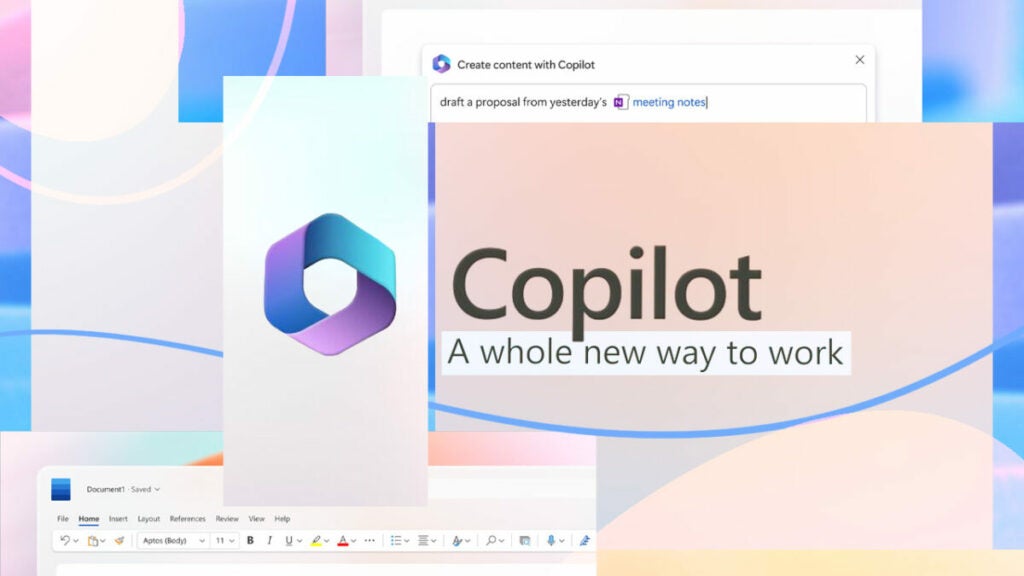
Microsoft collects your browsing data to train Copilot so that it adapts to your usage needs.

There is a phrase that is constantly repeated, stating that data has become the new oil. User information is used as currency in major tech companies, either to enhance advertising campaigns, train artificial intelligences, or both. Microsoft is one of the many companies engaging in these practices, and now, it amplifies its commitment to AI through tools like Copilot and Bing Chat.

Microsoft Edge DOWNLOAD

However, many of its users remain unaware that a significant portion of their browsing data is used to “inform” Copilot. When we talk about Copilot, we are referring to the artificial intelligence tool included in Microsoft 365 and Windows 11. Above all, Copilot is a digital assistant that provides personalized suggestions within programs like Word or Excel, for example. As you can imagine, this personalization is possible thanks to the use of our information.

In the end, data collection is necessary for Bing Chat and Copilot to offer, in return, an experience tailored to our usage. Nevertheless, the fact that these tools use this information without the user hardly noticing is something that could understandably concern many people.
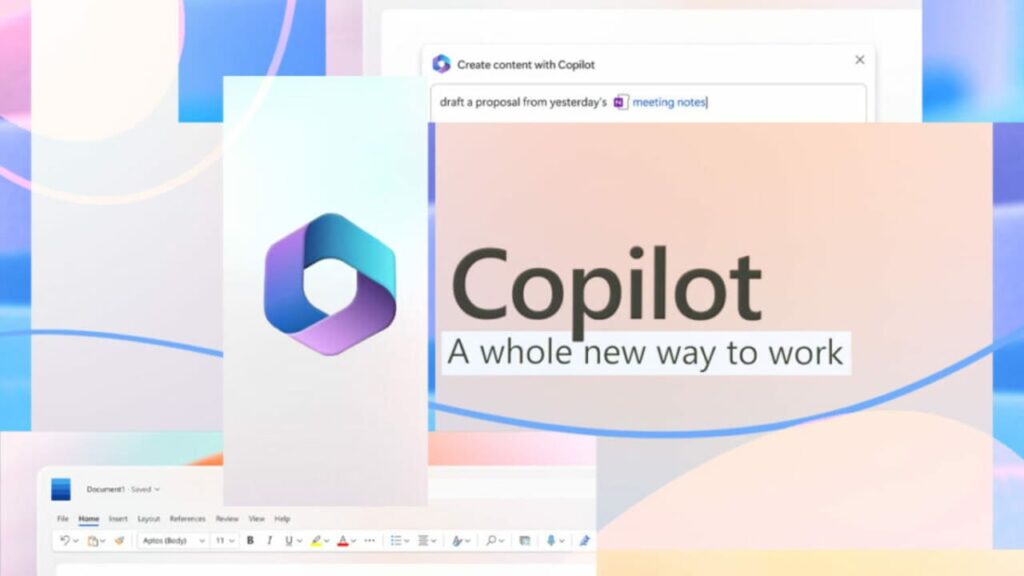
Copilot is one of Microsoft’s major future investments.

The big question: Can I avoid data collection?

To give users more control, the latest Canary version of Microsoft Edge has included a new setting located within App and Notification Settings > Bing Chat. Here, explicit consent is requested from the user to utilize their browsing data, improving the responses and suggestions generated by AI in Copilot.

As for your works and projects, you can rest assured; Microsoft does not use them to train its generative models. Within the company’s support blog, it is clarified that “neither the content of the document nor the descriptions you write are used for machine learning.”

Microsoft Edge DOWNLOAD

Copilot, Microsoft’s AI, will attend meetings on your behalf

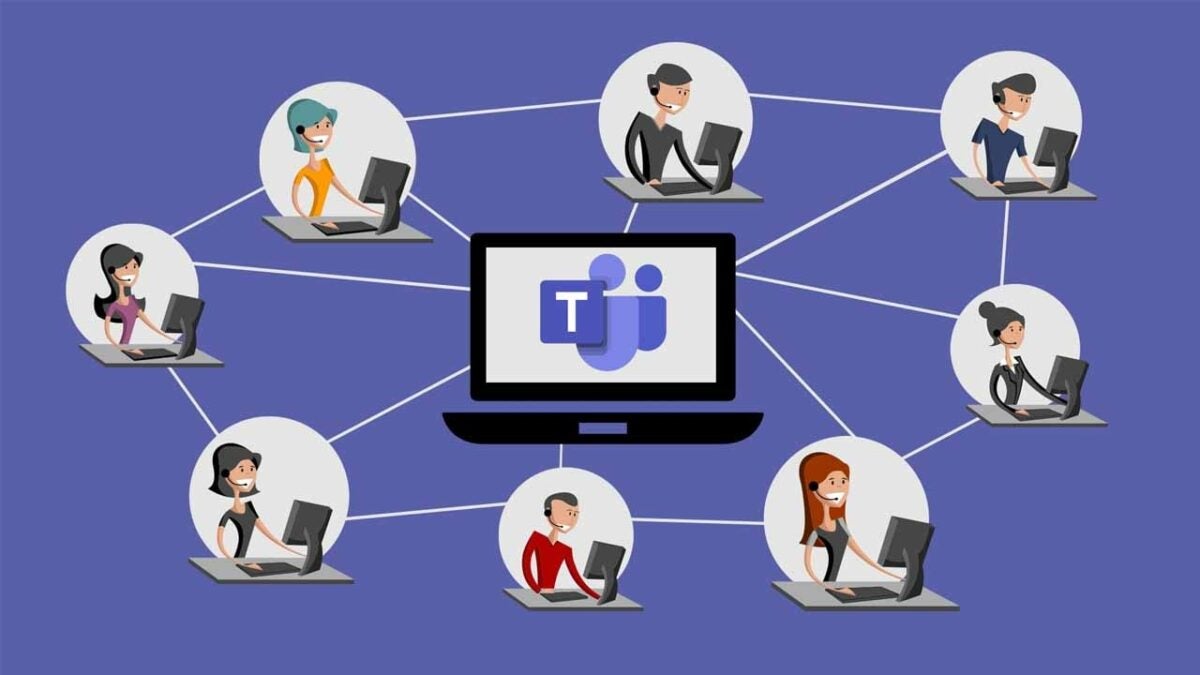
The AI-powered virtual assistant, Windows Copilot, will also be able to attend Microsoft Teams meetings that you cannot attend. Not that this is a dystopian simulation of your identity, but the AI will record conversations and data that have been mentioned in the meeting to give you a summary of the content that has taken place in the conference.

With this function, Microsoft tries to continue implementing AI in our daily use as a support tool, which benefits our productivity. It does not seek to be seen, a priori, as a generative system that replaces the user’s work. In addition, it shows Microsoft’s intention to continue focusing Copilot as a virtual assistant for any worker.

Microsoft Outlook DOWNLOAD

Copilot developments

Copilot also has many other functions designed and focused on increasing productivity. For example, it is capable of making summaries of the emails received and it can elaborate answers according to the content of the message. It is also compatible with other applications such as Paint.

It has been a while since AI began to be tested, but everything suggests that the results obtained by Microsoft have been more than satisfactory, as it continues to be one of the cornerstones for its future projects. Copilot wants to establish itself as one of the most effective virtual assistants, and its functionalities leave no doubt about its potential in this field.

Copilot is one of Microsoft’s big future bets

Copilot has not yet reached its final form

The current state of Copilot, although it shows many aspects of the most striking, is still far from what Microsoft announced. That is why, although its approach has a lot of expectation around it, we will have to keep waiting for this AI-based virtual assistant to reach the full potential that was promised.

With the current trend in the technology industry, it is to be expected that Microsoft will continue to invest time in this system, so sooner rather than later, users will have access to all the Copilot features that Microsoft wants users to have. This is one of the company’s big bets, and they will invest a lot of time and money in it.

Microsoft Outlook DOWNLOAD