You may hear people throughout the day looking for things on ChatGPT, or even using other secondary AI agents like Grok, but, no matter how hard Microsoft tries, Copilot is not really catching on… precisely because they are being very aggressive about it. It’s as if someone wanted to give you a plate of macaroni with tomato sauce but kept shoving the spoon down your throat over and over again. And of course, they have ended up realizing this.
What can I do for you today, gamer?
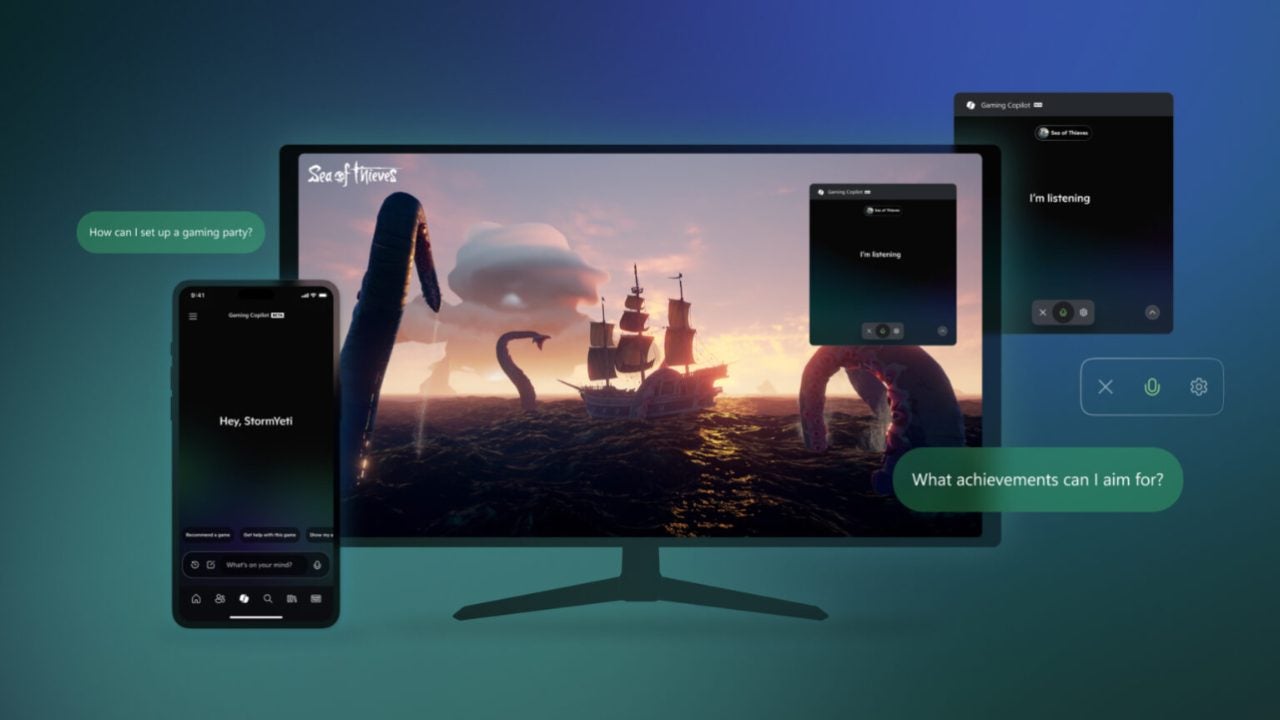
Asha Sharma has inherited the presidency of Xbox, which is like inheriting a burning house with barely any survivors, and her first action was obvious: stop the development of Copilot on the console and start reducing the use of AI in mobile games. She is not going to acknowledge the failure so clearly, but she has indeed recognized on Twitter that she will be removing features that “do not align with our goals”.
Copilot has 20 million paid users (which pales in comparison, for example, to OpenAI’s 50 million… which still aren’t enough to keep the company afloat), and it definitely wasn’t the right time to put it on consoles, no matter how much Xbox wanted to win our friendship by claiming it would be “your personal gaming buddy” that would help you at any moment and give you game recommendations. Just what I wanted: for a machine to want to be my friend. Yay.
The future of Xbox is one of the biggest questions in today’s video game world, and Sharma seems aware of it: “Xbox needs to move faster, increase our connection with the community and address the friction with players and developers. In other words: he has bought fire extinguishers for the burning house. Now we just have to see if they are not expired and if he can save the furniture.