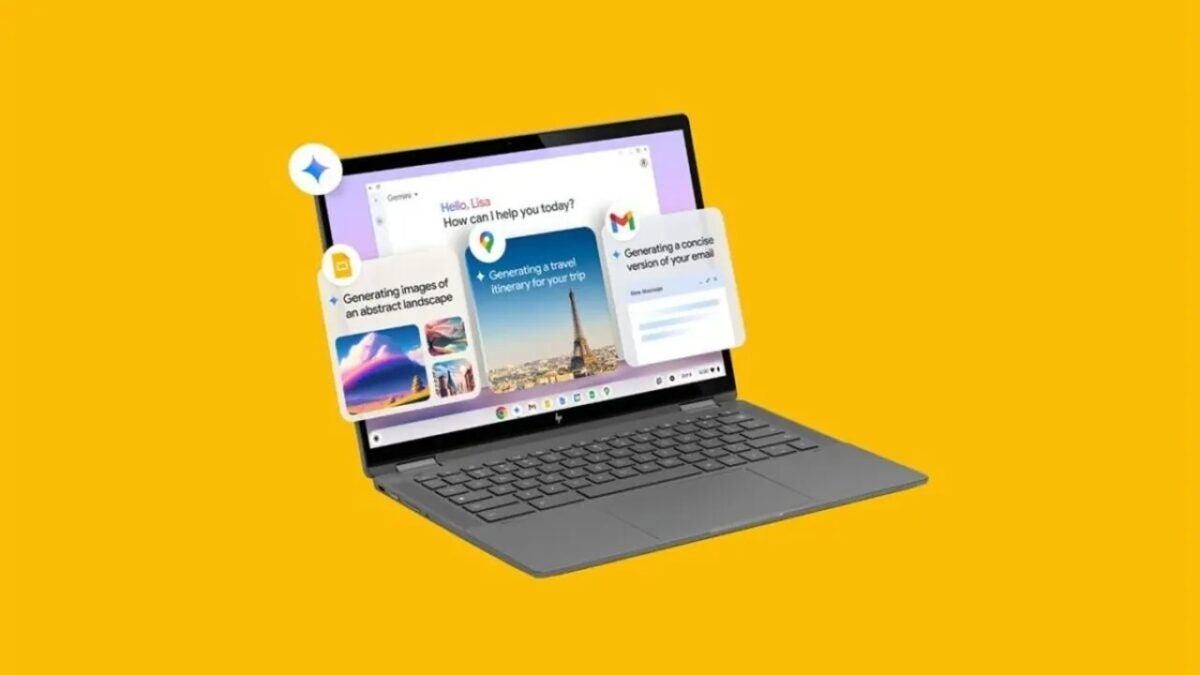
In the rapid advance of artificial intelligence, Google has just taken a significant step by bringing its artificial intelligence to ChromeOS. The company has announced that Gemini, its artificial intelligence chatbot, will be integrated into Chromebook Plus laptops (both new and old), as well as multiple AI functions.

Google introduced the Chromebook Plus standard last year, establishing specific hardware requirements to run advanced AI functions. These devices, which generally cost over 350 euros, guarantee optimal performance thanks to their RAM and processor specifications. Now, new Chromebook Plus owners will receive 12 months of free Google One AI Premium plan, which includes the Advanced Gemini model, more powerful than the free version.
Among the standout features that Google introduces in ChromeOS is “Help Me Write”. This tool allows users to select text in any text box, right-click, and request the AI to rewrite, rephrase, or change the tone of the selected text, thus improving efficiency and accuracy in writing.
Another notable feature is the AI generative system for wallpapers, which is already available on Android. Users can generate custom images from the ChromeOS wallpaper settings, even during video calls, adding a personal and professional touch to their communications.
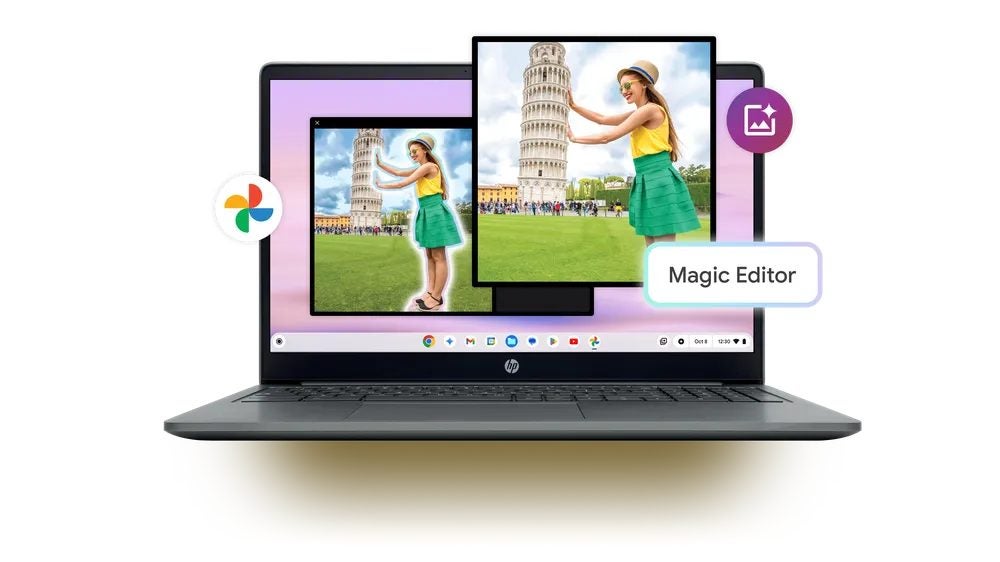
In addition, the Magic Editor from Google Photos, previously available on Pixel 8 smartphones, is now available on Chromebook Plus laptops. This tool allows users to edit photos in an advanced way, removing unwanted objects, moving subjects, and easily filling backgrounds.
Gemini, the AI chatbot, is also available as a standalone app on ChromeOS. Users can ask it to perform complex tasks such as writing cover letters, breaking down complex topics, or providing travel advice. The 12-month free offer of Gemini Advanced for new Chromebook Plus owners is available until the end of the year.
Regarding the features accessible to all Chromebook users, Google has implemented device setup through scanning a QR code from an Android phone, integration of Google Tasks in the system tray, and a Game Dashboard to optimize the gaming experience.
