 Windows: Deleting a file from your computer may not be as easy as it seems. Sometimes you get an error message telling you that the file is being used by another application and can’t be erased. What’s the solution then? The solution is called Unlocker Portable: a simple tool that lets you get rid of those stubborn files that can’t be deleted in the standard way.
 Mac: The ability to run Windows on Macs has massively increased the reach and popularity of Apple computers. VMWare Fusion allows you to run Windows through its clean and intuitive Cocoa-native interface that Mac users will be familiar with. It allows you to launch your Windows applications from the Dock and switch between Windows and Mac applications using Expose.
 iPhone: If you think you’re a bit tasty at Connect 4 then check out Link4 Online and test your skills against other players from around the planet. It’s very easy to get into Link4 Online, and you don’t even need a user account if you don’t want one. Simply launch the app, hit the ‘Play Link4’ button and an online opponent will be found for you.
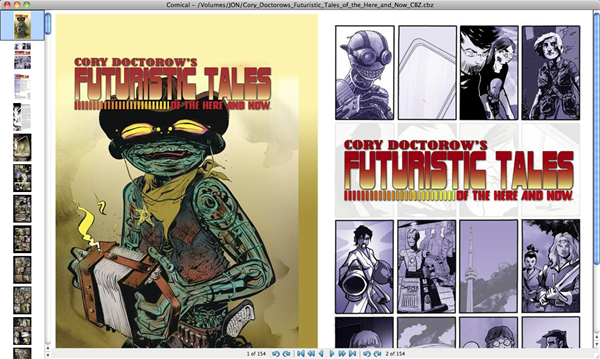
 To get a dedicated comic book reader file, simply edit the file name. For a ZIP file, go from ‘comic.zip’ to ‘comic.cbz’, for a RAR file ‘comic.rar’ to ‘comic.cbr’. CBR and CBZ are compressed formats comic book readers will work with.
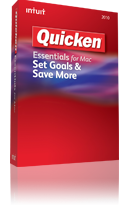 Those who have made a new year resolution to keep their finances in check this year will be pleased to hear that