It’s not often that a developer gives away a $300 piece of software absolutely free but that’s exactly what Adobe has done with the release candidate of Adobe Lightroom 3.4. The only catch is, this free version expires by the end of May which is more than long enough to get you hooked on this professional photo management software.
Although there’s nothing revolutionary in 3.4 compared to 3.3, this free release candidate gives you a much better opportunity to evaluate it. Adobe have however added support for RAW images and several brands of camera and lens profiles in version 3.4. Note however that because this is a release candidate, it may be buggy and Adobe encourage users to report problems to the Bug Report Forum.
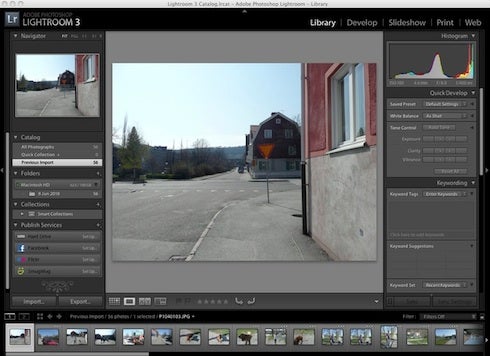
Adobe Lightroom allows both professional and advanced photographers to import, store, organize, edit and export thousands of pictures from one uncluttered interface. You can create sets and collections to store your pictures and add tags to every individual photo.
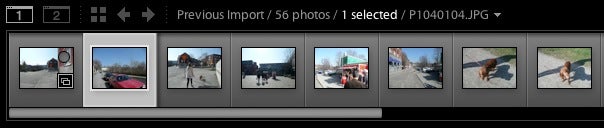
The timeline view at the bottom is a great way to quickly browse through pictures.
Editing tools are located on the right of the interface. The Library section works wonders to adjust things like white balance, exposure or vibrancy quickly.
Continue reading “First look at Adobe Lightroom 3.4 RC”


 Apple have just released the latest update for Snow Leopard, 10.6.7. This release seems mainly to be aimed at stability and bug fixing, and while this isn’t the most fascinating of subjects, it is important.
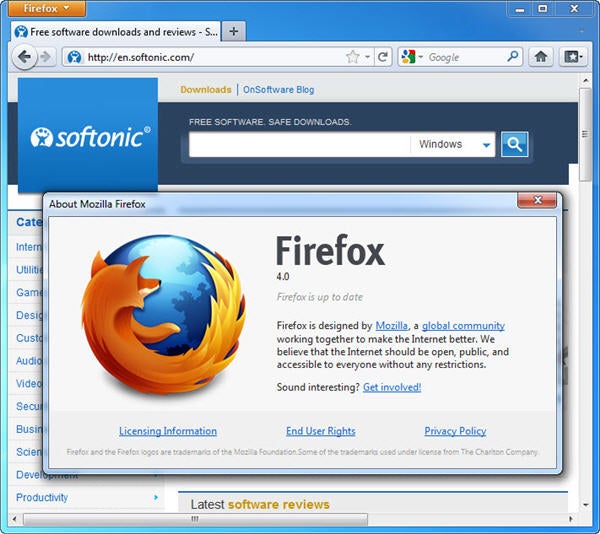
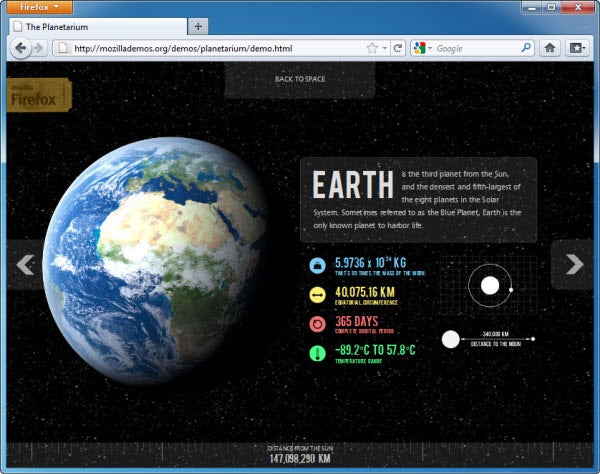
 Mozilla announced that official finished release of

 Sleeping scores highly in my list of favorite things, so it’s no wonder I welcomed the chance to review Android app