
Lookout introduces Lock Cam feature, snaps photo of unauthorized users

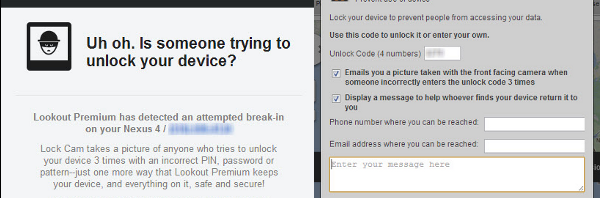
lookout iconThe mobile security app, Lookout Mobile for Android, updated with a new feature called Lock Cam. If activated, Lock Cam will snap a photo using the front camera on your phone if your passcode has been incorrectly accessed 3 times in a row.

Lookout Mobile features free and paid options. Free users will get basic protection from viruses; but you’ll have to pick up a subscription if you want remote locking/wiping, more comprehensive backups, and automatic blocking of phishing and malicious sites. Both free and paid users will be getting the Lock Cam feature.

To enable this feature, go into your Lookout settings, scroll all the way down, and check the box for Lock Cam. Now when someone gets your lock screen passcode incorrect 3 times in a row, you’ll receive an email with a photo and map pinpointing where your device is. While this doesn’t guarantee that you’ll get your device back, it does provide more clues and evidence to help you attempt to retrieve your device.
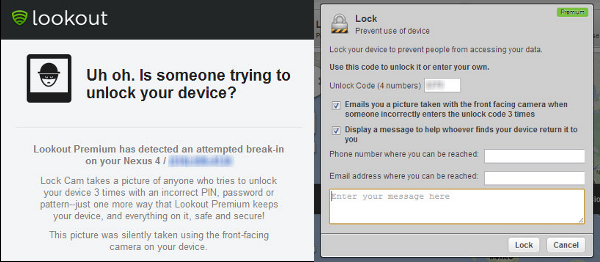
lookout lock cam and lock screen message

Lookout also updated with the ability send Lock Screen messages to your missing device, something Apple’s Find my iPhone has had for a while. Users will have a 300 character limit to write a short message that will be displayed on their device when it has been locked remotely. This is a premium-only feature.

Check out our full review of Lookout Mobile Security here.
New MySpace. Lots of music, but is it all legal?

The relaunched MySpace has already found itself in trouble. It claims to be ‘the world’s largest library of digital music,’ but is appears not all of this is officially licensed. For MySpace, whose highest profile backer is Justin Timberlake, this is quite embarrassing.

The problem arises from MySpace’s history. There were always lots of users who illegally uploaded songs and never got found out. Now ‘New MySpace’ is mining that huge library of music, these illegal uploads are appearing in searches.

Continue reading “New MySpace. Lots of music, but is it all legal?”

Twitter’s embedded tweets updated to include more information

twitter iconTwitter updated their embedded tweets today to include more useful information like videos, photos, and summaries. Before, embedded tweets only provided a permalink to the tweet with options to retweet, reply and favorite.

Twitter already featured something similar in its mobile apps where an expanded tweet would show different types of media. Now this functionality works with embedded links on all websites. This is great as it allows readers to provide media rich tweets. News outlets will be able to include a short summary of the article as well as a thumbnail. This is a much better and more transparent implementation as users will not have to click on random short links to be taken to an article that they may or may not want to read.

twitter updated embedded tweets

To try out the new embedded tweets yourself, just head over to the Twitter page of your choice, click the “More” button, and choose “Embed this tweet.” A preview will pop of up of how your tweet will look.

Mega may not be as secure as it claims

mega iconMega launched on Saturday, giving away 50GB of free space to users and claiming tougher security over its predecessor, Megaupload. Since then, there have been reports that Mega’s security isn’t exactly as safe as it claims to be. Mega touts something called User Controlled Encryption (UCE), which is a fancy way of saying that all files stored on Mega’s services are automatically encrypted with 2048-bit RSA encryption.

The problem with this encryption is that it encrypts and decrypts files using the same encryption key. If someone can gain access to that key, they can decrypt all of your files. Another problem with Mega’s encryption implementation is that user specific encryption keys are generated and tied to your account.

This means you can’t change your password and if you ever forget your password, you’ll lose the ability to decrypt your files. A hash of the password used to sign up for the account is included with the confirmation code sent from Mega when a user registers for the service, giving hackers a method of obtaining his or her encryption keys.

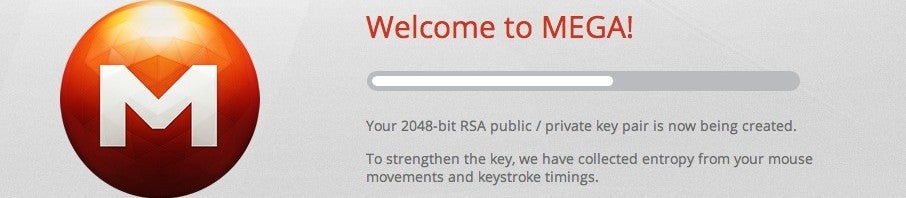
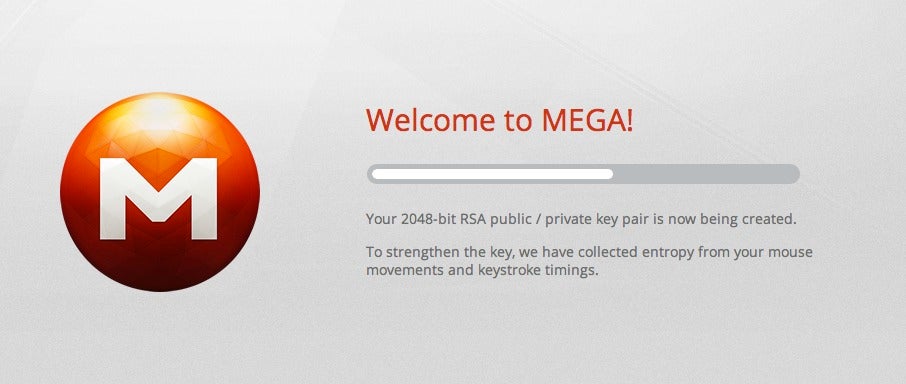
Mega also uses keyboard and mouse movements to introduce entropy while generating users pairs of private and public keys. While this sounds very secure, Mega still uses the math.random Javascript to create random numbers, which doesn’t generate the most random numbers. Mega most likely chose to use the Javascript to generate random numbers as it can be run within any modern browser and can be updated easily.

mega-mouse-keyboard-entropy

While these are legitimate security concerns, the level of security that Mega offers is good. The biggest issue that Mega needs to address is the inability to change your password and encryption keys. Mega’s encryption is open source, which the company hopes will allow the security community to help develop further.

Sources: Ars Technica and BetaNews

Dream of the Bad Moon: the next Slender?

Dream of the Bad Moon is a first person free horror game, inspired by the viral phenomenon Slender. It adds to that concept with an original story and more puzzles to solve, making it a cut above most of the Slender clones out there.

While Dream of the Bad Moon lacks the lo-fi ‘Blair Witch’ feel of Slender, it makes up for this with an uneasy eeriness. The puzzles required to get each tear also make this a more complex experience. The monster chasing you is similar to Slender, although she seems easier to keep track of as you flee from her.

Continue reading “Dream of the Bad Moon: the next Slender?”

LINE for Mac – The FaceTime killer?

Imagine if FaceTime for Mac could make calls to not just iPhones but also Android, Windows, and Blackberry devices too. That’s exactly what LINE for Mac does in a slick FaceTime-style interface that’s sure to prove popular with Mac users that have friends and family using different mobile devices. LINE for Mac allows you to make free calls and send free messages to iPhone, Android, Windows and Blackberry phones as well as other Macs and PCs.

Continue reading “LINE for Mac – The FaceTime killer?”

Are dinosaurs coming to Call of Duty: Black Ops 2?

David Vonderhaar, Game Design Director at Call of Duty: Black Ops 2 developers Treyarch, has hinted on Twitter that dinosaurs may be coming with an upcoming update.

The next patch is ‘a big one’, with bug fixes and balancing improvements to reduce unfair advantages discovered since the game was released.

He could be joking, but dinosaurs have been requested by the CoD community. The same was true of Battlefield 3, but DICE just added the easter egg of dinosaur dolls to their DLC pack ‘Aftermath’. Dinosaurs seem to be back in fashion. Could they be the new zombies?

Perhaps Treyarch want to get one up on their Battlefield counterparts and actually bring Dinosaurs to Black Ops 2. That would certainly show dedication to their community.

Do you want to see Dinosaurs in Call of Duty Black Ops 2?

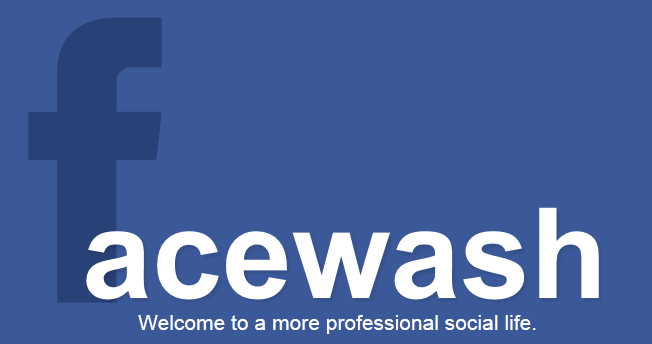
Clean your Facebook Timeline with Facewash

With the upcoming Facebook Graph, your data will become more searcheable on Facebook. If you’re worried about what people might be able to find, Facewipe can scan your Timeline and find any potentially embarrassing posts.

Click on this link, and follow the instructions on screen. Once your scan is complete, you can decide what to do with what Facewipe finds. These could be comments you left, photos, photos you are tagged in, status updates and so on. Each result is a click-able link, and will take you to that post in Facebook, where you can delete if necessary. The app automatically filters for a range of keywords, or you can search for your own terms, just in case.

Facewash is great if you want to do some Facebook spring cleaning. If you are worried about what a potential employer might be able to see, you should also make sure your privacy settings are correct!

Mega: 50GB of free storage. How does it work?

Kim Dotcom‘s Megaupload successor, Mega, is live, so we now know how it works. It’s a cloud storage system, with a free account that gives you 50GB of space. Your files are encrypted, but you can still share them with other people.

It’s a radically different site to Megaupload, and aims to put copyright responsibility in the hands of you, the user.

Is Mega good enough to take users from Google Drive or Dropbox? Let’s find out!

Continue reading “Mega: 50GB of free storage. How does it work?”

Windows 8 upgrade promotional pricing ends January 31st

Windows 8 launched back in October 2012 with discounted upgrade pricing to entice adopters. Unfortunately those discounts are about to end so if you’re planning to upgrade to Windows 8, take advantage of the discounted pricing before it disappears. The promotional pricing for Windows 8 Pro is just $39.99 now but will jump up to an astronomical $199 on January 31st. The Windows Media Center pack, which brings back Media Center to Windows 8, is currently free until the 31st as well.

Here’s the rest of the Windows 8 pricing after the promotion expires:

  • Windows 8 Pro upgrade: $199.99
  • Windows 8 upgrade: $119.99
  • Windows 8 Pro Pack (to upgrade from Windows 8 to Windows 8 Pro): $99.99
  • Windows 8 Media Center Pack: $9.99

Remember, the $39.99 upgrade is for a digital download only. If you want a physical DVD, you’ll have to pay $69.99 at any local or online retailer. Those who bought a Windows 7 PC between June 2nd, 2012 and January 31st, 2013 will be eligible to upgrade to Windows 8 Pro for $14.99.

Be sure to read our essential guide to Windows 8 if you decide to upgrade.