
Designing a good presentation is essential to sell an idea or effectively convey information. However, this can take a lot of time. And we are not referring to data collection, but to how we present it, taking into account the aesthetics of it, the flow… There are many parameters to consider.
Fortunately for you, thanks to generative artificial intelligence, we have many products available to us to create beautiful, easy-to-digest presentations without the need to spend hours in front of a screen. Below, we present some of the best tools for creating presentations with AI in 2026.
Adobe Express
Adobe Express is an Adobe platform primarily focused on graphic design, photo editing, and video creation. The idea behind Adobe Express is to become the perfect support for the “simple” creation of content. By this, we mean posts for social media, making simple edits, and more.
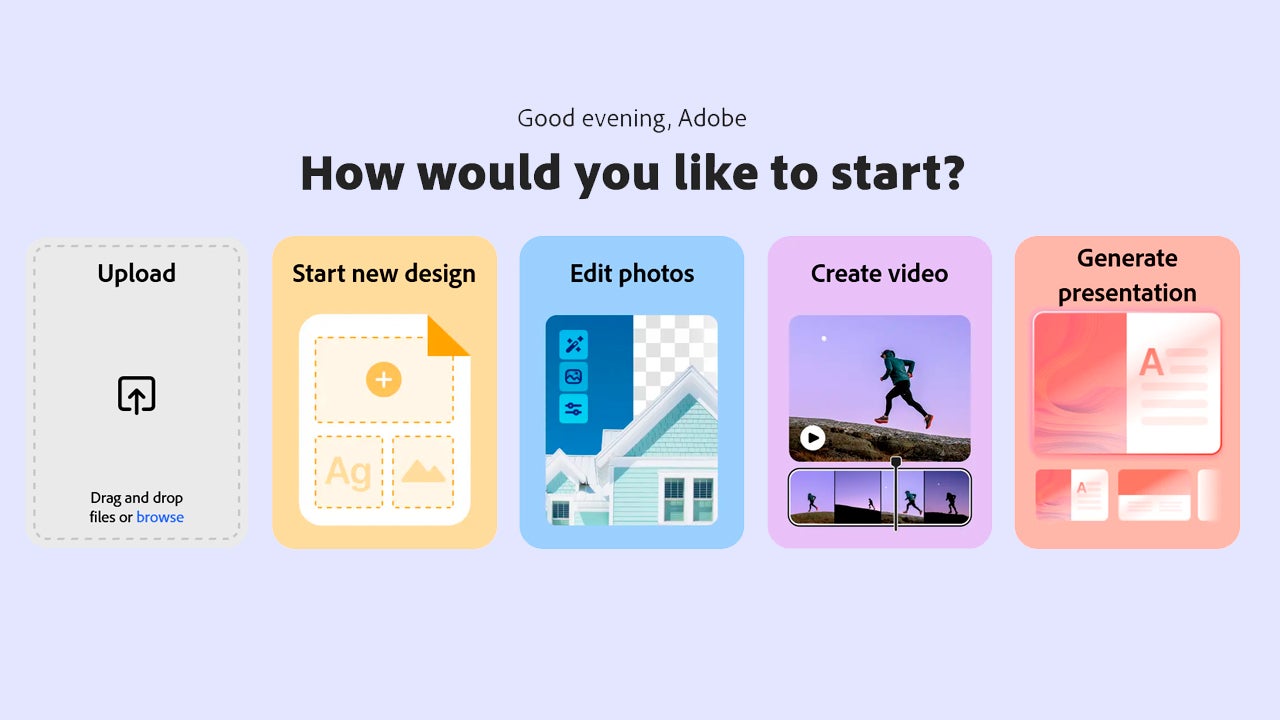
As you can imagine seeing it here, Adobe Express is also capable of generating presentations. You just need to have your files ready (photos you want to include, graphics, etc.) and describe the type of presentation you want to make. You can customize its duration, choose the target audience, adjust the level of detail, and even add visual content generated by AI.
Before generating your presentation, Adobe Express allows you to review the script that will be followed, see what each page would contain, and arrange them to your liking. Additionally, it also gives you the option to choose from a series of predefined templates if you want to follow a specific aesthetic. Once you have your presentation created, you can edit it to your liking and change every detail to the millimeter.
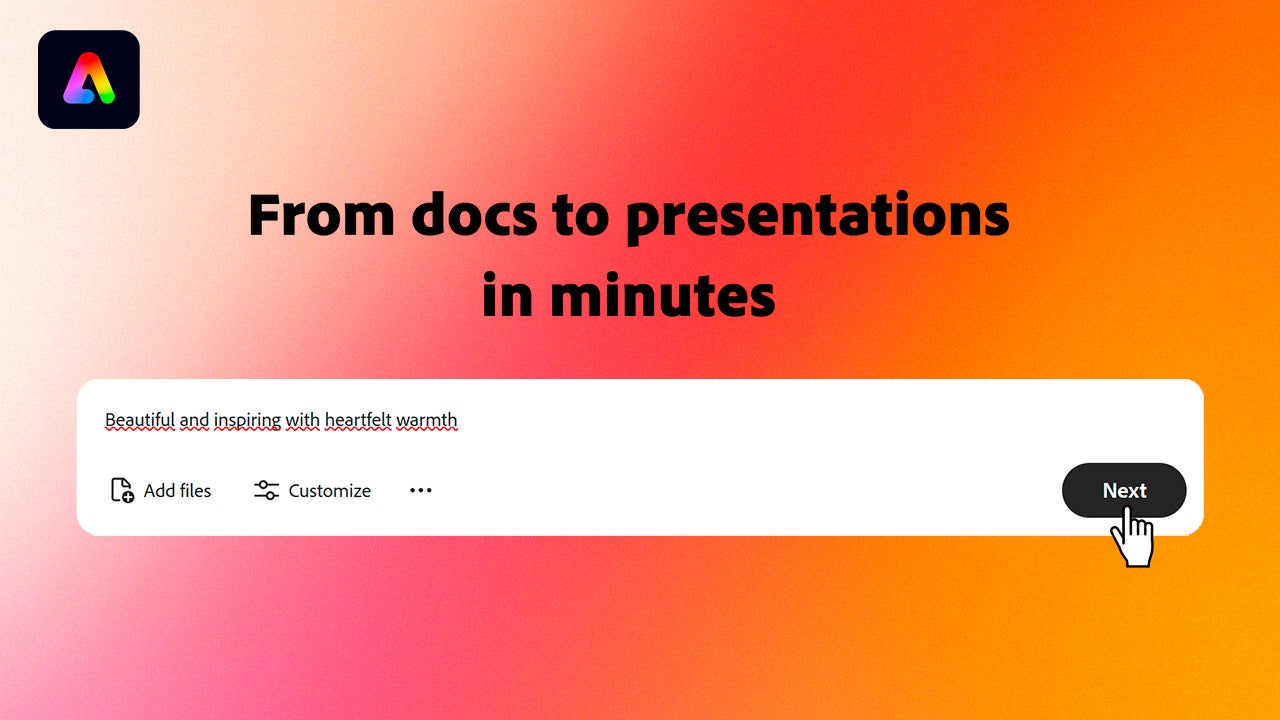
You can use Adobe Express for free, but with certain limitations when it comes to using generative AI and other premium features. If you want to “unlock” the more advanced features, you will need to subscribe to one of the available paid plans, which vary depending on whether you are an individual, a business, or part of the education sector. Currently, the cheapest plan is $9.99 per month, but you can check the rest on Adobe’s official page.
Gamma
Gamma is undoubtedly one of the most popular platforms for creating presentations. However, it is capable of doing much more, as it also allows us to create content for social media, documents, websites, and custom graphics.
When it comes to creating, you have several ways to start. You can generate a presentation through a written description, use a template, or even improve a file you already have. If you decide to start with a description, you will converse with Agent, who will follow your instructions and ask you in depth about which aspects you want to focus on, the audience the presentation is aimed at, and the number of slides it should have. The information used will also be cited with sources, so you can verify firsthand where it comes from and if it is reliable.
Regarding prices, you can use Gamma for free but, like Adobe Express, in a very limited way. You will be given 400 generative credits upon registration, allowing you to create up to 10 slides per project. To obtain more credits, remove slide limitations, and use more advanced image generation templates, you will need to subscribe to a paid plan. We leave you here is the link to the pricing page if you want to know more.
Napkin.ai
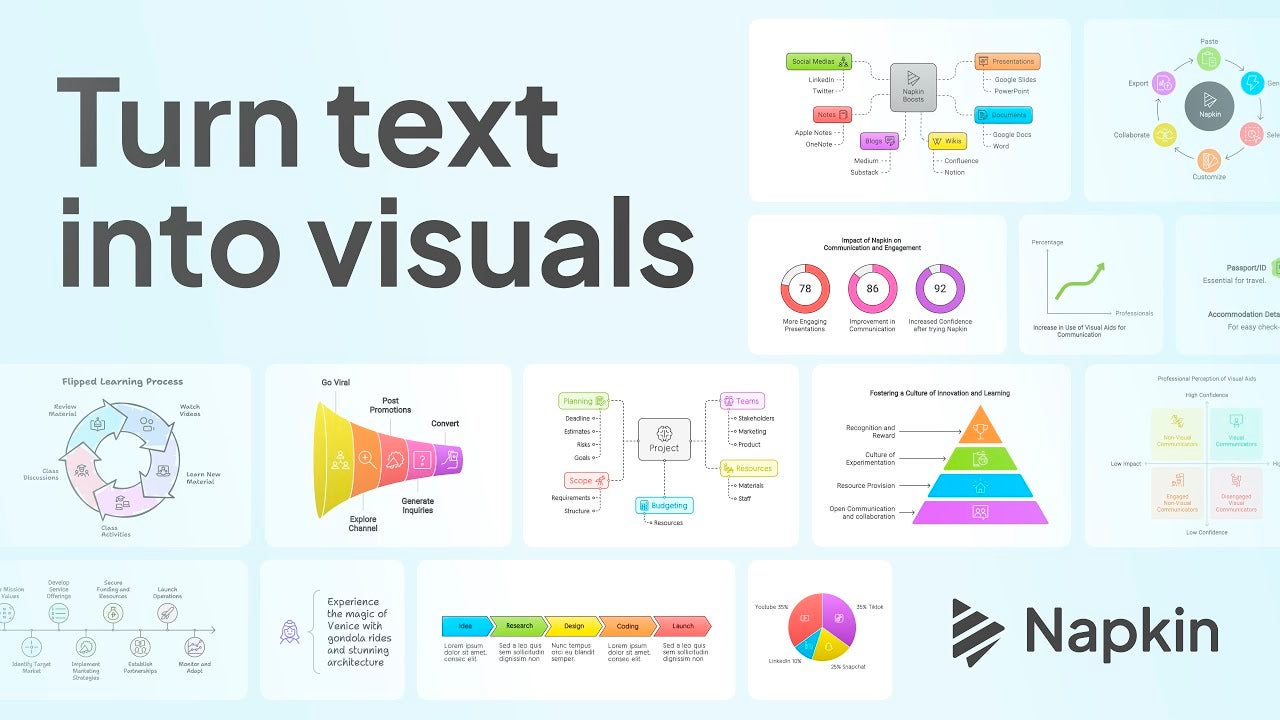
Napkin.ai is another very comprehensive tool for creating presentations. With Napkin.ai, you can transform any text document into visual information. By this, we mean graphic resources such as diagrams, infographics, and similar items.
When you log in, the first thing it does is ask you if you want to create slides or visuals. For the slides, you have two options: describe exactly how you want your presentation to be or upload a file with the information. After that, Napkin.ai will ask you questions like who it is aimed at, what approach it should take, the duration, and the visual style it will have.
With all this information, Napkin.ai will create a presentation just as you requested. You will also be able to edit each slide (data, labels, images) to fine-tune what you want to be displayed in the presentation. You can use Napkin.ai for free in a limited way, but if you choose one of their paid plans, you will have more generative credits and more exclusive designs. From their official page you can check the prices.
Visme
Visme is a very comprehensive platform focused on content creation for social media, infographics, posters, and similar. Generating presentations is one of the many things you can do within Visme, which will also allow you to create more complex slides.
Visme AI Designer is the tool you will find in Visme for creating presentations. Just like the others, you only need to describe what you want your presentation to be about, and Visme will do the rest. If you also register as a company, you will have access to more corporate templates.
In general, Visme stands out for being very comprehensive when it comes to creating graphics and presenting data in a more visual and attractive way. You can try it for free or opt for one of its paid plans if you find that you need more features.

What is the best option?
Yes, knowing which is the best program is an answer that we would all like to know right away. However, we are faced with a much more personal decision, as all the platforms we have shown you are very good in their own way. However, one that deserves to be highlighted would be Adobe Express.
In addition to being very capable and comprehensive, Adobe’s family of generative models, Adobe Firefly, is one of the best for commercial use and one of the safest. On the other hand, you can complement your Adobe Express presentations with images that you have also edited there or with other Adobe programs.
