Paint Tool SAI review: not like Photoshop in the best way

No Paint Tool SAI review is complete without breaking down its core features and comparing it to rival programs. Let’s learn all about this digital art program from its surprisingly small size to its even more surprising capabilities.

PaintTool SAI Download Now
Download Now

What is Paint Tool SAI?

Systemax first launched this software in 2008, but it still clocks in at just 2 MB. The raster graphics painting and editor software works on Windows PC running 2000 or later. Updates to the base program require Windows Vista or later instead.

The program allows users to draw and develop layers using various tools to create digital art. Though mainly focused on painting and drawing, SAI does provide some image editing with Brightness/Contrast and Hue/Saturation adjustments.

Is Paint Tool SAI free?

While free to download, Paint Tool SAI is not totally free. It requires a one-time payment of $50.81 USD or 5500 JPY for a software license after a trial period of 31 days. However, after this purchase, you’re good to use the program as you see fit.
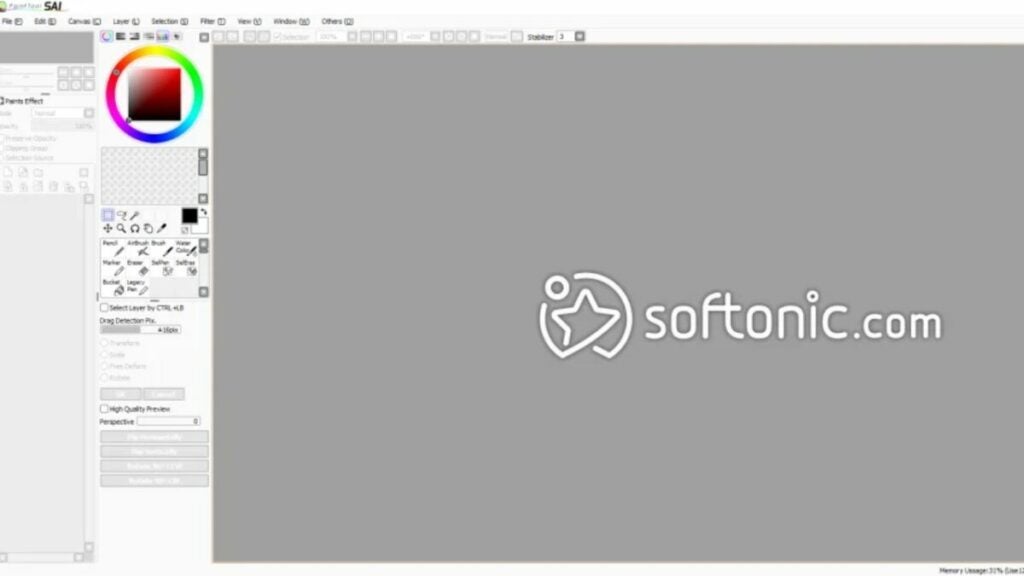
image of the Paint Tool SAI user interface

Simple interface and small size

Due in part to its no-frills UI, Paint Tool SAI maintains a very small digital footprint. No rival program comes close to its size of just 2 MB. What’s more: it only requires 128 MB of RAM to operate. If you are editing and creating on a lower spec piece of hardware, this program may be the best option for you.

Other competitors, as reviewed below, take up significantly more space or require more RAM to operate.
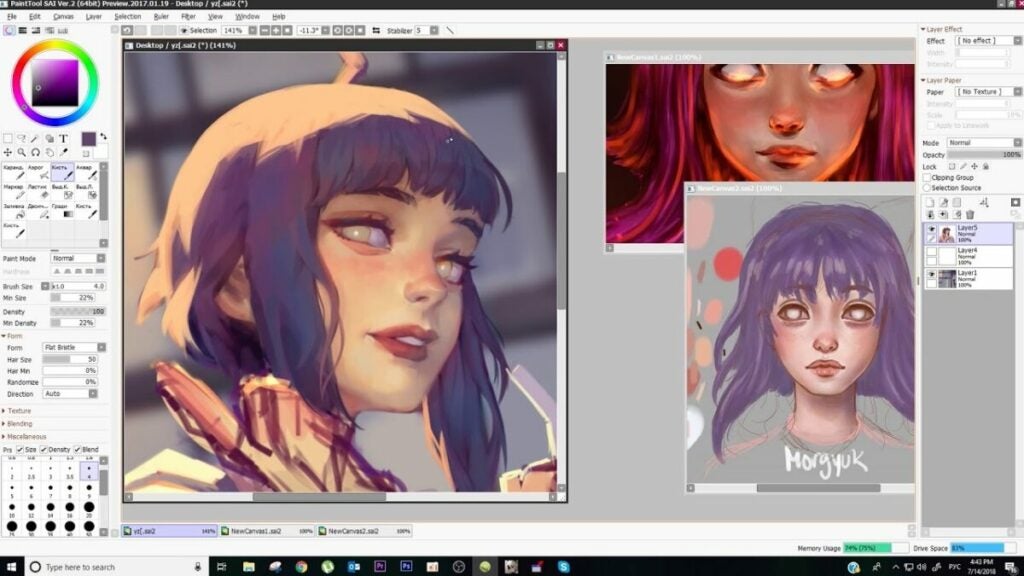
image of art for Paint Tool SAI review

Key features for a Paint Tool SAI review

As you can see in the image above, this program is not limited in scope when it comes to artist imagination. YouTuber Mirey’s showcased the program’s features in a Paint Tool SAI review for a commission. As with any kind of digital art creation software, SAI includes all of the features you’d need to do so.

Here is a list of key features that stood out for this Paint Tool SAI review:

  • Full digitizer support
  • Anti-aliased drawings
  • Data protection for layer tools
  • Airbrush and brush
  • Able to adjust color luminescence and saturation
  • Able to view small versions of drawings
  • Intel MMX technology support
  • Selection and drag tools
  • Can move and lock layers
  • Touch-sensitive pencil tool
  • Large color spectrum
  • Very lightweight software in terms of required hardware specifications

Perhaps the best feature is how Paint Tool SAI empowers you to draw with a digital pen. Illustrating using mobile devices or tablets allows artists to feel more free and uninhibited while creating animations like cartoons or anime.

image of Paint Tool SAI review rival logos

Paint Tool SAI review: competitors

Adobe Photoshop

This program is significantly more powerful than Paint Tool SAI, but that’s by design. Paint Tool SAI is focused on drawing and painting while Adobe Photoshop can do far more. It features more format types, text layers, shape tools, gradients, transparency, and lots more. It is ~710 MB in size with a required 8 GB RAM minimum to operate.

Photoshop also offers better image editing options than Paint Tool SAI. However, it costs significantly more as a one-time purchase. The monthly subscription fee for just Photoshop is $20.99 USD per month or $19.99 USD per month for Lightroom and Photoshop with 1TB of storage.

Adobe Illustrator

This program has some of the same issues as Photoshop regarding price. Though a powerful program, Illustrator is $20.99 USD per month, so users will hit the comparable price of Paint Tool SAI quickly. However, it offers better versions of all of the illustrating capabilities than Paint Tool SAI.

If cost is not an issue for you, then you may consider Adobe Illustrator instead. It is ~1.76 GB in size and requires at least 8 GB of RAM to operate.

Gimp

This open-source raster graphics editor is free-to-use having debuted all the way back in 1998. While Paint Tool SAI is fantastic in some areas and lacking in others, GIMP is more well-rounded overall. It is also available for macOS, Linux, and Windows PCs.

Many users consider GIMP one of the best free tools available thanks to features like color mixing, layering, gradient features, and more. If you want a real contender against Paint Tool SAI, consider giving GIMP a try — especially if you don’t have a Windows operating system. It clocks in at 250 MB in size and recommends at least 128 MB of RAM to run.

Krita

Similar to GIMP, Krita is more well-rounded than SAI when it comes to the services offered. The biggest benefit Krita offers is a more intuitive interface. It also features HDR editing support, mirroring tools, PSD compatibility, and a more robust color palette.

It is also free and open-source as developed by the Open Source Raster Graphics Library project. Krita requires at least 2 GB of RAM and 300 MB of storage space.

Canva

Many people may be familiar with the originally browser-based editor known as Canva. It has a free option available to all with an intuitive interface, thousands of templates, an image cropper, various pay structures for paid subscriptions, and more.

However, it does lack things like full digitizer support and tools that make drawing with a tablet more natural. This may be due to the fact that Canva focuses more on design for things like social media posts, posters, and other graphics vs. creating digital art.

When using the desktop or mobile app, Canva recommends that you have at least 150 MB of storage space free. For the desktop app, Canva requires 1 GB of RAM minimum on Windows and 2 GB of RAM on Mac.
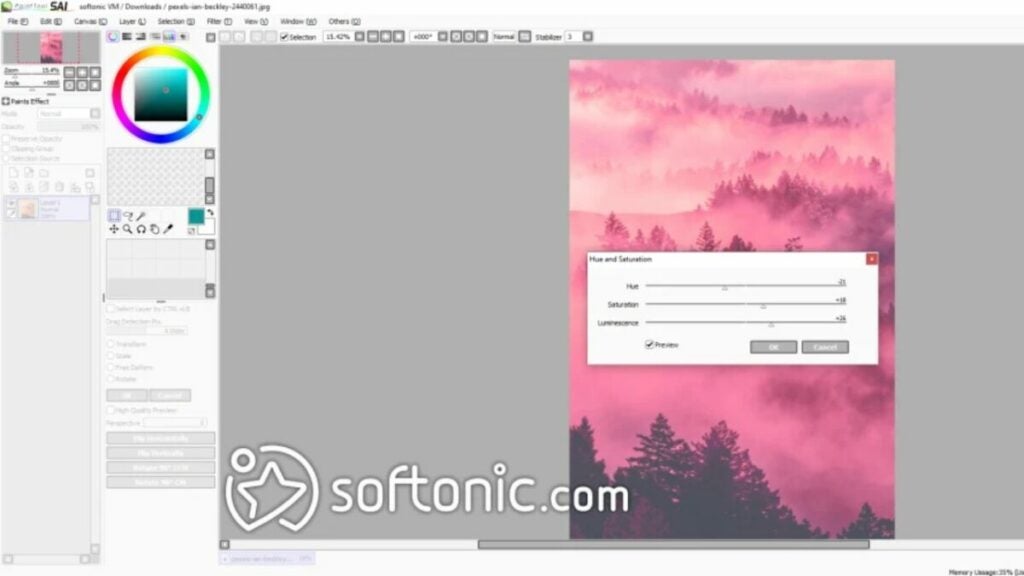
image of the UI for the Paint Tool SAI review

Verdict on Paint Tool SAI review

Though not the most robust program for creating digital art, Paint Tool SAI remains one of the most lightweight options out there. If you want to paint, draw, or otherwise create art, it is fantastic. Download Paint Tool SAI for free and try it out yourself.

However, if you are looking to make collages or edit photos, you should consider other programs.

PROS

  • Not very taxing on hardware so it’s great for lower spec setups
  • Great option for use with a tablet
  • No frills interface
  • Includes linework layers to reduce the amount of manual linework required
  • Very affordable when compared to some alternatives

CONS

  • Only available in English and Japanese with German translation
  • May lack the variety of tools that other similar (but usually more expensive) programs have
  • Only dedicated support is via email at support@systemax.jp

Developer: Systemax Software Development

Publisher: Systemax Software Development

Top Features: Full digitizer support, low hardware footprint, and great for tablets

Platform Reviewed: Windows PC
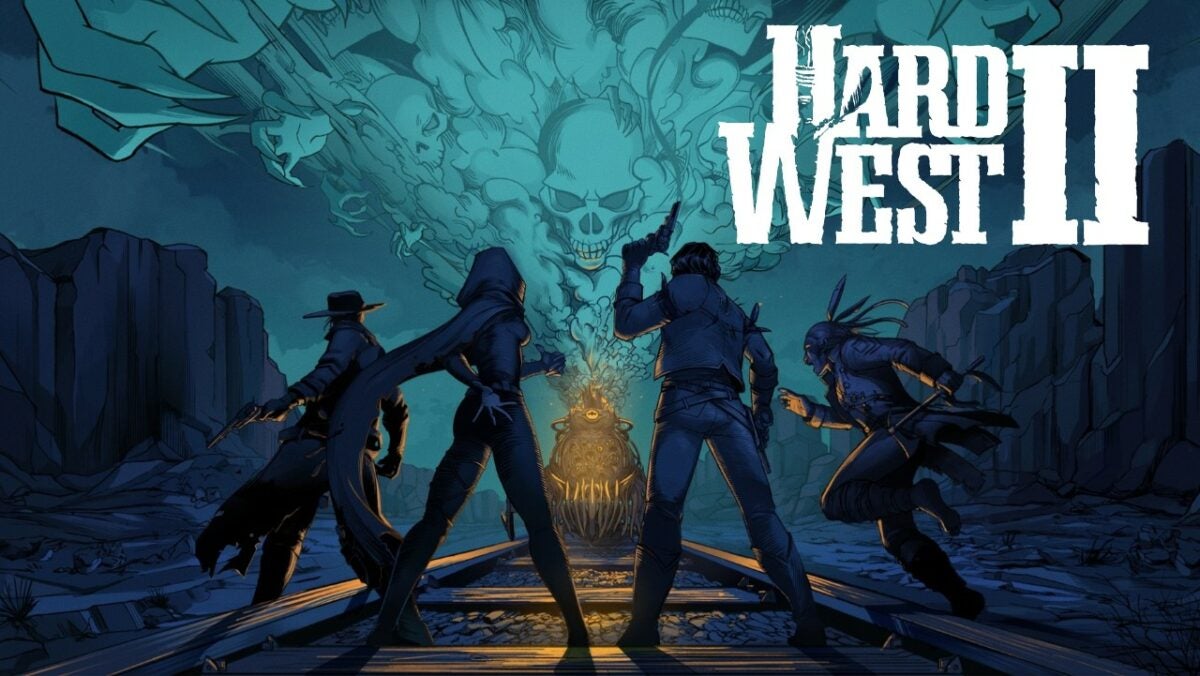
Hard West 2 review: What if demons plagued the Oregon Trail?

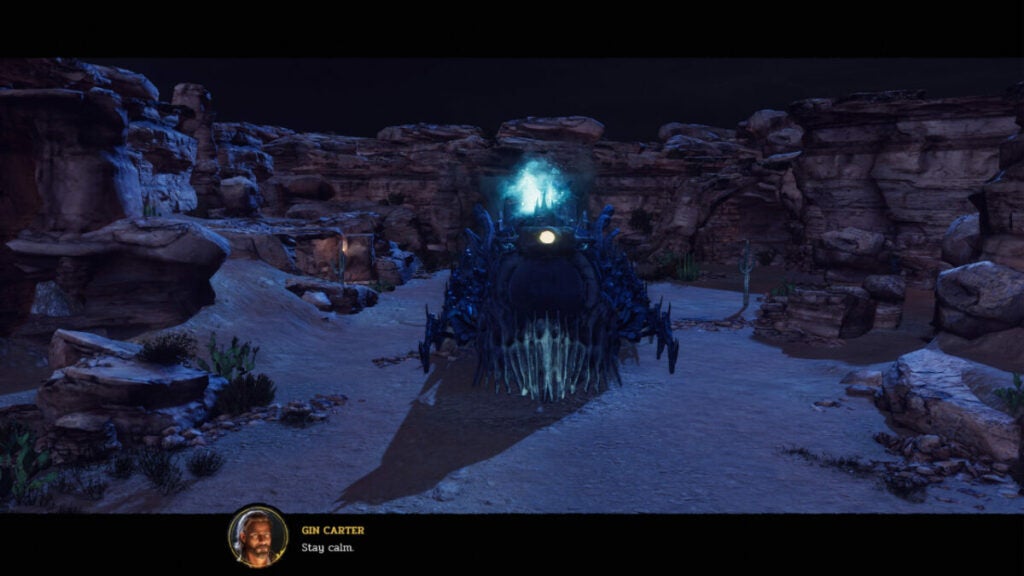
If ghosts and demons found themselves in a Spaghetti Western, it would be Hard West 2. The game brings together XCOM: Enemy Unkown style turn-based combat with RPG elements similar to Dragon Age: Origins. But it all takes place in a western-style, locomotive-powered world in Oregon.

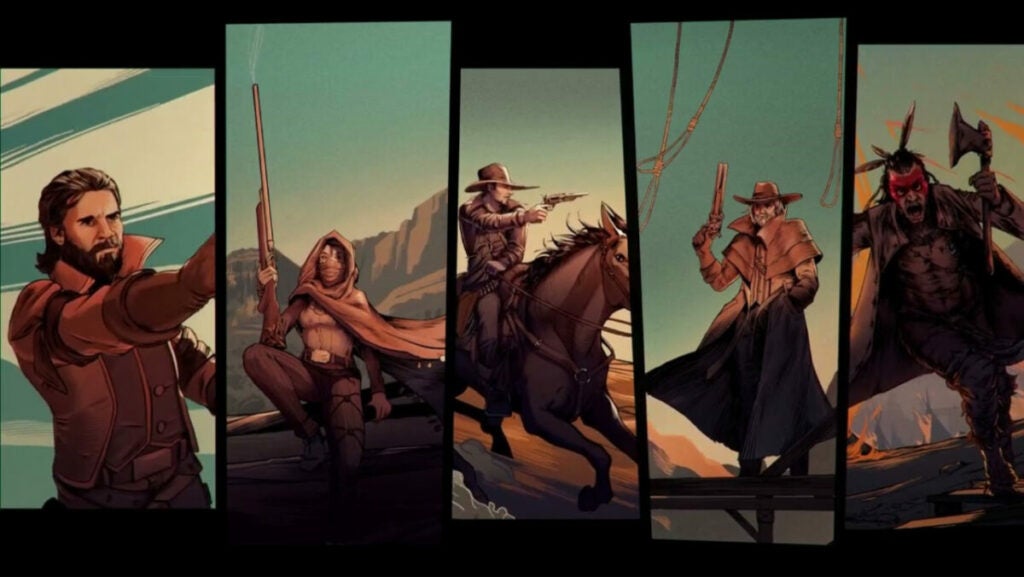
Quick shooting outlaws, Native American tribes, and settlers all fall victim to a Ghost Train led by a demon named Mammon. It’s up to Gin Carter and his gang of spiritual-ability wielders and bullet slingers to set things right.

Hard West 2 background

The original studio behind Hard West is CreativeForge Games out of Poland. Another development studio called Ice Code Games (also Polish) produced this sequel title. As such, players familiar with the original game should expect changes in tone, style, writing, and combat mechanics.

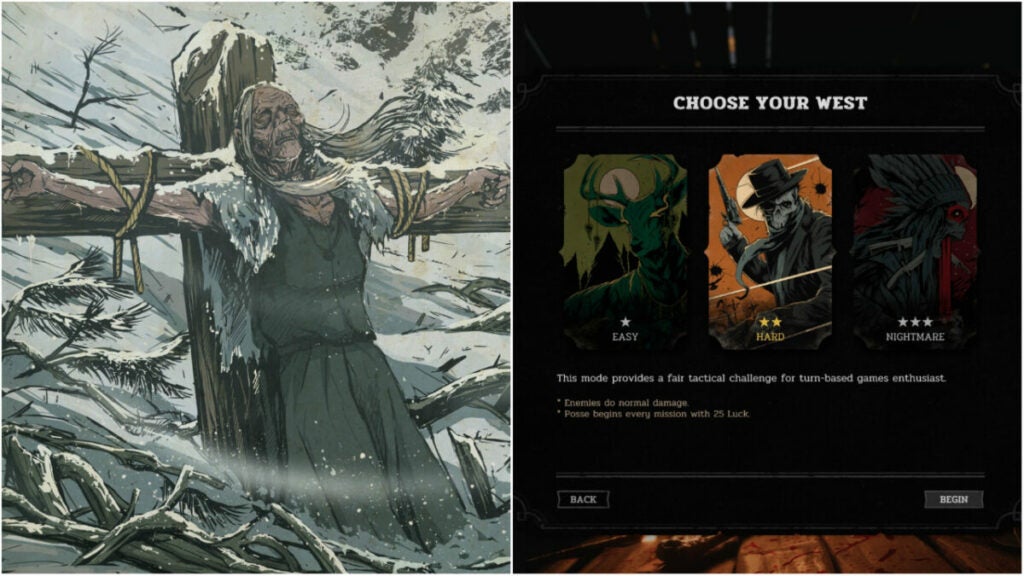
New players should be able to drop into this hand-painted world of ghouls and flying bullets fairly easily. The three game modes (easy, hard, and nightmare) allow you to tailor your turn-based gameplay experience.

Setting & tone

While lots of supernatural things occur in Hard West 2, the game never feels very eldritch or spooky even. The atmosphere is ghostly, at times, but overall, the game feels more Western than Ghost Story (if you want a genre).

Hard West 2 story

The original game had a less straightforward story than its sequel. Fans of the unique narrative devices and non-linear story in Hard West may find Hard West 2’s pivot into linear story-telling a bit jarring. However, others may find the straightforward objective-based narrative easier to grasp.

It all revolves around Gin Carter — a generic feeling, gambling outlaw with big ambitions. He gathers his haphazard “posse” or group to fight Mammon and potentially help others in the world.

How long to beat Hard West 2

This title is an RPG, so your decisions can affect your gameplay to some degree. However, the base campaign is fairly straightforward and can be completed quickly even at a leisurely pace.

  • Main campaign: ~19 – 23 hours
  • Main campaign with side quests: ~22 – 25 hours

Hard West 2 performance

The game runs very smoothly even on older hardware. The overworld can tend to lag if you try to move the camera while also moving units. But overall, the game does not stutter or lag.

Combat can get a bit overwhelming from a visual perspective, but this is not reflected in gameplay performance.

Hard West 2 gameplay & functions

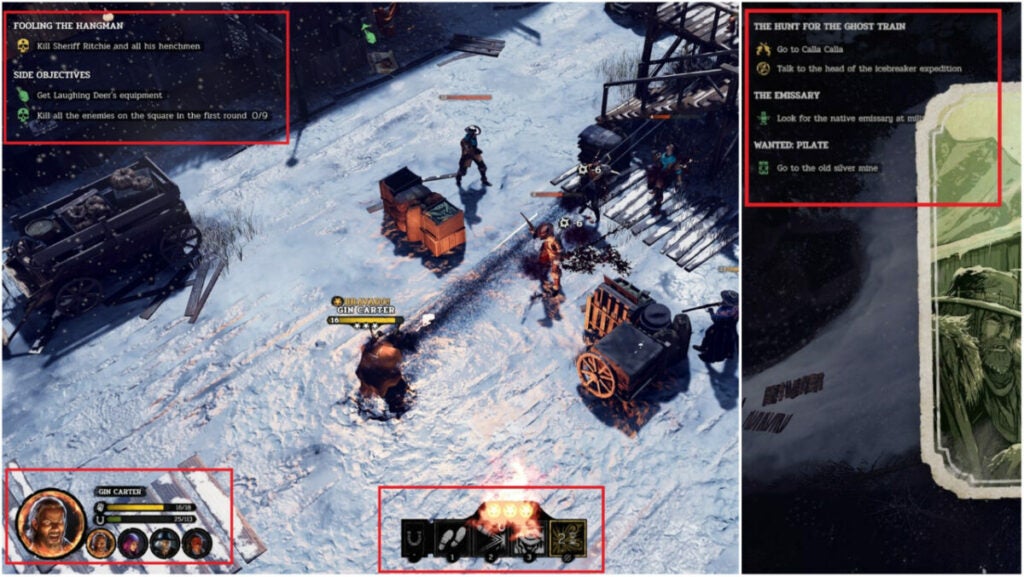
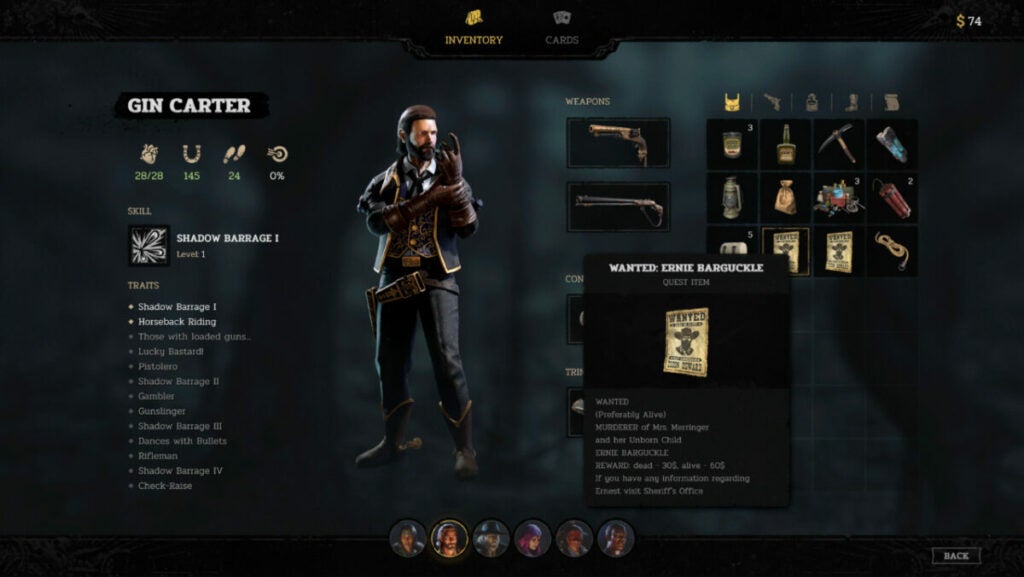
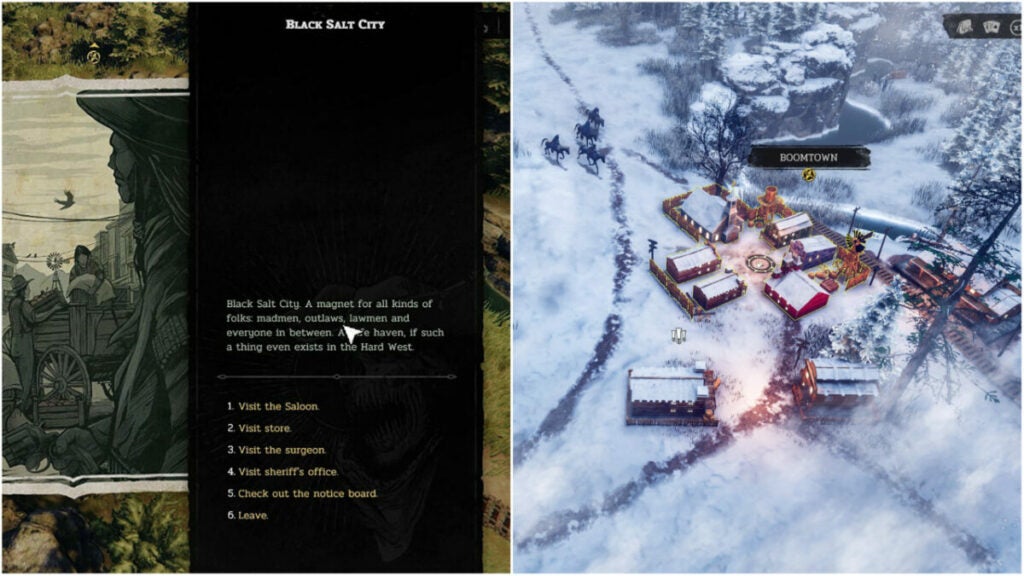
This title includes a very simple UI with Inventory, Cards, and not much else. The Overworld and combat UI have a running Quest list for reference in the top left. Each character icon can be found in the bottom left with the action hub in the bottom center of the screen.

This simplicity helps the world feel more engaging and makes it easier for players to disappear into the game.

Though there is not much in the way of character customization, trinkets and cards help flesh out this aspect of the game.

Cards & trinkets

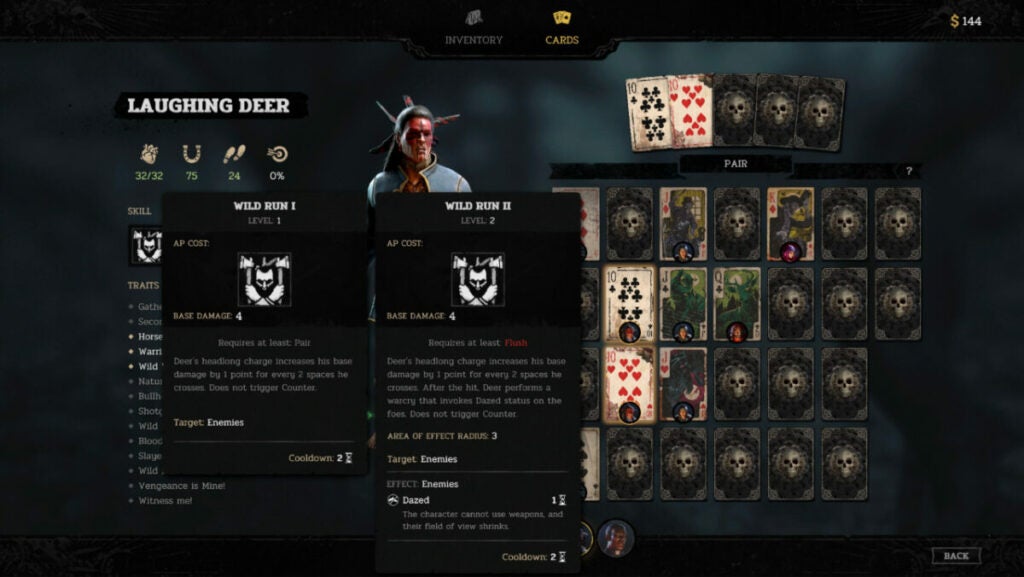
RPG veterans will instantly know how trinkets work as they are like accessories in other titles. These items grant characters additional stat boosts such as increased hit points, speed, or luck capacity. The cards, however, play a more integral role in a character’s combat prowess.

For instance, in the above image, you can see that Laughing Deer requires a Pair for his “Wild Run” ability. But a Flush will empower “Wild Run” even more. Each character gets unique abilities based on which cards you equip on top of the basic boosts such as additional hit points, luck, speed, etc.

Key mechanics

  • Companion Loyalty Points: the character screen will show a person’s abilities and stats, but also what their closeness level is with Gin. Having better relationships with people can give them new abilities or buffs.
  • Ability Points: players familiar with turn-based titles will know that ability points are how you do things in fights. Typically, each character has just 3 ability points and things like attacking, moving, or using items take between 1 and 3 points each.
  • Bravado: the Bravado system lets players chain kills by refreshing all ability points spent upon slicing down an enemy. It’s crucial to accomplishing certain side or main objectives.
  • Luck: this system featured heavily in Hard West 2, but feels like an afterthought now. If characters miss shots, they gain Luck that can be used later on to increase hit or crit chance on enemies.
  • Combat vs. Charisma: since this is an RPG, players sometimes have the option of simply talking their way into or out of a situation instead of fighting. Though the occurrences are fewer or depend on companion loyalty points, it’s a nice option to have when you do.
  • Sidequests & Bounties: as with other RPGs, Hard West 2 features many optional sidequests. This includes hunting down other outlaws — usually for money or loot.

World, sound, & character design

World design: Familiar without feeling stale

Fans of the Western genre will appreciate all of the references and easter eggs found throughout the game. But the developers also did a wonderful job making the world feel desolate while still possible to survive. The characters surviving off the land are hardened, but not crass. They work hard and they’re rough around the edges.

Each shack you discover or town you encounter feels original. In fact, these supplementary characters can often feel more real than the playable characters.

Sound design: Inoffensive music with great effects

All games with weapons should feature satisfying noises such as bullet drops, shots firing, etc. Hard West 2 makes Bravado streaks feel ultra worth it with great sound effects. The combat music hums in the background with all of the focus on character action.

However, everything else in the game feels like an afterthought. There is not much in the way of music or Overworld sound effects such as whistling, wind, or even a cheeky hawk call.

Character design: Out of touch with reality but in touch with the game’s world

The playable characters in Hard West 2 fit the setting and tone very well. Quest-giving NPCs are usually just talking heads with painterly-style avatars. Enemy types do become very familiar over time, but combat doesn’t become boring as a result. The biggest issue with characterization is with Lazarus, Laughing Deer, Cha’lish, Flynn, and the combatants known as the Shadow Dancers.

Flynn’s voice lines vacillate from peculiar and unfitting to dark and edgy for seemingly no reason. She will say “Smart!” when you move her somewhere. Gin’s characterization is also a bit by-the-book. He’s like Dutch from Red Dead Redemption 2 with less personality.

In the same vein, Cha’lish, Laughing Deer, and the Native American enemies have stereotypical writing with lackluster voicework. Though the character backstories are interesting, this can distract players and sap them out of the Hard West 2 world.

Some players may also find that Lazarus falls under the “Magical Minority” trope where a person of color (usually a Black or African American person) is connected to the supernatural or acts as a magical guide for the main character.

Verdict: Hard West 2 is fun if you can look past some…quirks

For the full price of $29.99 USD, Hard West 2 feels like a solid value if you want a turn-based RPG. The setting of the weird, ghostly West is quaint, but never feels truly lived in. Despite this, the combat will keep you coming back for more.

The attention to detail in the Overworld, unique weapon designs, and other elements like Flynn’s hypermobility or Cha’Lish’s spirit distraction ability invigorate the experience.

PROS

  • Fans of games like XCOM 2 will appreciate the addictive turn-based combat and unique character abilities.
  • The RPG elements, while simplistic, feel rewarding all the same.
  • Discovering things across the Overworld injects a fun variety into the text-based character interactions.
  • The inventory system is refreshingly simple and there are many opportunities to find stores balanced with scavenging money and resources.

CONS

  • The representations of women and Native Americans are not as nuanced as they should be. Lazarus may also fall under the trope of the “magical minority” for some.
  • Fans of the original game may not appreciate how diminished the Luck system has become in favor of the Bravado system.
  • Missions can feel very feast or famine in that, if you do not set up the dominos to fall all at once, you can snowball quickly into failure.
  • The battle UI is not always clear between moving and attacking. Much of this confusion comes down to awkward camera angles.

Developer: Ice Code games

Publisher: Good Shepherd Entertainment (formerly Gambitious Digital Entertainment)

Game Modes: Single-player

Game Engine: Unity

Total War: Warhammer III Champions of Chaos DLC: fun for the whole chaotic family

No stranger to Total War: Warhammer III, the Champions of Chaos DLC offered new challenges to add to our consideration of the overall game review. Our original expert review covers the base game extensively from core mechanics to every playable faction.

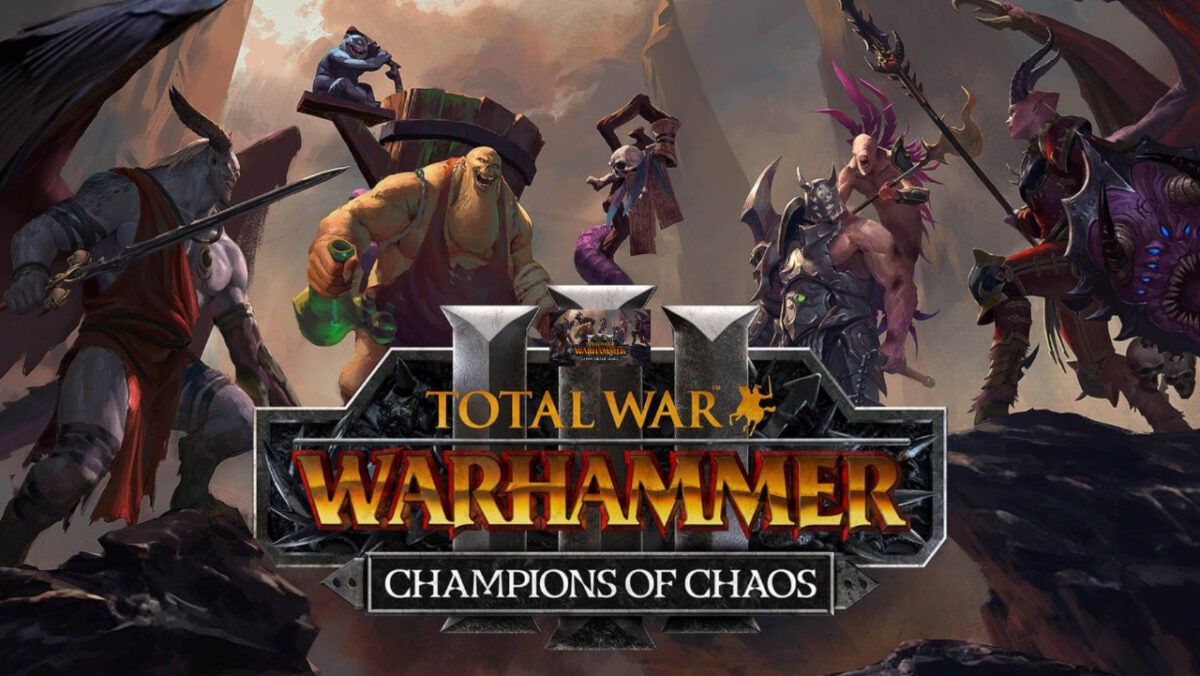
But the DLC takes it to a new level for lore heads by adding new faction lords: Valkia, Festus, Azazel, and Vilitch. Each one serves a ruinous God and fights to conquer fortresses until everyone else serves them, too. But is this DLC worth the commitment?

Total War: WARHAMMER III - Champions of Chaos DOWNLOAD

Let’s review what the DLC adds, the characters, and how it affects the gameplay experience.

Total War: Warhammer III background

Our full review goes very in-depth into the lore behind the game with the death of the bear god Ursun. The game retains the same playable factions with their various leaders including the original representatives of the four ruinous Gods:

  • Kairos Fateweaver (Tzeentch)
  • Skarbrand (Khorne)
  • N’kari (Slaanesh)
  • Ku’gath Plaguefeather (Nurgle)

The Champions of Chaos DLC merely adds more flavor to the base campaign and some new combat mechanics and skill tree options.

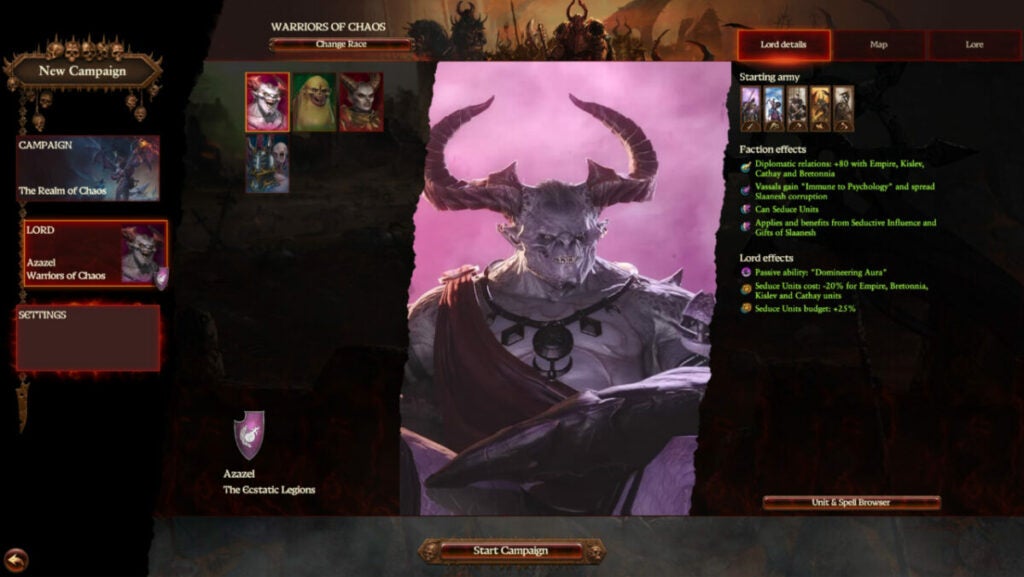
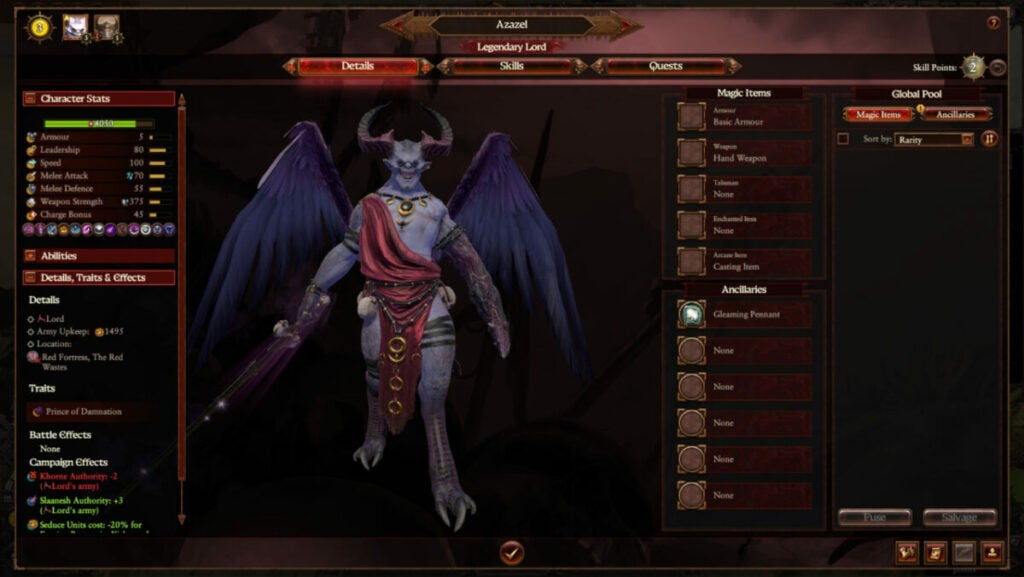
image of Azazel in Total War: Warhammer III Champions of Chaos DLC

Champions of Chaos story:

Instead of following the plot of the campaign in the base game, the DLC switches things up. On the same map, it pits the four legendary lords in a conquest of the land of Zanbaijin as they harvest souls for their chosen God.

Finding the legendary city will prove their loyalty to make them the ultimate champion. Yeah, sure, okay — because the Ruinous Gods are known for honoring whatever promises they make to people.

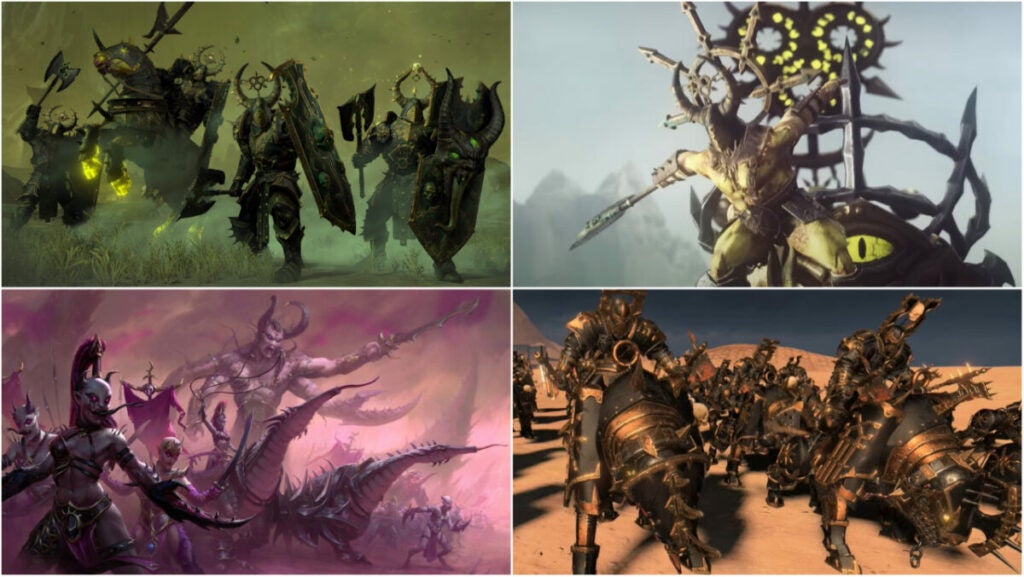
images of new units in Total War: Warhammer III Champions of Chaos DLC

Champions of Chaos unit additions of note

The DLC tosses many new units into the pot across all disciplines. While many share similar designs and stats, the versions for each faction maintain the traits and abilities of the God they serve. For instance, Khorne’s units will tend to have higher attack damage while Tzeentch’s version has a barrier.

The biggest differences surround the abilities and passives they’ll have. But in general, the chosen units added and their descriptions are as below:

Chaos Warshrine (different abilities and traits based on faction)

  • a support monster that acts primarily as a vehicle and bullet sponge
  • siege attacker
  • can fear troops, encourage allies, and gain resistance as enemies die near it
  • “Favour of the Ruinous Powers” adds +10 leadership to any unit in its proximity

Sibilant Slaughtercade (Slaanesh Regiment of Renown)

  • features poison attacks, useful flanking bonuses, and high mobility
  • “Soul hunters” provides damage buffs with kills
  • anti-infantry unit with vanguard deployment
  • armored and shielded

Bilious Thundergruff (Nurgle Regiment of Renown)

  • chaos giant with poison attacks and terror
  • features a unique gas-based ability that functions as a vortex spell. It damages nearby units while also reducing armor that jumps to a total of 5 units nearby

Knights of the Brazen Throne (Khorne Regiment of Renown)

  • armor-piercing
  • frenzy
  • causes terror and fear
  • anti-infantry unit with high armor and powerful charge

Severed Claw Aspiring Champions (Tzeentch Regiment of Renown)

  • barriered, armor-piercing unit useful against large units
  • only 16 in a unit
  • feature melee attacks and magic attacks
  • “Encourage” ability provides +8 leadership to nearby units

Chosen of Slaanesh

  • armored and shielded sword infantry unit
  • features Slaanesh buffs “Immunity to psychology”, 10% physical resistance, and “Strider”
  • Hellscourge version adds more defense, charge defense, and charge reflection

Chosen of Nurgle

  • armored and shield axe infantry with poison attacks and damage reduction
  • tank version has higher health and melee defense with just 23 speed
  • “Great Weapon” version wields a Great Axe, is armored, and armor-piercing

Chosen of Khorne

  • armored and shielded axe infantry unit with frenzy
  • includes fire damage but lacks armor-piercing
  • high health for excellent front-line defense
  • the dual weapon version is more focused on damage over the defense with a bonus against infantry

Chosen of Tzeentch

  • armored, shielded, and barriered sword infantry unit with magic attacks
  • “Halberd” version adds anti-large attacks along with a charge defense ability

Warhammer 3 Champions of Chaos Faction differences

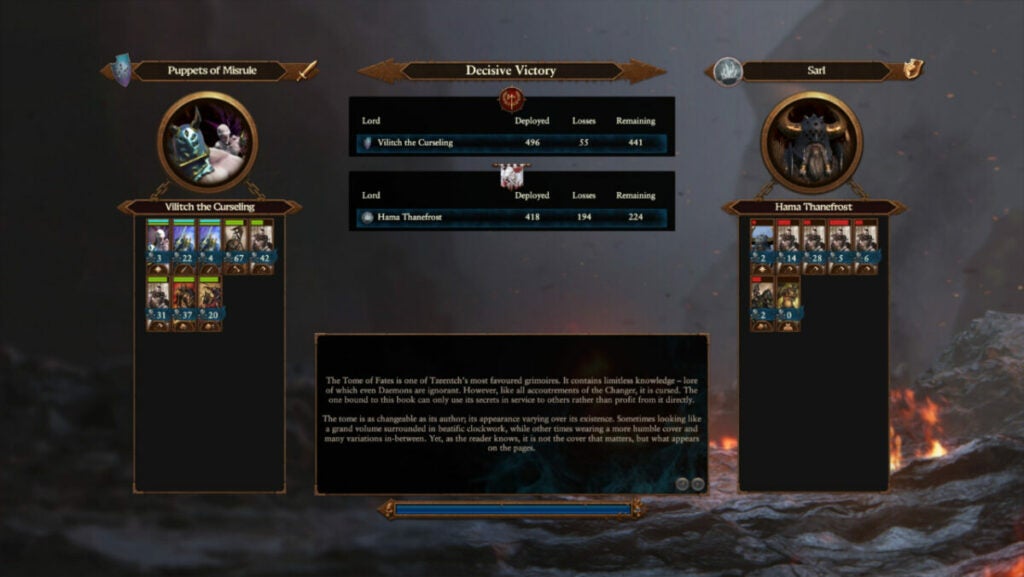
image of Vilitch's victory screen in Total War: Warhammer III Champions of Chaos DLC

Tzeentch & Vilitch the Curseling

Vilitch, a jealous twin turned worm-with-mouth grafted onto the now mindless body of his brother thanks to Tzeentch, has hybrid abilities. He can cast spells while also dishing out damage with melee attacks. He’s a bit of a warlock as he excels at fighting alongside units on the front line while also casting spells.

He leads the Puppets of Misrule and his abilities include:

  • “Fires of Change” – includes all spells associated with Tzeentch
  • “Paragon of Change” – this regenerates barriers on nearby friendly units
  • “The Twisted Twin” – adjusts buff based on which twin is fighting. When playing as Vilitch, you get additional spell mastery. When playing as T, you get enhanced melee damage and defense. The effects increase the longer you are in a specific mode
  • “Vessel of Chaos” – returns barrier points as you cast
  • lacks armor-piercing attacks but allied forces receive Winds of Magic benefits
  • has a barrier to enhancing toughness and facilitating infantry domination
  • can convert some battle losses into Souls
  • vassals receive barrier hit points
  • capable of stealing +15% of other Lords’ experience
image of Azazel in Total War: Warhammer III Champions of Chaos DLC

Slaanesh & Azazel, Prince of Damnation

This legendary lord thinks very highly of himself despite being a total glass cannon. With just five armor, his capable melee attacks and spellcasting require more finesse. But he can fly…

He leads the Ecstatic Legion and his abilities include:

  • “Temptator” – reflects melee damage and boosts damage resistance
  • “Demonblade” – boosts base weapon damage, but also lowers enemy morale and leadership buffs with the “Discouraged” trait
  • “Lore of Slaanesh” – includes all spells associated with Slaanesh
  • “Domineering Aura” – further demoralizes enemies by reducing melee attack and defense. Increases in intensity the longer there are troops being discouraged or afraid
  • can cause both terror and fear in enemy troops
  • the only demon among the legendary lords
  • +80 diplomatic relations with Cathay, Empire, Bretonnia, and Kislev
  • can seduce enemy units before battle
  • vassals obtain “Immunity to Psychology”
image of Nurgle in Total War: Warhammer III Champions of Chaos DLC

Nurgle & Festus the Leechlord

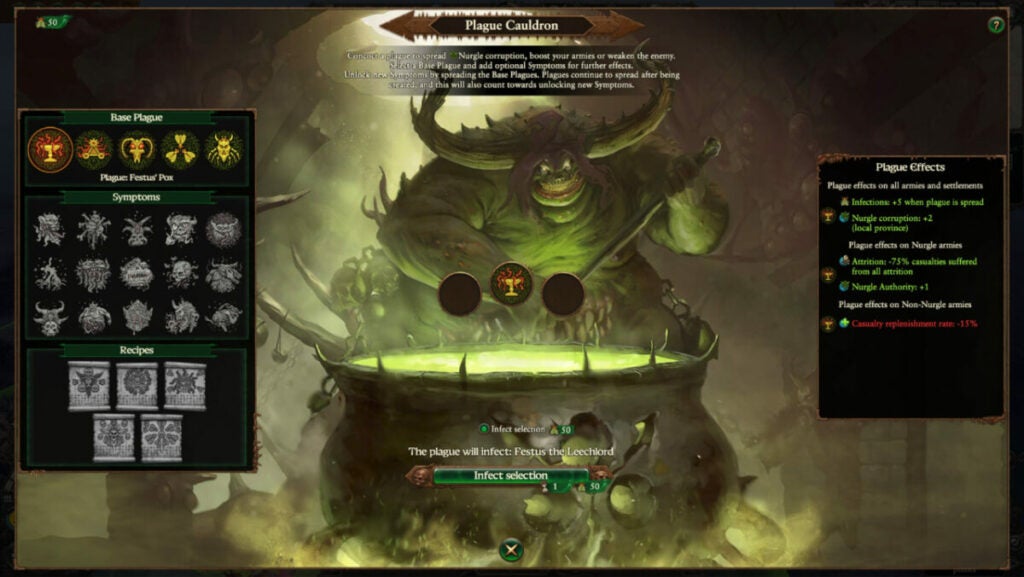
Festus could best be described as a wizard when it comes to his combat stats. He isn’t the most robust chaos lord with low armor stats and spell-casting abilities. However, he does have enhanced melee damage, though, to get out of some sticky situations.

He leads the Fecundites and his abilities include:

  • “Healing Elixirs” – heals Festus and any nearby units while active (constantly active when selected)
  • “Harbinger of Pestilence” – damages enemies within close proximity continuously unless/until you switch back to Healing Elixirs
  • “Pestilent Potions” – useful damage debuff against enemies that provides toughness to up to five friendly units up to 100 meters away
  • can be played as a more support classes character with healing or as a damage booster to help troops take out enemies more quickly
  • plague brewing abilities and +three turn plague duration with local armies
  • vassals obtain poison attacks
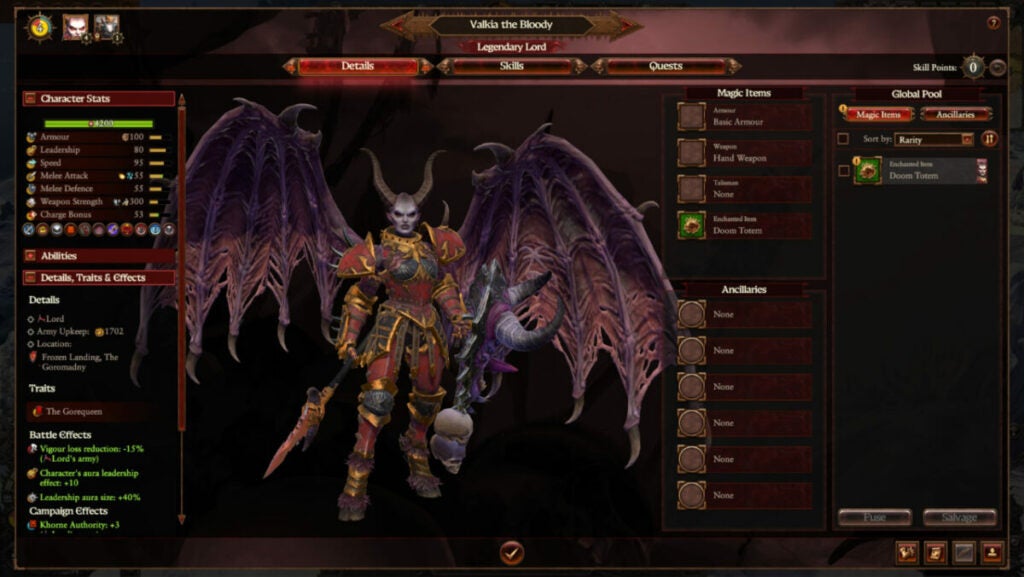
image of Valkia in Total War: Warhammer III Champions of Chaos DLC

Khorne & Valkia the Bloody

Think of Valkia as the ultimate barbarian. Her melee-based abilities pack a punch with solid stats all around. She’s best played as a frontline commander who occasionally dives into battle leveraging her invulnerability power.

She leads the Legion of the Gorequeen and her main abilities include:

  • can use Bloodletting and Frenzy
  • “Spear Slaupnir” – a wind spell useful against infantry
  • “Demon Shield” – makes Valkia invulnerable for 13 seconds
  • “Scarlet Armor” – reduces enemy armor along with their armor-piercing abilities
  • “Gaze of Khorne” – bestows additional buffs to her including leadership aura, base damage, and armor-piercing abilities
  • she can fly
  • bonus damage versus large targets
  • additional magical damage on her melee attacks
  • receives +50% souls when sacrificing captives
  • vassals also gain Frenzy
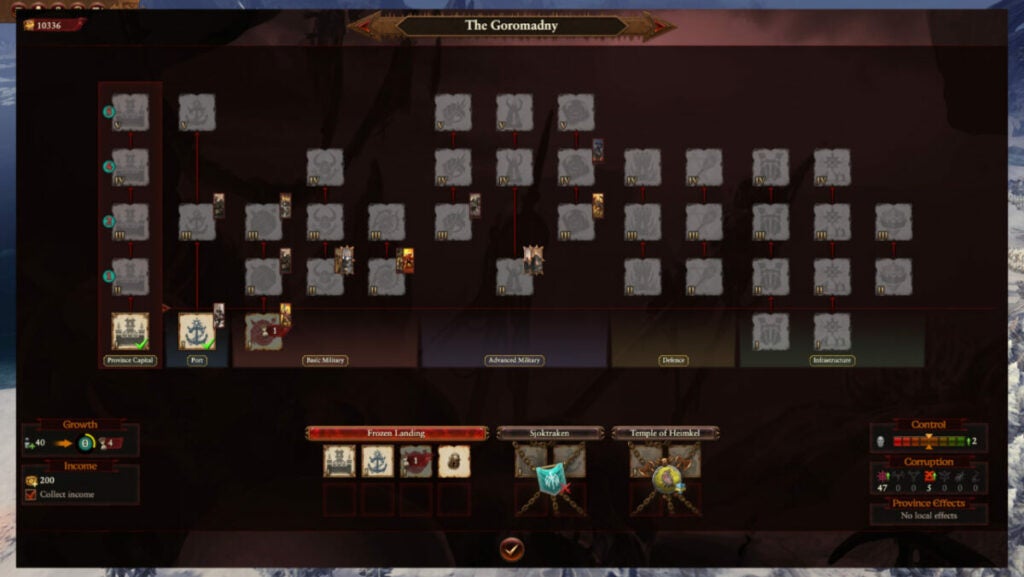
image of settlement structure UI in Total War: Warhammer III Champions of Chaos DLC

New mechanics in Champions of Chaos: gifts of chaos, warbands, & dark fortresses

Vassals & dark fortresses

Upon encountering villages or controlled outposts, you can defeat the reigning powers and establish a Dark Fortress region. This grants whatever Norscan faction you overtook as a permanent vassal acting in your stead. As long as you maintain dominion over their lands, they will follow you.

This, naturally, puts importance on establishing more fortresses and taking over regions. You also need to build structures, but this can be automated if you want it to be.

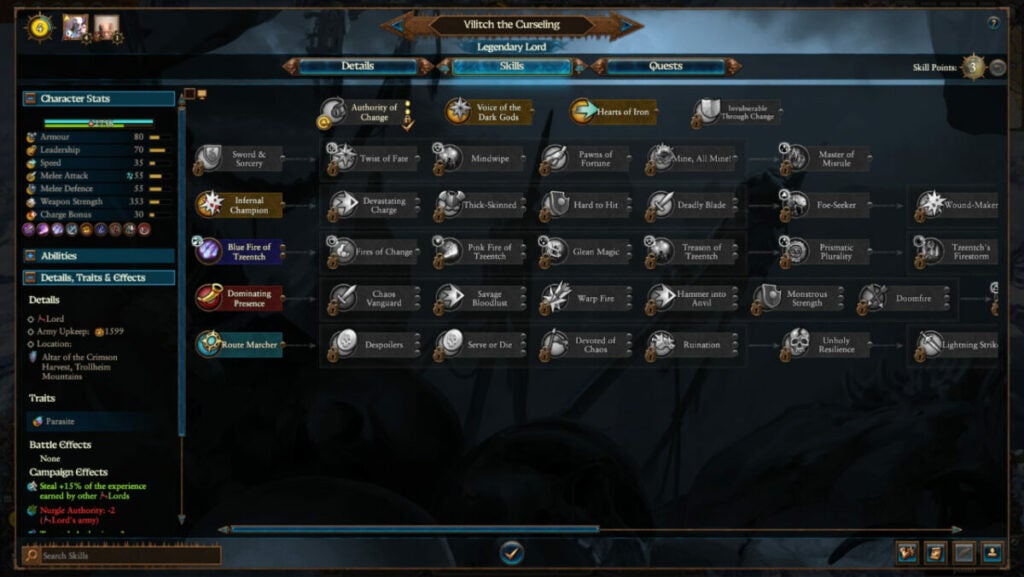
image of skill tree UI in Total War: Warhammer III Champions of Chaos DLC

Warband upgrades & skill trees

As a Champion of Chaos, players will be able to recruit forces upon capture instantly. They can be from nearby provinces or rewarded to them from Chaos Gifts. That means that Marauders can receive the mark of Chaos and ascend to Chaos Knights if desired. You can also dedicate them to a specific God.

Each champion also features customizable skill trees as pictured above.

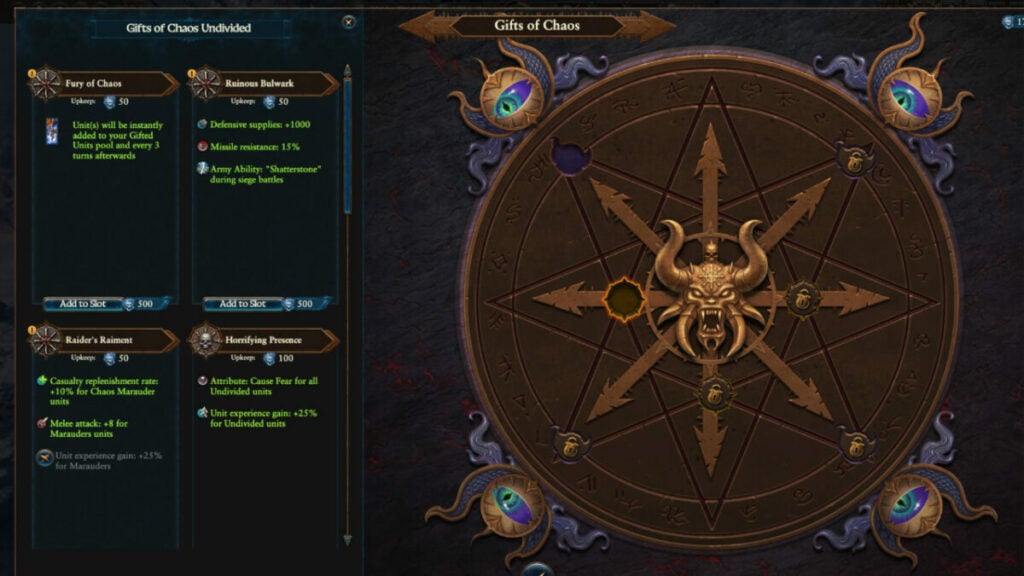
image of chaos gift UI in Total War: Warhammer III Champions of Chaos DLC

Chaos gifts

As you grow your power and sacrifice souls to your Ruinous God, you’ll receive gifts of chaos. These boons require Souls in exchange but can offer great power and benefits. Gain souls by winning battles and you can even obtain demonic reinforcements.

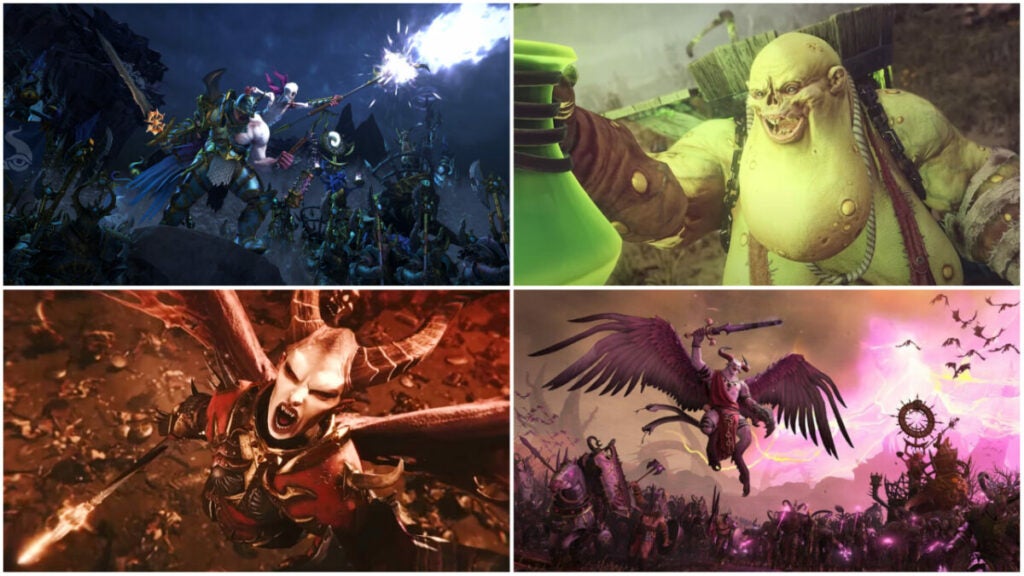
images of legendary lords in Total War: Warhammer III Champions of Chaos DLC

Verdict: Chaos makes everything better

Die-hard fans of the Warhammer series will love the additional lore the Champions of Chaos DLC provides. Newbies might also appreciate the truncated campaign and useful tutorial tips. Checking out Total War Warhammer’s beginner tips might help, too.

More casual players may not get as much out of the additional Ruinous God champions. However, it’s just $15.99 USD full price, so it’s not too much of an investment if you just want to check it out.

PROS

  • Makes the game even more accessible for new players
  • Excellent for fans of Warhammer lore and the various legendary lords
  • New campaign may run faster than the Ursun-focused campaign in the base game
  • Playable in the Immortal Empires campaign

CONS

  • Cluttered UI suffers from the same issues as the base game
  • Cost may turn some less-hardcore players away from the DLC
  • Players focused on expansion may struggle with DLC gameplay that’s more centered around fortress captures
  • Some of the “new” units appear more like reskinned versions of units in the base game – test

Developer: Creative Assembly

Publisher: Sega

Game Modes: Single-player & multiplayer

Game Engine: Warscape Engine

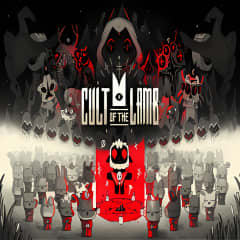
Cult of the Lamb review: cult violence but make it cozy core

That’s right – Cult of the Lamb takes all the difficulty of a rogue-like and pairs it with cutesy characters, base-building, and sim-like mechanics. The art style and soundtrack give the game unique appeal, but there’s more behind the would-be sacrificial main character than meets the eye.

Cult of the Lamb DOWNLOAD

Let’s dive into the game to see why Cult of the Lamb might appeal to more than just fans of games like Binding of Isaac.

Story, setting, & tone

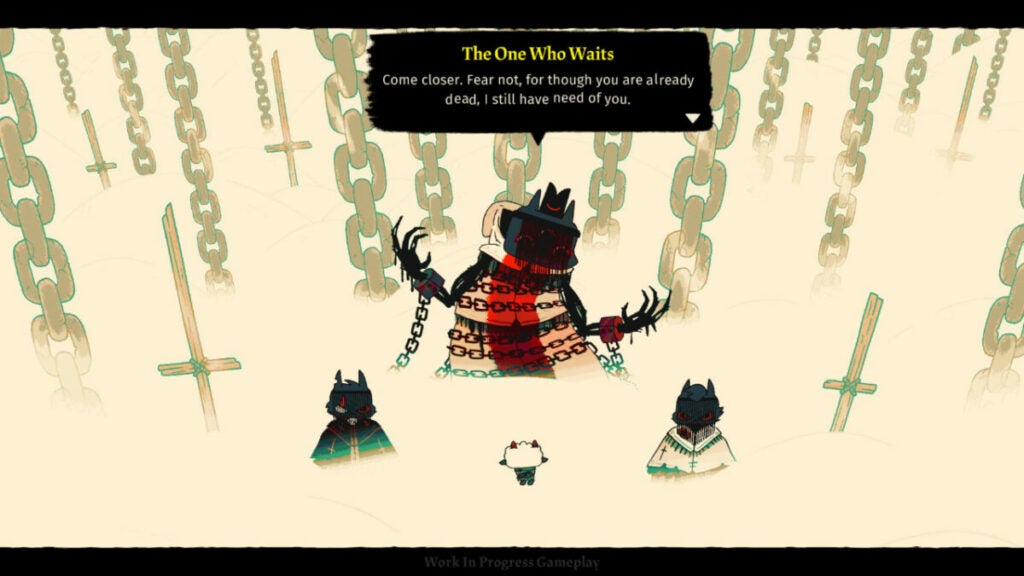
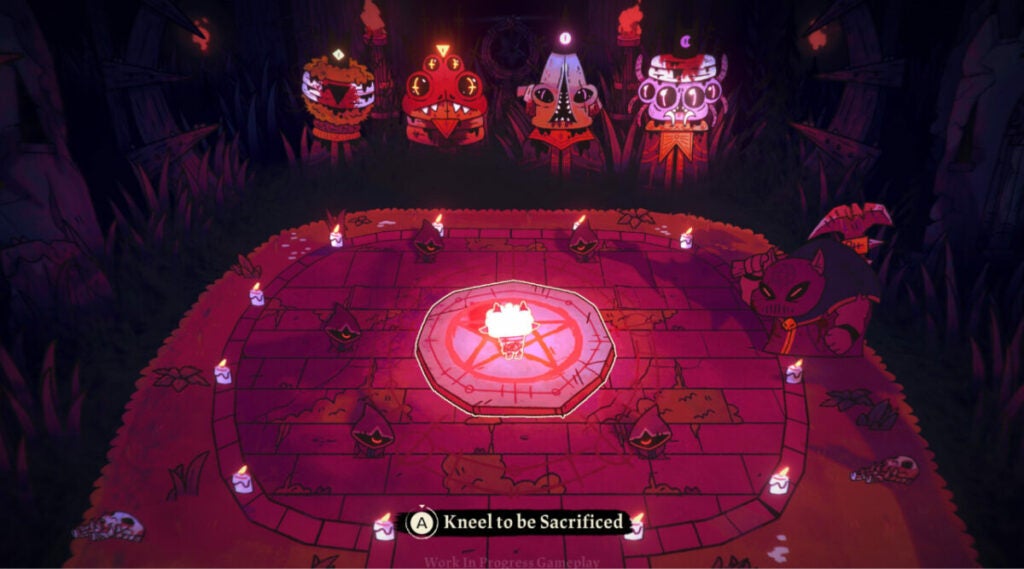
The setting of this game is very simple in that it’s established from the beginning moments of the game. You are a sacrifice to other-worldly gods for something called the “Old Faith.” Except, you aren’t quite sacrificed; instead, something calling itself “The One Who Waits” revives you at the cost of creating a cult in its name.

To that end, you roam around various areas controlled by Old Faith followers, recruiting people to your cult and slaying heretics. This may not have Warhammer levels of lore, but the game establishes its story much more by “showing” than “telling.”

Characters, though their existences seem bleak, have personality and a certain whimsy about them. The pairing of this levity with darkness keeps the narrative from feeling too overbearing or simplistic.

image of The One Who Waits in Cult of the Lamb

Cult of the Lamb performance

Massive Monster built this game on the Unity engine, so it runs very smoothly. The only hiccup I encountered was when I first loaded into the game. It did not natively detect my monitor’s aspect ratio and I had to set it manually. In the grand scheme of things, however, this is not a deal-breaker.

Most computers should be able to run it well along with the consoles on which it is available:

  • Nintendo Switch
  • Xbox One
  • Xbox Series X/S
  • PlayStation 4
  • PlayStation 5

Cult of the Lamb gameplay and functions

Since Cult of the Lamb is rogue-like, players do “runs” or attempt to beat the game until they run out of life. When that happens, they must start all over at the beginning of the game. However, as you progress through the game, you’ll get more powerful spells, weapons, and other perks. This can help you progress through the game.

But the other facet of Cult of the Lamb is the cult management simulator aspect. The player must take care of their “flock” so to speak, by feeding them and providing for them regularly. However, this works to your advantage as your followers can aid you in battle.

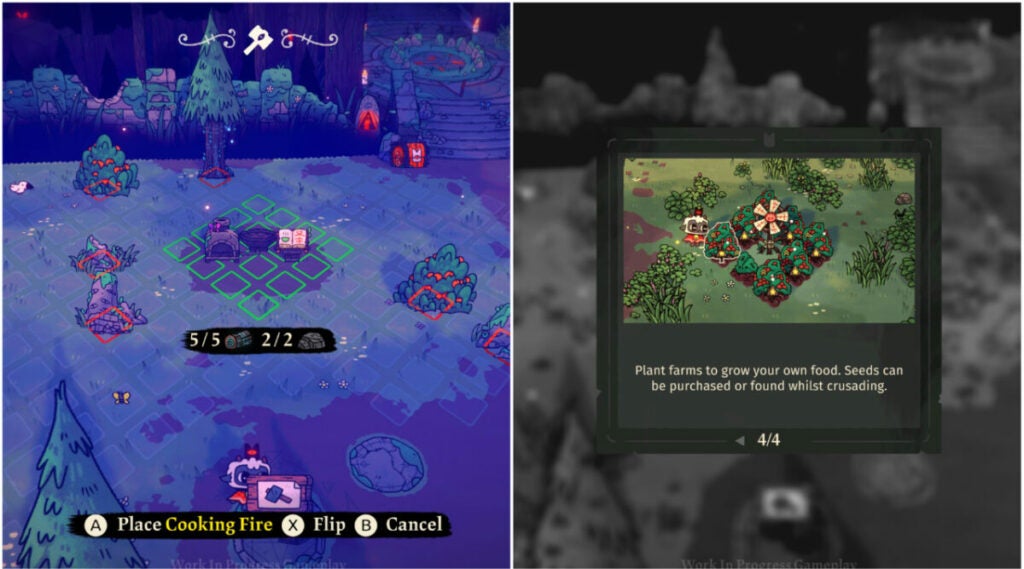
image of base building in Cult of the Lamb

UI and interface

The UI for this title is uncluttered and straightforward. As with most rogue-likes, it’s best played with a controller. This might make the building aspects a bit cumbersome for players used to the freedom of a mouse and keyboard, but Cult of the Lamb smartly approaches this challenge.

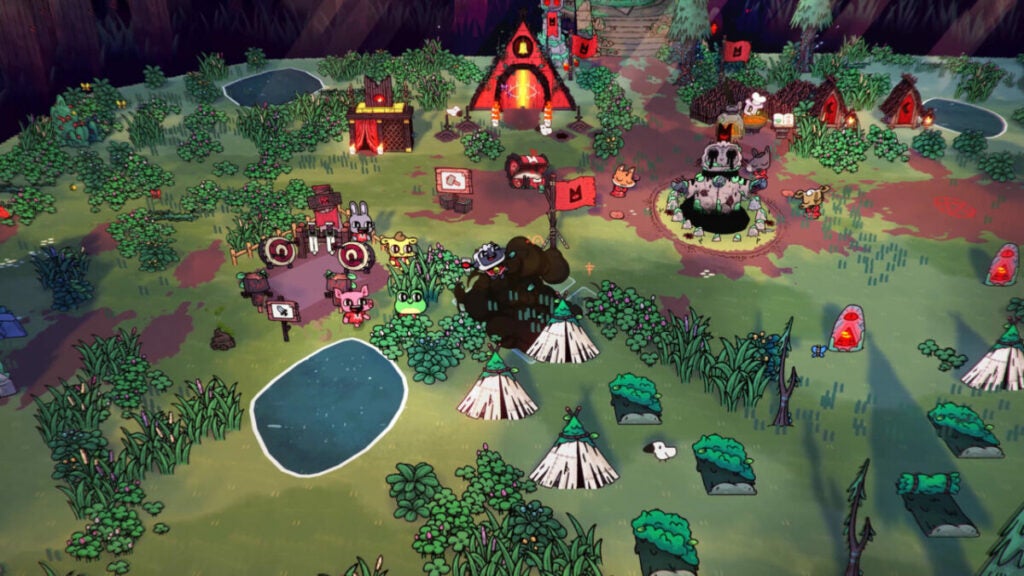
As you can see above, players can place their structures in set places. The red squares indicate occupied spaces (by resources in this case) while the green spaces indicate buildable land.

When it comes to combat and inventory, there is a simple radial menu players can access that displays whatever items they are using at the time. You can upgrade or swap out your weapons and spells/curses throughout the game as you discover them.

Control schema

Cult of the Lamb offers multiple control schemas for different playstyles. The default is a fairly standard setup, but you can customize it if desired. Again, this game is experienced best with a controller.

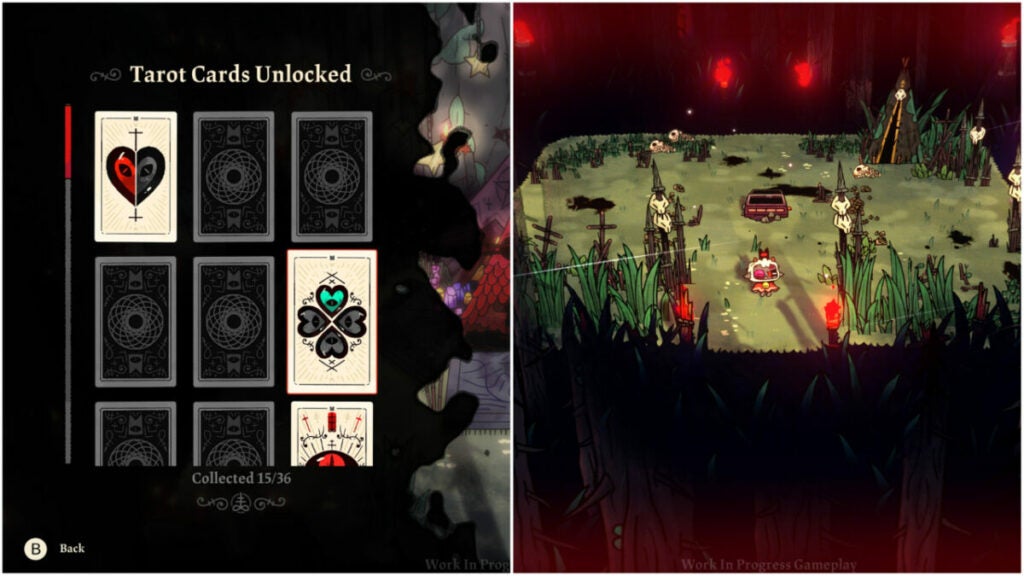
image of combat and Tarot Cards in Cult of the Lamb

Key mechanics & combat

Players have three core mechanics for combat:

  • attack
  • dodge roll
  • unleash curse

The enemies are very mobile from the very beginning of the game, so you’ll need to learn how to time your dodges. The penalty for missed attacks can also be pretty punishing if you don’t time things right. In that vein, the game rewards players who take the time to learn enemy movements and tactics.

Beyond that, there are the Tarot Cards players can unlock as seen above. These provide buffs such as additional hearts, damage modifiers, and more. If you played Hades, think of it as the buffs you get from the various gods in the game.

image of Old Faith gods in Cult of the Lamb

Cult of the Lamb world, sound, & character design

It isn’t often that you get a beautifully colorful world with such a dark mission in a game. After all, you are running around as an inter-dimensional god-powered prophet slaying non-believers and recruiting followers at any cost. But you’re such a darn cute little innocent lamb!

Therein lies the crux of the game’s core design intent.

Sound design: pivotal to the experience

Many early reviews have raved about the phenomenal soundtrack in Cult of the Lamb. It’s almost a requirement of any good rogue-like game at this point since players spend a great deal of time exploring the game world. Though the game is procedurally generated, it ultimately has players treading similar ground.

The soundtrack keeps things fresh and provides adrenaline boosts in key moments during big fights. It can also set the atmosphere while you are constructing your cult camp. See if you can identify musical motifs for different characters.

The characters speaking different languages is another detail that can’t be missed. It adds to the feeling that these are real people in a real-world dealing with…terrifying cult monsters.

image of characters in Cult of the Lamb

Character design: behind those cute smiles are sharp fangs

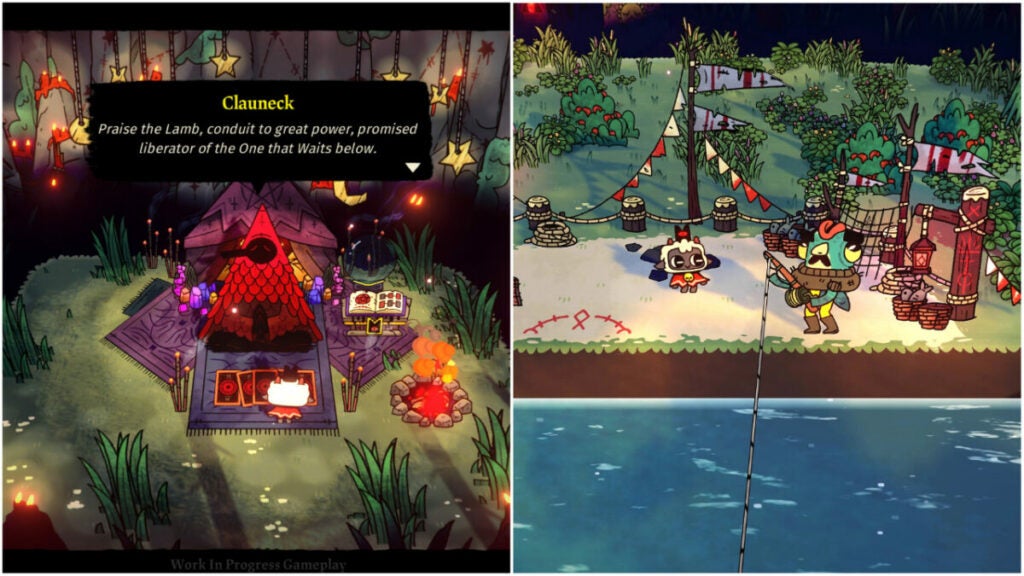
Despite being an adorable farm animal, the protagonist is a murder machine. Every character exudes this juxtaposition in Cult of the Lamb. There is always just something a bit off about many of the characters that the player meets. Clauneck, for example, seems welcoming and helpful. But why is this dude chillin’ in a forest infested with zealous cultists handing out buffs?

The Old Faith gods are also quite the sight. They invoke classic themes of horror like spiders, eldritch creatures, and more. Again, there is a juxtaposition to the player character (a lamb) who will one day defeat them. And that requires followers.

Part of the fun of the game is playing with how you build your base and care for those followers. You can also customize them, give them unique names, and deal with various positive and negative traits.

World design: a lived-in, beautiful disaster

Though there isn’t a dedicated overworld, Cult of the Lamb still has a lot to offer in terms of world design. The individual encounters, while simple in their setups, keep things interesting with different set dressings, enemies, and obstacles.

The cult camp you can create is also highly customizable. Though a bit flat, the character that your followers bring to the space does a ton of work to make things feel more chaotic (in a good way).

This, in tandem with the four different areas of the Old Faith realm, offers the player lots of variety to experience. Overall, the whimsy, color, and richness of the world design help the characters feel all the more real.

image of the overworld in Cult of the Lamb

Verdict: Cult of the Lamb is great for any gamer

Cult of the Lamb really does have something for everyone. Fans of games such as Valheim or even The Sims will appreciate the base-building and follower monitoring mechanics.

The combat may prove a bit frustrating at times, but this game is meant to be played over and over again. Ideally, you will get farther each time you play it. And with a game so easy to pick up and put down, it’s simple to do just that.

PROS

  • Fantastic art style
  • Incredible soundtrack
  • Straight-forward control schemas
  • In-depth tutorial system
  • Great replayability thanks to procedurally generated maps and customizable builds in each run

CONS

  • Useful, but limited accessibility features
  • Rogue-likes aren’t for everyone
  • Fans of keyboard and mouse sim games may find the controller more cumbersome

Developer: Massive Monster

Publisher: Devolver Digital

Game Modes: single-player

Engine: Unity

Best beginner characters in MultiVersus for new players

The fighting game smashes together characters from all over animation — but not all of them are the best beginner characters in MultiVersus. Though the game has familiar mechanics, everyone has to start somewhere, right?

Dive in with a little insider knowledge to see which character playstyles work best for you. Let’s break down the best characters in MultiVersus for beginners.

For the best beginner characters in MultiVersus, start with Shaggy

Cost: 1500 Gold or 700 Gleamium

The hapless Scooby Doo investigator really brings it on the battlefield. Categorized as a bruiser type, Shaggy excels at getting in your face and retreating quickly. You can put down lots of damage with his basic attack alone. In tandem with his “Zoinks!” ability, you’ll do even more damage and you can heal others by throwing them sandwiches.

If you want to get a feel for the game physics, the maps, and how the game handles overall, beginners should try Shaggy first. Unfortunately, Shaggy does not start out as an unlocked character.

image of Superman in MultiVersus

Learn to tank with Superman

Cost: 2000 Gold or 700 Gleamium

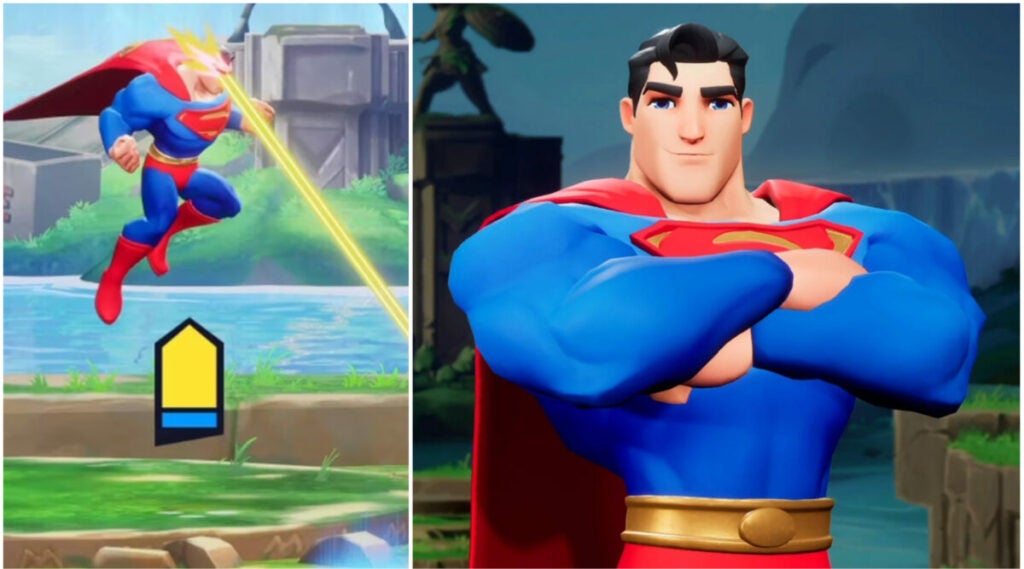
If you want to learn the basics of MultiVersus, Superman makes for a fantastic introductory character. The man of steel comes equipped with everything one needs to be a super tanky fighter. He can take many hits and still keep on coming.

Unlike characters like Wonder Woman, Superman offers more inherent versatility. He isn’t as impaired by cooldowns and his elemental abilities provide useful ranged options.

image of Bugs Bunny in MultiVersus

Bugs Bunny the Magician, see?

Cost: 2000 Gold or 700 Gleamium

The classic cartoon sass machine is one of the best mage-class options in MultiVersus. Typically, mage types tend to be less robust than other characters. But Bugs has a surprising amount of survivability making him ideal for anyone trying to learn the mage class.

Use “Bunny Burrow” to evade enemies if you feel in danger. That gives you time to regroup and reposition. This character is also fantastic for people who want to practice against real people instead of AI with less anxiety.

image of Finn in MultiVersus

Finn the human: one of the best beginner characters in MultiVersus

Cost: 2000 Gold or 700 Gleamium

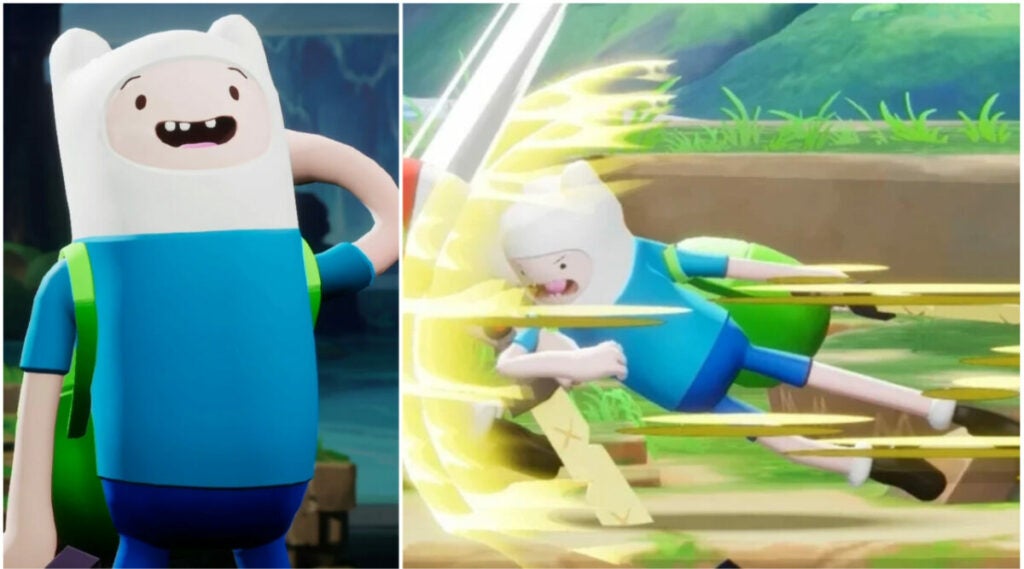
Affable, good-natured Finn actually falls under the assassin class in MultiVersus. This makes him very susceptible to damage, but also able to deal explosive damage quickly. If you are the type to quickly ambush an enemy and then quickly flee after a couple of hits, Finn is the character for you.

Finn is great to learn basic assassin mechanics, but new players can get distracted by his coin collection passive ability. Every coin you collect grants you additional damage, but you shouldn’t go for a single coin if it means you will take lots of damage.

image of Velma in MultiVersus as one of the best beginner characters in MultiVersus

From super-sleuth to super support with Velma

Cost: 2000 Gold or 700 Gleamium

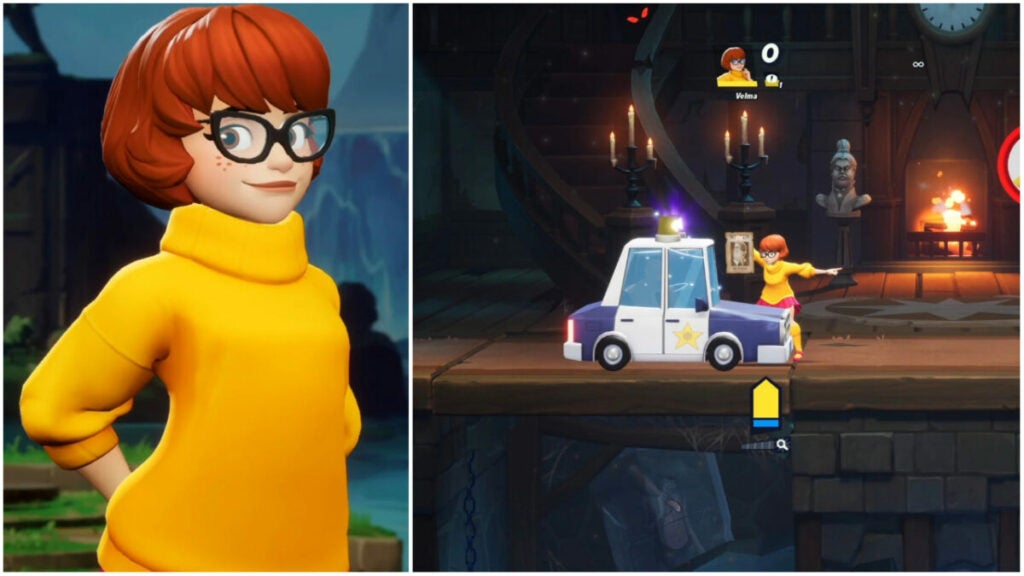
Playing a support class character in MultiVersus is a developing process. But Velma is a solid place to start to get the hang of how best to help your teammates. However, Velma can do damage herself.

Her mobility and speed come in handy when keeping apace with teammates. Players can also collect “evidence” in order to summon a police car in battle. As with other games such as League of Legends, support roles are focused on buffing, debuffing, and crowd control.

image of Jake in MultiVersus

Jake the dog teaches you timing

Cost: 2000 Gold or 700 Gleamium

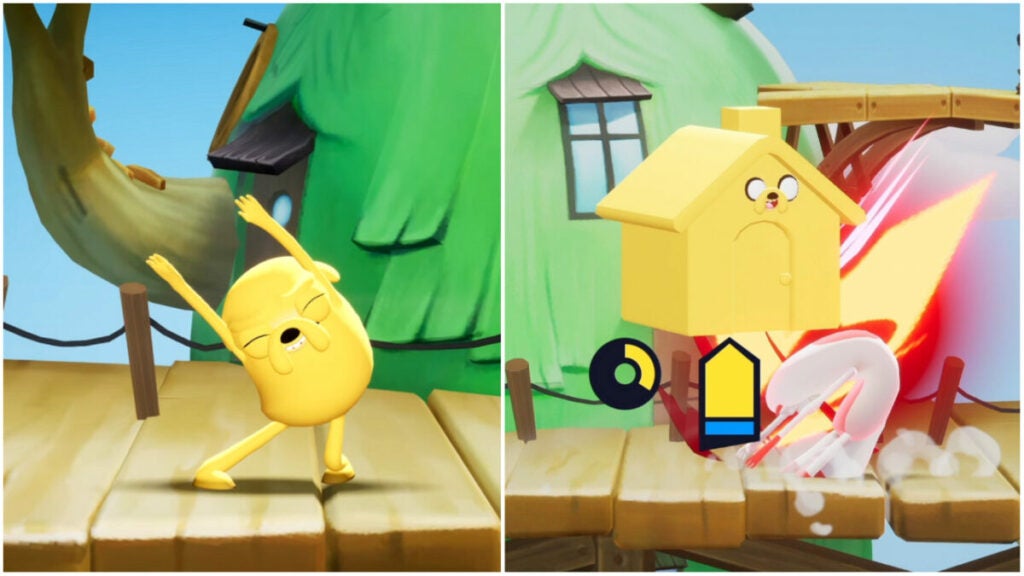
Another Adventure Time character, Jake is deceptively simple despite seeming difficult to learn. He’s a bruiser with lots of active abilities and the power to transform. This freedom is what may take some new players time to adjust to, but Jake is one of the best characters for learning the ins and outs of MultiVersus.

Fall back on the basics of the fighting game then start to experiment. You’ll learn when to time abilities for maximum benefit and when to engage or disengage in combat.

image of Harley Quinn in MultiVersus

Get up close and personal with Harley Quinn

Cost: 2000 Gold or 700 Gleamium

The in-your-face psychiatrist turned villainess/occasional good guy is another assassin character in the game. What makes Harley one of the best characters for beginners in MultiVersus is her easy-to-pick-up skillset.

You can use her close-range attacks for damage but maintain distance while still doing damage with ranged abilities. The biggest learning curve lies in her “Confetti Debuff” ability as timing it can be a bit tricky.

image of Reindog in MultiVersus

Reindog: a different kind of support character

Cost: 2000 Gold or 700 Gleamium

Reindog is another support class character in MultiVersus and the only original character so far. His skill set is very accessible for new players in how straightforward it is. You can attach a tether to another character that damages enemies who touch it.

This makes Reindog a fantastic option to learn positioning in the game. He’s also an adorable hybrid of a reindeer, a dog, and some kind of teddy bear Pokémon.

image of Taz in MultiVersus

Taz: hard to balance, but easy to learn

Cost: 1500 Gold or 700 Gleamium

Taz’ skill set is so hard to balance, but it never stops being fun to play. Even if the game keeps changing around his damage numbers and other stats, he remains of the best characters for beginners in MultiVersus.

Another bruiser character, Taz has high mobility and can even transform his enemies into food for himself or teammates using a debuff. Just be careful not to fling yourself off the map with his spin attack accidentally.

image of MultiVersus characters

How do I get free characters in MultiVersus?

Unfortunately, it’s not easy to obtain characters in MultiVersus. There is a free-to-play character rotation every 2 weeks with just 4 characters available. If you want more variety or a specific character, you’ll have to pay the Gold or Gleamium cost.

Stray: top 5 tips to live your best cyberpunk street cat life

Stray, the long-anticipated game from BlueTwelve Studio and Annapurna Interactive where you play as a cat in a cyberpunk landscape, finally dropped. The game features some unique elements in that the type of gameplay players experience can be on rails at certain points. This means that you’ll need to adjust your overall playstyle to the game’s choices.

Stray DOWNLOAD

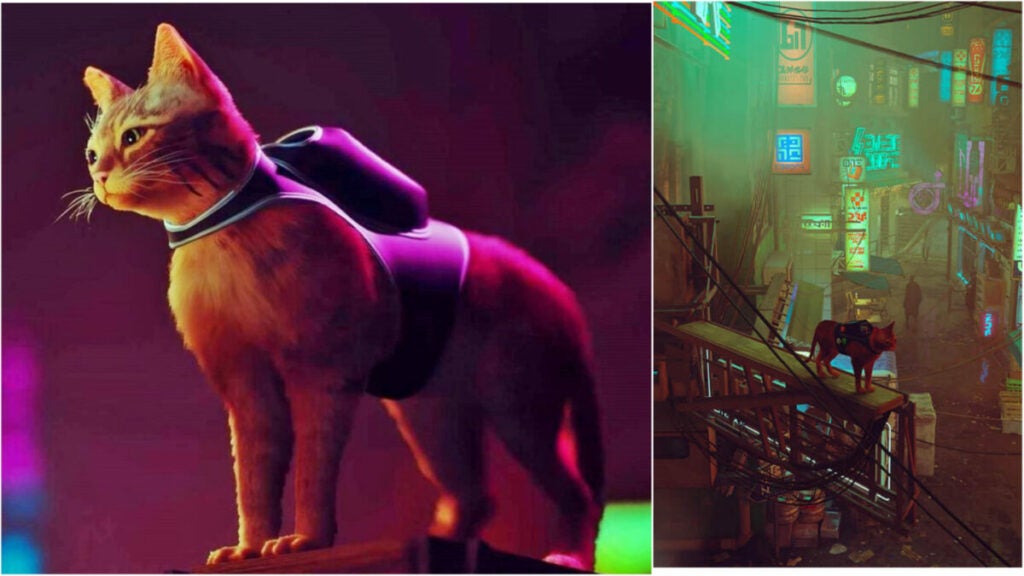
But don’t worry: you can still jaunt around and knock pots off of shelves as a cute little stray cat. You can even wear a backpack (and totally hate it at first). Here are the 5 best tips for Stray.

Curiosity has its pros and cons in Stray

Like cats in real life, it pays to be curious in Stray. Explore all of the nooks and crannies — especially when you visit hubs. As mentioned, the game tends to dip in and out of genres and styles. Sometimes, you’ll be more of a detective, trying to sniff out hidden quests or items.

If fetch quests with character like those found in Ghostwire: Tokyo aren’t your bag, you don’t have to do all of them. Just keep in mind that the game tends to reward those who explore more.

But be wary not to explore too far ahead of where you’re supposed to be in the game’s story progression. You could get locked out of an area. In addition, if you poke around too much at random objects, you might get your head trapped in a bag — just like a real cat would.

Embrace the verticality

In the same vein as exploring everything, players need to remember to exploit the game’s verticality. While you can’t always jump, you should take advantage of all the times that you can. You’re a cat after all, so why not perch on a roof somewhere?

This also affords you a better view of the city and, since cats cannot use or read maps, this might also give you a better idea of how to get to a place you want to visit. Knowing what’s coming might also help you in combat.

Enjoy being a stray cat

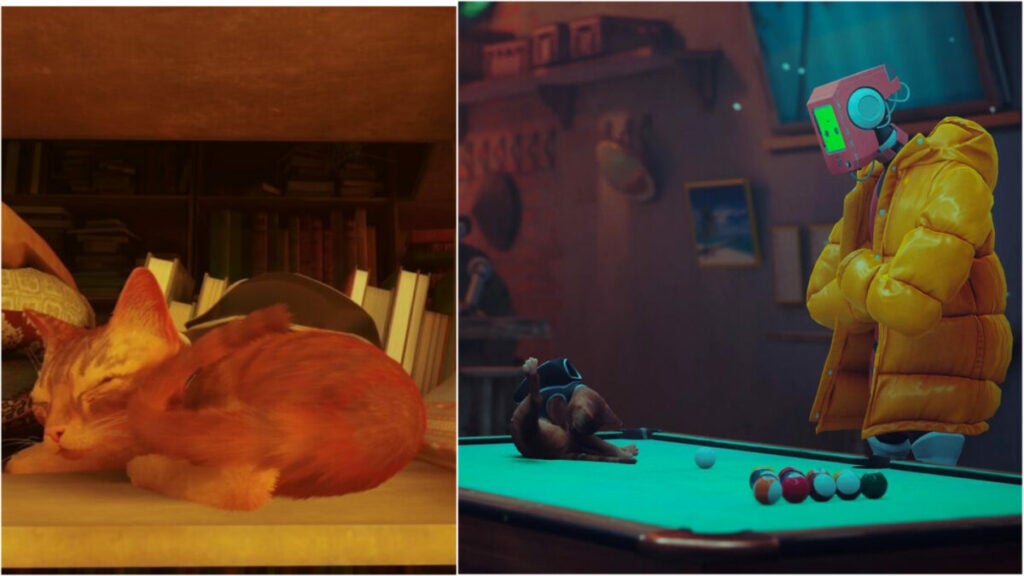
Stray is about playing as a cat. That means that you can do lots of behaviors like real cats such as purring, nuzzling NPCs, jumping, etc. You can even curl up and nap in a cozy area for a spell and the game has lots of these nooks for you to do just that.

In fact, the game seems to encourage you to indulge in the cat-like behavior. If you warm up to the android NPCs, they will lean down to pet you. A controller will vibrate when you purr and you can also spam “meow” to get attention, attract enemies, or just for fun.

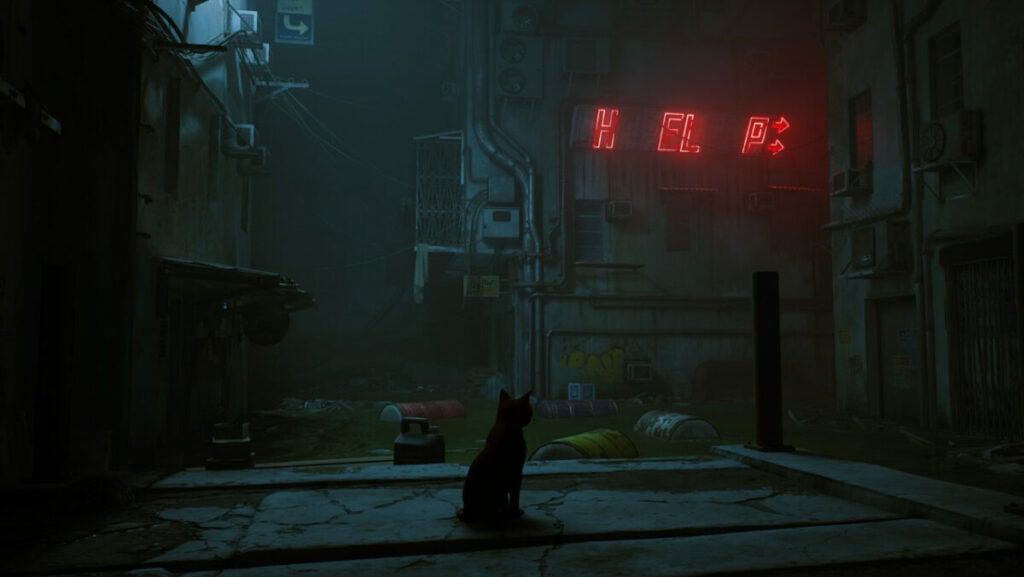
Another pro-tip: your meow will cause issues with the city’s electrical grid early on in the game. After you meow, a neon arrow will flicker to guide you in the direction you need to go in.

Signs and vending machines

The environment in Stray is just as fulfilling and full of life as the main character itself. The rich background brims with details and secrets. One such secret is that the various signs you come across can provide hints at where to go next or how to find something interesting.

Additionally, vending machines provide currency (energy drinks) for the world. You should pick up all the ones you can to trade them later on in the game.

Certain actions reveal items and areas

So, getting a good look from a high vantage point can help you with the city layout. But these are two other key things to do to find items and areas.

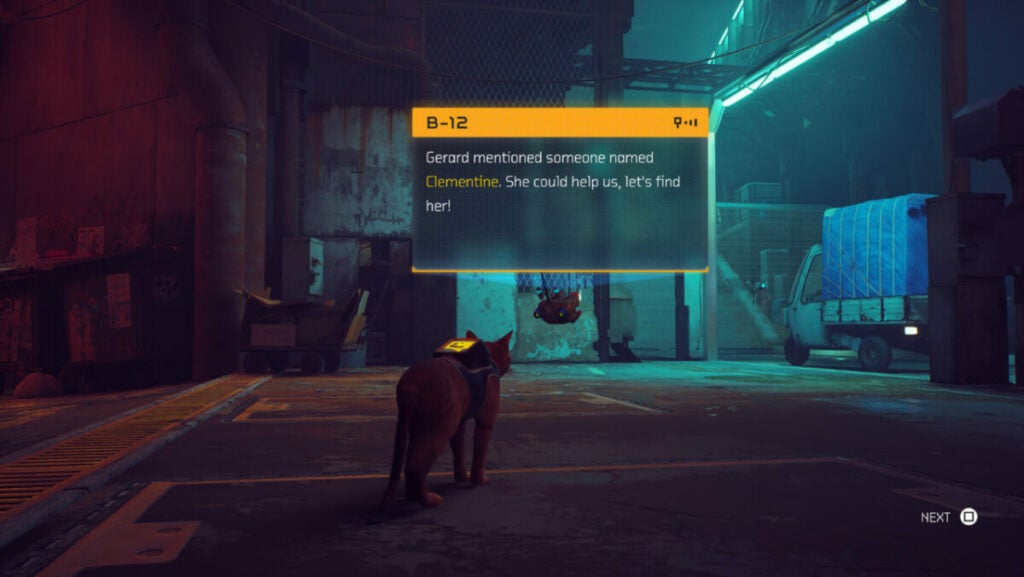
First, the B-12 backpack lights up when the stray is near something such as a terminal or dialogue opportunity. Don’t miss out on this critical visual cue if you want to get achievements and experience all the game has to offer.

Secondly, as with meowing and other cat behaviors, sharpening your claws on various real-world scratching posts will reveal areas. For instance, you could claw at a drape or paw softly at a closed door. Someone may end up opening the door for you and open up an entirely new spot to explore.

Where can I play Stray?

The game is set to get a full physical release with preorders starting on July 12th. For now, players interested in experiencing life as this adorable feline can play digital versions on Windows PC, PlayStation 4, and PlayStation 5.

Best The Man from the Window survival tips

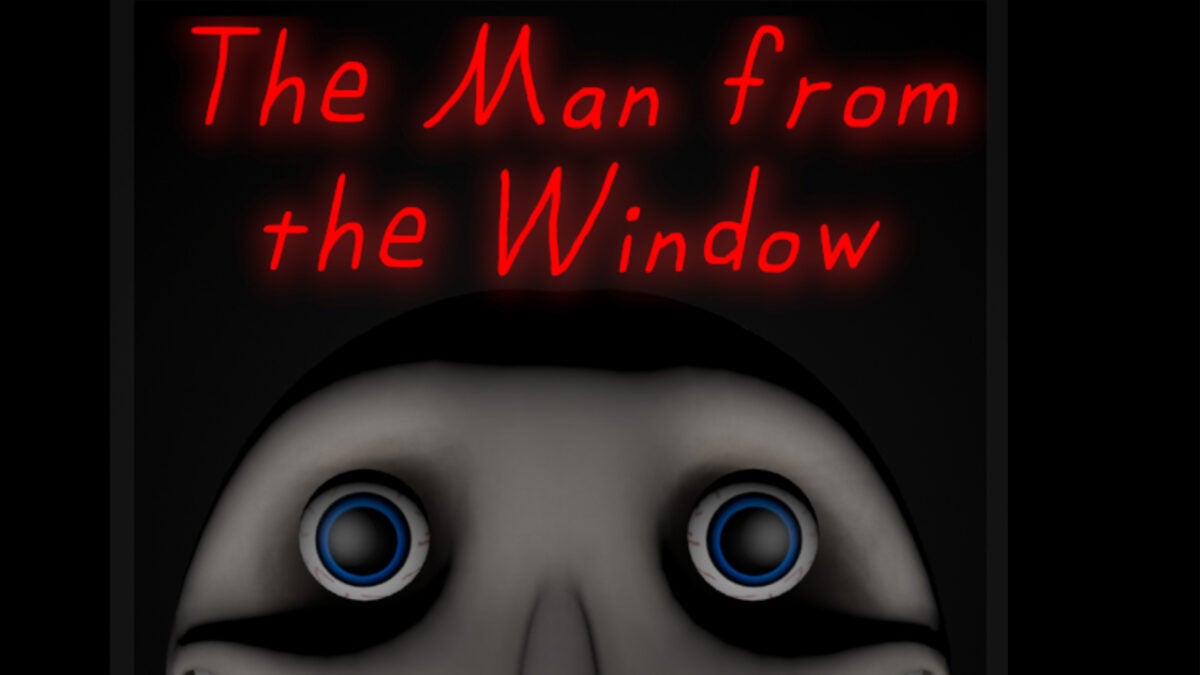
Survive those terrifying 5 minutes using these The Man from the Window survival tips. The game takes place at a home with a small child and his overworked single mother and involves a seemingly innocuous storybook for children.

The Man from the Window DOWNLOAD

The characters, who happen to be humanoid rabbits instead of ordinary humans, must find suitable hiding places and stay hidden to prevent one of them from becoming The Man’s latest “Friend”.

What is The Man from the Window?

Before we jump into The Man from the Window survival tips, let’s cover what The Man from the Window is for those who may not know. This game, similar to many other very small indie titles like the original Slenderman game, is a horror story centered around exploration and avoiding a scary monster.

Unlike something like Five Nights at Freddy’s which has mechanics with flashlights and multiple “monsters”, this game really only has one: distracting The Man to find a place to hide. But the first half of the game takes place in Mama’s perspective and the latter half takes place from The Man’s perspective.

When it comes to finding a good hiding place, Mama must use the Book for clues on what to do. There are 3 possible endings for the game, but these survival tips should help both Mama and Junior survive The Man.

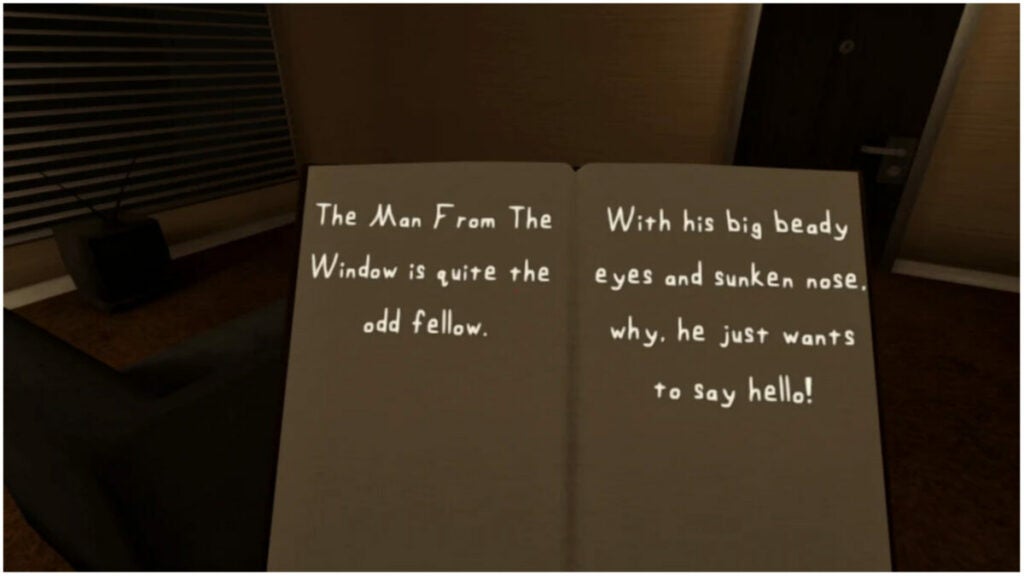
image of the book for The Man from the Window survival tips

Pay attention to what the book says for The Man from the Window survival tips

As mentioned earlier, the book’s rhymes offer the best tips on how to avoid The Man when hiding. It will list all of the places he will search for a “Friend” and in what order.

Of course, these hints can be interpreted in a variety of ways. The phrase “what holds water” could be the refrigerator or the tub or under the sink. Pro-tip: he checks everywhere you might think he would.

image from The Man from the Window

Reread the book for every playthrough

We already know that the book indicates where The Man will check for Junior and Mama Rabbit. However, players can also learn in what order he checks places each time they play.

It will change every time you start a new game, so be sure to read the book each time you start a new game. That’s the only way you’ll be able to survive the entire 5 minutes.

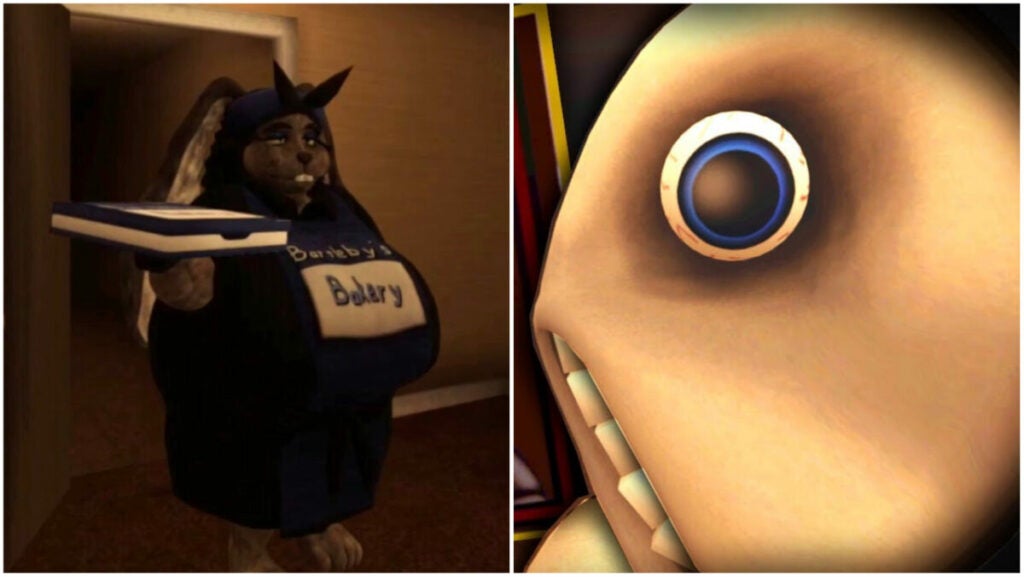
image of Mama holding donuts for The Man from the Window survival tips

Use the donuts and furniture to distract The Man

Mama Rabbit brings home donuts when she gets home from work and leaves them on the table. Later on in the game, these same donuts can be used to distract The Man from attacking the player. Leave the box open and he will take one minute to eat them. This gives you more time to survive the 5 minutes he will have to find you.

Similarly, Mama Rabbit can make a furniture blockade to distract him, as well. Players can use the chair or the couch to barricade the door. But each of them distract The Man for different amounts of time.

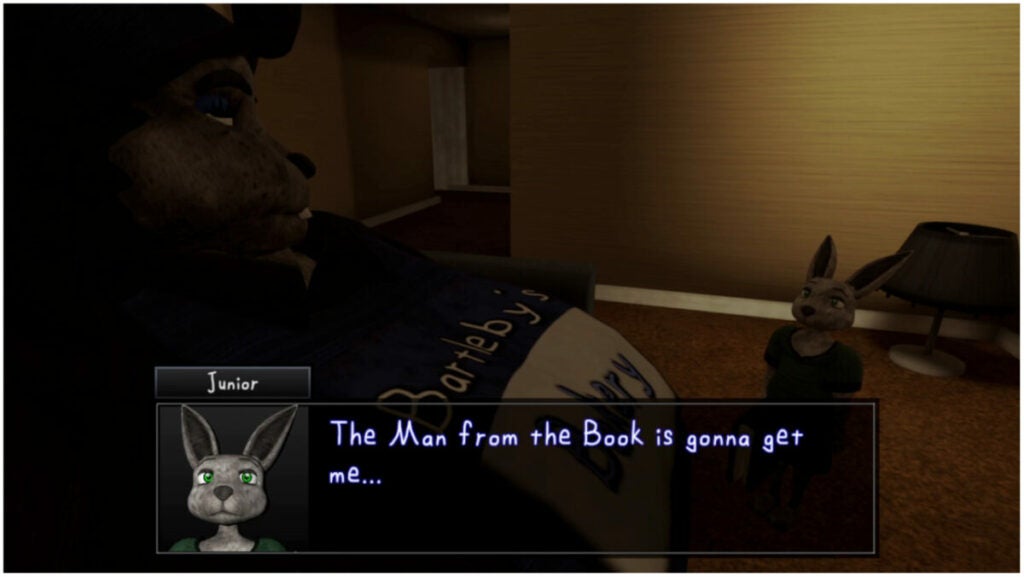
image of Junior talking in The Man from the Window

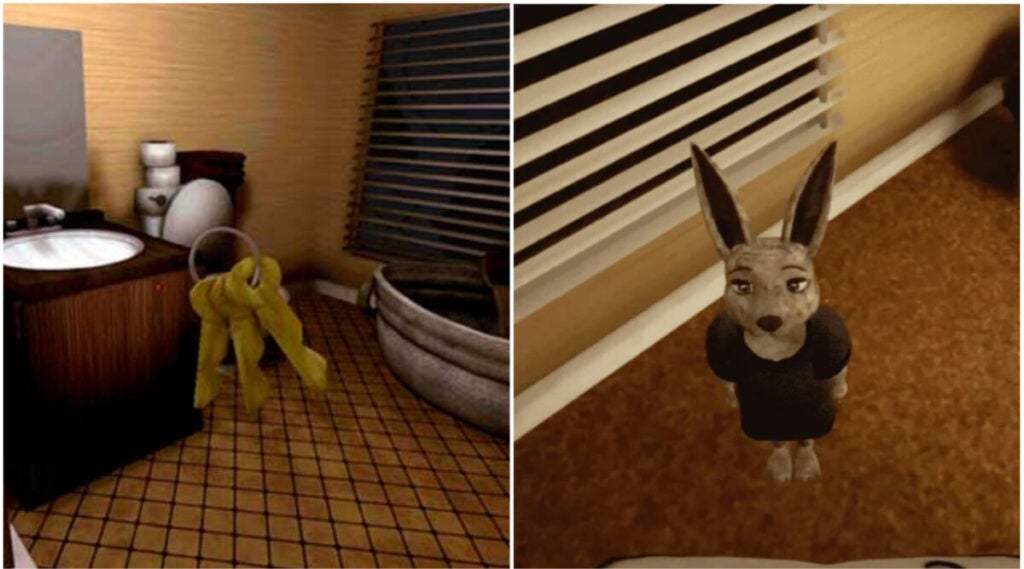
The Man cannot find Mama Rabbit in the tub despite how visible she is

Though not a realistic element to the story, Mama Rabbit can use the tub to evade The Man from the Window. For some reason, he will not be able to find her if she hides in it (provided The Man wastes his entire 5 minute search period).

Perhaps the developers intended this as a safe space; perhaps they just overlooked it. Either way, use this to your advantage.

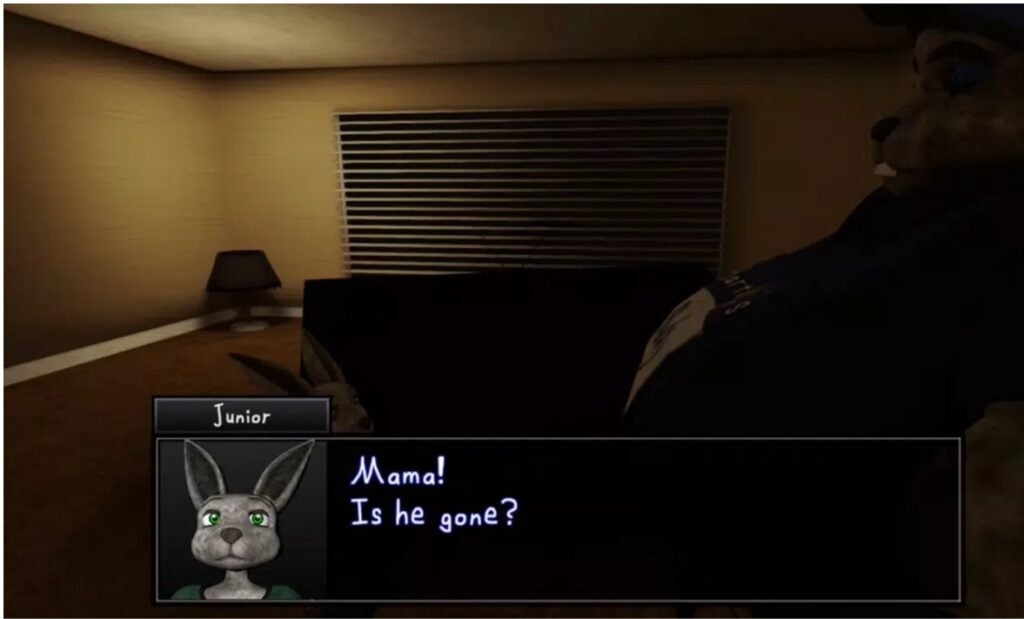
image of keys and Junior from The Man from the Window

Pick up Mama’s keys off the table

Fans of games in the Warhammer and Warhammer 40K universe will understand the importance of door lock mechanics. A locked door can be the difference between victory and certain destruction. The Man from the Window has a similar feature where locking a door can buy you more time to survive.

Players can lock the bedroom, bathroom, and front doors. Though The Man will not always look in a particular spot first, he will spend 30 seconds destroying the door locks. Use this to your time advantage along with the time you get from all of our The Man from the Window survival tips.

images from games like The Man from the Window

More games like The Man from the Window

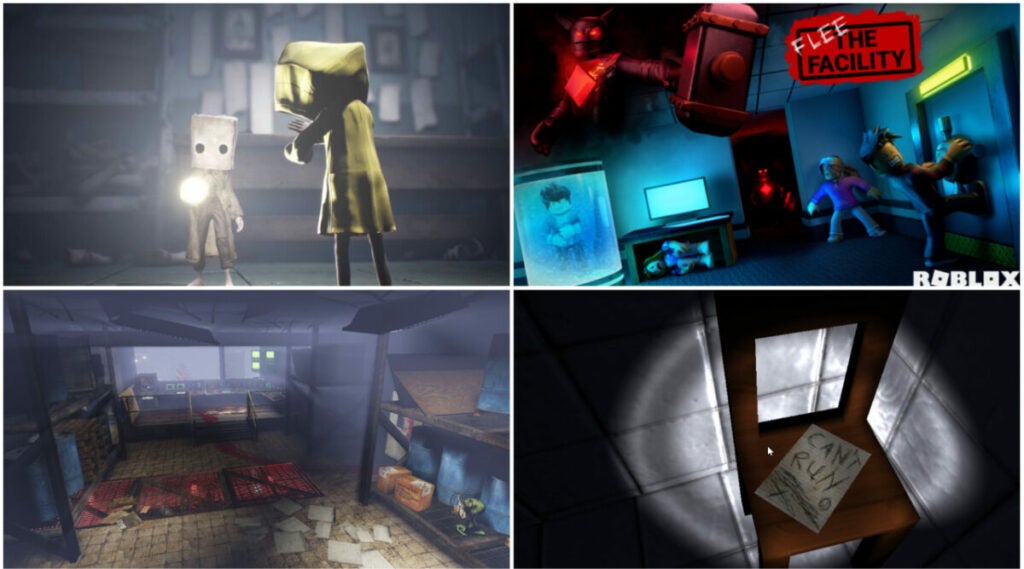
Slenderman: The Eight Pages and Five Nights at Freddy’s are obvious choices if you want more games like this one. But the are others that might offer more unique challenges or more intriguing experiences, too.

Erie

This game, set in 1966, has the player searching for survivors at a power generator where a meltdown supposedly took place. Erie is much bigger than The Man from the Window and has more scares, so be prepared for them!

Little Nightmares

Little Nightmares is a bit more involved and definitely longer than The Man from the Window. But with that comes a more engaging story and many more puzzles to work your way through. There is even a sequel in the form of Little Nightmares 2, as well.

Roblox Horror Games

Roblox has many many different genres of games and many of them are free-to-play, too. This extends to horror games like Murder Mystery, Flee the Facility, and The Horror Elevator. The latter two would be great options if you want a game like this title.

Fall Guys Crown Clash Challenges: How To Unlock Free Fall Guys, Fortnite, And Rocket League Rewards

The addicting, cut-throat game Fall Guys recently went free-to-play and now offers tons of rewards with Crown Clash Challenges. Players can unlock all kinds of unique in-game cosmetics for other Epic Games-sponsored titles. This includes Fortnite and Rocket League.

Fall Guys DOWNLOAD

The event only runs from June 29th, 2022 to July 11th, 2022, so learn how to unlock all Fall Guys, Fortnite, and Rocket League rewards for Crown Clash challenges here before you run out of time.

How To Earn Crown Clash Challenges Rewards In Fall Guys

It’s not often that various game titles can link up to offer rewards across the games. Think of when No Man’s Sky enabled players to pick up the Normandy from Mass Effect for their fleet. Thanks to Epic owning all of these titles, they can sponsor this event for players to pick up many rewards.

Similarly to how Battle Passes work in Fortnite, players must complete specific challenges to obtain the rewards. Thankfully, the challenges in Fall Guys are very simple: just complete more and more rounds to earn more and more rewards.

But first, you’ll need to make sure your account is set up to save your progress.

Ensure Linked Accounts

Download Fall Guys with the same account you have connected with Fortnite and Rocket League. Alternatively, you can just link your Epic Games account with all three games. For console players, you’ll need to link Epic Games to your console.

Trying to use multiple Epic Games accounts is not recommended; it will disallow you from having all of your rewards transfer properly.

image of Fall Guys Crown Clash Challenges Rewards for Fortnite

Fortnite Crown Clash Rewards

The free-to-play Battle Royale titan has had crossovers with what feels like every franchise. Marvel, DC, Naruto, and John Wick are just the tip of the iceberg. They even include fan-inspired designs and characters based on streamers and musicians.

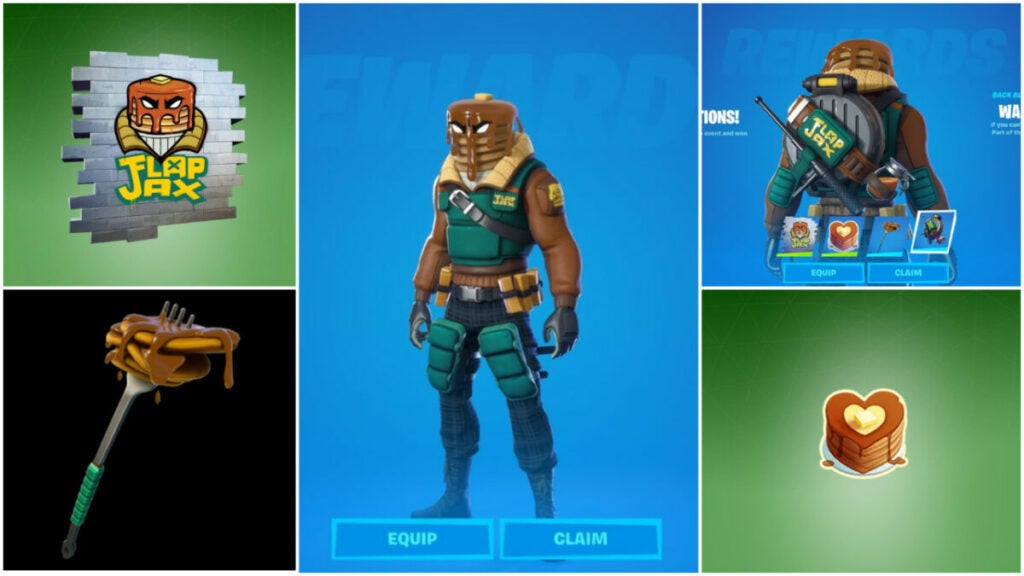
Fortnite rewards for Crown Clash reimagine a previously introduced character with a new skin and other items. To pick them up, just do the following in any show:

  • Complete 10 Rounds: Stacked! spray
  • Complete 20 Rounds: Stacked with a Love Emoticon
  • Complete 40 Rounds: the Sweet Clementine Pickaxe
  • Complete 70 Rounds: the Waffler back bling
  • Complete 100 Rounds: the Major Mancake skin

Whether you’re a die-hard completionist or you just really love pancakes, picking up these in-game items is probably easier than actually making pancakes.

image of Fall Guys Crown Clash Challenges Rewards for Rocket League

Rocket League Crown Clash Rewards

This Hot Wheels and soccer hybrid has been a casual “turn your brain off” game option for many years now. The number of sick goals and trick shots keeps people coming back, but so does the ever-growing list of cosmetic items.

Rocket League features lots of customization options for players from team colors and names to unique wheels, patterns, and car trails. The Fall Guys Crown Clash Rewards take advantage of that with the following rewards:

  • Complete 10 Rounds: Colorful Canines player banner
  • Complete 20 Rounds: Colorful Canines topper
  • Complete 40 Rounds: Med. Rare wheels
  • Complete 70 Rounds: Cluster Buster decal
  • Complete 100 Rounds: Fallout boost

As showcased by Rocket League Garage, you can see the trail and the topper in action in the image above.

image of Fall Guys Crown Clash Challenges Rewards

Fall Guys Crown Clash Rewards

Grabbing the coveted crown in Fall Guys gets you rewards for the base game, too. They just aren’t as varied as in the other games:

  • Complete 10 Rounds: 300 Kudos
  • Complete 20 Rounds: 500 Kudos
  • Complete 40 Rounds: 800 Kudos
  • Complete 70 Rounds: 1,000 Kudos
  • Complete 100 Rounds: 1,200 Kudos

That means that players who complete all 100 rounds get a grand total of 3,800 Kudos to spend on anything they desire in Fall Guys.

image of Fall Guys characters cheering over in-game currency

Pros & Cons of Crown Clash Challenges

Unlike with other crossover events, there are no loot boxes with rewards based on chance. It’s also not extremely difficult to get any one reward vs. another. The biggest commitment to these challenges is time.

If you can invest the time to complete 100 rounds of Fall Guys, you can get the rewards! You don’t need to be the best of the best, sir (with honors), or be needlessly ruthless to other players (unless you want to be). All you have to do is play.

Silt: A Minimalist and Spooky Adventure

In a world full of AAA games with increasingly life-like graphics, games like Silt stand apart. It is a minimalist game in the best way possible akin to games like Limbo or Inside. The spooky atmosphere also invokes games such as Dear Esther or Everybody’s Gone to the Rapture.

The game always hints that something more is going on; you just have to unlock the keys to the clues. Let’s review the game’s story, mechanics, performance, and more.

Silt background: unlikely inspiration source

The developers of Silt made many comments about the visual influences of the game. Spiral Circus co-founder Tom Mead brought his fear of animal suits and nostalgia for Beatrix Potter characters to Silt for an otherworldly effect. The seemingly biomechanical creations that exist in this ocean also unsettle the player.

Created by a very small group of people, this deep-sea puzzle game plays with light, shadow, and expectations.

image of Diver in ruined industrial city in Silt

Setting & tone: moody, ominous, and abandoned

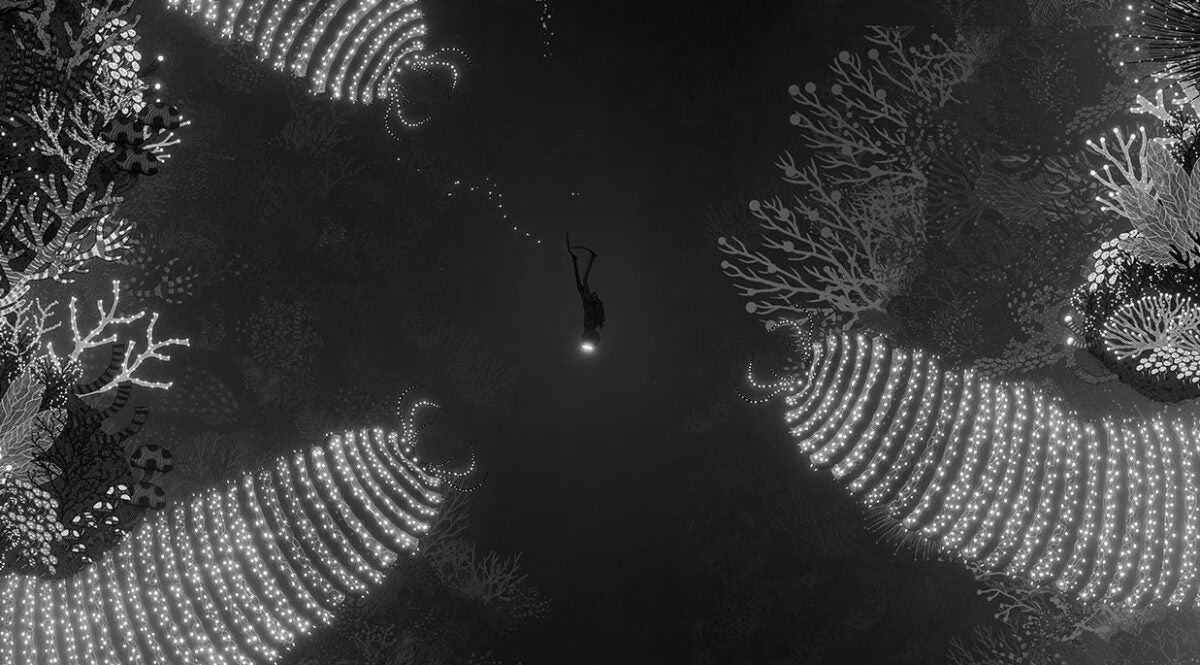
The player awakens as a Diver in an underwater setting filled with grotesque creatures big and small. The monochromatic color scheme makes use of light and shadow to communicate tone. But the shading on the intricate, hand-drawn style creatures and buildings.

Expect an eerie setting — especially for those who suffer from thalassophobia or fear of open water. There are fearsome “Goliaths” or giant sea creatures that usually sport terrifying jaws or tentacles.

There are also relics of an industrial society of humanoid animals that the Diver encounters.

Silt story: short, but engaging

Without spoiling too much of Silt, the story is opaque in a good way. It withholds information, waiting for the player to stumble upon it and unravel the game’s mystery. The opening poem at the beginning of the game best sums up the approach and plot:

In endless depths, Goliaths roam, Beneath the waves and crashing foam,

Hunt them down, remove their eyes, For this is where their power lies,

A great machine lies deep in wait, Awaken it to seal your fate.

How long to beat Silt

The game has a few easter eggs, as well as hidden things like Chained Divers to discover. It has a naturally open world with no UI for players to explore freely. That means that each and every player will have a different overall playtime. In general, however, you can expect these timelines for how long it takes to beat Silt:

  • Story: ~3 hours
  • Completionist: ~5 hours
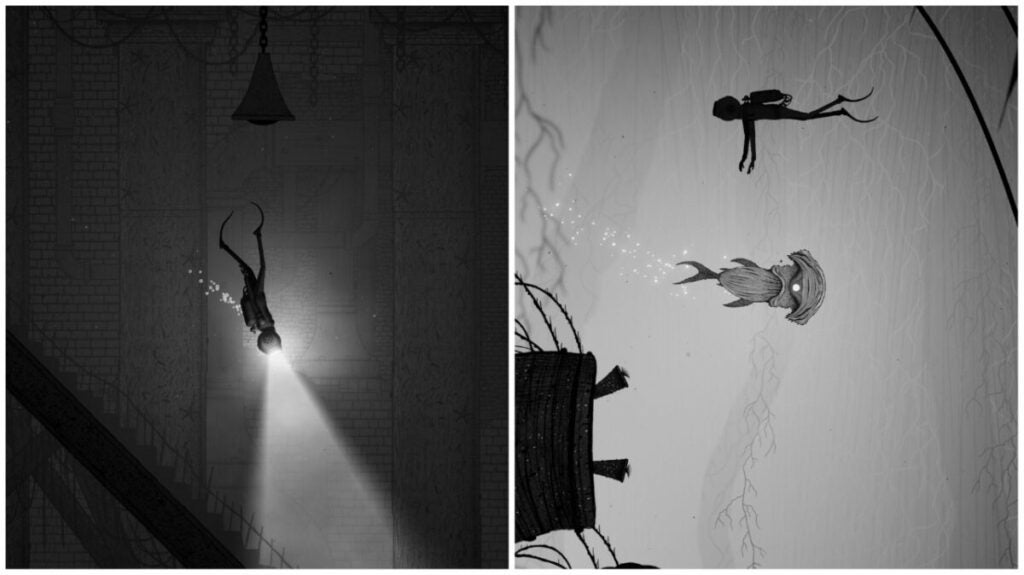
images of Diver and hammerhead in Silt

Silt performance: solid and consistent

For most players, Silt should run smoothly. It does have a higher footprint for a game that only lasts about 5 hours at 5.5 GB of space. But the main issue with the game’s performance lies in a critical component: the Diver model.

It sticks out immensely as an unfinished 3D model instead of an animated entity as the other creatures and even Goliaths are in the game. This especially becomes obvious in lower light areas as you can see in the image on the left.

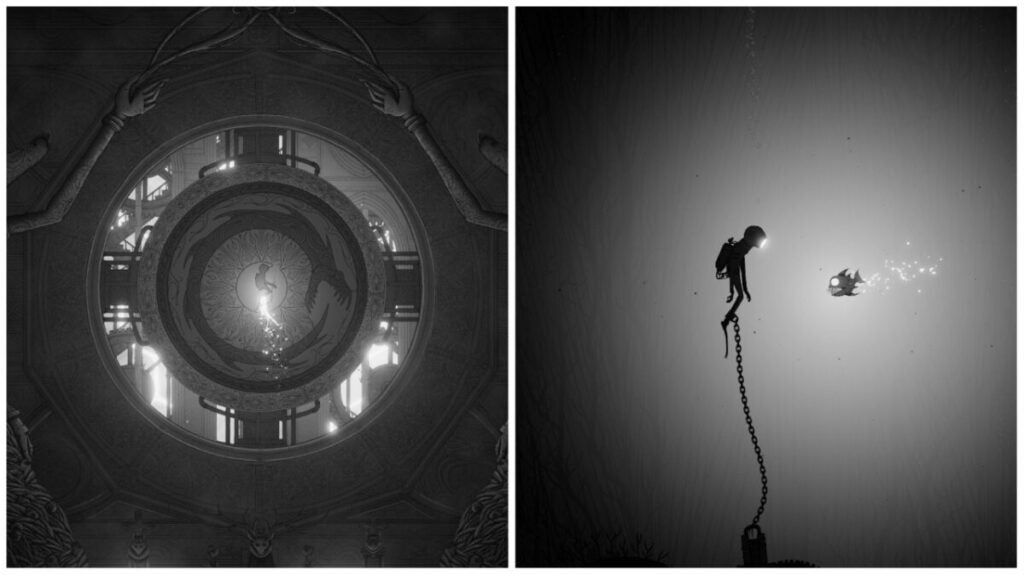
images from Silt video game

Silt gameplay & functions: straight-forward and basic

The gameplay in Silt is deceptively simple. The hard part comes in deciphering the various puzzles found throughout the game and how to leverage the Diver’s possession powers. That said, you won’t find any UI past the initial tutorial stage that tells you the basic controls.

Key mechanics in Silt

There are three basic “controls” in Silt:

  • Possession – this lets the Diver shoot out a beam of energy to possess nearby creatures such as piranhas or schools of fish
  • Toggle helmet light – this turns the Diver’s flashlight on and off
  • Useability – while possessing a creature, the Diver can use its ability to bash obstacles, bite chains, and more

Of course, “mechanics” don’t stop there. While possessing different creatures, you can do different things as follows:

  • Piranha: small fish with giant jaws that can chomp through ropes and chains
  • School of fish: a single fish who leads a group of fish as you see fit
  • Hammerhead: can slam against obstacles with its hard head
  • Swordfish: can swim quickly past dangers
  • Stingray: can skate through certain obstacles
  • Crab: can jump up high and withstand crushing blows
  • Lightfish: can turn their light source on and off to herd larvae
  • Electric eels: can restore electricity to old machinery
  • Amoeba balls: small balls like a little sun that can incapacitate dangerous creatures
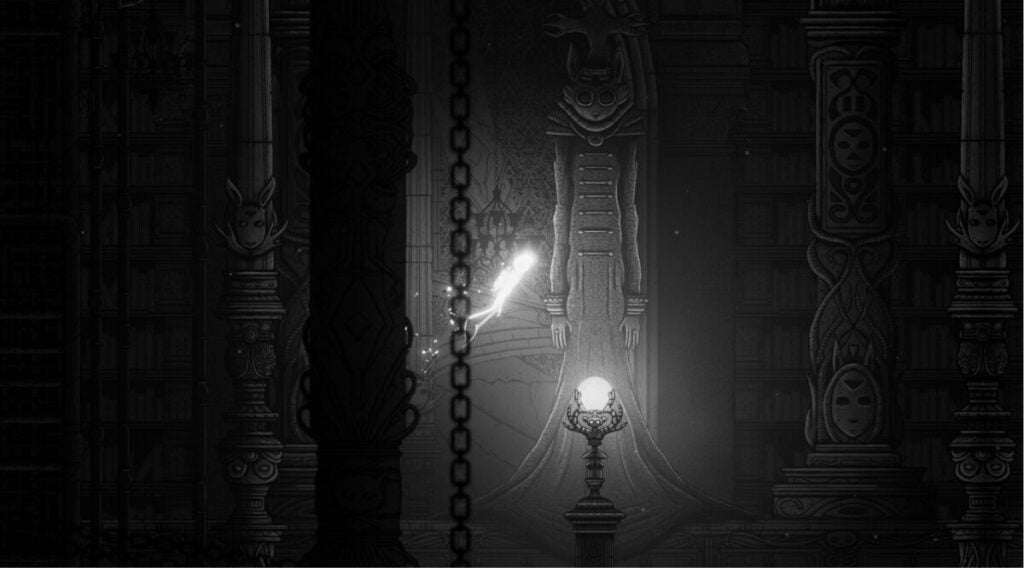
image of Diver in underwater ship in Silt

World, sound, & character design

World design: straight-forward, but not in a bad way

Despite the world design being quite simple, it is still easy for players prone to exploring to get “lost” in a way. For instance, there’s an area with a tree that has exits in the top left, top right, and bottom-right areas. However, if a player only explores the area around the tree, they might miss the exits in the top right and left.

In this way, Silt encourages players to really search from corner to corner on every screen. The biggest impediment to that might be the player’s own trepidation at what monstrosity might await them in the shadows.

Sound design: a bit lacking

With something like an underwater game, you expect there to be a bit more auditory cues that enhance the atmosphere. In games like Subnautica, for instance, there are lots of little touches that distinguish locations and unique animals from one another.

For Silt, it feels a bit more one-note. This may be due to the fact that the game is so focused on minimalism, but it ultimately works against the player experience.

Character design: superb and consistent

Players really can see the influence of Beatrix Potter’s characters in the humanoid animal race. Though not often depicted and never seen alive, this race seems to have been the controlling group in this game’s world at a previous time. There are even birdcages filled with empty Diver helmets and other chained Divers to be found throughout the game.

Beyond that, the creature design of fish and the frightening Goliaths is excellent. They are just enough like animals in our world mixed with a few too many teeth, gargantuan size, or something else that’s just a little harrowing.

image of Diver entering underwater ship in Silt

Verdict: worth picking up!

While Silt doesn’t do anything too extraordinary or novel, it does what it does very well. It presents a unique world just enough like our own with a story left open to the interpretation of the player. The animation style pairs with the ghostly underwater setting and fearsome, at times grotesque creature designs.

At just $15 USD, the game feels like a good value and it is always good to support small game studios. Try out Silt for yourself — if only to confront your fear of the deep, dark, unknowable ocean…or humanoid animals.

PROS

  • Excellent atmosphere of spooky underwater depths
  • Straightforward mechanics
  • Beautiful (if unnerving) backgrounds and creature designs
  • Intriguing story
  • Great for a casual gaming experience

CONS

  • Short run time
  • 3D Diver model can distract some players from the hand-drawn style of other game aspects
  • Inconsistent or rudimentary puzzle design in some sections

Developer: Spiral Circus

Publisher: Fireshine Games

Game Modes: Singleplayer

Game Engine: Unity

V Rising tips: top 7 things to do in the game

V Rising tips don’t end with “stay out of the sun” or “don’t carry silver“. The surprising indie hit has captured the attention of many people thanks to a successful Early Access and backing for Stunlock Studios from Tencent. While the game may feel familiar for fans of titles like Diablo and Valheim, we could all benefit from a road map sometimes.

V-Rising DOWNLOAD

Beyond following the quest guide and objectives, here are some V Rising tips for things you should always be doing. Or, at least, you may find yourself always doing it whether you like it or not.

Always be farming

Like any game with a resource system and base building, you’ll always need to be farming materials for building and crafting. The exchange rate can be especially brutal and take a long time. But, that just gives you more time to go out and farm more materials!

The biggest of V Rising tips here is to use the right tool for specific jobs. Swords are great for vegetation while axes are great for chopping wood. When harvesting stone, copper, or other hard materials, use the mace instead.

image of V Rising gameplay

Loot all enemies and camps

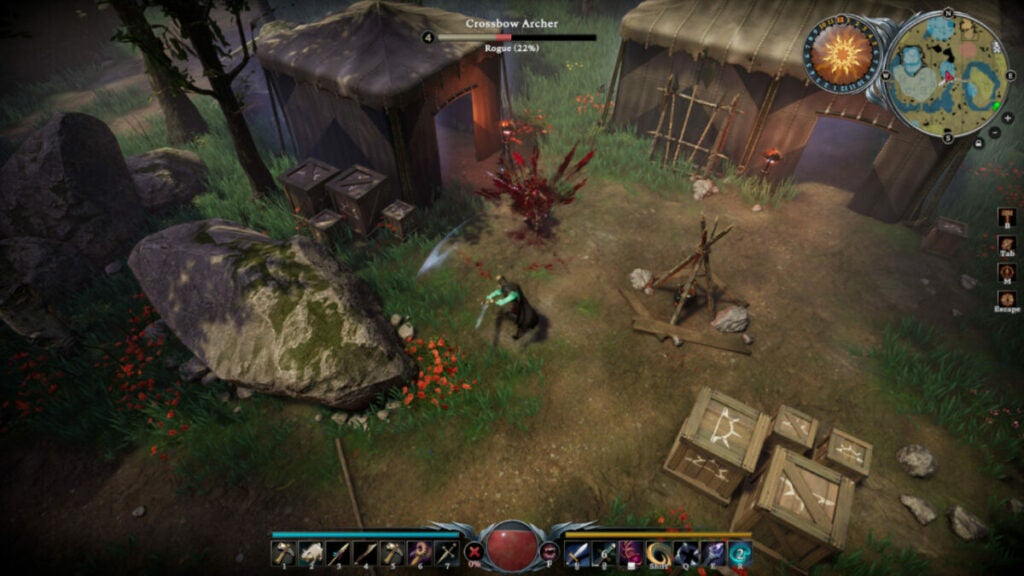
As with games such as Assassin’s Creed, players can find materials and items as they attack bandit camps and other locations. Early on, this is especially necessary as you may not know all of the recipes needed to craft certain items such as new armor or building materials.

Just be careful that you don’t handle Silver too much; it sucks away your health as you carry it.

image of V Blood Carrier in V Rising

Track V Blood carriers

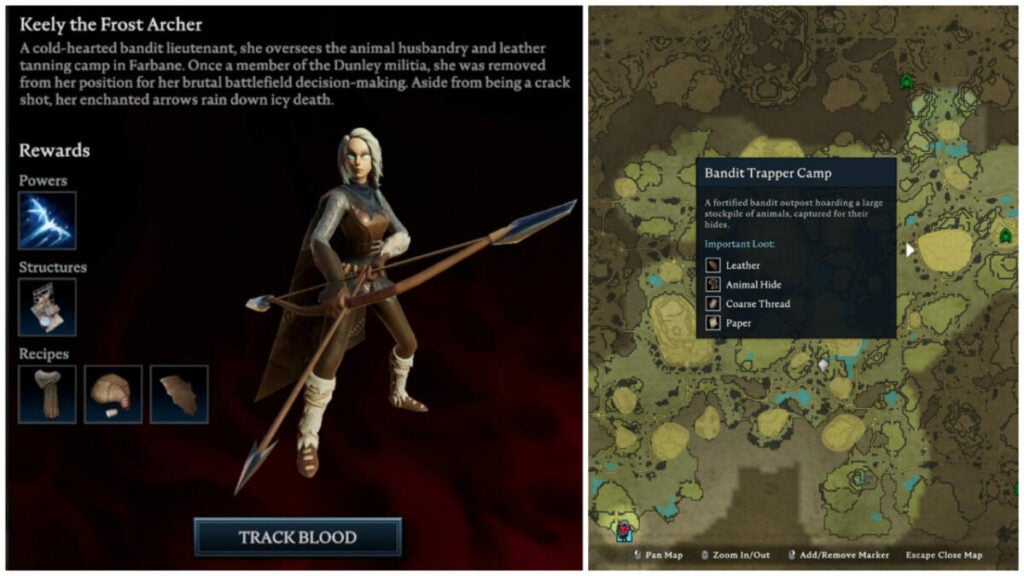
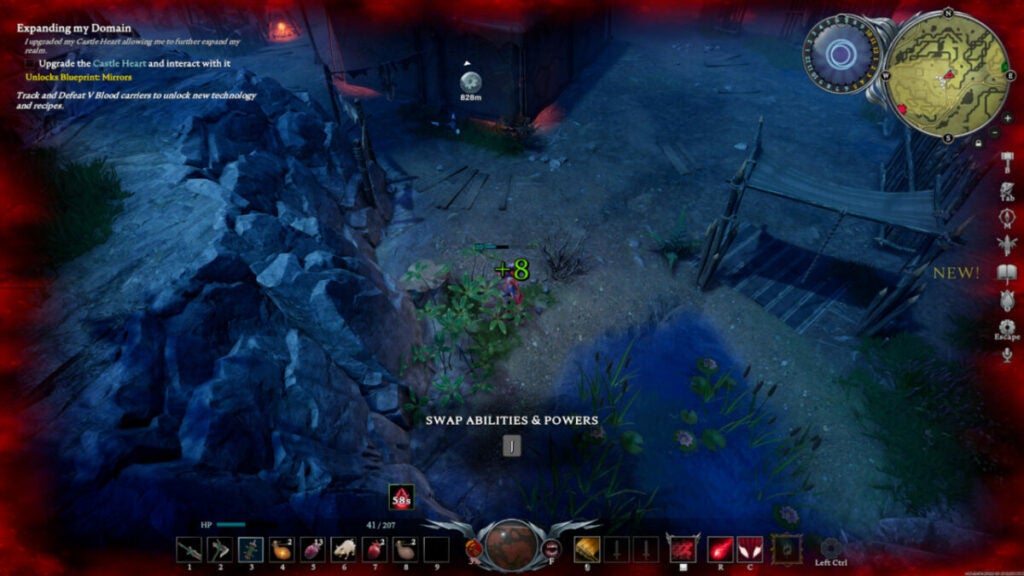
Not only are V Blood carriers integral to completing quests, but you also need the helpful abilities and recipes you get when you take them down. For instance, Keely the Frost Archer provides your first unique ability: Frost Bat. This is especially useful against brutes and warriors who charge you head-on as it slows them down.

Moreover, being able to craft more and more items will help you improve your castle. And that’s really the whole point of the game, isn’t it?

V Rising character in the sun for V Rising tips

Hide from the sun

It goes without saying that, as a vampire, you should avoid the sun at all costs. Even with things like sun potions or additional sun resistance, you can quickly die from sun exposure.

When you need to travel in the daylight hours, utilize tree shade in wooded areas or hale bales in villages. If you are working on your base before you can craft roof tiles, utilize a mist brazier to block out the sun. It’s a life saver of an item in the early game.

Cave passage entryways in V Rising

Use cave passages to travel distances

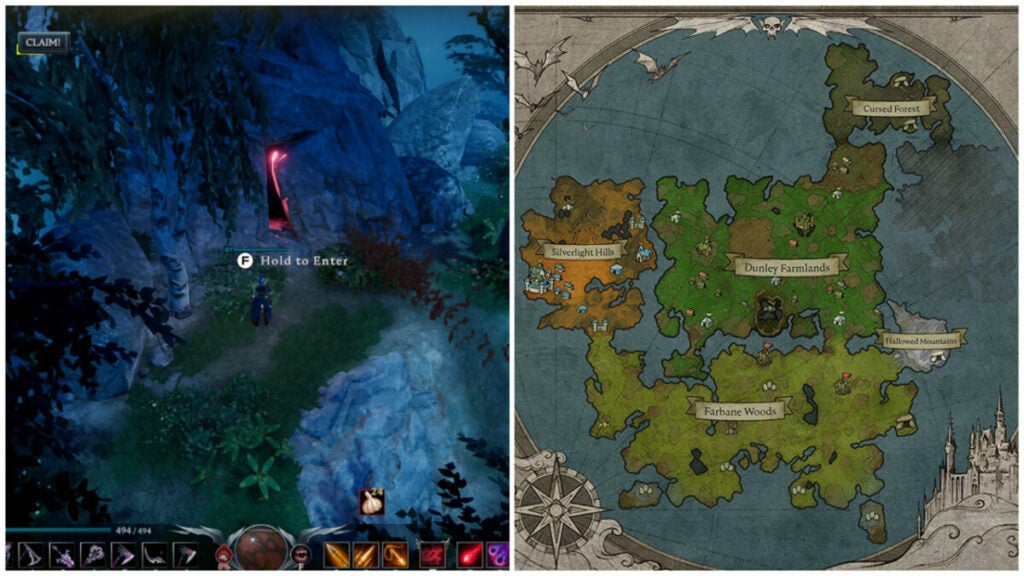
Waygates require you not to have any resources in your inventory. That’s difficult in a game where resource gathering is a core mechanic. So, cave passages represent a useful shortcut that helps you get from one area to another — especially during daylight hours.

image of person using abilities for V Rising tips

Try out new ability combos

Games like Diablo are all about creating unique builds and load-outs with armor and abilities. V Rising trades in this, as well, offering players many avenues to become a dominant nightstalker once again. So don’t be afraid to switch things up as often as you want to — especially early on.

In addition, certain abilities may be extremely effective against one V Blood carrier or boss, but useless against another. Keep that in mind as you traverse the world of Vardoran.

image of two vampires fighting in V Rising

Keep an eye on your blood type

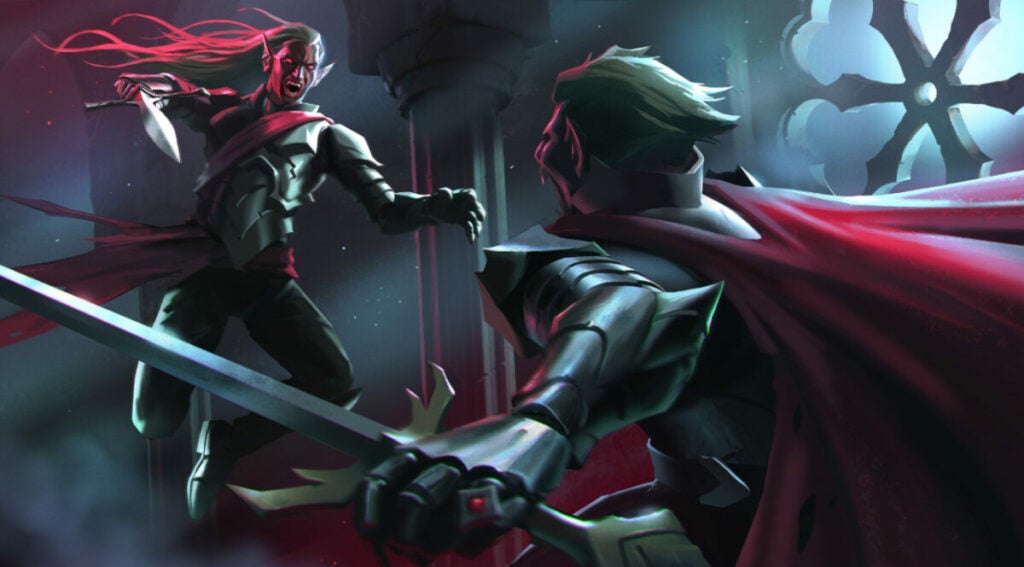
Feeding on different creatures or types of humans can alter your blood type. For instance, at the beginning of the game, you are set to “Frail” since you’ve only had rat blood so far. This quickly changes once you feed on a human or wolf. Different characters have different purity percentages, as well, which dictate the level of stat boosts you get.

In total, there are 6 blood types including:

  • Creature – think bears, wolves, or other animals. This type boosts your health regeneration and movement speed initially. At higher levels, it provides damage reduction and sun resistance.
  • Rogue – archers and thieves provide this blood type. You’ll get buffs to critical hits, crit chance, cooldown reduction, and movement speed from it as you level it up.
  • Brute – this type initially provides life steal when you drink from bandits. You’ll eventually get attack speed, movement, and health recovery boosts, as well.
  • Warrior-armored bandits and militia soldiers provide physical power boosts at level 1. At higher levels, you’ll get weapon skill cooldown increases, damage reduction, and chances to parry incoming attacks.
  • Worker – non-violent or weak NPCs qualify as the “Worker” blood type. This increases your resource gain, horseback speed, damage against resources, and more.
  • Scholar – scholars provide spell power, spell life leech, and spell cast cooldowns.
image of V Rising wolf form and grandma human form

Bonus V Rising tips: different forms & DLC

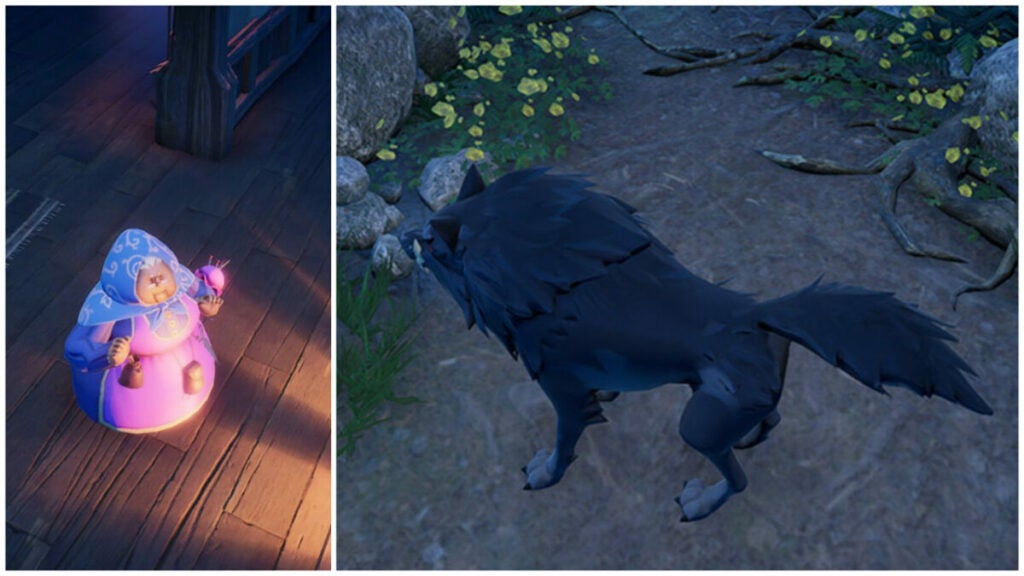
The various forms you acquire by collecting V Blood carriers include the very first one: wolf form. This has many perks such as faster movement speed to help you traverse land more quickly. However, other animals like bears will not attack you while in wolf form. Don’t forget to use all the various forms to your benefit.

The optional DLCs are also a great way to support the developer further while picking up some unique cosmetic items along the way. The cheaper option provides Dracula’s regalia while a more expensive option includes unique cosmetic items and new forms including that cute, unassuming grandmother you see above.

Still haven’t tried out the game? Read V-Rising full review to see what the game is all about.