How to sell cars in Grand Theft Auto 5 Online

The exciting world of the Grand Theft Auto games gets a fresh spin with Grand Theft Auto V Online. In this program from Rockstar Games, players follow the storylines of three criminal characters: Michael, Trevor, and Franklin through the familiar San Andreas map. You will have to make in-game money to buy weapons and rise in the ranks of top criminal empires. In your missions, you risk getting caught by the police or killed by other criminals; however, with enough cash, you can afford yachts and luxury penthouses.

Grand Theft Auto V DOWNLOAD

The easiest way to make money in GTA V is to steal cars and sell them to a mechanic at a lesser value. All you need is to use the GPS system to find the shop and trade in your cars. Selling your stolen cars is more beneficial than keeping them when you’re playing the game for money-making techniques. We’ll go through the three steps to sell cars in GTA V Online.

  1. Look for a paint shop with spray paint icons on the map
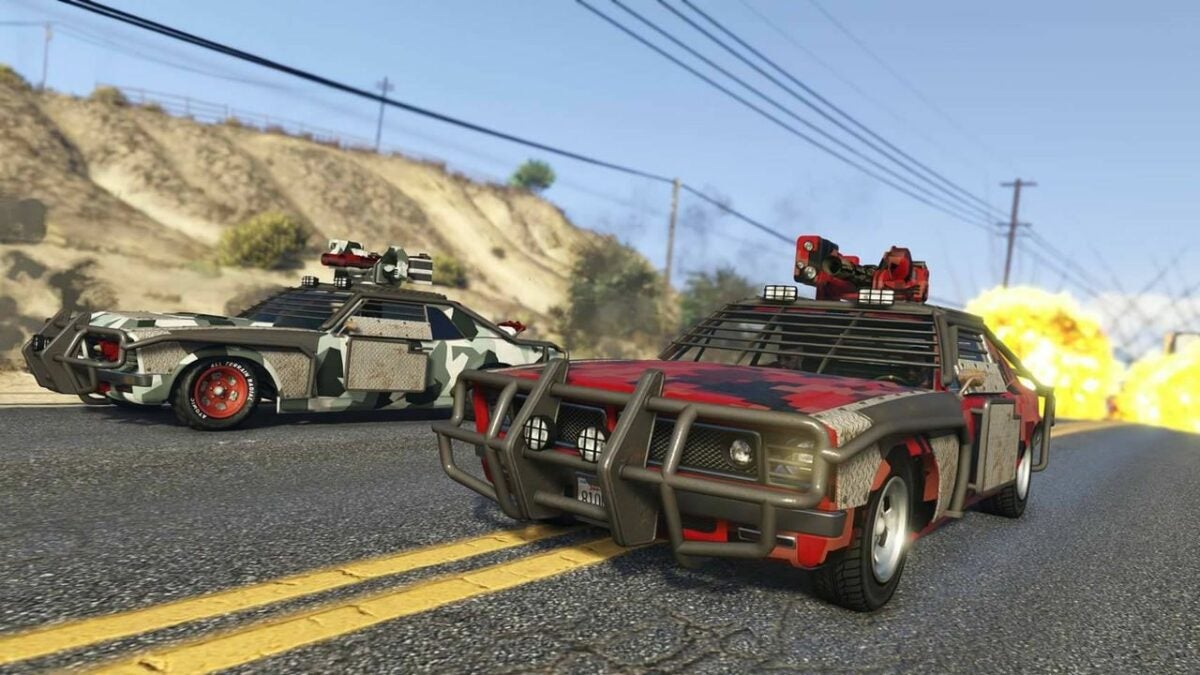
    Avoid getting caught by the police

    Start by traveling around the city to find an easy car to steal. If you’re familiar with the game, you can grab a car at a red light or stop sign or break into it when it’s parked. Keep an eye out for police officers and speed away if you do get caught before they pull you over and end the game. A practical tip is to choose cheaper cars over sports cars as you won’t get too much money from the mechanics and can steal more cars to sell once you get the hang of the controls.

    Next, you’ll need to look for spray paint icons on your mini-map to find a mechanic. Click the icon to set the GPS and drive to the mechanic. Depending on your location, this shop is either Los Santos Customs or another shop in the Harmony area. Follow the road and try to avoid suspicion. If you have one warning star count, you can try to ditch the car and attempt another heist when your rating is cleared.

  2. Drive to the mechanic’s shop to be let in

    Choose to upgrade or sell your car at the mechanic's shop

    Once you arrive at the paint shop, the mechanic will let you in as long as you don’t have any warning stars from being followed by the police. There will be a prompt to fix the car or sell it upon pulling in. If you choose to fix the car, you can also upgrade it with options such as explosives and new paint.

    Unless you want more modified cars for your luxury lifestyle, you will want to sell it instead. Use the directional arrows to select the sell button where the mechanic will offer you a discounted price. Cheaper cars are usually $1,000 to $2,000 while sports cars can be around $9,000.

  3. Confirm the sale and collect your money

    Sports cars will net the most profit

    The prompt for car sales in GTA V Online is the standard “are you sure?” message. Confirm the sale price to have your earnings automatically added to your funds. You will want to bank your money in case it’s lost or stolen. Use your cellphone to find the Internet icon and click on “Money and Services.” Through there, you can find the Maze Bank app to deposit the cash from selling your car.

Make your way to the top-selling cars in GTA V Online

Stealing and selling cars in Grand Theft Auto V Online is a quick way to make cash and live a life of luxury. By not getting caught by the cops and making your way to the paint shop, you can switch out your stolen cars for money to rise up in San Andreas. It’s necessary to turn in your cars and invest your money to get further in the game.

It’s important to know that you can only sell cars in the online version of Grand Theft Auto 5 and not in the casual single-player edition. If you found this article helpful, feel free to like and share! For more GTA action, download Vice City. We hope you’ll use the comment section to share your own tips and tricks to sell cars in GTA 5.


How to change up the Reddit app icon for iPhone or Android

As the self-proclaimed “front page of the internet,” Reddit is a popular website and mobile app with interest-related pages and interactive content. Users, called Redditors, can explore any topic from video games to politics, and chat with like-minded individuals. Redditors can also upvote or downvote posts to earn karma points and make it to the front page of the site where millions can see them.

Reddit Download

With the Reddit app, a world of content is just at your fingers. The default icon features a friendly alien, but you can change the avatar to personalize your phone settings. If you’re a fan of customizing icons, this feature will make the Reddit app stand out.

  1. A few quick tips on how to change your Reddit icon

    For free Reddit app users, you can pick from avatars such as limited time neon and orange aliens

    Download the Reddit app, and sign up for a new Reddit account or log in with your username and password. You may be prompted to install updates in order to complete the download and launch the program. The app will keep your former Reddit history.

    Click on your profile picture to access the main menu. You will be able to click through the screen and edit your profile as well as check in on your karma history. There are also options to purchase coins to send karma to other Redditors or upgrade to Reddit Premium for a monthly fee. The Premium account gives further access to the platform and more hidden features such as messaging and blocking.

    Scroll down to the settings display at the bottom of the menu. This will show you a specific link to change your default icon. For free Reddit app users, you can pick from avatars such as limited time neon and orange aliens. Those with a paid account can open more more options for your icon. You can change your avatar to suit your personality or personalize a new one for the holidays. The next time you go to open the Reddit app, you will see your updated changes.

  2. Certain reasons to change your Reddit app icon

    This way, you can use one click to open the app and make sure you're not posting to Twitter or Facebook instead

    If your phone is full of social media apps, you’ll want to be able to click on the right icon. By changing your Reddit avatar, you can access your own account easily and also add color to your phone. This way, you can use one click to open the app and make sure you’re not posting to Twitter or Facebook instead.

    A lot of people keep personal accounts away from their Reddit history for privacy. Changing your avatar on your phone is a great way for safekeeping when you want to enjoy your time on the internet as well as maintain a different business page.

  3. Change your Reddit icon for a personalized experience

    A colorful change can keep you from clicking on the wrong program and waiting for the app to load and make a mistake

    By changing your Reddit icon, you can make the avatar different from other media on your phone’s screen. A colorful change can keep you from clicking on the wrong program and waiting for the app to load and make a mistake. You are able switch up your Reddit app icon regularly and have the option to join the premium program for more icons.

    When you want to stay organized with your apps, switching up your Reddit icon could do the trick. This can also separate your work apps with your casual social media as a helpful tool to share with others looking for more phone security on their personal devices.

How to earn points by using Microsoft Edge

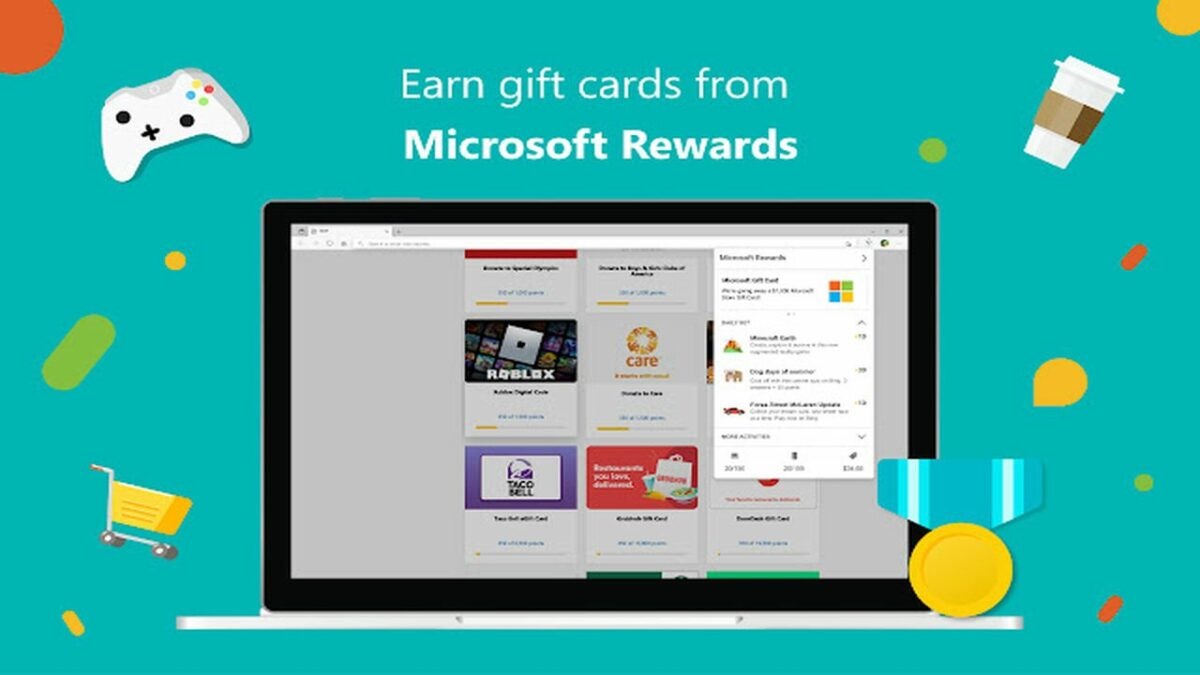
Microsoft Edge is a free Chromium-based browser for Windows you can download with a click of a button. Along with storing passwords and the Bing search engine, Edge also offers a rewards program for user searches and trivia games. You earn points through this duo to trade in for gift cards from popular retailers such as Starbucks and Amazon.

Microsoft Edge Download

Microsoft Edge and Bing make it quick and easy to collect points in a variety of ways. Read on to find out how you can earn rewards while using these quick and fun tips.

  1. Go to Bing to find Microsoft Rewards

    Search in Microsoft Edge with Bing

    Once you’ve downloaded Microsoft Edge, you can click to the browser to earn five Microsoft Reward Points immediately and daily. Then, go to Bing.com and the top of the screen will show your current reward points. Click the trophy icon to see your daily options and start earning more points.

    The menu will show the amount of points you can win for tasks with three highlighted ways, including a daily search. By pressing “More Activities,” you’ll find additional options to gather points as your total count for web searches and using Edge as your main browser.

  2. Choose the search result task for quick points

    Bing search engine

    Navigate to the Daily Tasks tab in Microsoft Rewards. The first link to click on should be a search engine result for 10 points when you follow the link. These links could lead you to results about history, music, sports and more. From there, you can help Bing by clicking through results and learning more about the daily topic.

  3. Play ‘This or That’ trivia game for 50 points

    This Or That

    ‘This Or That’ requires using Bing search results to solve a trivia question. You will choose between two options and use the search engine to find the right answer and win the largest reward. The point of this game is to click around the Bing platform and make an educated guess. There are 10 questions with up to 50 points total. You can play ‘This Or That’ every day exclusively through Bing.

  4. Try the Daily Poll for 10 points

    Bing's Daily Poll

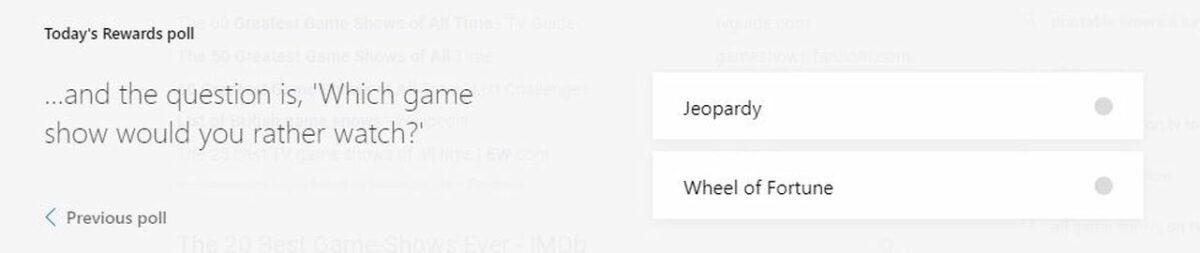
    The Daily Poll is a quick 10 points to add to your Microsoft Rewards. This task simply asks your preference between two things and adds earnings to your total. You can find pop culture polls and lifestyle questions to help Bing collect data to enhance their search engine. After 24 hours, you can play a different poll and gain more points

  5. Check out your dashboard for special deals
    Get access to Spotify Premium on your Bing Dashboard

    Navigate to your dashboard in order to find special deals. You can locate the dashboard through the Microsoft Rewards pop-up to access the full webpage. There will be ads to help you reach your goal and gain access for free premium programs including popular titles like Spotify. Additional offers for trivia quizzes and adding extensions to Microsoft Edge grant you extra points daily.
  6. Redeem points for gift cards

    Redeem points through the Microsoft Store

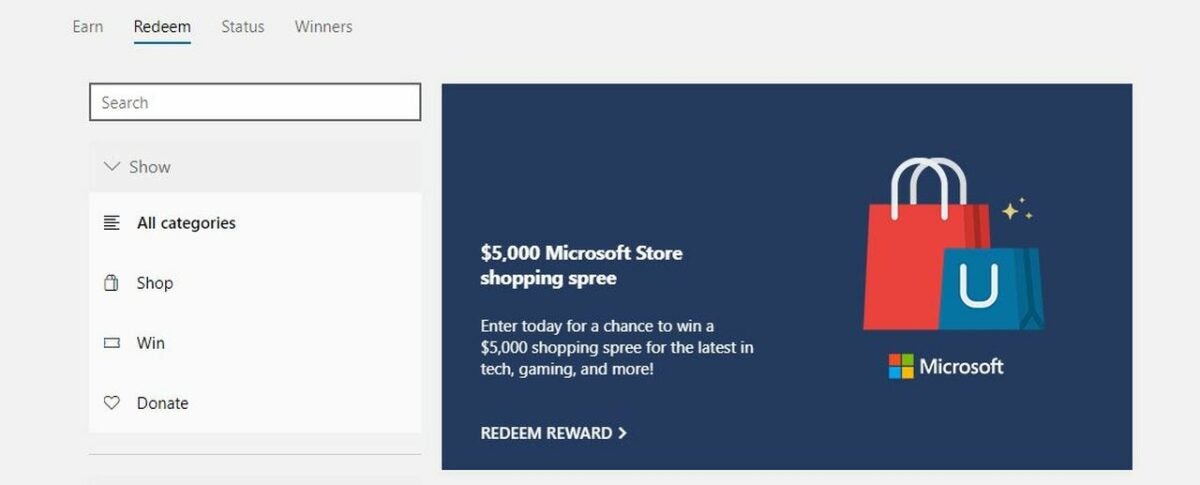
    From your Bing dashboard, you can access the Redeem tab to see your rewards. In this section, you’ll be able to scroll through to donate your points or enter sweepstakes as well. The Redeem tab allows you to see your progress to gift cards for stores and online games. Entering sweepstakes requires less points than most rewards if you’re feeling lucky!

    A donation goal is rewarding to give back to your favorite charity with just a few tasks a day on the platform. You can check your daily progress and see the quickest goal to the reward you desire.

Earn rewards from Microsoft Edge and the Bing search engine

Start earning points today with Microsoft Edge and the Bing search engine! These tasks are easy and quick to complete if you have free time on your computer. All you need is the browser and Bing website to rack up rewards and collect your earnings.

Even if you’re devoted to other search engines such as Chrome, Microsoft Edge is a handy tool for fast trivia games and free rewards. Please feel free to like and share this article with your friends who are interested in earning points from browsing Bing! We invite you to leave a comment below with tips and tricks for both Bing and Edge.

How to make it to the finish line in Stumble Guys

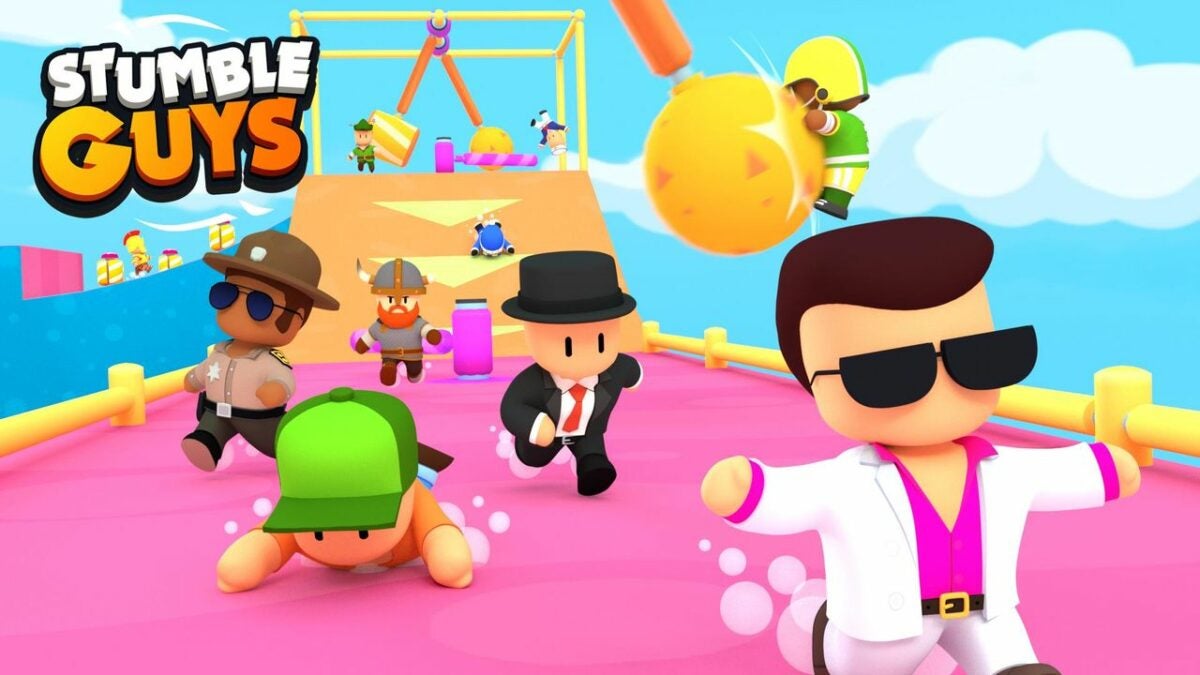
Stumble Guys is a free game that has gone viral among fans of straightforward yet addictive multiplayer battle royales. The game is similar to the popular Fall Guys, another knockout release from developers Kitaka Games. However, Stumble Guys differs in a few ways, namely the jumping mechanics, obstacles, and some different gameplay touches.

Stumble Guys Download

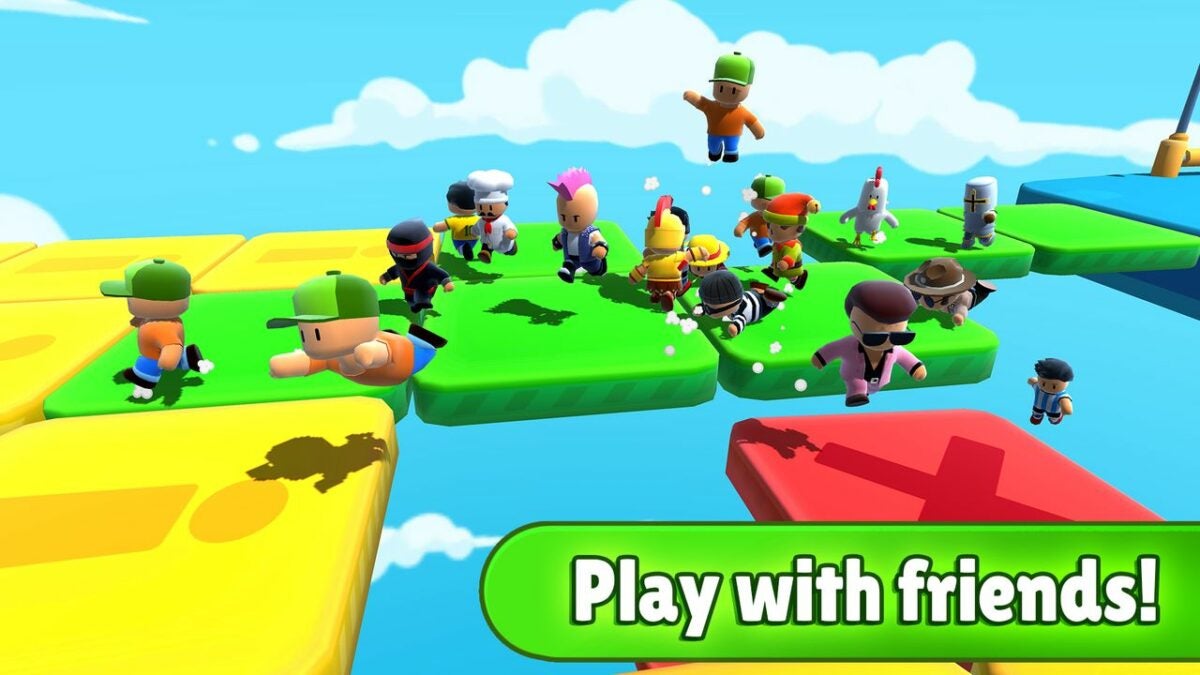
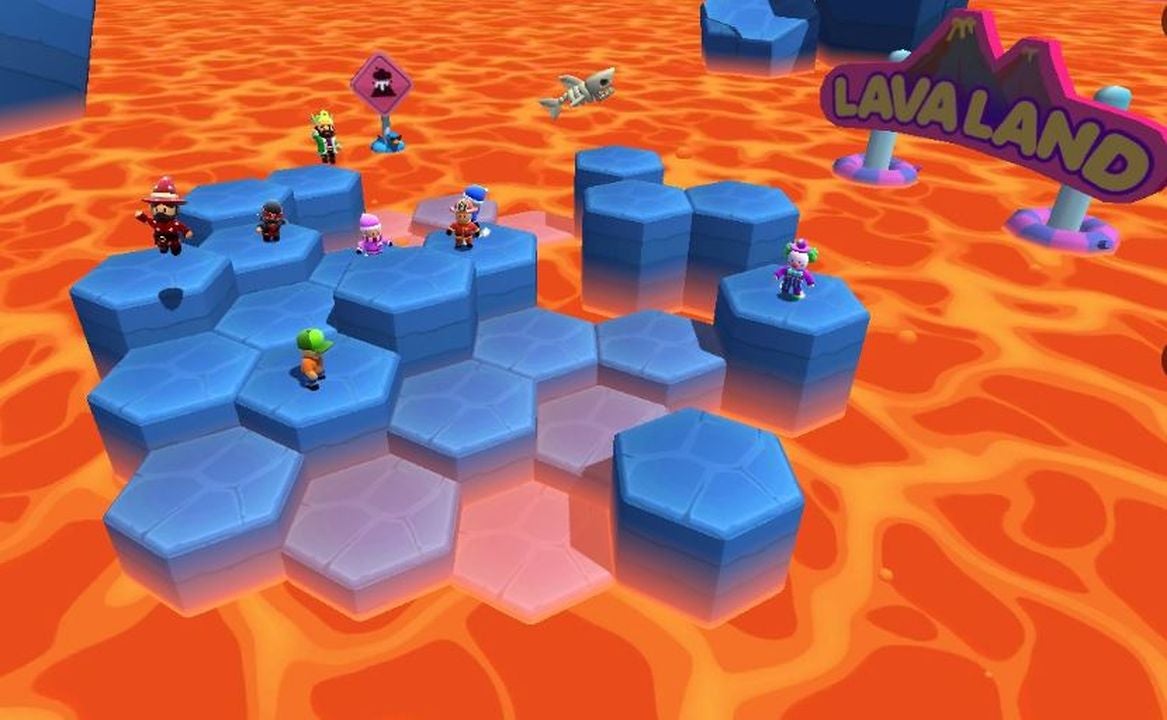
In Stumble Guys, you are competing with up to 32 players in a multiplayer setting. You’ll have to run and jump to the finish line in 17 different obstacle courses with three rounds for each level. These obstacle courses involve dodging falling snow, jumping over islands, and avoiding traps. Using your arrow keys or touch screen on mobile, your customizable avatar must beat the other players or start over if you lose. While Stumble Guys takes some practice to perfect, there are a few key tips to emerge as a champion.

  1. Adjust controls and settings on your gameplay and character first

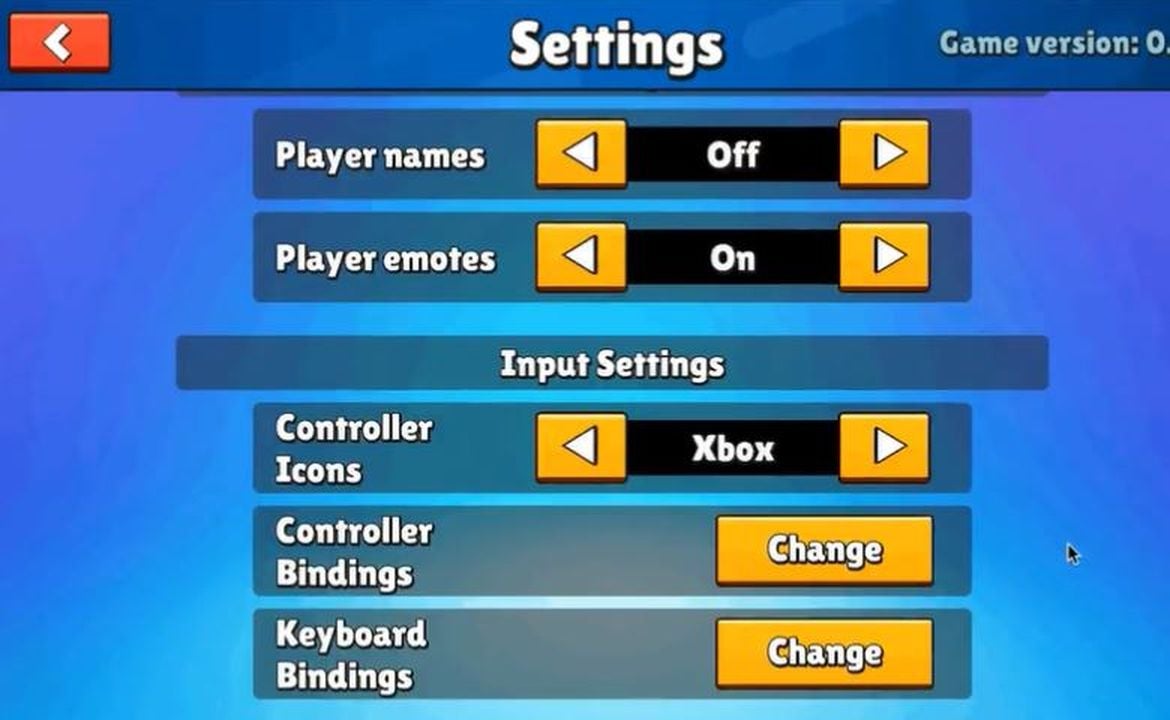
    Adjust the settings

    In order to take advantage of your gameplay, you’ll want to set the controls to your personal preferences. Click through the main menu to “Settings” and change the volume as well as the resolution that you can best see on your screen. Advanced options include keymapping to change your movements, such as using the arrow keys or WASD keys. If you’re on mobile, you can set your clicks to one touch or multiple movements at once.

    With the free Stumble Guys game, you can customize a default character and unlock more skins as you win races and collect gold. Start out by tweaking your character’s appearance through different colors and emotes to stand out on the playing field. When you’re playing with so many other people, you will want to keep an eye out for your individual character so as not to get distracted and lose.

  2. Choose to win with speed or defense

    Dodge obstacles with speed

    If you’re comfortable with controls and can run, dodge, and jump as fast as you can through the quick races, you’ll want to choose traditional gameplay and make it to the end before other players. However, you can also sabotage other runners by “stumbling” into them to fall off platforms or blocking them on the race track. Newcomers to Stumble Guys may be under the impression that the game is a huge race and find out quickly that other players are more defensive in their tactics.

    Mini-games such as “Bombardment” feature your avatar facing a pirate ship and avoiding explosions. You have the option to dodge and slide to keep yourself from falling into the ocean or find a spot to hide from the bombs. When you’re playing defense, pushing hiding players into the ocean is a good tactic as long as you don’t stumble along with them.

  3. Take note of your obstacles as you play along

    Use platforms to jump to safety

    Just like any other game, you’ll face difficulties winning each level, especially in a multi-player format. Players can purchase in-game season passes for advantages over the free gameplay. It’s important to make it to the finish line in the obstacle courses but also vital to learn from each challenge. There will be different levels where you have to avoid falling off platforms, using speed and defense to win against other players, and others to wait out the game, though that’s not recommended as your opponents can make you lose the level.

    By taking mental notes of your levels and the quickest way to avoid obstacles, you will have an advantage in the next round. There are scenes where you need to jump to safety and others where you have to move out of the way and keep running. Don’t slow down and wait for an obstacle to clear as it will allow players to get ahead, make you stumble and lose, and have to start the game over.

  4. Race your way to the win with Fall Guys free edition

    Stumble Guys is a free learning experience as well as an entertaining game for those who enjoy multi-player programs. With practice and dedication, you’re able to learn the best tips and tricks to win against your other players and advance in your stats. This title can be enjoyed over again as you face new challenges and upgrade your skills.

We hope you enjoyed this helpful guide! Looking for similar games to play with your friends? Check out our full collection of battle royale games available for download!

How to play Garry’s Mod, a fun physics game for all

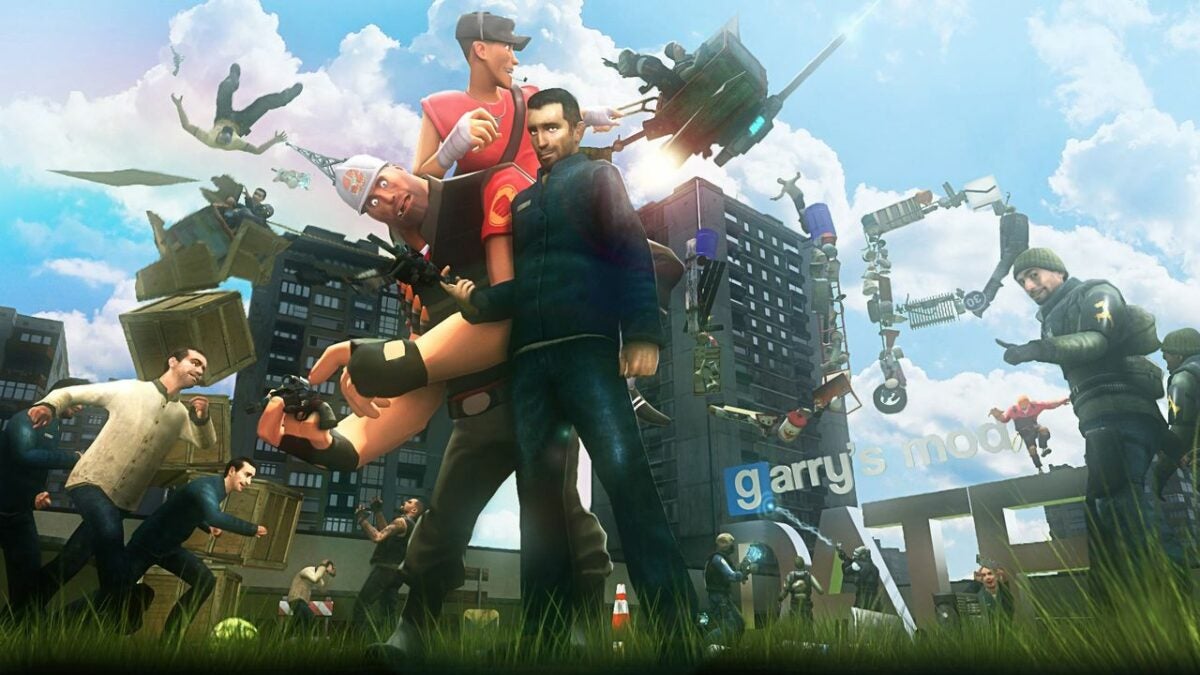
Garry’s Mod is a physics and action sandbox game from Valve Source Engine and developed by Facepunch Studios, makers of Rust and Chippy. Originally developed as Half-Life 2 mod and released in 2006, GMod has built a fanbase of players who love to customize first-person shooters. The game offers an array of ways to create your own world with different settings, items, and custom characters.

Why is GMod so popular after more than a decade? Simply put, it’s a lot of fun to use items like the physics gun and gravity gun to move objects and build a universe. There’s also a massive multiplayer community and scores of YouTube videos showing off GMod creations. But to get the most out of this sandbox game, you need to know the basics.

Garry's Mod Download
  1. Play sandbox mode to build your game

    Sandbox Mode

    The default mode of Garry’s Mod is the sandbox. With no set objectives, this mode provides a world in which you can freely manipulate objects. In the menu, you’ll find everyday items such as a carton of milk or special characters from other games, such as Left 4 Dead. If you’re advanced with coding and programming, you can also use Javascript to position objects and characters around your own world.

    For more of a GMod community experience, download other users’ creations in the menu for simple fun or an advanced game to play with others. Other players can download your original content for their own land if you allow permission to the public.

  2. Join popular games within Garry’s Mod

    Trouble in Terrorist Town

    In the main menu, you can click on the Find Multiplayer Game button to launch a menu of available user-created game modes. When you select a game mode, the list of servers will show and you’ll see how many current players are active and rankings. Find one that’s interesting to you and it will start downloading objects and locations you’ll need to play. This may take some time depending on the game’s activity and your computer’s connection.

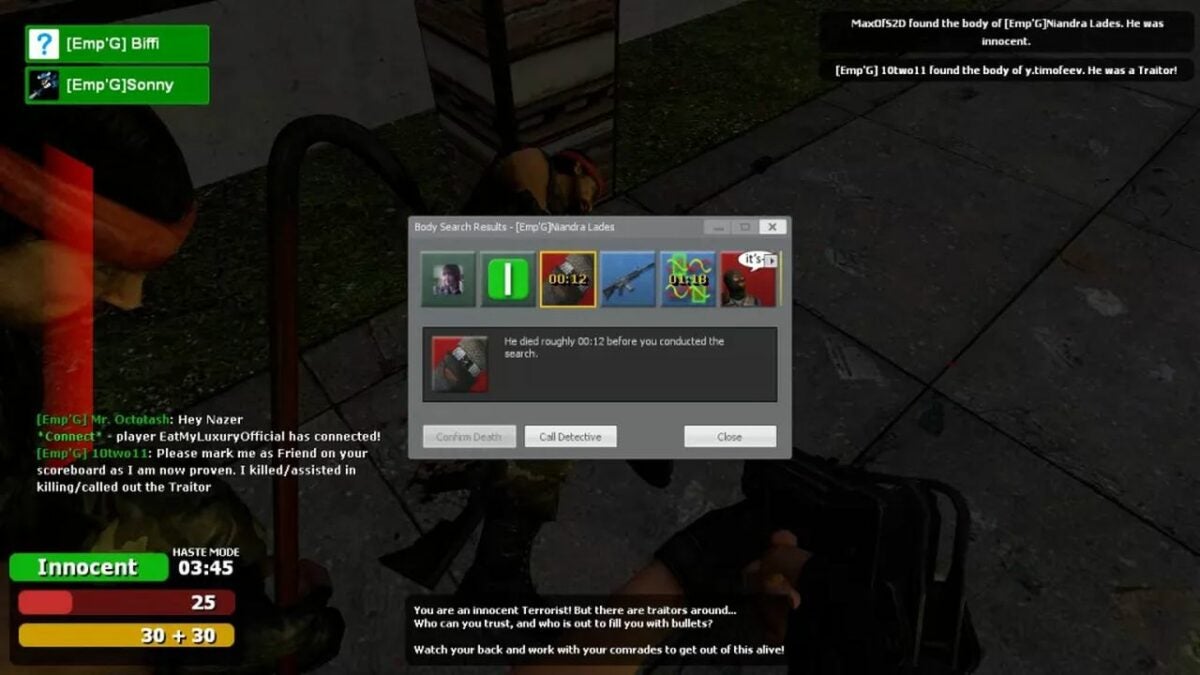
    One popular game is Trouble in Terrorist Town, or TTT for short. Players selected to be detective explore the map with a gun to find players selected as bad guys to raise their rankings. Another game made popular with YouTubers is Prop Hunt, a version of hide and seek where players transform into furniture or other objects while hunters need to locate and shoot them to win.

  3. Understand all the basic controls of Garry’s Mod

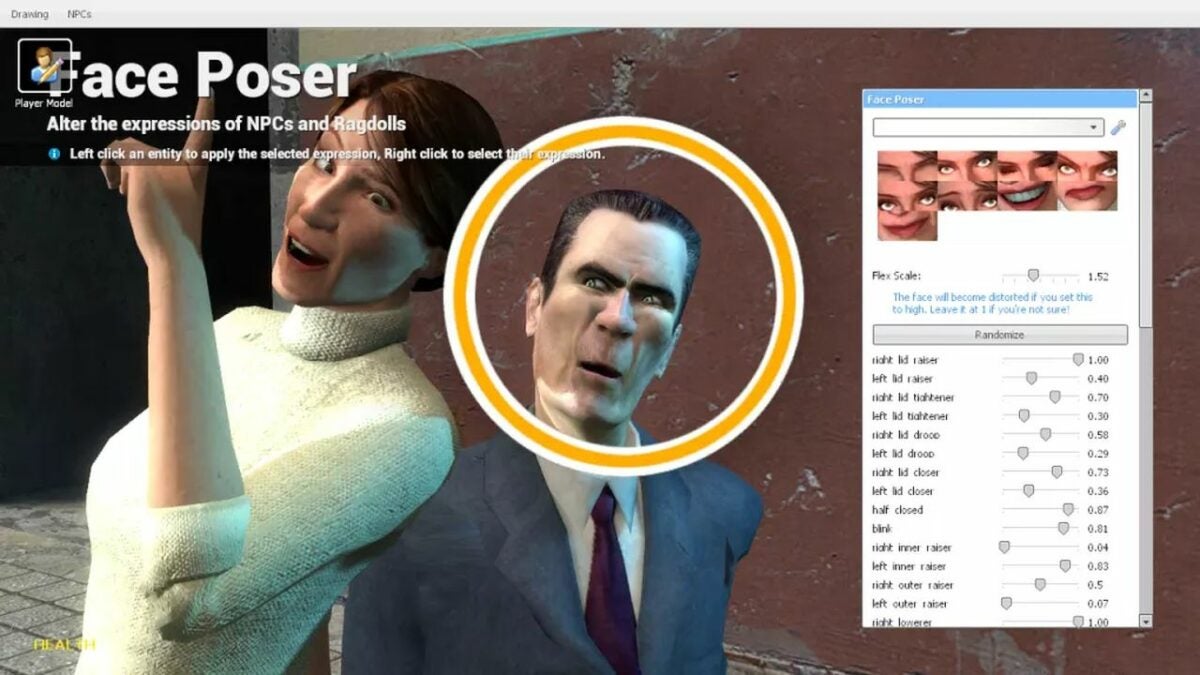
    Alter NPCs and item spawns

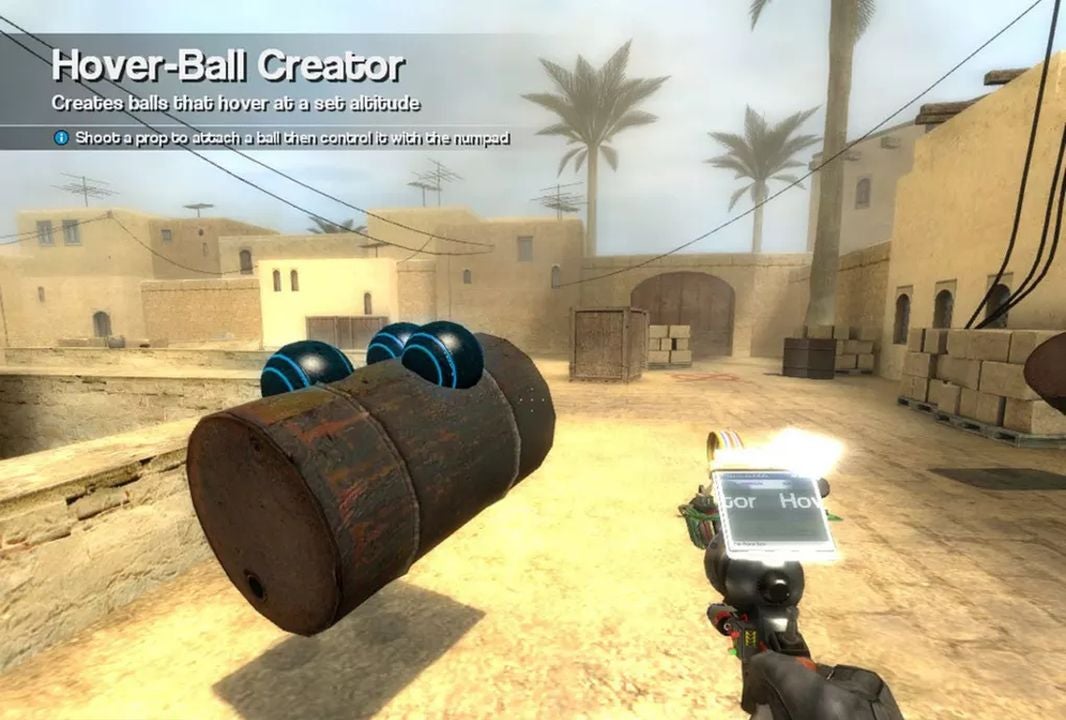
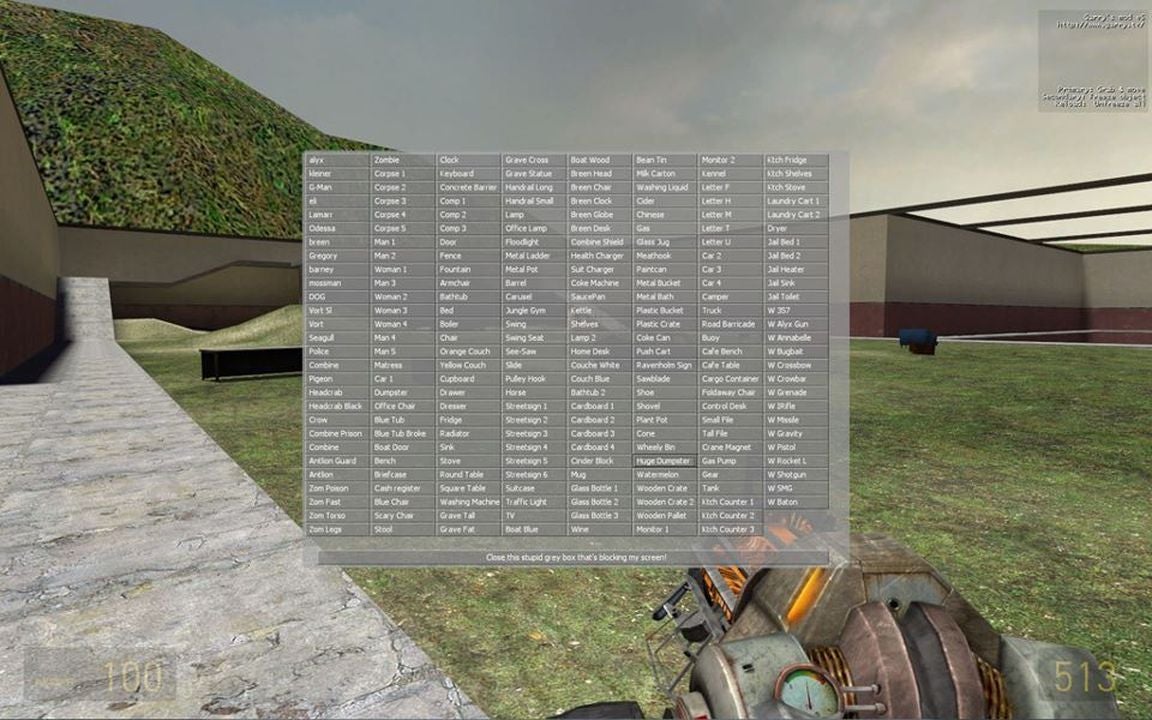
    Enter Sandbox mode by clicking Start New Game on the main menu. You’ll choose from default maps and special maps from games including Portal and Left 4 Dead 2. At your map, click Q on your keyboard to bring up authorized items to spawn. Find a character or object to appear in your map and move them with your physics gun. Right-click to freeze them in space, even in mid-air.

    Use your tool gun to weld together items and create vehicles and buildings within the special menu. Find the weapons menu by clicking Q and move heavier objects around the map with a physics gun. Pressing C will bring up the context menu where you can customize your players for games and find related items to the ones currently on your map.

  4. Use the workshop to create your own games

    Workshop menu

    From the main menu, you can click on Addons to find the workshop mode. There, select Open Workshop. You will find a list of other people’s items, including maps and weapons you may not have. Then, you can enter back to the sandbox by exiting out of the Addons menu and clicking on Start New Game from the home screen.

    If you would like to try out coding your own game, GMod uses a special programming tool named Lua. Launch the HTML editor and practice coding for a unique experience you can share with other players. The fun of Garry’s Mod really comes from the creation process, no matter how casual or professional your world may be.

Play Garry’s Mod for a world of opportunities

Garry’s Mod brings fans of first-person shooters and world-building together to have fun creating new games and environments. There’s no one way to use the program so feel free to click and explore the platform. To learn more about the game, check out our expert review of Garry’s Mod.

How to use Read&Write for Google Chrome in 3 steps

Google Read&Write is a free Chrome extension to power up your writing skills. This add-on allows you to correct your grammar and spelling for formal essays and blog posts.

Read&Write DOWNLOAD

Here’s how to set up and use Google Read&Write to help you improve as a student, teacher, or lifelong learner.

  1. How to download Read&Write for Google Chrome

    A sample document

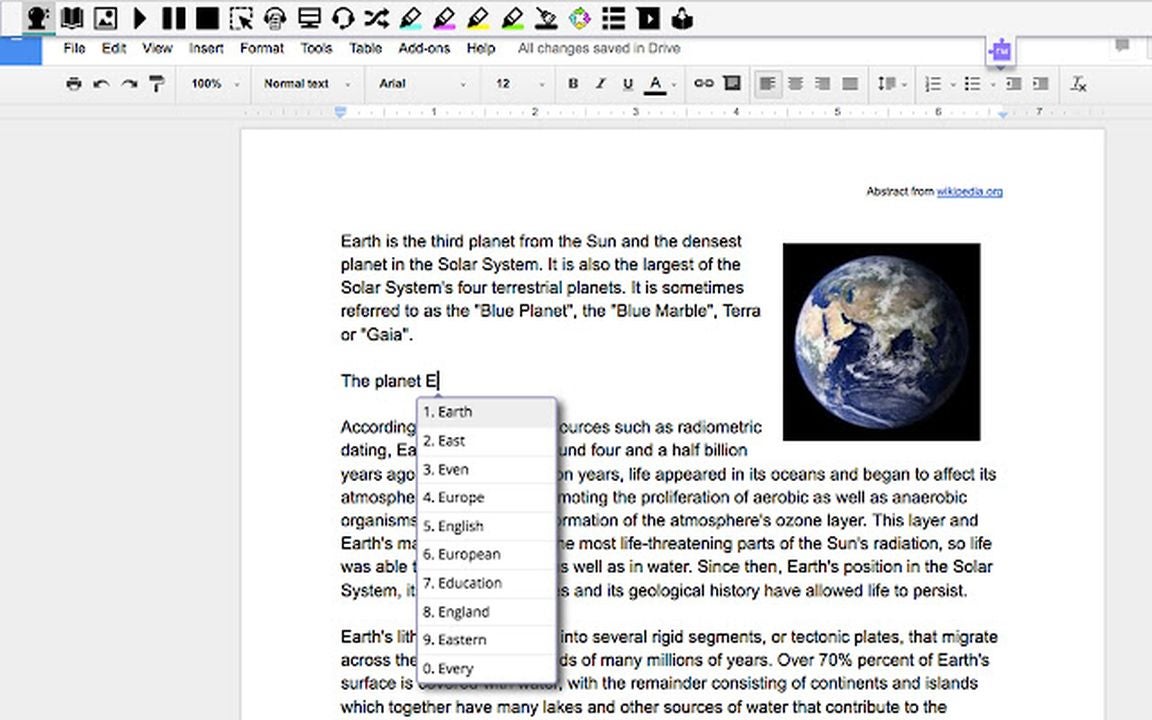
    Download Read&Write for Google Chrome. You will may have to sign into your Google account again. Once the program is opened, you can start typing on Google Docs and use the plug-in dictionary and thesaurus to expand your vocabulary and even use the tool for advertising and marketing on special e-commerce sites.

  2. Enhance your skills with Read&Write tools

    Use the dictionary tool in Google Read&Write

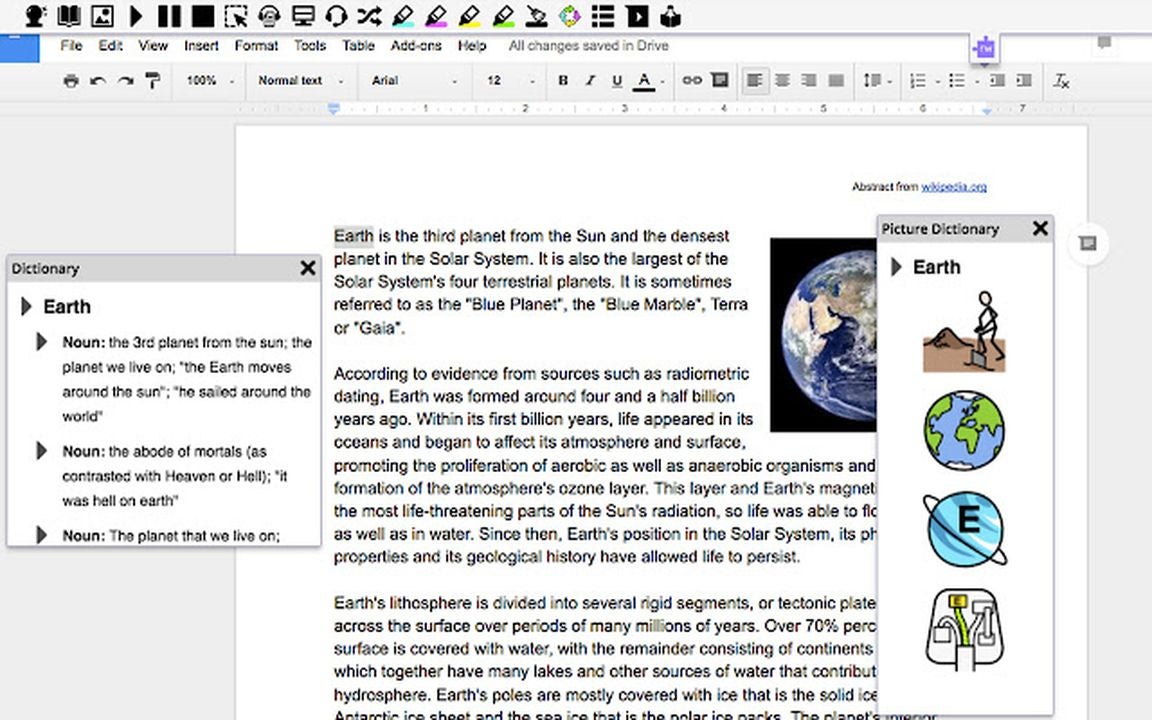
    Read&Write for Chrome has handy features for editing, including the Check In widget that reads your writing out loud and points out hidden errors. Another similar feature is the Dictionary tool that allows you to look up the definition of a word in your research if you’re unsure of the meaning.

    There is also image features including Screenshots to grab a picture from a website while cropping it to your desired size. The Dictionary tool additionally has an image feature for specific words to add into your work.

  3. Read&Write for Chrome is helpful for students and teachers

    Read&Write is useful for students

    Read&Write for Google Chrome allows students of all ages and their teachers to write and edit their assignments. Web page summaries help narrow down specific parts to study without being distracted by filler. Teachers can use the Voice Note feature with highlights for a report or important project.

    Speech to text and text to speech features are accessible for those who have trouble studying and completing their work. Read&Write for Google Chrome is an engaging tool for the classroom, workplace, or personal research and writing.

How to achieve high scores in the free Slope Unblocked game in 4 steps

Popular among students and workers who love a healthy distraction, Slope Unblocked is a free Chrome browser game that’s all about keeping the ball rolling. You use directional arrows or a combination of the A/D or Q/D keys to keep the 3D ball rolling down the slope for as long as possible.

Slope Unblocked Game DOWNLOAD

To rack up points and avoid falling off the slope, you’ll need to dodge blocks and make high jumps. While the concept is simple, there are several ways to keep rolling and score higher.

  1. Stay within the lines when going straight

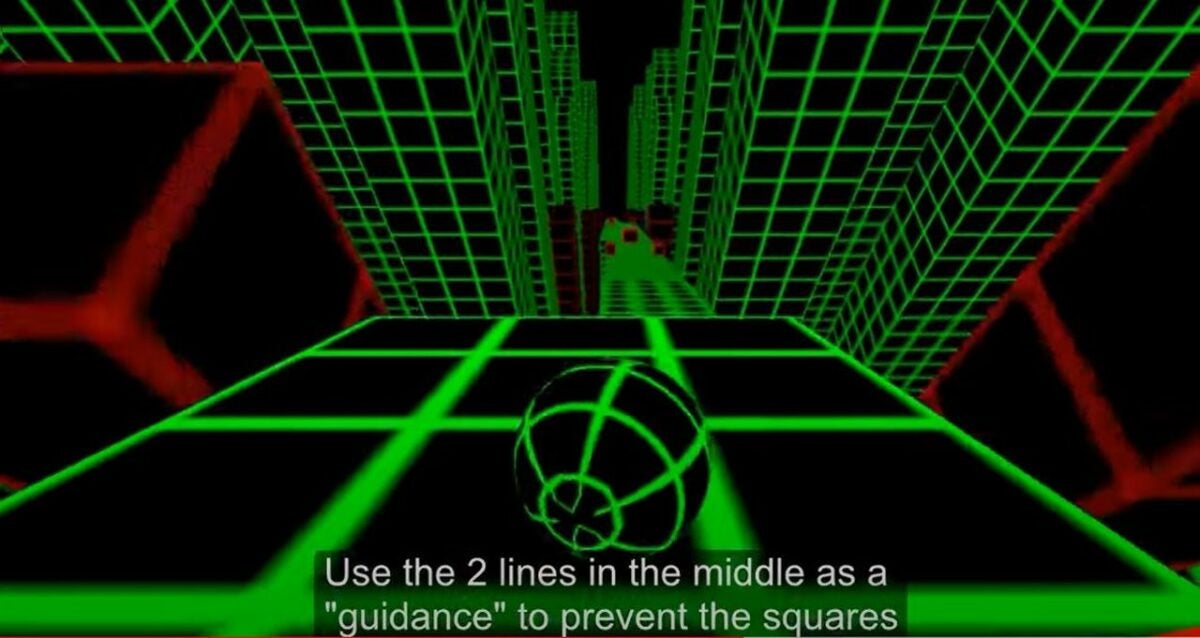
    Aim for the middle lines

    Much like driving an actual vehicle, the ball in Slope Unblocked has a smoother run when you keep it between the lines on the neon slope. You’ll need to change direction quickly to another grid to avoid blocks and make your way through the tunnels. Rarely will you have to navigate alongside the cliff, so it’s important to think within the middle grids. This can be an advantage for jumping the ramps and collecting coins along the way.

  2. Extend your time by moving through the map

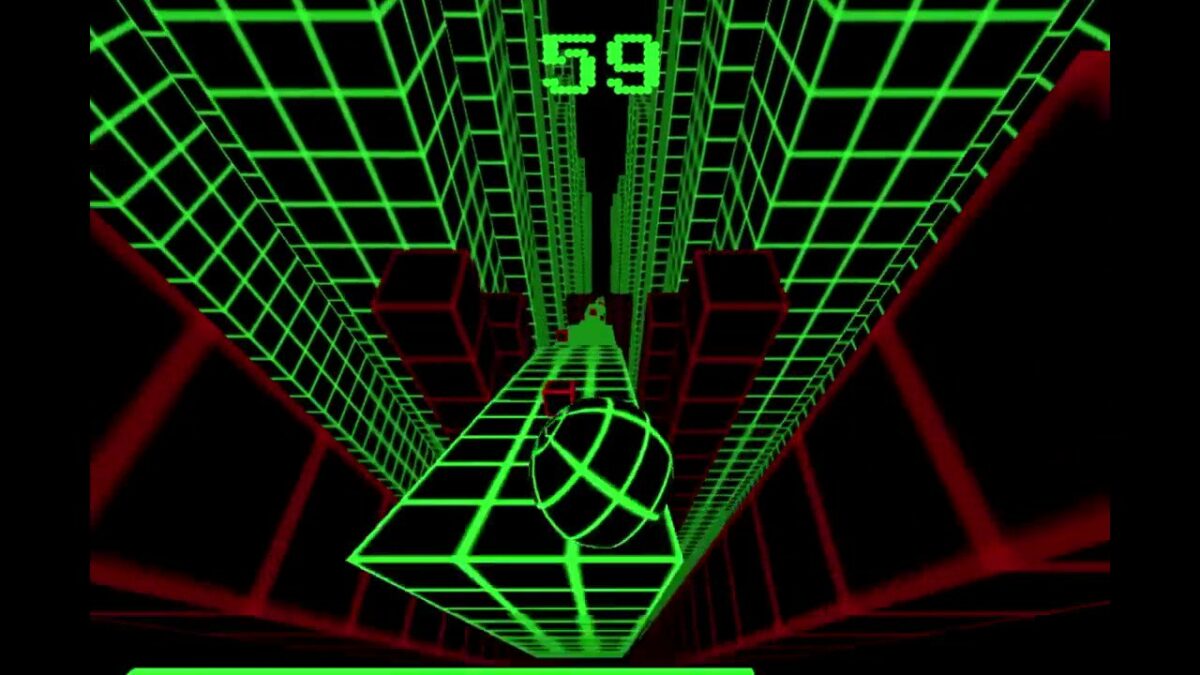
    Fly through the map with fast gameplay

    Once you get the hang of the fast gameplay of Slope Unblocked, there are different paths to take that add seconds to your score. Extra paths over arches and tunnel entrances add more time as long as you take them with a strategy. You won’t be able to escape ramps that fly by in an instant, but if you land the drop perfectly, then you won’t risk falling off the slope and having to start over.

  3. Be mindful of the game colors but don’t get too distracted

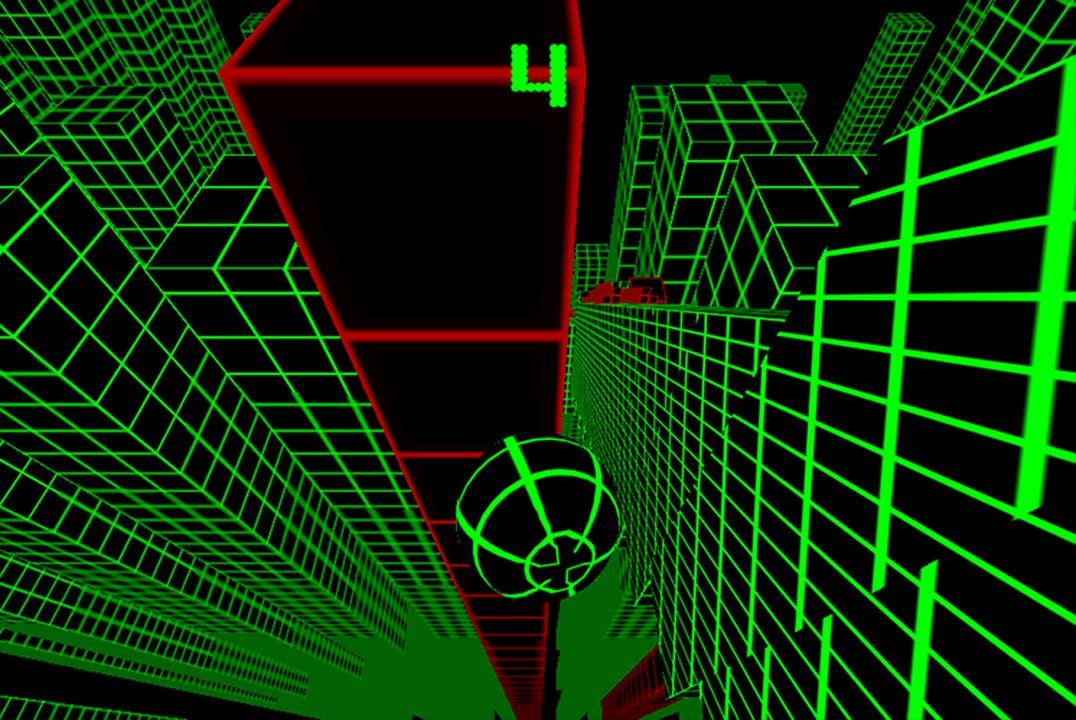
    Out of bounds areas are clearly indicated in red

    In Slope Unblocked, your ball and background grids are a vibrant green that shows where to go. The walls of the tunnels are red, urging you not to roll into them. Once you crash or fall, the graphics turn red as well. These are easy and obvious indicators of what path leads to a higher score, coins along the way, and if you’ll have to start over. It’s also important to not be distracted by the city landscape with green grid buildings as they’re just background graphics.

  4. Be patient and don’t give up on the first try

    Easy to learn but difficult to master

    Slope Unblocked is an exciting yet casual game you can play again and again to top your high score. If you find yourself crashing or falling off the ledge at the same spot in the game, try a different tactic the next time you play. The controls are simple but may take some time to get used to if you’re more familiar with a different platform. Beating your high score is sure to be a rewarding experience each time you play Slope Unblocked.

Card Shark review: card playing game with a historical twist

Have you ever wondered what it would be like to live as a card shark outsmarting other cheats during the Age of Enlightenment? That’s the immersive setting for Card Shark, a historical adventure game based on gambling and sleight-of-hand. Created by Devolver Digital, the release puts a unique spin on classic card playing. With its watercolor graphics inspired by 17th-century paintings, Card Shark boasts striking visuals similar to Passpartout: The Starving Artist.

To win at Card Shark, you must defeat and out-cheat other players at their card game while keeping the secrets of the elite to escape Death. Each twist and turn throughout the levels will appeal to gamers looking for a challenge. But is Card Shark worthy of the hype set by its unique graphics and interesting premise?

Card Shark Download

Take a trip through time with Card Shark

As a player, you will start Card Shark in 17th century France as a pauper and need to learn the tactics of cheating at cards in order to escape poverty and certain demise. Your enemies are nobles and aristocrats who have hidden secrets to uncover as you make your way through the game.

If you’ve played real-life card games, you may have an advantage with card counting and fake shuffles of the deck. The detailed brushwork design beautifies the game and really brings you into the game. Devolver Digital’s extra attention to the dramatic accuracy of the era really pays off.

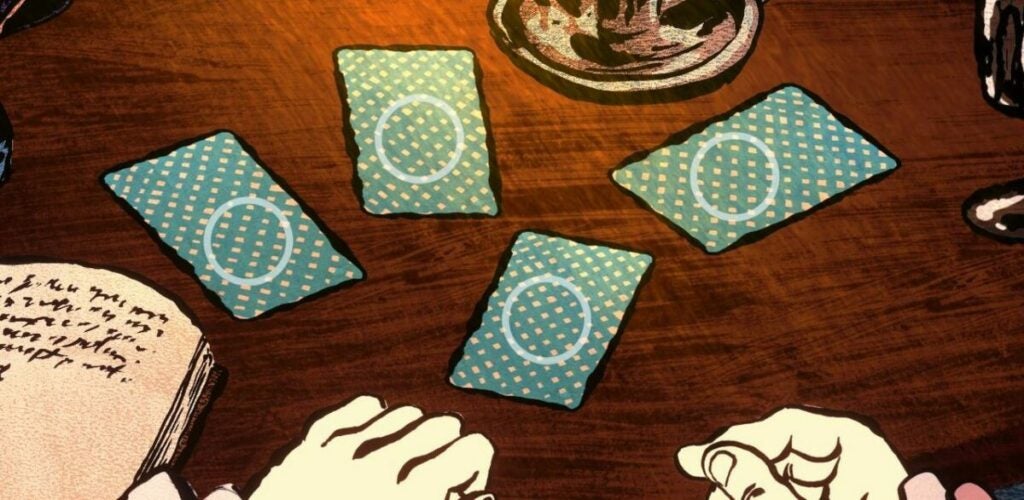
Card Shark parlor game

Start out on beginner, intermediate, or expert levels with Card Shark

Card Shark begins with a series of warnings as you are in danger of losing your life and ending the game if you make too many mistakes. You start off the game as a mute pauper who meets a rich and mysterious stranger who asks you to work with him to win card games.

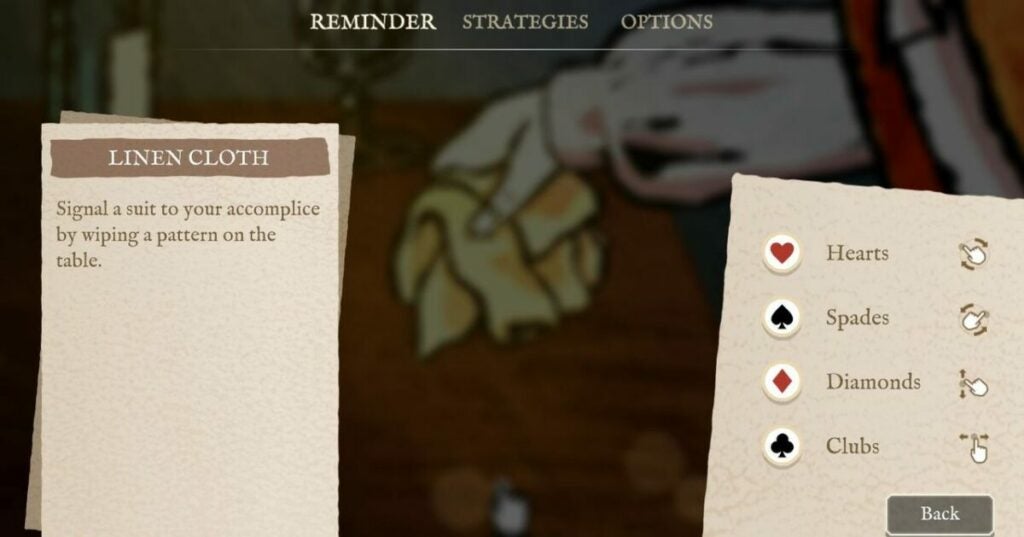
The interactive opening tutorial requires you to swipe with your mouse to learn how to signal suits for the aristocrat after pouring him a proper amount of wine. You’ll have a few chances at first to re-learn the rules of the game, such as using a clockwise motion to signal the heart suite in secret. The game teaches you regular tricks and is lenient as a learning tutorial in a special story mode throughout the game.

Gameplay swiping suites

Learn new tricks in record time to advance in Card Shark

As a quick-time event game, Card Shark requires you to establish your card tricks soon before the active gameplay. Some examples of card tricks include marking the deck with smudges or shuffling cards differently to give a glimpse to the card player and succeed within the ranks.

While the game starts easy, you quickly get to the point where you must memorize elaborate card tricks to out-cheat your opponents. That will involve remembering patterns and mastering mechanics such as holding fingers up or picking up cards from the left or the right. These tricks can be difficult to master, and you may want to take notes on the steps of a new trick. Also, we found that the mechanics are much easier if you’re using a controller.

The Card Shark game is saved regularly to track your gains or losses. Occasionally, you may get caught cheating and “die” where you will face the character of Death. You then either try your luck again or opt to erase your progress to start over the game.

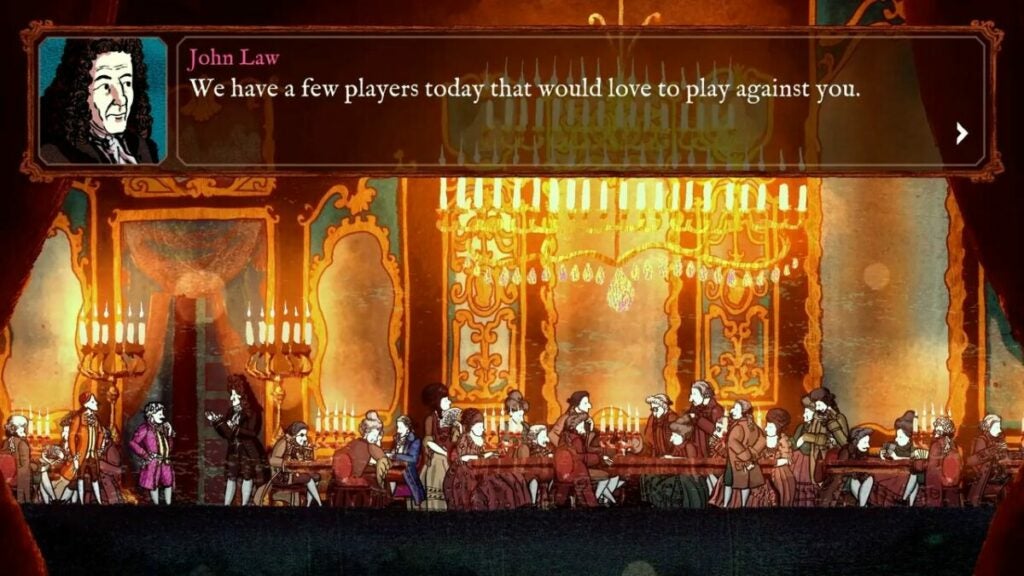
Full casino scene

Advance in your ranks from a peasant to a noble

Card Shark is a teaching game where you start as a lowly mute peasant and can rise through the ranks to become part of the nobility. The choose your own adventure story mode scenes will usually lead to the same game but the options are entertaining for those who prefer the point-and-click method.

Generally mellow but leading up to intense scenes, Card Shark changes from start to finish with more than a dozen card tricks to learn as you travel along. Advanced players may find the repetitive levels dull while those looking for a passive game find the beauty in the art and dedication to the story.

Pauper in Card Shark

Explore history with Card Shark gameplay

Card Shark is based on the real-life card player and philosopher Comte de Saint Germain and his secret card games set in 18th century France. Your player is mute and prone to epileptic fits as he was raised poor and has to take on dangerous jobs to get ahead. While your gameplay choices don’t have much control over the plot, Card Shark’s story is engaging and adds another layer to the experience.

By spying on games, the main character overhears secrets from the aristocratic society and needs to maintain his wits to not get caught and killed, sending you back to start or replaying your failed rounds of cards. Card Shark is a game to be patient and strategic with your motions, so it may take a few times to get into the gameplay.

Game tutorial

Card Shark is a visionary game for fans of quick gameplay and a memorable storyline

The standout graphics and time-appropriate graphics of Card Shark make this game truly original for fans of historical content. However, this game may be more suitable for those with a functioning trackpad or controller as the movements during the story need to be precise.

There are also some struggles as the gameplay may be too repetitive for expert gamers and the ability to restart the level doesn’t prove as much of a challenge. However, learning new tricks and defeating opponents can be a genuine challenge. Overall, Card Shark is a fun and exciting game with anticipation from start to finish. Feel free to leave your own comments and share this article with your fellow gamers!

A warning to all card sharks

PROS

  • Amazing graphics and music
  • Quick gameplay
  • Teaches new skills at card play
  • Unique premise and historical context

CONS

  • Hard to manipulate without a controller
  • Learning elaborate tricks can get repetitive
  • Long tutorials and cut scenes

Developer: Devolver Digital


Publisher: Nerial


Game Modes: Simulation


Game Engine: Unity

Conquer Sniper Elite 5 for gameplay fun and action-adventure!

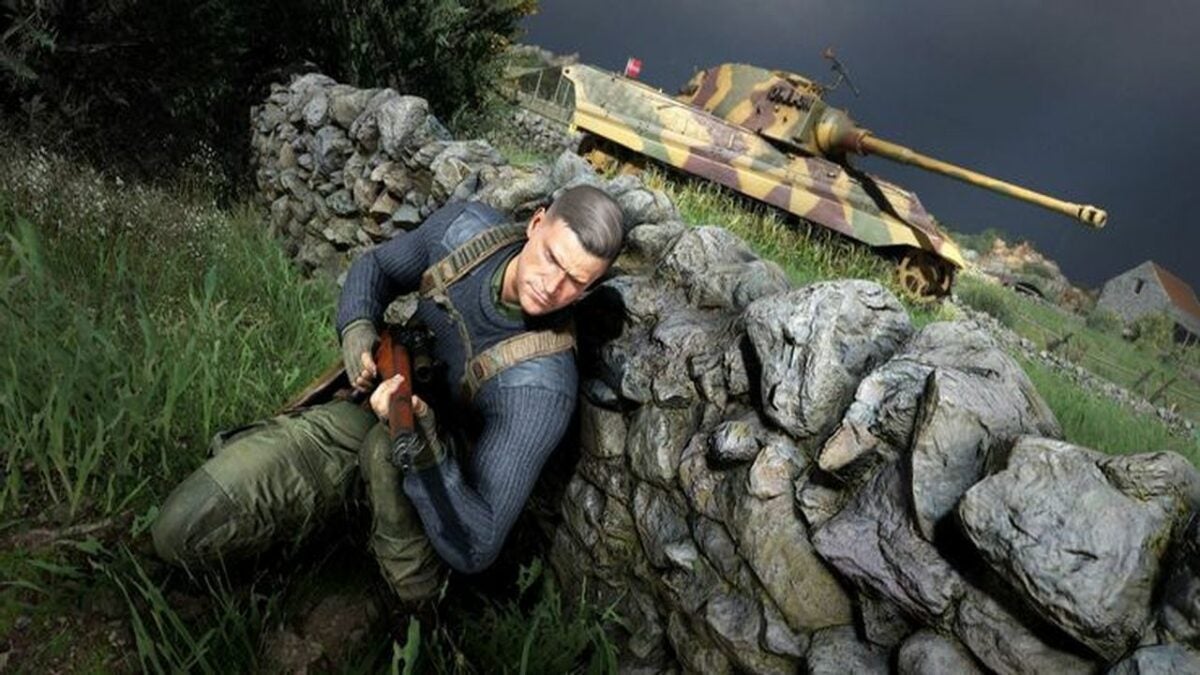
With its sprawling levels and stealthy action, Sniper Elite 5 is arguably the most addictive game in the Sniper Elite series. This third-person tactical shooter involves a lot of sneaking around and overtaking locations to snipe out enemies below. Sniper Elite 5 takes place during World War 2 to follow the same storyline as Sniper Elite with a new twist.

Sniper Elite 5 DOWNLOAD

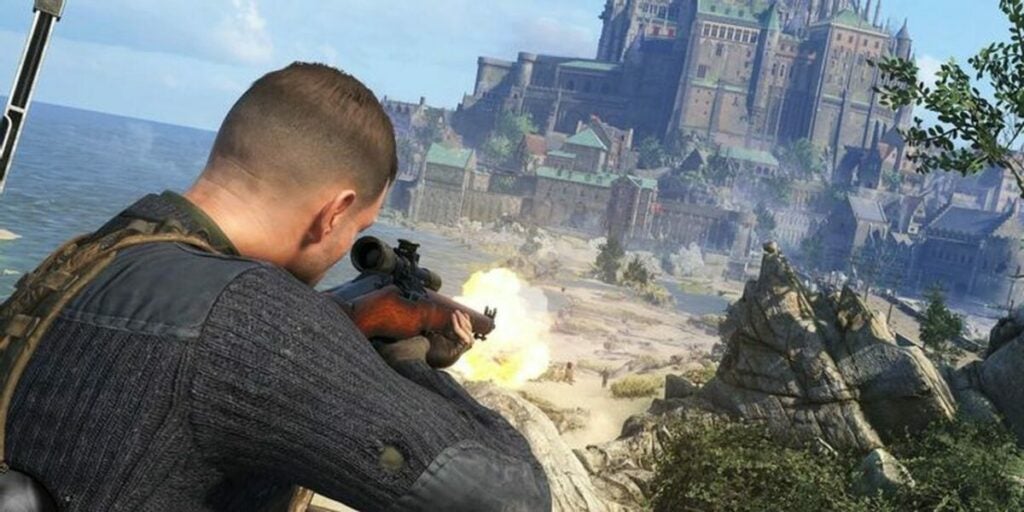
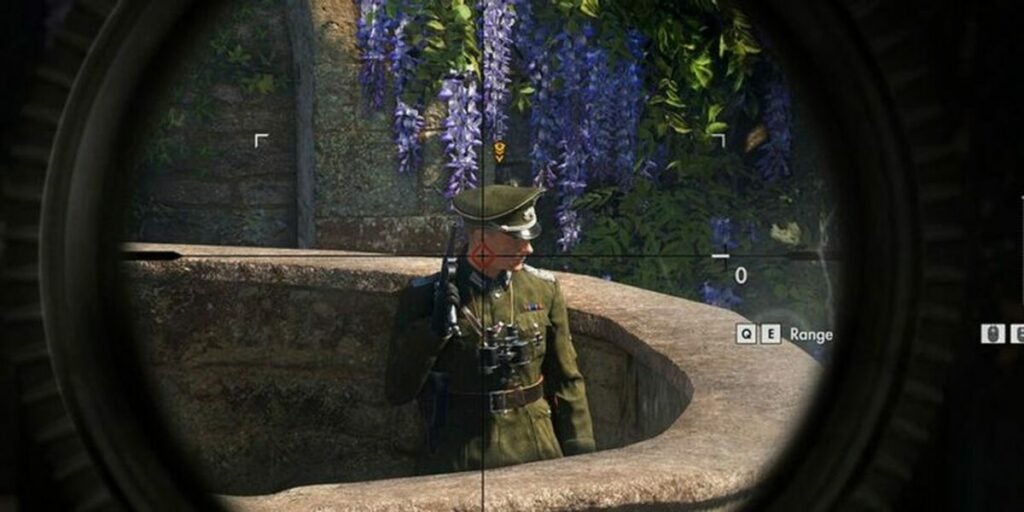
The sniper shot you see from above will give you a full view of your enemy’s target points on their body to make a direct kill. This visionary game introduces stunning graphics and tactics. However, to truly make your mark in Sniper Elite 5, you’ll need to understand some points specific to this stealth game.

Aim your bullet drops to expand your sniper skills

Your role in Sniper Elite 5 is a sharpshooter who targets Nazi enemies from above. To do this, you’ll need to perfect the bullet drop technique. Carefully choose your scope as a sniper and look to the best weapons with zooming skills to spot your enemies without being caught yourself.

Sniper Elite 5 example gameplay

Look to customization options

A great way to enhance your gameplay is to use customized features for your character. Within the game, you can switch out weapons and workbenches. Don’t forget the ammo options! Some bullets will simply stun your enemies while others will kill them and gain you more stats.

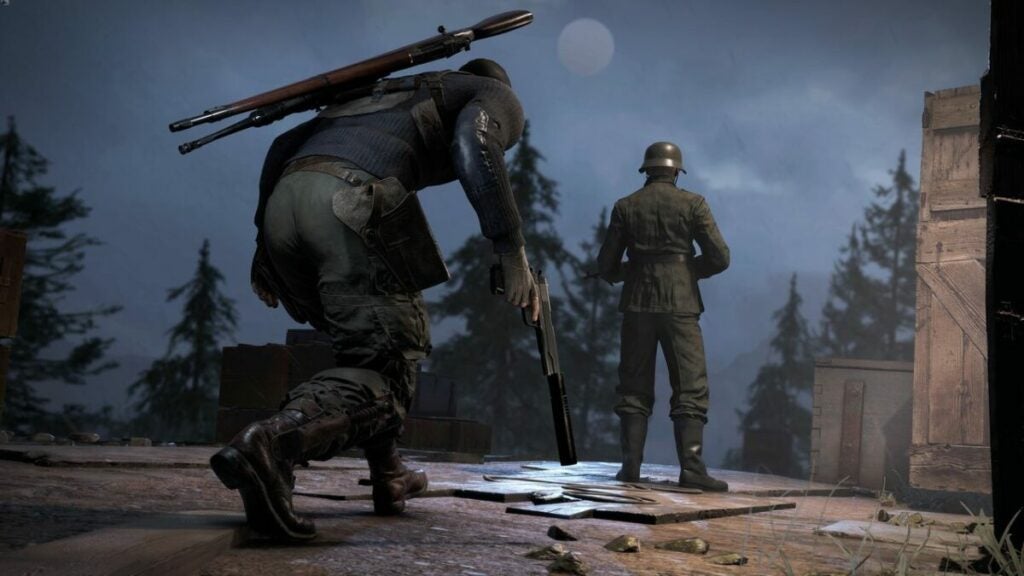
Super Elite 5 also gives the player the option of a silencer pistol to quietly take out your enemies lurking in the distance. You can use this pistol for a mission whether you’re playing independently or with a team.

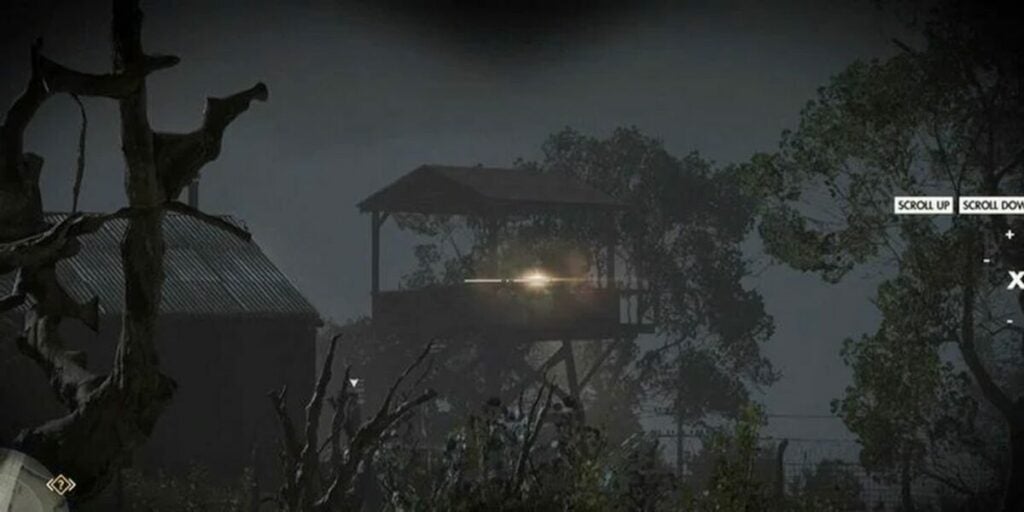
Stakeout the enemy

Choose multiplayer mode for additional help within the game

Sometimes, you just need help from your friends. Sniper Elite 5 offers a distinct multiplayer mode where you can compete against your friends or work together in co-op games. Pick your character between the main hero Karl or the Nazi enemies for a different experience each time.

The real-world locations of this game are impressive for history buffs and the graphics of the battles are great for fans of action and adventure programs. All you need to do is pick and choose if you are the friend or the enemy in order to get ahead in Sniper 5 Elite.

Target your enemy in your weapon's crosshairs

Stay vigilant against your enemies

You can turn off Invasion Mode for a relaxed game but that won’t give you extra stats. By picking this mode, the Axis invasion is ready to go and you can easily reload your weapons. Keep the game moving with active combat for a truly worthwhile experience — after all, the motive of Sniper Elite 5 is to take down your enemies to win.

Cover photo advertising the release date of Sniper Elite 5

Escape enemies or go free for all to meet your objective

Sniper Elite 5 is a game where you can face enemies and need to attack them right away. Another option is to take your sniping skills quietly and sneak past enemies to reach the target. There is a chance that secret spies will come after you and you’ll want to run or use your ammo on your enemies.

Even before you begin your attack, you can look out for escape routes to exit the area instead of engaging. There are many spots in Sniper Elite 5 where you do need to shoot your enemies but with many games, you can also leave the area to save yourself.

Sneak past your enemies instead of engaging

Replay Sniper Elite 5 with your own special skills

The main objective of Sniper Elite 5 is to battle enemies in World War 2 without getting injured or killed. This game requires planning and a steady hand for controls as your coordination is important. Whether you choose to play single or multiplayer mode, you’ll need to try out different techniques to find what works for you.

Sniper Elite 5 is a great addition to the series and a place for players to show off their power in a shooting game. Please feel free to share this article and leave a comment with tips and tricks to help other gamers! For general stealth gaming tips, read our article on how to use military tactics in shooter games.

Sniper Elite 5 PC Steam Key GLOBAL Buy Now
Buy Now

The top tactics for the world of Clash Mini

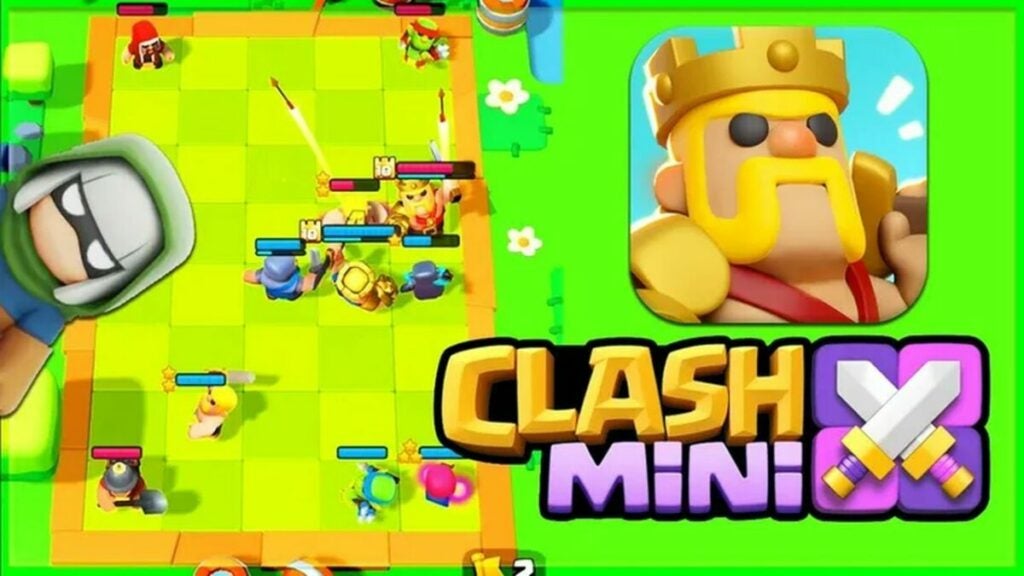
Clash Mini is a virtual board game/strategy game from developers Supercell, the makers of the battle royale release Clash of Clans. In this game set in the Clash Universe, your mission is to control an army of Minis that you can upgrade and swap through during the game. Clash Mini features two modes: Duel, which is a best-of-three mode, and Rumble, which is a tournament-style mode with up to 10 players.

Whether you’re participating in free play or trying to become a ranked player, you’ll need to use some Clash Mini tactics and strategies. Formation and leveling up your abilities are important tools to win this game.

Clash of Clans APK Download

Read and analyze your units in Clash Mini

The units, or Mini heroes, each come with special spells and abilities. It’s important to read and understand the spells before choosing minis to form a unit. Spells have bonus abilities on both allies and enemies to make your army stronger.

After creating your unit, you will need to analyze them fully for the best competitive gameplay. To have the most effective gameplay, you’ll want to position your minis and figure out the best attacks before you start. Your opponents will also be using the same strategies, so choose wisely and think of defense moves.

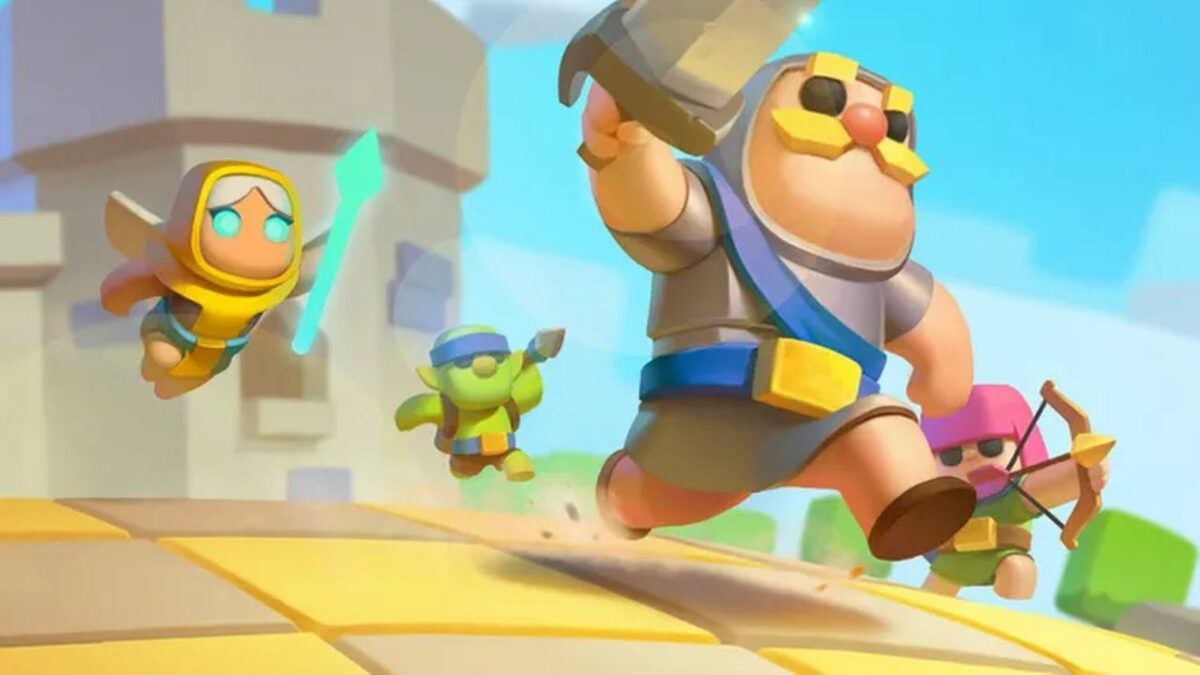
Heroes in Clash Mini

Play quests within the Clash Mini game

You can gain rewards through special quests within Clash Mini. Quests can bring you gold to buy upgrades or items in the in-game store; however, the latter isn’t worth it as you can also get weapons and items for free by completing battle attacks. Save your gold for a really rare purchase that you can’t pick up during your game.

There is also an option for in-game purchases that seems tempting if you’re struggling with specific battle rounds. By beating easy quests, you can save your real-life currency and obtain abilities and items without breaking the bank.

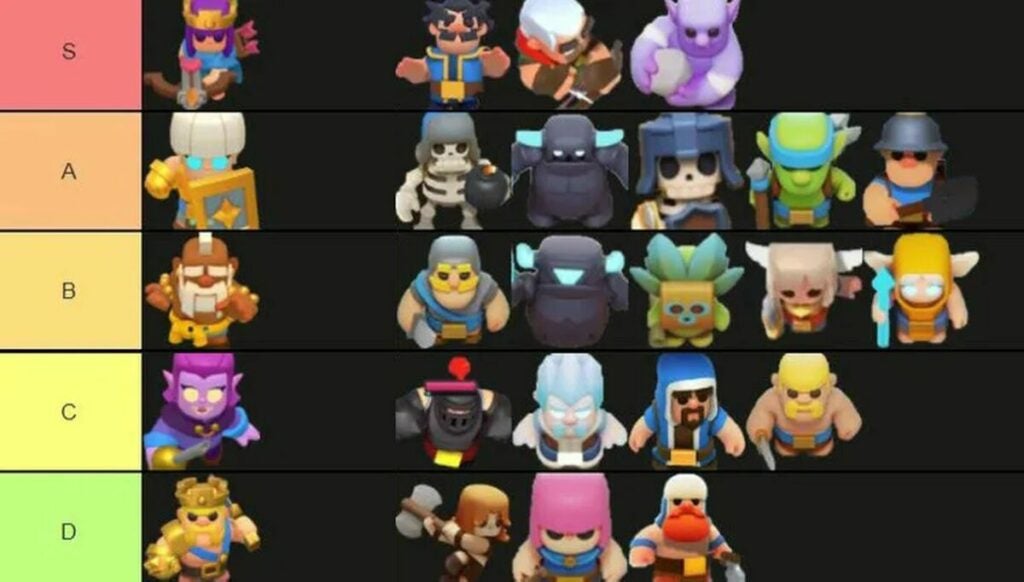
All the heroes ranked by tier

Don’t forget about setting up equipment as well as Minis

Clash Mini comes complete with tanks and melee hand-to-hand combat moves that you’ll place around the board before taking your turn. These should be taken into consideration as much as the placement of your Minis. The role of your characters comes into importance with your choice of personalities such as magic archers and wizards.

Fans of Clash Heroes will love the option to choose classic characters from the original game, including Pekka, the Archer Queen, Shield Maiden, and the Barbarian King. Remember that you can switch between Minis to advance your game strategy and gain new abilities with each battle you win.

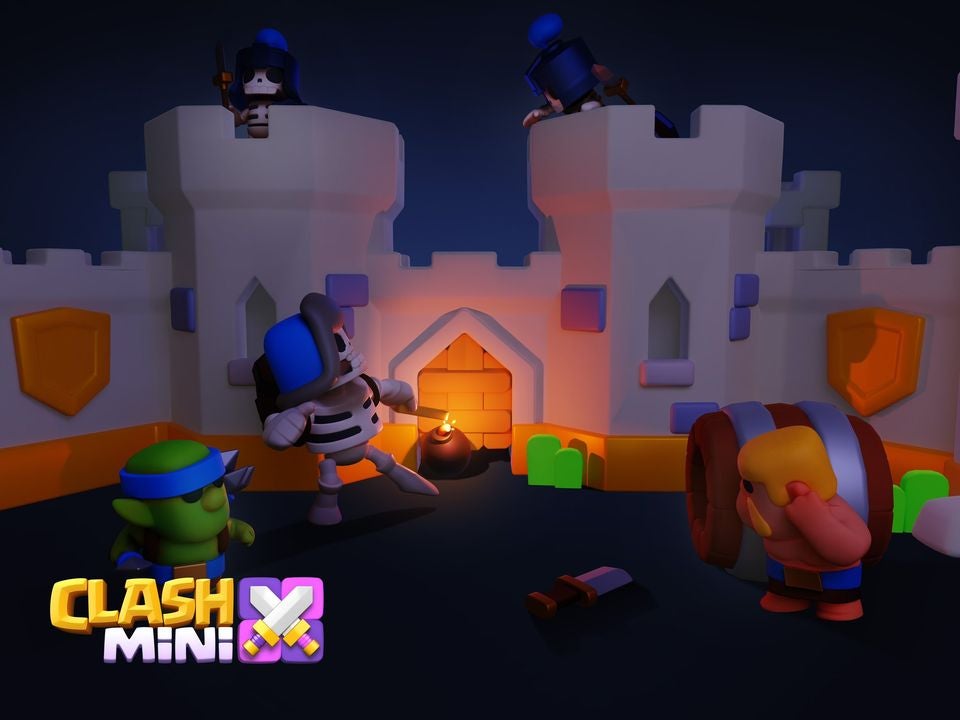
A battle in Clash Mini

Do not choose Rumble mode if you’re looking to increase stats in Clash Mini

Rumble mode is basically a free for all system where you can battle other players. However, this casual gameplay does not increase your stats in the Clash Mini game. Regular gameplay in the player vs player Duel mode allows you to obtain rewards and abilities. You do need to keep in mind that your opponents may have stronger units, which you may not be able to see before the battle begins!

A great tool is to pick Minis such as healers and harvesters to combat your enemies. Try to stick to tried and true Minis, and keep in mind that your opponents can use the same tactics. It’s fine to take risks in this game as you can swap out your units when you don’t find them as effective as others.

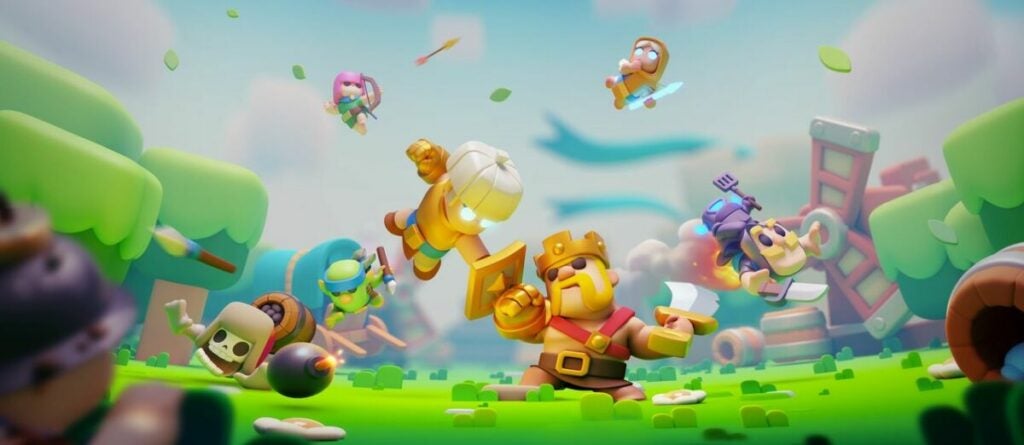
Clash Mini animation

Play Clash Mini for an exciting virtual chess game

Clash Mini is an auto-chess board game with action gameplay for fans of strategy programs. While luck is a factor, the virtual game is a real-time battle that requires you to plan ahead before playing moves. Clash Mini is a game of wits and formation. You can progress further for extra special skins with these tips and tricks explained throughout this article.

Clash Mini is like a virtual chess game

Please feel free to leave your own comments on how to succeed with Clash Mini. Need more help on the gameplay basics? Check out our guide on how to play Clash Mini.