
How to use BitTorrent Sync

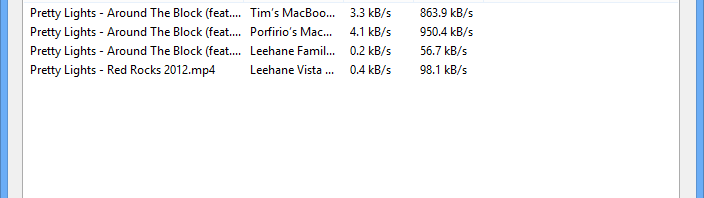
BitTorrent-Sync logoBitTorrent Sync has just entered open Alpha allowing the public to try it out. The app allows you to sync folders across several computers using ‘Secrets’. It can be used to transfer and share files across multiple devices and entire networks. This makes it a competitor for file sharing services such as Dropbox and Google Drive. Normally, files are fully shared between parties, but you can also create read only and one time use Secret. BitTorrent Sync is available for Windows (Vista, 7, 8), Mac OS X, and Linux operating systems. We tested out the app on Windows 7 and 8 so several of our findings may not apply to other operating systems; the Linux version uses a config file instead of the application interface found on Windows and Mac.

We’ll show you how to use BitTorrent Sync to share files with multiple machines.
Continue reading “How to use BitTorrent Sync”

Hands on with Twitter #Music: pop or pointless?

Twitter Music IconI’ve been a fan of music discovery services such as Spotify and Pandora for years. When news hit that Twitter was starting its own music service I was skeptical. Twitter bought We Are Hunted a year ago with plans to use its technology to tag tracks directly into tweets. Further rumors pointed to integration with established services such as iTunes, Rdio, Spotify, Vevo, Soundcloud, and YouTube (the last three are not yet available). This sounded ambitious, but also very cluttered and invasive.

What drew me to Pandora was anonymity: I could find music on my own without pestering friends or broadcasting to the world. Spotify defaults to socially sharing music, but there are plenty of options for privacy. In contrast, the newly released Twitter #Music requires following many artists and constantly tweeting about music. In the end this will just fill your feed with endless banter. Worse yet, outside of mainstream pop music it’s very difficult to find just what you’re looking for. I wouldn’t use it as either an iOS app or web service. Continue reading “Hands on with Twitter #Music: pop or pointless?”

How to install Facebook Home on Android 4.0 or higher

facebook home iconFacebook Home is available for a limited number of Android devices. These include the Samsung Galaxy S3, Galaxy Note II, HTC One X, HTC One X+, and HTC First. Thankfully, members of the xda Developers Forum created a way to install Facebook Home on any Android device with Android 4.0+ (Ice Cream Sandwich/Jelly Bean).

xda is a site for advanced Android users for software modifications that require greater knowledge of the Android operating system.. Many mods require root access and a recovery ROM. However, you don’t need either of those to install Facebook Home.

This installation of Facebook Home was completed on the Samsung Galaxy Nexus and your device may have different locations for various settings.
Continue reading “How to install Facebook Home on Android 4.0 or higher”

Candy Crush Saga publisher talks sweet success

Candy Crush Saga logoCandy Crush Saga has become a serious hit for Android, iOS and Facebook. The puzzle game borrows aspects of Bejeweled, but adds in many gameplay elements to stay original. The basic goal is to shift the position of different colored confections and create rows and columns of the same color. Players gain special power ups by lining up candy into even more complex shapes; a row of four identical colors will destroy everything else in the row, while five matching candies can wipe out an entire color on screen. It’s this exciting gameplay that has led Candy Crush Saga to become a popular game with over ten million downloads across all platforms and 350 diverse levels.

We spoke with “Mobile Guru” Tommy Palm from King.com, the publisher of Candy Crush Saga. We asked him about the game, transitioning from Facebook to mobile, and what’s in the future for King.com on mobile.
Continue reading “Candy Crush Saga publisher talks sweet success”

Giveaway: 25 full licenses of Steganos Online Shield 365

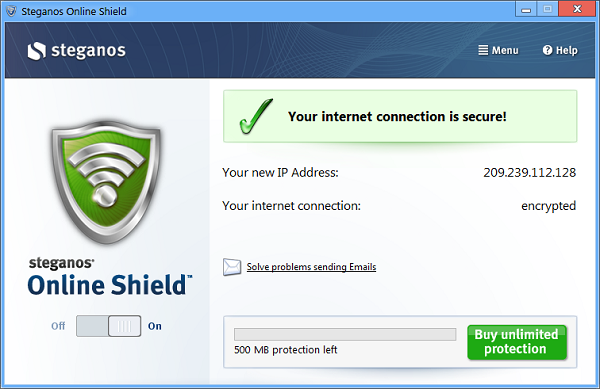
steganos iconWe have 25 licenses for Steganos Online Shield 365 worth $70 to giveaway thanks to the developer Steganos.

To win a free copy of Steganos Online Shield 365 just leave a comment explaining why you need the the extra security. Don’t forget to leave your name and e-mail address so that we can contact you if you win. The most interesting answers will win one of the 25 licenses. Entries will be accepted from April 12th to April 19th, 2013. Please check our terms and conditions for any questions about this giveaway.

Steganos Online Shield 365 is a NPN/proxy-anonymizer that connects to servers in the USA, UK, France, Switzerland and Germany. This quick and simply app will protect you against hacks and malware that attempts to steal your personal data. Steganos Online Shield 365 will route and encrypt your connect, allowing you to browser anonymously. While Steganos Online Shield 365 has a limited trial, the full version will allow you yearly protection.

steganos security shield

How to create Google Chrome themes

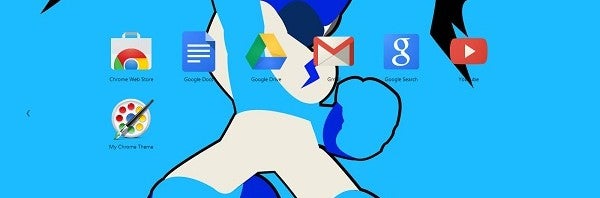
My Chrome Theme IconWhile Google Chrome’s appearance is simple, there is always room for improvement. Google first allowed Chrome Themes through galleries, though they lacked customization. Thankfully, there is a first party Chrome app to solve such a problem.  My Chrome Theme will allow you to create a customized browser theme and share with friends. All you’ll need is your favorite image and My Chrome Theme will guide you along.

We’ll show you how to use My Chrome Theme, create a personalized theme and share it with friends. Continue reading “How to create Google Chrome themes”

Legal terms for Steganos Online Shield 365 giveaway

1. Object

With the purpose of promoting Windows application, Steganos Online Shield 365, Softonic International, S.L (hereinafter, “Softonic”), a Spanish Company, with corporate address in Barcelona, c/ Rosselló i Pòrcel, 12 and Spanish Tax Identification Number B-63920920 plans to develop an international campaign to be carried out between 12th April 2013 and 19th April 2013 and which will allow 25 users to win a license for Steganos Online Shield 365 according with what is set forth herein.

2. Scope of the promotion

The scope of the promotion includes the following sites and countries:

http://en.softonic.com/ (Worldwide)

http://onsoftware.en.softonic.com/ (Worldwide)

3. Length of the promotion

The promotion shall start on 04/12/2013 at 8am PDT (Pacific Daylight Time) and shall end on 04/19/2013 at 8am PDT. After this period, the best 25 entries as judged by Softonic win one full version of Steganos Online Shield 365 each.

The winners shall be notified on 22nd April 2013 by email.

4. Spreading of the promotion

The campaign shall be spread via a blog post, with support from Twitter and Facebook linking to the blog post.

Such spreading shall take place between 12th April 2013 and 19th April 2013. Moreover, it shall detail the following information: Information regarding the prize, how to participate in the promotion, start and termination date, free promotion.

5. Procedure

In order to participate, each contestant shall leave a comment on the blog post [we will contact winners using the email address they leave in our commenting system].

6. Prize

25 codes to unlock a full version of Steganos Online Shield 365, with 25 winners of one code each.

Hands on with Windows Blue

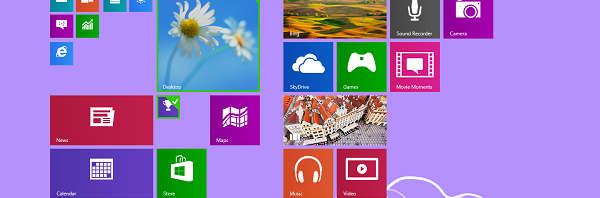
Windows 8 logoAn update to Windows 8 called Windows Blue recently leaked online. This update contains new features focused on usability and stability. Among the updates includes an improved Start Screen with resizable tiles, a new settings menu, better SkyDrive support, and added apps. While this isn’t the biggest update, Windows Blue still provides some helpful updates for Windows 8 users. The overall theme of Windows Blue is providing features and options from the Desktop right on the Start Screen or other menus.

We’ll show you all these new features to showcase just how much Windows Blue changes Windows 8.
Continue reading “Hands on with Windows Blue”

How to use Aviary Photo Editor for Windows 8

aviary iconBest known for their Web app graphics suite, Aviary released a Windows 8 version of their popular photo editor. Aviary Photo Editor is a very light weight editor that skips many of the complex features found in other image software. This becomes more obvious by the fact that Aviary Photo Editor lacks features found in editors such as Photoshop or GIMP. Still, Aviary Photo Editor is great for simple and fast editing jobs.

We’ll show you how to get the best out of Aviary Photo Editor. Continue reading “How to use Aviary Photo Editor for Windows 8”

How to rip and archive a Tumblr

Tumblr LogoTumblr is an excellent source for discovering art and other images. Tumblr has been around since 2007, meaning older blogs may have accumulated a massive amount of pictures. It would generally take a great deal of time to browse through every blogs. Similarly, you might have your own extensive Tumblr with content you wish to easily archive or upload elsewhere.

Thankfully you can easily extract all of the images from Tumblr blogs with TumblRipper. We’ll show how to use this app and preserve your picture collection.

Continue reading “How to rip and archive a Tumblr”