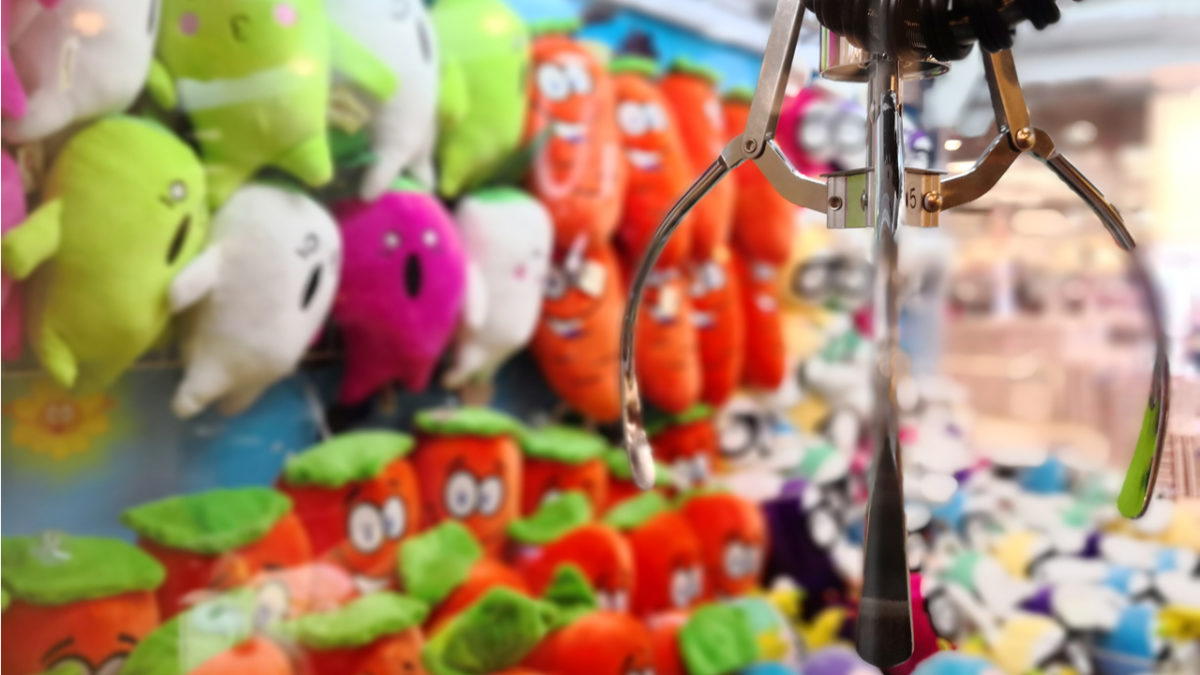
Toreba, or Crane Game Toreba, has taken the world by storm. It’s an app for both iOS and Android that allows people all over the world the opportunity to play a crane game on their phone, tablet, or PC and win prizes. Toreba was created by CyberStep, Inc in 2011, but recently has increased in popularity due to YouTube sponsorships. Even with that said, what makes Toreba stand out is that it isn’t animated – you can actually control a real-life crane located in Japan, streamed live through the app.

1. Choose your prize
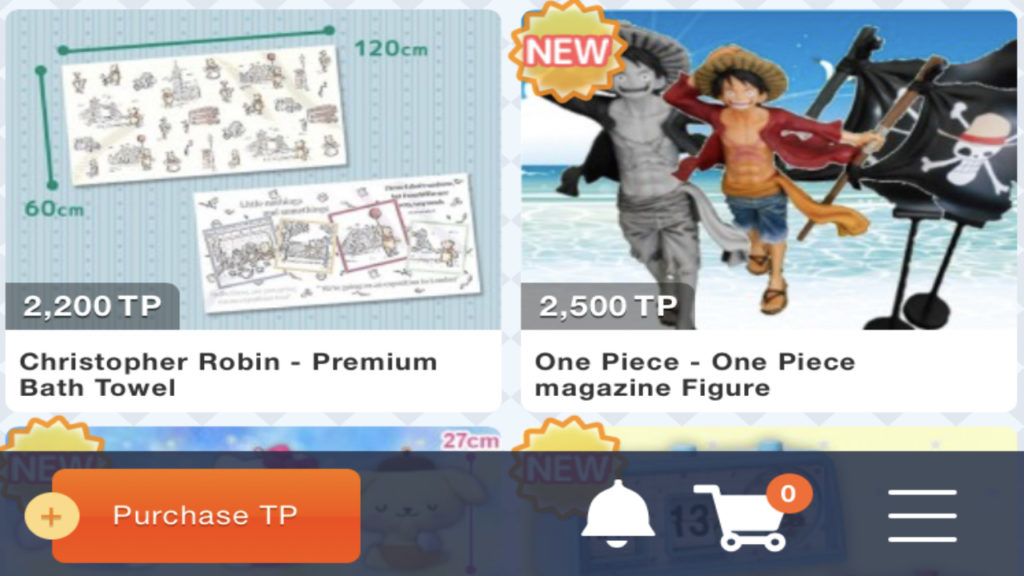
After you download the app, enter some basic information and all of the available prizes will be displayed. Then, choose the picture of the prize that you would like to win. In the picture is the height and width of the item in centimeters, and the amount of TP (play tickets) required to play that game. Each game costs a different amount of TP depending on the real-life cost of the prize.
There is an incredibly large range of fun and interesting prizes, most of them specific to Japanese pop culture. You can win tote bags, stuffed animals, and keychains with your favorite anime characters on them. You also have the chance to win more unique gifts like game consoles, wet/dry car vacuum cleaners, or a deep fryer. (Yes, really.) If you’re looking for something in particular, you can choose from the categories listed at the top of the screen.
2. How to play
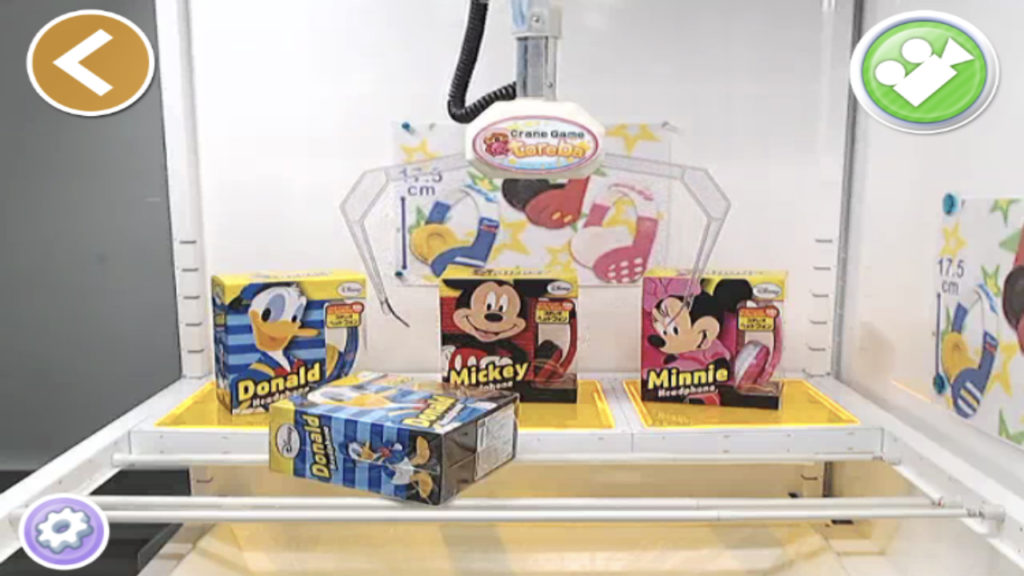
Once you choose your prize, you’ll be put into a room with your crane game displayed on the screen by webcam. The controls are simple – move the crane arm by tapping a button (or two, one for forward and backward and one for side to side) with an arrow on it.
There are a few different versions of the game that you can play, one of them being the classic crane game that most are familiar with – trying to lift the prize from one side of the machine and drop it into the large opening on the other side.
Other options are moving a ping pong ball from one basket and dropping it into the small red circle in the middle of another basket. There is only one circle that is red, and if the ball bounces into any of the other circles, it doesn’t count.
In a third game, the item is balanced on top of two bars, and you have to get it to fall between them. The third game is more difficult as you run the risk of getting the arm caught on a bar, and these prizes are usually larger and in boxes.
If you run out of TP, Toreba gives you the option of purchasing more with a credit card or Paypal. TP is a bit pricey; for $5 you can get 5,000TP. Depending on the prize, this will get you only one or two more turns. Even so, if you’re a first-time player you get five free turns anyway.
3. Shipping your prize
If you win using the five free turns that you get for signing up, you’ll have to wait one week after you win for the prize to be shipped. Otherwise, your prize will be shipped within one day. You have to enter a credit card and mailing information within 24 hours or you lose your item.
The app says that prizes are updated every day and shipping is free (no matter what size the prize is) anywhere in the world, with the exception of Africa and South America. You can have one prize shipped to you per week. Now get playing!