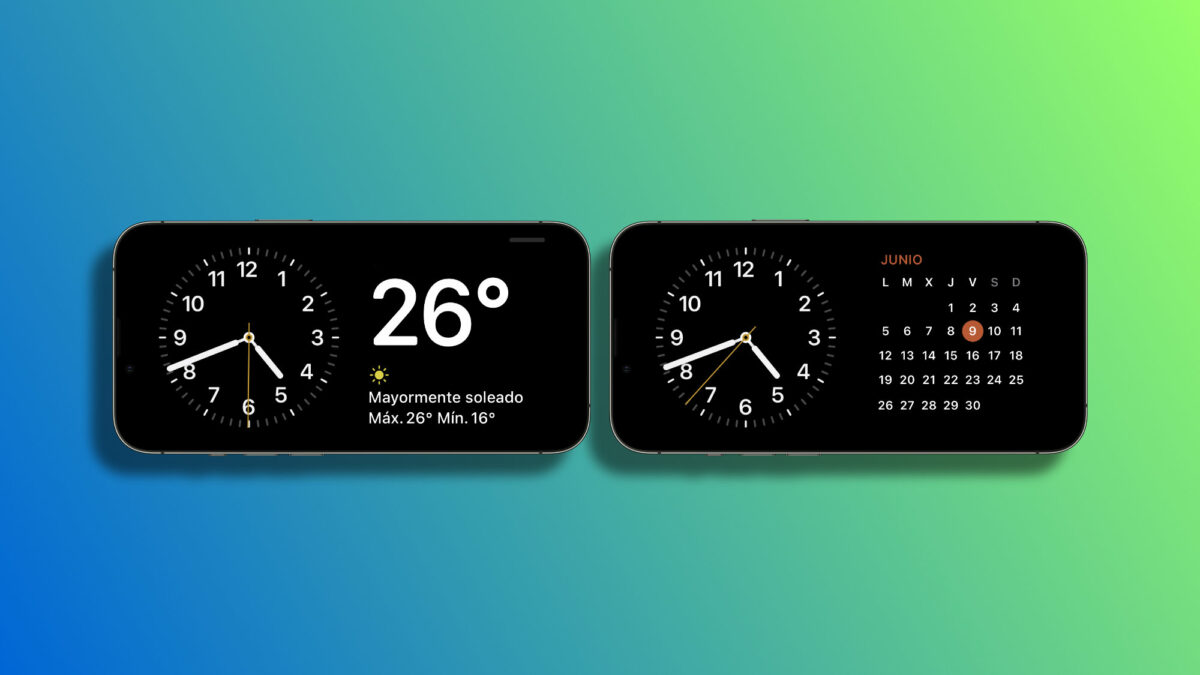
The launch of iOS 17 by Apple, the latest version of the operating system for the iPhone, has brought a number of important new features for the user experience such as the ability to create our personalized contact poster or an animated sticker of any photo, for example. One of the highlights is the new StandBy screen, a feature that turns our iPhone into a small screen on which to view information while it is charging.

This new smart landscape display system is activated when the iPhone is charging and resting on a cradle. It includes different watch faces, widgets, access to photos and several variables that we can customize to be as useful as possible. Let’s see how to do it.
How to use and customize the StandBy screen?
Before we start, let’s make sure our iPhone is running iOS 17. Next, let’s lock the iPhone screen and place it on a charger in a horizontal position. Note that the charger must have a steep inclination, one that was leaning flat on the table or one that is almost horizontal will not activate this mode.

Once the StandBy mode is activated, we will see the information displayed on the screen. By default we will see an analog clock on the left side and the calendar widget on the right side. Once here we have several options. The first is to swipe the screen from right to left to change the view. We can switch between the widgets we have just seen, the photo albums or the time. All of them can be customized.
How? By simply swiping up or down. In all views we can change the design, while in the widgets view, in addition to swap widgets that are already configured with this gesture, we can press and hold on any of them to add others.
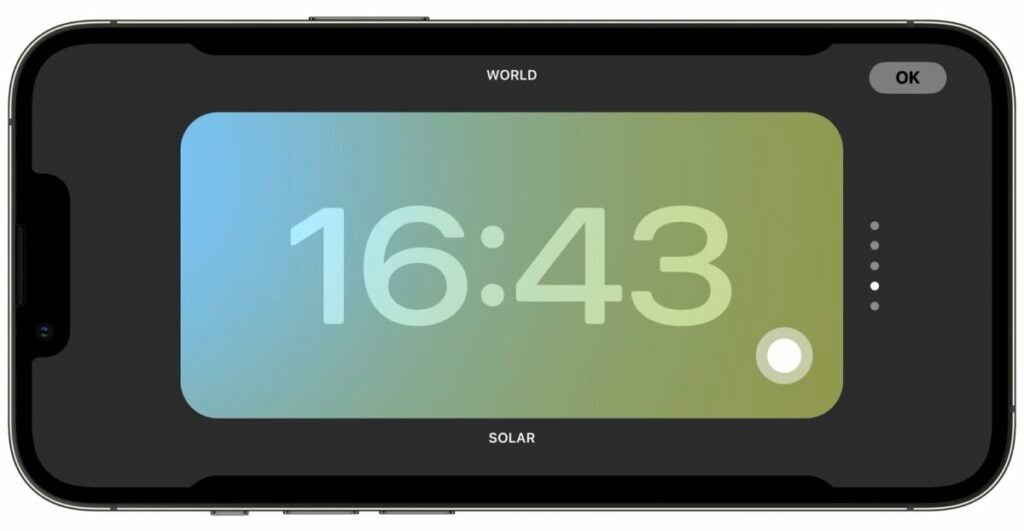
StandBy mode in iOS 17 supports Live Activities, Siri, incoming calls and larger notifications. In addition, StandBy will always remember our preferred view, so this will be the one we see when we place our iPhone on the charger. It will also change to a red color and darken the screen at night to avoid dazzling us.
This curious and interesting feature of iOS 17 takes the customization of our iPhone to a new level, allowing us to turn our phone into an interactive smart screen. With it, we will be able to have quick access to our favorite widgets, see the time quickly, receive notifications and much more, all without unlocking our phone.
Some of the links added in the article are part of affiliate campaigns and may represent benefits for Softonic.
