
When creating a marketing campaign, many important decisions do not depend solely on the product. The visual material you will use should have specific colors and lighting, a certain creative direction, and a long etcetera. However, thanks to artificial intelligence, and especially to Adobe Firefly, we will be able to see how the campaign would look even before having the product in hand.
And Adobe Firefly helps us visualize our ideas and see if they work or not. Here we will see how we can use it for that and what its most important functions are.

What is Adobe Firefly
Adobe Firefly is Adobe’s artificial intelligence and helps us create or edit images, generate videos, and even audio. You can use it through any browser or from its app, available for iOS and Android. Still, it is also integrated within Adobe programs, such as Photoshop, Illustrator, or Adobe Express.
It doesn’t matter if you access from the browser, its application, or through Adobe programs, in all cases you will be able to create content from scratch. This can help you change backgrounds, enlarge images, or extend video clips, for example.
Additionally, Firefly is one of the best tools you can use for your marketing campaigns for these two reasons:
- Safe commercial use: From the beginning, Adobe has trained its Firefly models with licensed content, such as that found in Adobe Stock for example. Additionally, it has also used public domain material. Thanks to this, everything we generate with Firefly can be used commercially safely.

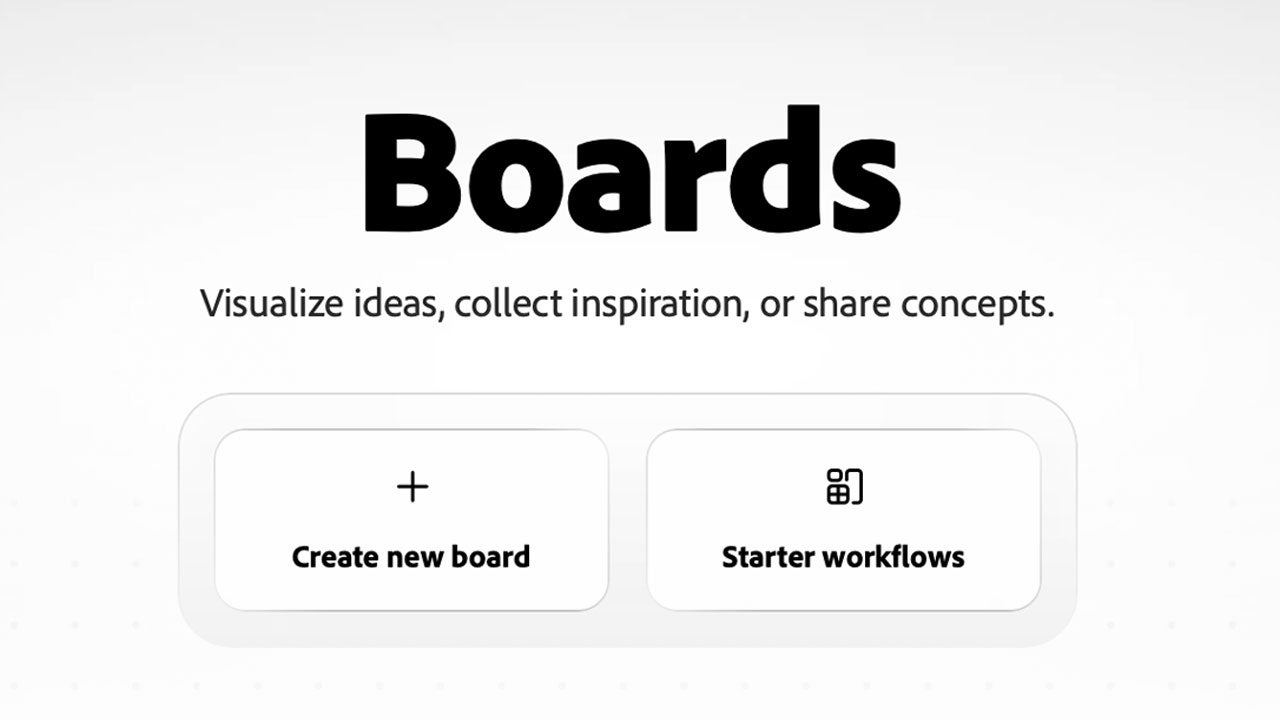
- Firefly Boards: It is the part of Firefly designed to visually organize ideas. You can place images all over the surface, move them, or group them. You can upload your own images, stock photos you find, or images generated by Firefly. It can serve as a place to explore concepts and references when you haven’t decided on anything yet.
The best features of Adobe Firefly for marketing campaigns
Adobe Firefly is much more capable than it may seem at first glance. While it is not necessary to master all its functions perfectly, there are a few that will be very useful for creating marketing campaigns.
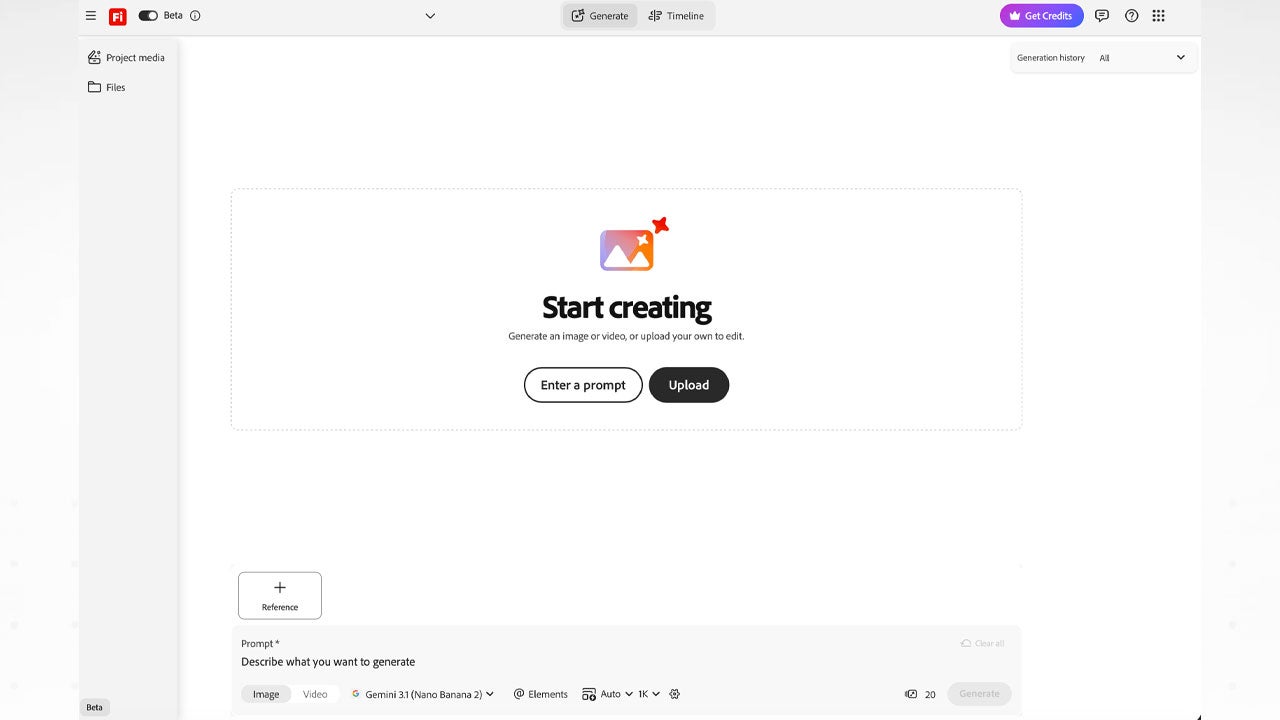
- Generate image: It is the main tool and one of the first functions you will use when accessing Adobe Firefly. Whether you access it from a browser or use the mobile app, the first thing you will see is a text box where you can describe a scene or object and have Firefly generate it. The trick here is to be direct and specific: describe the colors, the position, the lights, the shadows…
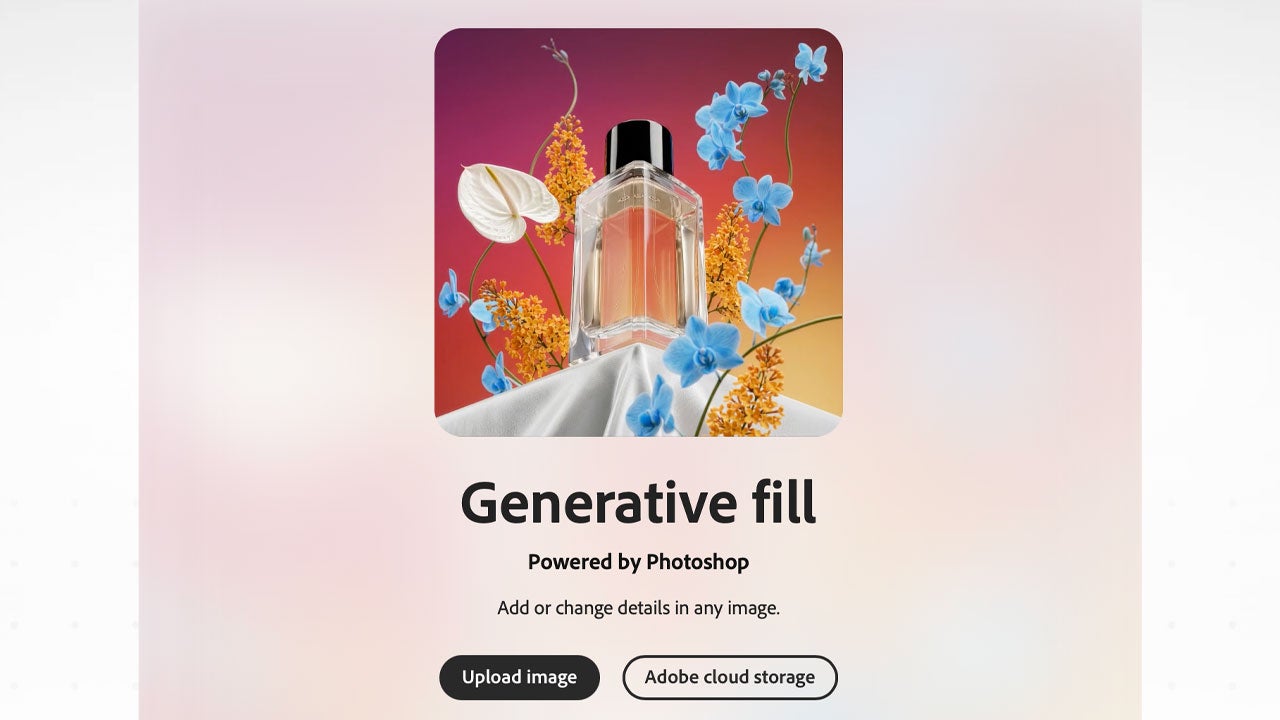
- Generative fill: This feature will allow you to add or change any detail within an image. Very interesting if you want to see how different elements or changes in lighting would look without investing too much time.
- Expand image: If you use it, you can enlarge any image from its sides. With the expansion, you can adapt a square format, for example, to a vertical or horizontal one. It is the fastest way to test how our content would look on a specific social network, for example.
Mistakes to Avoid with Adobe Firefly
Adobe Firefly is an excellent tool if you know how to use it well. There are some situations to avoid if we want to achieve the best results, both in the campaign and in idea generation:
- Generate images without any criteria: Having a board with hundreds of beautiful photos that are unrelated to each other is not very useful. It is better to have ten images with a clear concept than hundreds that do not convey anything to us.
- Using generated images as a real sample of the product: Yes, you may really like the results generated by Adobe Firefly and they may even look hyper-realistic. Don’t be mistaken, none of those images show the product as it truly is. Using them as if they were will only cause confusion or even legal issues in the worst case.
- Show things that cannot be fulfilled in reality: If your concepts include materials or elements that are impossible to materialize, do not use them. Your ideas should show the product as it is, without promising something that cannot be realized.
- Not saving the prompts used: If your prompts have worked, save them for the future. This will help us recreate similar results in the future if needed.

In summary, using Adobe Firefly allows us to make important decisions and change our ideas before we start spending money. Even if you don’t have the product yet, the creative direction can already be set long before.
