Enhanced Capabilities: Adobe Express Introduces AI-Powered Tool

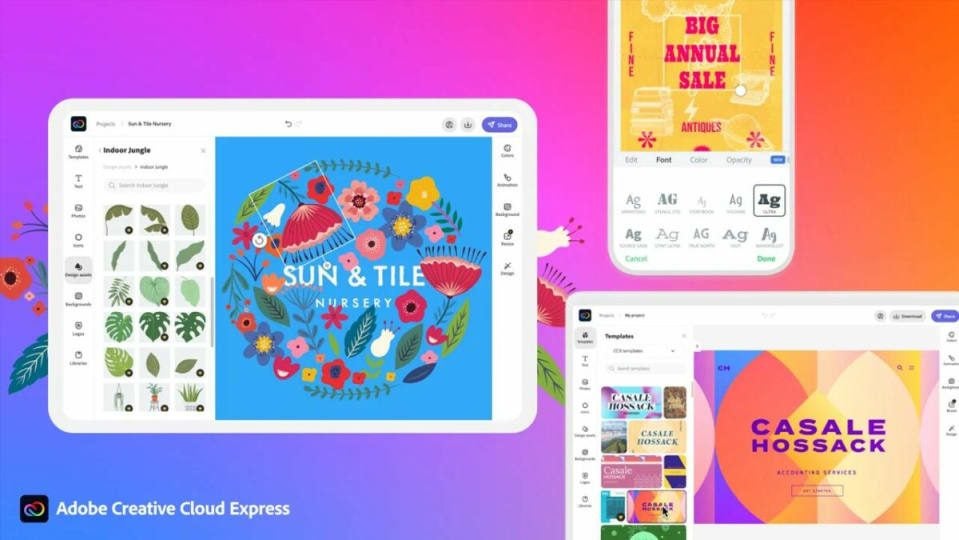
Adobe Express is a tool that has saved the life of anyone who has flirted with graphic design more than once. As a web application, it’s compatible with most browsers, capable of creating everything from PDFs to videos, and it’s free. It also provides access to a bank of freely usable images and, in general, greatly facilitates the creation of content of any kind. However, it’s about to become an even more powerful product thanks to the integration of generative artificial intelligence.

This new version won’t be available in the mobile version

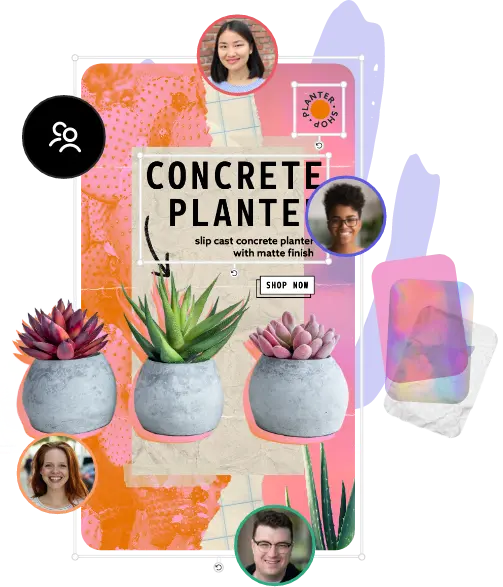
However, the Firefly artificial intelligence, similar to what Microsoft might be integrating into its Paint tool, won’t be available in the mobile browser versions of Adobe Express. It will only work on desktop browsers (try with Edge, as it doesn’t function in Opera). Yet, this isn’t by any means the only new feature. With the new implementation, the aim is to achieve greater AI capability and access to the entire library of media and fonts from Creative Cloud. It also enables real-time collaborative editing. This approach seeks to establish a smoother and simpler workflow for repetitive or daily tasks while enhancing creative work to some extent.

Likewise, Adobe has considered businesses by designing an Adobe Express version exclusively for this sector, with the intention of streamlining creative processes. This not only includes Adobe Creative Cloud integrations but also the Experience Manager, a solution for content management through the cloud.

Furthermore, Adobe Express introduces new video and design templates, review and comment functions, various animation and transition options that can be handy for creating TikTok videos or content for any social media platform. New quick functions and shortcuts have also been implemented, significantly expediting the work process.

And you know the best part? Adobe Express Premium, with its new powerful artificial intelligence, is available for free to any Creative Cloud user.

Adobe Express – Creative Projects for Non-Professionals

Learn how you can be creative with Adobe Express, even as a non-professional designer.

What happens when you’re itching to create something visual and outstanding, but you’re not a professional content creator? Instead of paying someone else to do it for you, you should try Adobe Express. Not only will you have tons of templates available, but you can quickly create an account and start working for free!

Adobe Express DOWNLOAD

The best part is that you can collaborate online with others on your project without meeting at a physical location. Here are the features you’ll enjoy with an Adobe Express account. Remember, you don’t need to be a professional to make stunning visuals.

Creating a free Adobe Express account

When you register for an Adobe Express account, you won’t need to worry about paying for the best features or supplying credit card details. All you need to provide is your name and email address, and the rest will take care of itself. You’re now on your way to making gorgeous content on your browser.

Adobe Express – Creative Projects for Non-Professionals

Selecting the type of creative project

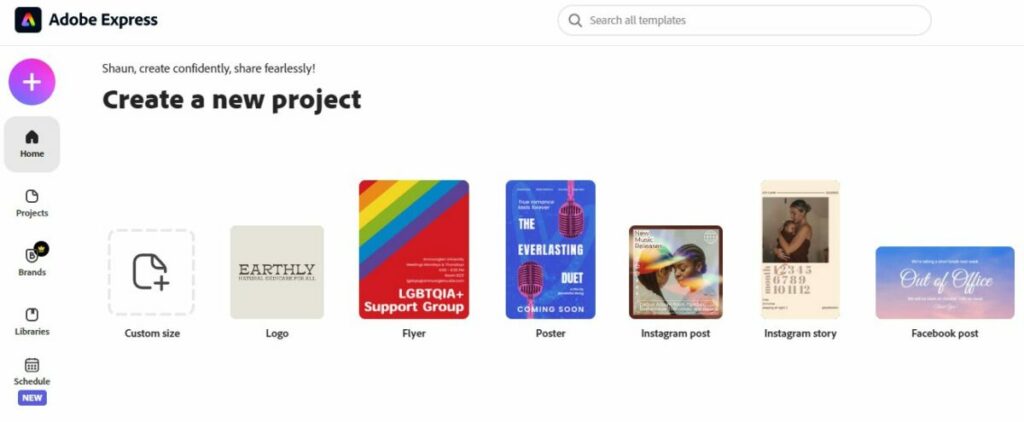
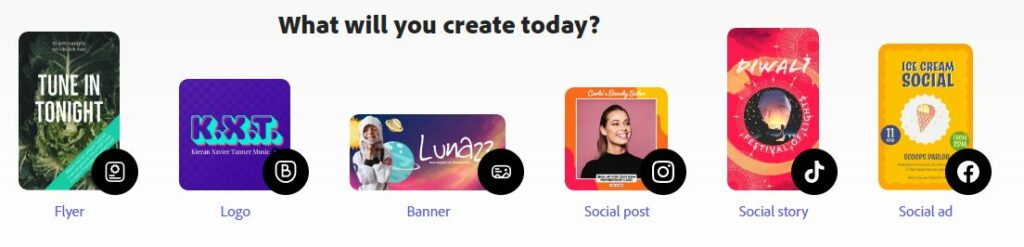
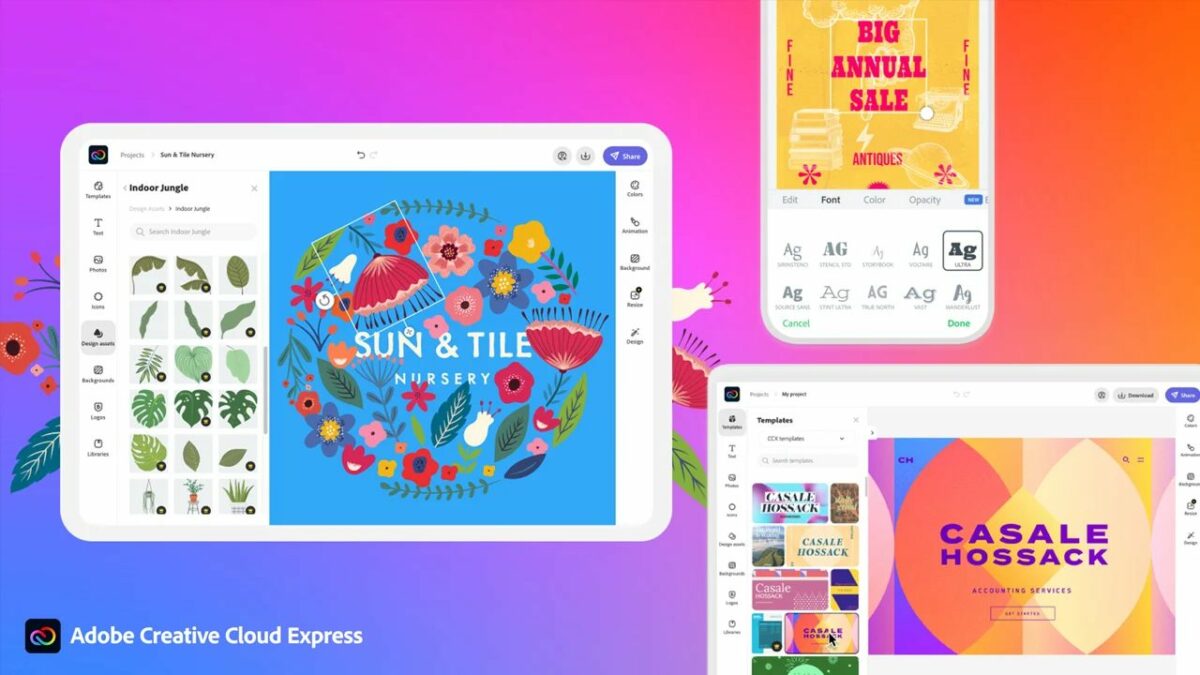
To begin your creative adventure in Adobe Express, you can choose what type of project you want to make. You’ll see a selection of media types on the screen, such as posters, flyers, social media formats, collages, and more. Even when you pick one, you still have the flexibility and creativity to change them as you wish.

Once you choose a type of project, the base template will appear on your screen. You can either start fresh or opt for one of the templates on the side. No matter what you select, it’s still up to you how you want to display the details and visuals.

Adobe Express – Creative Projects for Non-Professionals

Quickly edit images, videos, and documents

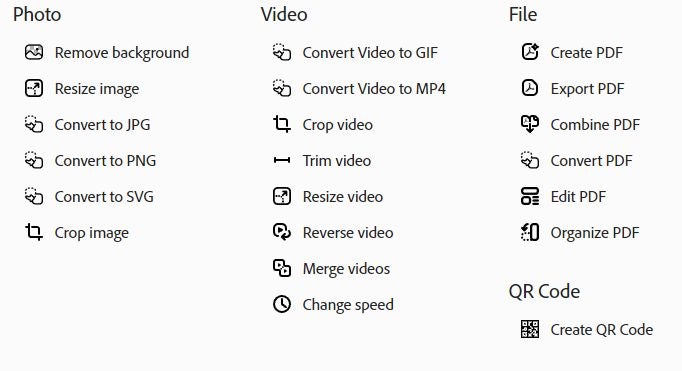
If you already have an image to work with, Adobe Express offers several tools to edit different types of content on the home page. With photos, you can remove backgrounds, resize images, or convert to various formats. When it comes to videos, you can crop the content, resize the panel, reverse the video, or also convert them to other formats.

Do you know that Adobe Express also works with PDF files? After all, the brand is well-known for its PDF functionality. With the online program, you can create, export, combine, and even convert PDF documents. There’s even an edit function if you need to make any changes.

Adobe Express – Creative Projects for Non-Professionals

Remix ready-made Adobe Express templates

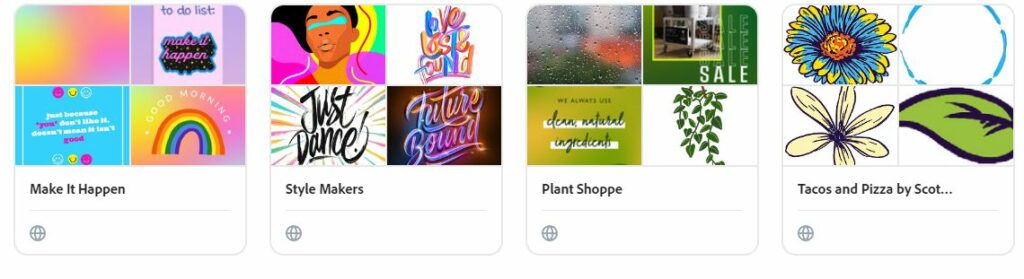
Not only does Adobe Express provide you with various templates when you start designing, but you can also see what the public has to offer. There’s a public library in your collection to see what other non-professionals have created for inspiration. Still, the Express template catalog has several categories you can play with for different scenarios and projects.

Adobe Express – Creative Projects for Non-Professionals

Adobe Stock royalty-free collection

As an Adobe Express free member, you’ll have access to a limited number of Adobe Stock royalty-free images and content. If you’re already a premium-paying member, you can browse the entire collection without any limits, using the visuals as much as you need. Still, the free version has enough imagery to meet the most basic needs of any creative project.

Adobe Express – Creative Projects for Non-Professionals

Collaborate on projects

Not everyone works in isolation. Adobe Express lets you quickly share your project with your colleagues so that you can all work on it together. As long as they also have accounts, you’ll be chatting and making suggestions while all seeing what content is available at the same time. Just remember to give everyone credit when you’re done with your outstanding project.

Adobe Express – Creative Projects for Non-Professionals

It’s time to be creative with Adobe Express

As you can see, even non-professionals can make beautiful creative projects with a free Adobe Express account. You won’t need to labor for hours, as there are several tools and templates ready for you to use. With an easy-to-use interface, you and your team will be making masterpieces in no time.