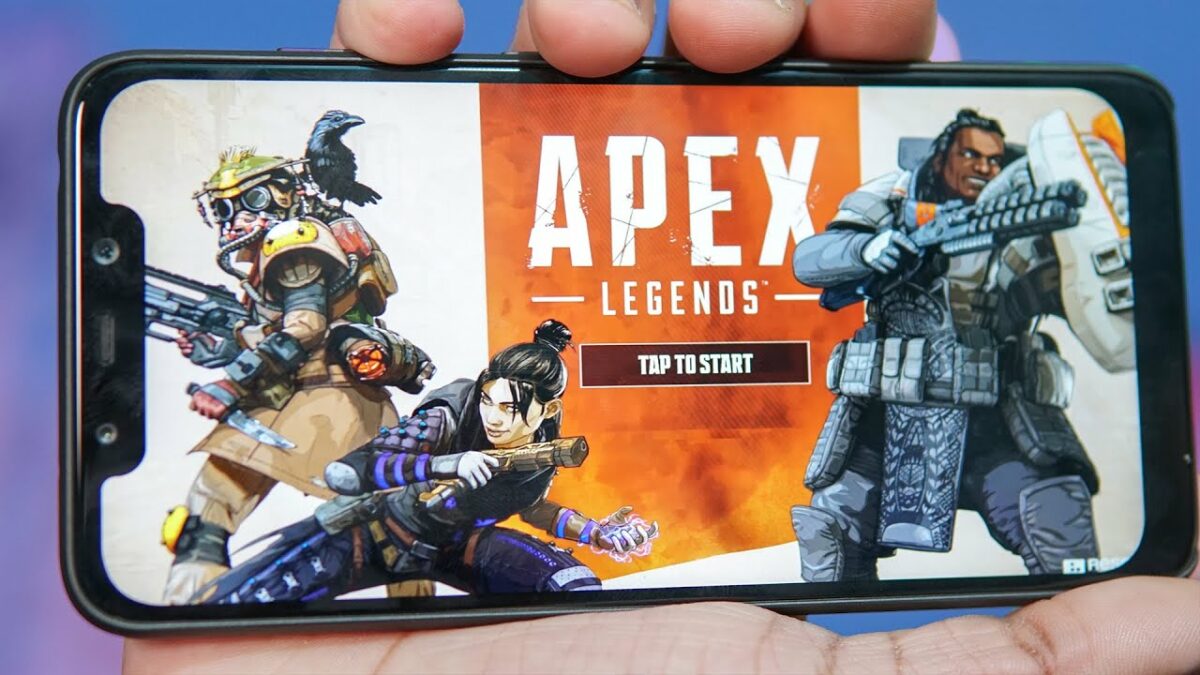
Apex Legends Mobile shows new modes, legends and more in the release trailer

A few weeks ago, developers Respawn announced that Apex Legends Mobile will be coming to Android and iOS devices later this month. They didn’t provide a release date, leaving fans waiting for more with bated breath. They delivered now by releasing a gameplay trailer showing a mobile version jam-packed with content – just like we’ve expected from Respawn.

Apex Legends Mobile DOWNLOAD

Apex Legends Mobile will be released with four different game modes in an interesting twist. Among these game modes are two that aren’t available on PC or console. And one, in particular, Team Deathmatch, is a mode that’s been heavily requested by fans since the launch of the game. There’s also no news on whether this mode will eventually move to PC and console. Classic Battle Royale, 3v3, and Quick Battle are the other three modes.

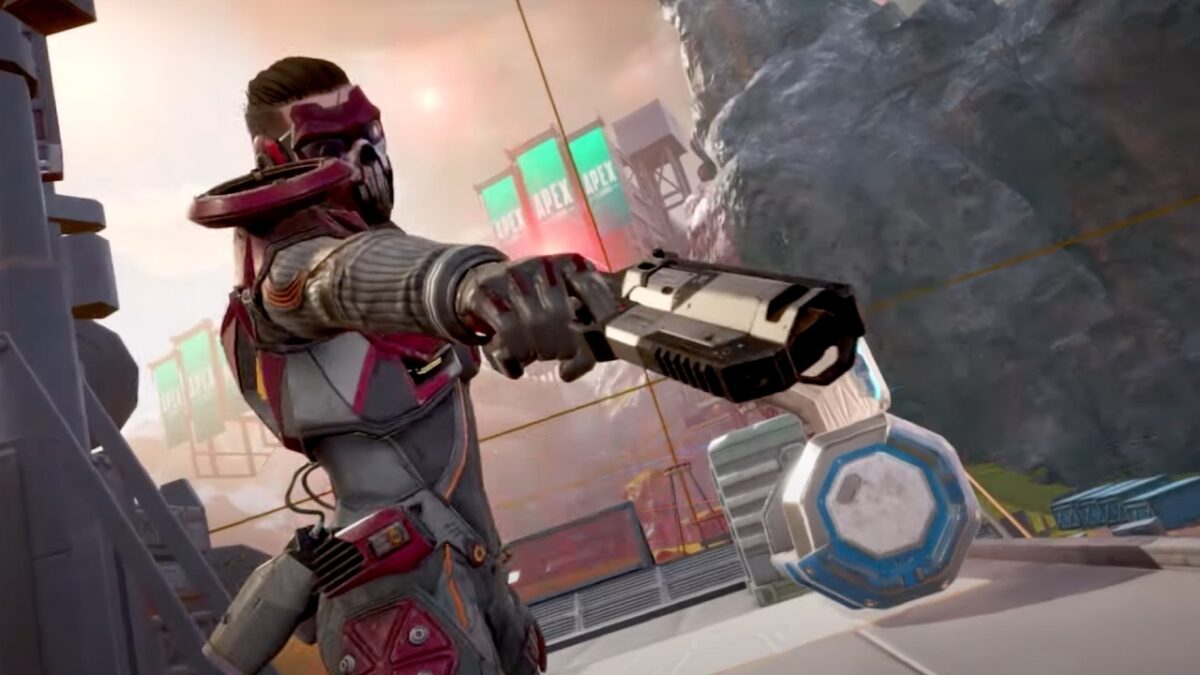
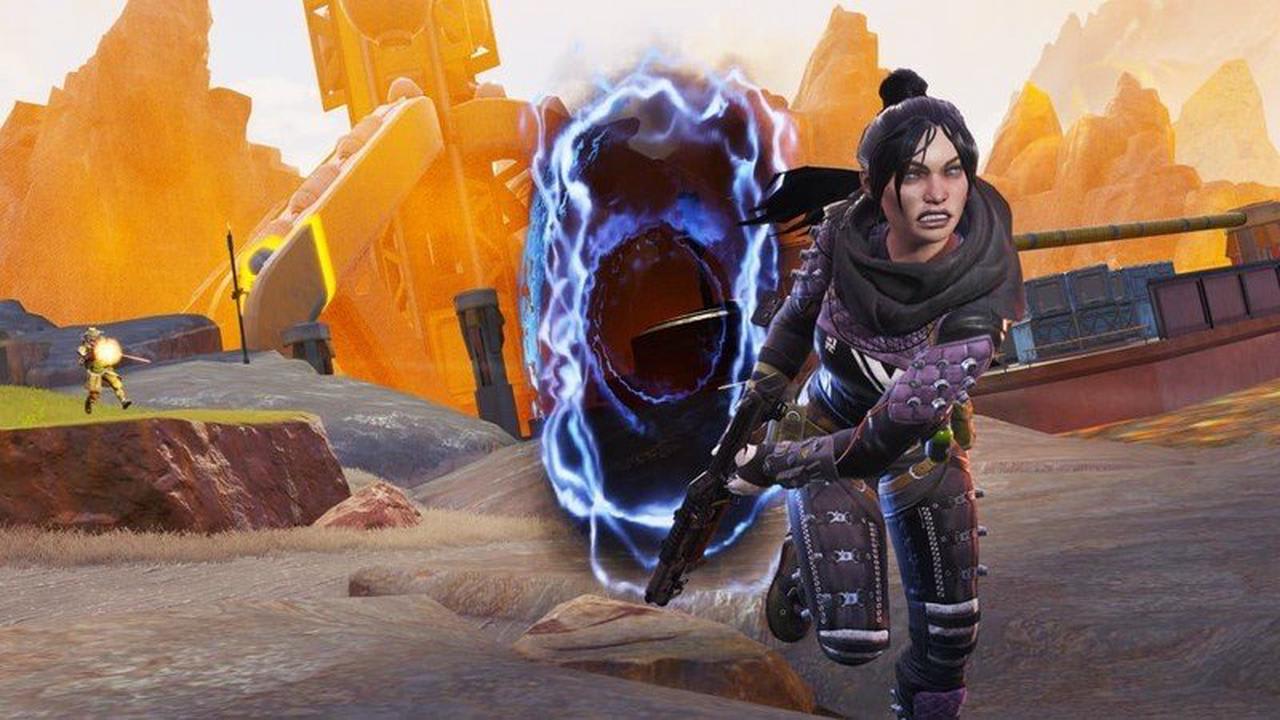
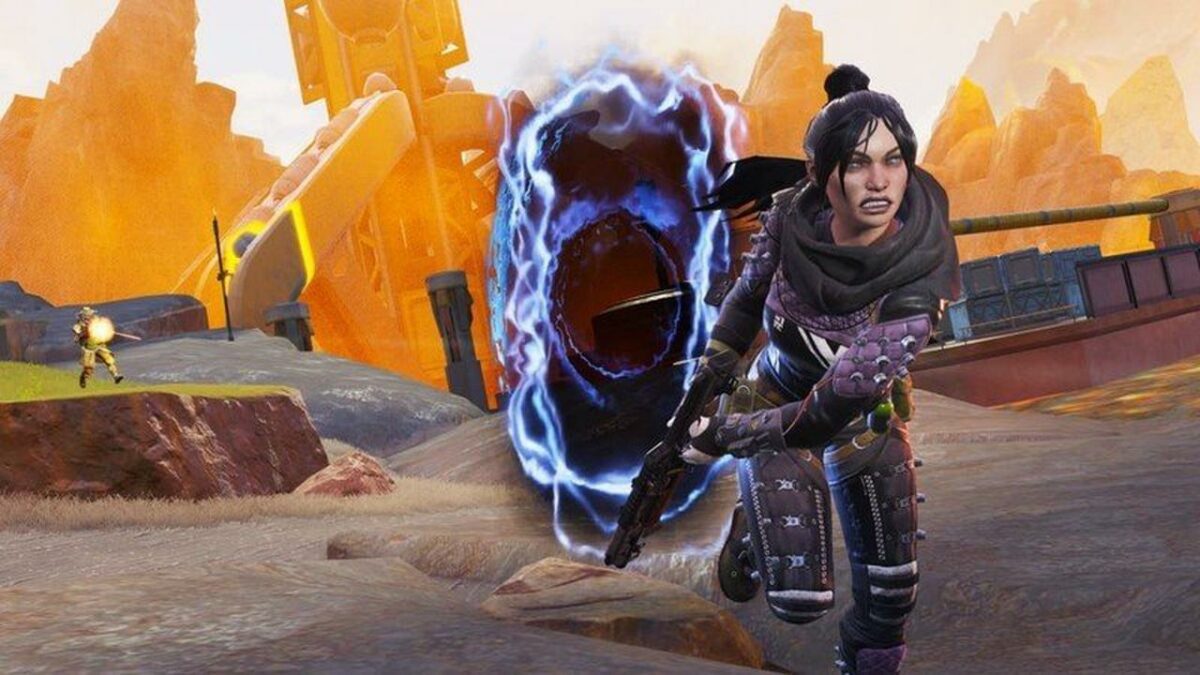
The gameplay trailer also confirmed that a smaller squad would be available in Apex Legends Mobile. Fans will see that Mirage, Wraith, Pathfinder, Gibraltar, Octane, Bloodhound, Lifeline, Caustic, and Bangalore will be the only characters available at launch, with more being added at a later stage.

There will also be a brand new legend, Fade, a mobile-exclusive legend. Fade will be able to transport other characters to the void and rewind time within a few seconds, and he has a passive skill that makes him incredibly agile. You can read more about the new legend here.

Apex Legends Mobile will officially launch on May 17th, and fans are very excited to get started. Those who pre-registered might already be playing, so now’s the time if you haven’t started yet. We look forward to seeing what this mobile experience is like compared to the PC and console versions.
Apex Legends is hitting Android & iOS READ MORE

Apex Legends is hitting Android & iOS on May 17

After a more-than-successful run on PC and consoles, Apex Legends is finally hitting the mobile gaming scene. Electronic Arts have officially confirmed that Apex Legends Mobile will make its debut on Android and iOS on May 17, 2022. What’s more, the game will be free-to-play. For the most part, at least, functioning on an in-game purchase commerce mechanic. 

Apex Legends Mobile DOWNLOAD

EA first made the announcement that the hit battle royale-style shooter would be getting a mobile counterpart back in 2019. Since then, we’ve had an Early Access version that was made available to limited users in the Philippines and India in 2021. And then, in February 2022, Electronic Arts announced that it would hold a soft launch for the game for regions in South America, Asia, and Oceania. All in all, the following were the only countries chosen for the soft launch:

  • Argentina
  • Colombia
  • Mexico
  • Peru
  • Indonesia
  • Malaysia
  • Philippines
  • Singapore
  • Australia
  • New Zealand

At long last, though, the rest of the world is getting a chance to check out how the mobile game stacks up against other industry staples within the battle royale genre. To get to any prominent position within the mobile gaming sector, Apex Legends Mobile will have to beat out, or at least challenge, incredible solid titles like PUBG, Fortnite, and Garena Free Fire. 

One missed opportunity that is evident with the new game, however, is that it won’t support cross-platform play. Unlike some of its contemporaries, Apex Legends Mobile will be exclusive to mobile devices and won’t feature a cross-play multiplayer mode. 

The good news, however, is that the game comes preloaded with a star-studded Apex Legends cast. ‘We’ve built this game from the ground up with mobile-first optimizations and mobile-exclusive content to make sure that the game feels like Apex while also fresh and new at the same time. To do that, we’re starting with 10 Legends out of the gate, with favorites like Wraith, Octane, Bloodhound, and Pathfinder.’ This is from Chad Grenier, the game director for Apex Legends Mobile. 

If you’re looking forward to the game hitting mobile on the 17th, you can pre-register on the Google PlayStore to play the game as soon as it becomes available. Bear in mind that you need to be running at least Android 8.1 and have no less than 3GB of RAM available. For Apple users, you’ll need an Apple A9 processor, 2GB of RAM, and iOS 10 or better.

If you absolutely cannot wait for the 17th, here is how to get Apex Legends Mobile on your Android device in any region!

How to install Apex Legends on Android mobile devices READ MORE

How to install Apex Legends on Android mobile devices

Apex Legends is a massively popular free-to-play battle royale game originally released on PC and consoles. Now that the smash hit FPS has arrived on Android devices, you may be wondering how to download and install the title. While some players are fortunate enough to access Apex Legends through the Google Play Store, this method is not available in many regions. That is where .APK files come in.

This guide provides step-by-step instructions that will have you loaded into your first match in just a couple of minutes, without Google’s help.

  1. Make sure your Android can run Apex Legends

    APK logo

    Apex Legends is an immersive shooter with a vast map that supports 60 players simultaneously. This means that the title will hog some resources when actively running. To ensure a smooth experience, be sure your Android device has at least these minimum required specs.

    – Android OS 8.1 or higher

    – OpenGL 3.0 or higher

    – At least 3 GB of RAM

    – Minimum of 6 GB storage space (for both download and install)

    – Mid-tier processor no more than a few years old

  2. Find and download the .APK files

    – Once you have confirmed your phone has the minimum specs, the next step is to locate the relevant Android package for Apex Legends. As one of the most popular free-to-play battle royal games of all time, Apex Legends follows a very straightforward download process. Simply click download from a trusted site and save.

    – If you have never downloaded an Android file outside of Google Play before, you might not be familiar with the .APK format. This extension is known as an Android Package file. Think of .APK files just as you would .ZIP files on a PC. Large programs such as video games are condensed into .APK folders so they can easily be transferred onto Android devices. This makes .APK the perfect format for downloading and installing Apex Legends on a smartphone or tablet.

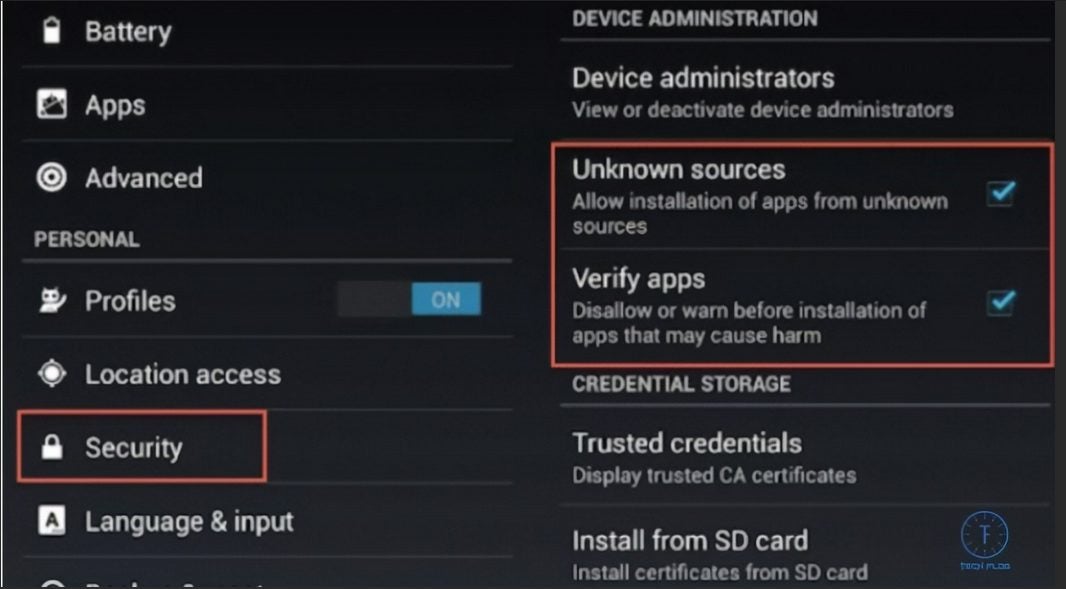
    • Head to your Privacy and Safety settingsBefore you can install the downloaded file, you will need to bypass the default block imposed by Google. While this protection does keep unwanted viruses away from your device, it also prevents you from downloading genuine .APK files such as Apex Legends. From your settings menu, scroll over to the “Privacy and Safety” tab. From here, check the option to “Install apps from Unknown Sources.”

  3. Locate and install your Apex Legends .APK file

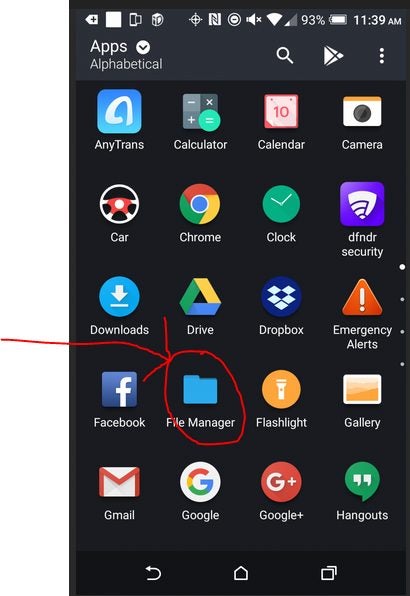
    Navigate to the file browser on your Android device and select Apex Legends. It may also appear on your recently downloaded file list, depending on which version of Android you are running. If you enabled installations from unknown sources, your game will successfully install in a matter of minutes.

  4. Open Apex Legends and finish installing firmware updates

    No multiplayer battle royale game would be complete without constant updates. When you first attempt to log in, expect to download a collection of new files. We recommend that you have at least 1 GB of additional storage space beyond the minimum requirements to facilitate any updates down the line.

Climb the leaderboards

Now you are free to explore the suite of competitive features that made Apex Legends so popular to begin with. A new platform like Android offers the perfect opportunity to hop in and make a name for yourself in the Apex community.

Apex Legends Mobile’s limited testing launch is finally here

Electronic Arts, the publishers of Apex Legends by Respawn Entertainment, revealed in 2021 that they are busy with a soft launch of Apex Legends Mobile, a new version of the hit PC game. However, at the time, there was no estimated release date given for this mobile version of the popular free-to-play battle royale game.

However, Apex Legends Mobile has just seen a soft regional launch limited to a few countries. This means that players from one of the participating countries can download the game from the Google Play Store or Apple App Store and start testing the mobile version. The regional launch includes Argentina, Australia, Colombia, Indonesia, Malaysia, Mexico, New Zealand, Peru, Philippines, and Singapore.

Apex Legends Mobile will occur in the same universe as its PC counterpart; however, each version will host its game on separate servers. The reason for this is that the mobile version contains specialized mobile control and features that warrant the split.

This regional launch will give the developers a chance to test the game’s matchmaking, progression systems, backend infrastructure, and in-game commerce before the game’s official launch. Apex Legends Mobile will include a few different game modes, Team Death Match, classic Battle Royale, 3v3 Arenas, Mini Battle Royale, and Ranked Battle Royal.

The limited regional launch will be available until May 3. Once this tester’s launch ends, all progress and unlocked items earned during this period will be reset and converted into an equivalent amount of in-game currency. As a bonus, all players who participated during the regional launch will also receive an extra 25% in-game currency for testing the game. The player can keep any skins earned during this Battle Pass.

We’re excited to see the regional launch of this popular game after the long wait. Hopefully, this means it won’t be too long before we see the official global launch of this much anticipated mobile release.